instrument panel DODGE DAKOTA 2009 3.G User Guide
[x] Cancel search | Manufacturer: DODGE, Model Year: 2009, Model line: DAKOTA, Model: DODGE DAKOTA 2009 3.GPages: 449, PDF Size: 10.96 MB
Page 75 of 449
Safety Checks You Should Make Outside The
Vehicle
Tires
Examine tires for tread wear or uneven wear patterns.
Check for stones, nails, glass or other objects lodged in
the tread.
Inspect for tread cuts or sidewall cracks. Check wheel
nuts for tightness and tires for proper pressure.
Lights
Check the operation of all exterior lights. Check turn
signal and high beam indicator lights on the instrument
panel.
Door Latches
Check for positive closing, latching and locking.
Fluid Leaks
Check area under vehicle after overnight parking for fuel,
water, oil, or other fluid leaks. Also, if fuel fumes are
detected the cause should be located and corrected.
THINGS TO KNOW BEFORE STARTING YOUR VEHICLE 73
2
Page 101 of 449
Phone and Network Status Indicators
If available on the radio and/or on a premium display
such as the instrument panel cluster, and supported by
your cell phone, the UConnecttsystem will provide
notification to inform you of your phone and network
status when you are attempting to make a phone call
using UConnectt. The status is given for roaming, net-
work signal strength, phone battery strength, etc.
Dialing Using the Cellular Phone Keypad
You can dial a phone number with your cellular phone
keypad and still use the UConnecttsystem (while dial-
ing via the cell phone keypad, the user must exercise
caution and take precautionary safety measures). By
dialing a number with your paired Bluetoothtcellular
phone, the audio will be played through your vehicle's
audio system. The UConnecttsystem will work the same
as if you dial the number using voice recognition.NOTE:Certain brands of mobile phones do not send the
dial ring to the UConnecttsystem to play it on the
vehicle audio system, so you will not hear it. Under this
situation, after successfully dialing a number the user
may feel that the call did not go through even though the
call is in progress. Once your call is answered, you will
hear the audio.
Mute/Un-Mute (Mute Off)
When you mute the UConnecttsystem, you will still be
able to hear the conversation coming from the other
party, but the other party will not be able to hear you. In
order to mute the UConnecttsystem:
²Press the ªVoice Recognitionº button.
²Following the beep, say9Mute.9
In order to un-mute the UConnecttsystem:
²Press the ªVoice Recognitionº button.
UNDERSTANDING THE FEATURES OF YOUR VEHICLE 99
3
Page 122 of 449
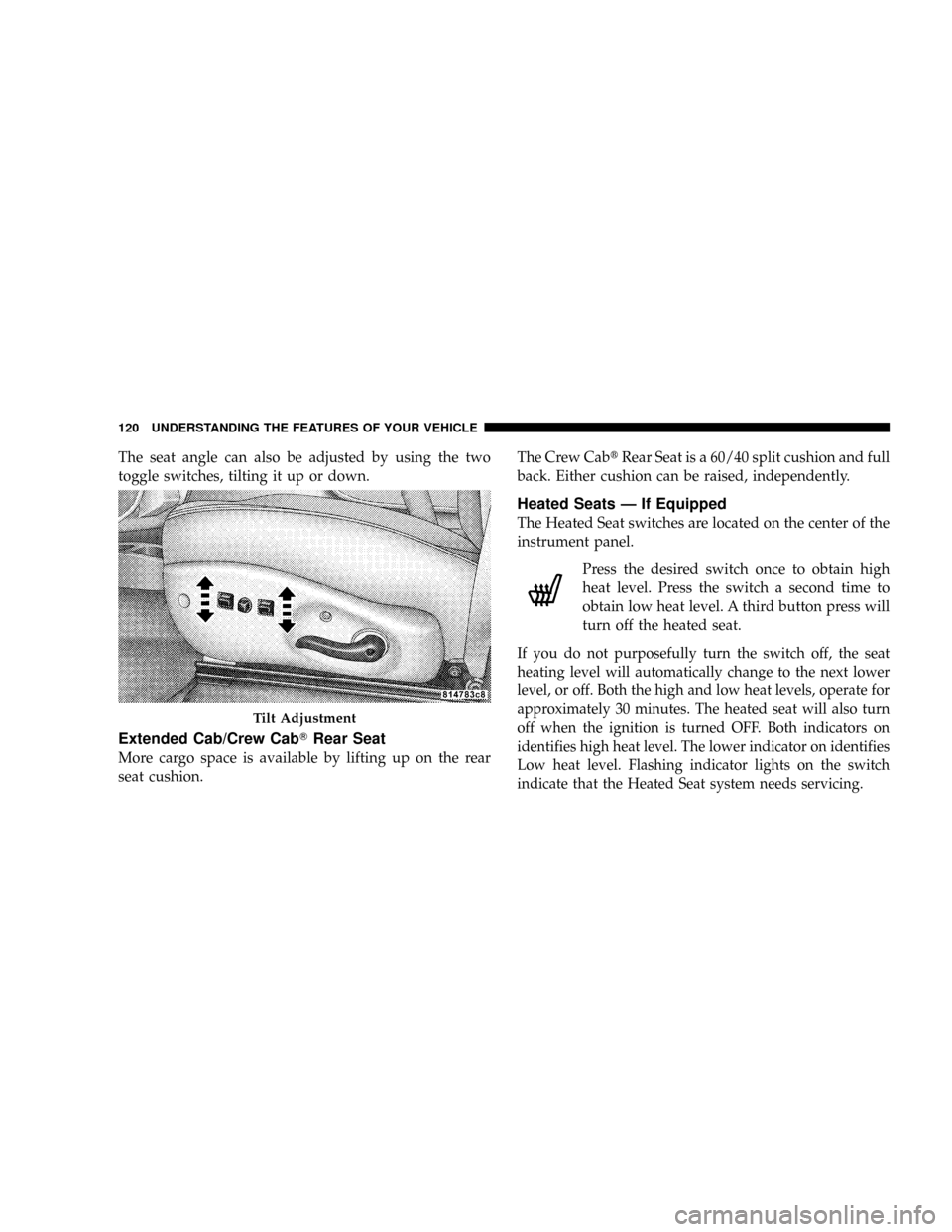
The seat angle can also be adjusted by using the two
toggle switches, tilting it up or down.
Extended Cab/Crew CabTRear Seat
More cargo space is available by lifting up on the rear
seat cushion.The Crew CabtRear Seat is a 60/40 split cushion and full
back. Either cushion can be raised, independently.
Heated Seats Ð If Equipped
The Heated Seat switches are located on the center of the
instrument panel.
Press the desired switch once to obtain high
heat level. Press the switch a second time to
obtain low heat level. A third button press will
turn off the heated seat.
If you do not purposefully turn the switch off, the seat
heating level will automatically change to the next lower
level, or off. Both the high and low heat levels, operate for
approximately 30 minutes. The heated seat will also turn
off when the ignition is turned OFF. Both indicators on
identifies high heat level. The lower indicator on identifies
Low heat level. Flashing indicator lights on the switch
indicate that the Heated Seat system needs servicing.
Tilt Adjustment
120 UNDERSTANDING THE FEATURES OF YOUR VEHICLE
Page 123 of 449
WARNING!
²Persons who are unable to feel pain to the skin
because of advanced age, chronic illness, diabetes,
spinal cord injury, medication, alcohol use, ex-
haustion or other physical condition must exercise
care when using the seat heater. It may cause burns
even at low temperatures, especially if used for
long periods of time.
²Do not place anything on the seat that insulates
against heat, such as a blanket or cushion. This
may cause the seat heater to overheat.
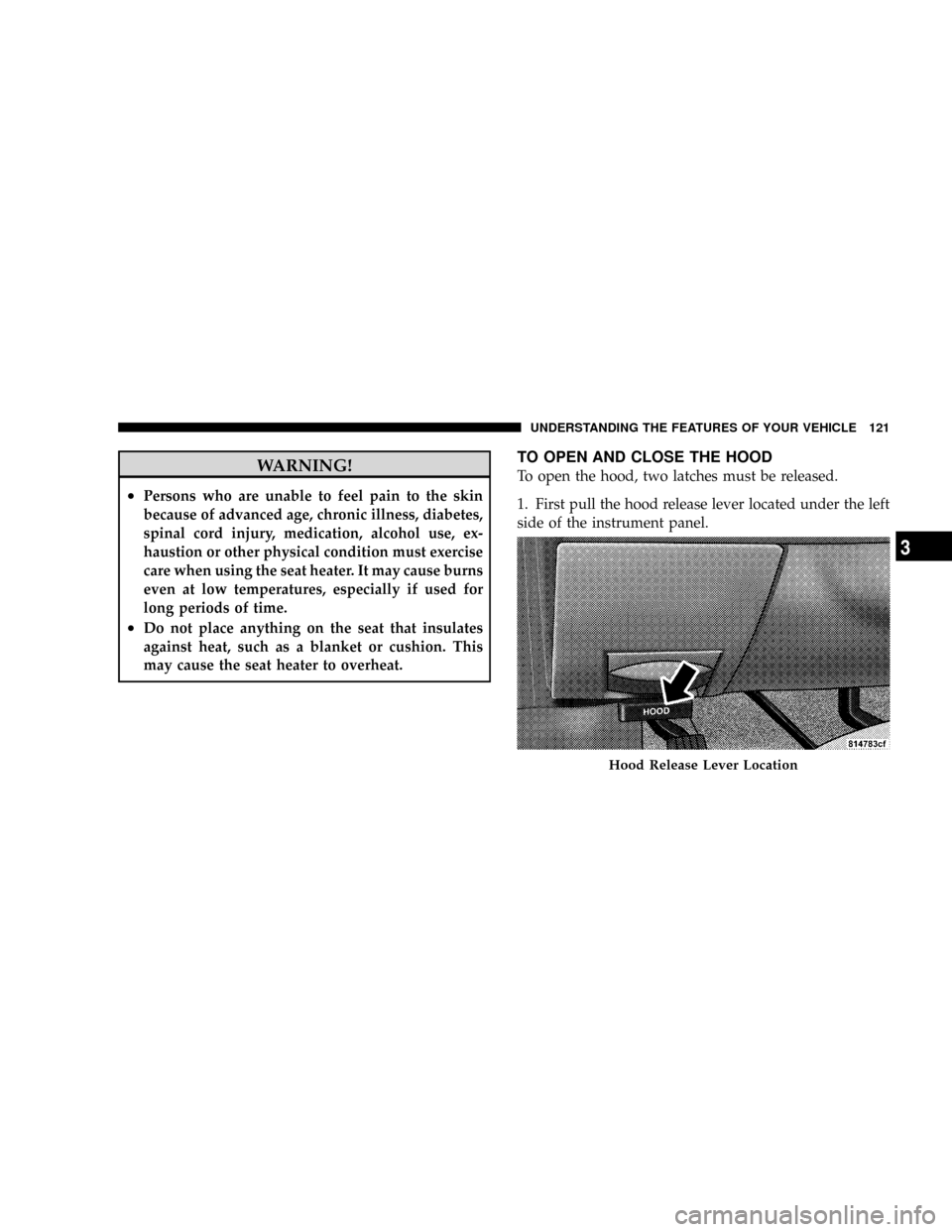
TO OPEN AND CLOSE THE HOOD
To open the hood, two latches must be released.
1. First pull the hood release lever located under the left
side of the instrument panel.
Hood Release Lever Location
UNDERSTANDING THE FEATURES OF YOUR VEHICLE 121
3
Page 125 of 449
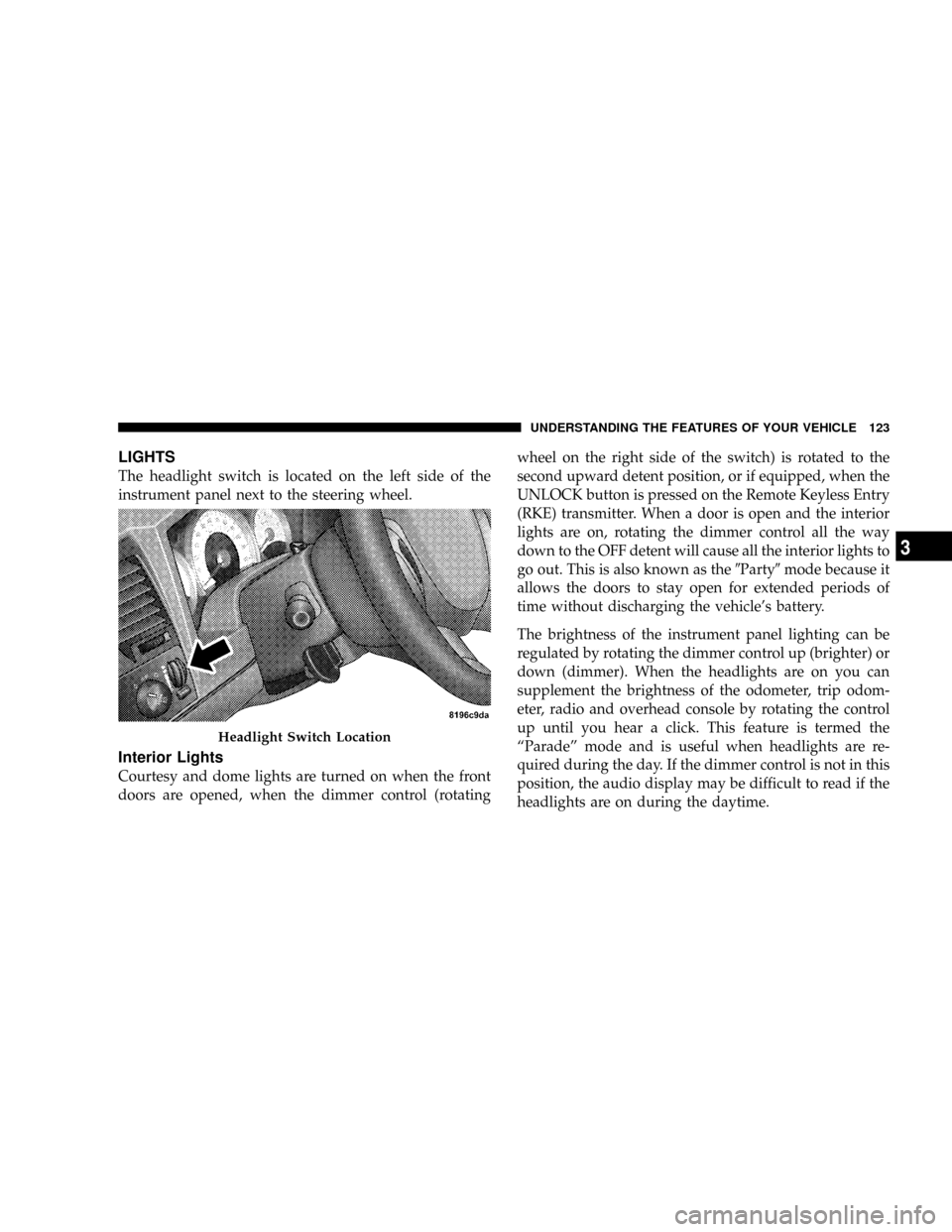
LIGHTS
The headlight switch is located on the left side of the
instrument panel next to the steering wheel.
Interior Lights
Courtesy and dome lights are turned on when the front
doors are opened, when the dimmer control (rotatingwheel on the right side of the switch) is rotated to the
second upward detent position, or if equipped, when the
UNLOCK button is pressed on the Remote Keyless Entry
(RKE) transmitter. When a door is open and the interior
lights are on, rotating the dimmer control all the way
down to the OFF detent will cause all the interior lights to
go out. This is also known as the9Party9mode because it
allows the doors to stay open for extended periods of
time without discharging the vehicle's battery.
The brightness of the instrument panel lighting can be
regulated by rotating the dimmer control up (brighter) or
down (dimmer). When the headlights are on you can
supplement the brightness of the odometer, trip odom-
eter, radio and overhead console by rotating the control
up until you hear a click. This feature is termed the
ªParadeº mode and is useful when headlights are re-
quired during the day. If the dimmer control is not in this
position, the audio display may be difficult to read if the
headlights are on during the daytime.
Headlight Switch Location
UNDERSTANDING THE FEATURES OF YOUR VEHICLE 123
3
Page 127 of 449
Headlight Delay
To aid in your exit, your vehicle is equipped with a
headlight delay that will leave the headlight on for
60 seconds. This delay is initiated when the ignition is
turned OFF while the headlight switch is on, and then the
headlight switch is cycled off. The headlights will remain
on for 60 seconds. Headlight delay can be cancelled by
either turning the headlight switch on then off, or by
turning the ignition ON.
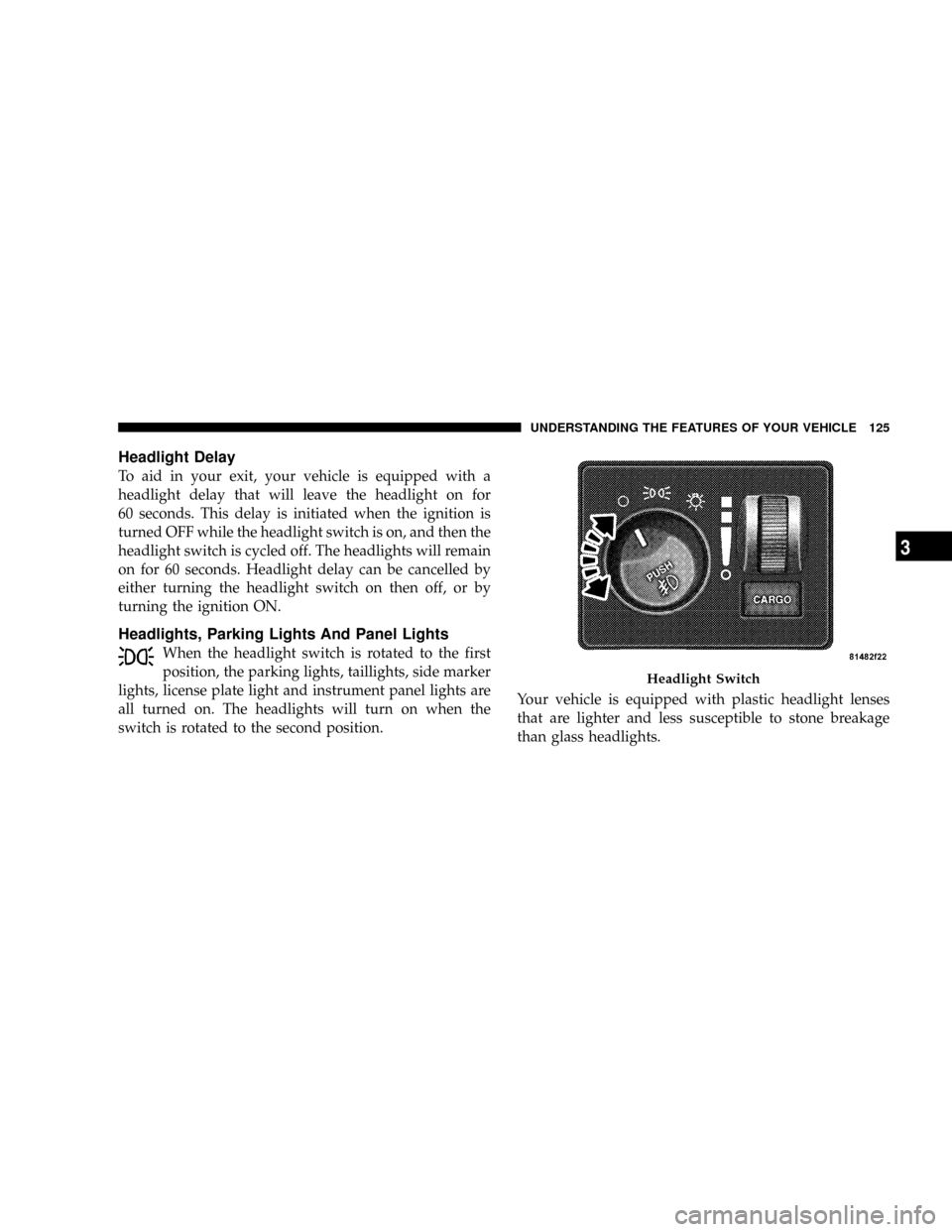
Headlights, Parking Lights And Panel Lights
When the headlight switch is rotated to the first
position, the parking lights, taillights, side marker
lights, license plate light and instrument panel lights are
all turned on. The headlights will turn on when the
switch is rotated to the second position.Your vehicle is equipped with plastic headlight lenses
that are lighter and less susceptible to stone breakage
than glass headlights.
Headlight Switch
UNDERSTANDING THE FEATURES OF YOUR VEHICLE 125
3
Page 151 of 449
2. This device must accept any interference that may be
received including interference that may cause undesired
operation
NOTE:The transmitter has been tested and it complies
with FCC and IC rules. Changes or modifications not
expressly approved by the party responsible for compli-
ance could void the user 's authority to operate the
device.
The term ªICº before the certification/registration num-
ber only signifies that Industry Canada technical specifi-
cations were met.
ELECTRICAL POWER OUTLETS
This vehicle has two 12-Volt auxiliary power outlets that
can provide up to 20-Amps of current for accessories
designed for use with standard power outlet adapters.
The outlets are located in the instrument panel (below the
temperature control setting knob) and inside the full -
size center console. When the optional Cigar Lighterheating element is used, it heats when pushed in and
pops out automatically when ready for use.To preserve
the heating element, do not hold the lighter in the
heating position.
The instrument panel outlet can be reconfigured by the
customer to operate only when the ignition is ON (switch
battery fed) or with the ignition switch ON/OFF (battery
fed) to allow for cellular phone charging and/or opera-
tion while the ignition is OFF. This can be done by
moving the power outlet (switchable) fuse (fuse #22)
from the inboard position to the outboard position.
NOTE:All accessories connected to these outlets should
be removed or turned OFF when the vehicle is not in use,
to protect the battery against discharge (unless the cus-
tomer has reconfigured the fuse block to switched battery
feed).
UNDERSTANDING THE FEATURES OF YOUR VEHICLE 149
3
Page 156 of 449
FLOOR CONSOLE Ð IF EQUIPPED
Floor Console Features
The Floor Console between the driver's and front pas-
senger's seat has the following features:
²Miscellaneous storage compartments.
²Three cupholders (two removable).
²iPod/Phone storage bin.
²12-Volt power outlet inside storage compartment.
²Side open armrest lid.
²Tissue holder and two pen holders.
²Coin slots (located under the instrument panel center
stack).
Storage Compartments
Some miscellaneous storage compartments and cuphold-
ers are both removable and dishwasher safe (upper rackof dishwasher only) for cleaning purposes. Various stor-
age compartments provide versatile and useful storage.
A coin holder is also provided inside the driver side
storage bin.
Power Outlet and Portable Phone Storage
The console is equipped with a power outlet and an
iPod/phone storage bin. The phone storage bin can be
used when easy access to the phone is needed. Also, the
power outlet inside the console compartment can be used
to charge the phone while it is being stored in the bin. The
power outlet may be used for any portable item with a
standard 12-Volt power plug.
Side Open Armrest Lid
Pressing the button on the left side of the console opens
the console armrest lid. The armrest lid will remain open
until the armrest lid is closed manually, by pressing the
lid back into place. Two pen holders are provided on the
154 UNDERSTANDING THE FEATURES OF YOUR VEHICLE
Page 165 of 449
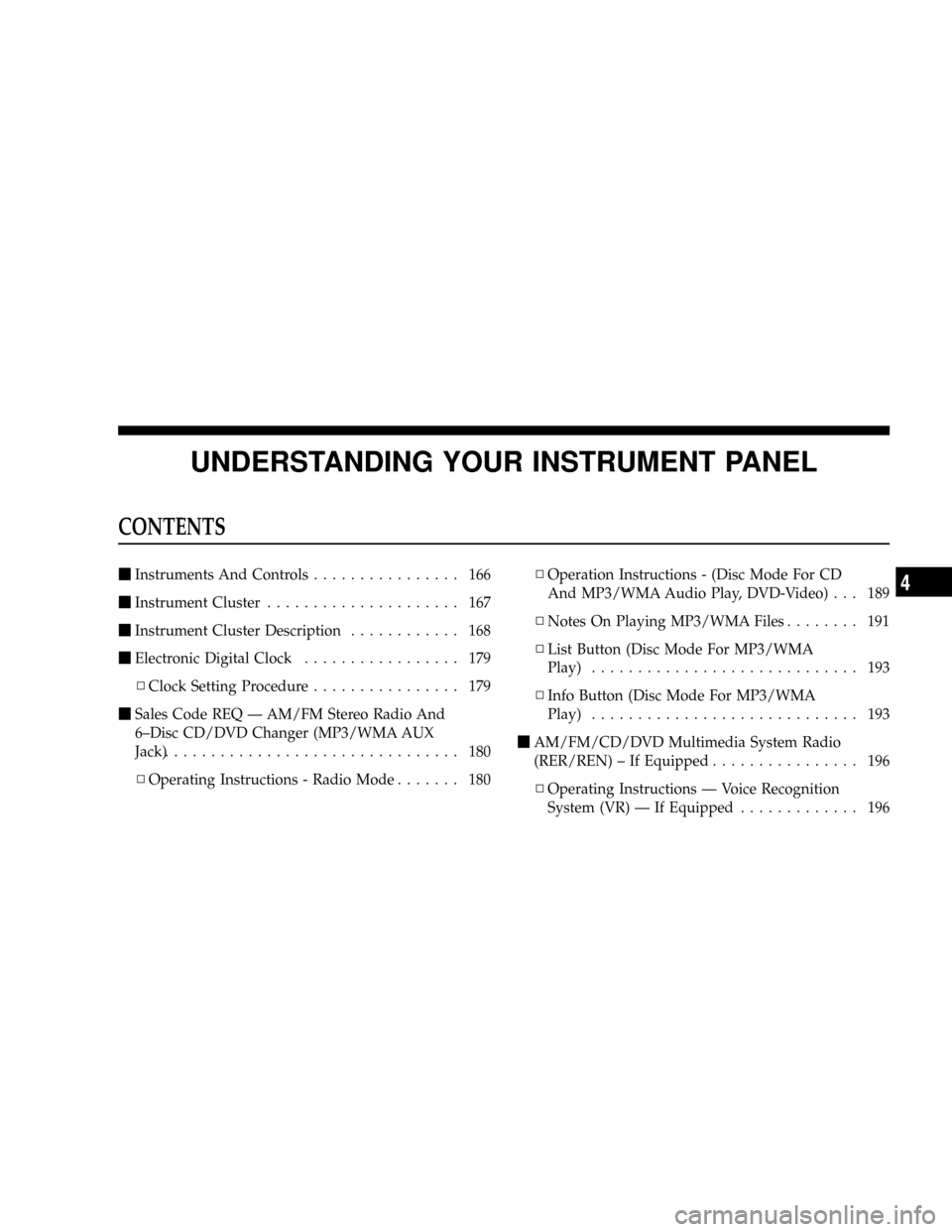
UNDERSTANDING YOUR INSTRUMENT PANEL
CONTENTS
mInstruments And Controls................ 166
mInstrument Cluster..................... 167
mInstrument Cluster Description............ 168
mElectronic Digital Clock................. 179
NClock Setting Procedure................ 179
mSales Code REQ Ð AM/FM Stereo Radio And
6±Disc CD/DVD Changer (MP3/WMA AUX
Jack)................................ 180
NOperating Instructions - Radio Mode....... 180NOperation Instructions - (Disc Mode For CD
And MP3/WMA Audio Play, DVD-Video) . . . 189
NNotes On Playing MP3/WMA Files........ 191
NList Button (Disc Mode For MP3/WMA
Play)............................. 193
NInfo Button (Disc Mode For MP3/WMA
Play)............................. 193
mAM/FM/CD/DVD Multimedia System Radio
(RER/REN) ± If Equipped................ 196
NOperating Instructions Ð Voice Recognition
System (VR) Ð If Equipped............. 1964
Page 166 of 449
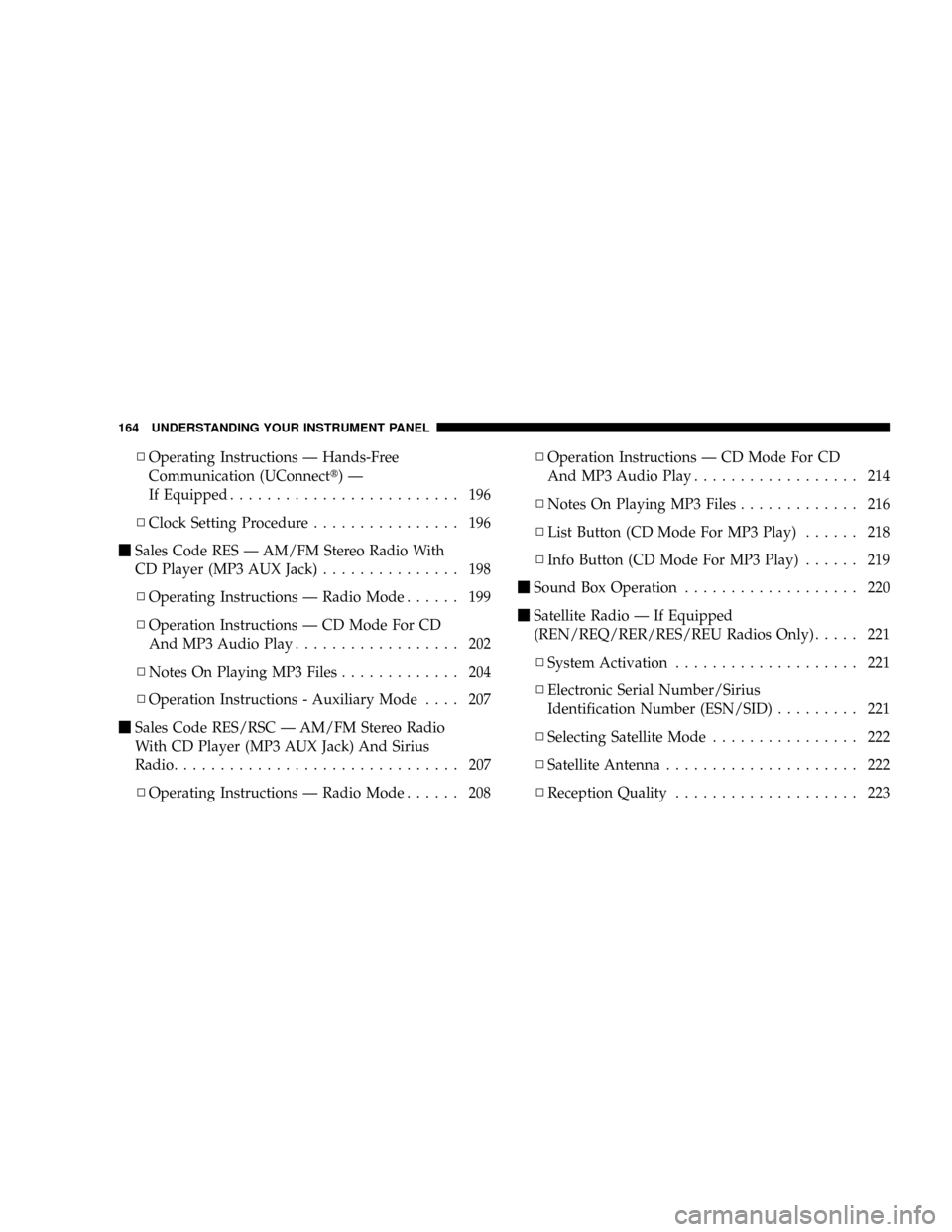
NOperating Instructions Ð Hands-Free
Communication (UConnectt)Ð
If Equipped......................... 196
NClock Setting Procedure................ 196
mSales Code RES Ð AM/FM Stereo Radio With
CD Player (MP3 AUX Jack)................ 198
NOperating Instructions Ð Radio Mode...... 199
NOperation Instructions Ð CD Mode For CD
And MP3 Audio Play.................. 202
NNotes On Playing MP3 Files............. 204
NOperation Instructions - Auxiliary Mode.... 207
mSales Code RES/RSC Ð AM/FM Stereo Radio
With CD Player (MP3 AUX Jack) And Sirius
Radio............................... 207
NOperating Instructions Ð Radio Mode...... 208NOperation Instructions Ð CD Mode For CD
And MP3 Audio Play.................. 214
NNotes On Playing MP3 Files............. 216
NList Button (CD Mode For MP3 Play)...... 218
NInfo Button (CD Mode For MP3 Play)...... 219
mSound Box Operation................... 220
mSatellite Radio Ð If Equipped
(REN/REQ/RER/RES/REU Radios Only)..... 221
NSystem Activation.................... 221
NElectronic Serial Number/Sirius
Identification Number (ESN/SID)......... 221
NSelecting Satellite Mode................ 222
NSatellite Antenna..................... 222
NReception Quality.................... 223
164 UNDERSTANDING YOUR INSTRUMENT PANEL