brake DODGE DART 2015 PF / 1.G User Guide
[x] Cancel search | Manufacturer: DODGE, Model Year: 2015, Model line: DART, Model: DODGE DART 2015 PF / 1.GPages: 664, PDF Size: 16.96 MB
Page 316 of 664
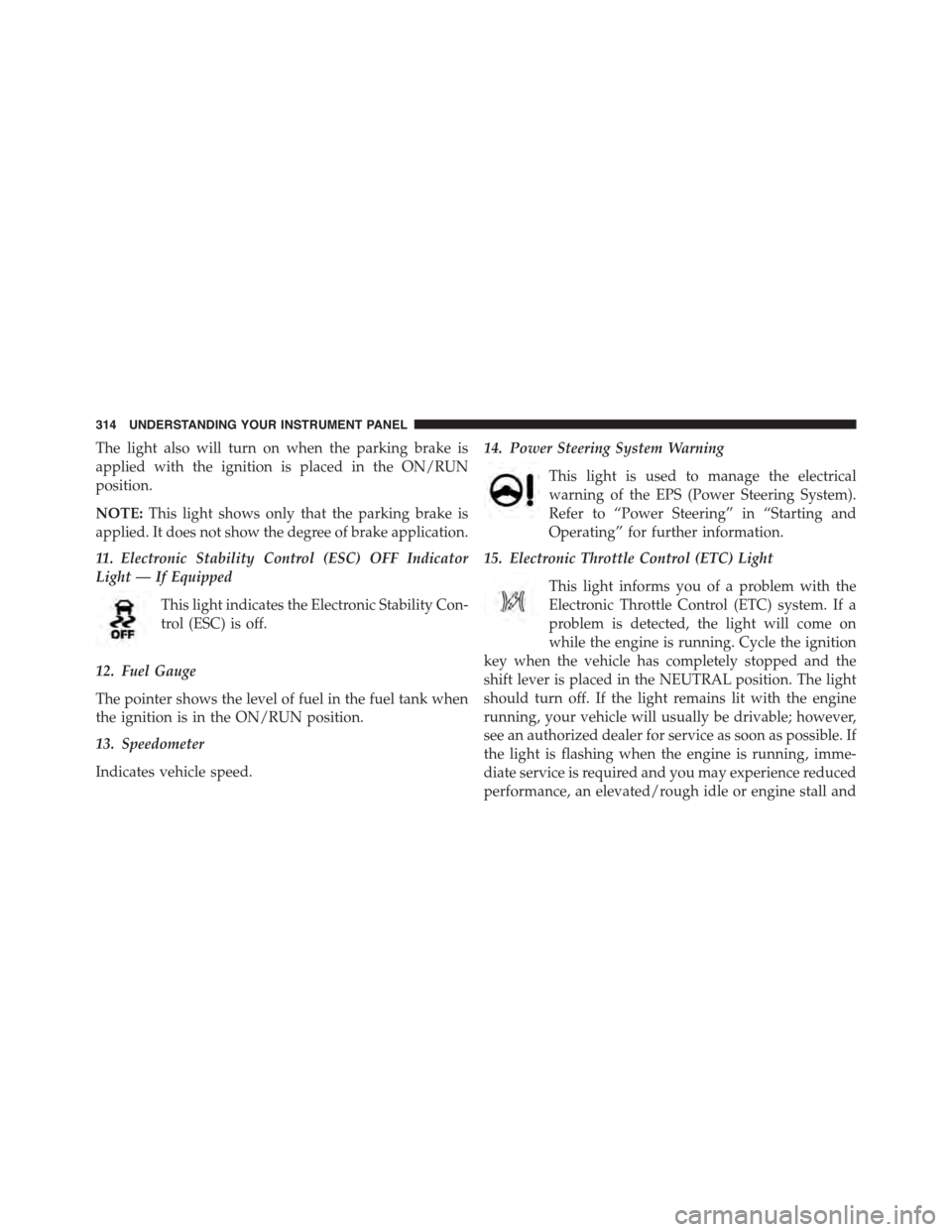
The light also will turn on when the parking brake is
applied with the ignition is placed in the ON/RUN
position.
NOTE:This light shows only that the parking brake is
applied. It does not show the degree of brake application.
11. Electronic Stability Control (ESC) OFF Indicator
Light — If Equipped
This light indicates the Electronic Stability Con-
trol (ESC) is off.
12. Fuel Gauge
The pointer shows the level of fuel in the fuel tank when
the ignition is in the ON/RUN position.
13. Speedometer
Indicates vehicle speed.
14. Power Steering System Warning
This light is used to manage the electrical
warning of the EPS (Power Steering System).
Refer to “Power Steering” in “Starting and
Operating” for further information.
15. Electronic Throttle Control (ETC) Light
This light informs you of a problem with the
Electronic Throttle Control (ETC) system. If a
problem is detected, the light will come on
while the engine is running. Cycle the ignition
key when the vehicle has completely stopped and the
shift lever is placed in the NEUTRAL position. The light
should turn off. If the light remains lit with the engine
running, your vehicle will usually be drivable; however,
see an authorized dealer for service as soon as possible. If
the light is flashing when the engine is running, imme-
diate service is required and you may experience reduced
performance, an elevated/rough idle or engine stall and
314 UNDERSTANDING YOUR INSTRUMENT PANEL
Page 318 of 664
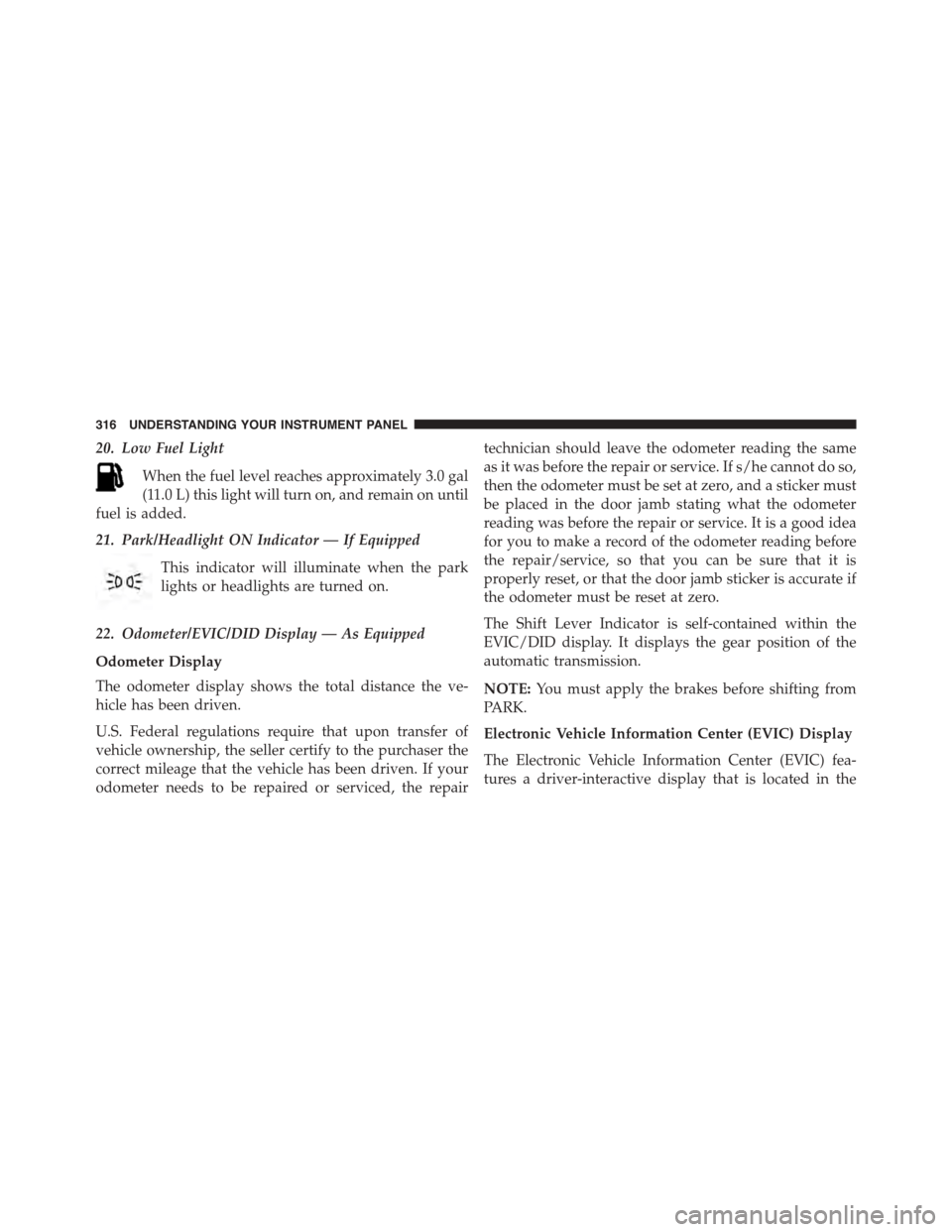
20. Low Fuel Light
When the fuel level reaches approximately 3.0 gal
(11.0 L) this light will turn on, and remain on until
fuel is added.
21. Park/Headlight ON Indicator — If Equipped
This indicator will illuminate when the park
lights or headlights are turned on.
22. Odometer/EVIC/DID Display — As Equipped
Odometer Display
The odometer display shows the total distance the ve-
hicle has been driven.
U.S. Federal regulations require that upon transfer of
vehicle ownership, the seller certify to the purchaser the
correct mileage that the vehicle has been driven. If your
odometer needs to be repaired or serviced, the repair
technician should leave the odometer reading the same
as it was before the repair or service. If s/he cannot do so,
then the odometer must be set at zero, and a sticker must
be placed in the door jamb stating what the odometer
reading was before the repair or service. It is a good idea
for you to make a record of the odometer reading before
the repair/service, so that you can be sure that it is
properly reset, or that the door jamb sticker is accurate if
the odometer must be reset at zero.
The Shift Lever Indicator is self-contained within the
EVIC/DID display. It displays the gear position of the
automatic transmission.
NOTE:You must apply the brakes before shifting from
PARK.
Electronic Vehicle Information Center (EVIC) Display
The Electronic Vehicle Information Center (EVIC) fea-
tures a driver-interactive display that is located in the
316 UNDERSTANDING YOUR INSTRUMENT PANEL
Page 319 of 664
instrument cluster. For further information, refer to
“Electronic Vehicle Information Center (EVIC)”.
NOTE:You must apply the brakes before shifting from
PARK.
Driver Information Display (DID)
The Driver Information Display (DID) features a driver-
interactive display that is located in the instrument
cluster. For further information, refer to “Driver Informa-
tion Display (DID)”.
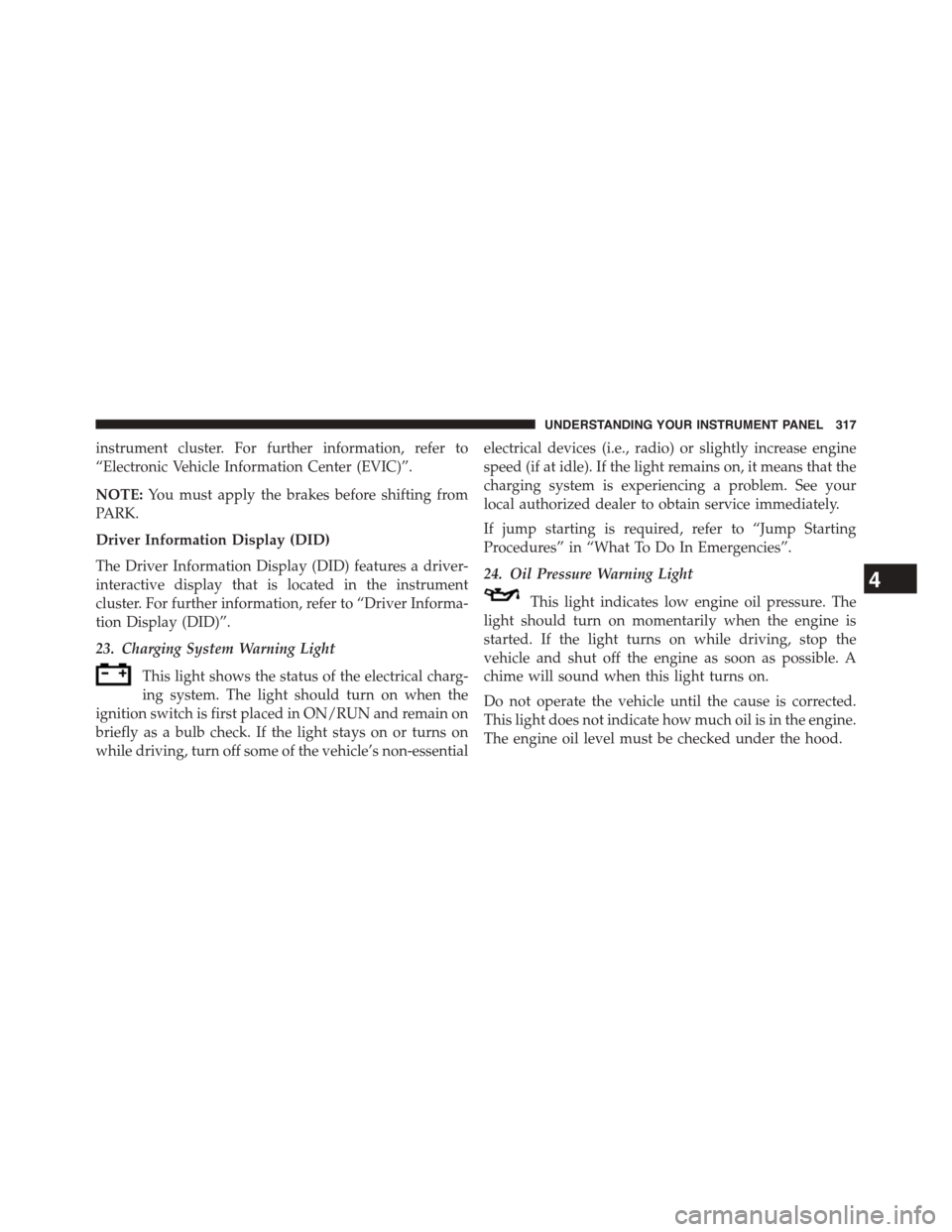
23. Charging System Warning Light
This light shows the status of the electrical charg-
ing system. The light should turn on when the
ignition switch is first placed in ON/RUN and remain on
briefly as a bulb check. If the light stays on or turns on
while driving, turn off some of the vehicle’s non-essential
electrical devices (i.e., radio) or slightly increase engine
speed (if at idle). If the light remains on, it means that the
charging system is experiencing a problem. See your
local authorized dealer to obtain service immediately.
If jump starting is required, refer to “Jump Starting
Procedures” in “What To Do In Emergencies”.
24. Oil Pressure Warning Light
This light indicates low engine oil pressure. The
light should turn on momentarily when the engine is
started. If the light turns on while driving, stop the
vehicle and shut off the engine as soon as possible. A
chime will sound when this light turns on.
Do not operate the vehicle until the cause is corrected.
This light does not indicate how much oil is in the engine.
The engine oil level must be checked under the hood.
4
UNDERSTANDING YOUR INSTRUMENT PANEL 317
Page 320 of 664
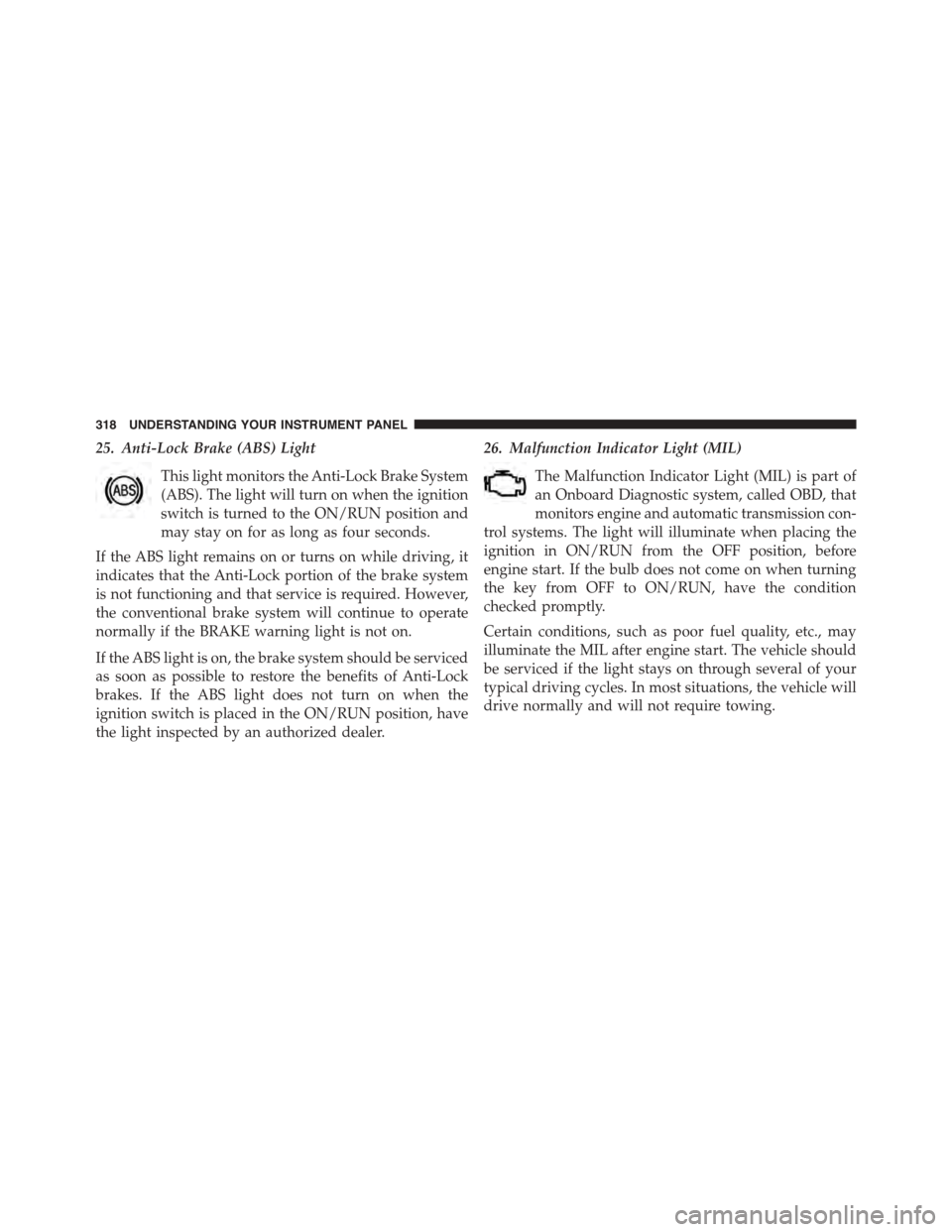
25. Anti-Lock Brake (ABS) Light
This light monitors the Anti-Lock Brake System
(ABS). The light will turn on when the ignition
switch is turned to the ON/RUN position and
may stay on for as long as four seconds.
If the ABS light remains on or turns on while driving, it
indicates that the Anti-Lock portion of the brake system
is not functioning and that service is required. However,
the conventional brake system will continue to operate
normally if the BRAKE warning light is not on.
If the ABS light is on, the brake system should be serviced
as soon as possible to restore the benefits of Anti-Lock
brakes. If the ABS light does not turn on when the
ignition switch is placed in the ON/RUN position, have
the light inspected by an authorized dealer.
26. Malfunction Indicator Light (MIL)
The Malfunction Indicator Light (MIL) is part of
an Onboard Diagnostic system, called OBD, that
monitors engine and automatic transmission con-
trol systems. The light will illuminate when placing the
ignition in ON/RUN from the OFF position, before
engine start. If the bulb does not come on when turning
the key from OFF to ON/RUN, have the condition
checked promptly.
Certain conditions, such as poor fuel quality, etc., may
illuminate the MIL after engine start. The vehicle should
be serviced if the light stays on through several of your
typical driving cycles. In most situations, the vehicle will
drive normally and will not require towing.
318 UNDERSTANDING YOUR INSTRUMENT PANEL
Page 324 of 664
•Unstored Messages Until RUN
These messages deal primarily with the Remote Start
feature. This message type is displayed until the ignition
is in the RUN state. Examples of this message type are
#Remote Start Aborted - Door Ajar#and#Press Brake
Pedal and Push Button to Start#.
•Five Second Unstored Messages
When the appropriate conditions occur, this type of
message takes control of the main display area for five
seconds and then returns to the previous screen. An
example of this message type is#Automatic High Beams
On#.
Two Button EVIC — If Equipped
This system allows the driver to select a variety of useful
information by pushing the switches mounted on the
steering wheel. The EVIC consists of the following:
•Odometer
•Digital Vehicle Speed
•Trip
•Range To Empty
•Average Fuel Economy
•Current Fuel Economy
•Stored Messages
•Oil Life
322 UNDERSTANDING YOUR INSTRUMENT PANEL
Page 326 of 664
•UP Arrow Button
Push and release the UP arrow button to scroll
upward through the main menus (Odometer,
Digital Vehicle Speed, Trip Info, Range To
Empty, Average Fuel Economy, Current Fuel
Economy, Stored Messages, Settings).
•RIGHT Arrow Button
Push and release the RIGHT arrow button to
access the sub-menu screens of a main menu
item. Push and hold the RIGHT arrow button
for two seconds to reset displayed/selected
features that can be reset.
Electronic Vehicle Information Center (EVIC)
Messages
•Key Fob Battery Low
•Wrong Key Fob
•Key Fob Damaged
•Key In Ignition
•Left Turn Signal Out
•Right Turn Signal Out
•Turn Signal On
•Lights On
•Low Beam Headlight Out
•High Beam Headlight Out
•License Plate Light Out
•Backup Light Out
•Brake Light Out
•Parking Light Out
•Service Air Bag System
324 UNDERSTANDING YOUR INSTRUMENT PANEL
Page 327 of 664
•Service Air Bag Warning Light
•Washer Fluid Low
•Parking Brake Engaged
•Brake Fluid Low
•Service Electronic Braking System
•Engine Temperature Hot
•Battery Voltage Low
•Oil Pressure Low
•Fuel Low
•Service Antilock Brake System
•Service Electronic Throttle Control
•Transmission Too Hot
•Service Power Steering
•Oil Temperature Hot
•Check Fuel Cap
•Oil Change Due
•Service Tire Pressure System
•Inflate Tire to XX
•Coolant Low
•Rain Sensor Fail
•Traction Control Off
•Engine Warming Wait To Start
•Too Cold Plug In Heater
•Cruise Off
•Cruise Ready
•Cruise Set To XXX MPH
4
UNDERSTANDING YOUR INSTRUMENT PANEL 325
Page 332 of 664
Oil Change Indicator
•Your vehicle is equipped with an engine oil change
indicator system. The “Oil Change Due” message will
display in the EVIC display for approximately 10
seconds after a single chime has sounded, to indicate
the next scheduled oil change interval. The engine oil
change indicator system is duty cycle based, which
means the engine oil change interval may fluctuate,
dependent upon your personal driving style.
•Unless reset, this message will continue to display
each time you turn the ignition switch to the ON/RUN
position or cycle the ignition to the ON/RUN position
if equipped with Keyless Enter-N-Go™. To turn off the
message temporarily, push and release the MENU
button. To reset the oil change indicator system (after
performing the scheduled maintenance) refer to the
following procedure.
Vehicles Equipped With Keyless Enter-N-Go™
1. Without pushing the brake pedal, cycle the ignition to
the ON/RUN position (do not start the engine).
2. Push the accelerator pedal fully, slowly, three times
within 10 seconds.
3. Cycle the ignition to the OFF/LOCK position.
Vehicles Not Equipped With Keyless Enter-N-Go™
1. Turn the ignition switch to the ON/RUN position (do
not start the engine).
2. Push the accelerator pedal fully, slowly, three times
within 10 seconds.
3. Turn the ignition switch to the OFF/LOCK position.
330 UNDERSTANDING YOUR INSTRUMENT PANEL
Page 333 of 664
Using The EVIC Menu
Vehicles Equipped With Passive Entry
•Without pushing the brake pedal, push the ENGINE
START/STOP button and cycle the ignition to the
ON/RUN position (Do not start the engine.)
•Push and release the DOWNarrow button to
scroll downward through the main menu to “Ve-
hicle Info”.
•Push and release the RIGHTarrow button to
access the ”Oil Life” screen.
•Push and hold the RIGHTarrow button to reset the
gauge and numeric display to 100% for ”Oil Life.”
•Push and release the Up arrow button to exit the EVIC
screen.
Vehicles Not Equipped With Passive Entry
•Without pushing the brake pedal, cycle the ignition to
the ON/RUN position (Do not start the engine.)
•Push and release the DOWNarrow button to
scroll downward through the main menu to “Ve-
hicle Info”.
•Push and release the RIGHTarrow button to
access the ”Oil Life” screen.
•Push and hold the RIGHTarrow button for one
second to access the ”Oil Life Reset” screen.
•Push and hold the DOWNarrow button until the
screen shows 100% oil life.
•Push and release the Up arrow button to exit the EVIC
screen.
NOTE:If the indicator message illuminates when you
start the vehicle, the oil change indicator system did not
reset. If necessary, repeat this procedure.
4
UNDERSTANDING YOUR INSTRUMENT PANEL 331
Page 334 of 664
DRIVER INFORMATION DISPLAY DID
The DRIVER INFORMATION DISPLAY (DID) features an
interactive display that is located in the instrument cluster.
The main display area will normally display the main
menu or the screens of a selected feature of the main
menu. The main display area also displays#pop up#
messages that consist of approximately 60 possible warn-
ing or information messages. These pop up messages fall
into several categories:
•Five Second Stored Messages
When the appropriate conditions occur, this type of
message takes control of the main display area for five
seconds and then returns to the previous screen. Most of
the messages of this type are then stored (as long as the
condition that activated it remains active) and can be
reviewed from the#Messages#main menu item. As long
as there is a stored message, an#i#will be displayed in the
DID’s compass/outside temp line. Examples of this
message type are#Right Front Turn Signal Lamp Out#
and#Low Tire Pressure#.
•Unstored Messages
This message type is displayed indefinitely or until the
condition that activated the message is cleared. Examples
of this message type are#Turn Signal On#(if a turn signal
is left on) and#Lights On#(if driver leaves the vehicle).
•Unstored Messages Until RUN
These messages deal primarily with the Remote Start
feature. This message type is displayed until the ignition
is in the RUN state. Examples of this message type are
#Remote Start Aborted - Door Ajar#and#Press Brake
Pedal and Push Button to Start#.
•Five Second Unstored Messages
When the appropriate conditions occur, this type of mes-
sage takes control of the main display area for five seconds
332 UNDERSTANDING YOUR INSTRUMENT PANEL