tire DODGE DART 2015 PF / 1.G User Guide
[x] Cancel search | Manufacturer: DODGE, Model Year: 2015, Model line: DART, Model: DODGE DART 2015 PF / 1.GPages: 664, PDF Size: 16.96 MB
Page 327 of 664
•Service Air Bag Warning Light
•Washer Fluid Low
•Parking Brake Engaged
•Brake Fluid Low
•Service Electronic Braking System
•Engine Temperature Hot
•Battery Voltage Low
•Oil Pressure Low
•Fuel Low
•Service Antilock Brake System
•Service Electronic Throttle Control
•Transmission Too Hot
•Service Power Steering
•Oil Temperature Hot
•Check Fuel Cap
•Oil Change Due
•Service Tire Pressure System
•Inflate Tire to XX
•Coolant Low
•Rain Sensor Fail
•Traction Control Off
•Engine Warming Wait To Start
•Too Cold Plug In Heater
•Cruise Off
•Cruise Ready
•Cruise Set To XXX MPH
4
UNDERSTANDING YOUR INSTRUMENT PANEL 325
Page 331 of 664
Tire PSI
Push and release the UP button until#Tire Pressure#is
displayed.
Tire pressure information is displayed as follows:
•If tire pressure is OK for all tires, a vehicle graphic is
displayed with tire pressure values in each corner or
the graphic.
•If one or more tires have low pressure, Inflate Tire To
XX and a vehicle graphic are displayed with tire
pressure values in each corner of the graphic. Tire
pressure values that are too low will be flashing.
•If the Tire Pressure System requires service,#Service
TPM System#is displayed. Tire Pressure is an informa-
tion only function and cannot be reset.
Stored Messages
When a stored warning message is present, this
icon is displayed in the lower left side of the
Tire Pressure menu. This feature shows the
number of stored warning messages. Pushing
the RIGHT arrow button will allow you to see what the
stored messages are.
Settings — EVIC Units And Language Selection
Displays the units used for the Outside Temperature,
Average and Current Fuel Economy, Distance to Empty
and Tire Pressure features. Push and release the RIGHT
arrow button to toggle units between#U.S.#and#MET-
RIC#.
Push and release the UP arrow button until the Language
is displayed, then push and release the Right arrow
button to select English, Francais, or Espanol depending
on availability.
4
UNDERSTANDING YOUR INSTRUMENT PANEL 329
Page 334 of 664
DRIVER INFORMATION DISPLAY DID
The DRIVER INFORMATION DISPLAY (DID) features an
interactive display that is located in the instrument cluster.
The main display area will normally display the main
menu or the screens of a selected feature of the main
menu. The main display area also displays#pop up#
messages that consist of approximately 60 possible warn-
ing or information messages. These pop up messages fall
into several categories:
•Five Second Stored Messages
When the appropriate conditions occur, this type of
message takes control of the main display area for five
seconds and then returns to the previous screen. Most of
the messages of this type are then stored (as long as the
condition that activated it remains active) and can be
reviewed from the#Messages#main menu item. As long
as there is a stored message, an#i#will be displayed in the
DID’s compass/outside temp line. Examples of this
message type are#Right Front Turn Signal Lamp Out#
and#Low Tire Pressure#.
•Unstored Messages
This message type is displayed indefinitely or until the
condition that activated the message is cleared. Examples
of this message type are#Turn Signal On#(if a turn signal
is left on) and#Lights On#(if driver leaves the vehicle).
•Unstored Messages Until RUN
These messages deal primarily with the Remote Start
feature. This message type is displayed until the ignition
is in the RUN state. Examples of this message type are
#Remote Start Aborted - Door Ajar#and#Press Brake
Pedal and Push Button to Start#.
•Five Second Unstored Messages
When the appropriate conditions occur, this type of mes-
sage takes control of the main display area for five seconds
332 UNDERSTANDING YOUR INSTRUMENT PANEL
Page 338 of 664
3 — Selectable Information (Compass, Temp, Range to
Empty, Trip A, Trip B, Average MPG)
4 — Menu Titles / Odometer
5 — Menu Set (Selectable Icons)
6 — Shift Lever Status (PRNDL)
7 — Reconfigurable Telltales
9 — Sub-menu Current Position — Whenever there are
sub-menus available, the position within the sub-menus
is shown here.
DID Messages
•Front Seatbelts Unbuckled
•Driver Seatbelt Unbuckled
•Passenger Seatbelt Unbuckled
•Service Airbag System
•Traction Control Off
•Washer Fluid Low
•Oil Pressure Low
•Oil Change Due
•Fuel Low
•Service Antilock Brake System
•Service Electronic Throttle Control
•Service Power Steering
•Cruise Off
•Cruise Ready
•Cruise Set To XXX MPH
•Tire Pressure Screen With Low Tire(s) “Inflate Tire to
XX”
336 UNDERSTANDING YOUR INSTRUMENT PANEL
Page 339 of 664
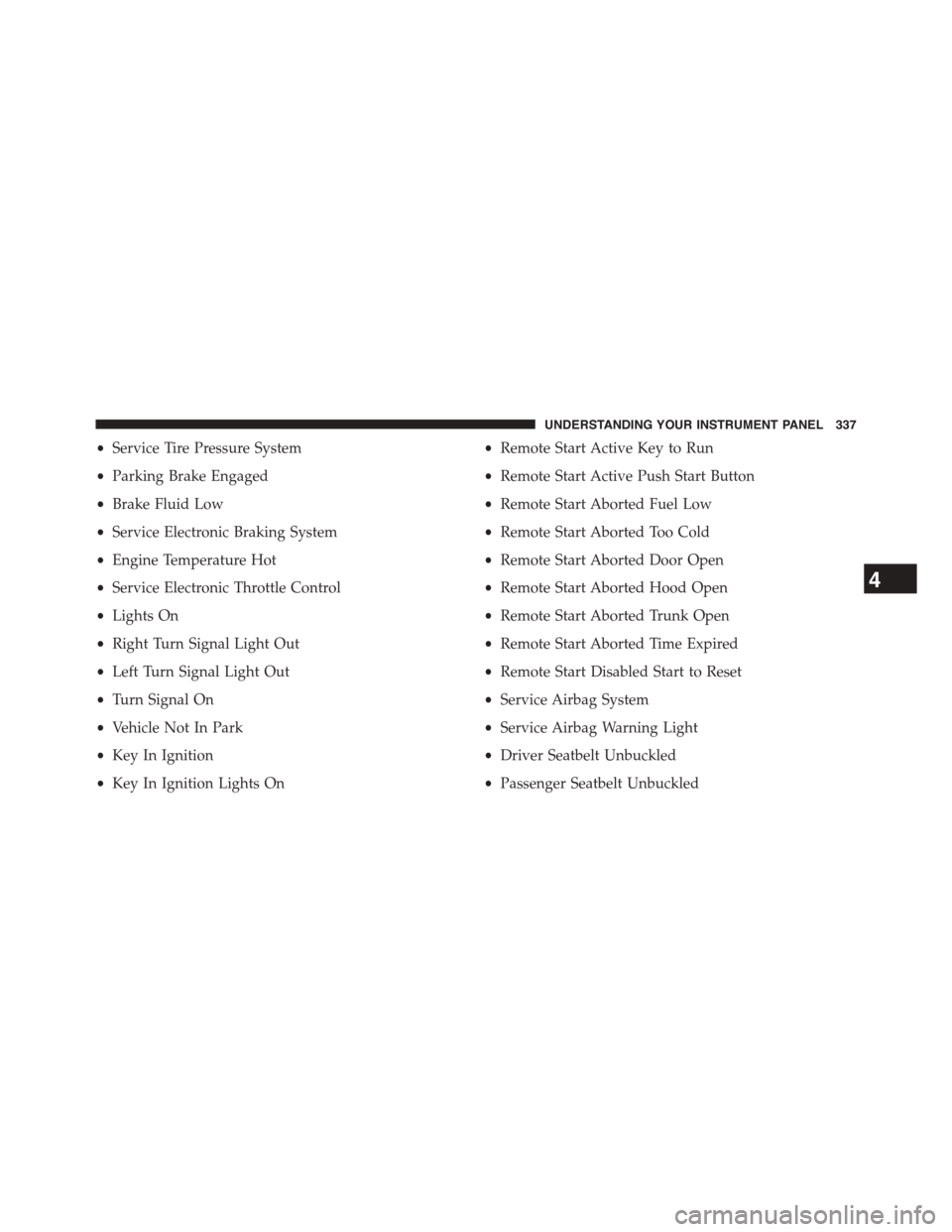
•Service Tire Pressure System
•Parking Brake Engaged
•Brake Fluid Low
•Service Electronic Braking System
•Engine Temperature Hot
•Service Electronic Throttle Control
•Lights On
•Right Turn Signal Light Out
•Left Turn Signal Light Out
•Turn Signal On
•Vehicle Not In Park
•Key In Ignition
•Key In Ignition Lights On
•Remote Start Active Key to Run
•Remote Start Active Push Start Button
•Remote Start Aborted Fuel Low
•Remote Start Aborted Too Cold
•Remote Start Aborted Door Open
•Remote Start Aborted Hood Open
•Remote Start Aborted Trunk Open
•Remote Start Aborted Time Expired
•Remote Start Disabled Start to Reset
•Service Airbag System
•Service Airbag Warning Light
•Driver Seatbelt Unbuckled
•Passenger Seatbelt Unbuckled
4
UNDERSTANDING YOUR INSTRUMENT PANEL 337
Page 345 of 664
Vehicle Info
Push and release the UP or DOWN arrow
button until the Vehicle Info icon is highlighted
in the DID. Push and release the RIGHT arrow
to scroll through the following information
sub-menus using the UP and DOWN arrows:
Vehicle Info Sub Menus
Press and release the UP or DOWN arrow button until
#Tire Pressure#is highlighted in the DID. Press and
release the RIGHT arrow button and one of the following
will be displayed:
•Tire Pressure
•Coolant Temp
•Oil Temp
•Oil Life
Fuel Economy
Push and release the UP or DOWN arrow
button until the Fuel Economy icon is high-
lighted. Push the RIGHT arrow button and the
next screen will display the following:
•Average Fuel Economy
•Range To Empty (RTE)
•Current Fuel Economy
4
UNDERSTANDING YOUR INSTRUMENT PANEL 343
Page 359 of 664
NOTE:If your vehicle has experienced any damage in
the area where the sensor is located, even if the fascia is
not damaged, the sensor may have become misaligned.
Take your vehicle to an authorized dealer to verify sensor
alignment. Having a sensor that is misaligned will result
in the BSM not operating to specification.
•ParkView® Backup Camera
Your vehicle may be equipped with the ParkView® Rear
Back Up Camera that allows you to see an on-screen
image of the rear surroundings of your vehicle whenever
the shift lever is put into REVERSE. The image will be
displayed on the radio touchscreen display along with a
caution note to “check entire surroundings” across the
top of the screen. After five seconds, this note will
disappear. The ParkView® camera is located on the rear
of the vehicle above the rear License plate. To make your
selection, press the ParkView® Backup Camera button on
the touchscreen, until a check-mark appears next to
setting, showing that setting has been selected. Press the
back arrow button on the touchscreen to return to the
previous menu.
•Rain Sensing Auto Wipers
When this feature is selected, the system will automati-
cally activate the windshield wipers if it senses moisture
on the windshield. To make your selection, press the Rain
Sensing button on the touchscreen, until a check-mark
appears next to setting, showing that setting has been
selected. Press the back arrow button on the touchscreen
to return to the previous menu.
Lights
After pressing the Lights button on the touchscreen the
following settings will be available.
•Interior Accent Lighting
When this feature is selected, the interior accent lighting
surrounding the instrument panel will illuminate. To
4
UNDERSTANDING YOUR INSTRUMENT PANEL 357
Page 387 of 664
•Pressing a PRESET button will display the current list
on the top line and the first item in that list on the
second line.
•To exit Browse mode without making a selection, press
the samePRESETbutton again to go back toPlay
mode.
•Browsebutton: TheBrowsebutton will display the
top level menu of the iPod® or external USB device.
Press and then turn theTUNE/SCROLLcontrol knob
to list the top-menu item to be selected and press the
TUNE/SCROLLcontrol knob to select. This will dis-
play the next sub-menu list item on the audio device,
then follow the same steps to go to the desired track in
that list. Not all iPod® or external USB device sub-
menu levels are available on this system.
•A-B-Cbutton: For all player devices, pressing the
A-B-Cbutton while browsing will present an ABC
jump feature. The system will show the available first
letters of the item being browsed. If letters do not have
items they will not be shown, “_” will be shown in
their place. After selecting a letter you will be taken to
the first item of that letter within the entire list. When
a browse subcategory is selected and contains no
contents, “No items found” will be displayed on the
screen. This message times out after three seconds, and
will take you back to the submenu you were previ-
ously in.
CAUTION!
•Leaving the iPod® or external USB device (or any
supported device) anywhere in the vehicle in ex-
treme heat or cold can alter the operation or dam-
age the device. Follow the device manufacturer ’s
guidelines.
(Continued)
4
UNDERSTANDING YOUR INSTRUMENT PANEL 385
Page 410 of 664
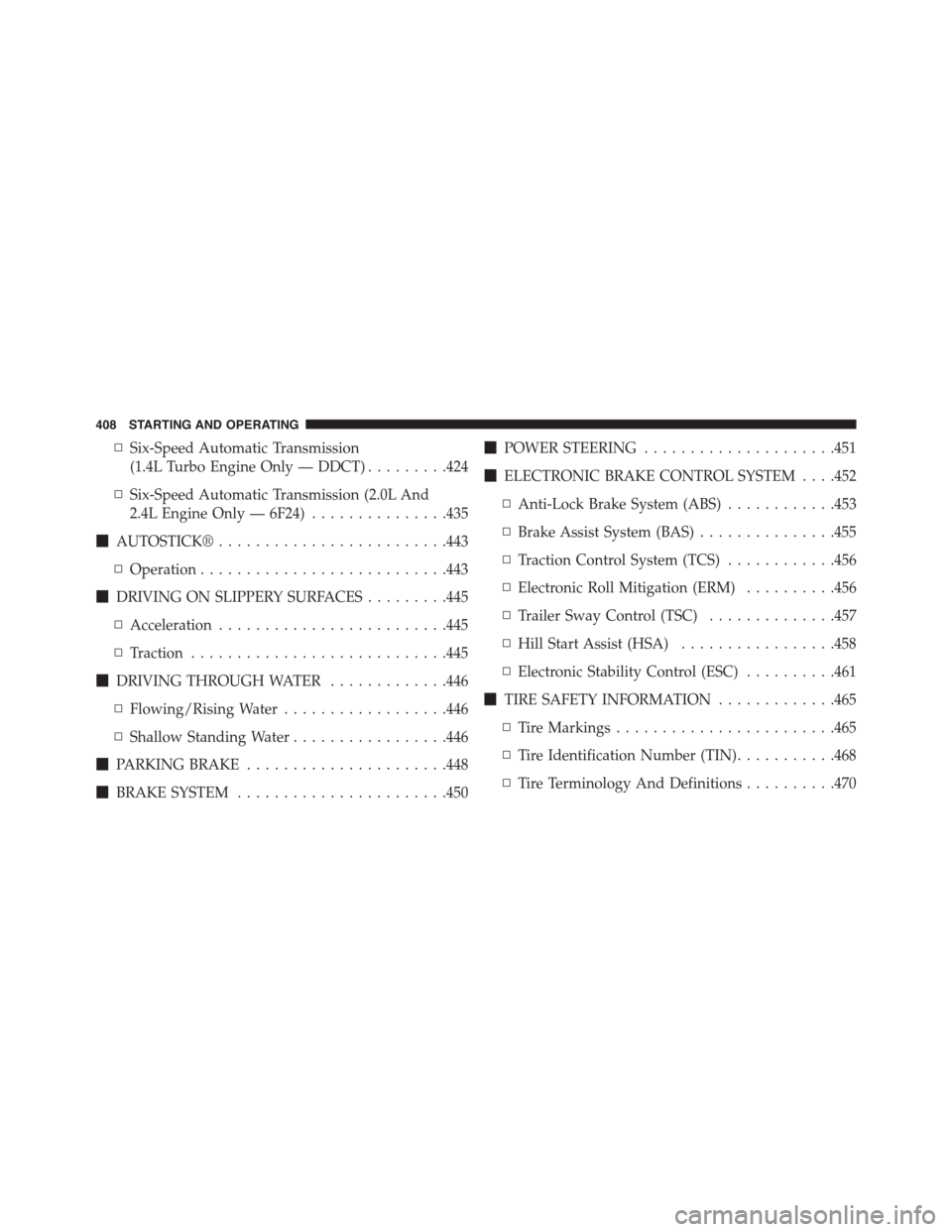
▫Six-Speed Automatic Transmission
(1.4L Turbo Engine Only — DDCT).........424
▫Six-Speed Automatic Transmission (2.0L And
2.4L Engine Only — 6F24)...............435
!AUTOSTICK®.........................443
▫Operation...........................443
!DRIVING ON SLIPPERY SURFACES.........445
▫Acceleration.........................445
▫Traction............................445
!DRIVING THROUGH WATER.............446
▫Flowing/Rising Water..................446
▫Shallow Standing Water.................446
!PARKING BRAKE......................448
!BRAKE SYSTEM.......................450
!POWER STEERING.....................451
!ELECTRONIC BRAKE CONTROL SYSTEM . . . .452
▫Anti-Lock Brake System (ABS)............453
▫Brake Assist System (BAS)...............455
▫Traction Control System (TCS)............456
▫Electronic Roll Mitigation (ERM)..........456
▫Trailer Sway Control (TSC)..............457
▫Hill Start Assist (HSA).................458
▫Electronic Stability Control (ESC)..........461
!TIRE SAFETY INFORMATION.............465
▫Tire Markings........................465
▫Tire Identification Number (TIN)...........468
▫Tire Terminology And Definitions..........470
408 STARTING AND OPERATING
Page 411 of 664
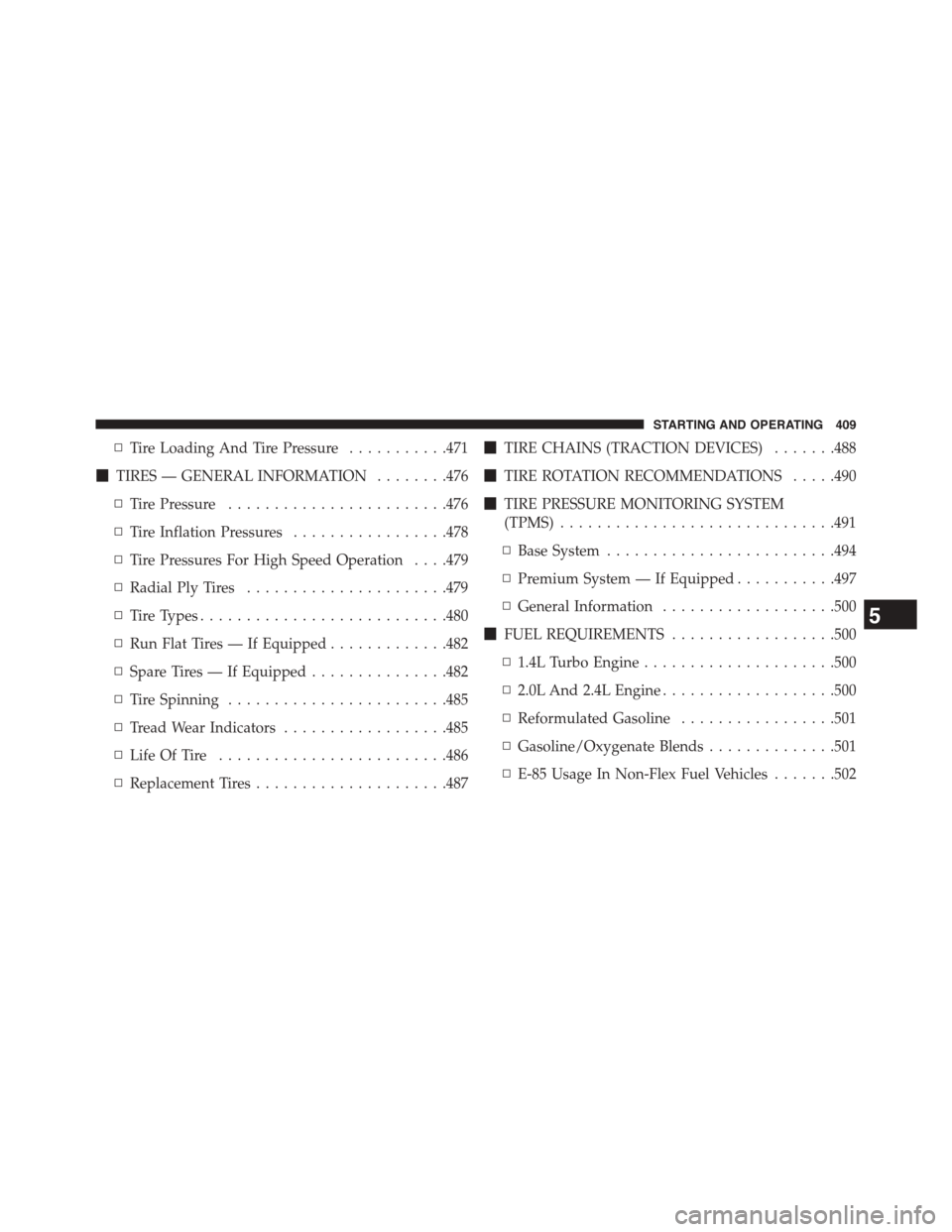
▫Tire Loading And Tire Pressure...........471
!TIRES — GENERAL INFORMATION........476
▫Tire Pressure........................476
▫Tire Inflation Pressures.................478
▫Tire Pressures For High Speed Operation . . . .479
▫Radial Ply Tires......................479
▫Tire Types...........................480
▫Run Flat Tires — If Equipped.............482
▫Spare Tires — If Equipped...............482
▫Tire Spinning........................485
▫Tread Wear Indicators..................485
▫Life Of Tire.........................486
▫Replacement Tires.....................487
!TIRE CHAINS (TRACTION DEVICES).......488
!TIRE ROTATION RECOMMENDATIONS.....490
!TIRE PRESSURE MONITORING SYSTEM
(TPMS)..............................491
▫Base System.........................494
▫Premium System — If Equipped...........497
▫General Information...................500
!FUEL REQUIREMENTS..................500
▫1.4L Turbo Engine.....................500
▫2.0L And 2.4L Engine...................500
▫Reformulated Gasoline.................501
▫Gasoline/Oxygenate Blends..............501
▫E-85 Usage In Non-Flex Fuel Vehicles.......502
5
STARTING AND OPERATING 409