brake DODGE DURANGO 2012 3.G User Guide
[x] Cancel search | Manufacturer: DODGE, Model Year: 2012, Model line: DURANGO, Model: DODGE DURANGO 2012 3.GPages: 686, PDF Size: 4.46 MB
Page 219 of 686
To Vary The Speed Setting
While ACC is set, you can increase the set speed by
pressing and holding the RES+button. If the button is
continually pressed, the set speed will continue to in-
crease in 5 mph (8 km/h) increments until the button is
released. The increase in set speed is reflected in the EVIC
display.
Pressing the RES +button once will result ina1mph
(1.6 km/h) increase in set speed. Each subsequent tap of
the button results in an increase of 1 mph (1.6 km/h).
While ACC is set, the set speed can be decreased by
pressing and holding the SET -button. If the button is
continually pressed, the set speed will continue to de-
crease in 5 mph (8 km/h) increments until the button is
released. The decrease in set speed is reflected in the
EVIC display. Pressing the SET
-button once will result ina1mph
(1.6 km/h) decrease in set speed. Each subsequent tap of
the button results in a decrease of 1 mph (1.6 km/h).
NOTE:
•When you use the SET -button to decelerate, if the
engine’s braking power does not slow the vehicle
sufficiently to reach the set speed, the brake system
will automatically slow the vehicle.
•The ACC system can only apply a maximum of 25% of
the vehicle’s braking capability and will not bring the
vehicle to a complete stop.
•The ACC system maintains set speed when driving up
hill and down hill. However, a slight speed change on
moderate hills is normal. In addition, downshifting
may occur while climbing uphill or descending down-
hill. This is normal operation and necessary to main-
tain set speed.
3
UNDERSTANDING THE FEATURES OF YOUR VEHICLE 217
Page 222 of 686

The maximum braking applied by ACC is limited; how-
ever, the driver can always apply the brakes manually, if
necessary.
NOTE:The brake lights will illuminate whenever the
ACC system applies the brakes.
A Proximity Warning will alert the driver if ACC predicts
that its maximum braking level is not sufficient to
maintain the set distance. If this occurs, a visual alert
“BRAKE” will flash in the EVIC and a chime will sound
while ACC continues to apply its maximum braking
capacity. When this occurs, you should immediately
apply the brakes as needed to maintain a safe distance
from the vehicle ahead. The ACC Systems provides Overtake Aid when passing
on the left hand side only. When driving with ACC
engaged and following a Target vehicle, the system will
provide an additional acceleration based on your current
speed. The acceleration is triggered by indicating a left
turn signal.
Brake Alert
220 UNDERSTANDING THE FEATURES OF YOUR VEHICLE
Page 227 of 686
Precautions While Driving With ACC
In certain driving situations, ACC may have detection
issues. In these cases, ACC may brake late or unexpect-
edly. The driver needs to stay alert and may need to
intervene.
Adding A Trailer Hitch
The weight of a trailer/hitch may affect the performance
of ACC. If there is a noticeable change in performance
following the installation of a trailer/hitch, or if the ACC
performance does not return to normal after removing
the trailer/hitch see your authorized dealer.
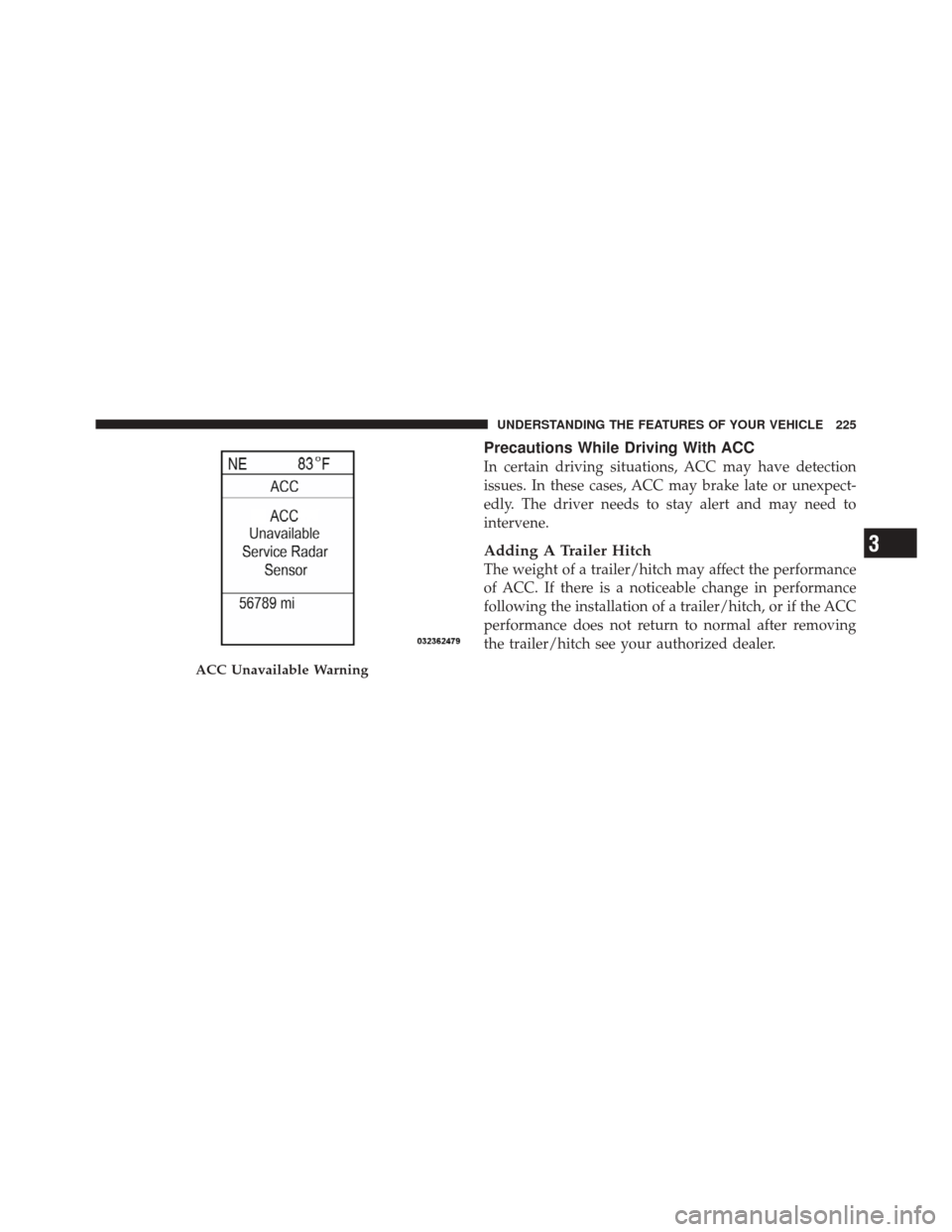
ACC Unavailable Warning
3
UNDERSTANDING THE FEATURES OF YOUR VEHICLE 225
Page 228 of 686

Offset Driving
ACC may not detect a vehicle in the same lane that is
offset from your direct line of travel. There will not be
sufficient distance to the vehicle ahead. The offset vehicle
may move in and out of the line of travel, which can
cause your vehicle to brake or accelerate unexpectedly.
Turns And Bends
When driving on a curve with ACC engaged, the system
may decrease the vehicle speed and acceleration for
convenience reasons, with no target vehicle detected.
Once the vehicle is out of the curve the system will
resume your original Set Speed. This is a part of normal
ACC system functionality.
226 UNDERSTANDING THE FEATURES OF YOUR VEHICLE
Page 230 of 686

Lane Changing
ACC will not detect a vehicle until it is completely in the
lane in which you are traveling. In the illustration shown,
ACC has not yet detected the vehicle changing lanes and
it may not detect the vehicle until it’s too late for the ACC
system to take action. ACC will not detect a vehicle until
it is completely in the lane. There will not be sufficient
distance to the lane-changing vehicle. Always be atten-
tive and ready to apply the brakes if necessary.
Narrow Vehicles
Some narrow vehicles traveling near the outer edges of
the lane or edging into the lane are not detected until they
have moved fully into the lane. There will not be suffi-
cient distance to the vehicle ahead.
228 UNDERSTANDING THE FEATURES OF YOUR VEHICLE
Page 231 of 686

Stationary Objects And Vehicles
ACC does not react to stationary objects and stationary
vehicles. For example, ACC will not react in situations
where the vehicle you are following exits your lane and
the vehicle ahead is stopped in your lane. Always be
attentive and ready to apply the brakes if necessary.
General Information
FCC Requirements For Vehicular Radar SystemsClassification Specifications:47 C.F.R. Part 15
47 C.F.R Part 15.515
3
UNDERSTANDING THE FEATURES OF YOUR VEHICLE 229
Page 233 of 686
To Vary The Speed Setting
There are two ways to change the set speed:
•Use the accelerator pedal to adjust the vehicle to the
desired speed and press the SET-button.
•Tap the RES +or SET -button to increase or decrease
the set speed in 1 mph (1.6 km/h) increments respec-
tively. Hold the RES +or SET -button for 5 mph
(8 km/h) increments.
To Cancel
The system will disable normal Cruise Control without
erasing the memory if:
•You softly tap or depress the brake pedal.
•You press the CANCEL button.
•The Electronic Stability Control/Traction Control Sys-
tem (ESC/TCS) activates.
To Resume
Press the RES +button and then remove your foot from
the accelerator pedal. The EVIC will display the last set
speed.
To Turn Off
The system will turn off and erase the set speed in
memory if:
•You push the ON/OFF button.
•You turn off the ignition.
•You engage Four-Wheel Drive Low.
If the Cruise Control system is turned off and reactivated,
the system will return to the last driver setting (ACC or
Normal Cruise Control).
3
UNDERSTANDING THE FEATURES OF YOUR VEHICLE 231
Page 234 of 686

Forward Collision Warning — If Equipped
Forward Collision Warning (FCW) warns the driver of a
potential collision with the vehicle in front of you and
prompts the driver to take action in order to avoid the
collision.
FCW monitors the information from the forward looking
sensor as well as the Electronic Brake Controller (EBC),
wheel speed sensors, i.e., to calculate a probable rear-end
collision. When the system determines that a rear-end
collision is probable a warning message (both audible
and visual) will be displayed on the EVIC. When the
system determines a collision with the vehicle in front of
you is no longer probable, the warning message will be
deactivated.When entering or driving in a curve, the FCW alerts may
be triggered on objects other than vehicles such as guard
rails or sign posts based on the course prediction. This is
expected and is a part of normal FCW activation and
functionality.
FCW Message
232 UNDERSTANDING THE FEATURES OF YOUR VEHICLE
Page 304 of 686
system. If this light remains on after several ignition
cycles, and the vehicle has been driven several miles
(kilometers) at speeds greater than 30 mph (48 km/h), see
your authorized dealer as soon as possible to have the
problem diagnosed and corrected.
NOTE:
•The “ESC Off Indicator Light” and the “ESC
Activation/Malfunction Indicator Light” come on mo-
mentarily each time the ignition switch is turned to
ON/RUN.
•Each time the ignition is turned to ON/RUN, the ESC
system will be ON, even if it was turned off previously.
•The ESC system will make buzzing or clicking sounds
when it is active. This is normal; the sounds will stop
when ESC becomes inactive following the maneuver
that caused the ESC activation.5. Electronic Stability Control (ESC) OFF Indicator
Light — If Equipped
This light indicates the Electronic Stability Con-
trol (ESC) is off.
6. Anti-Lock Brake (ABS) Light This light monitors the Anti-Lock Brake System
(ABS). The light will turn on when the ignition
switch is turned to the ON/RUN position and
may stay on for as long as four seconds.
If the ABS light remains on or turns on while driving, it
indicates that the Anti-Lock portion of the brake system
is not functioning and that service is required. However,
the conventional brake system will continue to operate
normally if the BRAKE warning light is not on.
If the ABS light is on, the brake system should be serviced
as soon as possible to restore the benefits of Anti-Lock
302 UNDERSTANDING YOUR INSTRUMENT PANEL
Page 305 of 686
brakes. If the ABS light does not turn on when the
ignition switch is turned to the ON/RUN position, have
the light inspected by an authorized dealer.
7. Front Fog Light Indicator — If EquippedThis indicator will illuminate when the front fog
lights are on.
8. Park/Headlight ON Indicator — If Equipped This indicator will illuminate when the park
lights or headlights are turned on.
9. Turn Signal Indicator The arrows will flash with the exterior turn signals
when the turn signal lever is operated. A tone will
chime, and an EVIC message will appear if the turn
signals are left on for more than 1 mile (1.6 km).
NOTE: If either indicator flashes at a rapid rate, check
for a defective outside light bulb. 10. High Beam Indicator
This light indicates that the headlights are on high
beam. Pull the turn signal lever toward the steer-
ing wheel to switch the headlights to low beam.
11. Electronic Vehicle Information Center (EVIC) Red
Telltale Area
This area will display the EVIC reconfigurable red tell-
tales. For further information, refer to “Electronic vehicle
Information Center (EVIC)”.
12. Electronic Vehicle Information Center (EVIC)
Display/Odometer Display
The odometer display shows the total distance the ve-
hicle has been driven.
U.S. Federal regulations require that upon transfer of
vehicle ownership, the seller certify to the purchaser the
correct mileage that the vehicle has been driven. If your
odometer needs to be repaired or serviced, the repair
technician should leave the odometer reading the same
4
UNDERSTANDING YOUR INSTRUMENT PANEL 303