display DODGE DURANGO 2012 3.G Workshop Manual
[x] Cancel search | Manufacturer: DODGE, Model Year: 2012, Model line: DURANGO, Model: DODGE DURANGO 2012 3.GPages: 686, PDF Size: 4.46 MB
Page 327 of 686
Vehicle Speed
This feature allows you to monitor your vehicle speed on
the EVIC display, press and release the SELECT button to
change the units of measure between in MPH or km/h.
Trip Info
This feature allows you to track the total distance trav-
eled since the last reset and the elapsed time of travel.
Press and release the UP/DOWN buttons until one of the
following Trip Functions displays in the EVIC:
•Trip A
•Trip B
•Elapsed TimePress the UP/DOWN buttons to cycle through all the
Trip Computer functions. The Trip Functions mode dis-
plays the following information:
Trip A
Shows the total distance traveled for Trip A since the last
reset.
Trip B
Shows the total distance traveled for Trip B since the last
reset.
Elapsed Time
Shows the total elapsed time of travel since the last reset
when the ignition switch is in the ACC position. Elapsed
time will increment when the ignition switch is in the ON
or START position.
To Reset The Display
Press and release the SELECT button once to clear the
resettable function being displayed.
4
UNDERSTANDING YOUR INSTRUMENT PANEL 325
Page 328 of 686
Vehicle Info (Customer Information Features)
Press and release the UP or DOWN button until “Vehicle
Info” displays in the EVIC and press the SELECT button.
Press the UP and DOWN button to scroll through the
available information displays, then press SELECT to
display any one of the following choices.
•Coolant Temp
Displays the actual coolant temperature.
•Oil Temperature
Displays the actual oil temperature.
•Oil Pressure
Displays the actual oil pressure.
•Trans Temperature
Displays the actual transmission temperature.
•Engine Hours
Displays the number of hours of engine operation.
Units
Press and release the UP or DOWN button until “Units”
displays in the EVIC and press the SELECT button. The
EVIC, odometer, and navigation system (if equipped) can
be changed between English and Metric units of mea-
sure. To make your selection, press and release the
SELECT button the selected setting will be displayed.
Keyless Enter-N-Go Display — If Equipped
When the ENGINE START/STOP button is pressed to
change ignition switch positions, the Keyless Enter-N-Go
icon momentarily appears in the lower right corner of the
EVIC display showing the new ignition switch position.
Refer to “Keyless Enter-N-Go” in “Starting And Operat-
ing” for more information.
NOTE: Under certain conditions, the display may be
superseded by another display of higher priority. But
when the ignition switch position is changed, the display
always re-appears.
326 UNDERSTANDING YOUR INSTRUMENT PANEL
Page 329 of 686
Messages #
Select from Main Menu using the UP or DOWN buttons.
This feature shows the number of stored warning mes-
sages (in the # place holder). Pressing the SELECT button
will allow you to see what the stored messages are. Press
and release the UP and DOWN buttons if there is more
than one message to step through the remaining stored
messages. Pressing the BACK button takes you back to
the Main Menu.
Turn Menu OFF
Select from Main Menu using the DOWN button. Press-
ing the SELECT button blanks the menu display. Pressing
any one of the four steering wheel buttons brings the
menu back.
Compass / Temperature Display
The compass readings indicate the direction the vehicle is
facing. The EVIC will display one of eight compass
readings and the outside temperature.NOTE:
The system will display the last known outside
temperature when starting the vehicle and may need to
be driven several minutes before the updated tempera-
ture is displayed. Engine temperature can also affect the
displayed temperature; therefore, temperature readings
are not updated when the vehicle is not moving.
Automatic Compass Calibration
This compass is self-calibrating, which eliminates the
need to manually reset the compass. When the vehicle is
new, the compass may appear erratic and the EVIC will
display CAL until the compass is calibrated. You may
also calibrate the compass by completing one or more
360–degree turns (in an area free from large metal or
metallic objects) until the CAL indicator displayed in the
EVIC turns off. The compass will now function normally.4
UNDERSTANDING YOUR INSTRUMENT PANEL 327
Page 331 of 686
3. Press the DOWN button until the “Compass Variance”
message is displayed in the EVIC, then press the SELECT
button. The last variance zone number displays in the
EVIC.
4. Press and release the SELECT button until the proper
variance zone is selected, according to the map.
5. Press and release the BACK button to exit.
Manual Compass Calibration
If the compass appears erratic and the CAL indicator
does not appear in the EVIC display, you must put the
compass into the Calibration Mode manually, as follows:
NOTE:
For the most accurate compass performance, the
compass variance must be set before performing the
manual compass calibration. The variance should be set
for the zone where the vehicle is driven, per the zone map.
For further information, refer to “Compass Variance.”
1. Turn ON the ignition switch.
2. Press the UP or DOWN button until the Setup
(Customer-Programmable Features) menu is reached,
then press the SELECT button.
3. Press the DOWN button until “Calibrate Compass” is
displayed in the EVIC.
4. Press and release the SELECT button to start the
calibration. The “CAL” indicator will be displayed in the
EVIC.
5. Complete one or more 360–degree turns (in an area
free from large metal or metallic objects) until the “CAL”
indicator turns off. The compass will now function
normally.
4
UNDERSTANDING YOUR INSTRUMENT PANEL 329
Page 332 of 686
Customer-Programmable Features
(System Setup)
Personal Settings allows you to set and recall features
when the transmission is in PARK. If the transmission is
out of PARK or the vehicle begins moving, a warning
messageSETUP NOT AVAILABLE, is followed in three
seconds by, VEHICLE NOT IN PARK.
Press and release the UP or DOWN button until Setup
displays in the EVIC.
Use the UP or DOWN button to display one of the
following choices.
Select Language
When in this display you may select one of five lan-
guages for all display nomenclature, including the trip
functions and the navigation system (if equipped). Press
the UP or DOWN button while in this display and scroll
through the language choices. Press the SELECT button
to select English, Spanish (Español), French (Français), Italian (Italiano), German (Deutsch), and Dutch (Neder-
lands). Then, as you continue, the information will dis-
play in the selected language.
Nav–Turn By Turn
When this feature is selected, the navigation system
utilizes voice commands, guiding through the drive
route, mile by mile, turn-by-turn until the final destina-
tion is reached. To make your selection, press and release
the SELECT button until a check-mark appears next to
the feature showing the system has been activated or the
check-mark is removed showing the system has been
deactivated.
Auto Unlock Doors
When this feature is selected, all doors will unlock when
the vehicle is stopped and the transmission is in the
PARK or NEUTRAL position and the driver’s door is
opened. To make your selection, press and release the
SELECT button until a check-mark appears next to the
330 UNDERSTANDING YOUR INSTRUMENT PANEL
Page 337 of 686
Illuminated Approach
When this feature is selected, the headlights will activate
and remain on for 0, 30, 60, or 90 seconds when the doors
are unlocked with the RKE transmitter. To make your
selection, scroll up or down until the preferred setting is
highlighted, then press and release the SELECT button
until a check-mark appears next to the setting, showing
that the setting has been selected.
Hill Start Assist (HSA)
When this feature is selected, the HSA system is active.
Refer to “Electronic Brake Control System” in “Starting
And Operating” for system function and operating infor-
mation. To make your selection, press and release the
SELECT button until a check-mark appears next to the
feature showing the system has been activated or the
check-mark is removed showing the system has been
deactivated.
Display ECO Symbol — If Equipped
The “ECO” message is located in the Compass/
Temperature display; this message can be turned on or
off. To make your selection, press and release the SELECT
button until a check-mark appears next to the setting,
showing that the setting has been selected.
Keyless Enter-N-Go (Passive Entry)
This feature allows you to lock and unlock the vehicle’s
door(s) without having to press the RKE transmitter lock
or unlock buttons. To make your selection, press and
release the SELECT button until a check-mark appears
next to the feature showing the system has been activated
or the check-mark is removed showing the system has
been deactivated. Refer to “Keyless Enter-N-Go ” in
“Things To Know Before Starting Your Vehicle”.4
UNDERSTANDING YOUR INSTRUMENT PANEL 335
Page 339 of 686
mode the Blind Spot Monitor (BSM) will show a visual
alert in the outside mirrors as well as an audible alert
when the turn signal is on. When “Blind Spot: Off” is
selected the Blind Spot Monitor (BSM) system is deacti-
vated.
NOTE:If your vehicle has experienced any damage in
the area where the sensor is located, even if the fascia is
not damaged, the sensor may have become misaligned.
Take your vehicle to an authorized dealer to verify sensor
alignment. Having a sensor that is misaligned will result
in the BSM not operating to specification.
Forward Collision Warning
The Forward Collision Warning (FCW) feature can be can
be set to Far, set to Near or turned Off. The default status
of FCW is the Far setting. This means the system will
warn you of a possible collision with the vehicle in front
of you when you are farther away. This gives you the
most reaction time. To change the setting for more
dynamic driving select the Near setting. This warns you of a possible collision with the vehicle in front of you
when you are much closer. This allows for a more
dynamic driving experience. To change FCW status press
and release the SELECT button until a check-mark ap-
pears next to the feature showing the system has been
activated or the check-mark is removed showing the
system has been deactivated.
For further information, refer to ”Adaptive Cruise Con-
trol (ACC)” in “Understanding The Features Of Your
Vehicle.”
Park Assist System
The Rear Park Assist system will scan for objects behind
the vehicle when the transmission is in the REVERSE
position and the vehicle speed is less than 11 mph
(18 km/h). The system can be enabled with Sound Only,
Sound and Display, or turned OFF through the EVIC.
To make your selection, scroll up or down until the
preferred setting is highlighted, then press and release
4
UNDERSTANDING YOUR INSTRUMENT PANEL 337
Page 340 of 686
the SELECT button until a check-mark appears next to
the setting, showing that the setting has been selected.
Refer to “Rear Park Assist System” in “Understanding
The Features Of Your Vehicle” for system function and
operating information.
Display Units Of Measure In:
The EVIC, odometer, and Uconnect™ gps (if equipped)
can be changed between English and Metric units of
measure. To make your selection, press and release the
SELECT button until “ENGLISH” or “METRIC” appears.
Liftgate Chime
When this feature is selected the chime will sound when
the liftgate is in operation, signaling that the liftgate is in
operation. To make your selection, press and release the
SELECT button until a check-mark appears next to the
feature showing the system has been activated or the
check-mark is removed showing the system has been
deactivated.
Calibrate Compass
Refer to “Compass Display” for more information.
Compass Variance
Refer to “Compass Display” for more information.
System Status
Press and release the UP/DOWN buttons until one of the
following System Status messages displays in the EVIC:
•System OK
•System Warnings Displayed (will display all currently
active System Warnings)
•Tire Pressure Monitor System (shows the current pres-
sure of all four road tires). For additional information,
refer to “Tire Pressure Monitor System” in “Starting
And Operating”.
338 UNDERSTANDING YOUR INSTRUMENT PANEL
Page 341 of 686
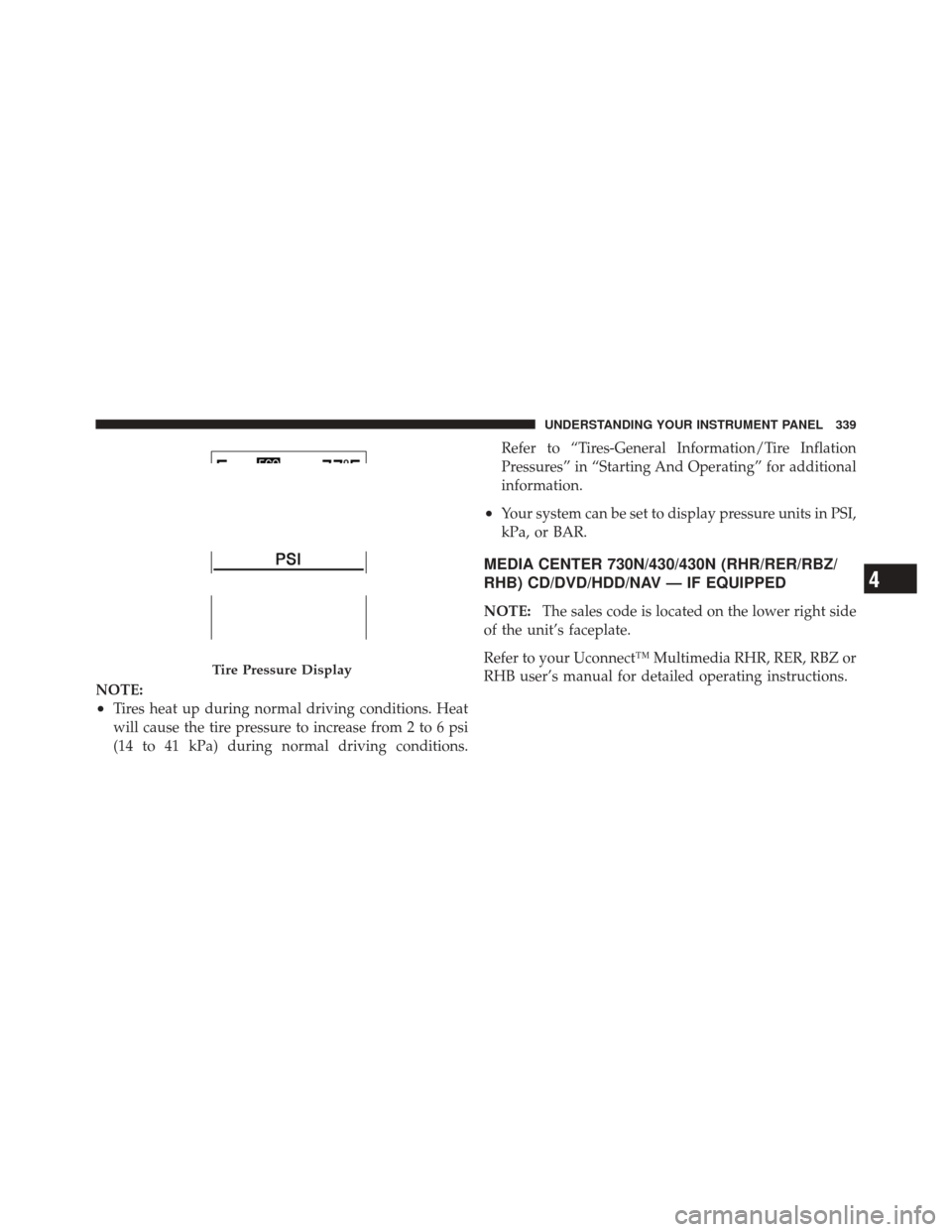
NOTE:
•Tires heat up during normal driving conditions. Heat
will cause the tire pressure to increase from 2 to 6 psi
(14 to 41 kPa) during normal driving conditions.Refer to “Tires-General Information/Tire Inflation
Pressures” in “Starting And Operating” for additional
information.
•Your system can be set to display pressure units in PSI,
kPa, or BAR.
MEDIA CENTER 730N/430/430N (RHR/RER/RBZ/
RHB) CD/DVD/HDD/NAV — IF EQUIPPED
NOTE:
The sales code is located on the lower right side
of the unit’s faceplate.
Refer to your Uconnect™ Multimedia RHR, RER, RBZ or
RHB user’s manual for detailed operating instructions.
Tire Pressure Display
4
UNDERSTANDING YOUR INSTRUMENT PANEL 339
Page 343 of 686
Power Switch/Volume Control (Rotary)
Push the ON/VOLUME control knob to turn on the
radio. Push the ON/VOLUME control knob a second
time to turn off the radio.
Electronic Volume Control
The electronic volume control turns continuously (360
degrees) in either direction, without stopping. Turning
the ON/VOLUME control knob to the right increases the
volume, and to the left decreases it.
When the audio system is turned on, the sound will be
set at the same volume level as last played.
SEEK Buttons
Press and release the SEEK buttons to search for the next
listenable station in AM/FM mode. Press the right switch
to seek up and the left switch to seek down. The radio
will remain tuned to the new station until you make
another selection. Holding either button will bypass
stations without stopping, until you release it.
TIME Button
Press the TIME button to alternate display of the time
and radio frequency.
Clock Setting Procedure
1. Press and hold the TIME button until the hours blink.
2. Adjust the hours by turning the right side TUNE/
SCROLL control knob.
3. After adjusting the hours, press the right side TUNE/
SCROLL control knob to set the minutes. The minutes
will begin to blink.
4. Adjust the minutes using the right side TUNE/
SCROLL control knob. Press the TUNE/SCROLL control
knob to save time change.
5. To exit, press any button/knob, or wait five seconds.
4
UNDERSTANDING YOUR INSTRUMENT PANEL 341