rear camera DODGE DURANGO 2018 User Guide
[x] Cancel search | Manufacturer: DODGE, Model Year: 2018, Model line: DURANGO, Model: DODGE DURANGO 2018Pages: 592, PDF Size: 6.57 MB
Page 514 of 592
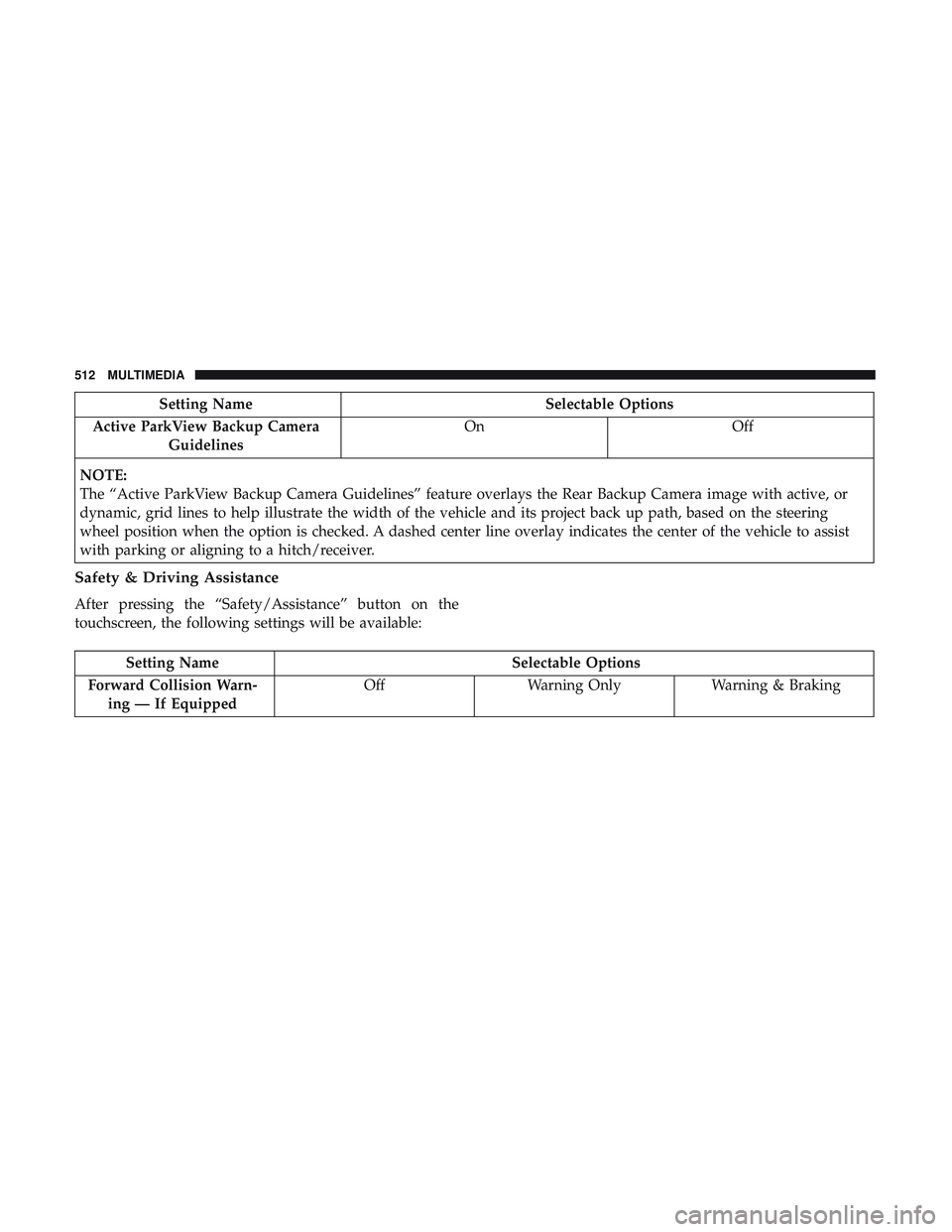
Setting NameSelectable Options
Active ParkView Backup Camera Guidelines On
Off
NOTE:
The “Active ParkView Backup Camera Guidelines” feature overlays the Rear Backup Camera image with active, or
dynamic, grid lines to help illustrate the width of the vehicle and its project back up path, based on the steering
wheel position when the option is checked. A dashed center line overlay indicates the center of the vehicle to assist
with parking or aligning to a hitch/receiver.
Safety & Driving Assistance
After pressing the “Safety/Assistance” button on the
touchscreen, the following settings will be available:
Setting Name Selectable Options
Forward Collision Warn- ing — If Equipped Off
Warning Only Warning & Braking
512 MULTIMEDIA
Page 537 of 592
•Press the Media button on the touchscreen, and then
press the rear media button on the touchscreen.
• Press the OK button on the touchscreen to begin playing
the Blu-ray disc on the touchscreen radio.
Using The Remote Control
• Select an audio channel (Rear 1 for driver ’s side rear
screen and Rear 2 for passenger ’s side rear screen), and
then press the source key, and using the up and down
arrows, highlight disc from the menu and press the OK
button.
• Press the popup/menu key to navigate the disc menu
and options.
Play Video Games
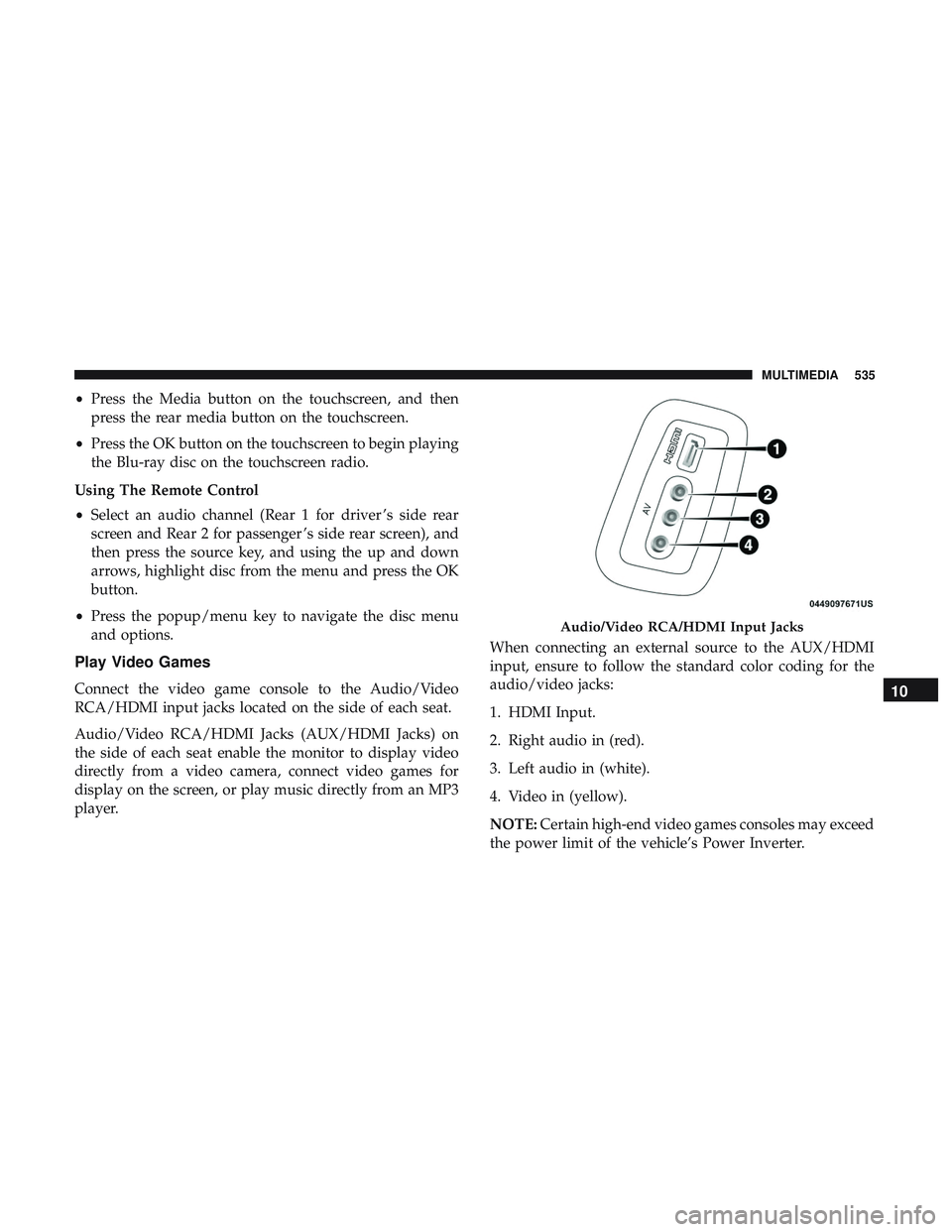
Connect the video game console to the Audio/Video
RCA/HDMI input jacks located on the side of each seat.
Audio/Video RCA/HDMI Jacks (AUX/HDMI Jacks) on
the side of each seat enable the monitor to display video
directly from a video camera, connect video games for
display on the screen, or play music directly from an MP3
player. When connecting an external source to the AUX/HDMI
input, ensure to follow the standard color coding for the
audio/video jacks:
1. HDMI Input.
2. Right audio in (red).
3. Left audio in (white).
4. Video in (yellow).
NOTE:
Certain high-end video games consoles may exceed
the power limit of the vehicle’s Power Inverter.
Audio/Video RCA/HDMI Input Jacks
10
MULTIMEDIA 535
Page 577 of 592
Anti-Lock Warning Light.....................163
Apple CarPlay ............................564
Arming System Security Alarm ...........................29
Assist, Hill Start .......................... .174
Audio Systems (Radio) .......................485
Auto Down Power Windows ..................103
Automatic Headlights ........................74
Automatic High Beams .......................74
Automatic Temperature Control (ATC) ............98
Automatic Transmission ..................262, 273
Adding Fluid .......................... .439
Fluid And Filter Change ...................439
Fluid Change .......................... .439
Fluid Level Check .....................438, 439
Fluid Type ..........................438, 481
Special Additives ........................ .438
Automatic Transmission Limp Home Mode ........278
Auxiliary Electrical Outlet (Power Outlet) .........128
Auxiliary Power Outlet ..................... .128
Axle Fluid ...............................481
Battery ...............................157, 416
Charging System Light ....................157
Keyless Key Fob Replacement ................19Belts, Seat
............................... .253
Blind Spot Monitoring .......................181
Body Mechanism Lubrication ..................425
B-Pillar Location .......................... .446
Brake Assist System ........................ .174
Brake Control System, Electronic ................173
Brake Fluid .......................... .437, 481
Brake System ..........................436, 471
Anti-Lock (ABS) ........................ .471
Fluid Check ............................437
Master Cylinder ........................ .437
Parking ...............................268
Warning Light .......................... .156
Brake/T ransmission
Interlock..................272
Bulb Replacement .......................372, 373
Bulbs, Light ............................. .256
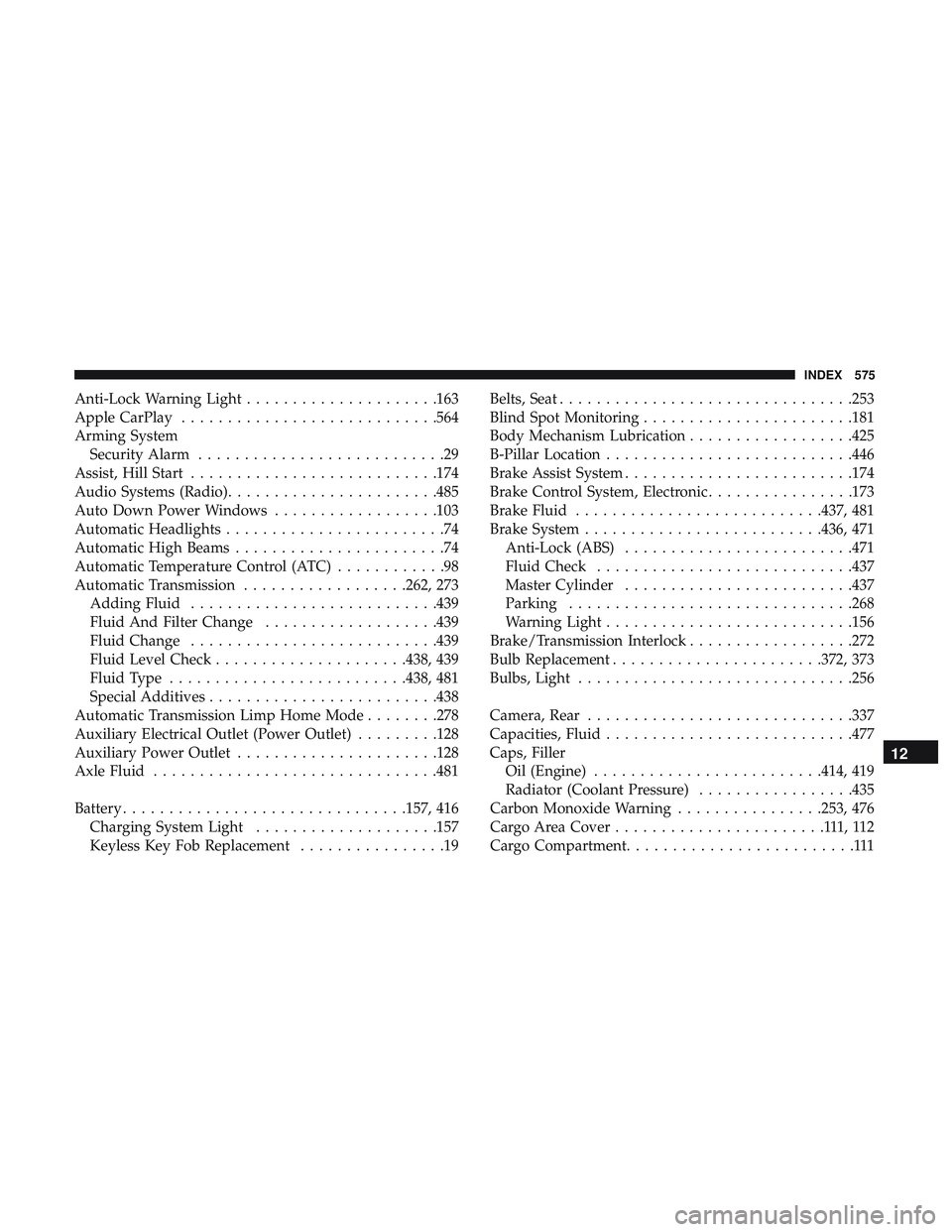
Camera, Rear ............................ .337
Capacities, Fluid .......................... .477
Caps, Filler Oil (Engine) ........................ .414, 419
Radiator (Coolant Pressure) .................435
Carbon Monoxide Warning ................253, 476
Cargo Area Cover .......................111,112
Cargo Compartment .........................111
12
INDEX 575
Page 585 of 592
Sunroof...............................105
Tilt/Telescoping Steering Column ..............66
Windows ............................. .102
Power Seats Down ...............................44, 46
Forward ............................ .44, 46
Rearward ............................44, 46
Up .................................44, 46
Pregnant Women And Seat Belts ................207
Preparation For Jacking ..................... .387
Pretensioners Seat Belts ............................. .208
Radial Ply Tires ............................452
Radiator Cap (Coolant Pressure Cap) .............435
Radio Frequency General Information ................22, 27, 29, 38
Radio Operation .......................... .547
Radio Remote Controls ..................... .527
Rain Sensitive Wiper System ...................83
Rear Air Conditioning ........................95
Rear Axle (Differential) ..................... .439
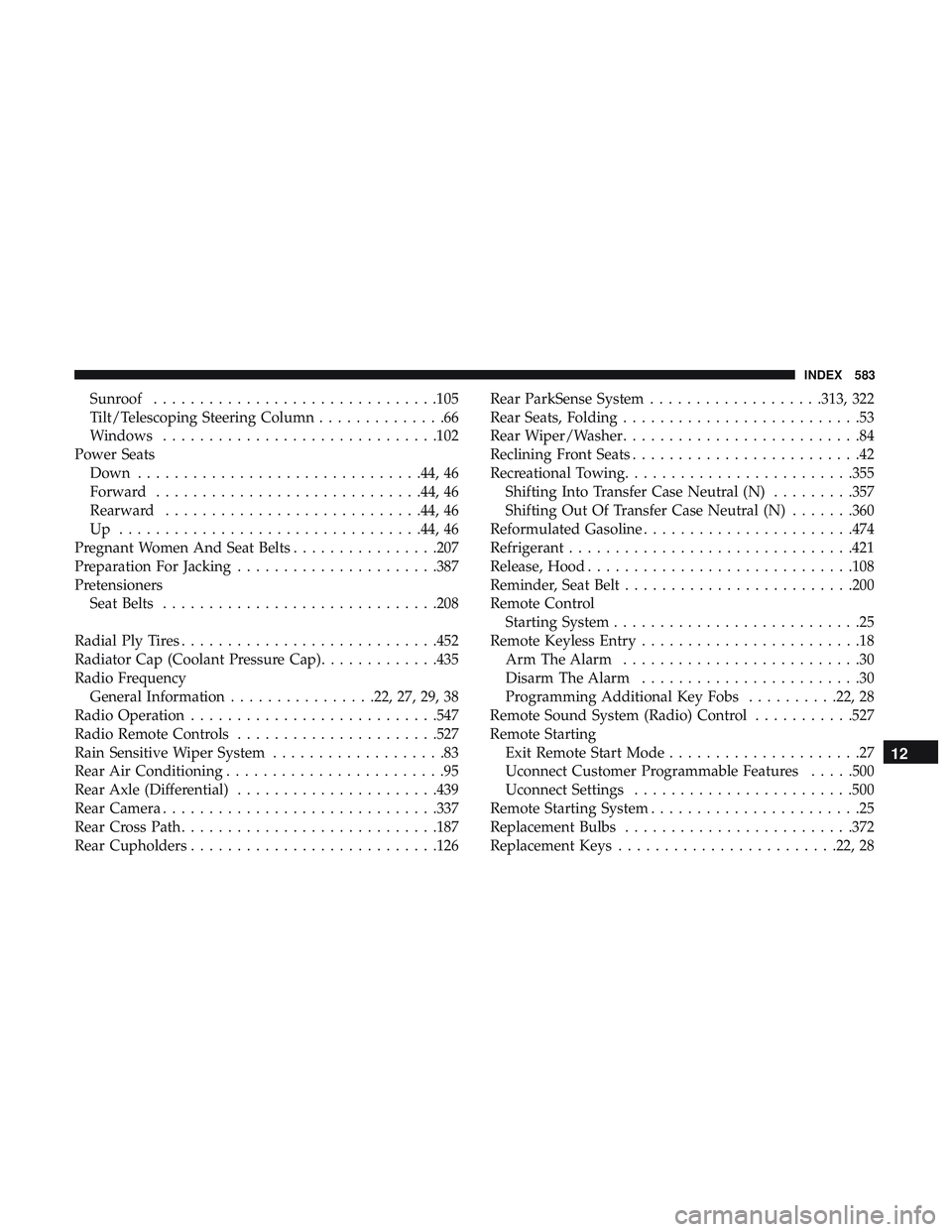
Rear Camera ............................. .337
Rear Cross Path ............................187
Rear Cupholders .......................... .126Rear ParkSense System
...................313, 322
Rear Seats, Folding ..........................53
Rear Wiper/Washer ..........................84
Reclining Front Seats .........................42
Recreational Towing ........................ .355
Shifting Into Transfer Case Neutral (N) .........357
Shifting Out Of Transfer Case Neutral (N) .......360
Reformulated Gasoline .......................474
Refrigerant ...............................421
Release, Hood ............................ .108
Reminder, Seat Belt ........................ .200
Remote Control Starting System ...........................25
Remote Keyless Entry ........................18
Arm The Alarm ..........................30
Disarm The Alarm ........................30
Programming Additional Key Fobs ..........22,28
Remote
Sound System (Radio) Control ...........527
Remote Starting Exit Remote Start Mode .....................27
Uconnect Customer Programmable Features .....500
Uconnect Settings ........................500
Remote Starting System .......................25
Replacement Bulbs ........................ .372
Replacement Keys ........................22, 28
12
INDEX 583