USB DODGE DURANGO 2019 User Guide
[x] Cancel search | Manufacturer: DODGE, Model Year: 2019, Model line: DURANGO, Model: DODGE DURANGO 2019Pages: 598, PDF Size: 4.32 MB
Page 558 of 598
TIP:At any time, if you are not sure of what to say or want
to learn a Voice Command, push the VR button
and say,
“ Help.” The system provides you with a list of com-
mands.
Media
Uconnect offers connections via USB, Bluetooth and auxil-
iary ports (if equipped). Voice operation is only available
for connected USB and AUX devices.
Push the VR button
. After the beep, say one of the
following commands and follow the prompts to switch
your media source or choose an artist.
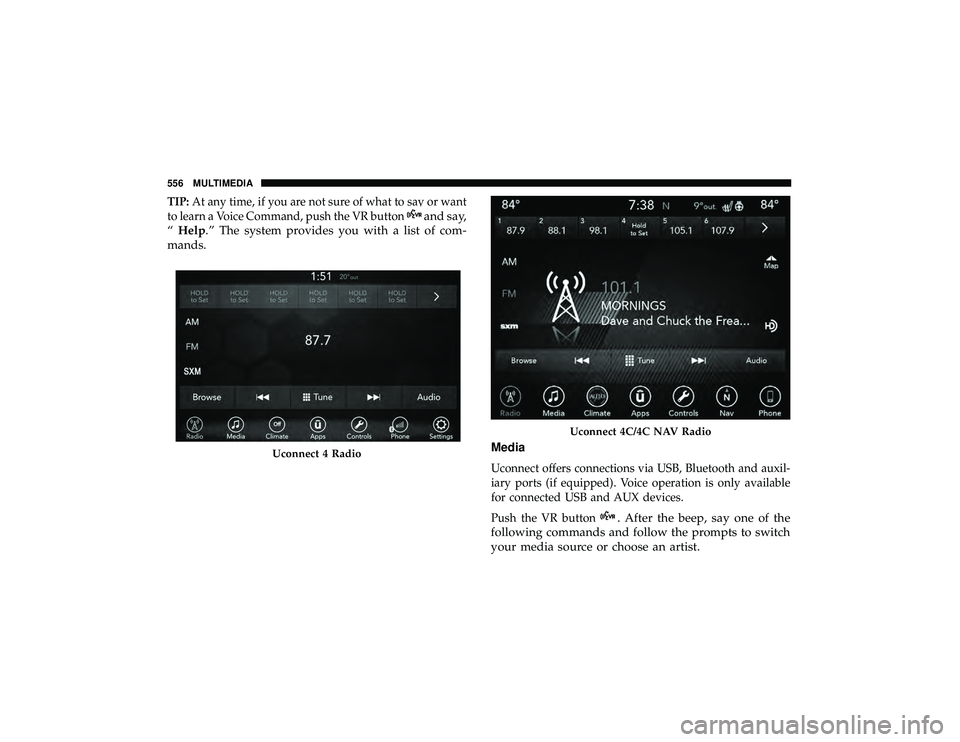
Uconnect 4 Radio
Uconnect 4C/4C NAV Radio
556 MULTIMEDIA
Page 559 of 598
•“Change source to Bluetooth”
• “Change source to AUX”
• “Change source to USB”
• “Play artist Beethoven”; “ Play albumGreatest Hits”; “
Play song Moonlight Sonata”; “ Play genreClassical”
TIP: Press the Browse button on the touchscreen to see all
of the music on your USB device. Your Voice Command
must match exactlyhow the artist, album, song and genre
information is displayed.
Phone
Making and answering hands-free phone calls is easy with
Uconnect. When the Phonebook button is illuminated on
your touchscreen, your system is ready. Check
UconnectPhone.com for mobile phone compatibility and
pairing instructions.
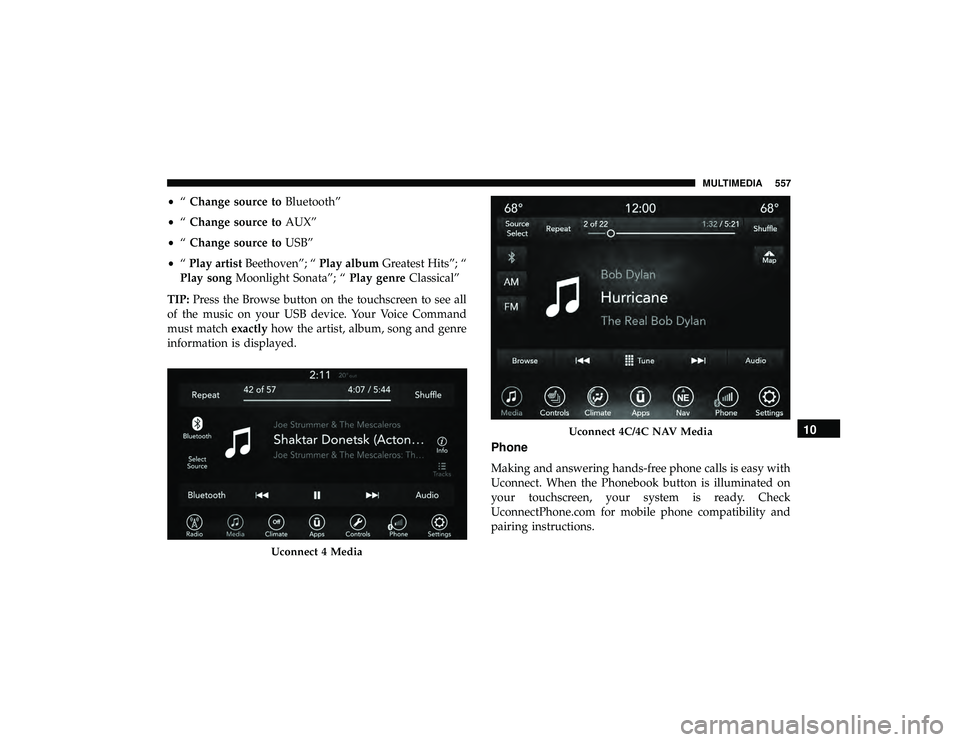
Uconnect 4 Media
Uconnect 4C/4C NAV Media10
MULTIMEDIA 557
Page 570 of 598
Android Auto allows you to use your voice to interact with
Android’s best-in-class speech technology through your
vehicle’s voice recognition system, and use your smart-
phone’s data plan to project your Android powered smart-
phone and a number of its apps onto your Uconnect
touchscreen. Connect your Android 5.0 (Lollipop), or
higher, to one of the media USB ports, using the factory-
provided USB cable, and press the new Android Auto icon
that replaces your “Phone” icon on the main menu bar to
begin Android Auto. Push and hold the VR button on the
steering wheel, or press and hold the “Microphone” icon
within Android Auto, to activate Android’s VR, which
recognizes natural voice commands, to use a list of your
smartphone’s features:
•Maps
• Music
• Phone
• Text Messages
• Additional Apps
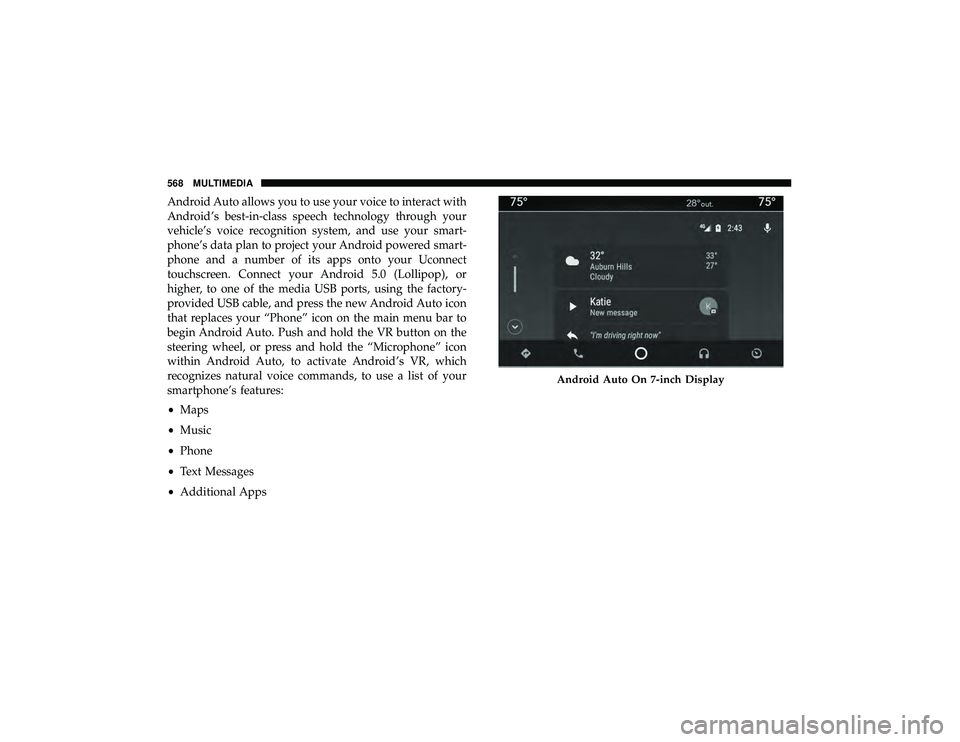
Android Auto On 7-inch Display
568 MULTIMEDIA
Page 571 of 598
Refer to your Uconnect Owner ’s Manual Supplement for
further information.
NOTE:Requires compatible smartphone running Android
5.0 Lollipop or higher and download app on Google Play.
Android, Android Auto, and Google Play are trademarks
of Google Inc.
Apple CarPlay — If Equipped
NOTE: Feature availability depends on your carrier and
mobile phone manufacturer. Some Apple CarPlay features
may or may not be available in every region and/or
language.
Apple CarPlay allows you to use your voice to interact
with Siri through your vehicle’s voice recognition system,
and use your smartphone’s data plan to project your
iPhone and a number of its apps onto your Uconnect
touchscreen. Connect your iPhone 5, or higher, to one of
the media USB ports, using the factory-provided Lightning
cable, and press the new CarPlay icon that replaces your
“Phone” icon on the main menu bar to begin Apple
CarPlay. Push and hold the VR button on the steering
wheel, or press and hold the “Home” button within Apple
CarPlay, to activate Siri, which recognizes natural voice
commands to use a list of your iPhone’s features:
• Phone
• Music
• Messages
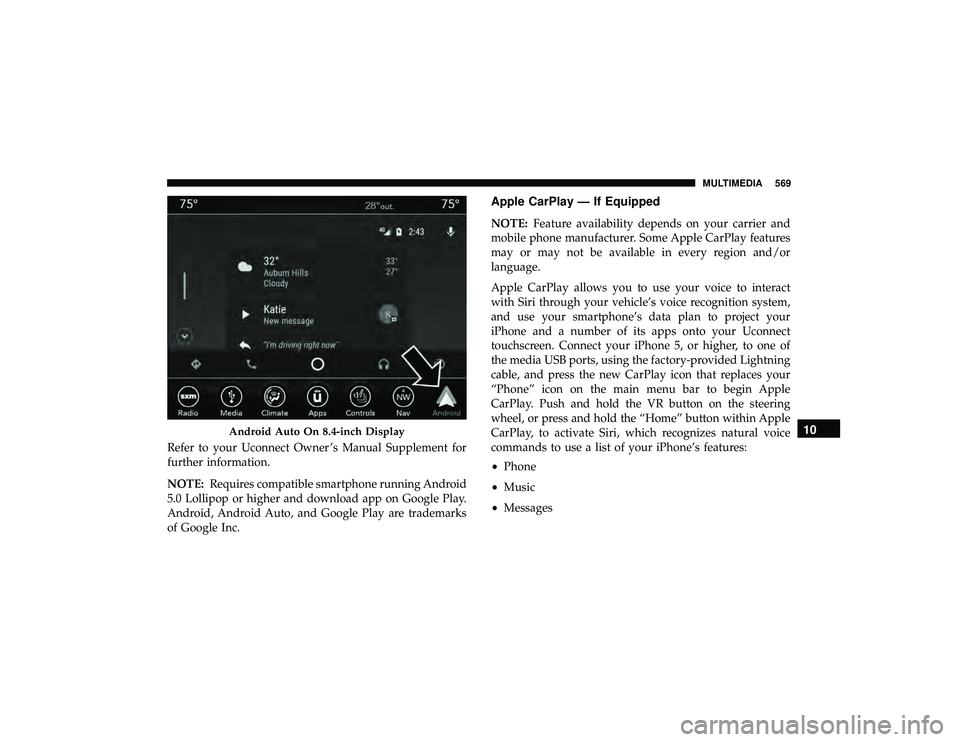
Android Auto On 8.4-inch Display10
MULTIMEDIA 569
Page 588 of 598
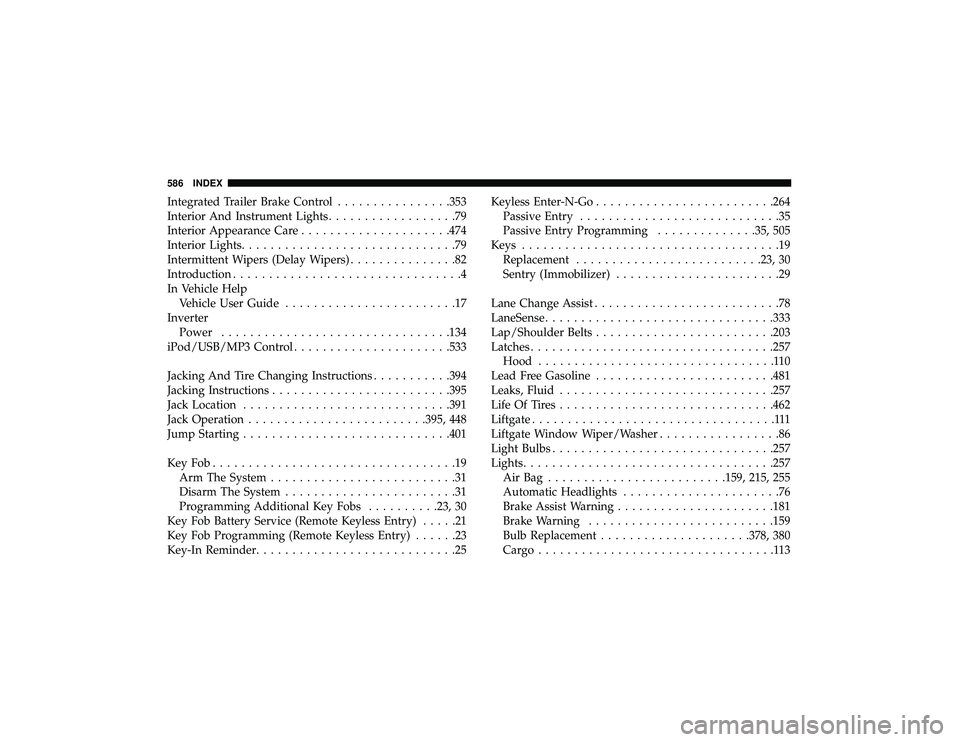
Integrated Trailer Brake Control................353
Interior And Instrument Lights ..................79
Interior Appearance Care .....................474
Interior Lights ..............................79
Intermittent Wipers (Delay Wipers) ...............82
Introduction ................................4
In Vehicle Help Vehicle User Guide ........................17
Inverter Power ............................... .134
iPod/USB/MP3 Control ..................... .533
Jacking And Tire Changing Instructions ...........394
Jacking Instructions ........................ .395
Jack Location ............................ .391
Jack Operation ........................ .395, 448
Jump Starting ............................ .401
KeyFob..................................19 Arm The System ..........................31
Disarm The System ........................31
Programming Additional Key Fobs ..........23, 30
Key Fob Battery Service (Remote Keyless Entry) .....21
Key Fob Programming (Remote Keyless Entry) ......23
Key-In Reminder ............................25 Keyless Enter-N-Go
........................ .264
Passive Entry ............................35
Passive Entry Programming ..............35, 505
Keys ....................................19
Replacement ......................... .23, 30
Sentry (Immobilizer) .......................29
Lane Change Assist ..........................78
LaneSense ............................... .333
Lap/Shoulder Belts ........................ .203
Latches ................................. .257
Hood .................................110
Lead Free Gasoline ........................ .481
Leaks, Fluid ............................. .257
Life Of Tires ............................. .462
Liftgate ..................................111
Liftgate Window Wiper/Washer .................86
Light Bulbs .............................. .257
Lights .................................. .257
AirBag ........................ .159, 215, 255
Automatic Headlights ......................
76
Brake Assist Warning ..................... .181
Brake Warning ......................... .159
Bulb Replacement .....................378, 380
Cargo.................................113
586 INDEX