lights DODGE GRAND CARAVAN 2008 5.G User Guide
[x] Cancel search | Manufacturer: DODGE, Model Year: 2008, Model line: GRAND CARAVAN, Model: DODGE GRAND CARAVAN 2008 5.GPages: 531, PDF Size: 7.72 MB
Page 77 of 531
²Turns on the interior lights, which remain on as long as
the battery has power or until the ignition key is
removed.
²Unlocks the doors automatically.
If A Deployment Occurs
The airbag systems are designed to deploy when the
Occupant Restraint Controller (ORC) detect a moderate-
to-severe collision, to help restrain the driver, front
passenger and rear passengers, and then immediately
deflate.
NOTE:A frontal collision that is not severe enough to
need airbag protection will not activate the system. This
does not mean something is wrong with the airbag
system.If you do have a collision which deploys the airbags, any
or all of the following may occur:
²The nylon airbag material may sometimes cause abra-
sions and/or skin reddening to the driver and front
passenger as the airbags deploy and unfold. The
abrasions are similar to friction rope burns or those
you might get sliding along a carpet or gymnasium
floor. They are not caused by contact with chemicals.
They are not permanent and normally heal quickly.
However, if you haven't healed significantly within a
few days, or if you have any blistering, see your doctor
immediately.
²As the airbags deflate, you may see some smoke-like
particles. The particles are a normal by-product of the
process that generates the nontoxic gas used for airbag
inflation. These airborne particles may irritate the skin,
eyes, nose, or throat. If you have skin or eye irritation,
rinse the area with cool water. For nose or throat
THINGS TO KNOW BEFORE STARTING YOUR VEHICLE 75
2
Page 96 of 531
Airbag Light
The light should come on and remain on for four seconds
as a bulb check when the ignition switch is first turned
ON. If the LED is not lit during starting and/or the light
stays on or comes ON while driving, have the system
checked by an authorized dealer.
Defroster
Check operation by selecting the defrost mode and place
the blower control on high speed. You should be able to
feel the air directed against the windshield.
NOTE:If the defroster is not working or you are unable
to feel air against the windshield in defrost mode, please
see your authorized dealer service center for repairs.
PERIODIC SAFETY CHECKS YOU SHOULD MAKE
OUTSIDE THE VEHICLE
Tires
Examine tires for excessive tread wear or uneven wear
patterns. Check for stones, nails, glass, or other objects
lodged in the tread. Inspect tread and sidewall for cuts or
cracks. Check wheel nuts for tightness, and tires (includ-
ing spare) for proper pressure.
Lights
Have someone observe the operation of exterior lights
while you work the controls. Check turn signal and high
beam indicator lights on the instrument panel.
Fluid Leaks
Check area under vehicle after overnight parking for fuel,
engine coolant, oil or other fluid leaks. Also, if gasoline
fumes are detected or fuel, power steering fluid, trans-
mission fluid or brake fluid leaks are suspected, the cause
should be located and corrected immediately.
94 THINGS TO KNOW BEFORE STARTING YOUR VEHICLE
Page 100 of 531
NSetting Memory Positions And Linking RKE
Transmitter To Memory.................156
mTo Open And Close The Hood.............158
NHood Safety Switch Ð If Equipped........159
mLights...............................160
NInterior Lighting......................160
NExterior Lights.......................162
mMultifunction Lever.....................166
NTurn Signals.........................166
mTilt Steering Column Ð If Equipped.........171
mRear Park Assist System Ð If Equipped.......171
NRear Park Assist Sensors................172
mAdjustable Pedals Ð If Equipped...........177mElectronic Speed Control Ð If Equipped......179
NActivating Electronic Speed Control........179
mOverhead Consoles.....................182
NFront Overhead Console Ð If Equipped.....182
mGarage Door Opener Ð If Equipped.........185
NProgramming HomeLinkt...............187
NGate Operator/Canadian Programming.....190
NSecurity............................191
NTroubleshooting Tips...................191
NGeneral Information...................191
mPower Sunroof Ð If Equipped.............192
NPower Sunroof Operation...............192
mElectrical Power Outlets Ð If Equipped.......195
98 UNDERSTANDING THE FEATURES OF YOUR VEHICLE
Page 103 of 531
CAUTION!
To avoid damage to the mirror during cleaning, never
spray any cleaning solution directly onto the mirror.
Apply the solution onto a clean cloth and wipe the
mirror clean.
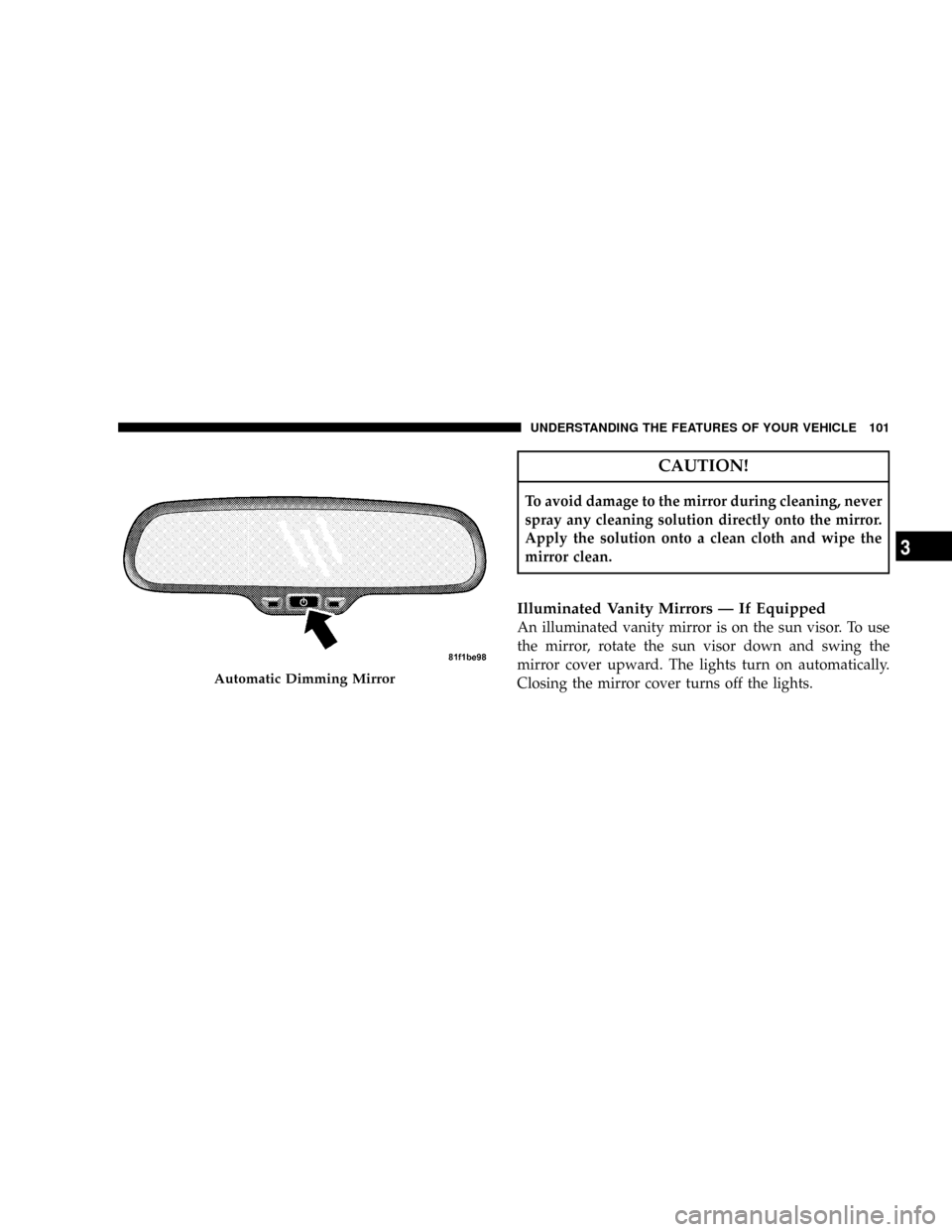
Illuminated Vanity Mirrors Ð If Equipped
An illuminated vanity mirror is on the sun visor. To use
the mirror, rotate the sun visor down and swing the
mirror cover upward. The lights turn on automatically.
Closing the mirror cover turns off the lights.
Automatic Dimming Mirror
UNDERSTANDING THE FEATURES OF YOUR VEHICLE 101
3
Page 137 of 531
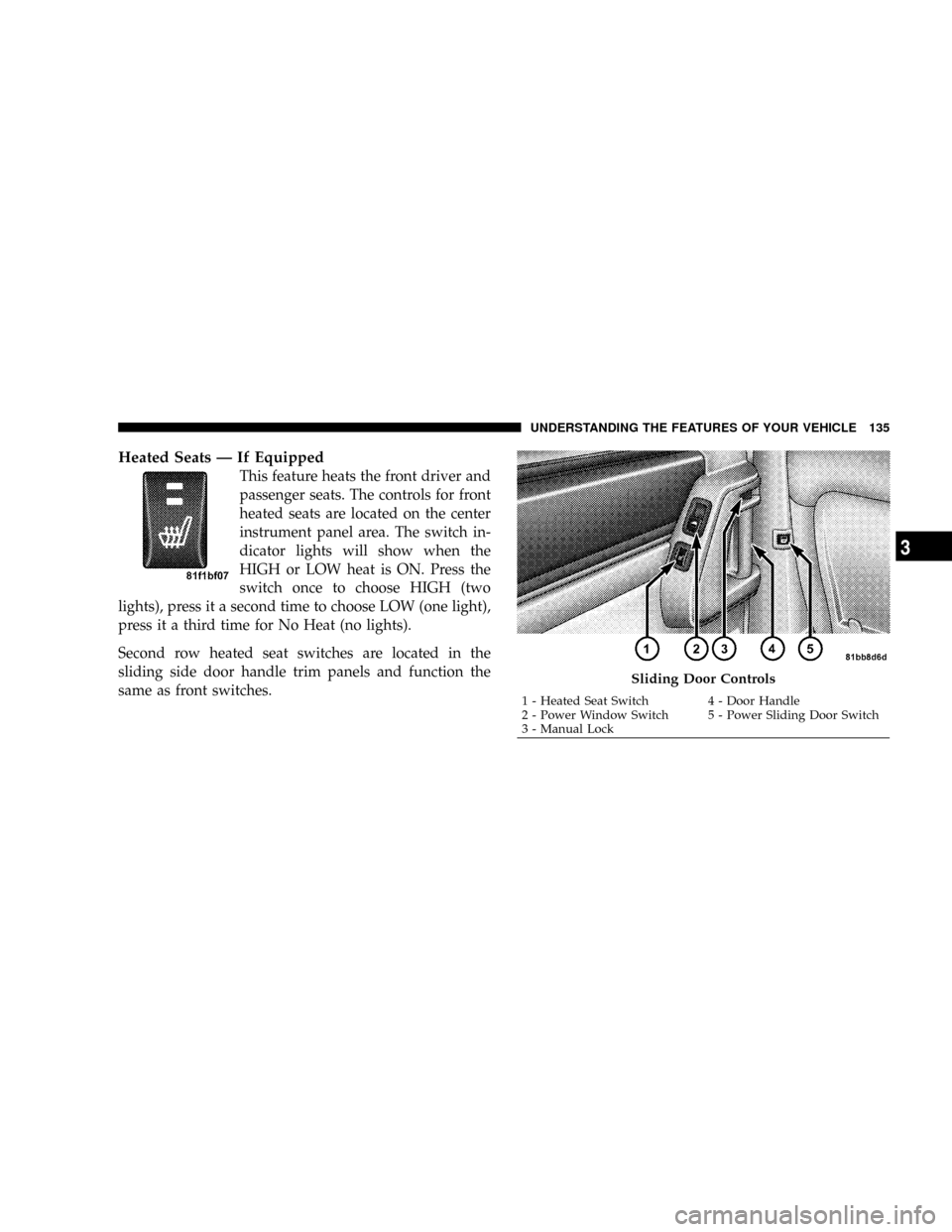
Heated Seats Ð If Equipped
This feature heats the front driver and
passenger seats. The controls for front
heated seats are located on the center
instrument panel area. The switch in-
dicator lights will show when the
HIGH or LOW heat is ON. Press the
switch once to choose HIGH (two
lights), press it a second time to choose LOW (one light),
press it a third time for No Heat (no lights).
Second row heated seat switches are located in the
sliding side door handle trim panels and function the
same as front switches.
Sliding Door Controls
1 - Heated Seat Switch 4 - Door Handle
2 - Power Window Switch 5 - Power Sliding Door Switch
3 - Manual LockUNDERSTANDING THE FEATURES OF YOUR VEHICLE 135
3
Page 162 of 531
If the vehicle is equipped with the Compass Mini-Trip
Computer (CMTC) and the hood is not latched, a ªhoodº
will be displayed in the PRNDL/Odometer window of
the instrument cluster.
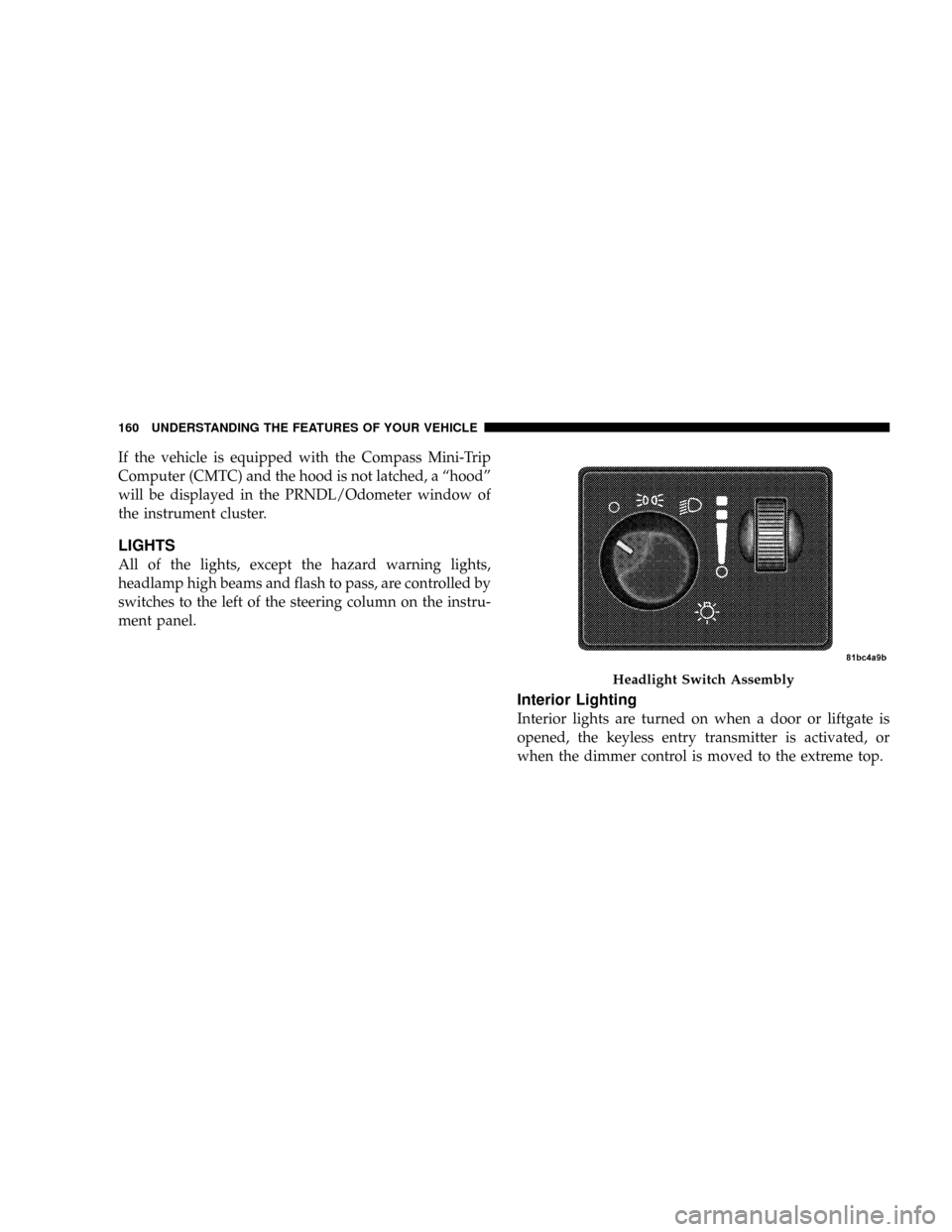
LIGHTS
All of the lights, except the hazard warning lights,
headlamp high beams and flash to pass, are controlled by
switches to the left of the steering column on the instru-
ment panel.
Interior Lighting
Interior lights are turned on when a door or liftgate is
opened, the keyless entry transmitter is activated, or
when the dimmer control is moved to the extreme top.
Headlight Switch Assembly
160 UNDERSTANDING THE FEATURES OF YOUR VEHICLE
Page 163 of 531
The interior lights will automatically turn off in about 10
minutes for the first activation and 90 seconds every
activation thereafter until the engine is started, if one of
the following occur:
²A door, sliding door or the liftgate is left open
²Any overhead reading light is left on
²If the dimmer control is in the extreme top position
NOTE:The key must be out of the ignition switch or the
ignition switch must be in the OFF position for this
feature to operate.
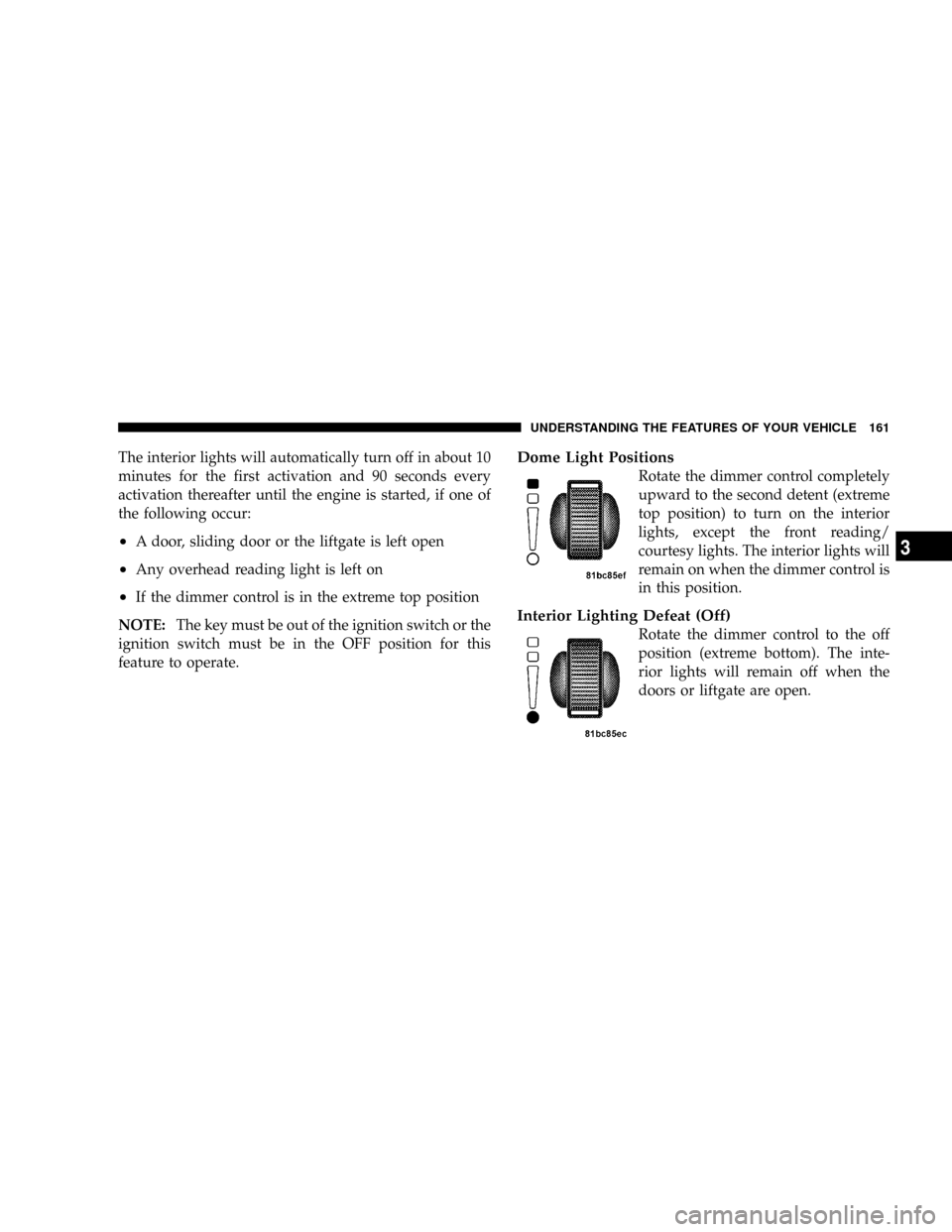
Dome Light Positions
Rotate the dimmer control completely
upward to the second detent (extreme
top position) to turn on the interior
lights, except the front reading/
courtesy lights. The interior lights will
remain on when the dimmer control is
in this position.
Interior Lighting Defeat (Off)
Rotate the dimmer control to the off
position (extreme bottom). The inte-
rior lights will remain off when the
doors or liftgate are open.
UNDERSTANDING THE FEATURES OF YOUR VEHICLE 161
3
Page 164 of 531
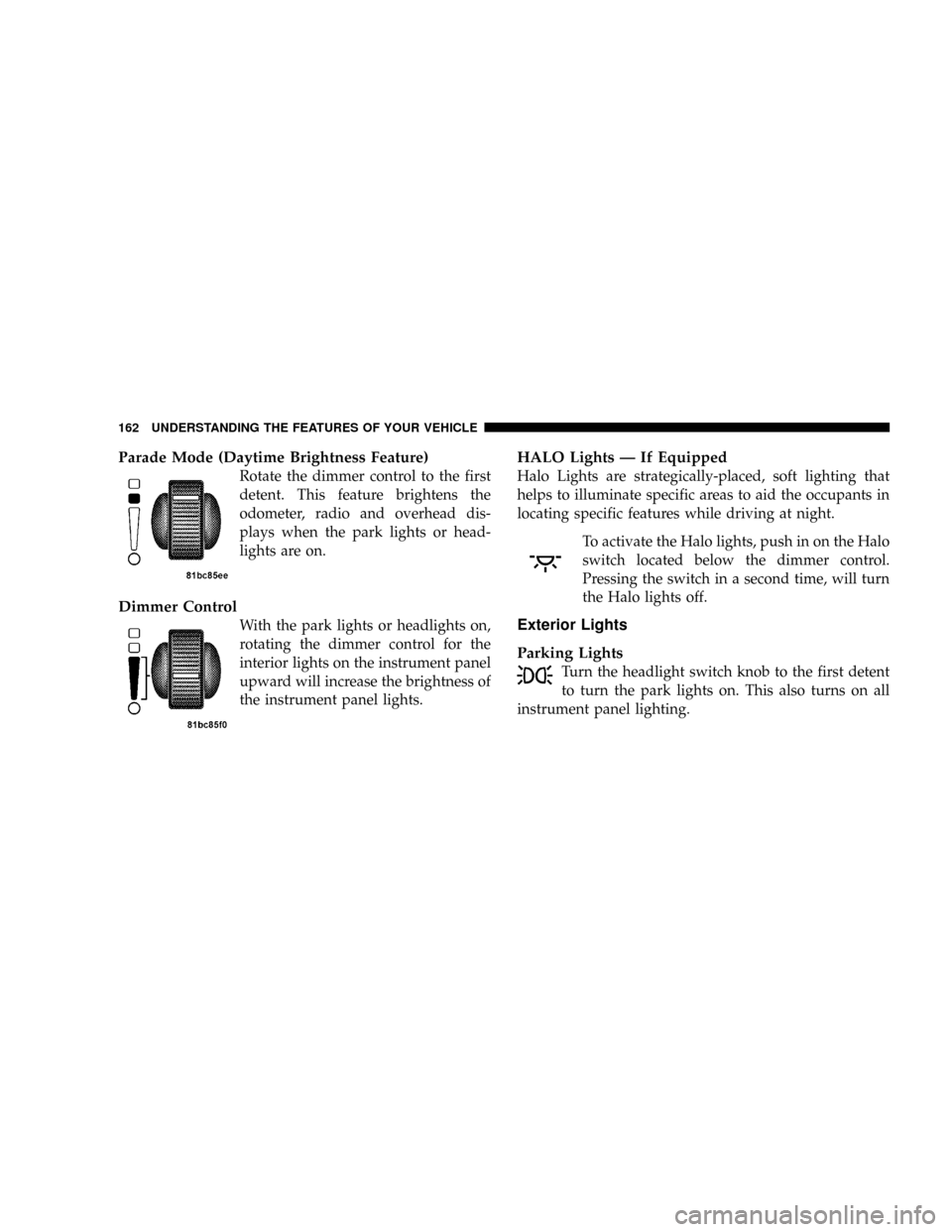
Parade Mode (Daytime Brightness Feature)
Rotate the dimmer control to the first
detent. This feature brightens the
odometer, radio and overhead dis-
plays when the park lights or head-
lights are on.
Dimmer Control
With the park lights or headlights on,
rotating the dimmer control for the
interior lights on the instrument panel
upward will increase the brightness of
the instrument panel lights.
HALO Lights Ð If Equipped
Halo Lights are strategically-placed, soft lighting that
helps to illuminate specific areas to aid the occupants in
locating specific features while driving at night.
To activate the Halo lights, push in on the Halo
switch located below the dimmer control.
Pressing the switch in a second time, will turn
the Halo lights off.
Exterior Lights
Parking Lights
Turn the headlight switch knob to the first detent
to turn the park lights on. This also turns on all
instrument panel lighting.
162 UNDERSTANDING THE FEATURES OF YOUR VEHICLE
Page 165 of 531
Daytime Running Lights (Canada/Fleet Vehicles
Only)
The headlights on your vehicle will illuminate when the
engine is started and the transmission is in any gear
except PARK. This provides a constant lights on condi-
tion until the ignition is turned OFF. The lights illuminate
at less than 50% of normal intensity. If the parking brake
is applied the Daytime Running Lights (DRL) will turn
off. Also, if a turn signal is activated, the DRL lamp on the
same side of the vehicle will turn off for the duration of
the turn signal activation. Once the turn signal is no
longer active, the DRL lamp will illuminate.
Headlights
Turn the headlight switch knob to the 2nd
detent to turn the headlights and park lights
on. This also turns on all instrument panel
lighting.To change the brightness of the instrument panel lights,
rotate the dimmer control up or down.
Automatic Headlights Ð If Equipped
This system automatically turns your headlights on or off
based on ambient light levels. To turn the system on, turn
the headlight switch to the extreme counterclockwise
position aligning the indicator with theªAºon the
headlight switch. When the system is on, the Headlight
Time Delay feature is also on. This means your headlights
will stay on for up to 90 seconds after you turn the
ignition switch OFF. To turn the Automatic System off,
turn the headlight switch clockwise to theªOºoff
position.
UNDERSTANDING THE FEATURES OF YOUR VEHICLE 163
3
Page 166 of 531
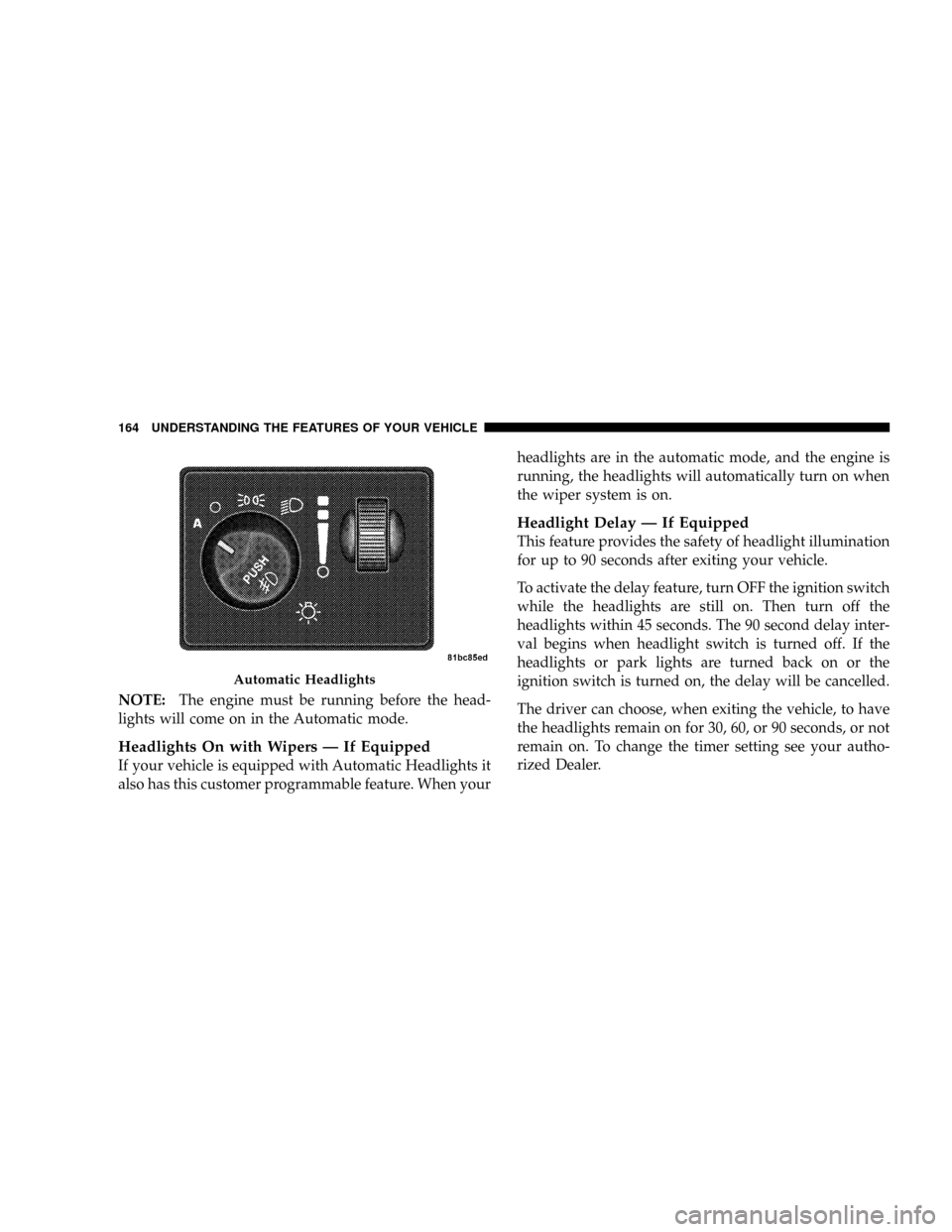
NOTE:The engine must be running before the head-
lights will come on in the Automatic mode.
Headlights On with Wipers Ð If Equipped
If your vehicle is equipped with Automatic Headlights it
also has this customer programmable feature. When yourheadlights are in the automatic mode, and the engine is
running, the headlights will automatically turn on when
the wiper system is on.
Headlight Delay Ð If Equipped
This feature provides the safety of headlight illumination
for up to 90 seconds after exiting your vehicle.
To activate the delay feature, turn OFF the ignition switch
while the headlights are still on. Then turn off the
headlights within 45 seconds. The 90 second delay inter-
val begins when headlight switch is turned off. If the
headlights or park lights are turned back on or the
ignition switch is turned on, the delay will be cancelled.
The driver can choose, when exiting the vehicle, to have
the headlights remain on for 30, 60, or 90 seconds, or not
remain on. To change the timer setting see your autho-
rized Dealer.
Automatic Headlights
164 UNDERSTANDING THE FEATURES OF YOUR VEHICLE