stop start DODGE GRAND CARAVAN 2008 5.G User Guide
[x] Cancel search | Manufacturer: DODGE, Model Year: 2008, Model line: GRAND CARAVAN, Model: DODGE GRAND CARAVAN 2008 5.GPages: 531, PDF Size: 7.72 MB
Page 202 of 531
CUP HOLDERS AND CONVENIENCE TRAY
DRAWER
There are nine cup holders in the interior. Two cup
holders in the center front instrument panel, four in the
floor consoles and three more are located in the third row
quarter trim panel.
All liners are removable for cleaning. Pull the flexible
liner from the cup holder drawer or tray; starting at one
edge to ease removal. Refer to ªCleaning The Instrument
Panel Cup Holdersº in Section 7.
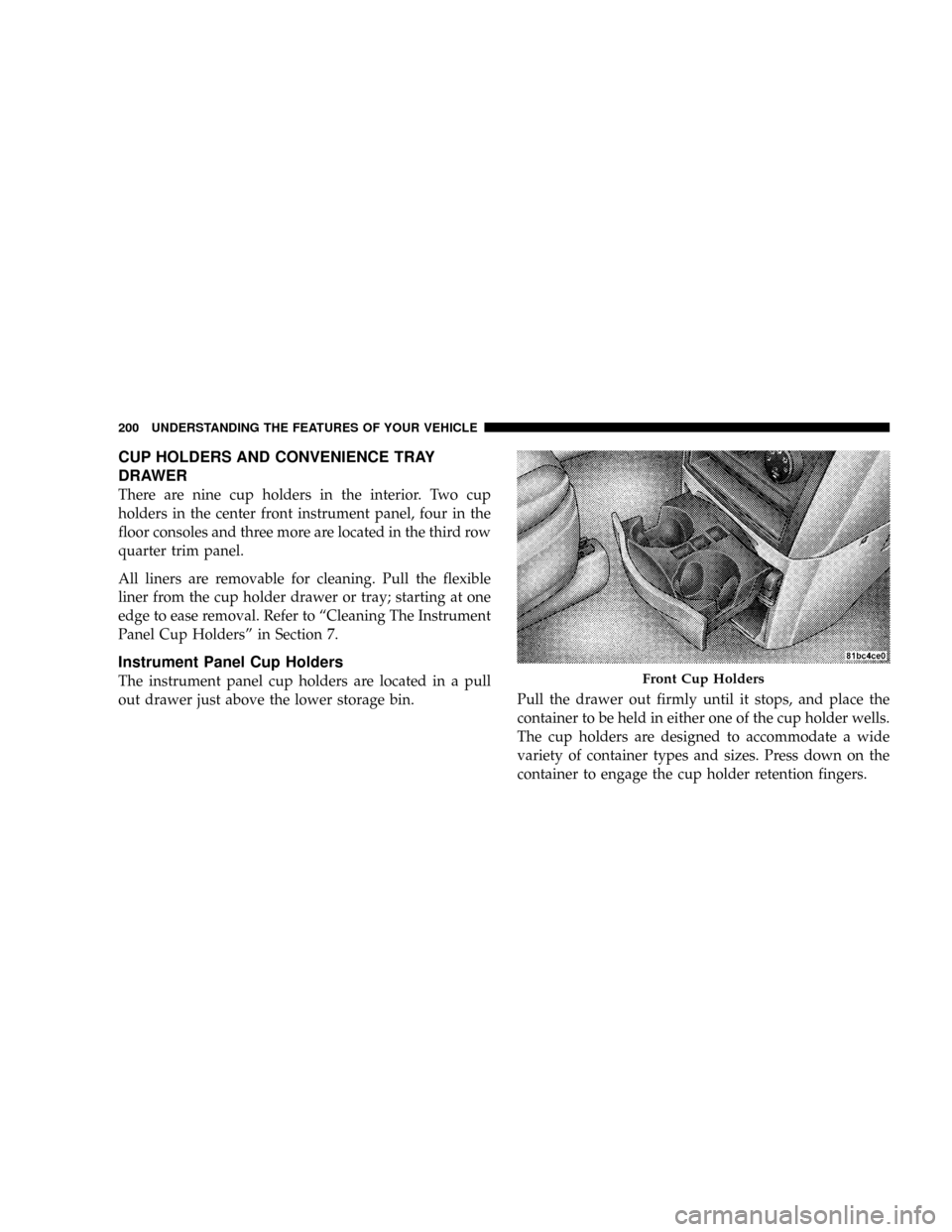
Instrument Panel Cup Holders
The instrument panel cup holders are located in a pull
out drawer just above the lower storage bin.Pull the drawer out firmly until it stops, and place the
container to be held in either one of the cup holder wells.
The cup holders are designed to accommodate a wide
variety of container types and sizes. Press down on the
container to engage the cup holder retention fingers.Front Cup Holders
200 UNDERSTANDING THE FEATURES OF YOUR VEHICLE
Page 234 of 531
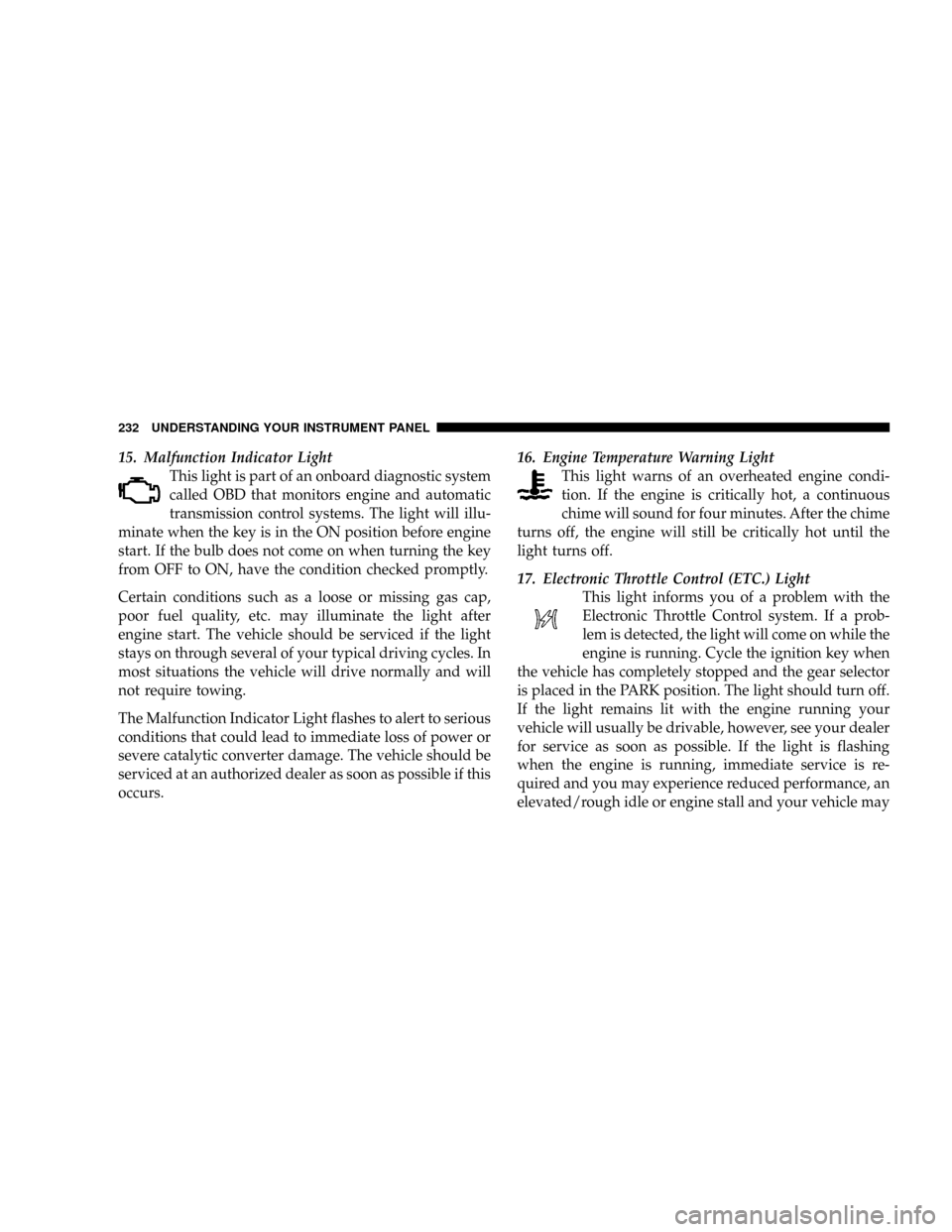
15. Malfunction Indicator Light
This light is part of an onboard diagnostic system
called OBD that monitors engine and automatic
transmission control systems. The light will illu-
minate when the key is in the ON position before engine
start. If the bulb does not come on when turning the key
from OFF to ON, have the condition checked promptly.
Certain conditions such as a loose or missing gas cap,
poor fuel quality, etc. may illuminate the light after
engine start. The vehicle should be serviced if the light
stays on through several of your typical driving cycles. In
most situations the vehicle will drive normally and will
not require towing.
The Malfunction Indicator Light flashes to alert to serious
conditions that could lead to immediate loss of power or
severe catalytic converter damage. The vehicle should be
serviced at an authorized dealer as soon as possible if this
occurs.16. Engine Temperature Warning Light
This light warns of an overheated engine condi-
tion. If the engine is critically hot, a continuous
chime will sound for four minutes. After the chime
turns off, the engine will still be critically hot until the
light turns off.
17. Electronic Throttle Control (ETC.) Light
This light informs you of a problem with the
Electronic Throttle Control system. If a prob-
lem is detected, the light will come on while the
engine is running. Cycle the ignition key when
the vehicle has completely stopped and the gear selector
is placed in the PARK position. The light should turn off.
If the light remains lit with the engine running your
vehicle will usually be drivable, however, see your dealer
for service as soon as possible. If the light is flashing
when the engine is running, immediate service is re-
quired and you may experience reduced performance, an
elevated/rough idle or engine stall and your vehicle may
232 UNDERSTANDING YOUR INSTRUMENT PANEL
Page 235 of 531
require towing. The light will come on when the ignition
is first turned ON and remain on briefly as a bulb check.
If the light does not come on during starting, have the
system checked by an authorized dealer.
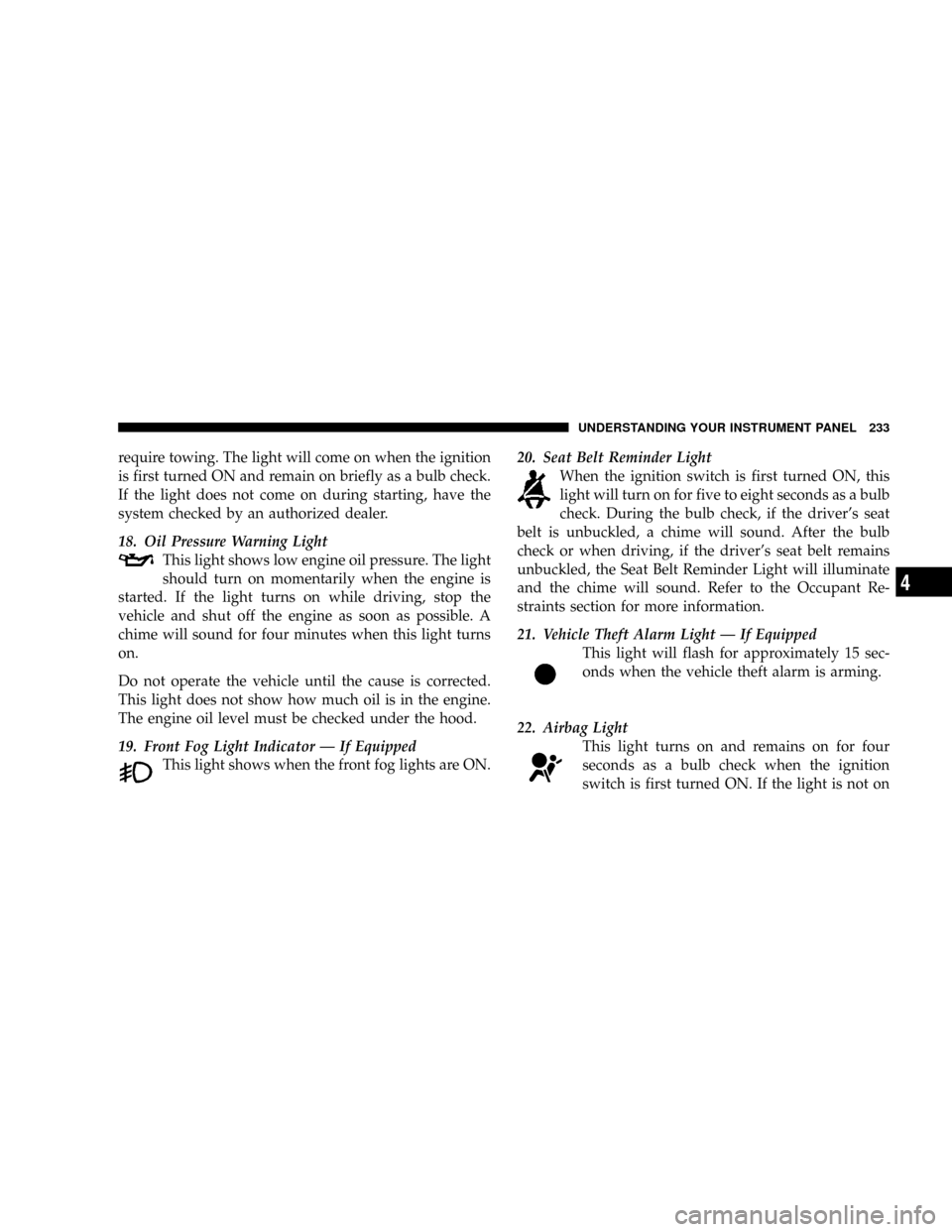
18. Oil Pressure Warning Light
This light shows low engine oil pressure. The light
should turn on momentarily when the engine is
started. If the light turns on while driving, stop the
vehicle and shut off the engine as soon as possible. A
chime will sound for four minutes when this light turns
on.
Do not operate the vehicle until the cause is corrected.
This light does not show how much oil is in the engine.
The engine oil level must be checked under the hood.
19. Front Fog Light Indicator Ð If Equipped
This light shows when the front fog lights are ON.20. Seat Belt Reminder Light
When the ignition switch is first turned ON, this
light will turn on for five to eight seconds as a bulb
check. During the bulb check, if the driver's seat
belt is unbuckled, a chime will sound. After the bulb
check or when driving, if the driver's seat belt remains
unbuckled, the Seat Belt Reminder Light will illuminate
and the chime will sound. Refer to the Occupant Re-
straints section for more information.
21. Vehicle Theft Alarm Light Ð If Equipped
This light will flash for approximately 15 sec-
onds when the vehicle theft alarm is arming.
22. Airbag Light
This light turns on and remains on for four
seconds as a bulb check when the ignition
switch is first turned ON. If the light is not on
UNDERSTANDING YOUR INSTRUMENT PANEL 233
4
Page 236 of 531
during starting, stays on, or turns on while driving, have
the system inspected by an authorized dealer as soon as
possible.
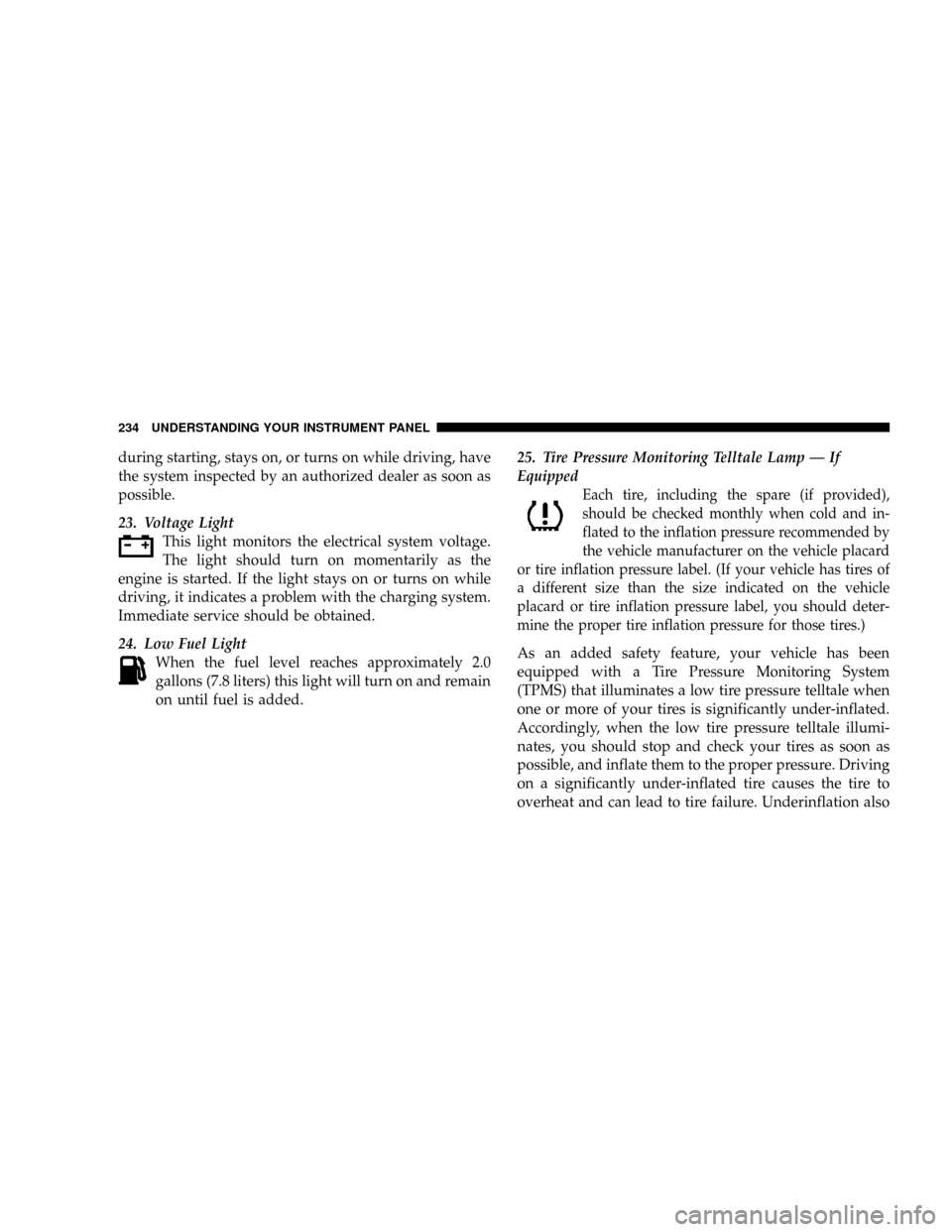
23. Voltage Light
This light monitors the electrical system voltage.
The light should turn on momentarily as the
engine is started. If the light stays on or turns on while
driving, it indicates a problem with the charging system.
Immediate service should be obtained.
24. Low Fuel Light
When the fuel level reaches approximately 2.0
gallons (7.8 liters) this light will turn on and remain
on until fuel is added.25. Tire Pressure Monitoring Telltale Lamp Ð If
Equipped
Each tire, including the spare (if provided),
should be checked monthly when cold and in-
flated to the inflation pressure recommended by
the vehicle manufacturer on the vehicle placard
or tire inflation pressure label. (If your vehicle has tires of
a different size than the size indicated on the vehicle
placard or tire inflation pressure label, you should deter-
mine the proper tire inflation pressure for those tires.)
As an added safety feature, your vehicle has been
equipped with a Tire Pressure Monitoring System
(TPMS) that illuminates a low tire pressure telltale when
one or more of your tires is significantly under-inflated.
Accordingly, when the low tire pressure telltale illumi-
nates, you should stop and check your tires as soon as
possible, and inflate them to the proper pressure. Driving
on a significantly under-inflated tire causes the tire to
overheat and can lead to tire failure. Underinflation also
234 UNDERSTANDING YOUR INSTRUMENT PANEL
Page 237 of 531
reduces fuel efficiency and tire tread life, and may affect
the vehicle's handling and stopping ability.
NOTE:Please note that the TPMS is not a substitute for
proper tire maintenance, and it is the driver 's responsi-
bility to maintain correct tire pressure, even if underin-
flation has not reached the level to trigger illumination of
the TPMS low tire pressure telltale.
Your vehicle has also been equipped with a TPMS
malfunction indicator to indicate when the system is not
operating properly. The TPMS malfunction indicator is
combined with the low tire pressure telltale. When the
system detects a malfunction, the telltale will flash for
approximately one minute and then remain continuously
illuminated. This sequence will continue upon subse-
quent vehicle start-ups as long as the malfunction exists.
When the malfunction indicator is illuminated, the sys-
tem may not be able to detect or signal low tire pressure
as intended. TPMS malfunctions may occur for a varietyof reasons, including the installation of replacement or
alternate tires or wheels on the vehicle that prevent the
TPMS from functioning properly.
NOTE:
Always check the TPMS malfunction telltale after
replacing one or more tires or wheels on your vehicle to
ensure that the replacement or alternate tires and wheels
allow the TPMS to continue to function properly.
CAUTION!
The TPMS has been optimized for the original
equipment tires and wheels. TPMS pressures and
warning have been established for the tire size
equipped on your vehicle. Undesirable system opera-
tion or sensor damage may result when using re-
placement equipment that is not of the same size,
type, and/or style. Aftermarket wheels can cause
sensor damage. Do not use aftermarket tire sealants
or balance beads if your vehicle is equipped with a
TPMS, as damage to the sensors may result.
UNDERSTANDING YOUR INSTRUMENT PANEL 235
4
Page 297 of 531
SCAN Button
Pressing the SCAN button will play the first five seconds
of each track in the current list and then forward to the
next song. To stop the SCAN mode and start playing the
desired track, press the SCAN button again.
During the SCAN mode, you can also press the SEEK
button to the left or right to go to the previous or next
tracks.
RND (Random) Button (RES/REL Radios Only)
Pressing the RND button will switch between the shuffle
on and shuffle off modes of the iPodt. If the RND icon is
showing on the radio display then the Shuffle mode is on.
List or Browse Mode
During Play mode, pressing any of the following buttons
will take you to List mode. List mode enables you to
scroll through the list of menus and tracks on the iPodt
device.Tune/Scroll Knob
In the List mode, the Tune/Scroll knob functions in a
similar manner as the scroll wheel on the iPodt.
Turning the Tune/Scroll knob clockwise (forward) and
counterclockwise (backward) scrolls through lists, dis-
playing the track detail on the radio display. Once you
have the track to be played highlighted on the radio
display, press the Tune/Scroll knob to select and start
playing the track. By turning the Tune/Scroll knob fast,
you can jump through the list faster. During fast scroll,
you may notice a slight delay in updating the informa-
tion on the radio display.
During all List modes, the iPodtwill display all lists in
ªwrap-aroundº mode. So if the track you wish to select is
at the bottom of the list, you just turn the Tune/Scroll
knob backward (counterclockwise) to get to the track
faster.
UNDERSTANDING YOUR INSTRUMENT PANEL 295
4
Page 330 of 531
AUTOMATIC TRANSMISSION
CAUTION!
Damage to the transmission may occur if the follow-
ing precautions are not observed:
²Shift the gear selector lever into PARK only after
the vehicle has come to a complete stop.
²Do not shift the gear selector lever from RE-
VERSE, PARK, or NEUTRAL into any forward
gear when the engine is above idle speed.
²Before shifting the gear selector lever into any
gear, make sure your foot is firmly on the brake
pedal.
NOTE:You MUST press and hold the brake pedal down
while shifting out of PARK.
WARNING!
It is dangerous to shift the gear selector lever out of
PARK or NEUTRAL if the engine speed is higher
than idle speed. If your foot is not firmly on the
brake pedal, the vehicle could accelerate quickly
forward or in reverse. You could lose control of the
vehicle and hit someone or something. Only shift
into gear when the engine is idling normally and
when your right foot is firmly on the brake pedal.
Brake/Transmission Interlock System
This system holds the shift lever in the PARK position
when the ignition switch is in the LOCK position. It also
prevents you, once the engine is started, from moving the
gear selector lever out of PARK and into any gear unless
the brake pedal is pressed. This system is active only
328 STARTING AND OPERATING
Page 331 of 531
while the ignition switch is in the ON position. Always
press the brake pedal first before moving the gear selec-
tor lever out of PARK.
Automatic Transmission Ignition Interlock System
For electrical system malfunctions, there is an override
for the interlock system. In order to override this system,
remove the cover located to the top right of the gear
selector lever in the instrument panel. The override can
be activated by pressing the white-colored tab, which can
be accessed through the hole in the instrument panel.
While the override is pressed, the gear selector lever can
be moved out of the PARK position without pressing the
brake pedal. After operation, return the cover to its
original position.
This system prevents the key from being removed unless
the gear selector lever is in PARK. It also prevents shifting
the gear selector lever out of PARK unless the key is in
the LOCK/OFF or ON positions.NOTE:If a malfunction occurs, the system will trap the
key in the ignition cylinder to warn you that this safety
feature is inoperable. The engine can be started and
stopped but the key cannot be removed until you obtain
service.
Four-Speed or Six-Speed Automatic
Transmission
The electronically controlled transmission provides a
precise shift schedule. The transmission electronics are
self-calibrating; therefore, the first few shifts on a new
vehicle may be somewhat abrupt. This is a normal
condition, and precision shifts will develop within a few
hundred miles (kilometers).
The transmission has only PRND shift positions. Down-
shifts are carried out by an Electronic Range Select (ERS)
by moving the leverÐ/+while in the DRIVE position,
STARTING AND OPERATING 329
5
Page 333 of 531
WARNING!
Unintended movement of a vehicle could injure
those in and near the vehicle. As with all vehicles,
you should never exit a vehicle while the engine is
running. Before exiting a vehicle, you should always
shift the gear selector lever into PARK, remove the
key from the ignition, and apply the parking brake.
Once the key is removed from the ignition, the
transmission gear selector lever is locked in the
PARK position, securing the vehicle against un-
wanted movement. Furthermore, you should never
leave unattended children or pets inside a vehicle.
The following indicators should be used to ensure that
you have engaged the transmission gear selector lever
into the PARK position:
²When shifting the gear selector lever into PARK,
depress the button on the gear selector lever and
firmly move the lever all the way forward until it
stops.
²Look at the shift indicator window on the console to
ensure gear selector lever is in the PARK position.
²When engaged in PARK, you will not be able to move
the gear selector lever rearward without depressing
the gear selector lever button.
CAUTION!
Before moving the gear selector lever out of PARK,
you must turn the ignition from LOCK/OFF to ON so
the steering wheel and gear selector lever are re-
leased. Otherwise, damage to the steering column or
gear selector lever could result.
STARTING AND OPERATING 331
5
Page 334 of 531
REVERSE
Use REVERSE for moving the vehicle rearward. Shift into
REVERSE only after the vehicle has come to a complete
stop.
NEUTRAL
Shift the gear selector lever into this gear only after the
vehicle has come to a complete stop. The engine may be
started in this range.
WARNING!
Do not coast in NEUTRAL and never turn off the
ignition to coast down a hill. These are unsafe
practices that limit your response to changing traffic
or road conditions. You might lose control of the
vehicle and have an accident.
DRIVE Ð Six-Speed Transmission
This range should be used for most city and highway
driving. It provides the smoothest upshifts, downshifts,
and best fuel economy. However, use the Electronic
Range Select (ERS) mode by moving the leverÐ/+and
select the ª5º range when frequent transmission shifting
occurs while using the DRIVE range, such as when
operating the vehicle under heavy loading conditions,
(i.e., in hilly terrain, traveling into strong head winds or
while towing heavy trailers). Under these conditions,
using the ª5º range will improve performance and
extend transmission life by reducing excessive shifting
and heat build-up.
DRIVE Ð Four-Speed Transmission
This range should be used for most city and highway
driving. It provides the smoothest upshifts, downshifts,
and best fuel economy. However, select the ª3º range
when frequent transmission shifting occurs while using
the DRIVE range, such as when operating the vehicle
332 STARTING AND OPERATING