display DODGE GRAND CARAVAN 2013 5.G Owners Manual
[x] Cancel search | Manufacturer: DODGE, Model Year: 2013, Model line: GRAND CARAVAN, Model: DODGE GRAND CARAVAN 2013 5.GPages: 683, PDF Size: 5.5 MB
Page 448 of 683
selected. Push the button a second time to turn off the
Recirculation mode LED and allow outside air into the
vehicle.
NOTE:In cold weather, use of the Recirculation mode
may lead to excessive window fogging. The Recirculation
mode is not allowed in Defrost mode to improve window
clearing operation. Recirculation will be disabled auto-
matically if this mode is selected.
Manual Operation
This system offers a full complement of manual override
features. The AUTO symbol in the front ATC display will
be turned off when the system is being used in the
manual mode.
NOTE:Each of these features operate independently
from each other. If any one feature is controlled manually,
the temperature doors will continue to operate automati-
cally.Blower Control
There are seven fixed blower speeds.
Use the outer dial control to regulate the
amount of air forced through the system
in any mode you select. The blower
speed increases as you move the control
clockwise and decreases when you move
the control counter-clockwise.
The blower fan speed can be set to any fixed speed by
adjusting the blower control outer dial. The fan will now
operate at a fixed speed until additional speeds are
selected. This allows the front occupants to control the
volume of air circulated in the vehicle and cancel the
Auto mode.
The operator can also select the direction of the airflow
by selecting one of the following positions.
446 UNDERSTANDING YOUR INSTRUMENT PANEL
Page 450 of 683
NOTE:While operating in the other modes, the system
will not automatically sense the presence of fog, mist or
ice on the windshield. DEFROST mode must be manually
selected to clear the windshield and side glass.
Air Conditioning (A/C)
•
The Air Conditioning (A/C) button allows the operator to
manually activate or deactivate the air conditioning sys-
tem. When in A/C mode and the ATC is set to a cool
temperature, dehumidified air flows through the air
outlets. If Economy mode is desired, press the A/C
button to turn off the A/C mode in the ATC display and
deactivate the A/C system.
NOTE:
•
If the system is in Mix, Floor or Defrost Mode, the A/C
can be turned off, but the A/C system shall remain active
to prevent fogging of the windows.
•If fog or mist appears on the windshield or side glass,
select Defrost mode and increase blower speed.
Rear Automatic Temperature Control (ATC) — If
Equipped
The rear ATC system has floor air outlets at the rear of the
right side sliding door, and overhead outlets at each
outboard rear seating position. The system provides
heated air through the floor outlets or cool, dehumidified
air through the headliner outlets.
The rear system temperature control is on the front ATC
panel located on the instrument panel.
Pressing the Rear Temperature Lock button on the front
ATC panel, illuminates a lock symbol in the rear display.
The rear temperature and air source are controlled from
the front ATC panel.
Rear second row occupants can only adjust the rear ATC
control when the Rear Temperature Lock button is turned off.
The rear ATC system is located in the headliner, near the
center of the vehicle.
448 UNDERSTANDING YOUR INSTRUMENT PANEL
Page 451 of 683
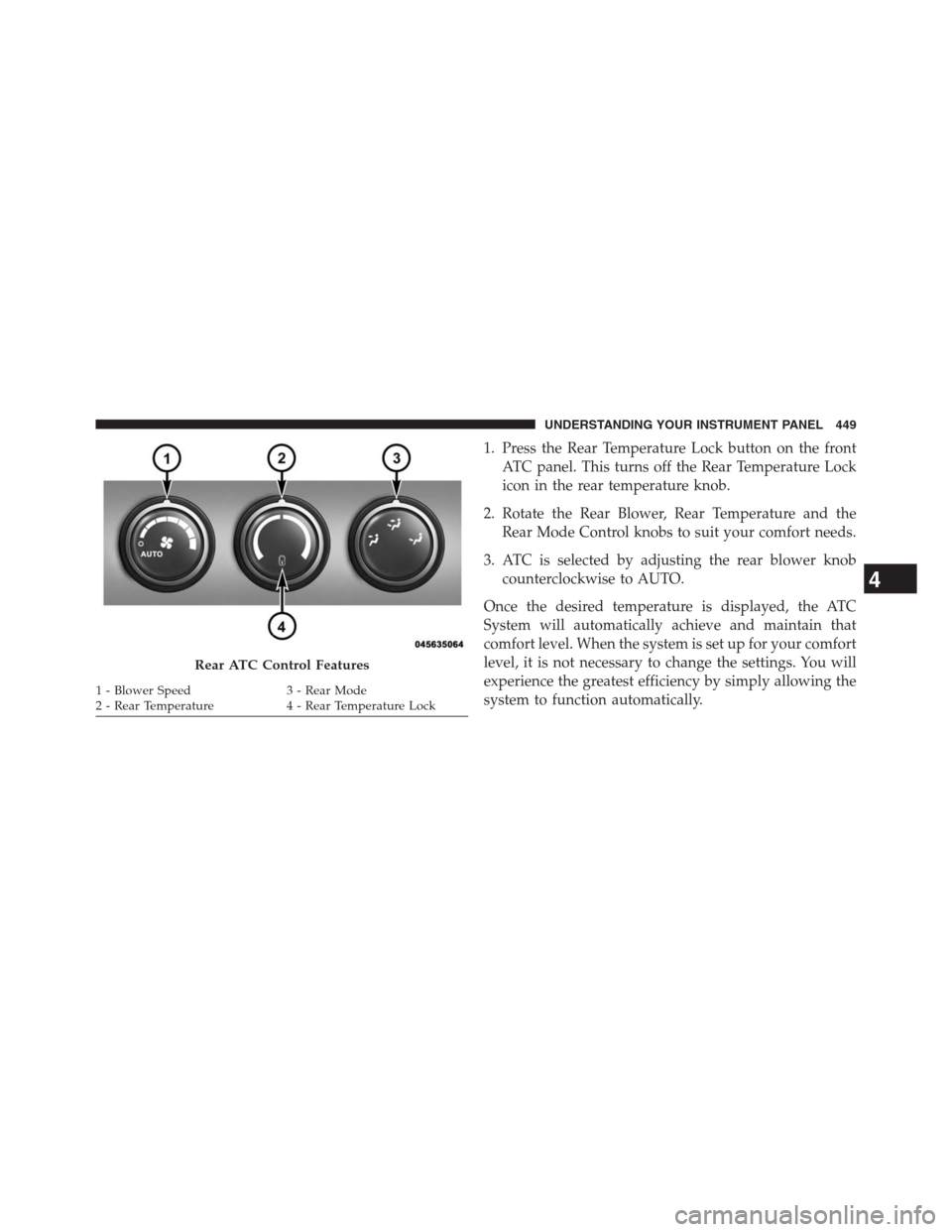
1. Press the Rear Temperature Lock button on the front
ATC panel. This turns off the Rear Temperature Lock
icon in the rear temperature knob.
2. Rotate the Rear Blower, Rear Temperature and the
Rear Mode Control knobs to suit your comfort needs.
3. ATC is selected by adjusting the rear blower knob
counterclockwise to AUTO.
Once the desired temperature is displayed, the ATC
System will automatically achieve and maintain that
comfort level. When the system is set up for your comfort
level, it is not necessary to change the settings. You will
experience the greatest efficiency by simply allowing the
system to function automatically.
Rear ATC Control Features
1 - Blower Speed 3 - Rear Mode
2 - Rear Temperature 4 - Rear Temperature Lock
4
UNDERSTANDING YOUR INSTRUMENT PANEL 449
Page 452 of 683
NOTE:
•It is not necessary to move the temperature settings for
cold or hot vehicles. The system automatically adjusts
the temperature, mode and fan speed to provide
comfort as quickly as possible.
•The temperature can be displayed in English or Metric
units by selecting the “Display Units of Measure in”
customer-programmable feature. Refer to the “Elec-
tronic Vehicle Information Center (EVIC) — Customer-
Programmable Features” in this Section.Rear Blower Control
The rear blower control knob can be manually set to off,
or any fixed blower speed, by rotating the knob from low
to high. This allows the rear seat occupants to control the
volume of air circulated in the rear of the vehicle.
CAUTION!
Interior air enters the Rear Automatic Temperature
Control System through an intake grille, located in
the right side trim panel behind the third row seats.
The heater outlets are located in the right side trim
panel, just behind the sliding door. Do not block or
place objects directly in front of the inlet grille or
heater outlets. The electrical system could overload
causing damage to the blower motor.
450 UNDERSTANDING YOUR INSTRUMENT PANEL
Page 453 of 683
Rear Temperature Control
To change the temperature in the rear of the vehicle,
rotate the temperature knob counterclockwise to lower
the temperature, and clockwise to increase the tempera-
ture. The rear temperature settings are displayed in the
front ATC panel.
When rear controls are locked by the front system, the
Rear Temperature Lock symbol on the temperature knob
is illuminated and any rear overhead adjustments are
ignored.
Rear Mode Control
Auto Mode
•
The rear system automatically maintains the correct mode
and comfort level desired by the rear seat occupants.
Headliner Mode
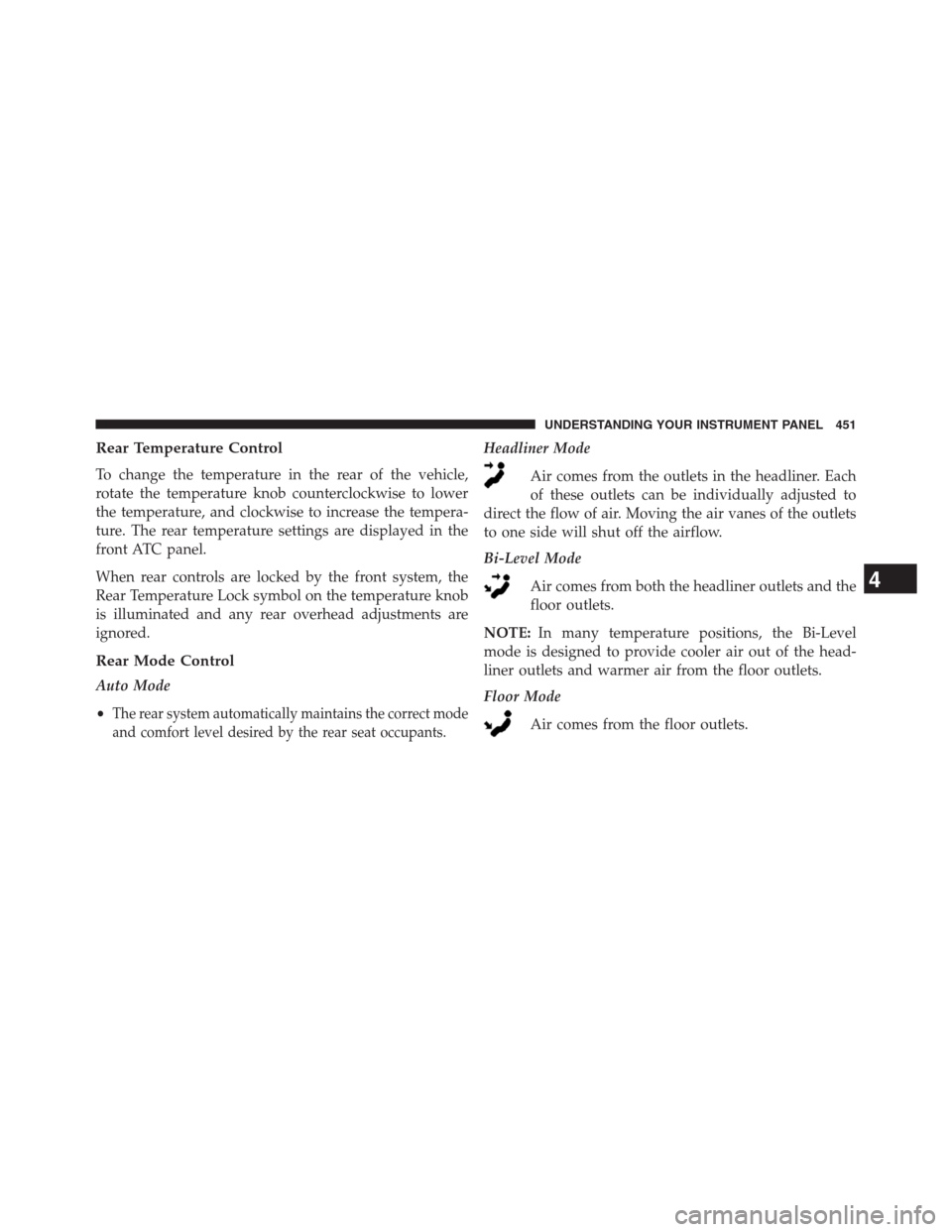
Air comes from the outlets in the headliner. Each
of these outlets can be individually adjusted to
direct the flow of air. Moving the air vanes of the outlets
to one side will shut off the airflow.
Bi-Level Mode
Air comes from both the headliner outlets and the
floor outlets.
NOTE:In many temperature positions, the Bi-Level
mode is designed to provide cooler air out of the head-
liner outlets and warmer air from the floor outlets.
Floor Mode
Air comes from the floor outlets.
4
UNDERSTANDING YOUR INSTRUMENT PANEL 451
Page 470 of 683
Six-Speed Automatic Transmission
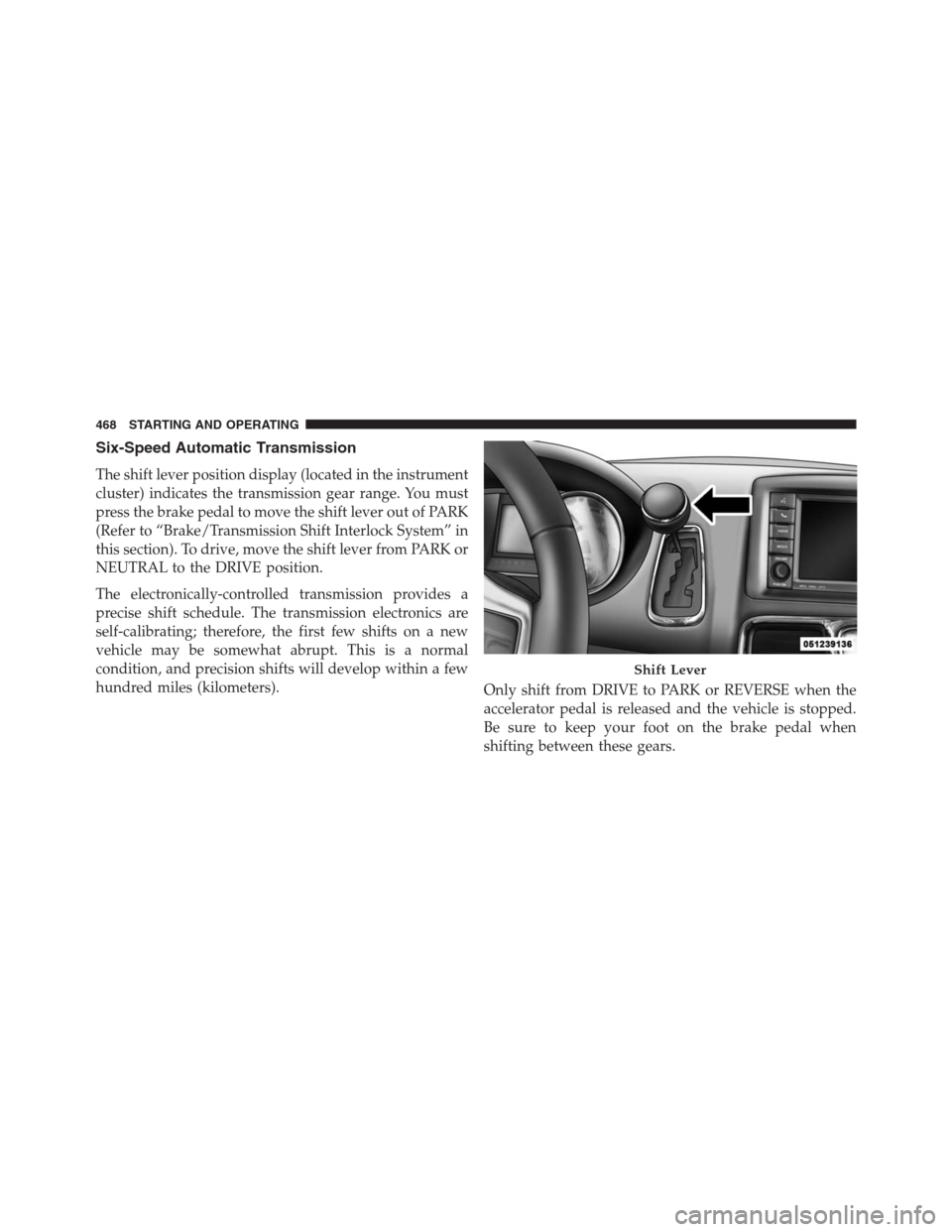
The shift lever position display (located in the instrument
cluster) indicates the transmission gear range. You must
press the brake pedal to move the shift lever out of PARK
(Refer to “Brake/Transmission Shift Interlock System” in
this section). To drive, move the shift lever from PARK or
NEUTRAL to the DRIVE position.
The electronically-controlled transmission provides a
precise shift schedule. The transmission electronics are
self-calibrating; therefore, the first few shifts on a new
vehicle may be somewhat abrupt. This is a normal
condition, and precision shifts will develop within a few
hundred miles (kilometers).
Only shift from DRIVE to PARK or REVERSE when the
accelerator pedal is released and the vehicle is stopped.
Be sure to keep your foot on the brake pedal when
shifting between these gears.
Shift Lever
468 STARTING AND OPERATING
Page 471 of 683
The transmission shift lever has only PARK, REVERSE,
NEUTRAL, and DRIVE shift positions. Manual down-
shifts can be made using the Electronic Range Select
(ERS) shift control (described later in this section). Mov-
ing the shift lever to the left or right (–/+) while in the
DRIVE position will select the highest available transmis-
sion gear, and will display that gear in the instrument
cluster as 6, 5, 4, 3, 2, 1.
Gear Ranges
DO NOT race the engine when shifting from PARK or
NEUTRAL into another gear range.
NOTE:After selecting any gear range, wait a moment to
allow the selected gear to engage before accelerating.
This is especially important when the engine is cold.
PARK
This range supplements the parking brake by locking the
transmission. The engine can be started in this range.
Never attempt to use PARK while the vehicle is in
motion. Apply the parking brake when leaving the
vehicle in this range.
When parking on a level surface, you may place the shift
lever in PARK first, and then apply the parking brake.
When parking on a hill, apply the parking brake before
placing the shift lever in PARK, otherwise the load on the
transmission locking mechanism may make it difficult to
move the shift lever out of PARK. As an added precau-
tion, turn the front wheels toward the curb on a downhill
grade, and away from the curb on an uphill grade.
5
STARTING AND OPERATING 469
Page 473 of 683
WARNING!(Continued)
•Allowing children to be alone in a vehicle unat-
tended is dangerous for a number of reasons.
A child or others could be seriously or fatally
injured. Children should be warned not to touch
the parking brake, brake pedal or the shift lever.
•Do not leave the ignition key/key fob in or near the
vehicle, or in a location accessible to children.
A child could operate power windows, other con-
trols, or move the vehicle.
The following indicators should be used to ensure that
you have engaged the shift lever into the PARK position:
•When shifting into PARK, firmly move the shift lever
all the way forward and to the left until it stops and is
fully seated.•Look at the shift lever position display and verify that
it indicates the PARK position.
•With brake pedal released, verify that the shift lever
will not move out of PARK.
CAUTION!
•Before moving the shift lever out of PARK, you
must turn the ignition switch from the OFF posi-
tion to the ON/RUN position, and also press the
brake pedal. Otherwise, damage to the shift lever
could result.
•DO NOT race the engine when shifting from
PARK or NEUTRAL into another gear range, as this
can damage the drivetrain.
5
STARTING AND OPERATING 471
Page 476 of 683
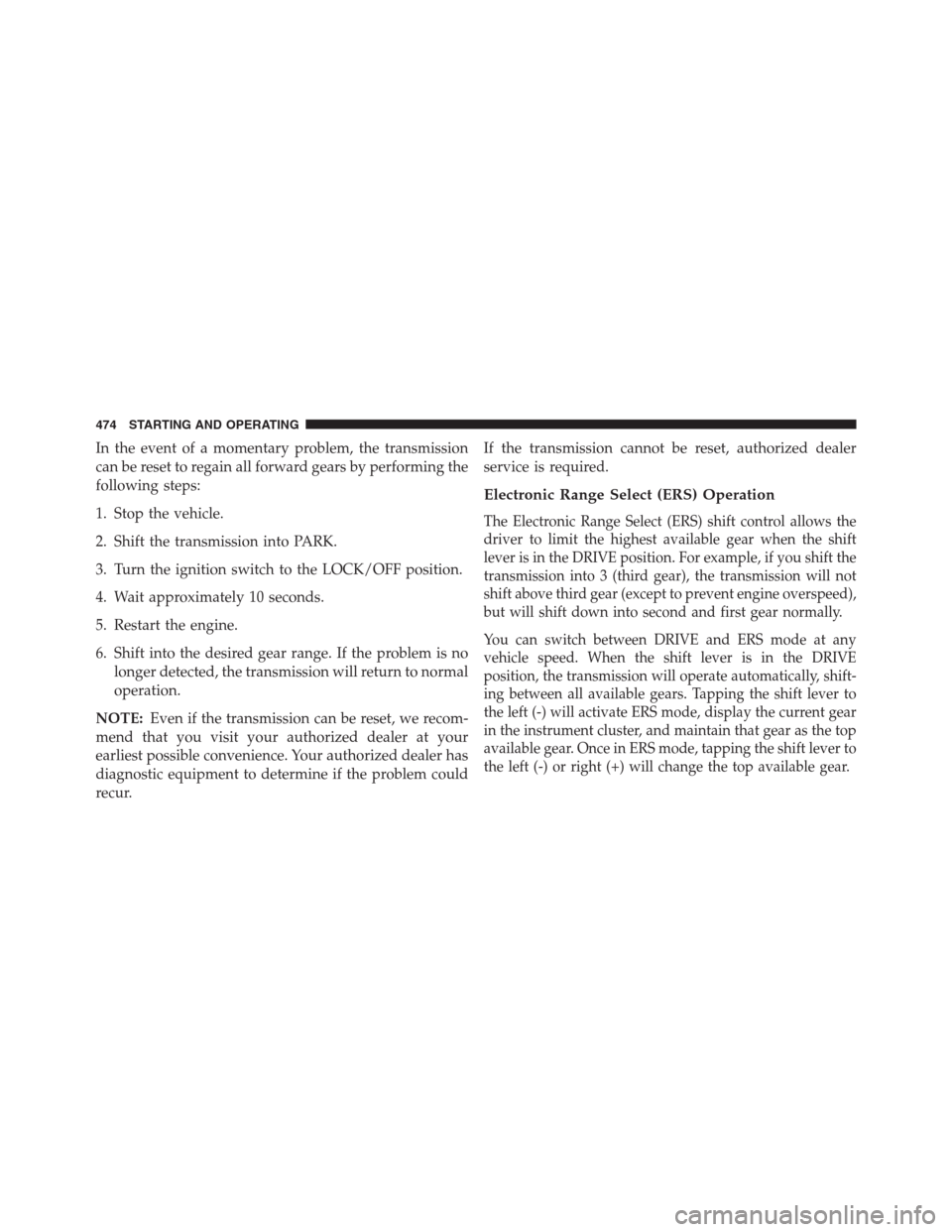
In the event of a momentary problem, the transmission
can be reset to regain all forward gears by performing the
following steps:
1. Stop the vehicle.
2. Shift the transmission into PARK.
3. Turn the ignition switch to the LOCK/OFF position.
4. Wait approximately 10 seconds.
5. Restart the engine.
6. Shift into the desired gear range. If the problem is no
longer detected, the transmission will return to normal
operation.
NOTE:Even if the transmission can be reset, we recom-
mend that you visit your authorized dealer at your
earliest possible convenience. Your authorized dealer has
diagnostic equipment to determine if the problem could
recur.If the transmission cannot be reset, authorized dealer
service is required.
Electronic Range Select (ERS) Operation
The Electronic Range Select (ERS) shift control allows the
driver to limit the highest available gear when the shift
lever is in the DRIVE position. For example, if you shift the
transmission into 3 (third gear), the transmission will not
shift above third gear (except to prevent engine overspeed),
but will shift down into second and first gear normally.
You can switch between DRIVE and ERS mode at any
vehicle speed. When the shift lever is in the DRIVE
position, the transmission will operate automatically, shift-
ing between all available gears. Tapping the shift lever to
the left (-) will activate ERS mode, display the current gear
in the instrument cluster, and maintain that gear as the top
available gear. Once in ERS mode, tapping the shift lever to
the left (-) or right (+) will change the top available gear.
474 STARTING AND OPERATING
Page 477 of 683
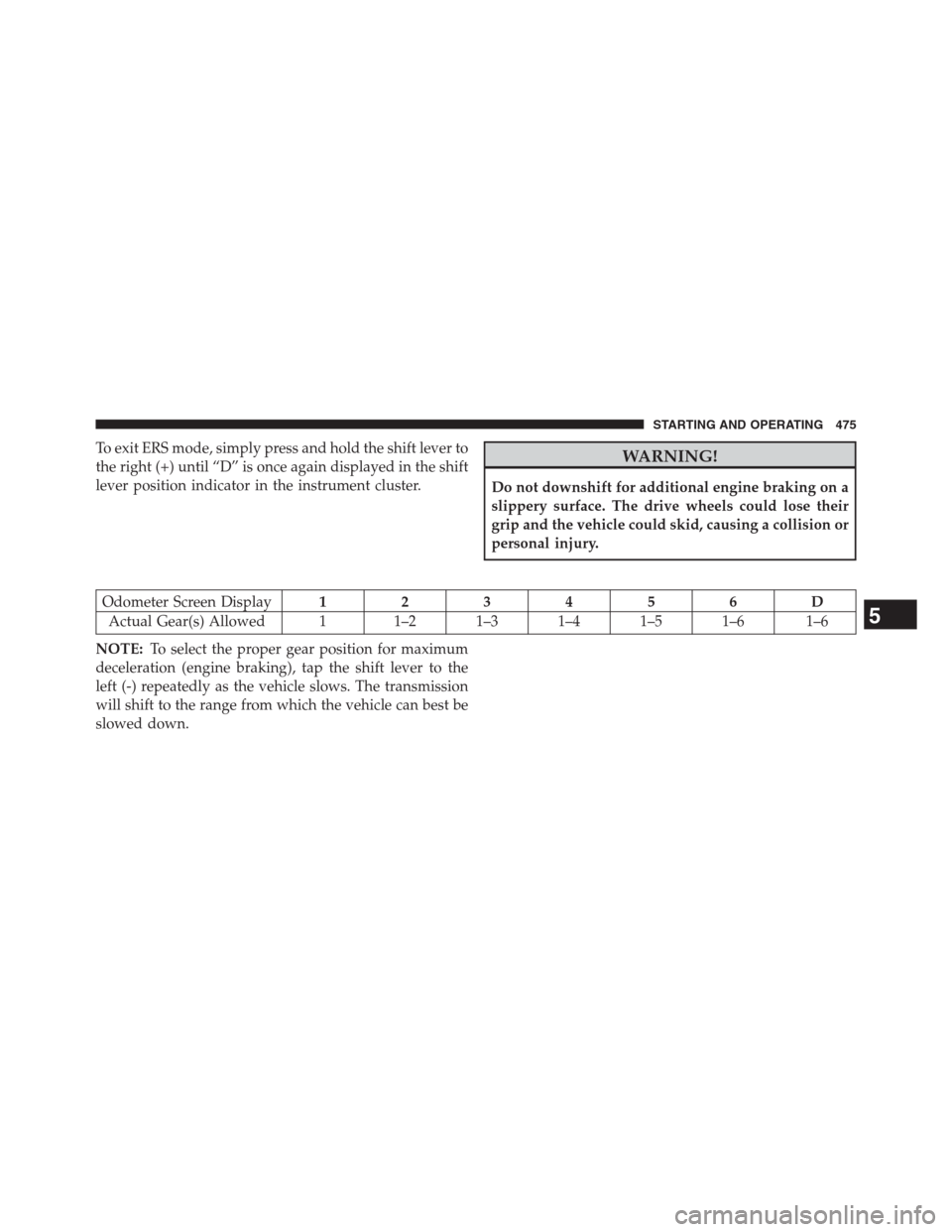
To exit ERS mode, simply press and hold the shift lever to
the right (+) until “D” is once again displayed in the shift
lever position indicator in the instrument cluster.WARNING!
Do not downshift for additional engine braking on a
slippery surface. The drive wheels could lose their
grip and the vehicle could skid, causing a collision or
personal injury.
Odometer Screen Display123456D
Actual Gear(s) Allowed 1 1–2 1–3 1–4 1–5 1–6 1–6
NOTE:To select the proper gear position for maximum
deceleration (engine braking), tap the shift lever to the
left (-) repeatedly as the vehicle slows. The transmission
will shift to the range from which the vehicle can best be
slowed down.
5
STARTING AND OPERATING 475