ignition DODGE GRAND CARAVAN 2015 5.G Manual Online
[x] Cancel search | Manufacturer: DODGE, Model Year: 2015, Model line: GRAND CARAVAN, Model: DODGE GRAND CARAVAN 2015 5.GPages: 703, PDF Size: 19.83 MB
Page 375 of 703
NOTE:Sirius service is not available in Hawaii and has
limited coverage in Alaska.
System Activation
Sirius Satellite Radio service is pre-activated, and you
may begin listening immediately to the one year of audio
service that is included with the factory-installed satellite
radio system in your vehicle. Sirius will supply a wel-
come kit that contains general information, including
how to setup your on-line listening account. For further
information, call the toll-free number 888-539-7474, or
visit the Sirius web site atwww.siriusxm.com, or at
www.siriusxm.ca for Canadian residents.
Electronic Serial Number/Sirius Identification
Number (ESN/SID)
Please have the following information available when
calling:
1. The Electronic Serial Number/Sirius Identification
Number (ESN/SID).
2. Your Vehicle Identification Number.
To access the ESN/SID, refer to the following steps:
ESN/SID Access
With the ignition switch in the ON/RUN or ACC posi-
tion and the radio on, push the SETUP button and scroll
using the TUNE/SCROLL control knob until Sirius ID is
selected. Push the TUNE/SCROLL control knob and the
Sirius ID number will display. The Sirius ID number
display will time out in two minutes. Push any button on
the radio to exit this screen.
Selecting Uconnect® (Satellite) Mode
Push the SAT button until#SAT#appears in the display. A
CD may remain in the radio while in the Satellite radio
mode.
4
UNDERSTANDING YOUR INSTRUMENT PANEL 373
Page 376 of 703
Satellite Antenna
To ensure optimum reception, do not place items on the
roof around the rooftop antenna location. Metal objects
placed within the line of sight of the antenna will cause
decreased performance. Larger luggage items such as
bikes should be placed as far rearward as possible, within
the loading design of the rack. Do not place items directly
on or above the antenna.
Reception Quality
Satellite reception may be interrupted due to one of the
following reasons:
•The vehicle is parked in an underground parking
structure or under a physical obstacle.
•Dense tree coverage may interrupt reception in the
form of short audio mutes.
•Driving under wide bridges or along tall buildings can
cause intermittent reception.
•Placing objects over or too close to the antenna can
cause signal blockage.
Operating Instructions — Uconnect® (Satellite)
Mode
NOTE:The ignition switch must be in the ON/RUN or
ACC position to operate the radio.
SEEK Buttons
Push and release the SEEK buttons to search for the next
listenable station in AM/FM mode. Push the right switch
to seek up and the left switch to seek down. The radio
will remain tuned to the new station until you make
another selection. Holding either button will bypass
stations without stopping, until you release it.
374 UNDERSTANDING YOUR INSTRUMENT PANEL
Page 386 of 703
Browse
Browsing is not available on a Bluetooth® Streaming
Audio (BTSA) device. Only the current song that is
playing will display info.
Uconnect® MULTIMEDIA — VIDEO
ENTERTAINMENT SYSTEM (VES™) — IF
EQUIPPED
Your rear seat Video Entertainment System (VES™) is
designed to give your family years of enjoyment. You can
play your favorite CDs or DVDs, listen to audio over the
wireless headphones, or plug and play a variety of
standard video games or audio devices. Please review
this Owner’s Manual to become familiar with its features
and operation.
Getting Started
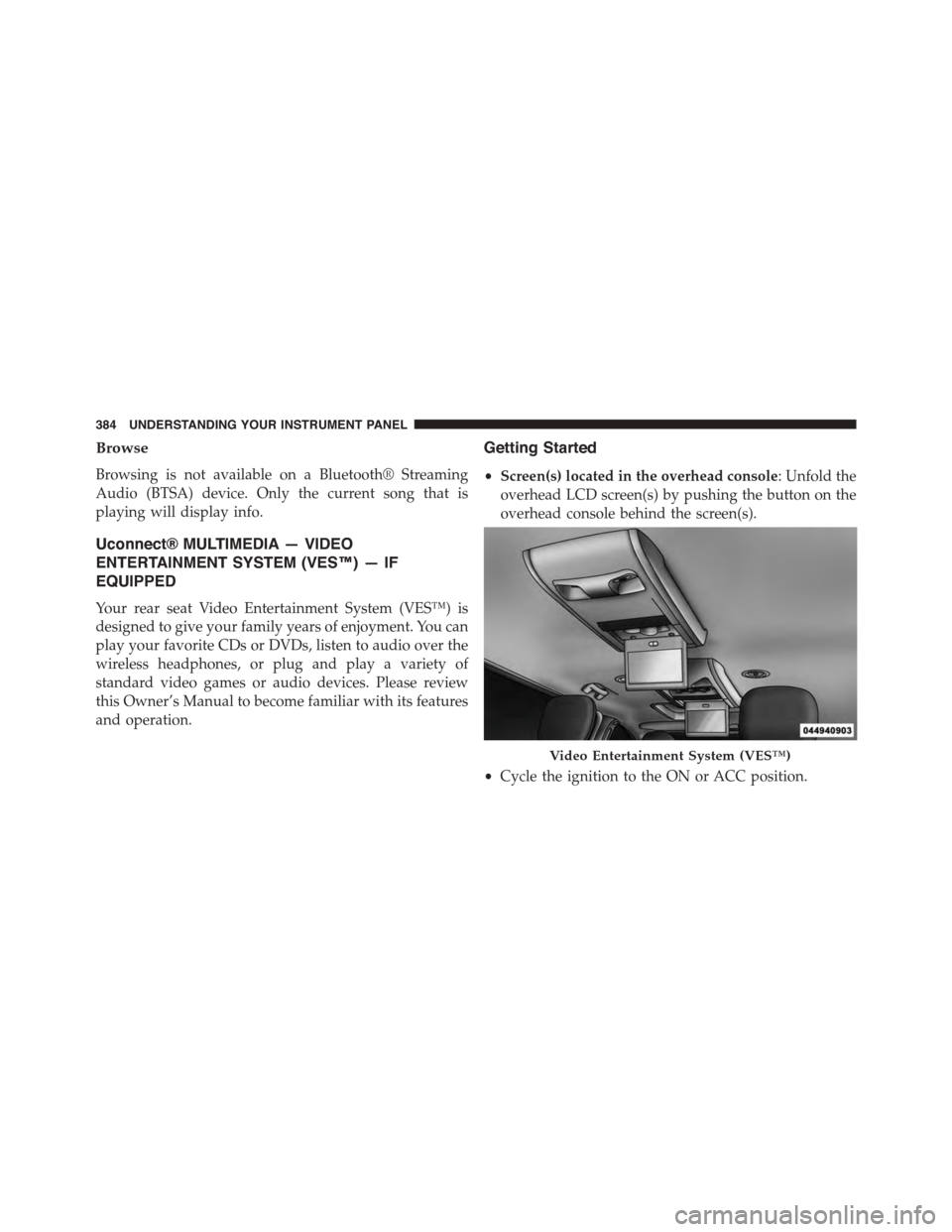
•Screen(s) located in the overhead console: Unfold the
overhead LCD screen(s) by pushing the button on the
overhead console behind the screen(s).
•Cycle the ignition to the ON or ACC position.
Video Entertainment System (VES™)
384 UNDERSTANDING YOUR INSTRUMENT PANEL
Page 408 of 703
Locking The Remote Control
All remote control functionality can be disabled as a
parental control feature.
•To disable the Remote Control from making any
changes, press the Video Lock button on the DVD
player (if equipped). If the vehicle is not equipped
with a DVD player, follow the radio’s instructions to
turn Video Lock on. The radio and the video screen(s)
indicate when Video Lock is active.
•Pressing the Video Lock again or turning the ignition
OFF turns Video Lock OFF and allows remote control
operation of the VES™.
Replacing The Remote Control Batteries
The remote control requires two AAA batteries for op-
eration. To replace the batteries:
•Locate the battery compartment on the back of the
remote, then slide the battery cover downward.
•Replace the batteries, making sure to orient them
according to the polarity diagram shown.
•Replace the battery compartment cover.
406 UNDERSTANDING YOUR INSTRUMENT PANEL
Page 457 of 703
STARTING AND OPERATING
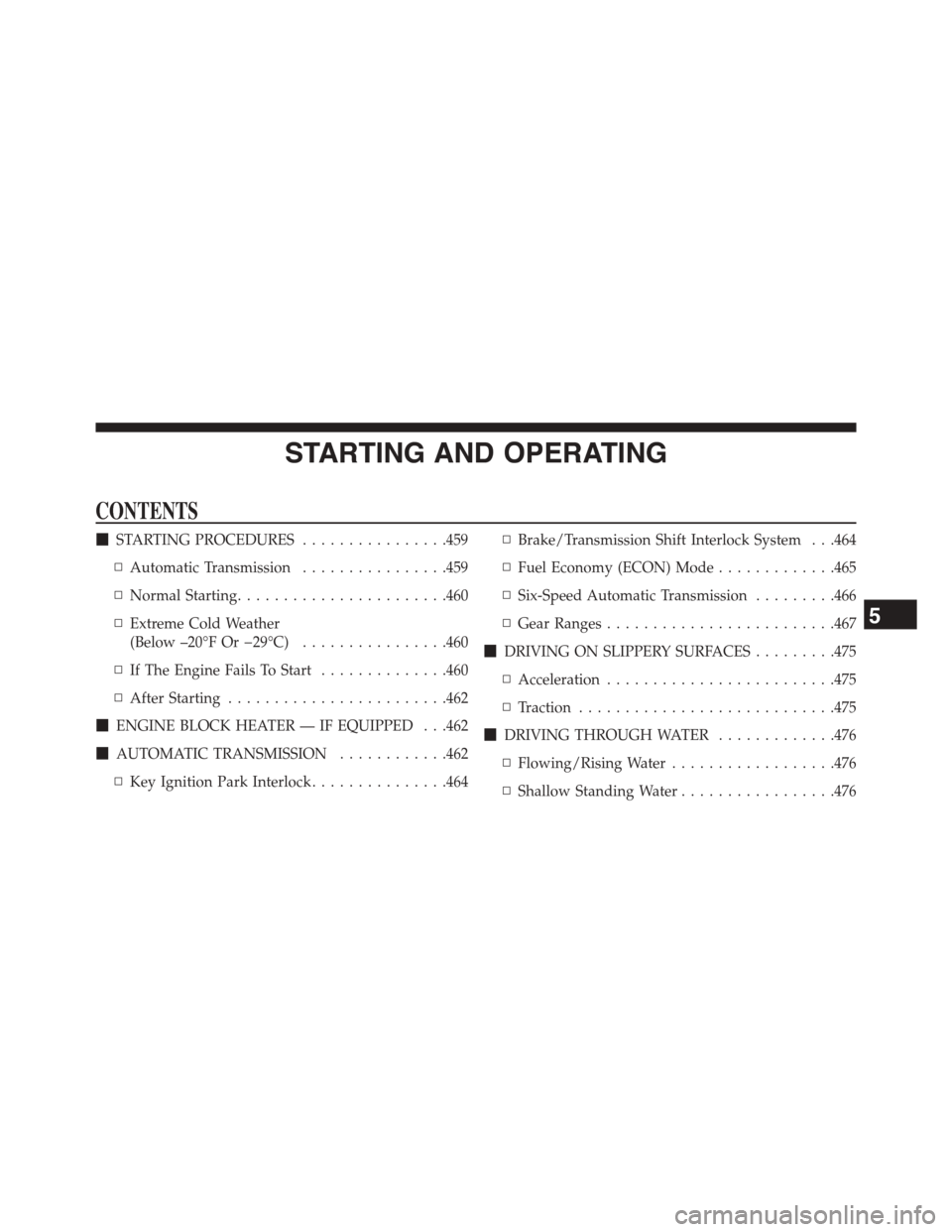
CONTENTS
!STARTING PROCEDURES................459
▫Automatic Transmission................459
▫Normal Starting.......................460
▫Extreme Cold Weather
(Below –20°F Or−29°C)................460
▫If The Engine Fails To Start..............460
▫After Starting........................462
!ENGINE BLOCK HEATER — IF EQUIPPED . . .462
!AUTOMATIC TRANSMISSION............462
▫Key Ignition Park Interlock...............464
▫Brake/Transmission Shift Interlock System . . .464
▫Fuel Economy (ECON) Mode.............465
▫Six-Speed Automatic Transmission.........466
▫Gear Ranges.........................467
!DRIVING ON SLIPPERY SURFACES.........475
▫Acceleration.........................475
▫Traction............................475
!DRIVING THROUGH WATER.............476
▫Flowing/Rising Water..................476
▫Shallow Standing Water.................476
5
Page 461 of 703
STARTING PROCEDURES
Before starting your vehicle, adjust your seat, adjust the
inside and outside mirrors, fasten your seat belt, and if
present, instruct all other occupants to buckle their seat
belts.
WARNING!
•When leaving the vehicle, always remove the key
fob from the ignition and lock your vehicle.
•Never leave children alone in a vehicle, or with
access to an unlocked vehicle.
•Allowing children to be in a vehicle unattended is
dangerous for a number of reasons. A child or
others could be seriously or fatally injured. Chil-
dren should be warned not to touch the parking
brake, brake pedal or the shift lever.
(Continued)
WARNING!(Continued)
•Do not leave the key fob in or near the vehicle, or
in a location accessible to children and do not leave
the ignition of a vehicle equipped with Keyless
Enter-N-Go™ in the ACC or ON/RUN Mode. A
child could operate power windows, other controls,
or move the vehicle.
Automatic Transmission
The shift lever must be in the NEUTRAL or PARK
position before you can start the engine. Press the brake
pedal before shifting into any driving gear.
5
STARTING AND OPERATING 459
Page 462 of 703
Normal Starting
1. Do not press the accelerator.
2. Use the Fob with Integrated Key to briefly turn the
ignition switch to the START position and release it as
soon as the starter engages. The starter motor will
continue to run, and it will disengage automatically
when the engine is running.
3. If the engine fails to start, the starter will disengage
automatically in 10 seconds. If this occurs, turn the
ignition switch to the OFF position, wait 10 to 15
seconds, then repeat the “Normal Starting” procedure
(Steps 1–3 above).
NOTE: This vehicle is equipped with a transmission
shift interlocking system. The brake pedal must be
pressed to shift out of PARK.
Extreme Cold Weather (Below –20°F Or−29°C)
To ensure reliable starting at these temperatures, use of
an externally powered electric engine block heater (avail-
able from your authorized dealer) is recommended.
If The Engine Fails To Start
WARNING!
•Never pour fuel or other flammable liquids into
the throttle body air inlet opening in an attempt to
start the vehicle. This could result in a flash fire
causing serious personal injury.
(Continued)
460 STARTING AND OPERATING
Page 465 of 703
NOTE:You must press and hold the brake pedal while
shifting out of PARK.
WARNING!
•It is dangerous to shift out of PARK or NEUTRAL
if the engine speed is higher than idle speed. If
your foot is not firmly pressing the brake pedal, the
vehicle could accelerate quickly forward or in re-
verse. You could lose control of the vehicle and hit
someone or something. Only shift into gear when
the engine is idling normally and your foot is
firmly pressing the brake pedal.
(Continued)
WARNING!(Continued)
•Unintended movement of a vehicle could injure
those in or near the vehicle. As with all vehicles,
you should never exit a vehicle while the engine is
running. Before exiting a vehicle, always apply the
parking brake, shift the transmission into PARK,
turn the engine OFF, and remove the Key Fob.
When the ignition is in the LOCK/OFF (key re-
moval) position, the transmission is locked in
PARK, securing the vehicle against unwanted
movement.
•When leaving the vehicle, always make sure the
ignition is in the OFF position, remove the Key Fob
from the vehicle, and lock the vehicle.
(Continued)
5
STARTING AND OPERATING 463
Page 466 of 703
WARNING!(Continued)
•Never leave children alone in a vehicle, or with
access to an unlocked vehicle. Allowing children to
be in a vehicle unattended is dangerous for a
number of reasons. A child or others could be
seriously or fatally injured. Children should be
warned not to touch the parking brake, brake pedal
or the transmission gear selector.
•Do not leave the Key Fob in or near the vehicle (or
in a location accessible to children), and do not
leave the ignition (in a vehicle equipped with
Keyless Enter-NGo ™) in the ACC or ON/RUN
position. A child could operate power windows,
other controls, or move the vehicle.
Key Ignition Park Interlock
This vehicle is equipped with a Key Ignition Park Inter-
lock which requires the transmission to be in PARK
before the ignition switch can be turned to the LOCK/
OFF (key removal) position. The key fob can only be
removed from the ignition when the ignition is in the
LOCK/OFF position, and the transmission is locked in
PARK whenever the ignition switch is in the LOCK/OFF
position.
NOTE:If a malfunction occurs, the system will trap the
key fob in the ignition switch to warn you that this safety
feature is inoperable. The engine can be started and
stopped but the key fob cannot be removed until you
obtain service.
Brake/Transmission Shift Interlock System
This vehicle is equipped with a Brake Transmission Shift
Interlock System (BTSI) that holds the shift lever in PARK
unless the brakes are applied. To shift the transmission
out of PARK, the ignition switch must be turned to the
ON/RUN position (engine running or not) and the brake
pedal must be pressed.
464 STARTING AND OPERATING
Page 470 of 703
WARNING!
•Never use the PARK position as a substitute for the
parking brake. Always apply the parking brake
fully when parked to guard against vehicle move-
ment and possible injury or damage.
•Your vehicle could move and injure you and others
if it is not completely in PARK. Check by trying to
move the shift lever out of PARK with the brake
pedal released. Make sure the transmission is in
PARK before leaving the vehicle.
•It is dangerous to shift out of PARK or NEUTRAL
if the engine speed is higher than idle speed. If
your foot is not firmly pressing the brake pedal, the
vehicle could accelerate quickly forward or in re-
verse. You could lose control of the vehicle and hit
someone or something. Only shift into gear when
the engine is idling normally and your foot is
firmly pressing the brake pedal.
(Continued)
WARNING!(Continued)
•Unintended movement of a vehicle could injure
those in or near the vehicle. As with all vehicles,
you should never exit a vehicle while the engine is
running. Before exiting a vehicle, always apply the
parking brake, shift the transmission into PARK,
turn the engine OFF, and remove the Key Fob.
When the ignition is in the LOCK/OFF (key re-
moval) position, the transmission is locked in
PARK, securing the vehicle against unwanted
movement.
•When leaving the vehicle, always make sure the
ignition is in the OFF position, remove the Key Fob
from the vehicle, and lock the vehicle.
(Continued)
468 STARTING AND OPERATING