ignition DODGE GRAND CARAVAN 2017 5.G User Guide
[x] Cancel search | Manufacturer: DODGE, Model Year: 2017, Model line: GRAND CARAVAN, Model: DODGE GRAND CARAVAN 2017 5.GPages: 530, PDF Size: 5.01 MB
Page 20 of 530
NOTE:Pushing the LOCKbutton on the key fob
while you are inside the vehicle will activate the Vehicle
Security Alarm. Opening a door with the Vehicle Secu-
rity Alarm activated will cause the alarm to sound. Push
the UNLOCK
button to deactivate the Vehicle Secu-
rity Alarm.
Remote Lock Doors And Liftgate
Push and release the LOCK button on the key fob to lock all
doors and liftgate. The turn signal lights will flash and the
horn will chirp to acknowledge the signal.
Sound Horn With Remote Lock
This feature will cause the horn to chirp when the doors are
locked with the key fob. This feature can be turned on or
turned off. To change the current setting, proceed as
follows:
• For vehicles equipped with the Instrument Cluster Dis-
play, refer to “Instrument Cluster Display/Personal Set-
tings (Customer-Programmable Features)” in “Under-
standing Your Instrument Panel” for further
information. •
For vehicles not equipped with the Instrument Cluster
Display, perform the following steps:
1. Perform this operation while standing outside the ve- hicle.
2. Push the LOCK button on a programmed key fob for at least 4 seconds, but no longer than 10 seconds. Then,
push the PANIC button while still holding the LOCK
button.
3. Release both buttons at the same time.
4. Test the feature while outside of the vehicle by pushing the LOCK button on the key fob with the ignition switch
in the OFF position and the key fob removed.
5. Repeat these steps if you want to return this feature to its previous setting.
NOTE: Pushing the LOCK button on the key fob while
you are in the vehicle will activate the Vehicle Security
Alarm. Opening a door with the Vehicle Security Alarm
activated will cause the alarm to sound. Push the UN-
LOCK button to deactivate the Vehicle Security Alarm.
Using The Panic Alarm
To turn the Panic Alarm feature on or off, push and hold
the PANIC button on the key fob for at least one second
18 THINGS TO KNOW BEFORE STARTING YOUR VEHICLE
Page 22 of 530
Right Power Sliding Door. If the button on the key fob is
pushed while the door is being power-closed, the door will
reverse to the full open position.
If the vehicle is locked and the Vehicle Security Alarm is
armed, pushing the RIGHT Power Sliding Door button
twice unlocks the power sliding door and disarms the
Vehicle Security Alarm.
Turn Off Flash Lights With Remote Keyless Entry
Lock — If Equipped
This feature will cause the turn signal lights to flash when
the doors are locked or unlocked with the key fob. This
feature can be turned on or turned off. To change the
current setting, proceed as follows:
•For vehicles equipped with the Instrument Cluster Dis-
play, refer to “Instrument Cluster Display/Personal Set-
tings (Customer-Programmable Features)” in “Under-
standing Your Instrument Panel” for further
information.
• For vehicles not equipped with the Instrument Cluster
Display, perform the following steps:
1. Perform this operation while standing outside the ve- hicle. 2. Push and hold the UNLOCK button on a programmed
key fob for at least 4 seconds, but no longer than 10
seconds. Then, push and hold the LOCK button while
still holding the UNLOCK button.
3. Release both buttons at the same time.
4. Test the feature while outside of the vehicle by Pushing the LOCK/UNLOCK buttons on the key fob with the
ignition switch in the OFF position and the key fob
removed.
5. Repeat these steps if you want to return this feature to its previous setting.
NOTE: Pushing the LOCK button on the key fob while
you are in the vehicle will activate the Vehicle Security
Alarm. Opening a door with the Vehicle Security Alarm
activated will cause the alarm to sound. Push the UN-
LOCK button to deactivate the Vehicle Security Alarm.
Programming Additional Key Fobs
If you do not have a programmed key fob, contact your
authorized dealer for details.
20 THINGS TO KNOW BEFORE STARTING YOUR VEHICLE
Page 25 of 530
General Information
The following regulatory statement applies to all Radio
Frequency (RF) devices equipped in this vehicle:
This device complies with Part 15 of the FCC Rules and
with Industry Canada license-exempt RSS standard(s).
Operation is subject to the following two conditions:
1. This device may not cause harmful interference, and
2. This device must accept any interference received, in-cluding interference that may cause undesired opera-
tion.
NOTE: Changes or modifications not expressly approved
by the party responsible for compliance could void the
user ’s authority to operate the equipment.
REMOTE STARTING SYSTEM — IF EQUIPPED
This system uses the Remote Keyless Entry key fob
to start the engine conveniently from outside the
vehicle while still maintaining security. The sys-
tem has a range of approximately 300 ft (91 m).
NOTE:
• The vehicle must be equipped with an automatic trans-
mission to be equipped with Remote Start.
• Obstructions between the vehicle and the key fob may
reduce this range.
How To Use Remote Start
All of the following conditions must be met before the
engine will Remote Start:
•Gear selector in PARK
• Doors closed
• Hood closed
• Liftgate closed
• Hazard switch off
• Brake switch inactive (brake pedal not pushed)
• Ignition key removed from ignition switch
• Battery at an acceptable charge level
• PANIC button not pushed
• System not disabled from previous remote start event
2
THINGS TO KNOW BEFORE STARTING YOUR VEHICLE 23
Page 26 of 530
•Vehicle security alarm not active
• Ignition in Off position
WARNING!
•Do not start or run an engine in a closed garage or
confined area. Exhaust gas contains Carbon Monox-
ide (CO) which is odorless and colorless. Carbon
Monoxide is poisonous and can cause serious injury
or death when inhaled.
• Keep key fobs away from children. Operation of the
Remote Start System, windows, door locks or other
controls could cause serious injury or death.
Remote Start Abort Messages
The following messages will display in the Instrument
Cluster Display if the vehicle fails to remote start or exits
remote start prematurely:
• Remote Start Aborted — Door Ajar
• Remote Start Aborted — Hood Ajar
• Remote Start Aborted — Fuel Low
• Remote Start Aborted — L/Gate Ajar
• Remote Start Disabled — Start Vehicle To Reset The Instrument Cluster Display message stays active until
the ignition is turned to the ON/RUN position.
To Enter Remote Start Mode
Push and release the REMOTE START button on
the key fob twice within five seconds. The ve-
hicle doors will lock, the parking lights will flash,
and horn will chirp twice (if programmed). Then,
the engine will start and the vehicle will remain in the
Remote Start mode for a 15-minute cycle.
NOTE:
• If your power door locks were unlocked, Remote Start
will automatically lock the doors.
• The park lights will turn on and remain on during
Remote Start mode.
• For security, power window and power sunroof opera-
tion (if equipped) are disabled when the vehicle is in the
Remote Start mode.
• The engine can be started two consecutive 15-minute
cycles with the key fob. However, the ignition switch
must be turned to the ON/RUN position.
24 THINGS TO KNOW BEFORE STARTING YOUR VEHICLE
Page 27 of 530
To Enter The Vehicle After Remote Start
To enter the vehicle while the engine is running during a
Remote Start, you must first unlock the vehicle using the
UNLOCK button on the key fob. After the vehicle is
unlocked, you can enter the vehicle, insert the key fob into
the ignition switch, and turn it to the ON/RUN position.
Otherwise, the engine will shut off at the end of 15-minute
cycle.
To Exit Remote Start Mode And Drive The Vehicle
Before the end of the 15-minute cycle, push and release the
UNLOCK button on the key fob to unlock the doors and
disarm the Vehicle Security Alarm (if equipped). Then,
prior to the end of the 15-minute cycle, insert the key fob
into the ignition switch and turn the switch to the ON/
RUN position.
NOTE:
•The ignition switch must be in the ON/RUN position in
order to drive the vehicle.
• The message “Remote Start Active — Key To Run” will
display in the Instrument Cluster Display until you
insert and turn the key to ON/RUN position.
Cancel Remote Start
Remote Starting will also cancel if any of the following
occur:
•The engine stalls or engine speed exceeds 2500 rpm.
• Any engine warning lights come on.
• Low Fuel Light turns on.
• The hood is opened.
• The hazard switch is pushed.
• The gear selector is moved out of PARK.
• The engine is allowed to run for the entire 15-minute
cycle.
• The brake pedal is pushed.
To Turn Off The Engine While In Remote Start
Mode
Push and release the REMOTE START button 1 time or
allow the engine to run for the entire 15-minute cycle.
NOTE: To avoid unintentional shutdowns while in the
Remote Start Mode, the system will not allow the REMOTE
START button to shut down the engine for two seconds
after receiving a valid Remote Start request.
2
THINGS TO KNOW BEFORE STARTING YOUR VEHICLE 25
Page 28 of 530
When To Reset Remote Start
The vehicle can be started remotely up to a maximum of
two times. The vehicle is also allowed a maximum of one
failed start, where the Remote Starting sequence was
initiated but the engine stopped cranking without starting.
After either of these conditions, or if the Vehicle Security
Alarm system is alarming, or if the PANIC button was
pushed, the vehicle must be reset. Insert the key fob into
the ignition switch and turn the switch to the ON/RUN
position.
General Information
The following regulatory statement applies to all Radio
Frequency (RF) devices equipped in this vehicle:
This device complies with Part 15 of the FCC Rules and
with Industry Canada license-exempt RSS standard(s).
Operation is subject to the following two conditions:
1. This device may not cause harmful interference, and
2. This device must accept any interference received, in-cluding interference that may cause undesired opera-
tion. NOTE:
Changes or modifications not expressly approved
by the party responsible for compliance could void the
user ’s authority to operate the equipment.
DOOR LOCKS
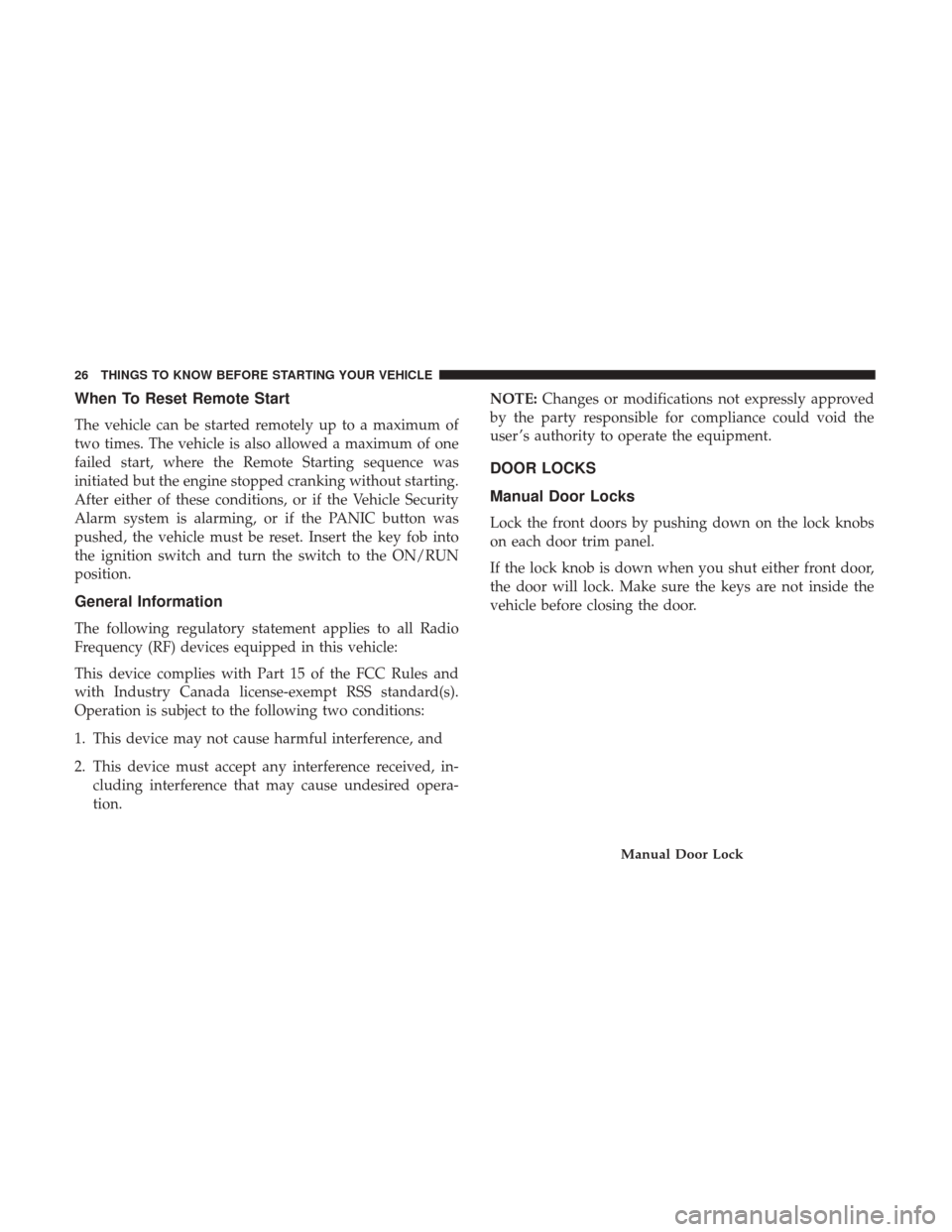
Manual Door Locks
Lock the front doors by pushing down on the lock knobs
on each door trim panel.
If the lock knob is down when you shut either front door,
the door will lock. Make sure the keys are not inside the
vehicle before closing the door.
Manual Door Lock
26 THINGS TO KNOW BEFORE STARTING YOUR VEHICLE
Page 30 of 530
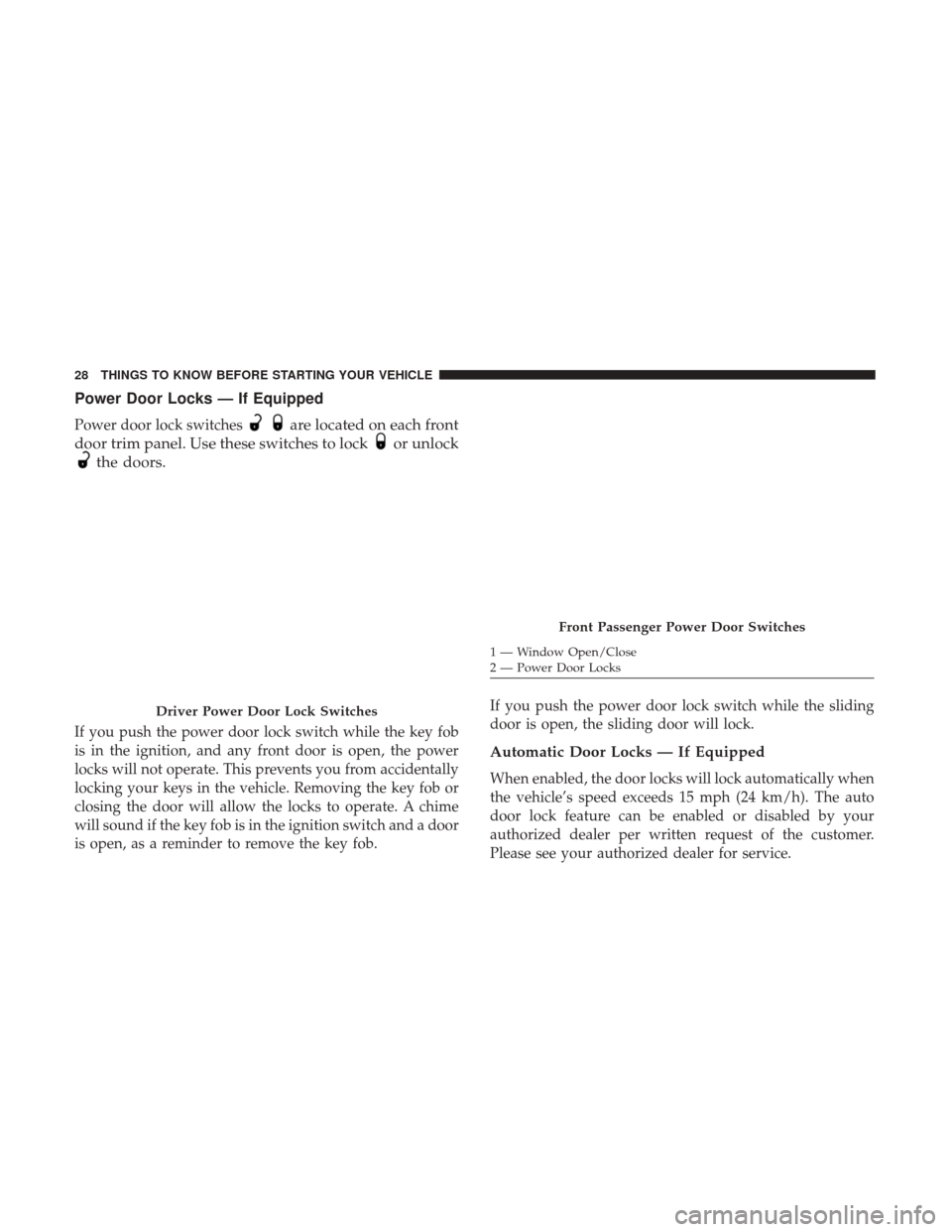
Power Door Locks — If Equipped
Power door lock switchesare located on each front
door trim panel. Use these switches to lock
or unlock
the doors.
If you push the power door lock switch while the key fob
is in the ignition, and any front door is open, the power
locks will not operate. This prevents you from accidentally
locking your keys in the vehicle. Removing the key fob or
closing the door will allow the locks to operate. A chime
will sound if the key fob is in the ignition switch and a door
is open, as a reminder to remove the key fob. If you push the power door lock switch while the sliding
door is open, the sliding door will lock.
Automatic Door Locks — If Equipped
When enabled, the door locks will lock automatically when
the vehicle’s speed exceeds 15 mph (24 km/h). The auto
door lock feature can be enabled or disabled by your
authorized dealer per written request of the customer.
Please see your authorized dealer for service.
Driver Power Door Lock Switches
Front Passenger Power Door Switches
1 — Window Open/Close
2 — Power Door Locks
28 THINGS TO KNOW BEFORE STARTING YOUR VEHICLE
Page 32 of 530
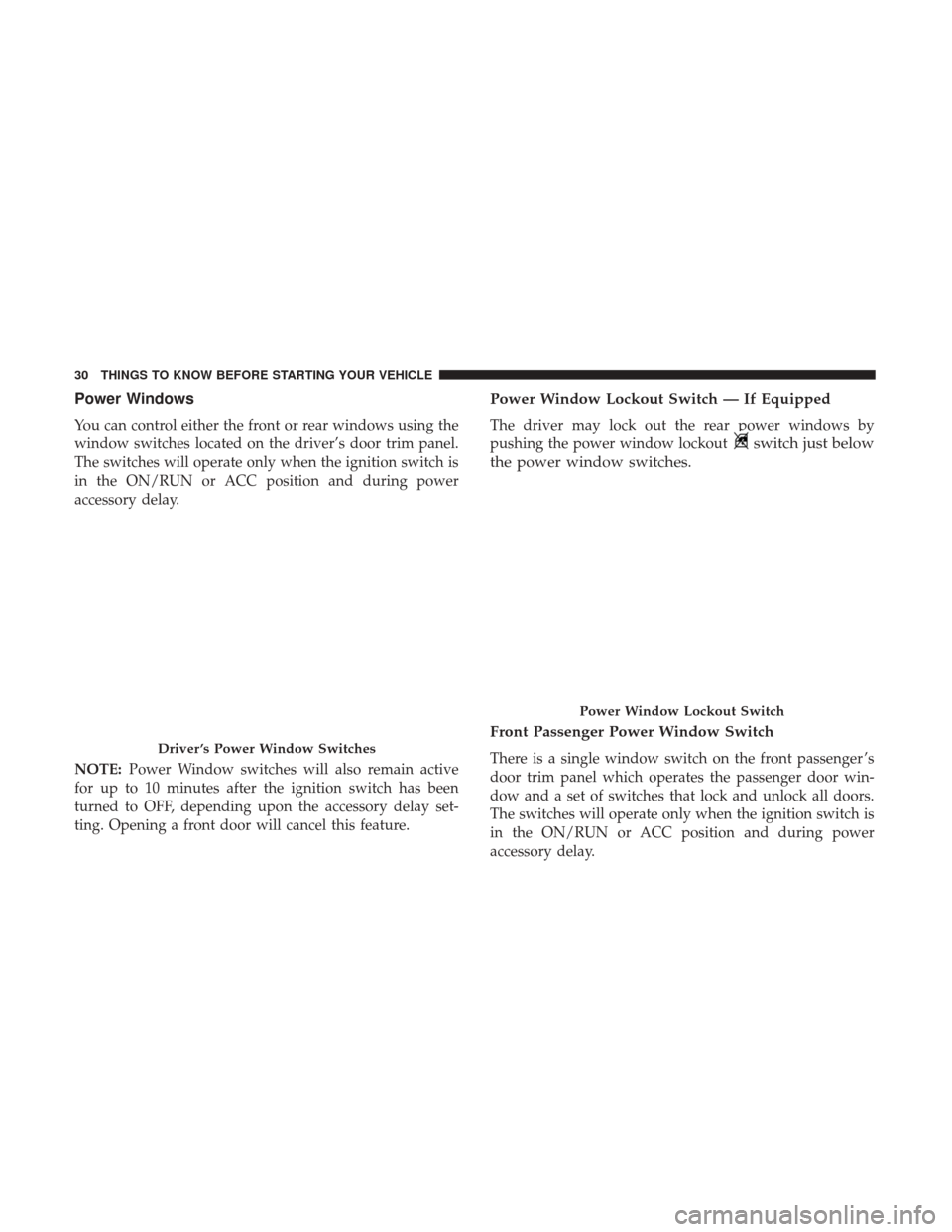
Power Windows
You can control either the front or rear windows using the
window switches located on the driver’s door trim panel.
The switches will operate only when the ignition switch is
in the ON/RUN or ACC position and during power
accessory delay.
NOTE:Power Window switches will also remain active
for up to 10 minutes after the ignition switch has been
turned to OFF, depending upon the accessory delay set-
ting. Opening a front door will cancel this feature.
Power Window Lockout Switch — If Equipped
The driver may lock out the rear power windows by
pushing the power window lockout
switch just below
the power window switches.
Front Passenger Power Window Switch
There is a single window switch on the front passenger ’s
door trim panel which operates the passenger door win-
dow and a set of switches that lock and unlock all doors.
The switches will operate only when the ignition switch is
in the ON/RUN or ACC position and during power
accessory delay.Driver ’s Power Window Switches
Power Window Lockout Switch
30 THINGS TO KNOW BEFORE STARTING YOUR VEHICLE
Page 33 of 530
Auto-Down Feature — If Equipped
Both the driver and front passenger window switches have
an “Auto-Down” feature. Push the window
switch
past the first detent, release, and the window will go
down automatically. To cancel the “Auto-Down” move-
ment, operate the window switch in either the up or
down direction and release the switch.
To partially open the window, push the windowswitch
to the first detent and release it when you want the
window to stop.
The power window switches remain active for up to 10
minutes (depending on the accessory delay setting) after
the ignition switch has been turned to OFF. Opening a
vehicle front door will cancel this feature.
Auto Up Feature With Anti-Pinch Protection — If
Equipped
Lift the windowswitch fully upward to the second
detent, release, and the window will go up automati-
cally.
To stop the window from going all the way up during the
“Auto Up” operation, push down on the window
switch briefly.
To partially close the window, lift the windowswitch to
the first detent and release when you want the window
to stop.
Front Passenger Power Window And Door Switches
1 — Window Switch
2 — Power Door Locks
2
THINGS TO KNOW BEFORE STARTING YOUR VEHICLE 31
Page 34 of 530
NOTE:If the window runs into any obstacle during “Auto
Up,” it will reverse direction and then go back down.
Remove the obstacle and use the window switch again to
close the window. Any impact due to rough road condi-
tions may trigger the auto reverse function unexpectedly
during “Auto-Up.” If this happens, pull the window
switch lightly to the first detent and hold it to close the
window manually.
WARNING!
There is no anti-pinch protection when the window is
almost closed. Be sure to clear all objects from the
window before closing.
Auto Up Reset — If Equipped
Should the “Auto Up” feature stop working, the window
probably needs to be reset. To reset “Auto Up”:
1. Pull the window
switch up to close the window
completely and continue to hold the window switch
up for an additional two seconds after the window is
closed.
2. Push the windowswitch down firmly to the sec-
ond detent to open the window completely and
continue to hold the window switch down for an
additional two seconds after the window is fully
open.
Sliding Side Door Power Window Switch — If
Equipped
Second row passengers may open and close the sliding
door window by a single window switch on the door
handle assembly.
The window switches will operate only when the ignition
switch is in the ON/RUN or ACC position and during
power accessory delay.
NOTE: The window switches will not operate if the driver
has activated the Power Window Lockout.
32 THINGS TO KNOW BEFORE STARTING YOUR VEHICLE