brake DODGE JOURNEY 2015 1.G User Guide
[x] Cancel search | Manufacturer: DODGE, Model Year: 2015, Model line: JOURNEY, Model: DODGE JOURNEY 2015 1.GPages: 648
Page 307 of 648
brakes. If the ABS light does not turn on when the
ignition switch is turned to the ON/RUN position, have
the light inspected by an authorized dealer.
14. Speedometer
Indicates vehicle speed.
15. Fuel Door Reminder
The arrow in this symbol is a reminder that the
Fuel Filler Door is located on the left side of the
vehicle.
16. Fuel Gauge
The pointer shows the level of fuel in the fuel tank when
the ignition switch is in the ON/RUN position.
17. Vehicle Security Light — If Equipped
This light will flash at a fast rate for approxi-
mately 15 seconds, when the vehicle security
alarm is arming, and then will flash slowly
until the vehicle is disarmed.
18. Temperature Gauge
The temperature gauge shows engine coolant tempera-
ture. Any reading within the normal range indicates that
the engine cooling system is operating satisfactorily.
The gauge pointer will likely indicate a higher tempera-
ture when driving in hot weather, up mountain grades,
or when towing a trailer. It should not be allowed to
exceed the upper limits of the normal operating range.
4
UNDERSTANDING YOUR INSTRUMENT PANEL 305
Page 312 of 648
•Unstored Messages Until RUN
These messages deal primarily with the Remote Start
feature. This message type is displayed until the ignition
is in the RUN state. Examples of this message type are
#Remote Start Aborted - Door Ajar#and#Push Brake
Pedal and Push Button to Start#.
•Five Second Unstored Messages
When the appropriate conditions occur, this type of mes-
sage takes control of the main display area for five seconds
and then returns to the previous screen. Examples of this
message type are#Memory System Unavailable - Not in
Park#and#Automatic High Beams On#.
The Reconfigurable Telltales section is divided into the
white telltales area on the right, amber telltales in the
middle, and red telltales on the left.
When the appropriate conditions exist, the EVIC displays
the following messages:
•Remote start aborted — Door ajar
•Remote start aborted — Hood ajar
•Remote start aborted — L/Gate ajar
•Remote start aborted — Fuel low
•Remote start disabled — Start Vehicle to Reset
•Remote start active — Push Start Button
•Vehicle Not in Park
•Key Left Vehicle
•Key Not Detected
•Push Brake Pedal and Push Button to Start
•Service Keyless System
310 UNDERSTANDING YOUR INSTRUMENT PANEL
Page 318 of 648
Unless reset, this message will continue to display each
time you cycle the ignition to the ON/RUN position. To
turn off the message temporarily, push and release the
MENU button. To reset the oil change indicator system
(after performing the scheduled maintenance), perform
the following procedure:
1. Without pushing the brake pedal, push the ENGINE
START/STOP button and cycle the ignition to the
ON/RUN position (do not start the engine.)
2. Fully depress the accelerator pedal, slowly, three times
within 10 seconds.
3. Without pushing the brake pedal, push the ENGINE
START/STOP button once to return the ignition to the
OFF/LOCK position.
NOTE:If the indicator message illuminates when you
start the vehicle, the oil change indicator system did not
reset. If necessary, repeat this procedure.
Fuel Economy
Push and release the UP or DOWN button until “Fuel
Economy” displays highlighted in the EVIC and push the
SELECT button. The following Fuel Economy functions
will display in the EVIC:
•Average Fuel Economy
•Distance To Empty (DTE)
•Miles Per Gallon (MPG)
Average Fuel Economy
Shows the average fuel economy since the last reset.
When the fuel economy is reset, the display will read
“RESET” or show dashes for two seconds. Then, the
history information will be erased, and the averaging will
continue from the last fuel average reading before the
reset.
316 UNDERSTANDING YOUR INSTRUMENT PANEL
Page 327 of 648
Brake Control System” in “Starting And Operating” for
system function and operating information. To make
your selection, press the “Hill Start Assist” button on the
touchscreen and select “ON” or “OFF.” Then press the
back arrow button on the touchscreen.
Lights
•Illuminated Approach
Press the “Illuminated Approach” button on the touch-
screen to change this display. When this feature is se-
lected, the headlights will activate and remain on for 0,
30, 60, or 90 seconds when the doors are unlocked with
the Remote Keyless Entry (RKE) transmitter. To change
the Illuminated Approach status, press the “0,” “30,”
“60” or “90” button on the touchscreen. Then press the
back arrow button on the touchscreen.
•Headlights With Wipers
Press the “Headlights With Wipers” button on the touch-
screen to change this display. When this feature is se-
lected, and the headlight switch is in the AUTO position,
the headlights will turn on approximately 10 seconds
after the wipers are turned on. The headlights will also
turn off when the wipers are turned off if they were
turned on by this feature. To make your selection, press
the “Headlights With Wipers” button on the touchscreen
and select “ON” or “OFF.” Then press the back arrow
button on the touchscreen.
•Auto High Beams
Press the “Auto High Beams” button on the touchscreen
to change this display. When this feature is selected, the
high beam headlights will deactivate automatically un-
der certain conditions. To make your selection, press the
“Auto High Beams” button on the touchscreen and select
“ON” or “OFF.” Then press the back arrow button on the
4
UNDERSTANDING YOUR INSTRUMENT PANEL 325
Page 340 of 648
Assist status, press and release the “OFF,” “Sound Only”
or “Sounds and Display” button. Then press the back
arrow button on the touchscreen. Refer to “ParkSense®
Rear Park Assist” in “Understanding The Features Of
Your Vehicle” for system function and operating infor-
mation.
•ParkView® Backup Camera
Your vehicle may be equipped with the ParkView® Rear
Back Up Camera that allows you to see an on-screen
image of the rear surroundings of your vehicle whenever
the shift lever is put into REVERSE. The image will be
displayed on the radio touchscreen display along with a
caution note to “check entire surroundings” across the
top of the screen. After five seconds, this note will
disappear. The ParkView® camera is located on the rear
of the vehicle above the rear License plate. To make your
selection, press the “ParkView® Backup Camera” button
on the touchscreen, until a check-mark appears next to
setting, showing that setting has been selected. Press the
back arrow button on the touchscreen to return to the
previous menu.
•Hill Start Assist — If Equipped
When this feature is selected, the Hill Start Assist (HSA)
system is active. Refer to “Electronic Brake Control
System” in “Starting And Operating” for system function
and operating information. To make your selection, press
the “Hill Start Assist” button on the touchscreen, until a
check-mark appears next to setting, showing that setting
has been selected. Press the back arrow button on the
touchscreen to return to the previous menu.
338 UNDERSTANDING YOUR INSTRUMENT PANEL
Page 354 of 648
Play A DVD Using The Touchscreen Radio
1. Insert the DVD with the label facing up. The radio
automatically selects the appropriate mode after the
disc is recognized and displays the menu screen or
starts playing the first track.
Using The Remote Control
1. Push the MODE button on the Remote Control.
2. While looking at the Video Screen, highlight DISC by
either pushing Up/Down/Left/Right buttons or by
repeatedly pushing the MODE button, then push
ENTER.
NOTE:
•The VES™ system will retain the last setting when
turned off.
•Viewing a DVD on the Touchscreen radio screen is not
available in some regions or locations, the vehicle must
be stopped, and the shift lever must be in the PARK
position for vehicles with automatic transmission. In
vehicles with manual transmission the parking brake
must be engaged even when the vehicle is parked.
Refer to local and state laws.
Using The Touchscreen Radio Controls
1. Press the “MORE” button on the touchscreen.
2. Press the “Rear Entertainment” button on the touch-
screen to display the Rear Entertainment Controls.
3. If the Rear Entertainment is turned off, press the
“Power” button on the touchscreen.
4. Press the “1” or “2” button on the touchscreen for the
channel desired and press the “Source” button on the
touchscreen to select the desired mode.
352 UNDERSTANDING YOUR INSTRUMENT PANEL
Page 405 of 648
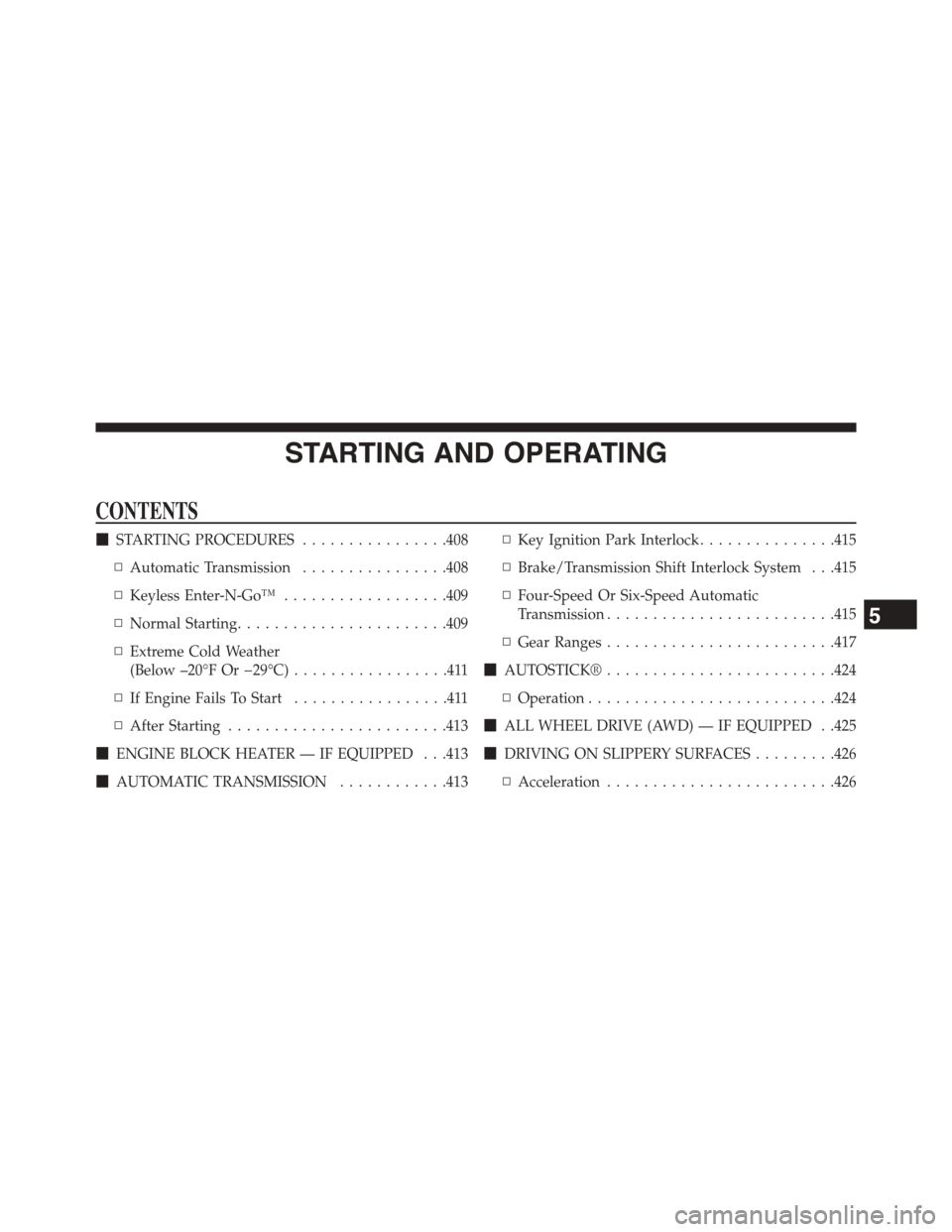
STARTING AND OPERATING
CONTENTS
!STARTING PROCEDURES................408
▫Automatic Transmission................408
▫Keyless Enter-N-Go™..................409
▫Normal Starting.......................409
▫Extreme Cold Weather
(Below –20°F Or−29°C).................411
▫If Engine Fails To Start.................411
▫After Starting........................413
!ENGINE BLOCK HEATER — IF EQUIPPED . . .413
!AUTOMATIC TRANSMISSION............413
▫Key Ignition Park Interlock...............415
▫Brake/Transmission Shift Interlock System . . .415
▫Four-Speed Or Six-Speed Automatic
Transmission.........................415
▫Gear Ranges.........................417
!AUTOSTICK®.........................424
▫Operation...........................424
!ALL WHEEL DRIVE (AWD) — IF EQUIPPED . .425
!DRIVING ON SLIPPERY SURFACES.........426
▫Acceleration.........................426
5
Page 406 of 648
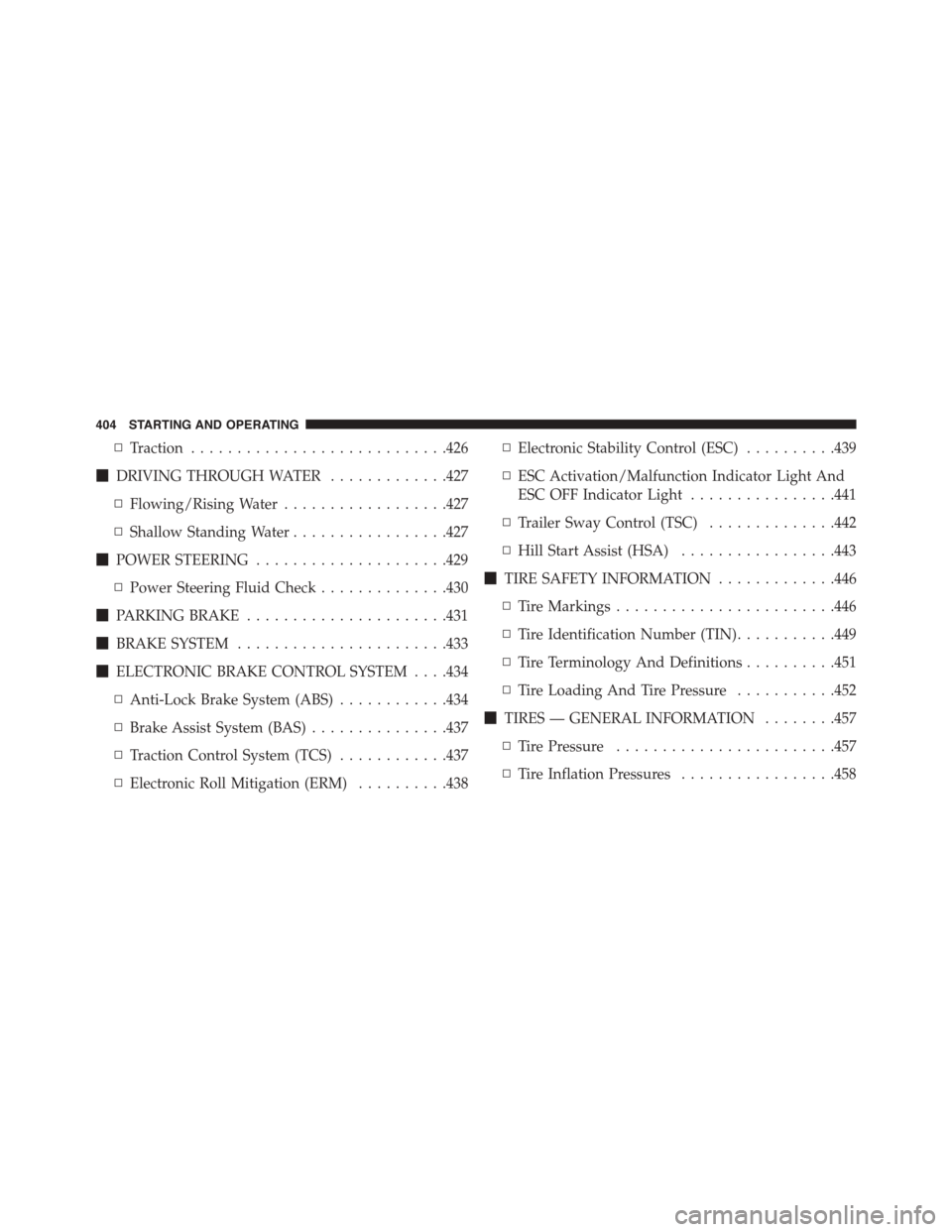
▫Traction............................426
!DRIVING THROUGH WATER.............427
▫Flowing/Rising Water..................427
▫Shallow Standing Water.................427
!POWER STEERING.....................429
▫Power Steering Fluid Check..............430
!PARKING BRAKE......................431
!BRAKE SYSTEM.......................433
!ELECTRONIC BRAKE CONTROL SYSTEM . . . .434
▫Anti-Lock Brake System (ABS)............434
▫Brake Assist System (BAS)...............437
▫Traction Control System (TCS)............437
▫Electronic Roll Mitigation (ERM)..........438
▫Electronic Stability Control (ESC)..........439
▫ESC Activation/Malfunction Indicator Light And
ESC OFF Indicator Light................441
▫Trailer Sway Control (TSC)..............442
▫Hill Start Assist (HSA).................443
!TIRE SAFETY INFORMATION.............446
▫Tire Markings........................446
▫Tire Identification Number (TIN)...........449
▫Tire Terminology And Definitions..........451
▫Tire Loading And Tire Pressure...........452
!TIRES — GENERAL INFORMATION........457
▫Tire Pressure........................457
▫Tire Inflation Pressures.................458
404 STARTING AND OPERATING
Page 410 of 648
STARTING PROCEDURES
Before starting your vehicle, adjust your seat, adjust the
inside and outside mirrors, fasten your seat belt, and if
present, instruct all other occupants to buckle their seat
belts.
WARNING!
•When leaving the vehicle, always make sure the
ignition is in the OFF position, remove the Key Fob
from the vehicle, and lock the vehicle.
•Never leave children alone in a vehicle, or with
access to an unlocked vehicle. Leaving children in
a vehicle unattended is dangerous for a number of
reasons. A child or others could be seriously or
fatally injured. Children should be warned not to
touch the parking brake, brake pedal or the trans-
mission gear selector.
(Continued)
WARNING!(Continued)
•Do not leave the Key Fob in or near the vehicle (or
in a location accessible to children), and do not
leave the ignition (of a vehicle equipped with
Keyless Enter-N-Go™) in the ACC or ON/RUN
mode. A child could operate power windows, other
controls, or move the vehicle.
Automatic Transmission
The shift lever must be in the NEUTRAL or PARK
position before you can start the engine. Apply the brakes
before shifting into any driving gear.
408 STARTING AND OPERATING
Page 411 of 648
CAUTION!
Damage to the transmission may occur if the follow-
ing precautions are not observed:
•Do not shift from REVERSE, PARK, or NEUTRAL
into any forward gear when the engine is above
idle speed.
•Shift into PARK only after the vehicle has come to
a complete stop.
•Shift into or out of REVERSE only after the vehicle
has come to a complete stop and the engine is at
idle speed.
•Before shifting into any gear, make sure your foot
is firmly on the brake pedal.
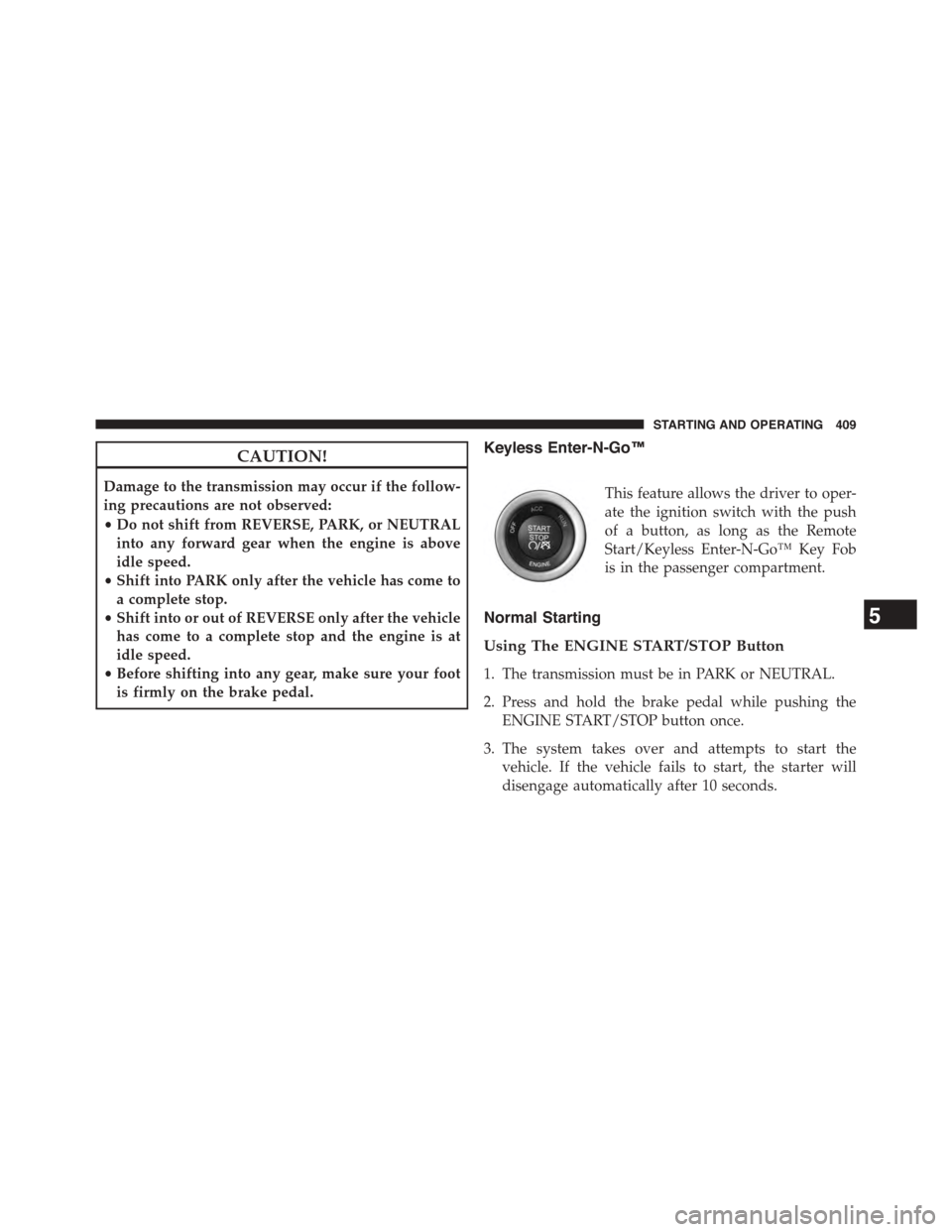
Keyless Enter-N-Go™
This feature allows the driver to oper-
ate the ignition switch with the push
of a button, as long as the Remote
Start/Keyless Enter-N-Go™ Key Fob
is in the passenger compartment.
Normal Starting
Using The ENGINE START/STOP Button
1. The transmission must be in PARK or NEUTRAL.
2. Press and hold the brake pedal while pushing the
ENGINE START/STOP button once.
3. The system takes over and attempts to start the
vehicle. If the vehicle fails to start, the starter will
disengage automatically after 10 seconds.
5
STARTING AND OPERATING 409