center console DODGE JOURNEY 2015 1.G User Guide

DODGE JOURNEY 2015 1.G User Guide JOURNEY 2015 1.G DODGE DODGE https://www.carmanualsonline.info/img/12/5650/w960_5650-0.png DODGE JOURNEY 2015 1.G User Guide

Page 278 of 648
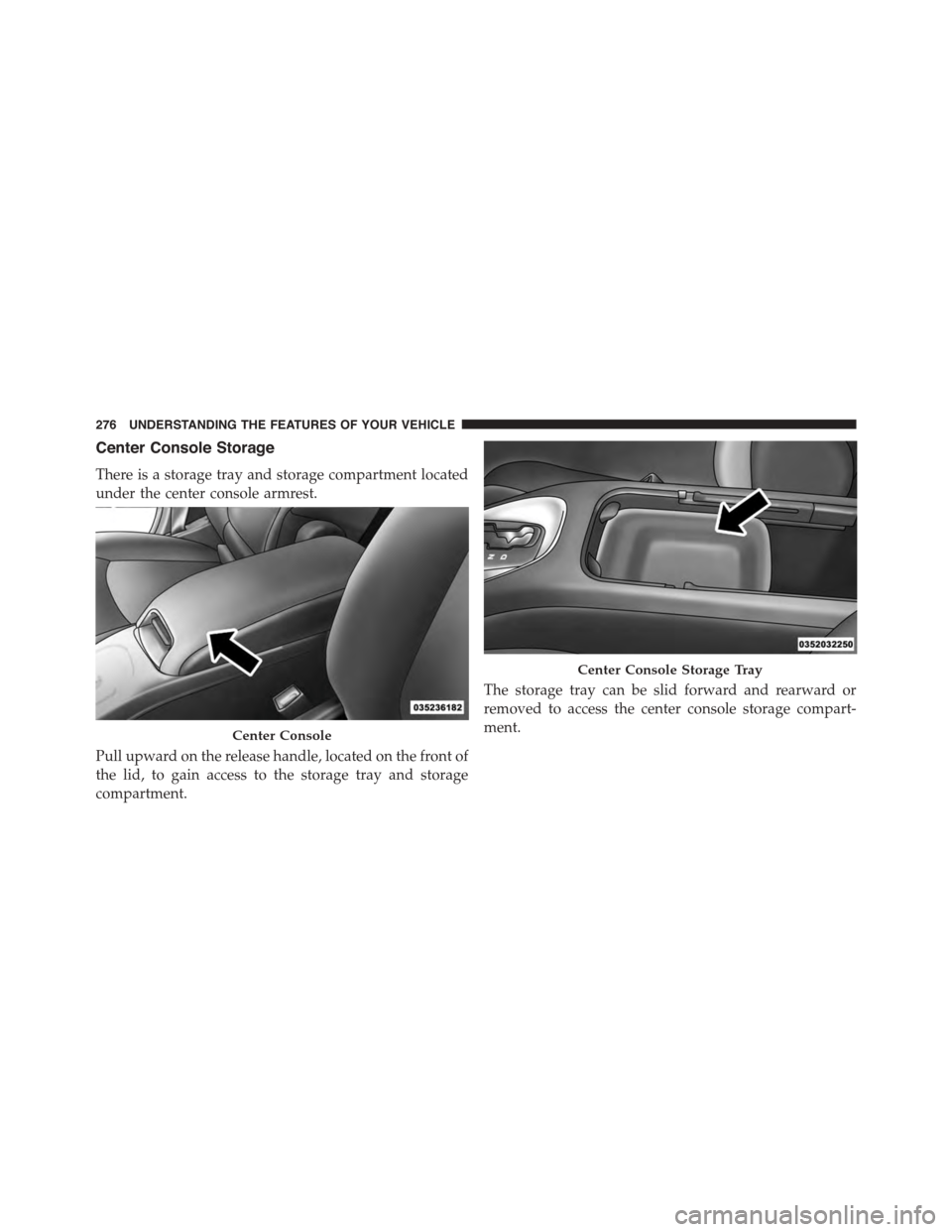
DODGE JOURNEY 2015 1.G User Guide Center Console Storage
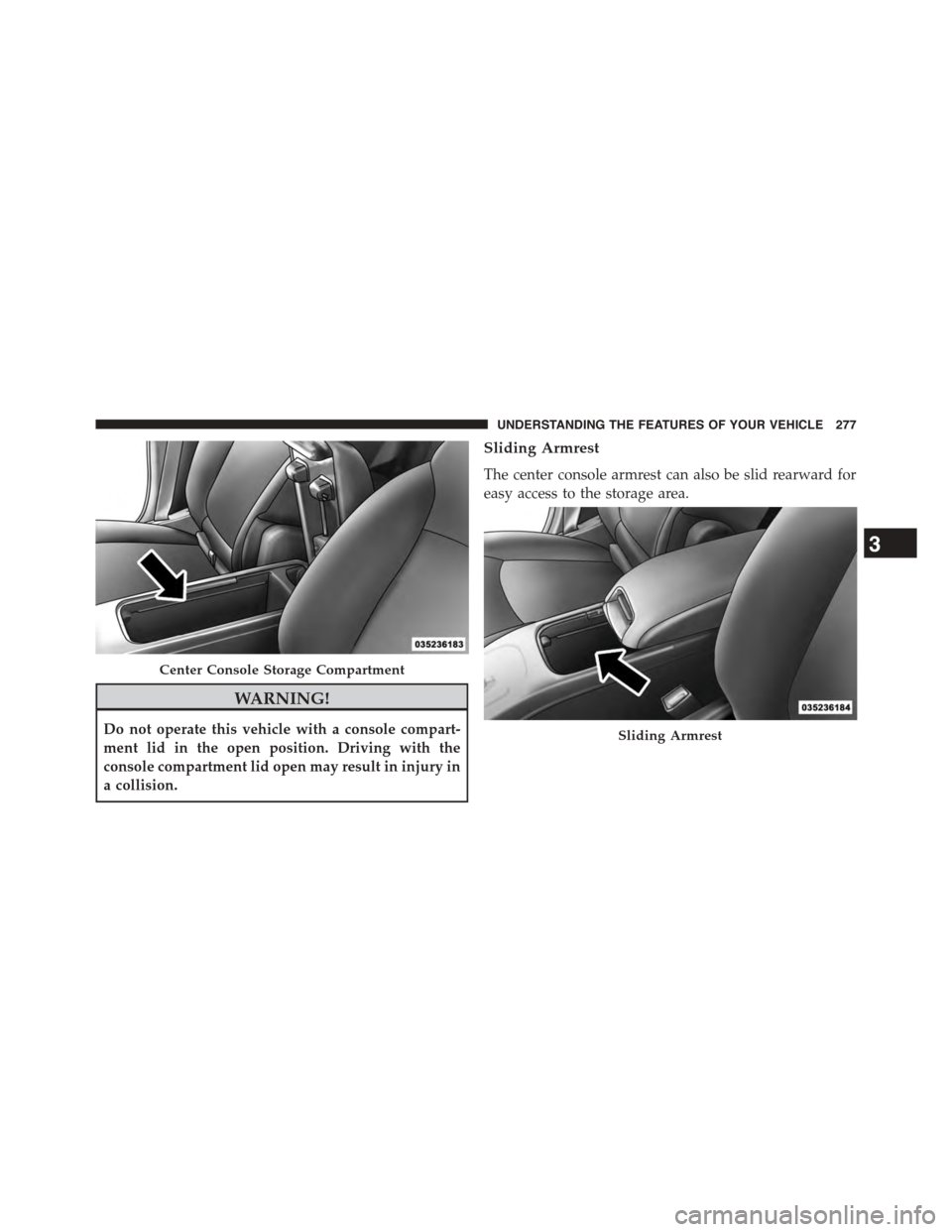
There is a storage tray and storage compartment located
under the center console armrest.
Pull upward on the release handle, located on the front of
the lid, to gain access to t

Page 279 of 648

DODGE JOURNEY 2015 1.G User Guide WARNING!
Do not operate this vehicle with a console compart-
ment lid in the open position. Driving with the
console compartment lid open may result in injury in
a collision.
Sliding Armrest
The cente

Page 280 of 648

DODGE JOURNEY 2015 1.G User Guide WARNING!
Do not operate this vehicle with a console compart-
ment lid in the open position. Driving with the
console compartment lid open may result in injury in
a collision.
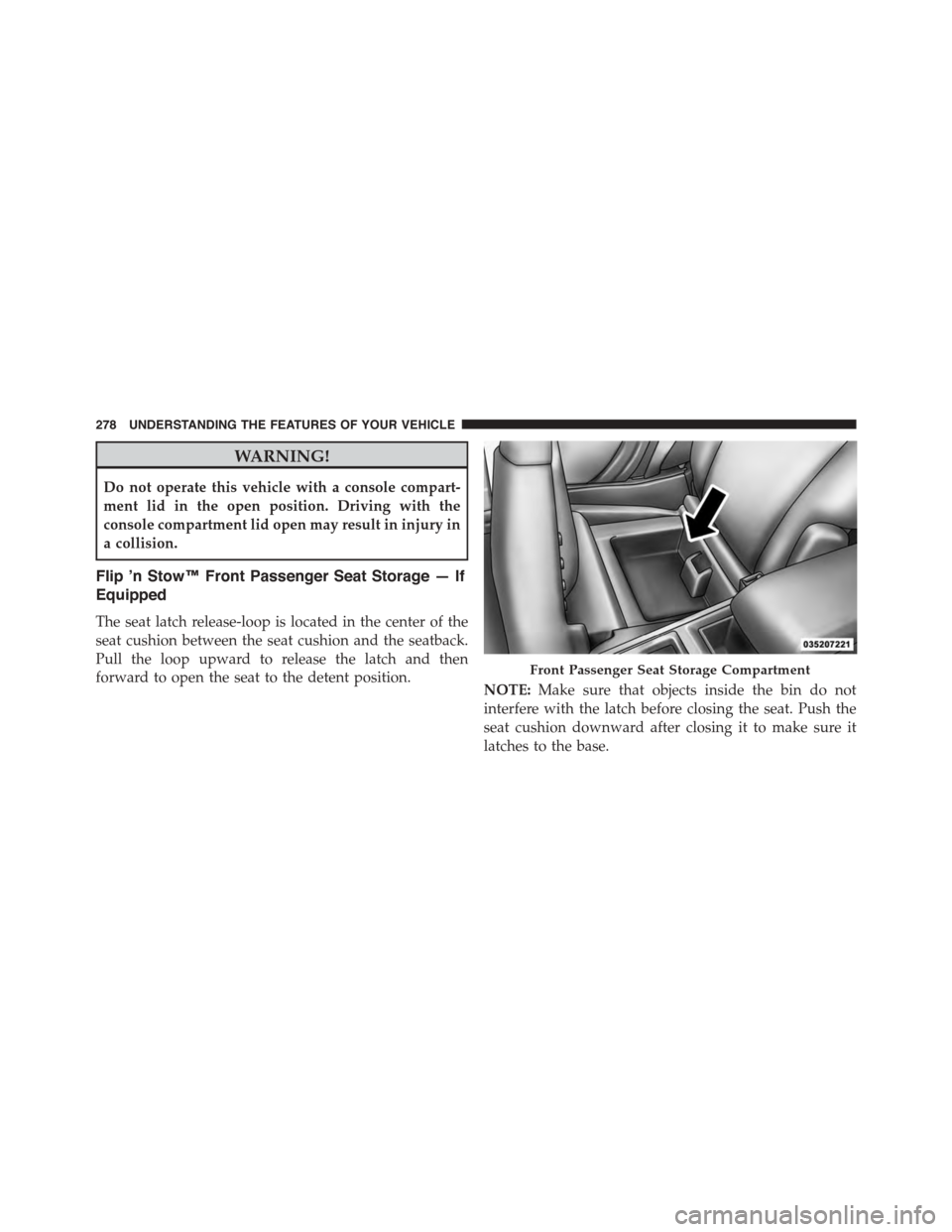
Flip ’n Stow™ Front P

Page 351 of 648

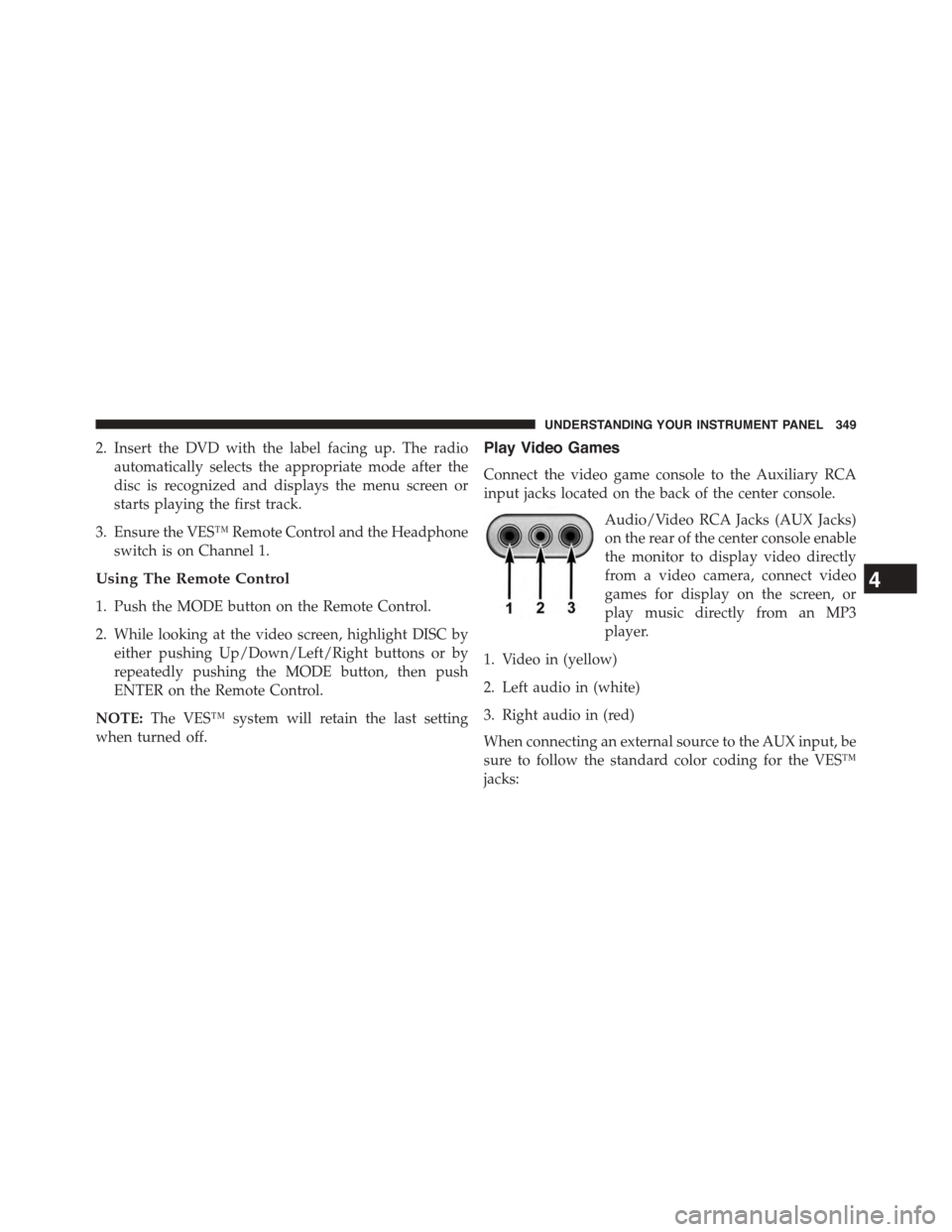
DODGE JOURNEY 2015 1.G User Guide 2. Insert the DVD with the label facing up. The radio
automatically selects the appropriate mode after the
disc is recognized and displays the menu screen or
starts playing the first track.
3. Ensure

Page 536 of 648

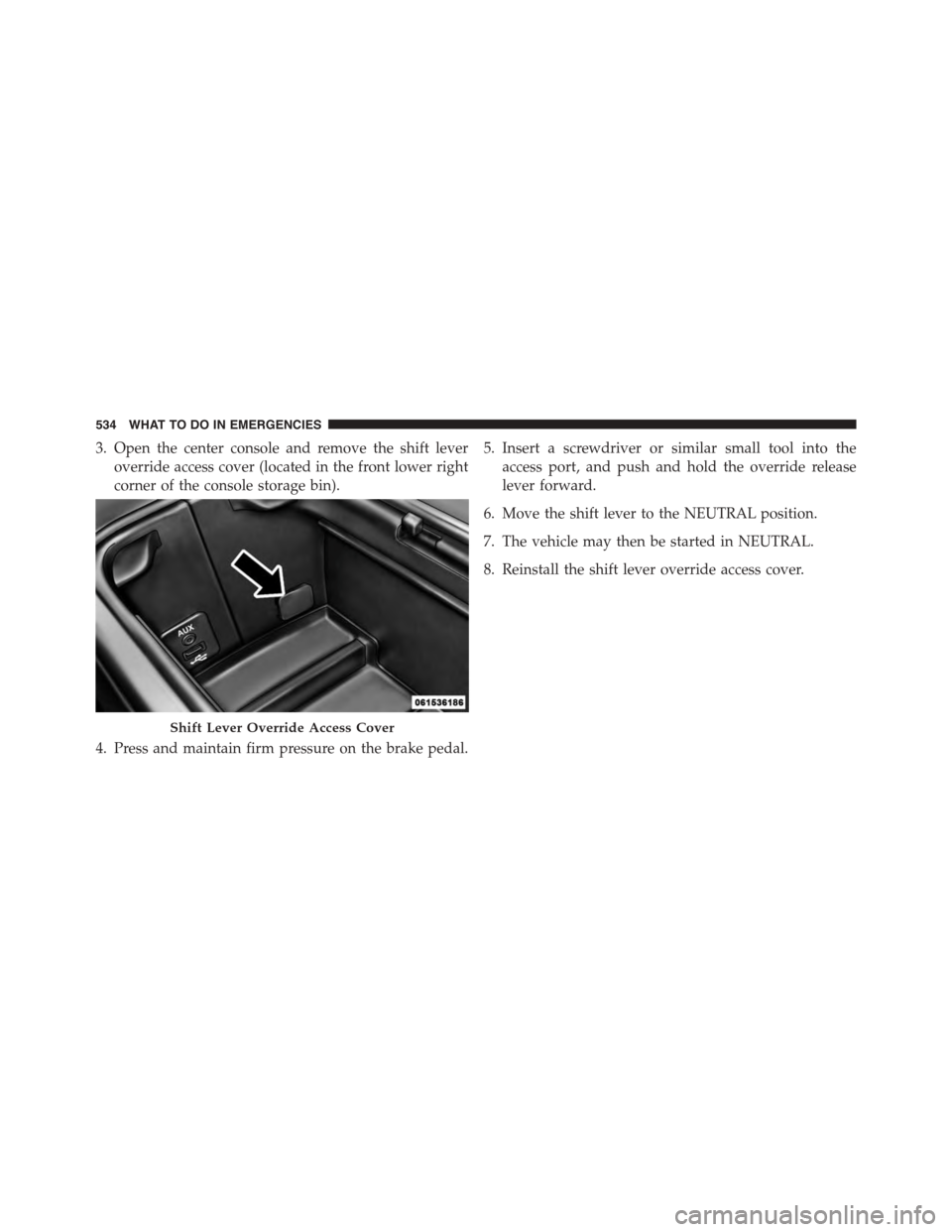
DODGE JOURNEY 2015 1.G User Guide 3. Open the center console and remove the shift lever
override access cover (located in the front lower right
corner of the console storage bin).
4. Press and maintain firm pressure on the brake pedal
Page:   < prev 1-10 11-20