roof DODGE JOURNEY 2016 1.G User Guide
[x] Cancel search | Manufacturer: DODGE, Model Year: 2016, Model line: JOURNEY, Model: DODGE JOURNEY 2016 1.GPages: 664
Page 267 of 664
WARNING!
•Never leave children unattended in a vehicle, or
with access to an unlocked vehicle. Never leave the
Key Fob in or near the vehicle, or in a location
(Continued)
WARNING! (Continued)
accessible to children. Do not leave the ignition of
a vehicle equipped with Keyless Enter-N-Go in the
ACC or ON/RUN mode. Occupants, particularly
unattended children, can become entrapped by the
power sunroof while operating the power sunroof
switch. Such entrapment may result in serious
injury or death.
• In a collision, there is a greater risk of being thrown
from a vehicle with an open sunroof. You could
also be seriously injured or killed. Always fasten
your seat belt properly and make sure all passen-
gers are also properly secured.
• Do not allow small children to operate the sunroof.
Never allow your fingers, other body parts, or any
object, to project through the sunroof opening.
Injury may result.
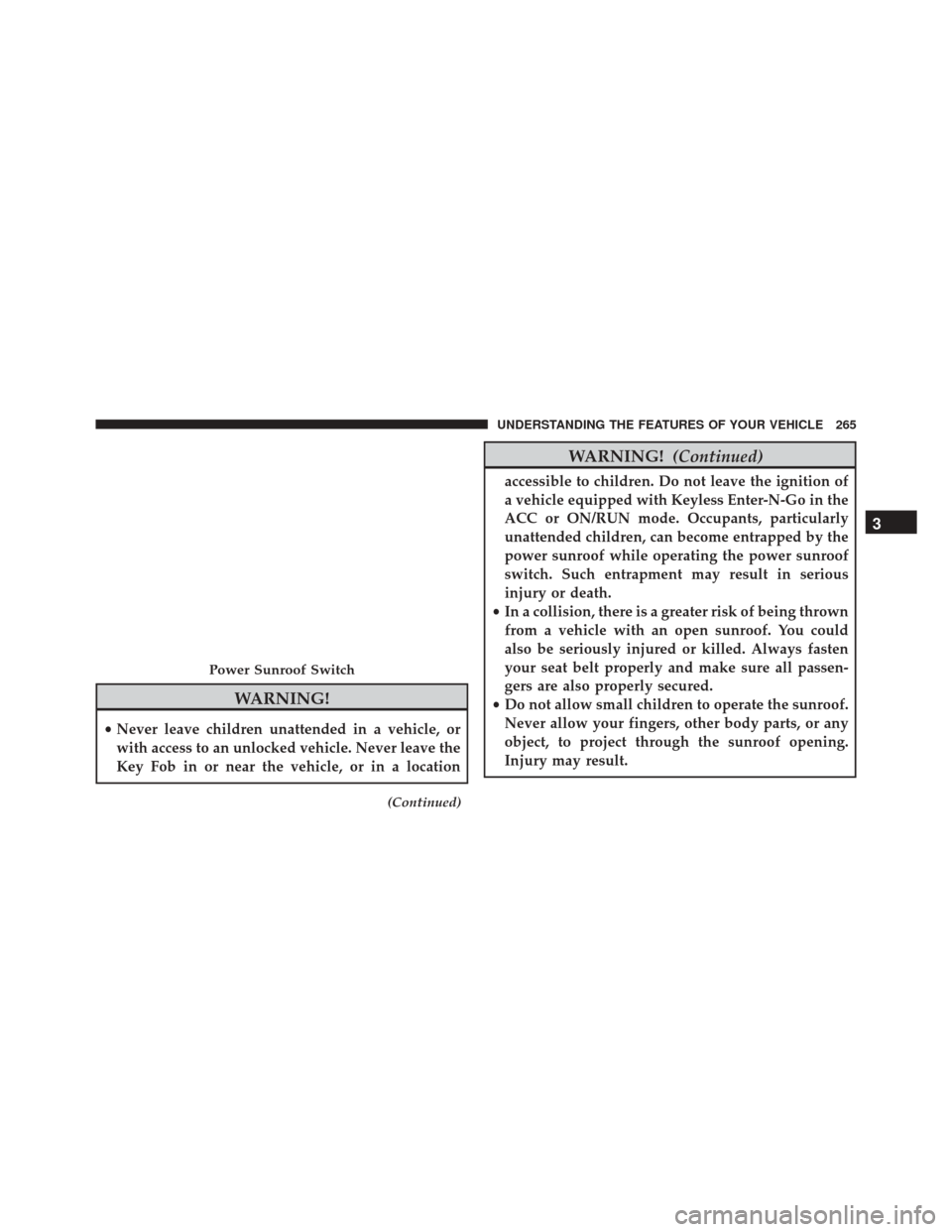
Power Sunroof Switch
3
UNDERSTANDING THE FEATURES OF YOUR VEHICLE 265
Page 268 of 664
Opening Sunroof — Express
Push the switch rearward and release it within one-half
second. The sunroof and sunshade will open automati-
cally from any position. The sunroof and sunshade will
open fully and stop automatically. This is called “Express
Open.” During Express Open operation, any other actua-
tion of the sunroof switch will stop the sunroof.
Opening Sunroof — Manual Mode
To open the sunroof, push and hold the switch rearward
to full open. Any release of the switch will stop the
movement. The sunroof and sunshade will remain in a
partially opened condition until the sunroof switch is
pushed again.
Closing Sunroof — Express
Push the switch forward and release it within one-half
second and the sunroof will close automatically from anyposition. The sunroof will close fully and stop automati-
cally. This is called “Express Close.” During Express
Close operation, any other actuation of the switch will
stop the sunroof.
Closing Sunroof — Manual Mode
To close the sunroof, push and hold the switch in the
forward position. Any release of the switch will stop the
movement and the sunroof will remain in a partially
closed condition until the sunroof switch is pushed again.
Sunroof Fully Closed
Push the switch forward and release to ensure that the
sunroof is fully closed.
Pinch Protect Feature
This feature will detect an obstruction in the opening of
the sunroof during Express Close operation. If an ob-
struction in the path of the sunroof is detected, the
266 UNDERSTANDING THE FEATURES OF YOUR VEHICLE
Page 269 of 664
sunroof will automatically retract. Remove the obstruc-
tion if this occurs. Next, push the switch forward and
release to Express Close.
Venting Sunroof — Express
Push and release the Vent button within one half second
and the sunroof will open to the vent position. This is
called “Express Vent” and it will occur regardless of
sunroof position. During Express Vent operation, any
movement of the switch will stop the sunroof.
Sunshade Operation
The sunshade can be opened manually. However, the
sunshade will open automatically as the sunroof opens.
NOTE:The sunshade cannot be closed if the sunroof is
open.
Wind Buffeting
Wind buffeting can be described as the perception of
pressure on the ears or a helicopter-type sound in the
ears. Your vehicle may exhibit wind buffeting with the
windows down, or the sunroof (if equipped) in certain
open or partially open positions. This is a normal occur-
rence and can be minimized. If the buffeting occurs with
the rear windows open, open the front and rear windows
together to minimize the buffeting. If the buffeting occurs
with the sunroof open, adjust the sunroof opening to
minimize the buffeting or open any window.
Sunroof Maintenance
Use only a nonabrasive cleaner and a soft cloth to clean
the glass panel.
3
UNDERSTANDING THE FEATURES OF YOUR VEHICLE 267
Page 270 of 664
Ignition Off Operation
The power sunroof switch will remain active for up to
approximately ten minutes after the ignition switch is
turned to the LOCK position. Opening either front door
will cancel this feature.
NOTE:Ignition Off time is programmable through the
Uconnect System. Refer to “Uconnect Settings/Customer
Programmable Features” in “Understanding Your Instru-
ment Panel” for further information.
POWER OUTLETS
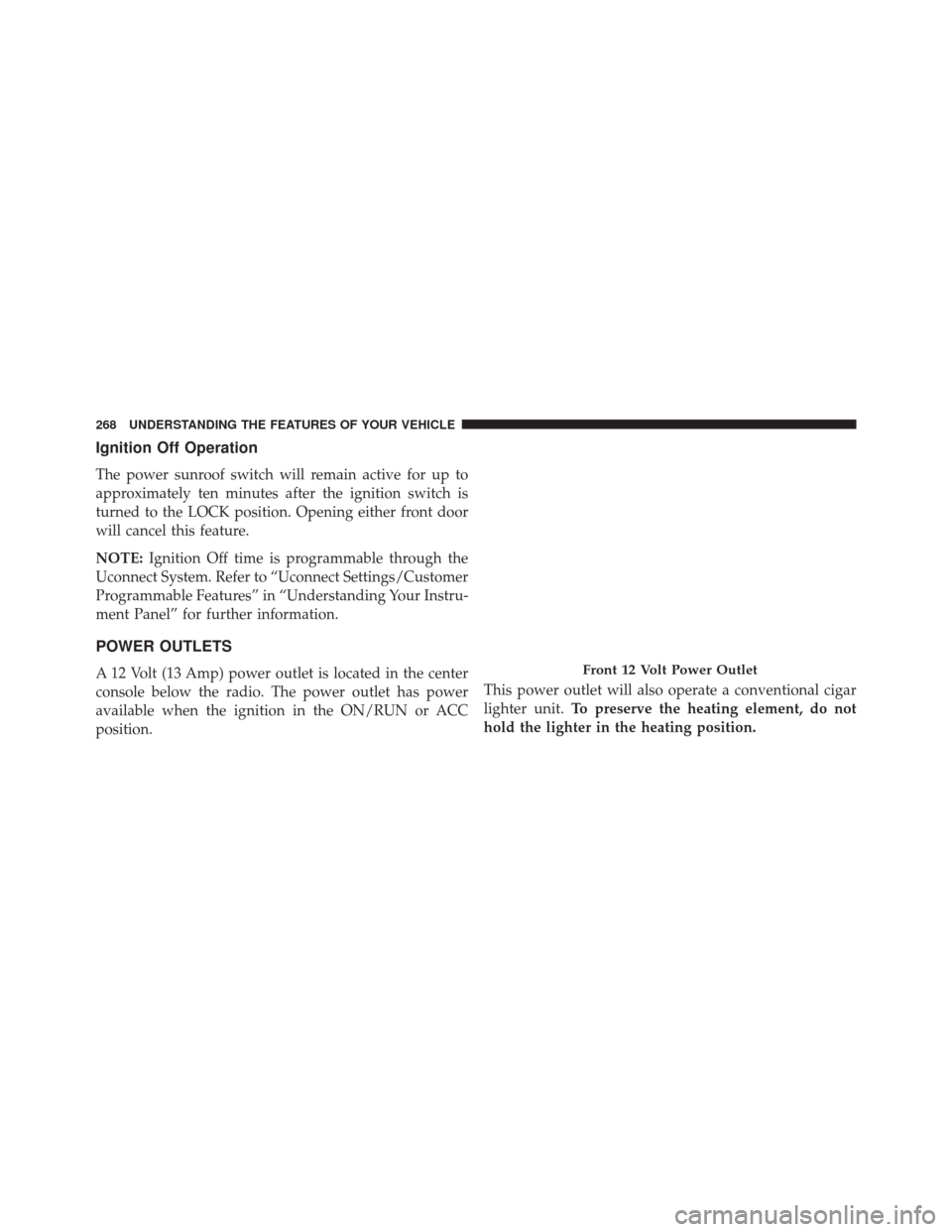
A 12 Volt (13 Amp) power outlet is located in the center
console below the radio. The power outlet has power
available when the ignition in the ON/RUN or ACC
position. This power outlet will also operate a conventional cigar
lighter unit.
To preserve the heating element, do not
hold the lighter in the heating position.Front 12 Volt Power Outlet
268 UNDERSTANDING THE FEATURES OF YOUR VEHICLE
Page 292 of 664
CAUTION!(Continued)
the blade cannot return to the park position, dam-
age to the rear wiper motor may occur.
Rear Window Defroster
The rear window defroster button is located on
the climate control panel. Push this button to turn
on the rear window defroster and the heated outside
mirrors (if equipped). An indicator in the button will
illuminate when the rear window defroster is on. The
rear window defroster automatically turns off after ap-
proximately 10 minutes.
NOTE: To prevent excessive battery drain, use the rear
window defroster only when the engine is operating.
CAUTION!
Failure to follow these cautions can cause damage to
the heating elements:
• Use care when washing the inside of the rear
window. Do not use abrasive window cleaners on
the interior surface of the window. Use a soft cloth
and a mild washing solution, wiping parallel to the
heating elements. Labels can be peeled off after
soaking with warm water.
• Do not use scrapers, sharp instruments, or abrasive
window cleaners on the interior surface of the
window.
• Keep all objects a safe distance from the window.
ROOF LUGGAGE RACK — IF EQUIPPED
The roof rack cross rails and side rails are designed to
carry cargo weight. The load must not exceed 150 lbs
(68 kg), and it should be distributed uniformly over the
290 UNDERSTANDING THE FEATURES OF YOUR VEHICLE
Page 293 of 664
cross rails. In addition, the roof rack does not increase the
total load carrying capacity of the vehicle. Be sure the
total load of cargo inside the vehicle plus that on the roof
rack does not exceed the maximum vehicle load capacity.
NOTE:The roof rack side rails on your vehicle are NOT
designed to carry a load without the addition of cross-
bars.
Metal crossbars are offered by MOPAR accessories to
provide a functional roof rack system. See your autho-
rized dealer.
To Move The Crossbars
1. Loosen the knobs on top of each crossbar approxi- mately six turns to disengage the clamp tooth from the
side rail. 2. Relocate the crossbars, aligning the crossbar stan-
chions (end pieces) with one of the vertical marks on
the outboard surface of the side rail for proper posi-
tioning. There are four frontward marks for the front
Crossbar Knobs
3
UNDERSTANDING THE FEATURES OF YOUR VEHICLE 291
Page 294 of 664
crossbar and four rearward marks for the rear cross-
bar. Make sure the crossbars remain equally spaced or
parallel at any position for proper function.
3. Tighten the knobs on each crossbar to lock it in position. As you tighten the knob, make sure the
clamp tooth engages completely into the side rail slot.
4. Attempt to move the crossbar to ensure that it is locked in position.
NOTE:
• To help control wind noise when installing the cross-
bars, make sure the arrows marked on the underside
of the crossbars face the front of the vehicle.
• To help reduce the amount of wind noise when the
crossbars are not in use, fasten the front crossbar in the
fourth position from the front and the rear crossbar in
the eighth position. The tie down holes on the crossbar
ends should always be used to tie down the load. Check the straps frequently to be sure that the load
remains securely attached.
CAUTION!
•
To prevent damage to the roof of your vehicle, DO
NOT carry any loads on the roof rack without the
crossbars installed. The load should be secured and
placed on top of the crossbars, not directly on the
roof. If it is necessary to place the load on the roof,
place a blanket or other protective layer between
the load and the roof surface.
• Crossbars should remain equally spaced or parallel
at any roof rack position for proper function. Non-
compliance could result in damage to the roof rack,
cargo, and vehicle.
• To avoid damage to the roof rack and vehicle, do
not exceed the maximum roof rack load capacity of
(Continued)
292 UNDERSTANDING THE FEATURES OF YOUR VEHICLE
Page 295 of 664
CAUTION!(Continued)
150 lb (68 kg). Always distribute heavy loads as
evenly as possible and secure the load appropri-
ately.
• Long loads, which extend over the windshield,
such as wood panels or surfboards, should be
secured to both the front and rear of the vehicle.
• Travel at reduced speeds and turn corners carefully
when carrying large or heavy loads on the roof
rack. Wind forces, due to natural causes or nearby
truck traffic, can add sudden upward loads. This is
especially true on large flat loads and may result in
damage to the cargo or your vehicle.
WARNING!
Cargo must be securely tied before driving your
vehicle. Improperly secured loads can fly off the
vehicle, particularly at high speeds, resulting in per-
sonal injury or property damage. Follow the roof rack
cautions when carrying cargo on your roof rack.
3
UNDERSTANDING THE FEATURES OF YOUR VEHICLE 293
Page 348 of 664
equipped), power sunroof (if equipped), and power
outlets will remain active for up to 10 minutes after the
ignition is cycled to OFF. Opening either front door will
cancel this feature. To change the Engine Off Power
Delay status, press the “0 seconds,” “45 seconds,” “5
minutes” or “10 minutes” button on the touchscreen.
Then press the back arrow button on the touchscreen.
Compass Settings
•Variance
Press the Variance button on the touchscreen to change
this display. Compass Variance is the difference between
Magnetic North and Geographic North. To compensate
for the differences, the variance should be set for the zone
where the vehicle is driven, per the zone map. Once
properly set, the compass will automatically compensate
for the differences, and provide the most accurate com-
pass heading. NOTE:
Keep magnetic materials away from the top of the
instrument panel, such as iPod’s, Mobile Phones, Lap-
tops and Radar Detectors. This is where the compass
module is located, and it can cause interference with the
compass sensor, and it may give false readings.
Compass Variance Map
346 UNDERSTANDING YOUR INSTRUMENT PANEL
Page 361 of 664
arrow button on the touchscreen to return to the previous
menu. Refer to “Keyless Enter-N-Go” in “Things To
Know Before Starting Your Vehicle.”
Auto-On Comfort & Remote Start
After pressing the Auto-On Comfort & Remote Start
button on the touchscreen the following settings will be
available.
•Sound Horn With Remote Start
When this feature is selected, the horn will sound when
the remote start is activated. To make your selection,
press the “Sound Horn With Remote Start” button on the
touchscreen, until a check-mark appears next to setting,
showing that setting has been selected. Press the back
arrow button on the touchscreen to return to the previous
menu. •
Auto-On Driver Heated Seat With Vehicle Start — If
Equipped
When this feature is selected the driver’s heated seat will
automatically turn on when temperatures are below 40° F
(4.4° C). To make your selection, press the “Auto On
Heated Seats” button on the touchscreen, until a check-
mark appears next to setting, showing that setting has
been selected. Press the back arrow button on the touch-
screen to return to the previous menu.
Engine Off Options
After pressing the “Engine Off Options” button on the
touchscreen the following settings will be available.
• Engine Off Power Delay
When this feature is selected, the power window
switches, radio, Uconnect system (if equipped), DVD
video system (if equipped), power sunroof (if equipped),
and power outlets will remain active for up to 10 minutes
4
UNDERSTANDING YOUR INSTRUMENT PANEL 359