phone DODGE JOURNEY 2019 Repair Manual
[x] Cancel search | Manufacturer: DODGE, Model Year: 2019, Model line: JOURNEY, Model: DODGE JOURNEY 2019Pages: 524, PDF Size: 5.29 MB
Page 469 of 524
to make a phone call using Uconnect Phone. The status is
given for network signal strength and phone battery
strength.
Dialing Using The Mobile Phone Keypad
You can dial a phone number with your mobile phone
keypad and still use the Uconnect Phone (while dialing via
the mobile phone keypad, the user must exercise caution
and take precautionary safety measures). By dialing a
number with your connected Bluetooth mobile phone, the
audio will be played through your vehicle’s audio system.
The Uconnect Phone will work the same as if you dial the
number using a voice command.
NOTE:Certain brands of mobile phones do not send the
dial ring to the Uconnect Phone to play it on the vehicle
audio system, so you will not hear it. Under this situation,
after successfully dialing a number the user may feel that
the call did not go through even though the call is in
progress. Once your call is answered, you will hear the
audio.
Mute/Un-Mute (Mute ON/OFF)
When you mute the Uconnect Phone, you will still be able
to hear the conversation coming from the other party, but
the other party will not be able to hear you. To mute the
Uconnect Phone simply press the “Mute” button on the
Phone main screen.
Advanced Phone Connectivity
Transfer Call To And From Mobile Phone
The Uconnect Phone allows ongoing calls to be transferred
from your mobile phone to the Uconnect Phone without
terminating the call. To transfer an ongoing call from your
connected mobile phone to the Uconnect Phone or vice
versa, press the “Transfer” button on the Phone main
screen.
Connect Or Disconnect Link Between The Uconnect
Phone And Mobile Phone
If you would like to connect or disconnect the Bluetooth
connection between a Uconnect Phone paired mobile
phone and the Uconnect Phone, follow the instructions
described in your mobile phone User’s Manual.
10
MULTIMEDIA 467
Page 470 of 524
Things You Should Know About Your Uconnect
Phone
Voice Command
For the best performance:
•Adjust the rearview mirror to provide at least ½ inch (1
cm) gap between the overhead console (if equipped) and
the mirror.
• Always wait for the beep before speaking.
• Speak normally, without pausing, just as you would
speak to a person sitting a few feet/meters away from
you.
• Ensure that no one other than you is speaking during a
voice command period. Performance is maximized under:
•
Low-To-Medium Blower Setting
• Low-To-Medium Vehicle Speed
• Low Road Noise
• Smooth Road Surface
• Fully Closed Windows
• Dry Weather Condition
WARNING!
ALWAYS drive safely with your hands on the wheel.
You have full responsibility and assume all risks
related to the use of the Uconnect features and appli-
cations in this vehicle. Only use Uconnect when it is
safe to do so. Failure to do so may result in an accident
involving serious injury or death.
468 MULTIMEDIA
Page 471 of 524
Even though the system is designed for many languages
and accents, the system may not always work for some.
NOTE:It is recommended that you do not store names in
your favorites phonebook while the vehicle is in motion.
Phonebook (Mobile and Favorites) name recognition rate is
optimized when the entries are not similar. You can say
“O” (letter “O”) for “0” (zero).
Even though international dialing for most number com-
binations is supported, some shortcut dialing number
combinations may not be supported.
Far End Audio Performance
Audio quality is maximized under:
• Low-To-Medium Blower Setting
• Low-To-Medium Vehicle Speed
• Low Road Noise •
Smooth Road Surface
• Fully Closed Windows
• Dry Weather Conditions
• Operation From The Driver’s Seat
Performance such as audio clarity, echo, and loudness to a
large degree rely on the phone and network, and not the
Uconnect Phone.
Echo at the far end can sometimes be reduced by lowering
the in-vehicle audio volume.
In a convertible vehicle, system performance may be
compromised with the convertible top down.
10
MULTIMEDIA 469
Page 472 of 524
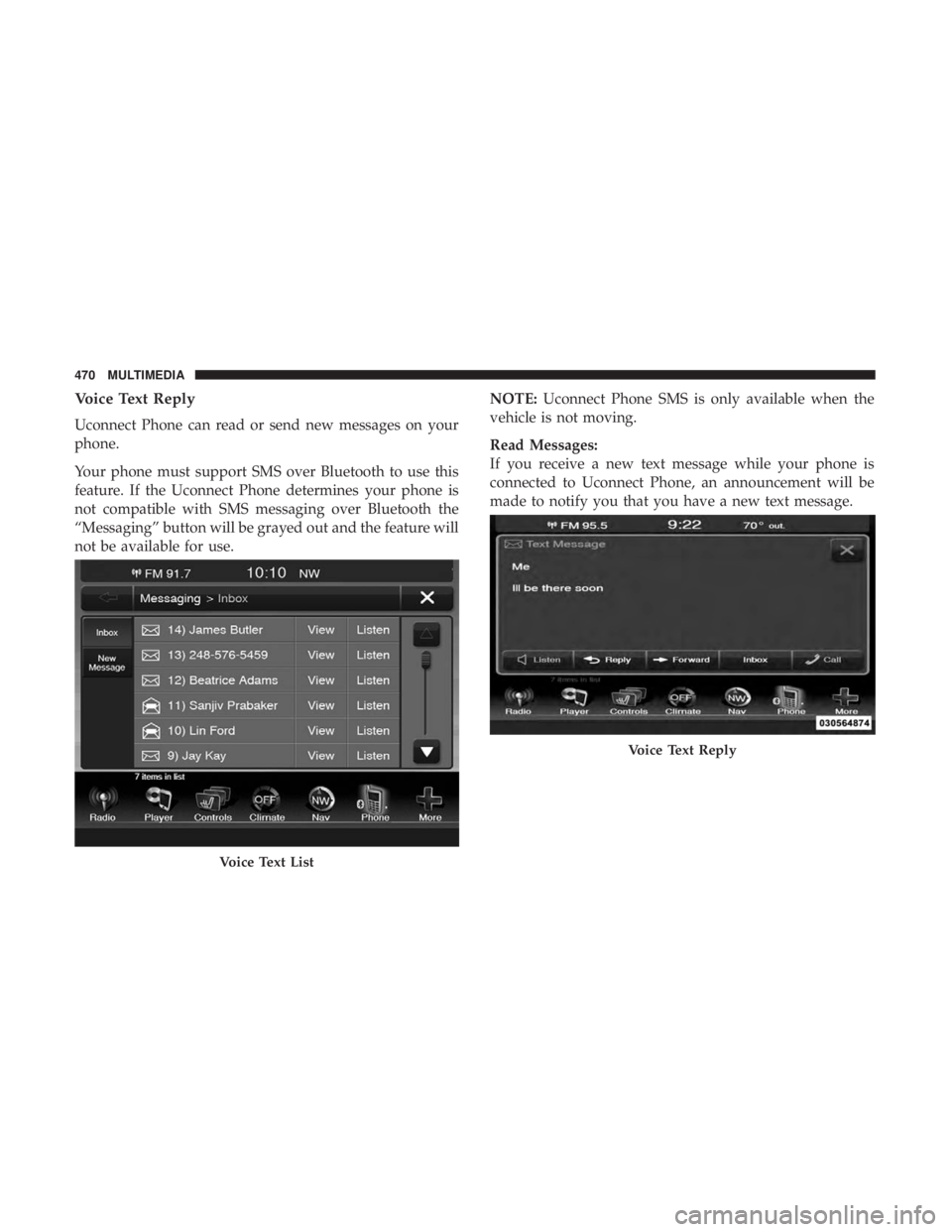
Voice Text Reply
Uconnect Phone can read or send new messages on your
phone.
Your phone must support SMS over Bluetooth to use this
feature. If the Uconnect Phone determines your phone is
not compatible with SMS messaging over Bluetooth the
“Messaging” button will be grayed out and the feature will
not be available for use.NOTE:
Uconnect Phone SMS is only available when the
vehicle is not moving.
Read Messages:
If you receive a new text message while your phone is
connected to Uconnect Phone, an announcement will be
made to notify you that you have a new text message.
Voice Text List
Voice Text Reply
470 MULTIMEDIA
Page 473 of 524
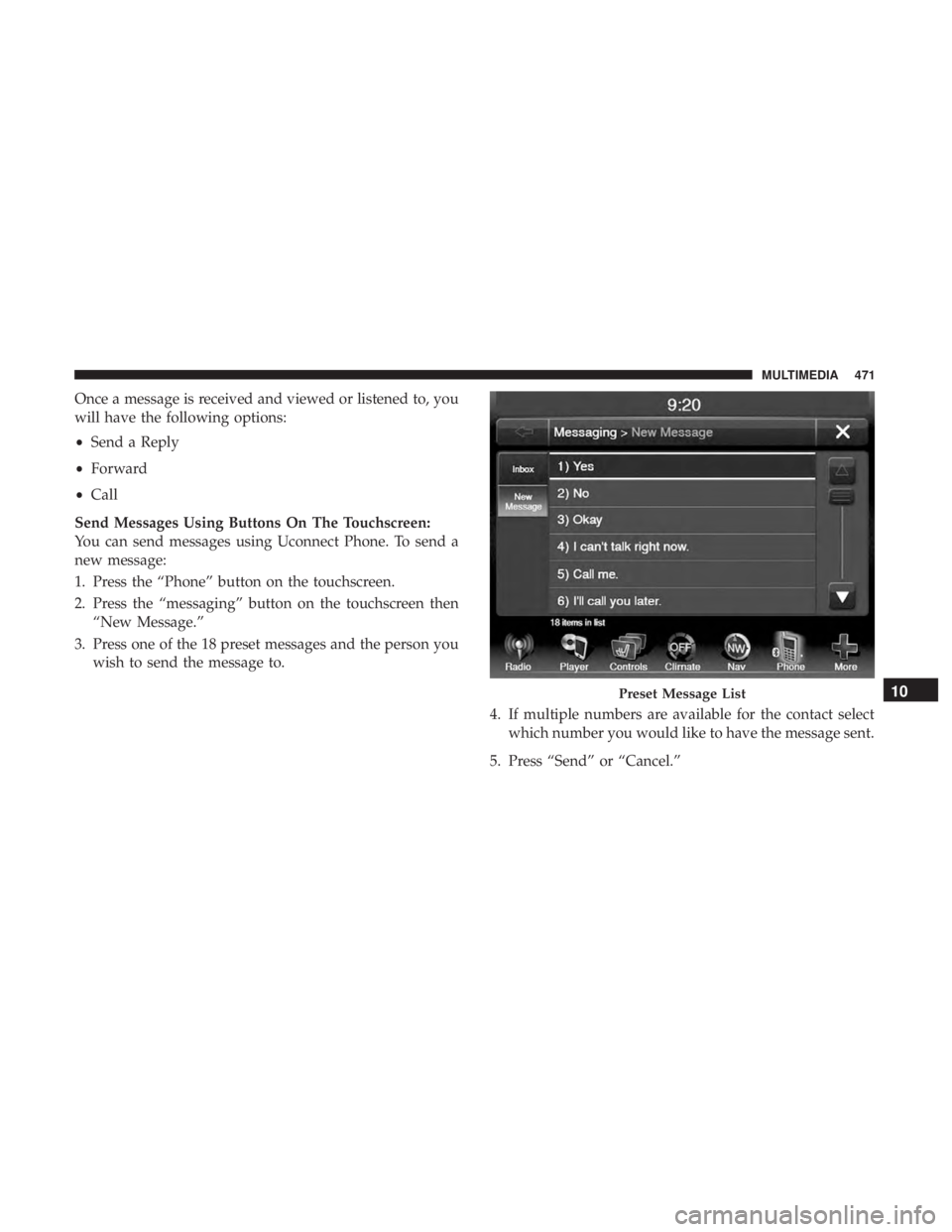
Once a message is received and viewed or listened to, you
will have the following options:
•Send a Reply
• Forward
• Call
Send Messages Using Buttons On The Touchscreen:
You can send messages using Uconnect Phone. To send a
new message:
1. Press the “Phone” button on the touchscreen.
2. Press the “messaging” button on the touchscreen then “New Message.”
3. Press one of the 18 preset messages and the person you wish to send the message to.
4. If multiple numbers are available for the contact selectwhich number you would like to have the message sent.
5. Press “Send” or “Cancel.”
Preset Message List10
MULTIMEDIA 471
Page 474 of 524
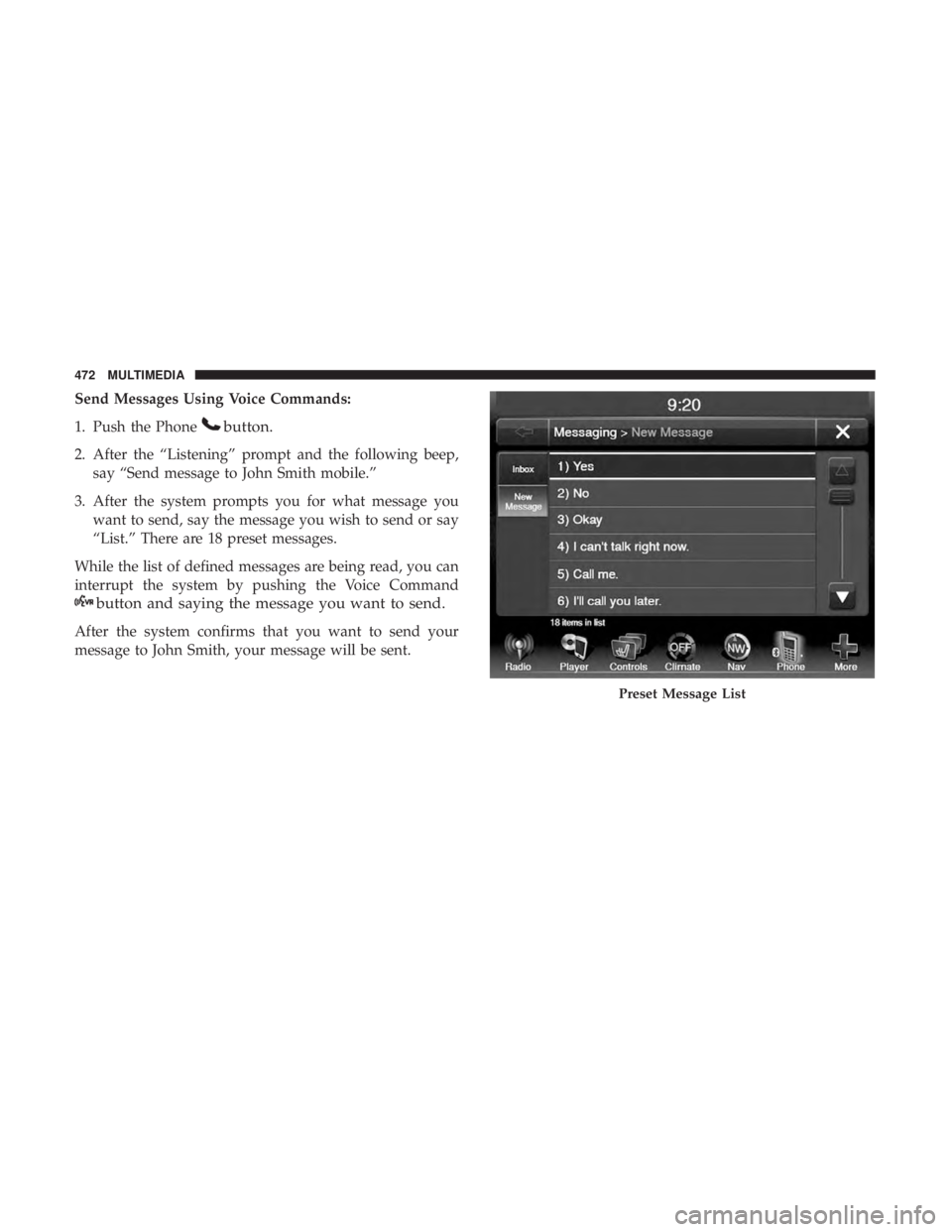
Send Messages Using Voice Commands:
1. Push the Phone
button.
2. After the “Listening” prompt and the following beep,say “Send message to John Smith mobile.”
3. After the system prompts you for what message you want to send, say the message you wish to send or say
“List.” There are 18 preset messages.
While the list of defined messages are being read, you can
interrupt the system by pushing the Voice Command
button and saying the message you want to send.
After the system confirms that you want to send your
message to John Smith, your message will be sent.
Preset Message List
472 MULTIMEDIA
Page 475 of 524
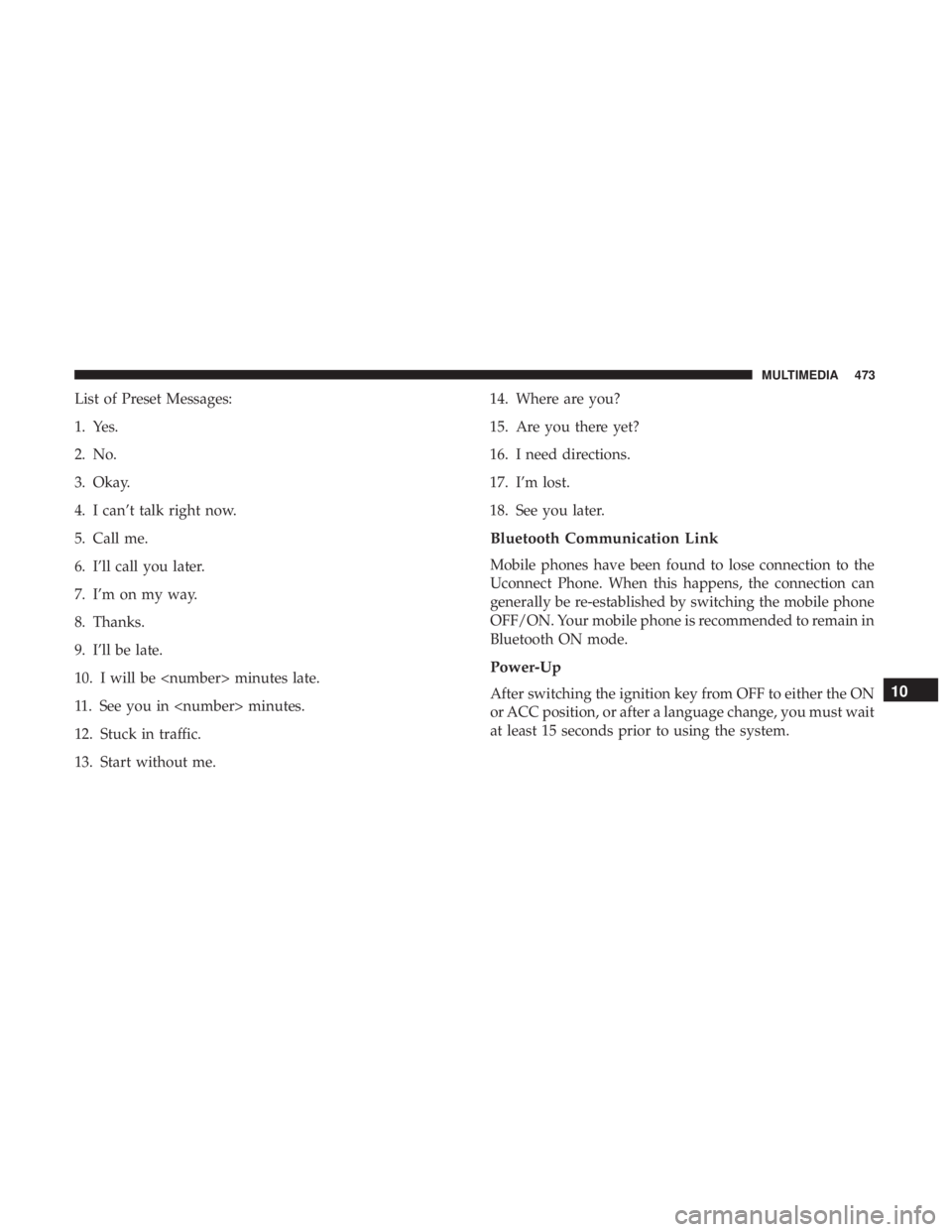
List of Preset Messages:
1. Yes.
2. No.
3. Okay.
4. I can’t talk right now.
5. Call me.
6. I’ll call you later.
7. I’m on my way.
8. Thanks.
9. I’ll be late.
10. I will be
11. See you in
12. Stuck in traffic.
13. Start without me.14. Where are you?
15. Are you there yet?
16. I need directions.
17. I’m lost.
18. See you later.
Bluetooth Communication Link
Mobile phones have been found to lose connection to the
Uconnect Phone. When this happens, the connection can
generally be re-established by switching the mobile phone
OFF/ON. Your mobile phone is recommended to remain in
Bluetooth ON mode.
Power-Up
After switching the ignition key from OFF to either the ON
or ACC position, or after a language change, you must wait
at least 15 seconds prior to using the system.10
MULTIMEDIA 473
Page 477 of 524
NOTE:
1. You can replace “John Smith” with any name in yourmobile or favorite phone book. You can also say “Send
a message to John Smith,” and the system will ask you
which phone number you want to send a message to for
John Smith.
2. You can replace “Mobile” with “Home,” “Work” or “Other.”
3. You can replace “Incoming Calls” with “Outgoing Calls” or “Missed Calls.”
4. You can replace “248 555 1212” with any phone number supported by your Mobile phone.
5. These commands can be used during a phone call after pushing the Uconnect Voice Command button on the
steering wheel. Please note the call will be muted while
the VR session is active.
6. Send dial tones for automated systems is available while a call is active. This is an example that uses a Phonebook
Record named “Voicemail Password.” 7. Storing Dial tones in contact names is possible but only
the first number encountered in a contact name will be
sent. For example, if there is a number stored in the
Home and Work numbers for the contact “Voicemail
password,” only the Home number will be sent.
8. If your phone does not support phonebook download or call log download over Bluetooth, then these commands
will return a response that the contact does not exist in
the phonebook.
9. Emergency and Towing assistance are contacts that have been pre-loaded in the phonebook. Commands such as
“Call Emergency” and “Call Towing Assistance” will
call the corresponding number stored with those con-
tacts.
NOTE: Available Voice Commands are shown in bold face
and underlined in the gray shaded boxes.
10
MULTIMEDIA 475
Page 479 of 524
NOTE:
1. You can replace “John Smith” with any name in yourmobile or favorite phone book. You can also say “Send
a message to John Smith” and the system will ask you
which phone number you want to send a message to for
John Smith.
2. You can replace “Mobile” with “Home,” “Work” or “Other.”
3. You can replace “Incoming Calls” with “Outgoing Calls” or “Missed Calls.”
4. Messaging commands only work if the Uconnect system is equipped with this feature and the mobile phone
supports messaging over Bluetooth. 5. You can replace “248 555 1212” with any phone number
supported by your Mobile phone.
6. You can replace “4” with any message number shown on the screen.
7. If your phone does not support phonebook download or call log download over Bluetooth then these commands
will return a response that the contact does not exist in
the phonebook.
10
MULTIMEDIA 477
Page 481 of 524
General Information
The following regulatory statement applies to all Radio
Frequency (RF) devices equipped in this vehicle:
This device complies with Part 15 of the FCC Rules and
with Industry Canada license-exempt RSS standard(s).
Operation is subject to the following two conditions:
1. This device may not cause harmful interference, and
2.
This device must accept any interference received, includ-
ing interference that may cause undesired operation.
Changes or modifications not expressly approved by the
party responsible for compliance could void the user ’s
authority to operate the equipment.
RADIO OPERATION AND MOBILE PHONES
Under certain conditions, the mobile phone being on in
your vehicle can cause erratic or noisy performance from
your radio. This condition may be lessened or eliminated
by relocating the mobile phone antenna. This condition is
not harmful to the radio. If your radio performance does
not satisfactorily “clear” by the repositioning of the an-
tenna, it is recommended that the radio volume be turned
down or off during mobile phone operation when not
using Uconnect (if equipped).
10
MULTIMEDIA 479