ignition DODGE JOURNEY 2019 Manual Online
[x] Cancel search | Manufacturer: DODGE, Model Year: 2019, Model line: JOURNEY, Model: DODGE JOURNEY 2019Pages: 524, PDF Size: 5.29 MB
Page 332 of 524
WARNING!(Continued)
•A hot exhaust system can start a fire if you park over
materials that can burn. Such materials might be
grass or leaves coming into contact with your exhaust
system. Do not park or operate your vehicle in areas
where your exhaust system can contact anything that
can burn.
CAUTION!
• The catalytic converter requires the use of unleaded
fuel only. Leaded gasoline will destroy the effective-
ness of the catalyst as an emissions control device
and may seriously reduce engine performance and
cause serious damage to the engine.
• Damage to the catalytic converter can result if your
vehicle is not kept in proper operating condition. In
the event of engine malfunction, particularly involv-
ing engine misfire or other apparent loss of perfor-
mance, have your vehicle serviced promptly. Contin-
ued operation of your vehicle with a severe
malfunction could cause the converter to overheat,
resulting in possible damage to the converter and
vehicle. Under normal operating conditions, the catalytic converter
will not require maintenance. However, it is important to
keep the engine properly tuned to assure proper catalyst
operation and prevent possible catalyst damage.
NOTE:
Intentional tampering with emissions control sys-
tems can result in civil penalties being assessed against
you.
In unusual situations involving grossly malfunctioning
engine operation, a scorching odor may suggest severe and
abnormal catalyst overheating. If this occurs, stop the
vehicle, turn off the engine and allow it to cool. Service,
including a tune-up to manufacturer’s specifications,
should be obtained immediately.
To minimize the possibility of catalytic converter damage:
• Do not interrupt the ignition when the transmission is in
gear and the vehicle is in motion.
• Do not try to start the vehicle by pushing or towing the
vehicle.
• Do not idle the engine with any ignition components
disconnected or removed, such as when diagnostic
testing, or for prolonged periods during very rough idle
or malfunctioning operating conditions.
330 SERVICING AND MAINTENANCE
Page 333 of 524
Cooling System
WARNING!
•You or others can be badly burned by hot engine
coolant (antifreeze) or steam from your radiator. If
you see or hear steam coming from under the hood,
do not open the hood until the radiator has had time
to cool. Never open a cooling system pressure cap
when the radiator or coolant bottle is hot.
• Keep hands, tools, clothing, and jewelry away from
the radiator cooling fan when the hood is raised. The
fan starts automatically and may start at any time,
whether the engine is running or not.
• When working near the radiator cooling fan, discon-
nect the fan motor lead or turn the ignition to the
OFF mode. The fan is temperature controlled and can
start at any time the ignition is in the ON mode.
Coolant Checks
Check the engine coolant (antifreeze) protection every 12
months (before the onset of freezing weather, where appli-
cable). If the engine coolant (antifreeze) is dirty or rusty in
appearance, the system should be drained, flushed, and refilled with fresh engine coolant (antifreeze). Check the
front of the A/C condenser for any accumulation of bugs,
leaves, etc. If dirty, clean by gently spraying water from a
garden hose vertically down the face of the condenser.
Check the coolant recovery bottle tubing for brittle rubber,
cracking, tears, cuts, and tightness of the connection at the
bottle and radiator. Inspect the entire system for leaks.
WARNING!
•
The warning words “DO NOT OPEN HOT” on the
cooling system pressure cap are a safety precaution.
Never add engine coolant (antifreeze) when the
engine is overheated. Do not loosen or remove the
cap to cool an overheated engine. Heat causes pres-
sure to build up in the cooling system. To prevent
scalding or injury, do not remove the pressure cap
while the system is hot or under pressure.
• Do not use a pressure cap other than the one speci-
fied for your vehicle. Personal injury or engine
damage may result.
8
SERVICING AND MAINTENANCE 331
Page 379 of 524
If a Non-FFV vehicle is inadvertently fueled with E-85 fuel,
the engine will have some or all of these symptoms:
•Operate in a lean mode.
• OBD II Malfunction Indicator Light on.
• Poor engine performance.
• Poor cold start and cold drivability.
• Increased risk for fuel system component corrosion.
CNG And LP Fuel System Modifications
Modifications that allow the engine to run on Compressed
Natural Gas (CNG) or Liquid Propane (LP) may result in
damage to the engine, emissions, and fuel system compo-
nents. Problems that result from running CNG or LP are
not the responsibility of the manufacturer and may void or
not be covered under the New Vehicle Limited Warranty.
MMT In Gasoline
Methylcyclopentadienyl Manganese Tricarbonyl (MMT) is
a manganese-containing metallic additive that is blended
into some gasoline to increase octane. Gasoline blended
with MMT provides no performance advantage beyond
gasoline of the same octane number without MMT. Gaso-
line blended with MMT reduces spark plug life and
reduces emissions system performance in some vehicles. The manufacturer recommends that gasoline without
MMT be used in your vehicle. The MMT content of
gasoline may not be indicated on the gasoline pump;
therefore, you should ask your gasoline retailer whether
the gasoline contains MMT. MMT is prohibited in Federal
and California reformulated gasoline.
Fuel System Cautions
CAUTION!
Follow these guidelines to maintain your vehicle’s
performance:
•
The use of leaded gasoline is prohibited by Federal
law. Using leaded gasoline can impair engine perfor-
mance and damage the emissions control system.
• An out-of-tune engine or certain fuel or ignition
malfunctions can cause the catalytic converter to
overheat. If you notice a pungent burning odor or
some light smoke, your engine may be out of tune or
malfunctioning and may require immediate service.
Contact an authorized dealer for service assistance.
(Continued)
9
TECHNICAL SPECIFICATIONS 377
Page 397 of 524
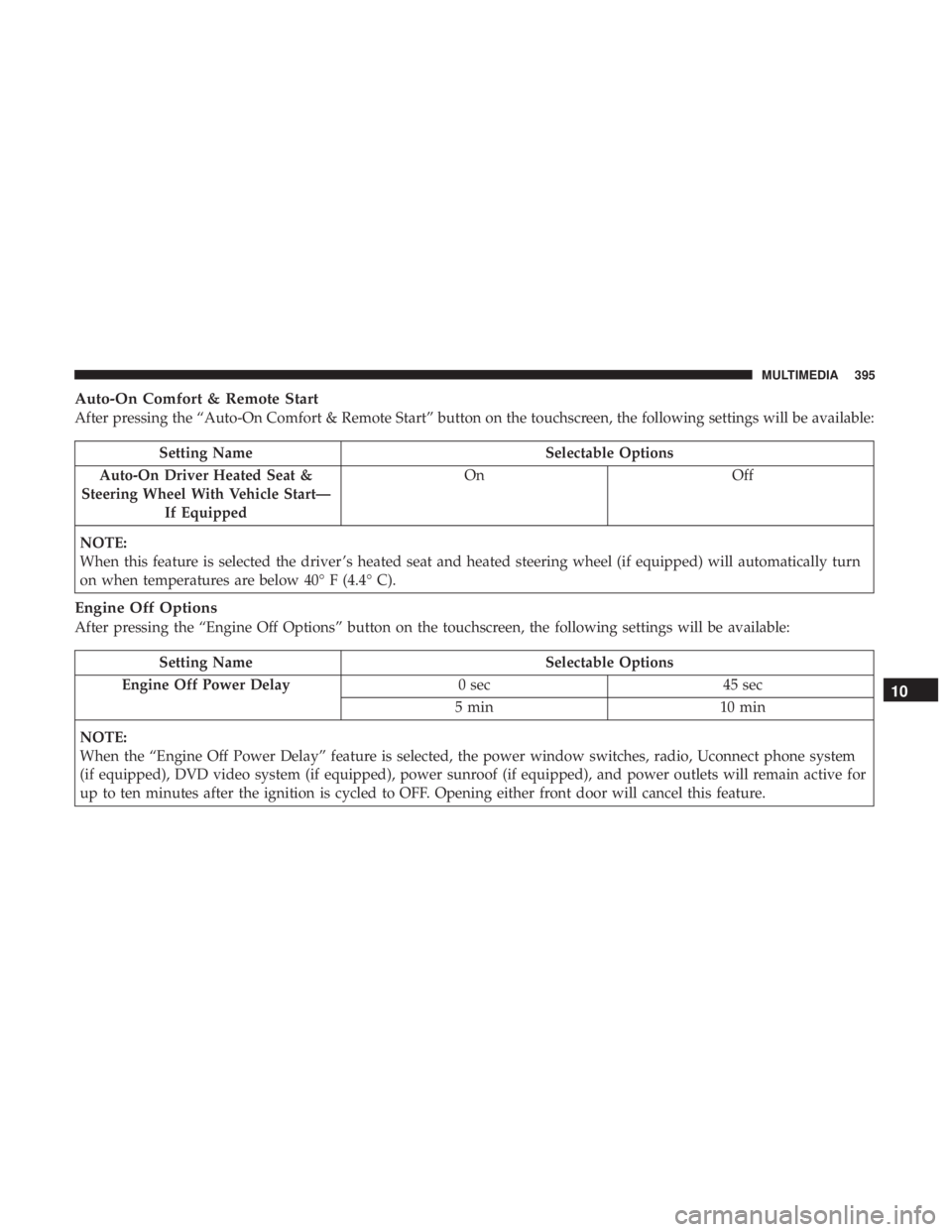
Auto-On Comfort & Remote Start
After pressing the “Auto-On Comfort & Remote Start” button on the touchscreen, the following settings will be available:
Setting NameSelectable Options
Auto-On Driver Heated Seat &
Steering Wheel With Vehicle Start— If Equipped On
Off
NOTE:
When this feature is selected the driver ’s heated seat and heated steering wheel (if equipped) will automatically turn
on when temperatures are below 40° F (4.4° C).
Engine Off Options
After pressing the “Engine Off Options” button on the touchscreen, the following settings will be available:
Setting Name Selectable Options
Engine Off Power Delay 0 sec45 sec
5 min 10 min
NOTE:
When the “Engine Off Power Delay” feature is selected, the power window switches, radio, Uconnect phone system
(if equipped), DVD video system (if equipped), power sunroof (if equipped), and power outlets will remain active for
up to ten minutes after the ignition is cycled to OFF. Opening either front door will cancel this feature.
10
MULTIMEDIA 395
Page 410 of 524
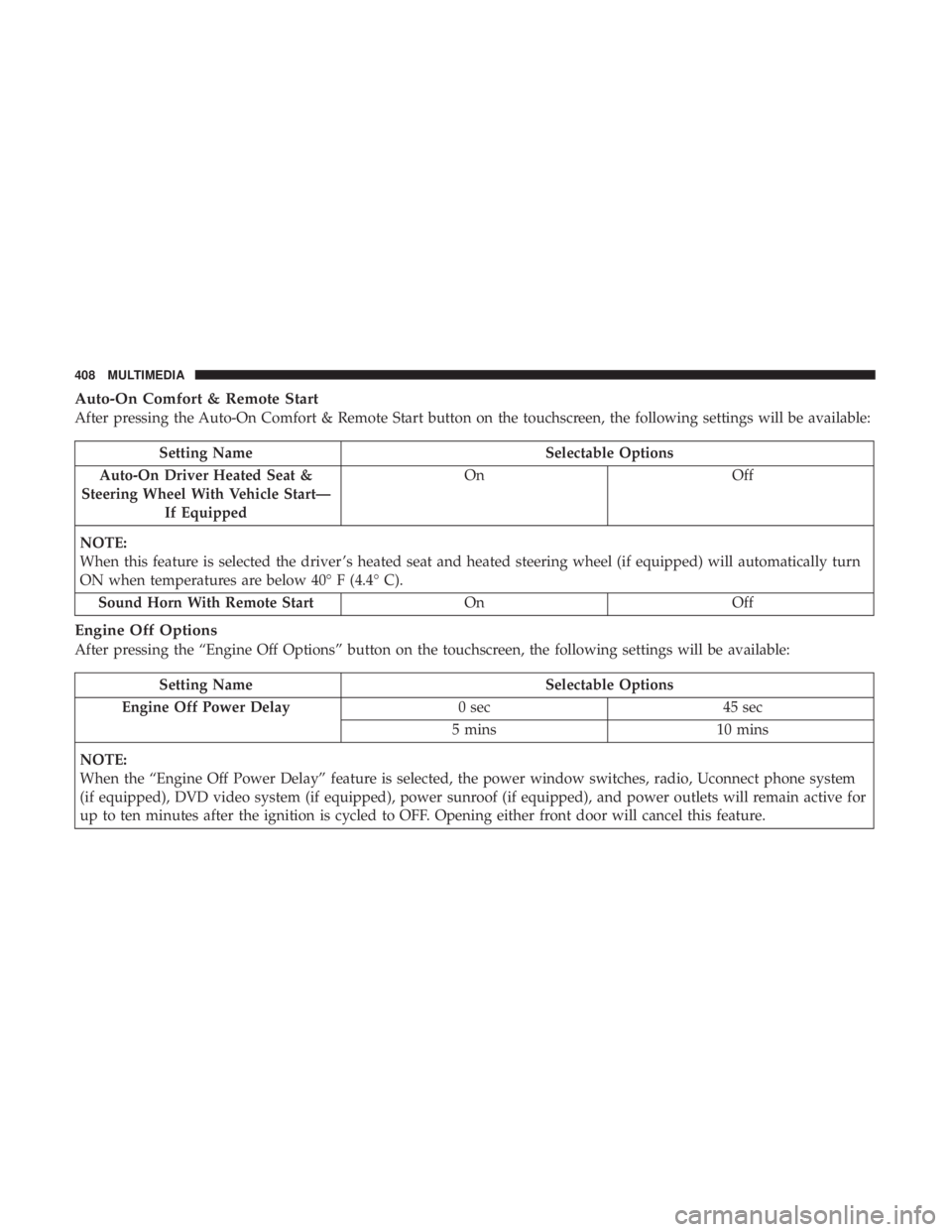
Auto-On Comfort & Remote Start
After pressing the Auto-On Comfort & Remote Start button on the touchscreen, the following settings will be available:
Setting NameSelectable Options
Auto-On Driver Heated Seat &
Steering Wheel With Vehicle Start— If Equipped On
Off
NOTE:
When this feature is selected the driver ’s heated seat and heated steering wheel (if equipped) will automatically turn
ON when temperatures are below 40° F (4.4° C). Sound Horn With Remote Start OnOff
Engine Off Options
After pressing the “Engine Off Options” button on the touchscreen, the following settings will be available:
Setting Name Selectable Options
Engine Off Power Delay 0 sec45 sec
5 mins 10 mins
NOTE:
When the “Engine Off Power Delay” feature is selected, the power window switches, radio, Uconnect phone system
(if equipped), DVD video system (if equipped), power sunroof (if equipped), and power outlets will remain active for
up to ten minutes after the ignition is cycled to OFF. Opening either front door will cancel this feature.
408 MULTIMEDIA
Page 417 of 524
IPOD/USB/MP3 CONTROL
This feature allows an iPod or external USB device to be
plugged into the USB port.
iPod control supports Mini, 4G, Photo, Nano, 5G iPod and
iPhone devices. Some iPod software versions may not fully
support the iPod control features. Please visit Apple’s
website for software updates.
For further information, refer to the Uconnect Owner ’s
Manual Supplement.
UCONNECT MULTIMEDIA — VIDEO
ENTERTAINMENT SYSTEM (VES) — IF EQUIPPED
Your rear seat Video Entertainment System (VES) is de-
signed to give your family years of enjoyment. You can
play your favorite CDs or DVDs, listen to audio over the
wireless headphones, or plug and play a variety of stan-
dard video games or audio devices. Please review this
Owner’s Manual to become familiar with its features and
operation.
NOTE:The screen is located in the 2nd row overhead
console.
Getting Started
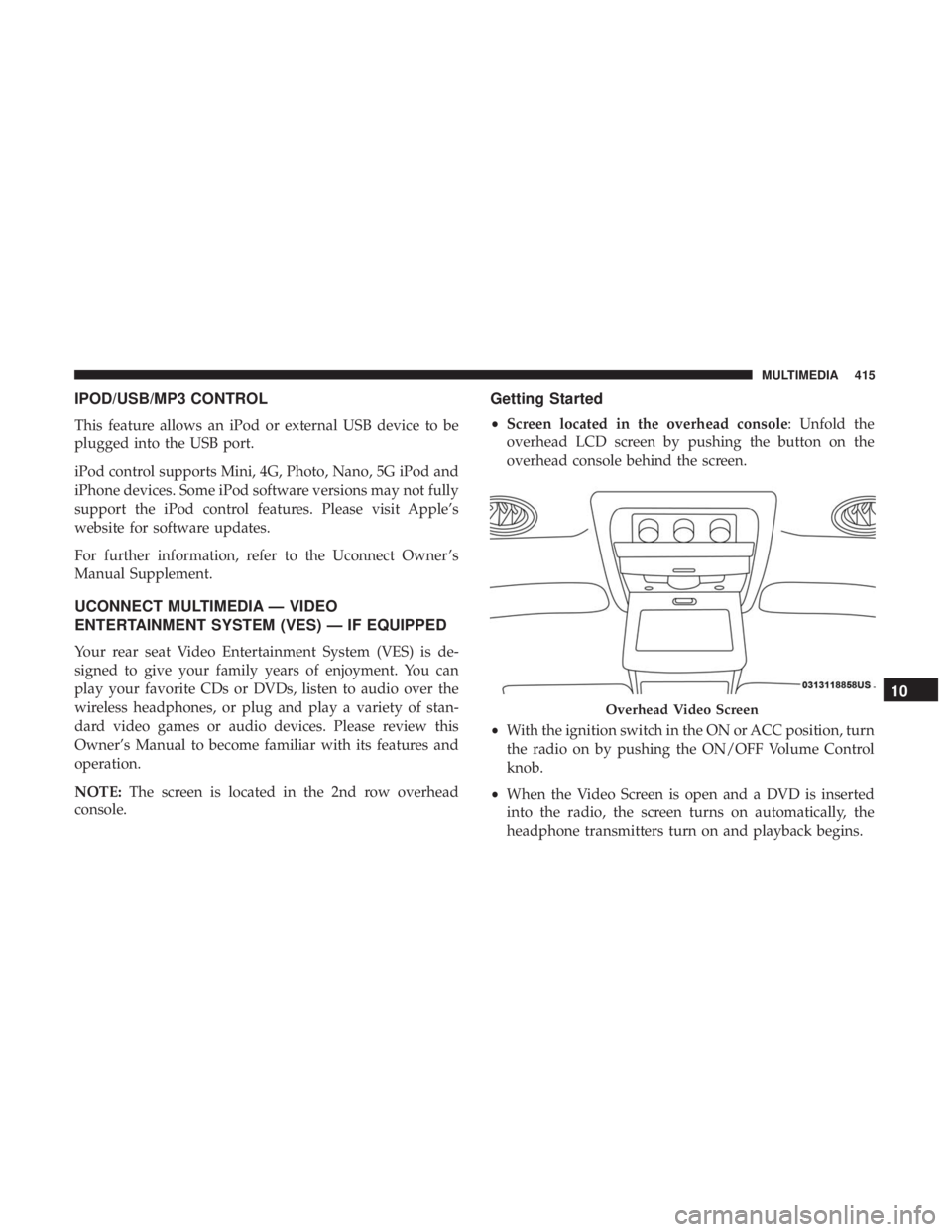
• Screen located in the overhead console: Unfold the
overhead LCD screen by pushing the button on the
overhead console behind the screen.
• With the ignition switch in the ON or ACC position, turn
the radio on by pushing the ON/OFF Volume Control
knob.
• When the Video Screen is open and a DVD is inserted
into the radio, the screen turns on automatically, the
headphone transmitters turn on and playback begins.
Overhead Video Screen
10
MULTIMEDIA 415
Page 423 of 524
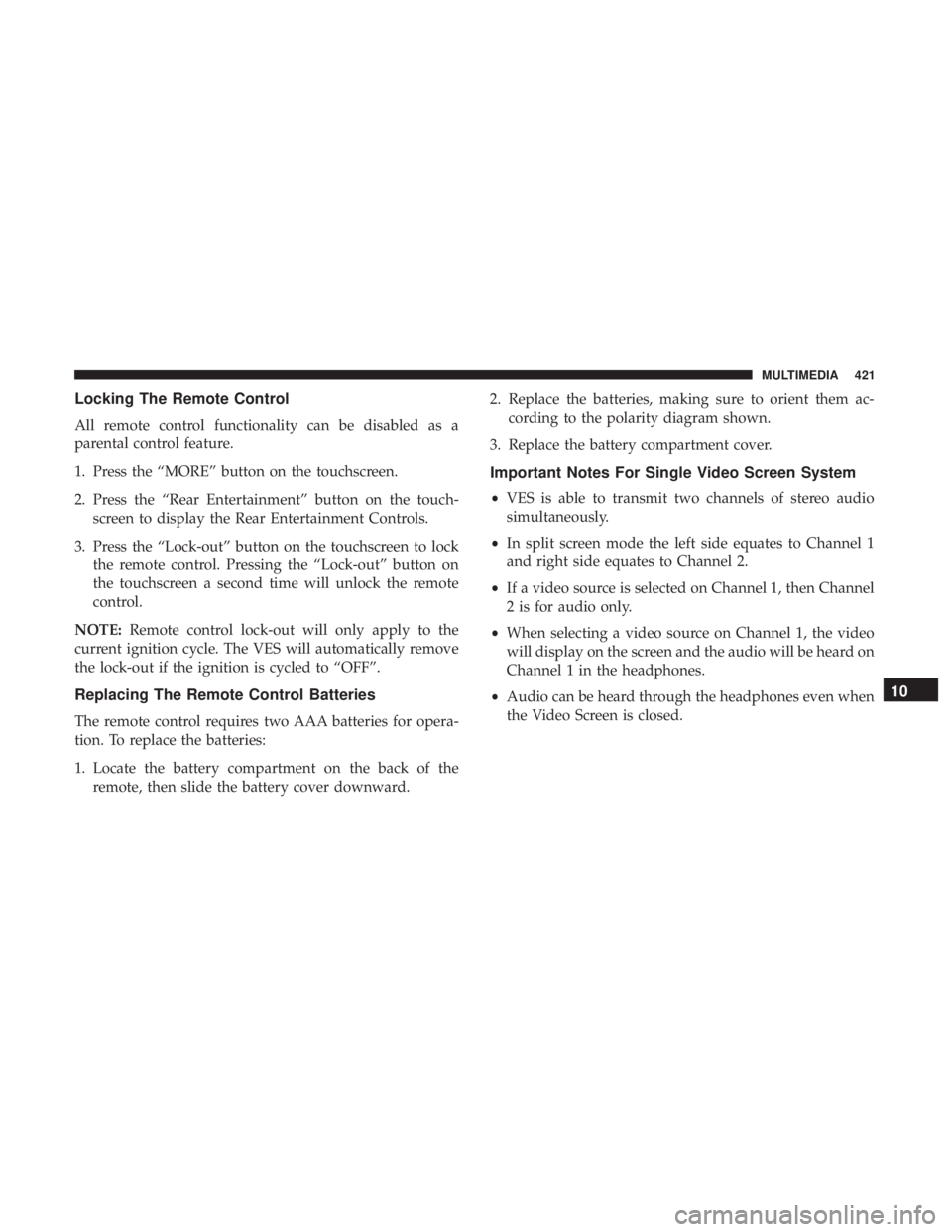
Locking The Remote Control
All remote control functionality can be disabled as a
parental control feature.
1. Press the “MORE” button on the touchscreen.
2. Press the “Rear Entertainment” button on the touch-screen to display the Rear Entertainment Controls.
3. Press the “Lock-out” button on the touchscreen to lock the remote control. Pressing the “Lock-out” button on
the touchscreen a second time will unlock the remote
control.
NOTE: Remote control lock-out will only apply to the
current ignition cycle. The VES will automatically remove
the lock-out if the ignition is cycled to “OFF”.
Replacing The Remote Control Batteries
The remote control requires two AAA batteries for opera-
tion. To replace the batteries:
1. Locate the battery compartment on the back of the remote, then slide the battery cover downward. 2. Replace the batteries, making sure to orient them ac-
cording to the polarity diagram shown.
3. Replace the battery compartment cover.
Important Notes For Single Video Screen System
• VES is able to transmit two channels of stereo audio
simultaneously.
• In split screen mode the left side equates to Channel 1
and right side equates to Channel 2.
• If a video source is selected on Channel 1, then Channel
2 is for audio only.
• When selecting a video source on Channel 1, the video
will display on the screen and the audio will be heard on
Channel 1 in the headphones.
• Audio can be heard through the headphones even when
the Video Screen is closed.
10
MULTIMEDIA 421
Page 444 of 524
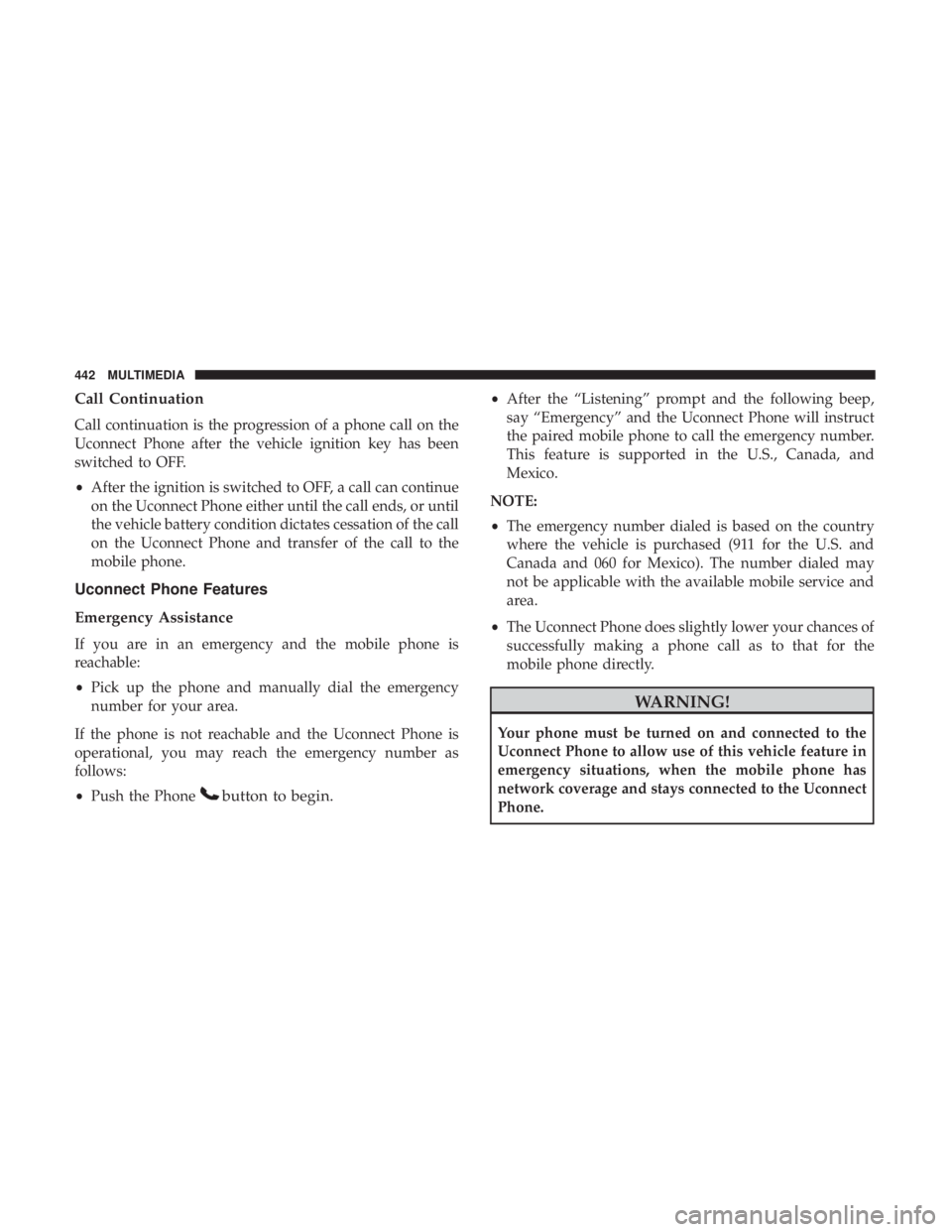
Call Continuation
Call continuation is the progression of a phone call on the
Uconnect Phone after the vehicle ignition key has been
switched to OFF.
•After the ignition is switched to OFF, a call can continue
on the Uconnect Phone either until the call ends, or until
the vehicle battery condition dictates cessation of the call
on the Uconnect Phone and transfer of the call to the
mobile phone.
Uconnect Phone Features
Emergency Assistance
If you are in an emergency and the mobile phone is
reachable:
• Pick up the phone and manually dial the emergency
number for your area.
If the phone is not reachable and the Uconnect Phone is
operational, you may reach the emergency number as
follows:
• Push the Phone
button to begin.
•After the “Listening” prompt and the following beep,
say “Emergency” and the Uconnect Phone will instruct
the paired mobile phone to call the emergency number.
This feature is supported in the U.S., Canada, and
Mexico.
NOTE:
• The emergency number dialed is based on the country
where the vehicle is purchased (911 for the U.S. and
Canada and 060 for Mexico). The number dialed may
not be applicable with the available mobile service and
area.
• The Uconnect Phone does slightly lower your chances of
successfully making a phone call as to that for the
mobile phone directly.
WARNING!
Your phone must be turned on and connected to the
Uconnect Phone to allow use of this vehicle feature in
emergency situations, when the mobile phone has
network coverage and stays connected to the Uconnect
Phone.
442 MULTIMEDIA
Page 449 of 524
Far End Audio Performance
Audio quality is maximized under:
•Low-to-medium blower setting
• Low-to-medium vehicle speed
• Low road noise
• Smooth road surface
• Fully closed windows
• Dry weather conditions
• Operation from the driver’s seat
• Performance, such as audio clarity, echo, and loudness
to a large degree rely on the phone and network, and not
the Uconnect Phone
• Echo at the phone far end can sometimes be reduced by
lowering the in-vehicle audio volume
Bluetooth Communication Link
Mobile phones have been found to lose connection to the
Uconnect Phone. When this happens, the connection can
generally be reestablished by switching the phone off/on.
Your mobile phone is recommended to remain in Bluetooth
ON mode.
Power-Up
After switching the ignition key from OFF to either the ON
or ACC position, or after a language change, you must wait
at least 15 seconds prior to using the system.
10
MULTIMEDIA 447
Page 466 of 524
Redial
Press the “Redial” button on the touchscreen, or push the
“VR” button and after the “Listening” prompt and the
following beep, say “Redial.”
The Uconnect Phone will call the last number that was
dialed from your mobile phone.
Call Continuation
Call continuation is the progression of a phone call on the
Uconnect Phone after the vehicle ignition has been
switched to OFF.
NOTE:The call will remain within the vehicle audio
system until the phone becomes out of range for the
Bluetooth connection. It is recommended to press the
“transfer” button on the touchscreen when leaving the
vehicle.
Uconnect Phone Features
Emergency Assistance
If you are in an emergency and the mobile phone is
reachable:
• Pick up the phone and manually dial the emergency
number for your area. If the phone is not reachable and the Uconnect Phone is
operational, you may reach the emergency number as
follows:
1. Push the Phone
button to begin.
2. After the “Listening” prompt and the following beep,
say “Dial Emergency” and the Uconnect Phone will
instruct the paired mobile phone to call the emergency
number. This feature is supported in the U.S., Canada,
and Mexico.
NOTE:
• The Emergency call may also be initiated by using the
touchscreen.
• The emergency number dialed is based on the country
where the vehicle is purchased (911 for the U.S. and
Canada and 060 for Mexico). The number dialed may
not be applicable with the available mobile service and
area.
• The Uconnect Phone does slightly lower your chances of
successfully making a phone call as to that for the
mobile phone directly.
464 MULTIMEDIA