wheel DODGE MAGNUM SRT 2007 1.G User Guide
[x] Cancel search | Manufacturer: DODGE, Model Year: 2007, Model line: MAGNUM SRT, Model: DODGE MAGNUM SRT 2007 1.GPages: 380, PDF Size: 6.63 MB
Page 139 of 380
cycles, and the vehicle has been driven several miles at
speeds greater than 30 mph (48 km/h), see your
authorized dealer as soon as possible to have the
problem diagnosed and corrected. (See page 222 for
more information.)
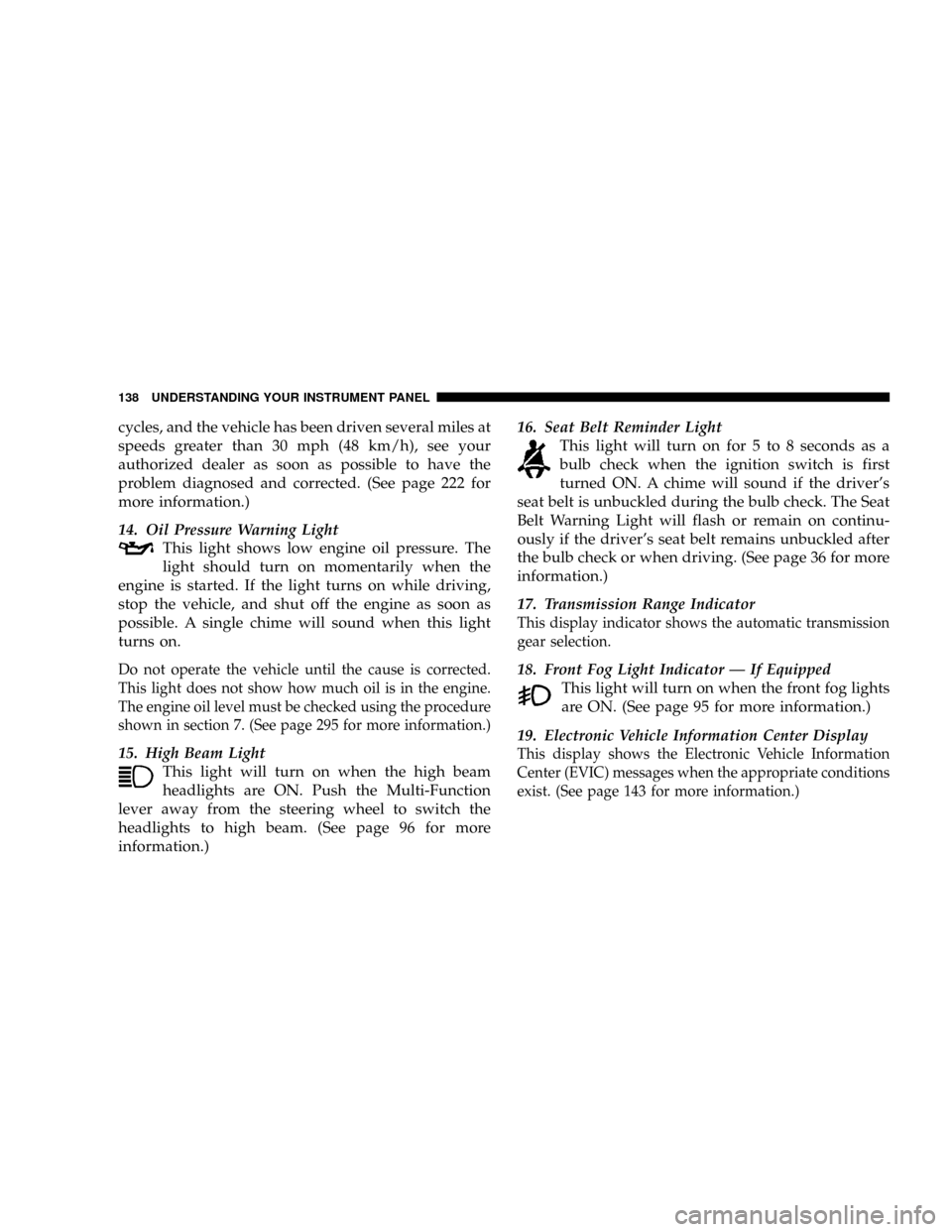
14. Oil Pressure Warning Light
This light shows low engine oil pressure. The
light should turn on momentarily when the
engine is started. If the light turns on while driving,
stop the vehicle, and shut off the engine as soon as
possible. A single chime will sound when this light
turns on.
Do not operate the vehicle until the cause is corrected.
This light does not show how much oil is in the engine.
The engine oil level must be checked using the procedure
shown in section 7. (See page 295 for more information.)
15. High Beam Light
This light will turn on when the high beam
headlights are ON. Push the Multi-Function
lever away from the steering wheel to switch the
headlights to high beam. (See page 96 for more
information.)16. Seat Belt Reminder Light
This light will turn on for 5 to 8 seconds as a
bulb check when the ignition switch is first
turned ON. A chime will sound if the driver's
seat belt is unbuckled during the bulb check. The Seat
Belt Warning Light will flash or remain on continu-
ously if the driver's seat belt remains unbuckled after
the bulb check or when driving. (See page 36 for more
information.)
17. Transmission Range Indicator
This display indicator shows the automatic transmission
gear selection.
18. Front Fog Light Indicator Ð If Equipped
This light will turn on when the front fog lights
are ON. (See page 95 for more information.)
19. Electronic Vehicle Information Center Display
This display shows the Electronic Vehicle Information
Center (EVIC) messages when the appropriate conditions
exist. (See page 143 for more information.)
138 UNDERSTANDING YOUR INSTRUMENT PANEL
Page 142 of 380
Please note that the TPMS is not a substitute for proper
tire maintenance, and it is the driver 's responsibility to
maintain correct tire pressure, even if under-inflation has
not reached the level to trigger illumination of the TPMS
low tire pressure telltale.
The Tire Pressure Monitoring Telltale Light will illumi-
nate in the instrument cluster, and an audible chime will
be activated when one or more tire pressures is low. The
Tire Pressure Monitoring Telltale Light will flash on and
off for 60 seconds when a system fault is detected. The
flash cycle will repeat every ten minutes or until the fault
condition is removed and reset. (See page 246 for more
information.)CAUTION!
The TPMS has been optimized for the original
equipment tires and wheels. TPMS pressures and
warning have been established for the tire size
equipped on your vehicle. Undesirable system op-
eration or sensor damage may result when using
replacement equipment that is not of the same size,
type, and/or style. After-market wheels can cause
sensor damage. Do not use tire sealant from a can, or
balance beads if your vehicle is equipped with a
TPMS, as damage to the sensors may result.
UNDERSTANDING YOUR INSTRUMENT PANEL 141
4
Page 144 of 380
ELECTRONIC VEHICLE INFORMATION CENTER
(EVIC)
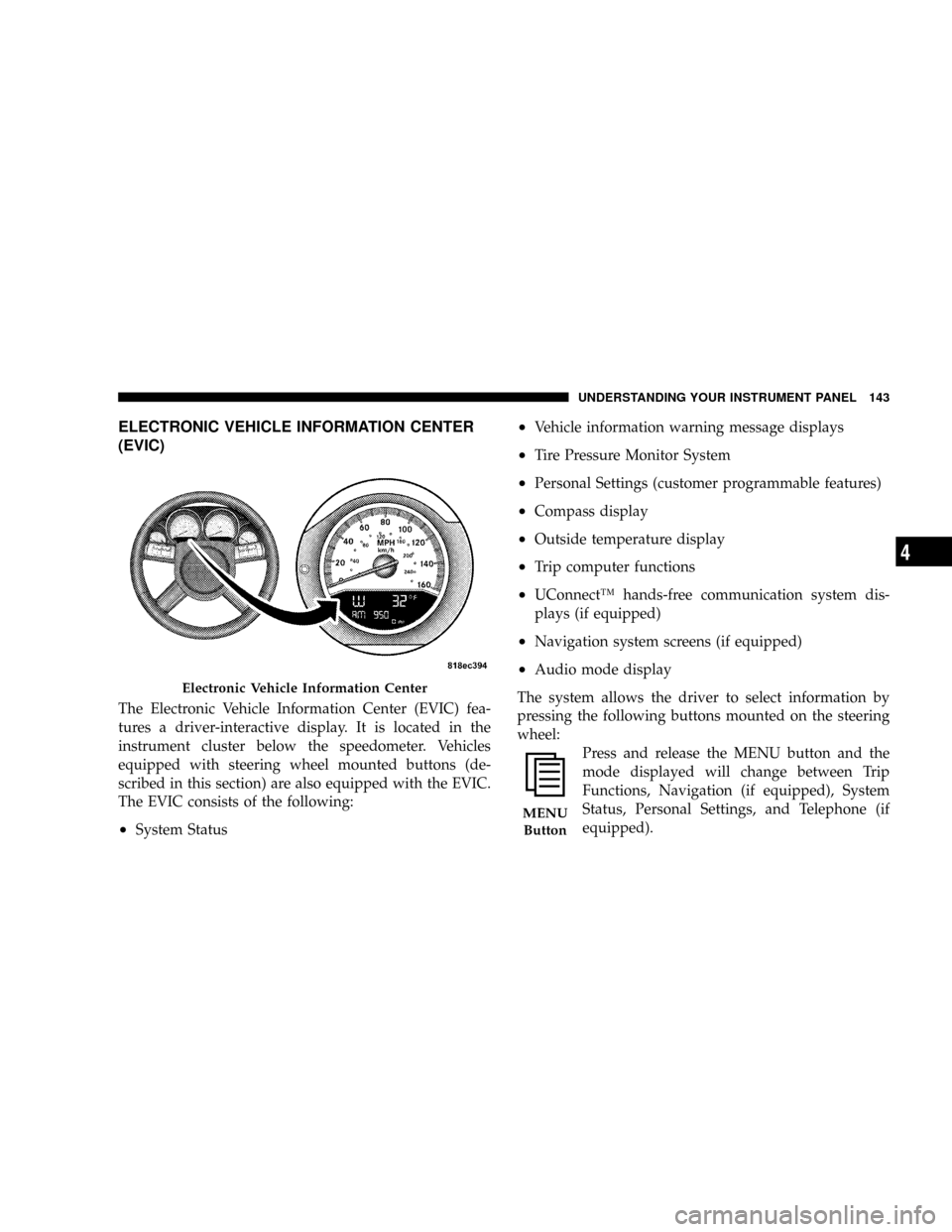
The Electronic Vehicle Information Center (EVIC) fea-
tures a driver-interactive display. It is located in the
instrument cluster below the speedometer. Vehicles
equipped with steering wheel mounted buttons (de-
scribed in this section) are also equipped with the EVIC.
The EVIC consists of the following:
²System Status
²Vehicle information warning message displays
²Tire Pressure Monitor System
²Personal Settings (customer programmable features)
²Compass display
²Outside temperature display
²Trip computer functions
²UConnectŸ hands-free communication system dis-
plays (if equipped)
²Navigation system screens (if equipped)
²Audio mode display
The system allows the driver to select information by
pressing the following buttons mounted on the steering
wheel:
Press and release the MENU button and the
mode displayed will change between Trip
Functions, Navigation (if equipped), System
Status, Personal Settings, and Telephone (if
equipped).
Electronic Vehicle Information Center
MENU
Button
UNDERSTANDING YOUR INSTRUMENT PANEL 143
4
Page 152 of 380
Navigation Ð If Equipped
Navigation Display Control
Press and release the MENU button until Navigation
displays in the EVIC. When the Navigation System is On,
the steering wheel buttons can be used to select the Map
or Menu display on the Navigation Unit. When the Menu
display is active, the SCROLL button can be used to scroll
through the list, the FUNCTION SELECT button can be
used to select an item, and the AUDIO MODE button can
be used to return to the previous menu. When the Map
display is active, pressing the FUNCTION SELECT but-
ton will change the Navigation Unit Display to the Menu.
Turn By Turn Directions
The EVIC displays turn-by-turn directions to a pro-
grammed destination when Turn by Turn Navigation is
enabled through Personal Settings. When enabled, the
EVIC displays the name of the approaching road at the
top of the screen, followed by an arrow to indicate the
direction to turn the vehicle, and a count down to
indicate the distance to the turn.
NOTE:Refer to your ªNavigation User's Manualº for
detailed operating instructions.
System Warnings (Customer Information
Features)
Press and release the MENU button until ªSYSTEM
WARNINGSº displays in the EVIC. Then, press the
SCROLL button to display anyone of the following
choices:
²Oil Temperature
Shows the actual oil temperature.
²Oil Pressure
Shows the actual oil pressure.
²Tire Pressure
Shows the actual tire pressure for each tire (EXCLUDING
THE SPARE TIRE).
Personal Settings (Customer Programmable
Features)
Personal Settings allows the driver to set and recall
features when the transmission is in PARK.
Press and release the MENU button until Personal Set-
tings displays in the EVIC.
UNDERSTANDING YOUR INSTRUMENT PANEL 151
4
Page 156 of 380
and thus remain a part of the AM reception. They
interfere very little with the frequency variations that
carry the FM signal.
AM Reception
AM sound is based on wave amplitude, so AM reception
can be disrupted by such things as lightning, power lines
and neon signs.
FM Reception
Because FM transmission is based on frequency varia-
tions, interference that consists of amplitude variations
can be filtered out, leaving the reception relatively clear,
which is the major feature of FM radio.
NOTE:The radio, steering wheel radio controls, and 6
disc CD/DVD changer (if equipped) will remain active
for up to 60 minutes after the ignition switch is turned
off. Opening either front door will cancel this feature. The
time is programmable. For details, refer to ªDelay Power
Off to Accessories Until Exit,º under ªPersonal Settings
(Customer Programmable Features),º under ªElectronic
Vehicle Information Center (EVIC)º in Section 4 of this
manual.
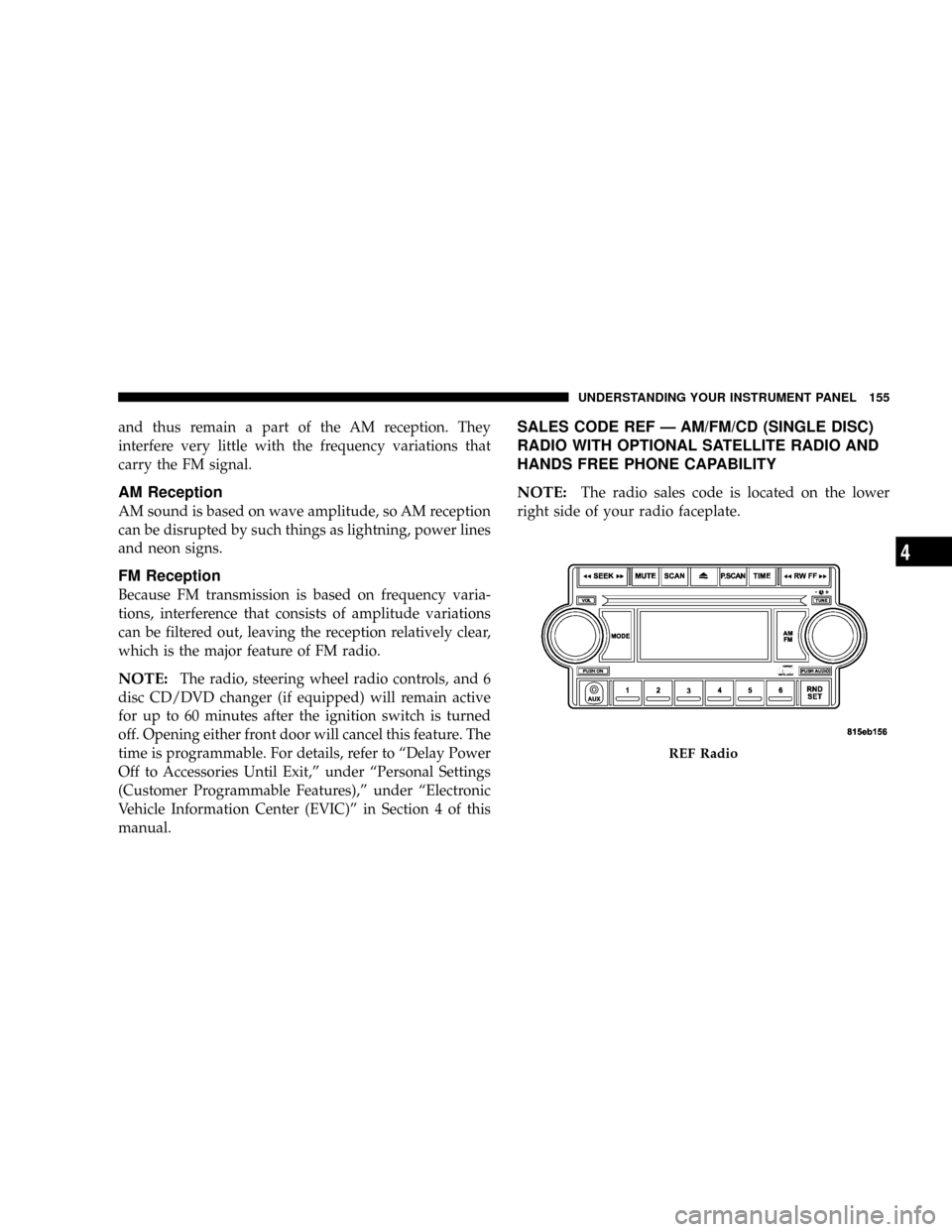
SALES CODE REF Ð AM/FM/CD (SINGLE DISC)
RADIO WITH OPTIONAL SATELLITE RADIO AND
HANDS FREE PHONE CAPABILITY
NOTE:
The radio sales code is located on the lower
right side of your radio faceplate.
REF Radio
UNDERSTANDING YOUR INSTRUMENT PANEL 155
4
Page 184 of 380
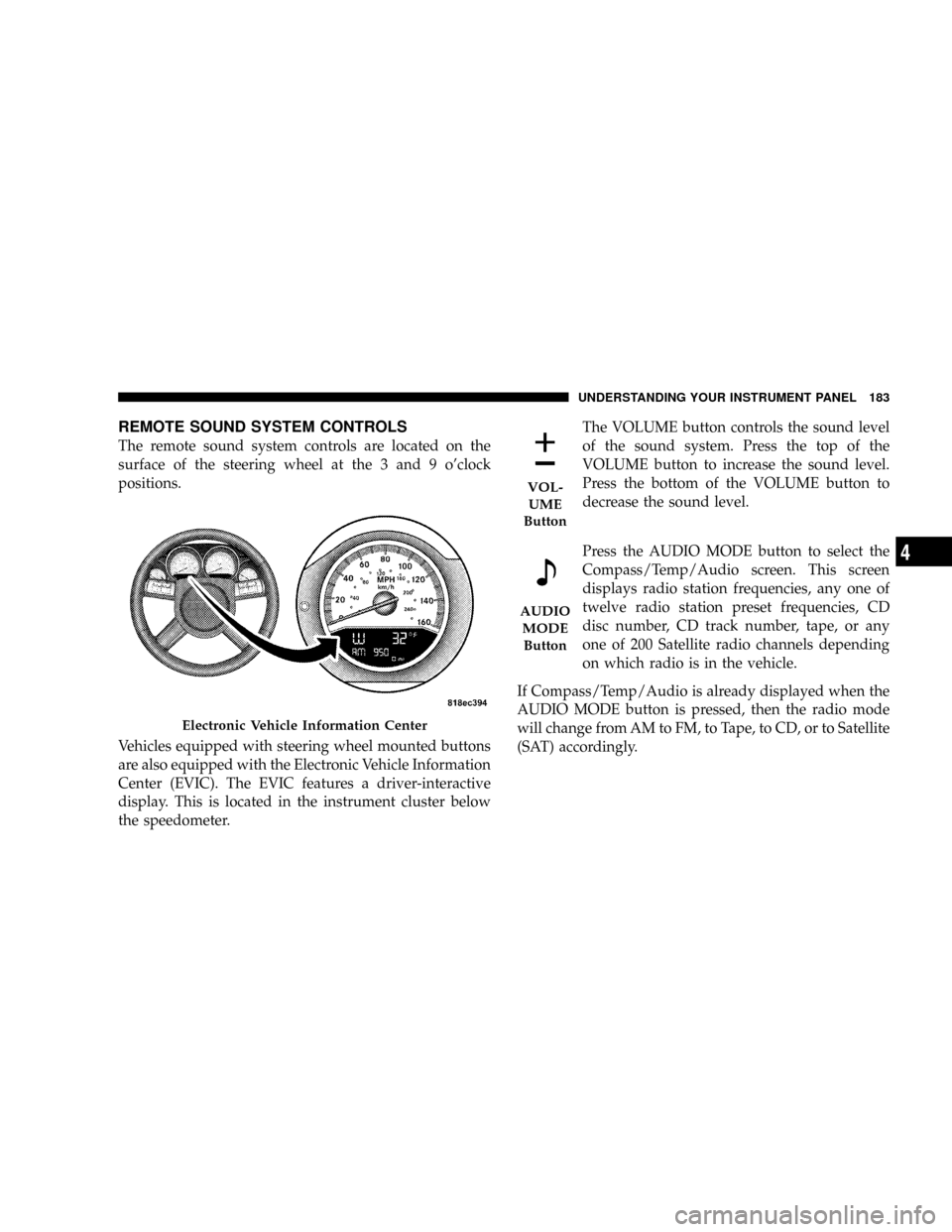
REMOTE SOUND SYSTEM CONTROLS
The remote sound system controls are located on the
surface of the steering wheel at the 3 and 9 o'clock
positions.
Vehicles equipped with steering wheel mounted buttons
are also equipped with the Electronic Vehicle Information
Center (EVIC). The EVIC features a driver-interactive
display. This is located in the instrument cluster below
the speedometer.The VOLUME button controls the sound level
of the sound system. Press the top of the
VOLUME button to increase the sound level.
Press the bottom of the VOLUME button to
decrease the sound level.
Press the AUDIO MODE button to select the
Compass/Temp/Audio screen. This screen
displays radio station frequencies, any one of
twelve radio station preset frequencies, CD
disc number, CD track number, tape, or any
one of 200 Satellite radio channels depending
on which radio is in the vehicle.
If Compass/Temp/Audio is already displayed when the
AUDIO MODE button is pressed, then the radio mode
will change from AM to FM, to Tape, to CD, or to Satellite
(SAT) accordingly.
Electronic Vehicle Information Center
VOL-
UME
Button
AUDIO
MODE
Button
UNDERSTANDING YOUR INSTRUMENT PANEL 183
4
Page 204 of 380
N6.1L Engine.........................253
NReformulated Gasoline.................254
NGasoline/Oxygenate Blends..............254
NMMT In Gasoline.....................255
NMaterials Added To Fuel................255
NFuel System Cautions..................255
NCarbon Monoxide Warnings..............256
mAdding Fuel..........................257
NFuel Filler Cap (Gas Cap)...............257
NLoose Fuel Filler Cap Message............259
mVehicle Loading.......................259
NVehicle Certification Label...............259
NGross Vehicle Weight Rating (GVWR).......260
NGross Axle Weight Rating (GAWR).........260
NOverloading.........................260NLoading............................261
mTrailer Towing........................262
NCommon Towing Definitions.............262
NTrailer Hitch Classification...............265
NTrailer Towing Weights (Maximum Trailer
Weight Ratings)......................265
NTrailer And Tongue Weight..............266
NTowing Requirements..................267
NTowing Tips.........................271
mRecreational Towing
(Behind Motorhome, Etc.)
................273
NTowing This Vehicle Behind Another Vehicle
(Flat Towing With All Four Wheels On The
Ground)............................273
mGround Clearance.....................273
STARTING AND OPERATING 203
5
Page 212 of 380
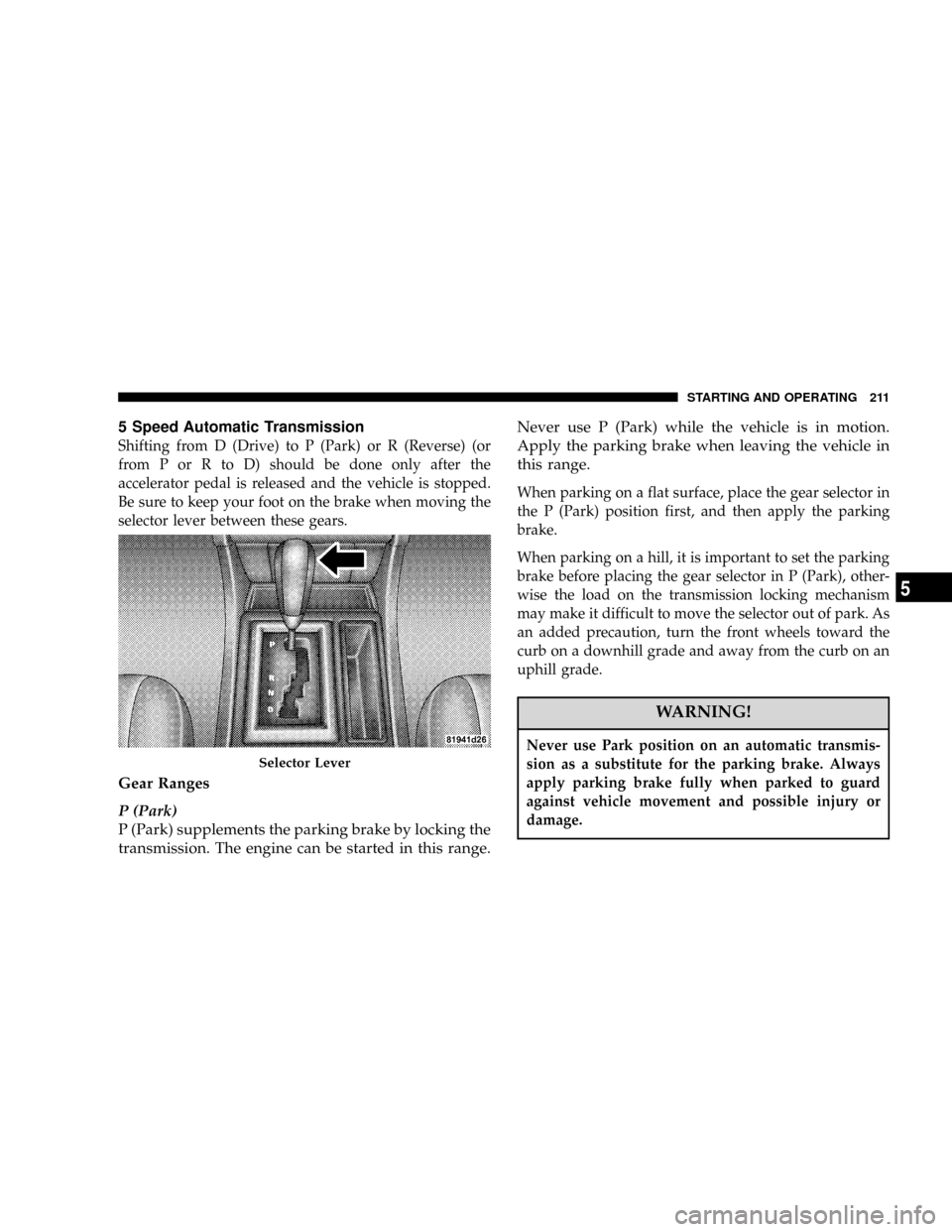
5 Speed Automatic Transmission
Shifting from D (Drive) to P (Park) or R (Reverse) (or
from P or R to D) should be done only after the
accelerator pedal is released and the vehicle is stopped.
Be sure to keep your foot on the brake when moving the
selector lever between these gears.
Gear Ranges
P (Park)
P (Park) supplements the parking brake by locking the
transmission. The engine can be started in this range.Never use P (Park) while the vehicle is in motion.
Apply the parking brake when leaving the vehicle in
this range.
When parking on a flat surface, place the gear selector in
the P (Park) position first, and then apply the parking
brake.
When parking on a hill, it is important to set the parking
brake before placing the gear selector in P (Park), other-
wise the load on the transmission locking mechanism
may make it difficult to move the selector out of park. As
an added precaution, turn the front wheels toward the
curb on a downhill grade and away from the curb on an
uphill grade.
WARNING!
Never use Park position on an automatic transmis-
sion as a substitute for the parking brake. Always
apply parking brake fully when parked to guard
against vehicle movement and possible injury or
damage.
Selector Lever
STARTING AND OPERATING 211
5
Page 214 of 380
D (Drive)
This range should be used for most city and highway
driving. It provides the smoothest upshifts and down-
shifts and best fuel economy.
The transmission automatically upshifts through fifth
gear. The D (Drive) position provides optimum driving
characteristics under all normal operating conditions.
When frequent transmission shifting occurs when using
the Overdrive range, such as when operating the vehicle
under heavy loading conditions (in hilly terrain, travel-
ing into strong head winds, or while towing heavy
trailers, use the AutoSticktmode and select the ª3º
range.
AutoSticktGear selection
The AutoSticktfeature can be selected by pressing the
selector lever to the right or the left with the lever in the
D (Drive) position. The gear currently selected is indi-
cated in the instrument cluster display. Briefly, press the
selector lever in the ªD -º direction and the transmission
will shift from the current gear to the next lower gear.Press and hold the selector lever in the ªD-º direction and
the transmission will shift from the current gear directly
to the next lowest gear for best acceleration.
NOTE:To avoid overrevving the engine when the
selector lever is moved in ªD -º direction, the transmis-
sion will not shift to a lower gear if the engine's revolu-
tions per minute (RPM) limit would be exceeded.
Briefly, press the selector lever in the ªD +º direction and
the transmission will shift from the current gear to the
next higher gear.
Press and hold the selector lever in the ªD +º direction
and the transmission will shift from the current gear
directly to gear ªD.º
WARNING!
On slippery road surfaces, never downshift in order
to obtain braking action. This could result in drive
wheel slip and reduced vehicle control. Your vehi-
cle's ABS will not prevent this type of loss of control.
You could lose control of your vehicle and have an
accident.
STARTING AND OPERATING 213
5
Page 217 of 380
right for at least one second. The transmission will now
operate automatically, shifting between the five available
gears.
AutostickTGeneral Information
²
You can start out in first or second gear. The system
will ignore attempts to upshift at too low of a vehicle
speed.
²The transmission will automatically downshift to first
gear when coming to a stop.
²Starting out in second gear is helpful in snowy or icy
conditions.
²Avoid using speed control when Autosticktis en-
gaged.
²The transmission will not automatically shift up when
maximum engine speed is reached while Autosticktis
engaged.
²Transmission shifting will be more noticeable when
Autosticktis engaged.
DRIVING ON SLIPPERY SURFACES
Acceleration
Rapid acceleration on snow covered, wet, or other slip-
pery surfaces may cause the rear wheels to pull errati-
cally to the right or left. This phenomenon occurs when
there is a difference in the surface traction under the rear
(driving) wheels.
WARNING!
Rapid acceleration on slippery surfaces is danger-
ous. Unequal traction can cause sudden pulling of
the rear wheels. You could lose control of the vehicle
and possibly have an accident. Accelerate slowly and
carefully whenever there is likely to be poor traction
(ice, snow, wet mud, loose sand, etc.).
Traction
When driving on wet or slushy roads, it is possible for a
wedge of water to build up between the tire and road
surface. This is known as hydroplaning and may cause
216 STARTING AND OPERATING