change wheel DODGE SPRINTER 2008 2.G User Guide
[x] Cancel search | Manufacturer: DODGE, Model Year: 2008, Model line: SPRINTER, Model: DODGE SPRINTER 2008 2.GPages: 666, PDF Size: 14.11 MB
Page 164 of 666
162 Controls in detailOperating system with steering wheel buttons*
3
Resetting settingsYou can reset the functions in all sub-
menus to the factory defaults.\1
Press the reset button for ap-
proximately 3 seconds.
You will see the message in the dis-
play prompting you to press the
reset button once more to confirm.
\1
Press reset button again.
The functions in most submenus are
reset to the factory defaults.
Resetting the functions of a submenuYou can reset the functions of an individ-
ual submenu to the factory defaults.\1
Select a function in a submenu.
\1
Press reset button for approxi-
mately 3 seconds.
You will see the message in the dis-
play prompting you to press the
reset button once more to confirm.
\1
Press reset button again.
Most functions in the submenu are
reset to the factory defaults.
iIf you do not press the reset but-
ton a second time to confirm, the
changed settings remain set. The Settings
menu is displayed again af-
ter approximately 5 seconds.
For safety reasons, it is not possible
to reset all of the functions while the
vehicle is in motion. For example, the
Hdlmp. mode
function in the
Lighting
submenu remains unchanged.
nf_BA.book Page 162 Friday, January 25, 2008 3:53 PM
Page 165 of 666
163 Controls in detail
Operating system with steering wheel buttons*
3
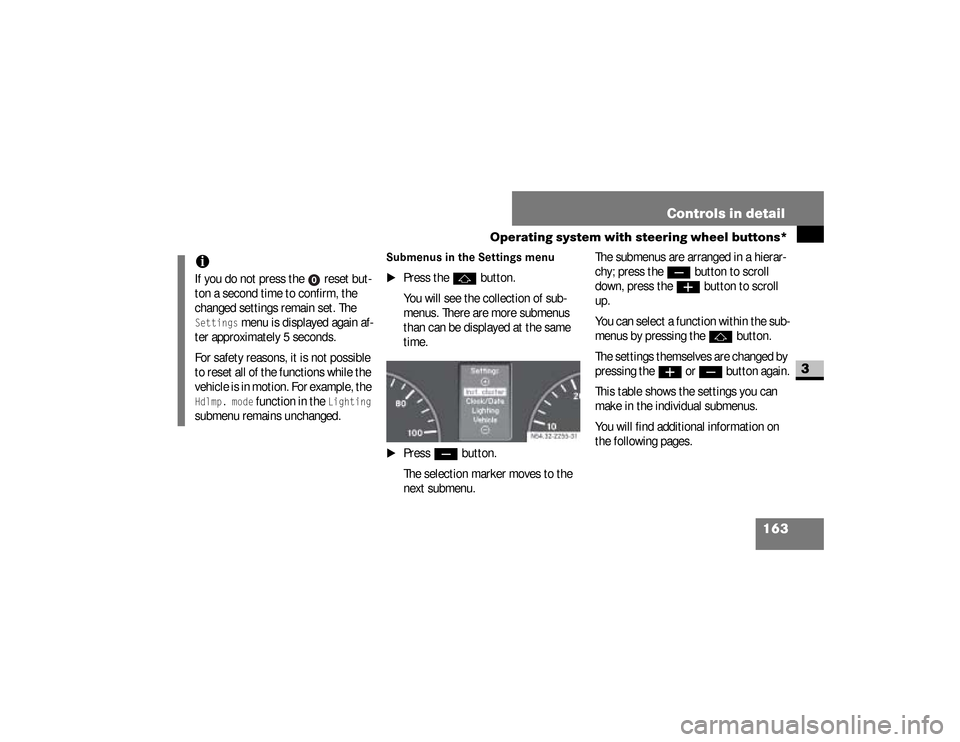
Submenus in the Settings menu
\1
Press the
j
button.
You will see the collection of sub-
menus. There are more submenus
than can be displayed at the same
time.
\1
Press
ç
button.
The selection marker moves to the
next submenu.The submenus are arranged in a hierar-
chy; press the
ç
button to scroll
down, press the
æ
button to scroll
up.
You can select a function within the sub-
menus by pressing thej
button.
The settings themselves are changed by
pressing the
æ
or
ç
button again.
This table shows the settings you can
make in the individual submenus.
You will find additional information on
the following pages.
iIf you do not press the reset but-
ton a second time to confirm, the
changed settings remain set. The Settings
menu is displayed again af-
ter approximately 5 seconds.
For safety reasons, it is not possible
to reset all of the functions while the
vehicle is in motion. For example, the
Hdlmp. mode
function in the
Lighting
submenu remains unchanged.
N54.32-2255-31
nf_BA.book Page 163 Friday, January 25, 2008 3:53 PM
Page 173 of 666
171 Controls in detail
Operating system with steering wheel buttons*
3
Setting constant headlamp mode*If you have set constant headlamp mode
and the light switch is at
M
, the fol-
lowing light up automatically when the
engine is running:
\4
The parking lamps and low-beam
headlamps
\4
The tail lamps
\4
The license plate lamp
For safety reasons, it is only possible to
change this setting when the vehicle is
stationary. The factory setting is
Con-
stant
in countries in which constant
headlamp mode is mandatory.
\1
Press the
æ
or
ç
to select the
Lighting
submenu.
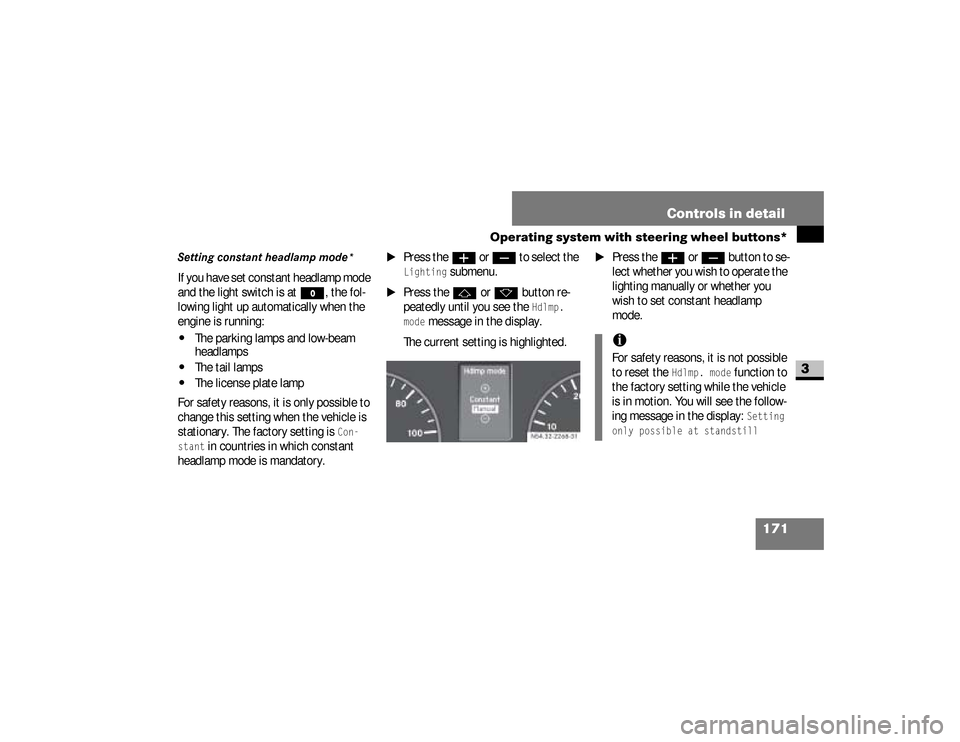
\1
Press the
j
or
k
button re-
peatedly until you see the
Hdlmp.
mode
message in the display.
The current setting is highlighted.
\1
Press the
æ
or
ç
but ton to se -
lect whether you wish to operate the
lighting manually or whether you
wish to set constant headlamp
mode.
N54.32-2268-31
iFor safety reasons, it is not possible
to reset the
Hdlmp. mode
function to
the factory setting while the vehicle
is in motion. You will see the follow-
ing message in the display:
Setting
only possible at standstill
nf_BA.book Page 171 Friday, January 25, 2008 3:53 PM
Page 198 of 666
196 Controls in detailDriving and parking
3
\4
causes and consequences of tire
wear
\4
measures to be taken in the event of
tire damage
\4
tire types for certain regions, areas
of operation or conditions of vehicle
use
\4
interchangeability of tires, etc.
Modifications to the brake system or
wheels are not permissible, nor is the
use of spacer plates or brake dust
shields. Any such modifications will in-
validate the vehicle’s general operating
permit.Treadwear indicators (TWI) are required
by law. These indicators are located in
six places on the tread circumference
and become visible at a tread depth of
approximately 1/16 in (1.6 mm), at
which point the tire is considered worn
and should be replaced.
The Treadwear Indicator appears as a
solid band across the tread.
Warning
G
If you feel a sudden significant vibration
or ride disturbance, or you suspect that
possible damage to your vehicle has oc-
curred, you should turn on the hazard
warning flashers, carefully slow down,
and drive with caution to an area which is
a safe distance from the road.
Inspect the tires and the vehicle undercar-
riage for possible damage. If the vehicle
or tires appear unsafe, have the vehicle
towed to the nearest authorized Sprinter
Dealer or tire dealer for repairs.
nf_BA.book Page 196 Friday, January 25, 2008 3:53 PM
Page 205 of 666
203 Controls in detail
Automatic transmission
3
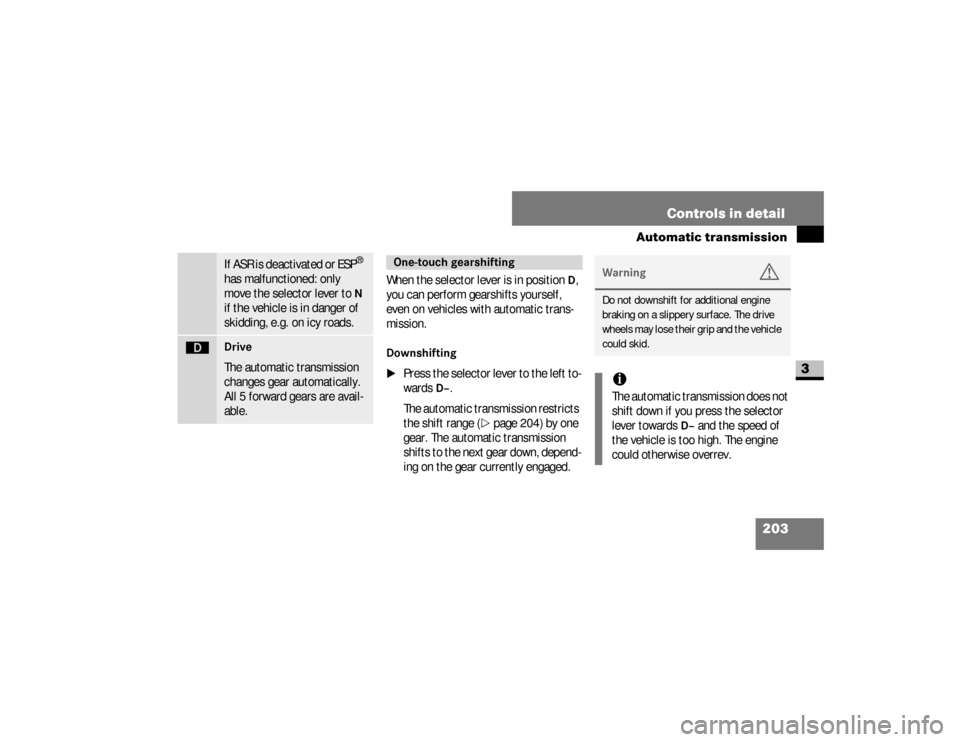
When the selector lever is in position
D,
you can perform gearshifts yourself,
even on vehicles with automatic trans-
mission.
Downshifting
\1
Press the selector lever to the left to-
wards
D–
.
The automatic transmission restricts
the shift range (
\2
page 204) by one
gear. The automatic transmission
shifts to the next gear down, depend-
ing on the gear currently engaged.
If ASR is deactivated or ESP
®
has malfunctioned: only
move the selector lever to N
if the vehicle is in danger of
skidding, e.g. on icy roads.
ê
Drive
The automatic transmission
changes gear automatically.
All 5 forward gears are avail-
able.
One-touch gearshifting
Warning
G
Do not downshift for additional engine
braking on a slippery surface. The drive
wheels may lose their grip and the vehicle
could skid.iThe automatic transmission does not
shift down if you press the selector
lever towards
D–
and the speed of
the vehicle is too high. The engine
could otherwise overrev.
nf_BA.book Page 203 Friday, January 25, 2008 3:53 PM
Page 245 of 666
243 Controls in detail
Auxiliary heating/ventilation*
3
Operating system with steering wheel
buttons
\1
Select a switch-on time as described
under “Selecting a switch-on time”
(\2
page 240).
\1
Press the
j
button.
The
Hours
menu appears in the dis-
play.
\1
Set the hours using the
æ
or
ç
button.
\1
Press the
j
button.
The
Minutes
menu appears in the
display.
\1
Set the minutes using the
æ
or
ç
button.
\1
Press the
è
button.
The switch-on time is set and selected.
iIf you keep the button pressed, the
values will change continuously.
To return to the standard display:\4
press and hold the button
on the
instrument cluster for
more than 1 second
\4
do not press a button for
10 seconds
iTo return to the standard display,
press the
è
or
ÿ
button re-
peatedly until the standard display
appears.
nf_BA.book Page 243 Friday, January 25, 2008 3:53 PM
Page 251 of 666
249 Controls in detail
Driving systems
3
Cruise control leverThe cruise control lever is the upper-
most lever on the left of the steering col-
umn.
Warning
G
The cruise control function cannot take
account of road and traffic conditions.
Always pay attention to road and traffic
conditions, even when cruise control is
activated.Cruise control is only an aid designed to
assist driving. You are responsible for the
vehicle’s speed and for braking in good
time.
If there is a change of drivers, advise the
new driver of the cruising speed that is
stored.
Warning
G
Do not use cruise control:
\4if road and traffic conditions do not
permit a constant driving speed to be
maintained (e.g. heavy traffic or wind-
ing roads). You could otherwise cause
an accident.
\4on slippery roads. The drive wheels
may lose their grip when braking or
accelerating and the vehicle could
skid
\4when visibility is poor, e.g. in fog,
heavy rain or snow
iCruise control may be unable to
maintain the stored speed on uphill
or downhill gradients. The stored
speed is resumed if the gradient
evens out and the vehicle’s speed
has not fallen below 20 mph
(30 km/h).
nf_BA.book Page 249 Friday, January 25, 2008 3:53 PM
Page 345 of 666
343 Operation
Tires and wheels
4
Warning
G
Do not use a tire, wheel size or rating oth-
er than that specified for your Sprinter ve-
hicle. Some combinations of unapproved
tires and wheels may change suspension
dimensions and performance characteris-
tics, resulting in changes to steering, han-
dling, and braking of your Sprinter vehicle.
This can cause unpredictable handling
and stress to steering and suspension
components. You could lose control and
have an accident resulting in serious inju-
ry or death.
Continued
Warning (Continued)
G
Only use the tire and wheel sizes with load
ratings approved for your Sprinter vehicle,
refer to "Tire and loading information".Never use a tire with a smaller load index
or speed index or capacity other than
what was originally equipped on your
Sprinter vehicle. Using a tire with a small-
er load index could result in tire overload-
ing and failure. You could lose control and
have an accident.Failure to equip the vehicle with tires hav-
ing adequate speed capability can result
in sudden tire failure and loss of vehicle
control.
!
CAUTION
Replacing original tires with tires of a
different size may result in false
speedometer and odometer read-
ings.
nf_BA.book Page 343 Friday, January 25, 2008 3:53 PM
Page 346 of 666
344 OperationTires and wheels
4
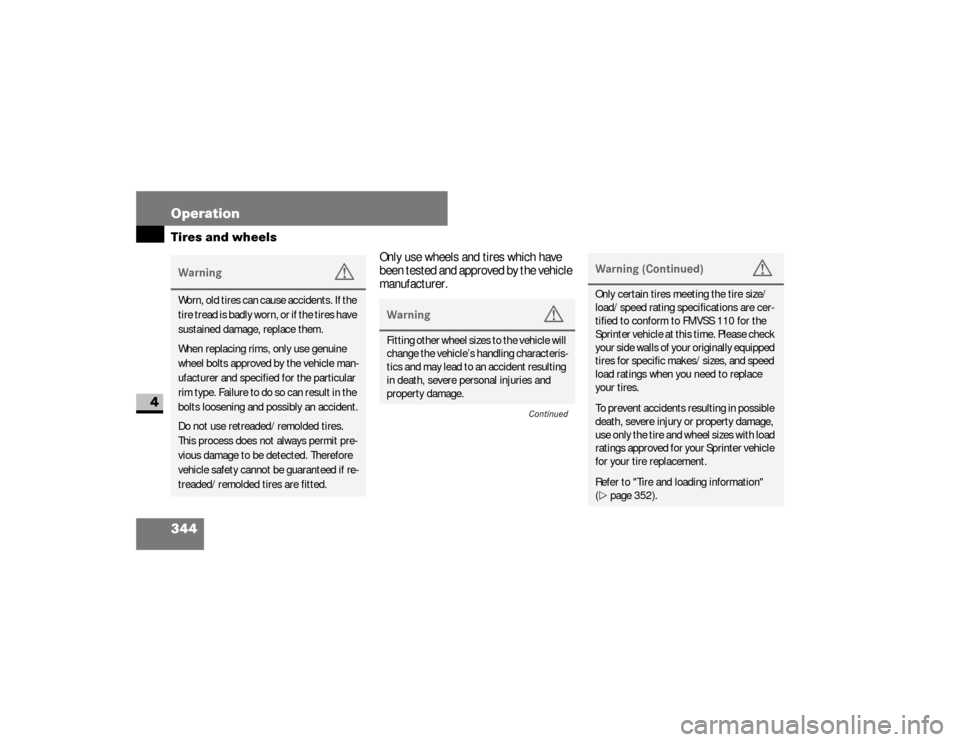
Only use wheels and tires which have
been tested and approved by the vehicle
manufacturer.
Warning
G
Worn, old tires can cause accidents. If the
tire tread is badly worn, or if the tires have
sustained damage, replace them.
When replacing rims, only use genuine
wheel bolts approved by the vehicle man-
ufacturer and specified for the particular
rim type. Failure to do so can result in the
bolts loosening and possibly an accident.
Do not use retreaded/remolded tires.
This process does not always permit pre-
vious damage to be detected. Therefore
vehicle safety cannot be guaranteed if re-
treaded/remolded tires are fitted.
Warning
G
Fitting other wheel sizes to the vehicle will
change the vehicle’s handling characteris-
tics and may lead to an accident resulting
in death, severe personal injuries and
property damage.
Continued
Warning (Continued)
G
Only certain tires meeting the tire size/
load/speed rating specifications are cer-
tified to conform to FMVSS 110 for the
Sprinter vehicle at this time. Please check
your side walls of your originally equipped
tires for specific makes/sizes, and speed
load ratings when you need to replace
your tires.To prevent accidents resulting in possible
death, severe injury or property damage,
use only the tire and wheel sizes with load
ratings approved for your Sprinter vehicle
for your tire replacement. Refer to "Tire and loading information"
(\2page 352).
nf_BA.book Page 344 Friday, January 25, 2008 3:53 PM
Page 347 of 666
345 Operation
Tires and wheels
4
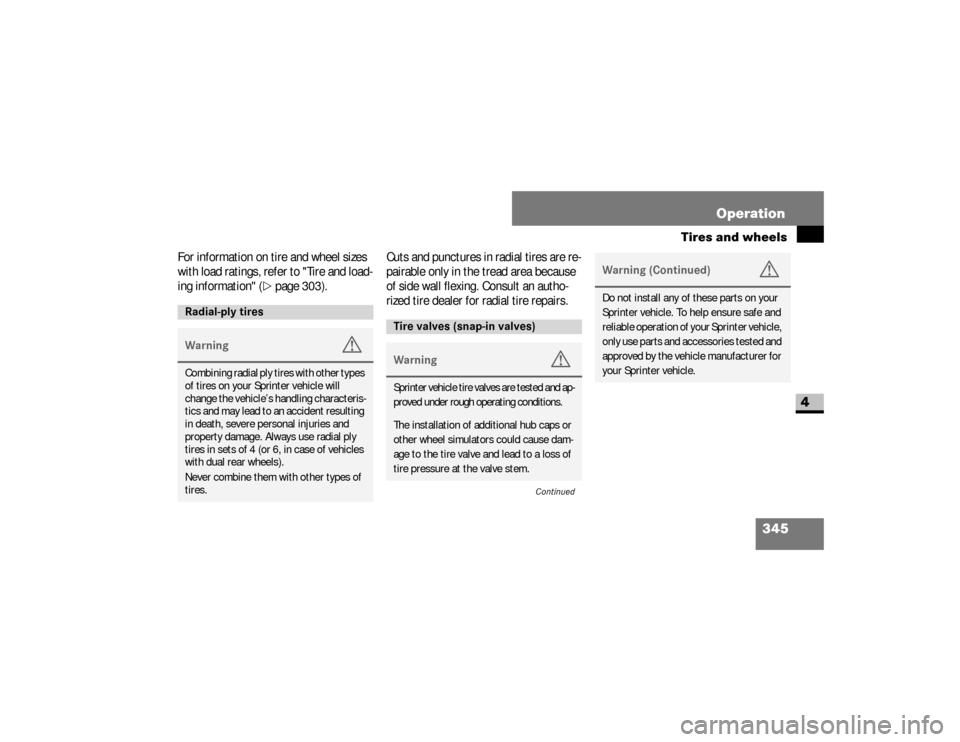
For information on tire and wheel sizes
with load ratings, refer to "Tire and load-
ing information" (
\2
page 303).Cuts and punctures in radial tires are re-
pairable only in the tread area because
of side wall flexing. Consult an autho-
rized tire dealer for radial tire repairs.
Radial-ply tiresWarning
G
Combining radial ply tires with other types
of tires on your Sprinter vehicle will
change the vehicle’s handling characteris-
tics and may lead to an accident resulting
in death, severe personal injuries and
property damage. Always use radial ply
tires in sets of 4 (or 6, in case of vehicles
with dual rear wheels).
Never combine them with other types of
tires.
Tire valves (snap-in valves)Warning
G
Sprinter vehicle tire valves are tested and ap-
proved under rough operating conditions.The installation of additional hub caps or
other wheel simulators could cause dam-
age to the tire valve and lead to a loss of
tire pressure at the valve stem.
Continued
Warning (Continued)
G
Do not install any of these parts on your
Sprinter vehicle. To help ensure safe and
reliable operation of your Sprinter vehicle,
only use parts and accessories tested and
approved by the vehicle manufacturer for
your Sprinter vehicle.
nf_BA.book Page 345 Friday, January 25, 2008 3:53 PM