lock DODGE VIPER 2015 VX / 3.G Workshop Manual
[x] Cancel search | Manufacturer: DODGE, Model Year: 2015, Model line: VIPER, Model: DODGE VIPER 2015 VX / 3.GPages: 400, PDF Size: 9.59 MB
Page 201 of 400
6. Rear Defrost Button
Press and release this button to turn on the rear window
defroster and the heated outside mirrors (if equipped).
An indicator will illuminate when the rear window
defroster is on. The rear window defroster automatically
turns off after 10 minutes.
CAUTION!
Failure to follow these cautions can cause damage to
the heating elements:
•Use care when washing the inside of the rear
window. Do not use abrasive window cleaners on
the interior surface of the window. Use a soft cloth
and a mild washing solution, wiping parallel to the
heating elements. Labels can be peeled off after
soaking with warm water.
(Continued)
CAUTION!(Continued)
•Do not use scrapers, sharp instruments, or abrasive
window cleaners on the interior surface of the
window.
•Keep all objects a safe distance from the window.
7. Blower Control
Blower control is used to regulate the amount of air
forced through the climate system. There are seven
blower speeds available. Adjusting the blower will cause
automatic mode to switch to manual operation. The
speeds can be selected using either the buttons on the
faceplate or the buttons on the touchscreen as follows:
Button On The Faceplate
The blower speed increases as you turn the control
clockwise from the lowest blower setting. The blower
speed decreases as you turn the knob counterclockwise.
4
UNDERSTANDING YOUR INSTRUMENT PANEL 199
Page 214 of 400
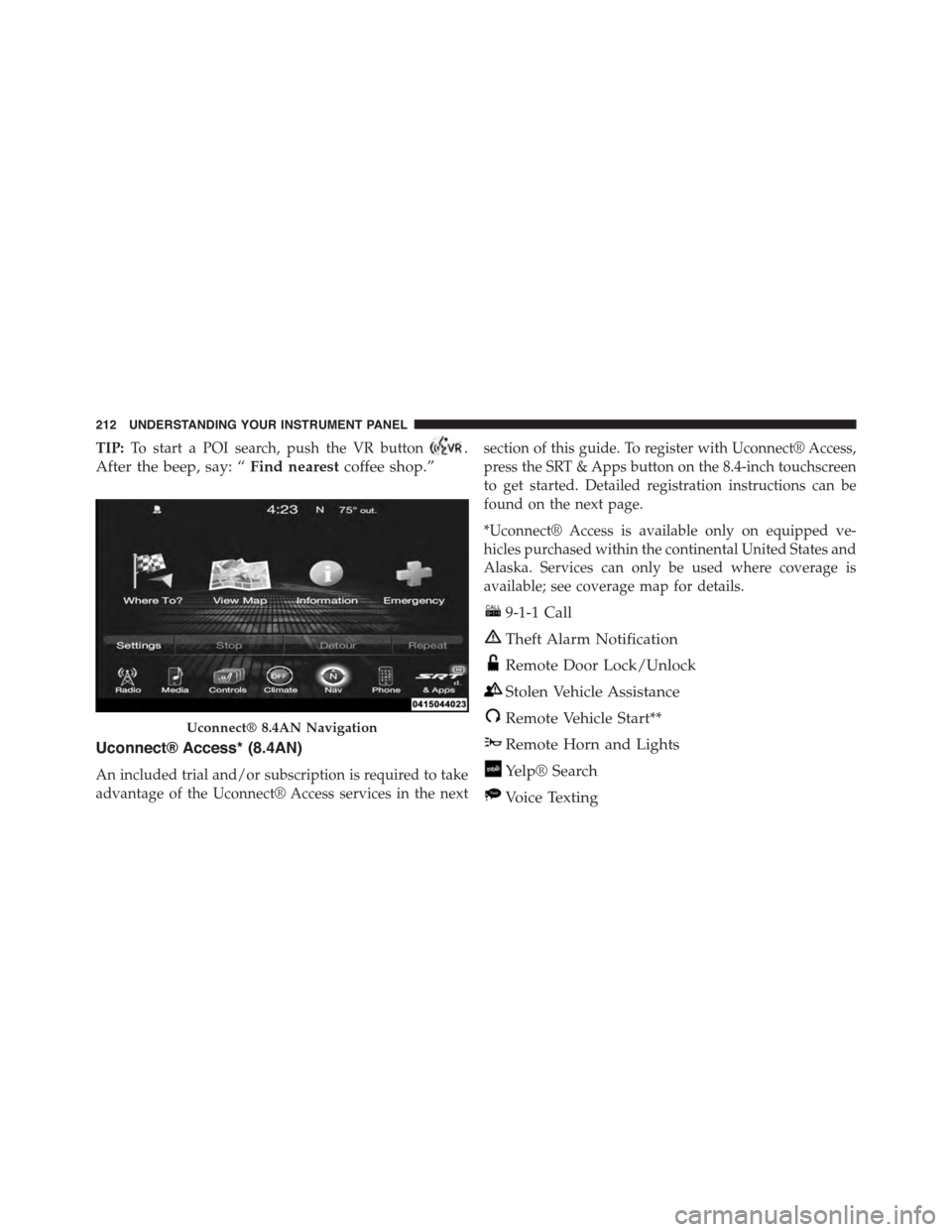
TIP:To start a POI search, push the VR button.
After the beep, say: “Find nearestcoffee shop.”
Uconnect® Access* (8.4AN)
An included trial and/or subscription is required to take
advantage of the Uconnect® Access services in the next
section of this guide. To register with Uconnect® Access,
press the SRT & Apps button on the 8.4-inch touchscreen
to get started. Detailed registration instructions can be
found on the next page.
*Uconnect® Access is available only on equipped ve-
hicles purchased within the continental United States and
Alaska. Services can only be used where coverage is
available; see coverage map for details.
9-1-1 Call
Theft Alarm Notification
Remote Door Lock/Unlock
Stolen Vehicle Assistance
Remote Vehicle Start**
Remote Horn and Lights
Yelp® Search
Voice Texting
Uconnect® 8.4AN Navigation
212 UNDERSTANDING YOUR INSTRUMENT PANEL
Page 216 of 400
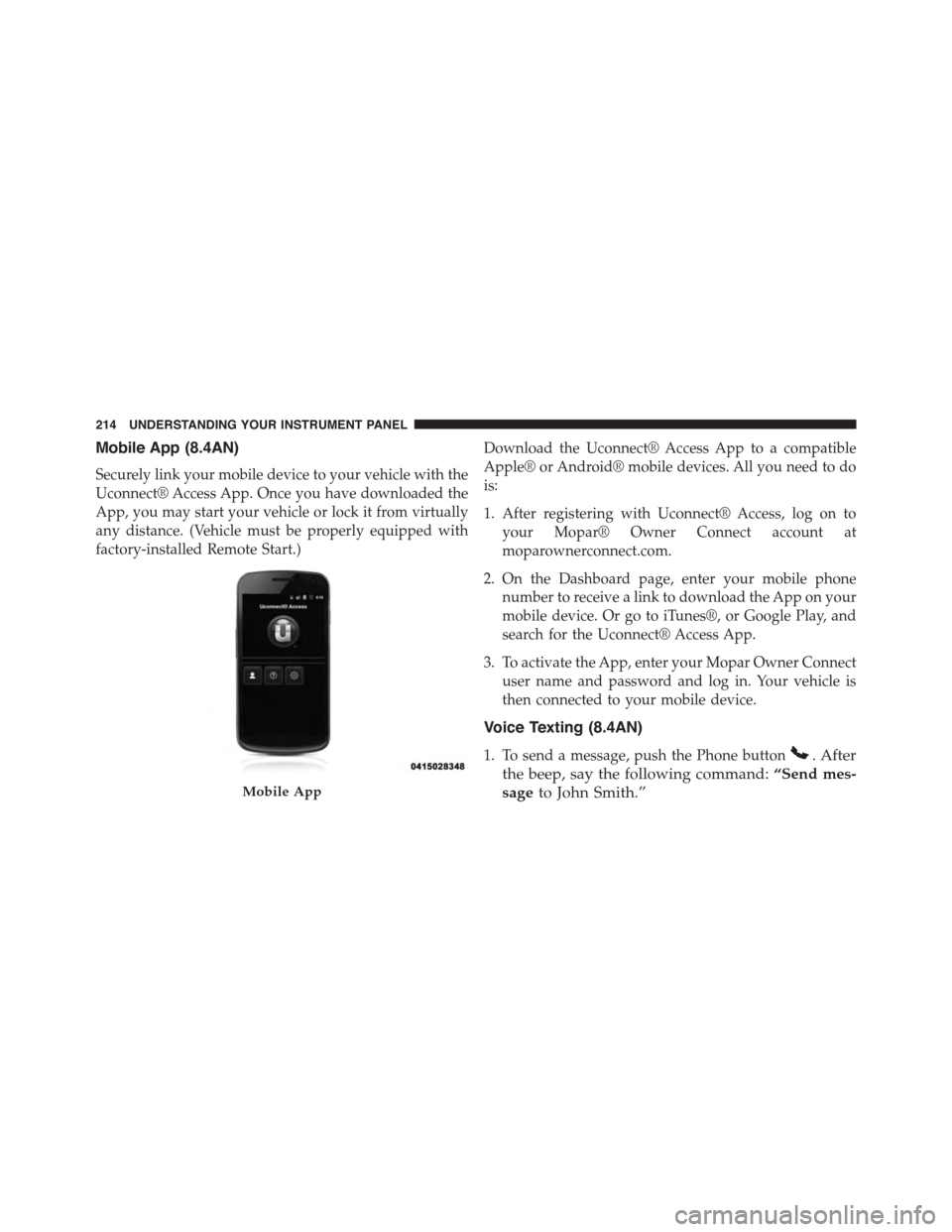
Mobile App (8.4AN)
Securely link your mobile device to your vehicle with the
Uconnect® Access App. Once you have downloaded the
App, you may start your vehicle or lock it from virtually
any distance. (Vehicle must be properly equipped with
factory-installed Remote Start.)
Download the Uconnect® Access App to a compatible
Apple® or Android® mobile devices. All you need to do
is:
1. After registering with Uconnect® Access, log on to
your Mopar® Owner Connect account at
moparownerconnect.com.
2. On the Dashboard page, enter your mobile phone
number to receive a link to download the App on your
mobile device. Or go to iTunes®, or Google Play, and
search for the Uconnect® Access App.
3. To activate the App, enter your Mopar Owner Connect
user name and password and log in. Your vehicle is
then connected to your mobile device.
Voice Texting (8.4AN)
1. To send a message, push the Phone button. After
the beep, say the following command:“Send mes-
sageto John Smith.”Mobile App
214 UNDERSTANDING YOUR INSTRUMENT PANEL
Page 222 of 400
▫Brake Pad Break-In....................239
!ELECTRONIC BRAKE CONTROL SYSTEM . . . .241
▫Anti-Lock Brake System................241
▫Traction Control System (TCS)............243
▫Electronic Stability Control..............244
!TIRE SAFETY INFORMATION.............247
▫Tire Markings........................247
▫Tire Identification Number (TIN)...........251
▫Tire Terminology And Definitions..........252
▫Tire Loading And Tire Pressure...........254
!TIRES — GENERAL INFORMATION........258
▫Tire Pressure........................258
▫Tire Inflation Pressures.................259
▫Tire Pressures For High Speed Operation . . . .261
▫Radial Ply Tires......................261
▫Tire Types...........................262
▫Run Flat Tires — If Equipped.............264
▫Spare Tires — If Equipped...............264
▫Tire Spinning........................267
▫Tread Wear Indicators..................267
▫Life Of Tire.........................268
▫Replacement Tires.....................268
!TIRE CHAINS (TRACTION DEVICES).......270
!TIRE ROTATION RECOMMENDATIONS.....270
!TIRE PRESSURE MONITOR SYSTEM (TPMS) . .271
▫Premium System......................274
220 STARTING AND OPERATING
Page 232 of 400
NOTE:
•With the ignition in the ON/RUN position, the sus-
pension damping system will be in the last mode the
system was in when the vehicle was turned off. The
driver can select either Street or Race damping mode
at any time.
•The suspension mode will lock and stay in whatever
the driver selects even when the ignition is turned off
and the car restarted.
•The RACE setting will provide a much firmer ride.
•When RACE mode is enabled, a Shock symbol with
“RACE” next to it will light up in the instrument
cluster.
LAUNCH MODE
This system maximizes acceleration traction for straight
line racing.
1. Bring the vehicle to complete stop on a level track
surface with the engine running.
2. Set the steering wheel for straight ahead driving.
3. Fully depress the clutch and select the first gear
position.
4. Press and release the “LAUNCH” Button (Located on
the steering wheel controls).
230 STARTING AND OPERATING
Page 237 of 400
CAUTION!(Continued)
•Driving through standing water may cause damage
to your vehicle’s drivetrain components. Always
inspect your vehicle’s fluids (i.e., engine oil, trans-
mission, axle, etc.) for signs of contamination (i.e.,
fluid that is milky or foamy in appearance) after
driving through standing water. Do not continue to
operate the vehicle if any fluid appears contami-
nated, as this may result in further damage. Such
damage is not covered by the New Vehicle Limited
Warranty.
•Getting water inside your vehicle’s engine can
cause it to lock up and stall out, and cause serious
internal damage to the engine. Such damage is not
covered by the New Vehicle Limited Warranty.
POWER STEERING
The standard power steering system will give you good
vehicle response and increased ease of maneuverability
in tight spaces. The system will provide mechanical
steering capability if power assist is lost.
If for some reason the power assist is interrupted, it will
still be possible to steer your vehicle. Under these condi-
tions, you will observe a substantial increase in steering
effort, especially at very low vehicle speeds and during
parking maneuvers.
NOTE:
•Increased noise levels at the end of the steering wheel
travel are considered normal and do not indicate that
there is a problem with the power steering system.
•Upon initial start-up in cold weather, the power steer-
ing pump may make noise for a short amount of time.
This is due to the cold, thick fluid in the steering
5
STARTING AND OPERATING 235
Page 239 of 400
PARKING BRAKE
The parking brake should always be applied when the
driver is not in the vehicle.
WARNING!
Before leaving the vehicle, make sure you fully apply
the parking brake and shift the transmission into
REVERSE. Failure to do so may cause the vehicle to
roll and cause damage or injury.
As an added precaution when parking the vehicle, turn
the front wheels toward the curb on a downhill grade
and away from the curb on an uphill grade.
To apply the parking brake, grasp the handle and pull it
rearward until you feel resistance. To release the parking
brake, grasp the handle and pull it slightly while pressing
the button on the end of the handle. When the button
drops into the handle (releasing the lock), guide the
handle downward to its stop and then release the button
and the handle.
Parking Brake Lever
5
STARTING AND OPERATING 237
Page 240 of 400
The “Brake System Warning Light” in the instrument
cluster will turn on when the ignition is in the ON/RUN
position and the parking brake is applied.
NOTE:
•This light only shows that the parking brake is applied
or a brake/ABS system fault. It does not show the
degree of brake application. If the “Brake System
Warning Light” is illuminated when the parking brake
is not applied please see your authorized dealer.
•Each time the parking brake is applied, the instrument
cluster will automatically go to the highest illumina-
tion setting regardless of the dimmer control setting.
WARNING!
•Never leave children alone in a vehicle, or with
access to an unlocked vehicle. Allowing children to
be in a vehicle unattended is dangerous for a
number of reasons. A child or others could be
injured seriously or fatally. Do not leave the key
fob in or near the vehicle (or in a location accessible
to children), and do not leave the ignition of a
vehicle equipped with Keyless Enter-N-Go in the
ACC or ON/RUN mode. A child could operate
power windows, other controls, or move the ve-
hicle.
•Ensure the parking brake is fully disengaged be-
fore driving. Failure to do so can lead to brake
failure, and an accident.
238 STARTING AND OPERATING
Page 243 of 400
ELECTRONIC BRAKE CONTROL SYSTEM
Your vehicle is equipped with an advanced electronic
brake control system that includes the Anti-Lock Brake
System (ABS), Traction Control System (TCS), and Elec-
tronic Stability Control (ESC). All of these systems work
together to enhance vehicle stability and control in vari-
ous driving conditions.
Anti-Lock Brake System
The Anti-Lock Brake System (ABS) is designed to aid the
driver in maintaining vehicle control under adverse
braking conditions. The system operates with a separate
computer to modulate hydraulic pressure to prevent
wheel lock-up and help avoid skidding on slippery
surfaces.
NOTE:During severe braking conditions, a pulsing sen-
sation may occur and a clicking noise will be heard. This
is normal, indicating that the ABS is functioning.
The ABS conducts a low-speed self-test at approximately
12 mph (20 km/h). If you have your foot lightly on the
brake pedal while this test is occurring, you may feel a
slight pedal movement. The movement can be more
apparent on ice and snow and be considered normal.
The ABS pump motor runs during the self-test at 12 mph
(20 km/h) and during an ABS stop. The pump motor
makes a low humming noise during operation, which is
normal.
CAUTION!
The Anti-Lock Brake System is subject to possible
detrimental effects of electronic interference caused
by improperly installed aftermarket radios or tele-
phones.
5
STARTING AND OPERATING 241
Page 244 of 400
WARNING!
•The Anti-Lock Brake System (ABS) contains so-
phisticated electronic equipment that may be sus-
ceptible to interference caused by improperly in-
stalled or high output radio transmitting
equipment. This interference can cause possible
loss of anti-lock braking capability. Installation of
such equipment should be performed by qualified
professionals.
•Pumping of the Anti-Lock Brakes will diminish
their effectiveness and may lead to a collision.
Pumping makes the stopping distance longer. Just
press firmly on your brake pedal when you need to
slow down or stop.
(Continued)
WARNING!(Continued)
•The Anti-Lock Brake System (ABS) cannot prevent
the natural laws of physics from acting on the
vehicle, nor can it increase braking or steering
efficiency beyond that afforded by the condition of
the vehicle brakes and tires or the traction afforded.
•The Anti-Lock Brake System (ABS) cannot prevent
collisions, including those resulting from excessive
speed in turns, following another vehicle too
closely, or hydroplaning.
•The capabilities of an Anti-Lock Brake System
(ABS) equipped vehicle must never be exploited in
a reckless or dangerous manner, that could jeopar-
dize the user’s safety or the safety of others.
All vehicle wheels and tires must be the same size and
type as the original equipment and the tires must be
242 STARTING AND OPERATING