warning DODGE VIPER 2015 VX / 3.G Manual PDF
[x] Cancel search | Manufacturer: DODGE, Model Year: 2015, Model line: VIPER, Model: DODGE VIPER 2015 VX / 3.GPages: 400, PDF Size: 9.59 MB
Page 161 of 400
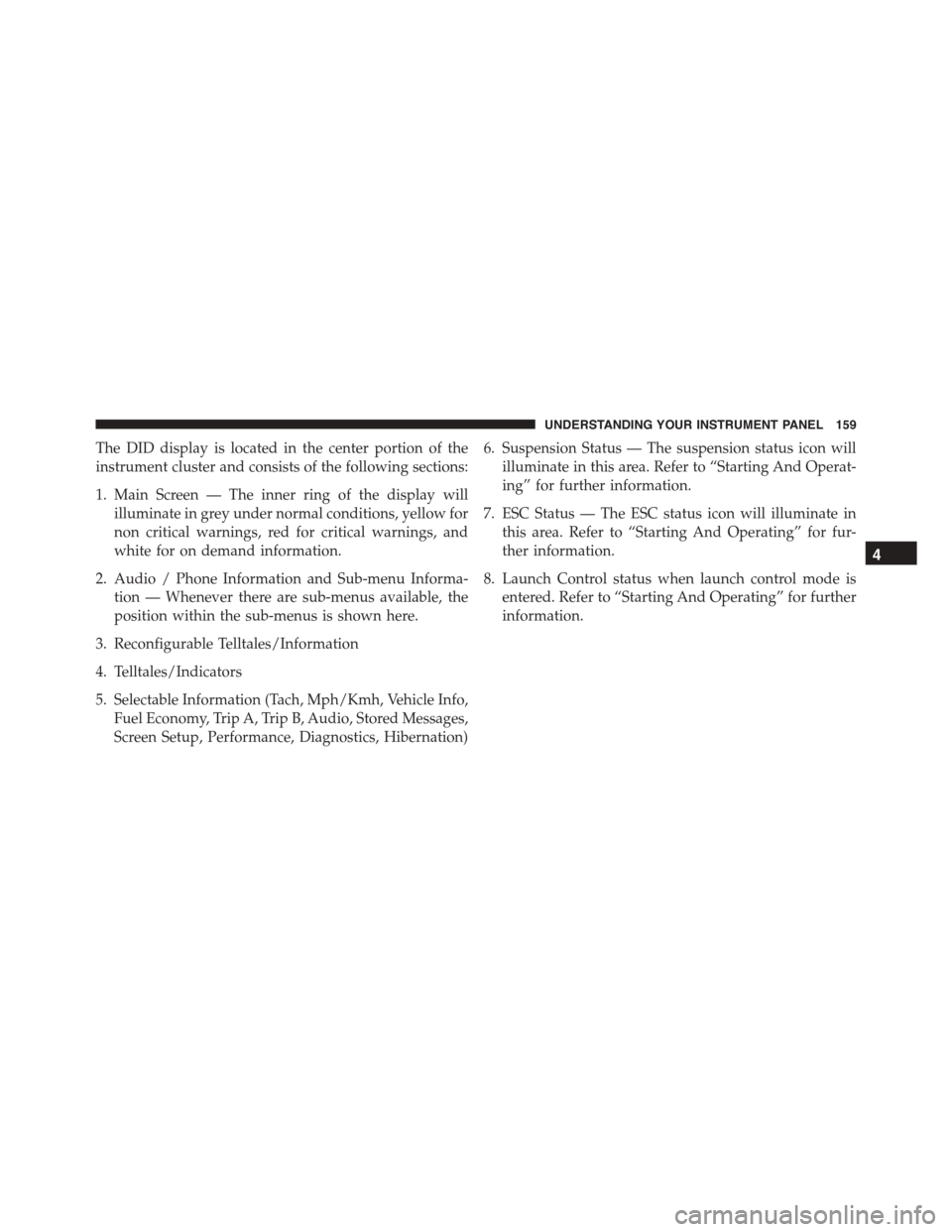
The DID display is located in the center portion of the
instrument cluster and consists of the following sections:
1. Main Screen — The inner ring of the display will
illuminate in grey under normal conditions, yellow for
non critical warnings, red for critical warnings, and
white for on demand information.
2. Audio / Phone Information and Sub-menu Informa-
tion — Whenever there are sub-menus available, the
position within the sub-menus is shown here.
3. Reconfigurable Telltales/Information
4. Telltales/Indicators
5. Selectable Information (Tach, Mph/Kmh, Vehicle Info,
Fuel Economy, Trip A, Trip B, Audio, Stored Messages,
Screen Setup, Performance, Diagnostics, Hibernation)
6. Suspension Status — The suspension status icon will
illuminate in this area. Refer to “Starting And Operat-
ing” for further information.
7. ESC Status — The ESC status icon will illuminate in
this area. Refer to “Starting And Operating” for fur-
ther information.
8. Launch Control status when launch control mode is
entered. Refer to “Starting And Operating” for further
information.
4
UNDERSTANDING YOUR INSTRUMENT PANEL 159
Page 163 of 400
Driver Information Display (DID) Messages
•Front Seat Belts Unbuckled
•Driver Seat Belt Unbuckled
•Passenger Seat Belt Unbuckled
•Key Fob Battery Low
•Service Air Bag System
•ESC Status (ESC OFF, ESC ON, ESC SPORT, ESC
TRACK, RAIN MODE) — Refer to “Starting And
Operating” for further information.
•Oil Pressure Low
•Fuel Low
•Service Antilock Brake System
•Service Electronic Throttle Control
•Cruise Off
•Cruise Ready
•Cruise Set To XXX MPH
•Tire Pressure Screen With Low Tire Pressure Warnings
•Service Tire Pressure System
•Parking Brake Engaged
•Brake Fluid Low
•Service Electronic Braking System
•Engine Temperature Hot
•Battery Voltage Low
•Service Electronic Throttle Control
•Lights On
•Right Turn Signal Light Out
•Left Turn Signal Light Out
4
UNDERSTANDING YOUR INSTRUMENT PANEL 161
Page 164 of 400
•Turn Signal On
•Service Air Bag System
•Service Air Bag Warning Light
•Driver Seat Belt Unbuckled
•Passenger Seat Belt Unbuckled
•Front Seat Belts Unbuckled
•Door Open
•Doors Open
•Engage Park Brake to Prevent Rolling
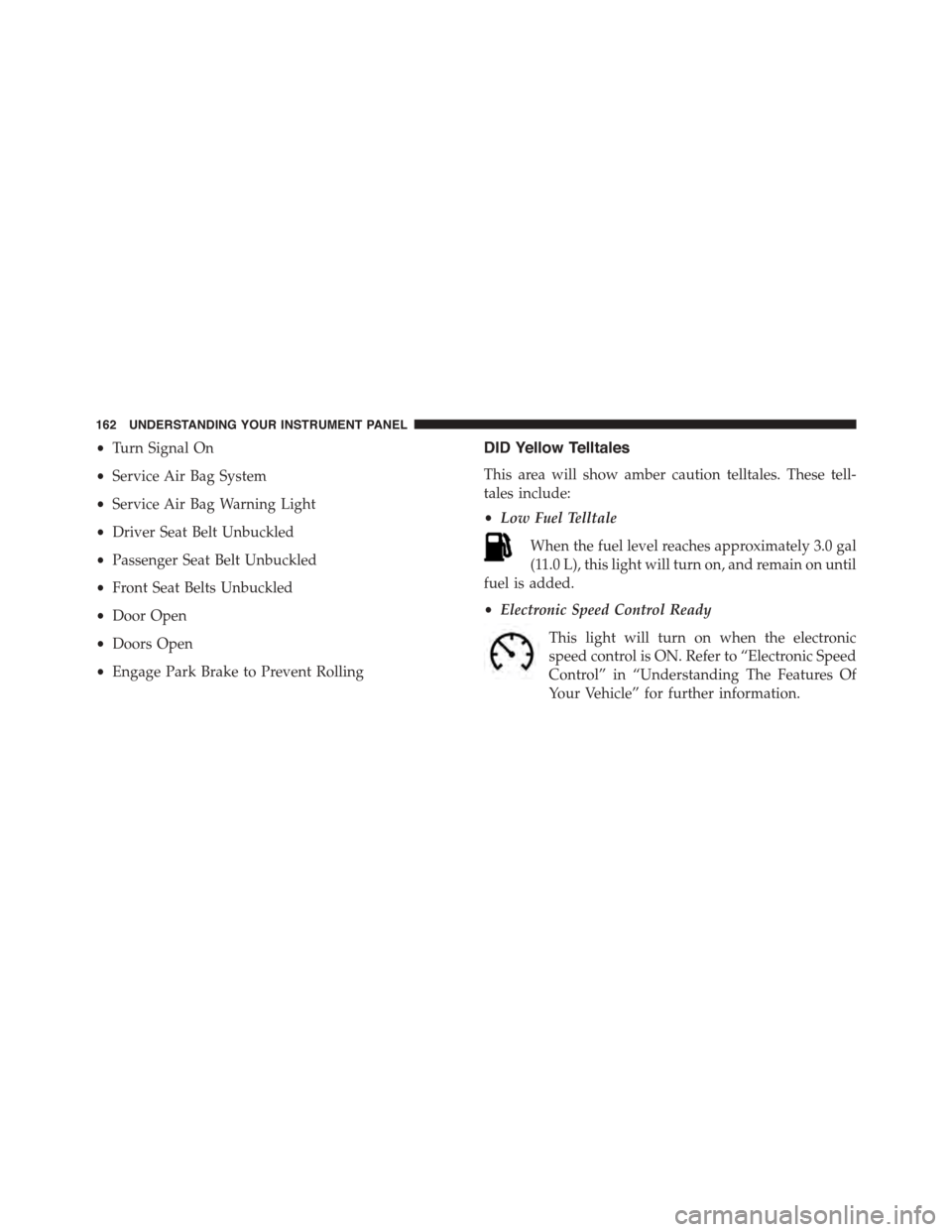
DID Yellow Telltales
This area will show amber caution telltales. These tell-
tales include:
•Low Fuel Telltale
When the fuel level reaches approximately 3.0 gal
(11.0 L), this light will turn on, and remain on until
fuel is added.
•Electronic Speed Control Ready
This light will turn on when the electronic
speed control is ON. Refer to “Electronic Speed
Control” in “Understanding The Features Of
Your Vehicle” for further information.
162 UNDERSTANDING YOUR INSTRUMENT PANEL
Page 165 of 400
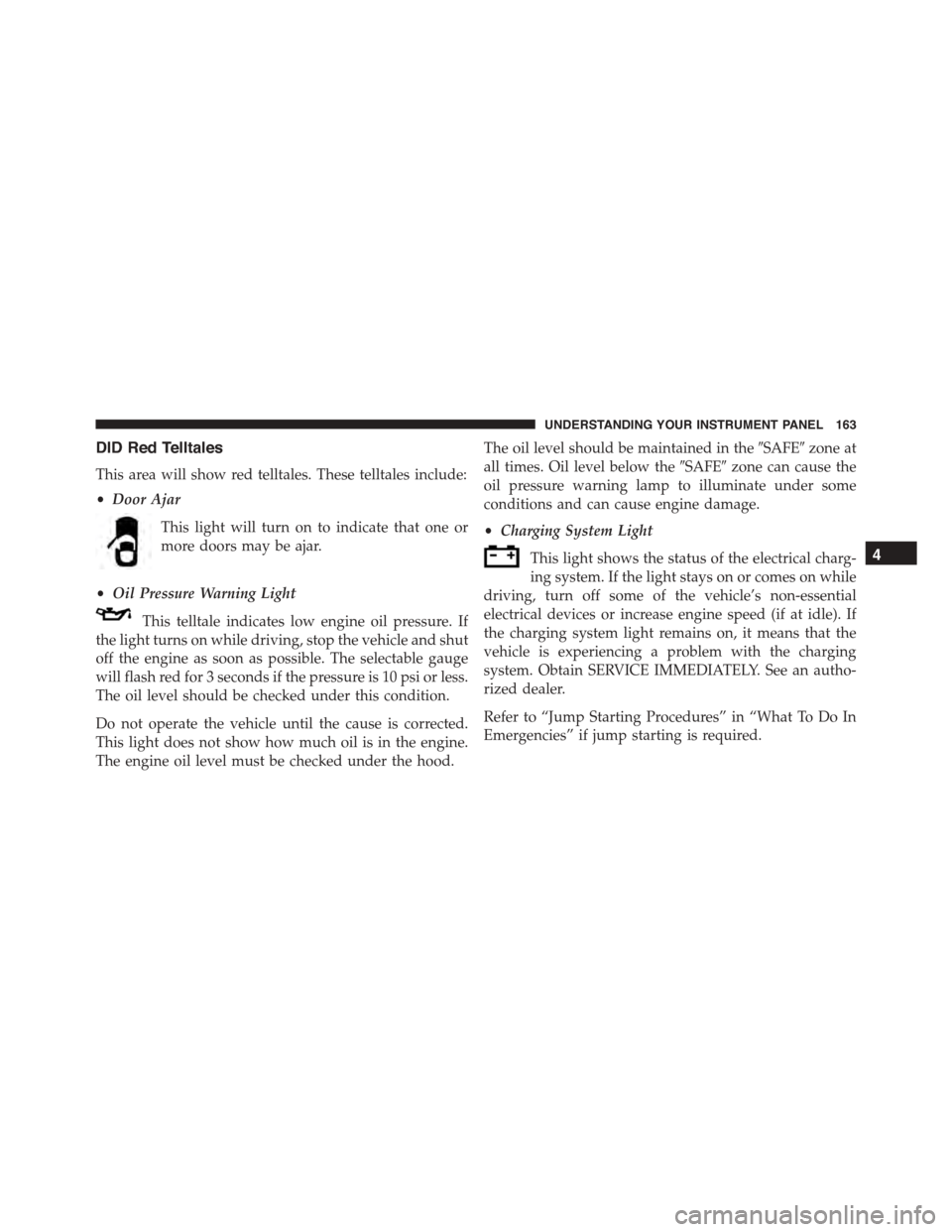
DID Red Telltales
This area will show red telltales. These telltales include:
•Door Ajar
This light will turn on to indicate that one or
more doors may be ajar.
•Oil Pressure Warning Light
This telltale indicates low engine oil pressure. If
the light turns on while driving, stop the vehicle and shut
off the engine as soon as possible. The selectable gauge
will flash red for 3 seconds if the pressure is 10 psi or less.
The oil level should be checked under this condition.
Do not operate the vehicle until the cause is corrected.
This light does not show how much oil is in the engine.
The engine oil level must be checked under the hood.
The oil level should be maintained in the#SAFE#zone at
all times. Oil level below the#SAFE#zone can cause the
oil pressure warning lamp to illuminate under some
conditions and can cause engine damage.
•Charging System Light
This light shows the status of the electrical charg-
ing system. If the light stays on or comes on while
driving, turn off some of the vehicle’s non-essential
electrical devices or increase engine speed (if at idle). If
the charging system light remains on, it means that the
vehicle is experiencing a problem with the charging
system. Obtain SERVICE IMMEDIATELY. See an autho-
rized dealer.
Refer to “Jump Starting Procedures” in “What To Do In
Emergencies” if jump starting is required.
4
UNDERSTANDING YOUR INSTRUMENT PANEL 163
Page 166 of 400
•Electronic Throttle Control (ETC) Light
This light informs you of a problem with the
Electronic Throttle Control (ETC) system. The
light will come on when the ignition is first
cycled ON and remain on briefly as a bulb
check. If the light does not come on during starting, have
the system checked by an authorized dealer.
If a problem is detected, the light will come on while the
engine is running. Cycle the ignition when the vehicle
has completely stopped and the shift lever is in Neutral,
with the Parking Brake applied. The light should turn off.
If the light remains lit with the engine running, your
vehicle will usually be drivable. However, see an autho-
rized dealer for service as soon as possible. If the light is
flashing when the engine is running, immediate service is
required. You may experience reduced performance, an
elevated/rough idle or engine stall, and your vehicle
may require towing.
•Engine Temperature Warning Light
This light warns of an overheated engine condi-
tion. As temperatures rise and the gauge ap-
proachesH,this indicator will illuminate, and a single
chime will sound after reaching a set threshold. Further
overheating will cause the temperature gauge to passH,
the indicator will continuously flash, and a continuous
chime will occur until the engine is allowed to cool.
If the light turns on while driving, safely pull over and
stop the vehicle. If the A/C system is on, turn it off. Also,
shift the transmission into NEUTRAL and idle the ve-
hicle. If the temperature reading does not return to
normal, turn the engine off immediately and call for
service. Refer to “If Your Engine Overheats” in “What To
Do In Emergencies” for more information.
164 UNDERSTANDING YOUR INSTRUMENT PANEL
Page 170 of 400
SRT Performance
WARNING!
Measurement of vehicle statistics with the Perfor-
mance Features is intended for off-highway or off-
road use only and should not be done on any public
roadways. It is recommended that these features be
used in a controlled environment and within the
limits of the law. The capabilities of the vehicle as
measured by the performance pages must never be
exploited in a reckless or dangerous manner, which
can jeopardize the user ’s safety or the safety of
others. Only a safe, attentive, and skillful driver can
prevent accidents.
Push and release the UP or DOWN arrow button until
the SRT icon is highlighted in the DID. Push and release
the RIGHT arrow button, and 0–60 MPH Duration will be
displayed. Push and release the LEFT and RIGHT arrow
button to scroll through the following information sub-
menus:
0–60 Time
Push and release the LEFT and RIGHT arrow button
until the last 0–60 MPH information is displayed.
Braking Distance
Push and release the LEFT and RIGHT arrow button
until the last Braking Distance information is displayed.
1/4 Mile Elapsed Time
Push and release the LEFT and RIGHT arrow button
until the last 1/4 Mile Top Speed & Duration information
is displayed.
168 UNDERSTANDING YOUR INSTRUMENT PANEL
Page 172 of 400
Tr i p B — I fEquipped
Push and release Up or Down arrow button
until the Trip B icon is highlighted in the DID.
The Trip B information will display the
following:
•Distance
•Average Speed
•Elapsed Time
Hold the RIGHT arrow button to reset all the informa-
tion.
Audio
Push and release the UP or DOWN arrow
button until the Audio display icon is high-
lighted in the DID. Push and release the RIGHT
arrow button to display the active source.
Stored Messages
Push and release the UP or DOWN arrow
button until the Messages Menu item is high-
lighted in the DID. This feature shows the
number of stored warning messages. Pushing
the RIGHT arrow button will allow you to see what the
stored messages are.
170 UNDERSTANDING YOUR INSTRUMENT PANEL
Page 192 of 400
WARNING!
Measurement of vehicle statistics with the SRT Per-
formance Pages is intended for off-highway or off-
road use only and should not be done on any public
roadways. It is recommended that these features be
used in a controlled environment and within the
limits of the law. The capabilities of the vehicle as
measured by the Performance Pages must never be
exploited in a reckless or dangerous manner, which
can jeopardize the user ’s safety or the safety of
others. Only a safe, attentive, and skillful driver can
prevent accidents.
The SRT Performance Pages include the following:
•Home
•Timers
•G-Force
•Gauges 1
•Gauges 2
•Engine
•Options
The following describes each feature and its operation:
Timers
When the Timers Page is selected you will be able to
select from following “Tickets”:
•Current
Pressing the “Current” button displays a “real time”
summary of performance timers.
•Last
Pressing the “Last” button displays the last recorded run
of performance timers.
190 UNDERSTANDING YOUR INSTRUMENT PANEL
Page 223 of 400
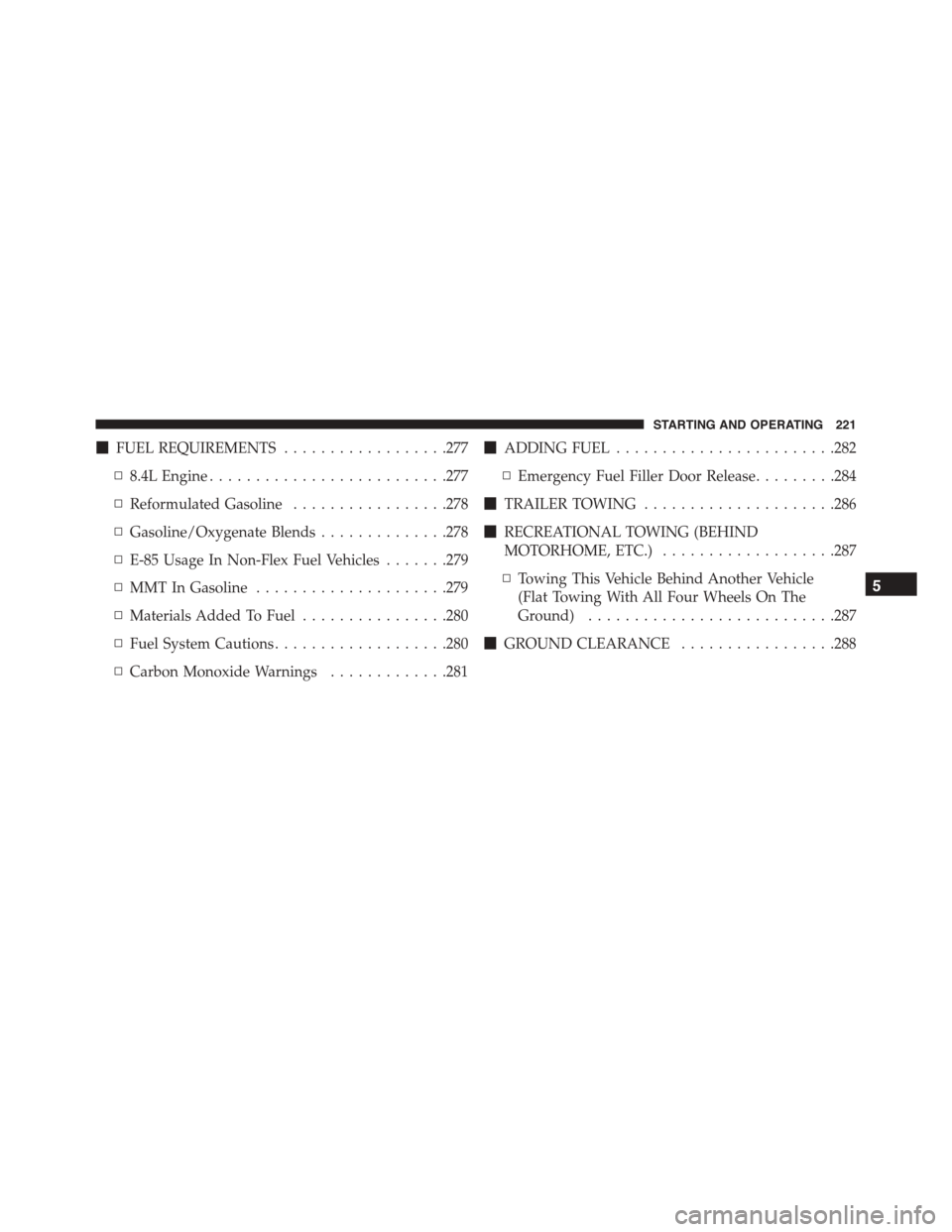
!FUEL REQUIREMENTS..................277
▫8.4L Engine..........................277
▫Reformulated Gasoline.................278
▫Gasoline/Oxygenate Blends..............278
▫E-85 Usage In Non-Flex Fuel Vehicles.......279
▫MMT In Gasoline.....................279
▫Materials Added To Fuel................280
▫Fuel System Cautions...................280
▫Carbon Monoxide Warnings.............281
!ADDING FUEL........................282
▫Emergency Fuel Filler Door Release.........284
!TRAILER TOWING.....................286
!RECREATIONAL TOWING (BEHIND
MOTORHOME, ETC.)...................287
▫Towing This Vehicle Behind Another Vehicle
(Flat Towing With All Four Wheels On The
Ground)...........................287
!GROUND CLEARANCE.................288
5
STARTING AND OPERATING 221
Page 224 of 400
STARTING PROCEDURES
Before starting your vehicle, adjust your seat, adjust the
inside and outside mirrors, fasten your seat belt, and if
present, instruct any other occupant to buckle their seat
belt.
WARNING!
Never leave children alone in a vehicle. Leaving
unattended children in a vehicle is dangerous for a
number of reasons. A child or others could be seri-
ously or fatally injured. Do not leave the Key Fob in
or near the vehicle (or in a location accessible to
children), and do not leave the ignition of a vehicle
equipped with Keyless Enter-N-Go™ in the ACC or
ON/RUN mode. A child could operate power win-
dows, other controls, or move the vehicle.
CAUTION!
Long periods of engine idling, especially at higher
than normal engine idle speeds, can cause excessive
exhaust temperatures, which can damage your ve-
hicle. Do not leave your vehicle unattended with the
engine running.
Normal Starting
CAUTION!
The engine in your vehicle is designed for operation
down to 0°F (-18°C). Starting the engine below 0°F
(-18°C) coolant temperature creates a potential for
scuffing or seizing of internal components in this
high performance engine. To prevent engine damage,
do not start the engine at temperatures below 0°F
(-18°C).
222 STARTING AND OPERATING