engine DODGE VIPER 2016 VX / 3.G Owner's Manual
[x] Cancel search | Manufacturer: DODGE, Model Year: 2016, Model line: VIPER, Model: DODGE VIPER 2016 VX / 3.GPages: 423, PDF Size: 2.75 MB
Page 155 of 423
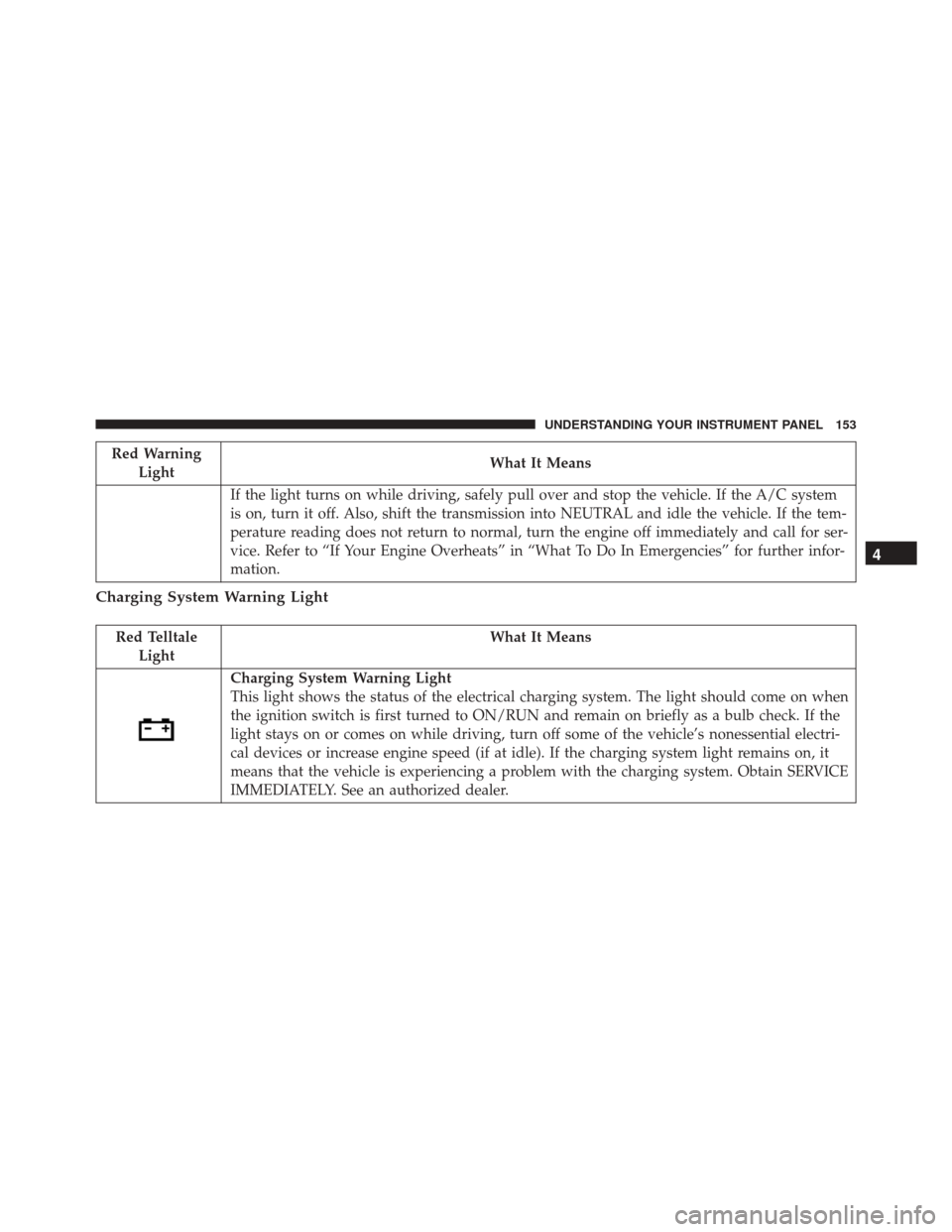
Red WarningLight What It Means
If the light turns on while driving, safely pull over and stop the vehicle. If the A/C system
is on, turn it off. Also, shift the transmission into NEUTRAL and idle the vehicle. If the tem-
perature reading does not return to normal, turn the engine off immediately and call for ser-
vice. Refer to “If Your Engine Overheats” in “What To Do In Emergencies” for further infor-
mation.
Charging System Warning Light
Red Telltale Light What It Means
Charging System Warning Light
This light shows the status of the electrical charging system. The light should come on when
the ignition switch is first turned to ON/RUN and remain on briefly as a bulb check. If the
light stays on or comes on while driving, turn off some of the vehicle’s nonessential electri-
cal devices or increase engine speed (if at idle). If the charging system light remains on, it
means that the vehicle is experiencing a problem with the charging system. Obtain SERVICE
IMMEDIATELY. See an authorized dealer.
4
UNDERSTANDING YOUR INSTRUMENT PANEL 153
Page 156 of 423
Red TelltaleLight What It Means
If jump starting is required, refer to “Jump Starting Procedures” in “What To Do In Emer-
gencies.”
Oil Pressure Warning Light
Red Telltale Light What It Means
Oil Pressure Warning Light
This light indicates low engine oil pressure. The light should turn on momentarily when the
engine is started; if the bulb does not come on, have the system checked by an authorized
dealer. If the light turns on while driving, stop the vehicle and shut off the engine as soon as
possible. A chime will sound when this light turns on.
Do not operate the vehicle until the cause is corrected. This light does not indicate how
much oil is in the engine. The engine oil level must be checked under the hood.
154 UNDERSTANDING YOUR INSTRUMENT PANEL
Page 157 of 423
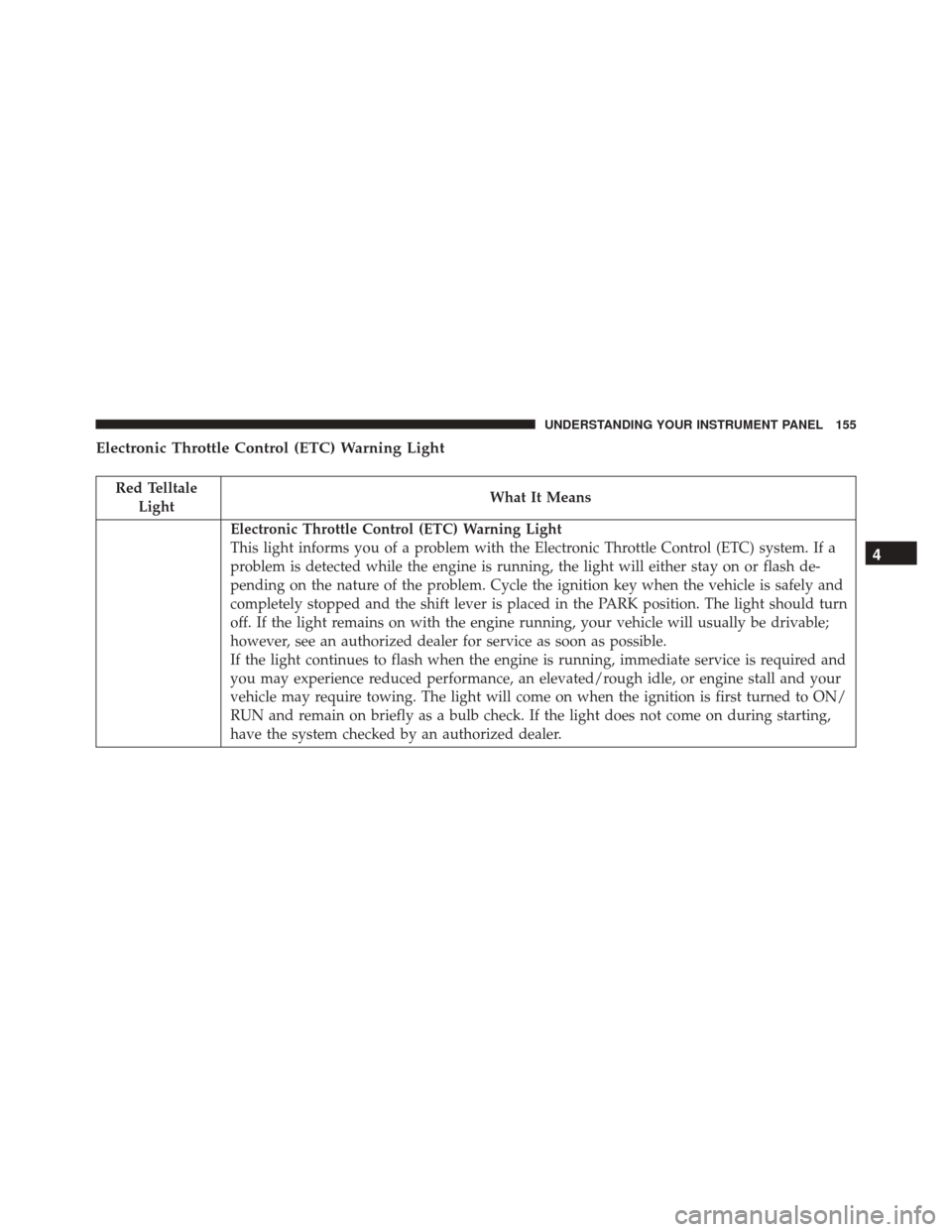
Electronic Throttle Control (ETC) Warning Light
Red TelltaleLight What It Means
Electronic Throttle Control (ETC) Warning Light
This light informs you of a problem with the Electronic Throttle Control (ETC) system. If a
problem is detected while the engine is running, the light will either stay on or flash de-
pending on the nature of the problem. Cycle the ignition key when the vehicle is safely and
completely stopped and the shift lever is placed in the PARK position. The light should turn
off. If the light remains on with the engine running, your vehicle will usually be drivable;
however, see an authorized dealer for service as soon as possible.
If the light continues to flash when the engine is running, immediate service is required and
you may experience reduced performance, an elevated/rough idle, or engine stall and your
vehicle may require towing. The light will come on when the ignition is first turned to ON/
RUN and remain on briefly as a bulb check. If the light does not come on during starting,
have the system checked by an authorized dealer.
4
UNDERSTANDING YOUR INSTRUMENT PANEL 155
Page 158 of 423
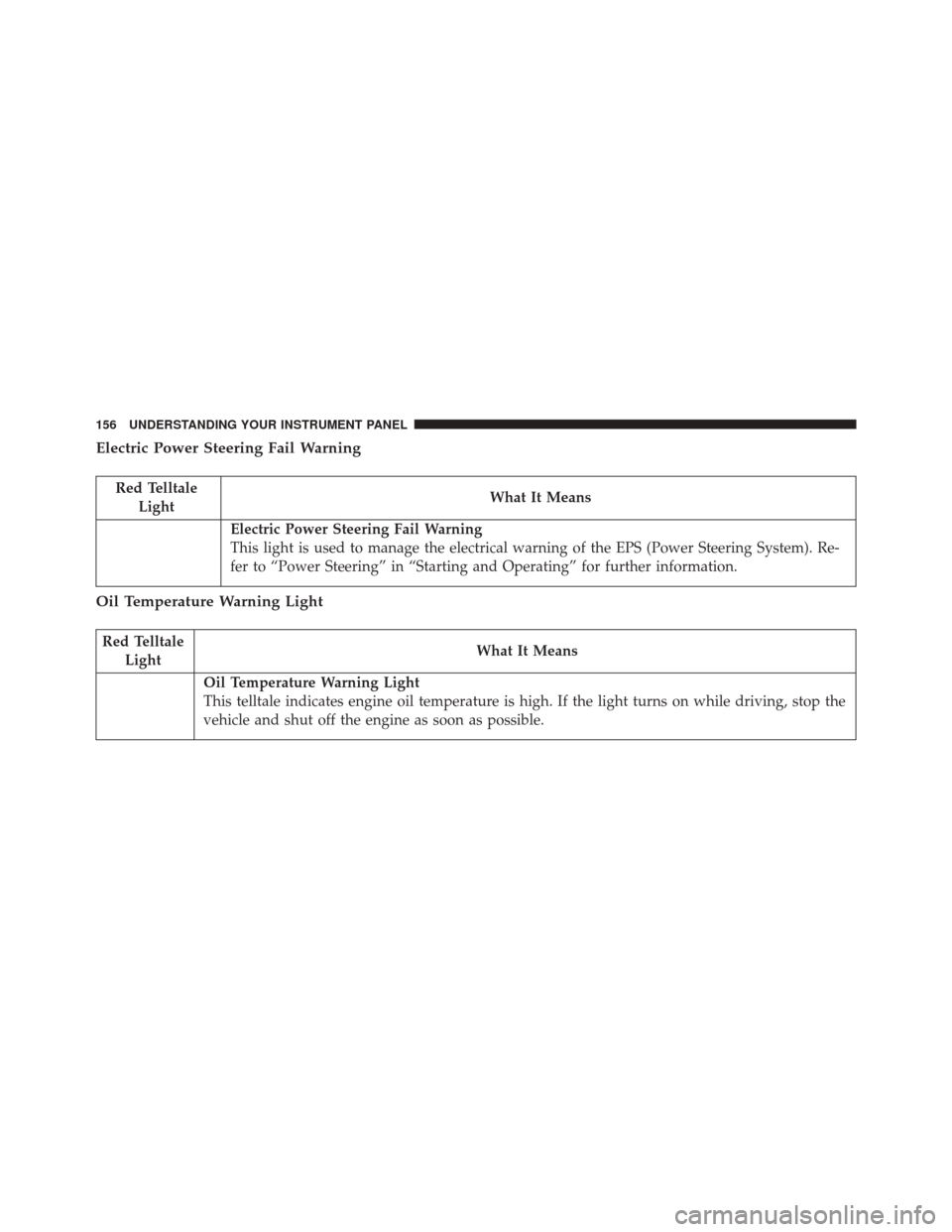
Electric Power Steering Fail Warning
Red TelltaleLight What It Means
Electric Power Steering Fail Warning
This light is used to manage the electrical warning of the EPS (Power Steering System). Re-
fer to “Power Steering” in “Starting and Operating” for further information.
Oil Temperature Warning Light
Red Telltale
Light What It Means
Oil Temperature Warning Light
This telltale indicates engine oil temperature is high. If the light turns on while driving, stop the
vehicle and shut off the engine as soon as possible.
156 UNDERSTANDING YOUR INSTRUMENT PANEL
Page 160 of 423
Yellow Telltale Indicator Lights
Engine Check/Malfunction Indicator Light (MIL)
Yellow TelltaleLight What It Means
Engine Check/Malfunction Indicator Light (MIL)
The Engine Check/Malfunction Indicator Light (MIL) is a part of an Onboard Diagnostic
System called OBD II that monitors engine and automatic transmission control systems. The
light will illuminate when the ignition is in the ON position before engine start. If the bulb
does not come on when turning the key from OFF to ON/RUN, have the condition checked
promptly.
Certain conditions, such as a loose or missing gas cap, poor quality fuel, etc., may illuminate
the light after engine start. The vehicle should be serviced if the light stays on through sev-
eral typical driving styles. In most situations, the vehicle will drive normally and will not
require towing.
When the engine is running, the MIL may flash to alert serious conditions that could lead to
immediate loss of power or severe catalytic converter damage. The vehicle should be ser-
viced as soon as possible if this occurs.
158 UNDERSTANDING YOUR INSTRUMENT PANEL
Page 161 of 423
CAUTION!
Prolonged driving with the Malfunction Indicator
Light (MIL) on could cause damage to the engine
control system. It also could affect fuel economy and
driveability. If the MIL is flashing, severe catalytic
converter damage and power loss will soon occur.
Immediate service is required.
WARNING!
A malfunctioning catalytic converter, as referenced
above, can reach higher temperatures than in normal
operating conditions. This can cause a fire if you
drive slowly or park over flammable substances such
as dry plants, wood, cardboard, etc. This could result
in death or serious injury to the driver, occupants or
others.
4
UNDERSTANDING YOUR INSTRUMENT PANEL 159
Page 162 of 423
Electronic Stability Control (ESC) Indicator Light — If Equipped
Yellow TelltaleLight What It Means
Electronic Stability Control (ESC) Indicator Light
The “ESC Indicator Light” in the instrument cluster will come on when the ignition switch
is turned to the ON/RUN position. It should go out with the engine running. If the “ESC
Indicator Light” comes on continuously with the engine running, a malfunction has been
detected in the ESC system. If this light remains on after several ignition cycles, and the ve-
hicle has been driven several miles (kilometers) at speeds greater than 30 mph (48 km/h),
see your authorized dealer as soon as possible to have the problem diagnosed and corrected.
•
The “ESC Off Indicator Light” and the “ESC Indicator Light” come on momentarily each
time the ignition switch is turned to ON/RUN.
• Each time the ignition is turned to ON/RUN, the ESC system will be ON, even if it was
turned off previously.
• The ESC system will make buzzing or clicking sounds when it is active. This is normal;
the sounds will stop when ESC becomes inactive following the maneuver that caused
the ESC activation.
160 UNDERSTANDING YOUR INSTRUMENT PANEL
Page 177 of 423
Driver Information Display (DID) Messages
•Front Seat Belts Unbuckled
• Driver Seat Belt Unbuckled
• Passenger Seat Belt Unbuckled
• Key Fob Battery Low
• Service Air Bag System
• ESC Status (ESC OFF, ESC ON, ESC SPORT, ESC
TRACK, RAIN MODE) — Refer to “Electronic Brake
Control System” in “Starting And Operating” for
further information.
• Oil Pressure Low
• Fuel Low
• Service Antilock Brake System
• Service Electronic Throttle Control •
Cruise Off
• Cruise Ready
• Cruise Set To XXX MPH
• Tire Pressure Screen With Low Tire Pressure Warnings
• Service Tire Pressure System
• Parking Brake Engaged
• Brake Fluid Low
• Service Electronic Braking System
• Engine Temperature Hot
• Battery Voltage Low
• Brake Wear
• Service Electronic Throttle Control
• Lights On
4
UNDERSTANDING YOUR INSTRUMENT PANEL 175
Page 180 of 423
Refer to “Tire Pressure Monitoring System (TPMS)”
under “Starting and Operating” for further information.
Coolant Temperature
Push and release theUPorDOWN arrow button until
“Coolant Temperature” is highlighted in the DID. Push
and release the RIGHTarrow button, and the coolant
temperature will be displayed.
Oil Temperature
Push and release the UPorDOWN arrow button until
“Oil Temperature” is highlighted in the DID. Push and
release the RIGHTarrow button, and the oil temperature
will be displayed. Engine Hours
Push and release the
UPorDOWN arrow button until
“Engine Hours” is highlighted in the DID. Push and
release the RIGHTarrow button, and the engine hours
will be displayed.
Intake Air Temp.
Push and release the UPorDOWN arrow button until
“Intake Air Temp.” is highlighted in the DID. Push and
release the RIGHTarrow button, and the intake air
temperature will be displayed.
Current Torque
Push and release the UPorDOWN arrow button until
“Current Torque” is highlighted in the DID. Push and
release the RIGHTarrow button, and the current torque
will be displayed.
178 UNDERSTANDING YOUR INSTRUMENT PANEL
Page 188 of 423
Buttons On The Faceplate
Buttons on the faceplate are located below the Uconnect
system in the center of the instrument panel. In addition,
there is a Scroll/Enter control knob located on the right
side of the Climate Controls in the center of the instru-
ment panel. Turn the control knob to scroll through
menus and change settings (i.e., 30, 60, 90), push the
center of the control knob one or more times to select or
change a setting (i.e., ON, OFF).
Buttons On The Touchscreen
Buttons on the touchscreen are accessible on the
Uconnect display.
Customer Programmable Features/Personal
Settings — Uconnect 8.4 System Settings
Press the “Apps” button on the touchscreen, then press
the “Settings” button on the touchscreen to display the
menu setting screen. In this mode the Uconnect systemallows you to access programmable features that may be
equipped such as Display, Voice, Clock, Safety & Driving
Assistance, Lights, Doors & Locks, Engine Off Options,
Audio, Phone/Bluetooth, SiriusXM Setup, Restore Set-
tings, Clear Personal Data, and System Information.
NOTE:
Only one category may be selected at a time.
To adjust the setting of a programmable feature, press the
desired setting option. Once in the desired setting option,
press and release the preferred setting until a check-mark
appears next to the setting, showing that the setting has
been selected.
Once the setting is complete, press the Back Arrow
button on the touchscreen to return to the previous menu
or press the X button on the touchscreen to close out of
the settings screen. Pressing the Up or Down Arrow
button on the right side of the screen will allow you to
toggle up or down through the list of available settings.
186 UNDERSTANDING YOUR INSTRUMENT PANEL