bulb DODGE VIPER 2016 VX / 3.G Owners Manual
[x] Cancel search | Manufacturer: DODGE, Model Year: 2016, Model line: VIPER, Model: DODGE VIPER 2016 VX / 3.GPages: 423, PDF Size: 2.75 MB
Page 17 of 423
programmed to the vehicle can be used to start and
operate the vehicle. The system will not allow the engine
to crank with an invalid Key Fob.
After placing the ignition to the ON/RUN position, the
Vehicle Security Light will turn on for three seconds for a
bulb check. If the light remains on after the bulb check, it
indicates that there is a problem with the system. In
addition, if the light begins to flash after the bulb check,
it indicates that someone tried to use an invalid Key Fob
to start the engine. Either of these conditions will result in
the engine being shut off after two seconds.
If the Vehicle Security Light turns on during normal
vehicle operation (vehicle running for longer than 10
seconds), it indicates that there is a fault in the system.
Should this occur, have the vehicle serviced as soon as
possible by an authorized dealer.CAUTION!
•Do not make modifications or alterations to the
immobilizer system. Modifications or alterations to
the immobilization system may result in a loss of
security protection.
• The Sentry Key Immobilizer system is not compat-
ible with some aftermarket remote starting sys-
tems. Use of these systems may result in vehicle
starting problems and loss of security protection.
All of the Key Fobs provided with your new vehicle have
been programmed to the vehicle electronics.
Replacement Keys
NOTE: Only Key Fobs that are programmed to the
vehicle electronics can be used to start and operate the
vehicle. Once a Key Fob is programmed to a vehicle, it
cannot be programmed to any other vehicle.
2
THINGS TO KNOW BEFORE STARTING YOUR VEHICLE 15
Page 63 of 423
WARNING!
•If an occupant in the front passenger seat is seated
improperly, the occupant may provide an output
signal to the OCS that is different from the occu-
pant’s properly seated weight input. This may
result in serious injury or death in a collision.
• Always wear your seat belt and sit properly, with
the seatback in an upright position, your back
against the seatback, sitting upright, facing for-
ward, in the center of the seat, with your feet
comfortably on or near the floor.
• Do not carry or hold any objects (e.g., backpacks,
boxes, etc.) while seated in the front passenger seat.
Holding an object may provide an output signal to
the OCS that is different than the occupant’s prop-
erly seated weight input, which may result in
serious injury or death in a collision. The Air Bag Warning Light
will illuminate whenever
the OCS is unable to classify the front passenger seat
status. A malfunction in the OCS may affect the
operation of the air bag system.
If the Air Bag Warning Lightdoes not come on, or
stays on after you start the vehicle, or it comes on as
you drive, take the vehicle to an authorized dealer for
service immediately.
WARNING!
Ignoring the Air Bag Warning Light in your instru-
ment panel could mean you won’t have the air bags
to protect you in a collision. If the light does not come
on as a bulb check when the ignition is first turned
on, stays on after you start the vehicle, or if it comes
on as you drive, have an authorized dealer service the
air bag system immediately.
(Continued)
2
THINGS TO KNOW BEFORE STARTING YOUR VEHICLE 61
Page 72 of 423
WARNING!
Ignoring the Air Bag Warning Light in your instru-
ment panel could mean you won’t have the air bags
to protect you in a collision. If the light does not come
on as a bulb check when the ignition is first placed in
the on position, and stays on after you start the
vehicle, or if it comes on as you drive, have an
authorized dealer service the air bag system immedi-
ately.
Maintaining Your Air Bag System
WARNING!
•Modifications to any part of the air bag system
could cause it to fail when you need it. You could
be injured if the air bag system is not there to
(Continued)
WARNING! (Continued)
protect you. Do not modify the components or
wiring, including adding any kind of badges or
stickers to the steering wheel hub trim cover or the
upper right side of the instrument panel. Do not
modify the front bumper, vehicle body structure, or
add aftermarket side steps or running boards.
• It is dangerous to try to repair any part of the air
bag system yourself. Be sure to tell anyone who
works on your vehicle that it has an air bag system.
• Do not attempt to modify any part of your air bag
system. The air bag may inflate accidentally or may
not function properly if modifications are made.
Take your vehicle to an authorized dealer for any
air bag system service. If your seat, including your
trim cover and cushion, needs to be serviced in any
way (including removal or loosening/tightening of
(Continued)
70 THINGS TO KNOW BEFORE STARTING YOUR VEHICLE
Page 89 of 423
Safety Checks You Should Make Inside The
Vehicle
Seat Belts
Inspect the belt system periodically, checking for cuts,
frays, and loose parts. Damaged parts must be replaced
immediately. Do not disassemble or modify the system.
Front seat belt assemblies must be replaced after a
collision. Seat belt assemblies must be replaced after a
collision if they have been damaged (i.e., bent retractor,
torn webbing, etc.). If there is any question regarding belt
or retractor condition, replace the belt.
Air Bag Warning Light
The light should come on and remain on for four to eight
seconds for a bulb check when the ignition is first cycled
to ON. If the light is not lit during starting, see yourauthorized dealer. If the light stays on, flickers, or comes
on while driving, have the system checked by an autho-
rized dealer.
Defroster
Check operation by selecting the defrost mode and place
the blower control on high speed. You should be able to
feel the air directed against the windshield. See your
authorized dealer for service if your defroster is inoper-
able.
Floor Mat Safety Information
Always use floor mats designed to fit the foot well of
your vehicle. Use only floor mats that leave the pedal
area unobstructed and that are firmly secured so that
they cannot slip out of position and interfere with the
pedals or impair safe operation of your vehicle in other
ways.
2
THINGS TO KNOW BEFORE STARTING YOUR VEHICLE 87
Page 110 of 423
Multifunction Lever
The multifunction lever controls the operation of the turn
signals, headlight beam selection and passing lights. The
multifunction lever is located on the left side of the
steering column.
Turn Signals
Move the multifunction lever up or down and the arrows
on each side of the instrument cluster flash to show
proper operation of the front and rear turn signal lights.
NOTE:
•If either light remains on and does not flash, or there is
a very fast flash rate, check for a defective outside light
bulb. If an indicator fails to light when the lever is
moved, it would suggest that the indicator bulb is
defective.
• A “Turn Signal On” message will appear in the Driver
Information Display (DID) and a continuous chime
will sound if the vehicle is driven more than 1 mile
(1.6 km) with either turn signal on.
Multifunction Lever
108 UNDERSTANDING THE FEATURES OF YOUR VEHICLE
Page 150 of 423
Red Telltale Indicator Lights
Seat Belt Reminder Warning Light
Red TelltaleLight What It Means
Seat Belt Reminder Warning Light
When the ignition switch is first turned to ON/RUN, this light will turn on for four to eight
seconds as a bulb check. During the bulb check, if the driver’s seat belt is unbuckled, a
chime will sound. After the bulb check or when driving, if the driver seat belt remains un-
buckled, the Seat Belt Reminder Light will flash or remain on continuously. Refer to “Occu-
pant Restraints” in “Things To Know Before Starting Your Vehicle” for further information.
148 UNDERSTANDING YOUR INSTRUMENT PANEL
Page 151 of 423
Air Bag Warning Light
Red TelltaleLight What It Means
Air Bag Warning Light
This light will turn on for four to eight seconds as a bulb check when the ignition switch is
first turned to ON/RUN. If the light is either not on during starting, stays on, or turns on
while driving, have the system inspected at an authorized dealer as soon as possible. Refer
to “Occupant Restraints” in “Things To Know Before Starting Your Vehicle” for further infor-
mation.
4
UNDERSTANDING YOUR INSTRUMENT PANEL 149
Page 155 of 423
Red WarningLight What It Means
If the light turns on while driving, safely pull over and stop the vehicle. If the A/C system
is on, turn it off. Also, shift the transmission into NEUTRAL and idle the vehicle. If the tem-
perature reading does not return to normal, turn the engine off immediately and call for ser-
vice. Refer to “If Your Engine Overheats” in “What To Do In Emergencies” for further infor-
mation.
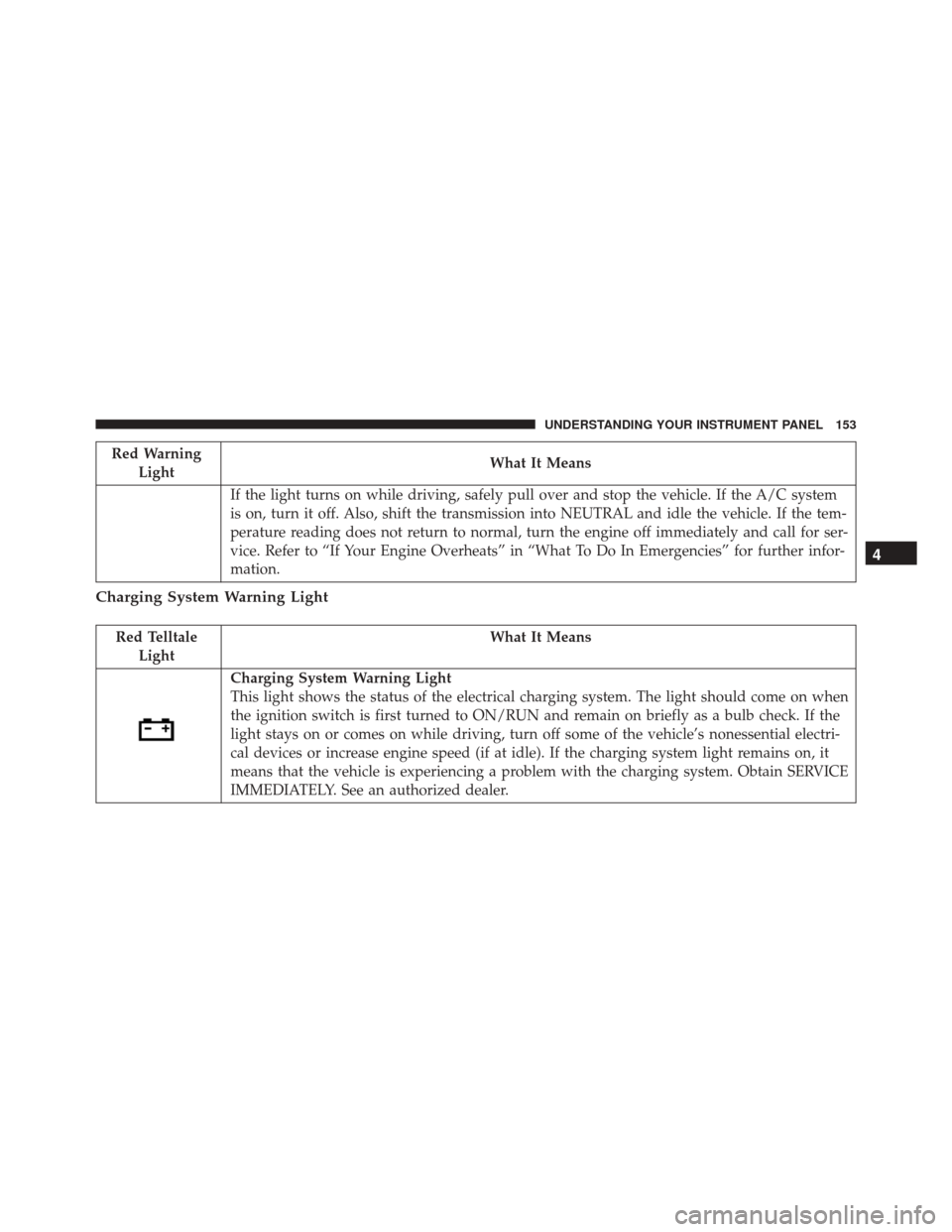
Charging System Warning Light
Red Telltale Light What It Means
Charging System Warning Light
This light shows the status of the electrical charging system. The light should come on when
the ignition switch is first turned to ON/RUN and remain on briefly as a bulb check. If the
light stays on or comes on while driving, turn off some of the vehicle’s nonessential electri-
cal devices or increase engine speed (if at idle). If the charging system light remains on, it
means that the vehicle is experiencing a problem with the charging system. Obtain SERVICE
IMMEDIATELY. See an authorized dealer.
4
UNDERSTANDING YOUR INSTRUMENT PANEL 153
Page 156 of 423
Red TelltaleLight What It Means
If jump starting is required, refer to “Jump Starting Procedures” in “What To Do In Emer-
gencies.”
Oil Pressure Warning Light
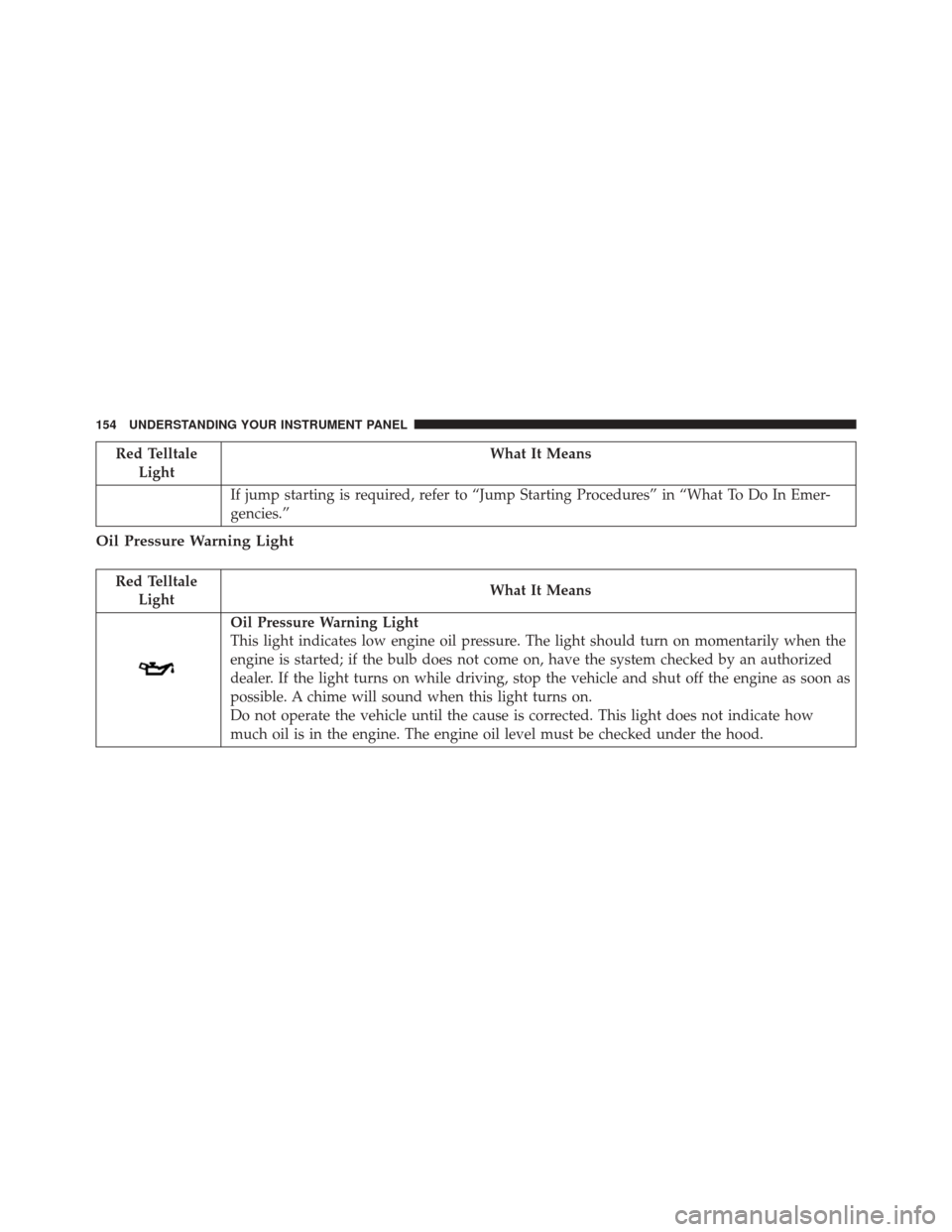
Red Telltale Light What It Means
Oil Pressure Warning Light
This light indicates low engine oil pressure. The light should turn on momentarily when the
engine is started; if the bulb does not come on, have the system checked by an authorized
dealer. If the light turns on while driving, stop the vehicle and shut off the engine as soon as
possible. A chime will sound when this light turns on.
Do not operate the vehicle until the cause is corrected. This light does not indicate how
much oil is in the engine. The engine oil level must be checked under the hood.
154 UNDERSTANDING YOUR INSTRUMENT PANEL
Page 157 of 423
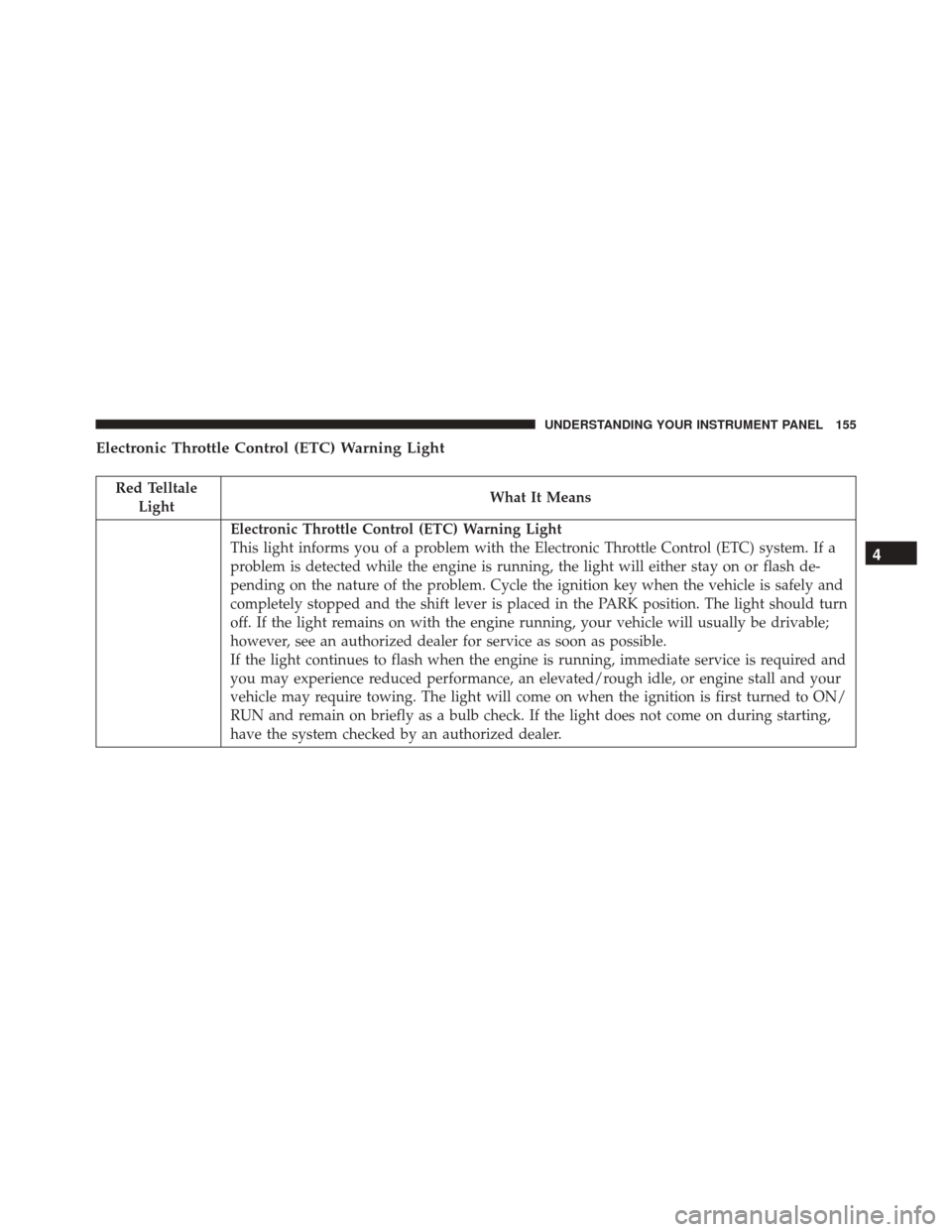
Electronic Throttle Control (ETC) Warning Light
Red TelltaleLight What It Means
Electronic Throttle Control (ETC) Warning Light
This light informs you of a problem with the Electronic Throttle Control (ETC) system. If a
problem is detected while the engine is running, the light will either stay on or flash de-
pending on the nature of the problem. Cycle the ignition key when the vehicle is safely and
completely stopped and the shift lever is placed in the PARK position. The light should turn
off. If the light remains on with the engine running, your vehicle will usually be drivable;
however, see an authorized dealer for service as soon as possible.
If the light continues to flash when the engine is running, immediate service is required and
you may experience reduced performance, an elevated/rough idle, or engine stall and your
vehicle may require towing. The light will come on when the ignition is first turned to ON/
RUN and remain on briefly as a bulb check. If the light does not come on during starting,
have the system checked by an authorized dealer.
4
UNDERSTANDING YOUR INSTRUMENT PANEL 155