lock DODGE VIPER 2017 VX / 3.G Owner's Manual
[x] Cancel search | Manufacturer: DODGE, Model Year: 2017, Model line: VIPER, Model: DODGE VIPER 2017 VX / 3.GPages: 329, PDF Size: 2.83 MB
Page 71 of 329
WARNING!(Continued)
•If the vehicle carpet has been removed and re-
installed, always properly attach carpet to the floor
and check the floor mat fasteners are secure to the
vehicle carpet. Fully depress each pedal to check for
interference with the accelerator, brake, or clutch
pedals then re-install the floor mats.
• It is recommended to only use mild soap and water
to clean your floor mats. After cleaning, always check
your floor mat has been properly installed and is
secured to your vehicle using the floor mat fasteners
by lightly pulling mat.
Periodic Safety Checks You Should Make Outside
The Vehicle
Tires
Examine tires for excessive tread wear and uneven wear
patterns. Check for stones, nails, glass, or other objects
lodged in the tread. Inspect the tread and sidewall for cuts
and cracks. Check the wheel nuts for tightness. Check the
tires for proper pressure.
Lights
Have someone observe the operation of brake lights and
exterior lights while you work the controls. Check turn
signal and high beam indicator lights on the instrument
panel.
Door Latches
Check for proper closing, latching, and locking.
Fluid Leaks
Check area under vehicle after overnight parking for fuel,
engine coolant, oil, or other fluid leaks. Also, if gasoline
fumes are detected or if fuel, power steering fluid (if
equipped), or brake fluid leaks are suspected. The cause
should be located and corrected immediately.
2
THINGS TO KNOW BEFORE STARTING YOUR VEHICLE 69
Page 83 of 329
Non-Adjustable Head Restraints
The non-adjustable head restraints are form fitted into the
upper structure of the seatback and are designed to reduce
the risk of injury by restricting head movement in the event
of a rear impact. The seatback should be properly adjusted
to an upright position where the head restraint is posi-
tioned as close as possible to the back of your head.
WARNING!
Be certain that the seatback is locked securely into
position. Otherwise, the seat will not provide the
proper stability for passengers. An improperly latched
seatback could cause serious injury.
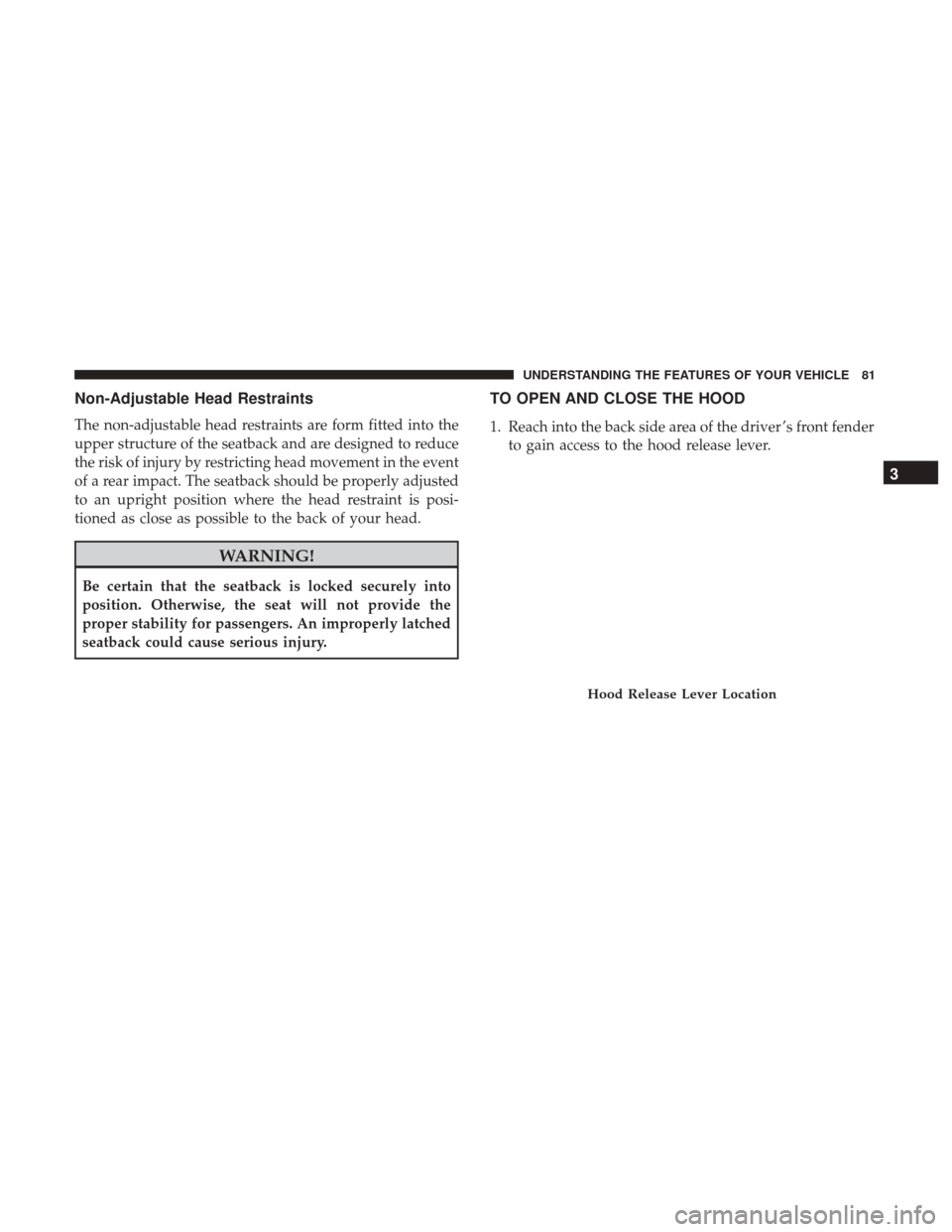
TO OPEN AND CLOSE THE HOOD
1. Reach into the back side area of the driver ’s front fenderto gain access to the hood release lever.
Hood Release Lever Location
3
UNDERSTANDING THE FEATURES OF YOUR VEHICLE 81
Page 84 of 329
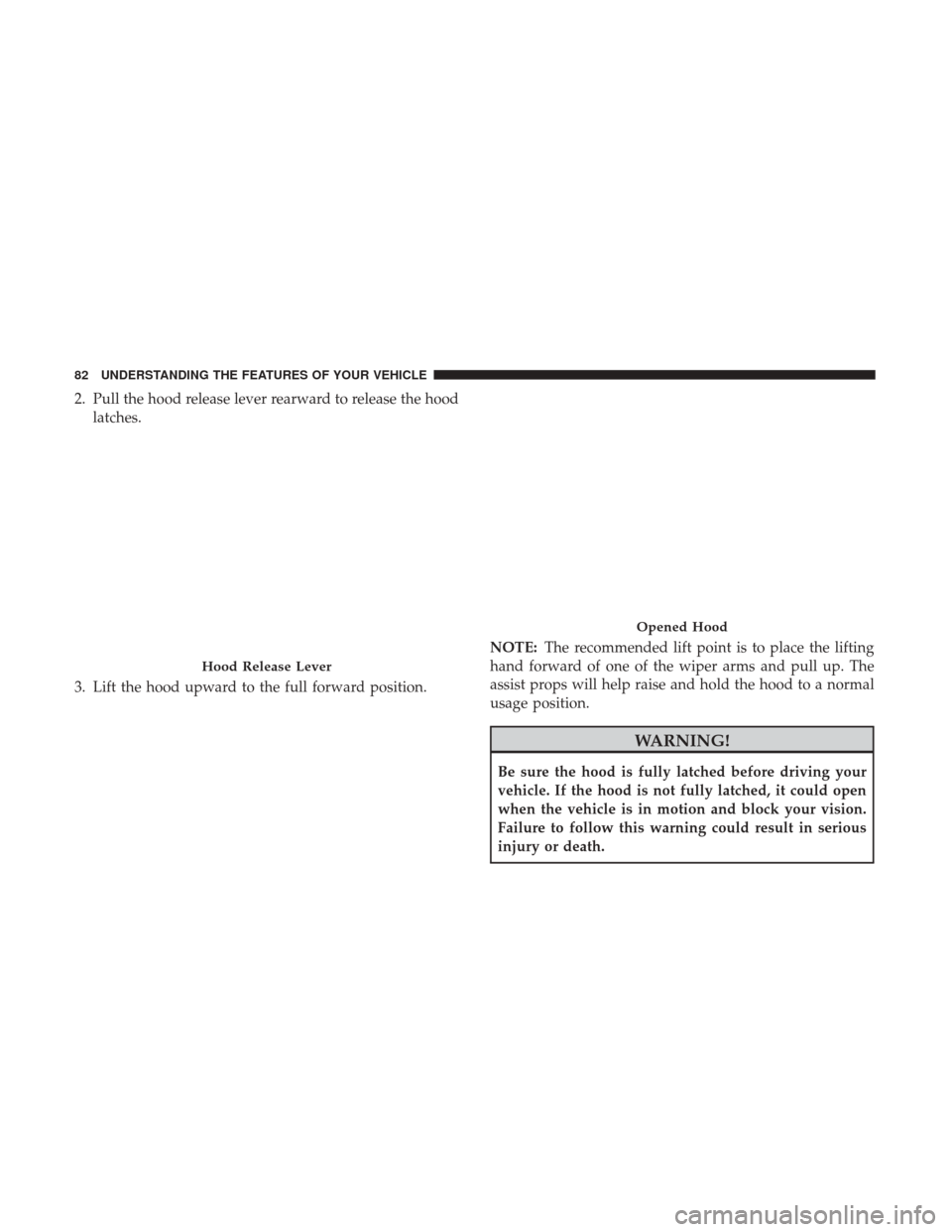
2. Pull the hood release lever rearward to release the hoodlatches.
3. Lift the hood upward to the full forward position. NOTE:
The recommended lift point is to place the lifting
hand forward of one of the wiper arms and pull up. The
assist props will help raise and hold the hood to a normal
usage position.
WARNING!
Be sure the hood is fully latched before driving your
vehicle. If the hood is not fully latched, it could open
when the vehicle is in motion and block your vision.
Failure to follow this warning could result in serious
injury or death.
Hood Release Lever
Opened Hood
82 UNDERSTANDING THE FEATURES OF YOUR VEHICLE
Page 85 of 329
CAUTION!
•Do not leave the hood open in areas where strong
gust of wind are likely. Such a place might be by the
side of the road where large trucks pass by. Strong
gusts of wind may damage the hood. Always close
the hood in such situations.
• To prevent possible damage, do not slam the hood to
close it. Simply lower the hood until it is open
approximately 18 in (46 cm) and then drop it. This
should secure both latches. If both latches did not
secure, a slight push effort in the same area used for
opening the hood (front of wiper arm) needs to be
applied to secure the latches. Never drive the vehicle
unless the hood is fully closed with both latches
engaged.
LIGHTS
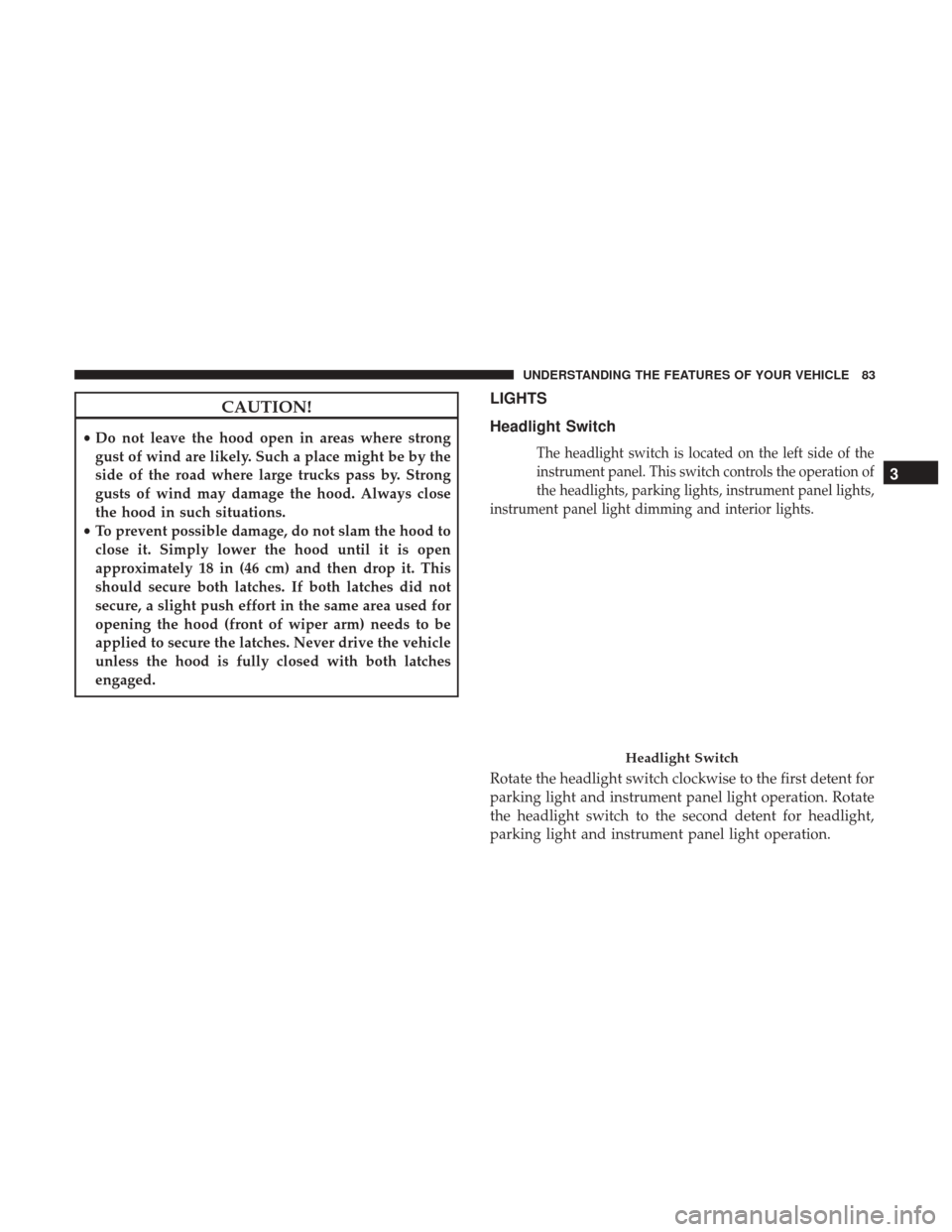
Headlight Switch
The headlight switch is located on the left side of the
instrument panel. This switch controls the operation of
the headlights, parking lights, instrument panel lights,
instrument panel light dimming and interior lights.
Rotate the headlight switch clockwise to the first detent for
parking light and instrument panel light operation. Rotate
the headlight switch to the second detent for headlight,
parking light and instrument panel light operation.
Headlight Switch
3
UNDERSTANDING THE FEATURES OF YOUR VEHICLE 83
Page 86 of 329
Automatic Headlights
This system automatically turns the headlights on or off
according to ambient light levels. To turn the system on,
rotate the headlight switch counterclockwise to the A
(AUTO) position. When the system is on, the headlight
time delay feature is also on. This means the headlights
will stay on for up to 90 seconds after placing the ignition
in the OFF position. To turn the Automatic system off,
move the headlight switch out of the AUTO position.
NOTE:The engine must be running before the headlights
will come on in the automatic mode.
Headlights On With Wipers
When this feature is active, the headlights will turn on after
the wipers are turned on if the headlight switch is placed in
the AUTO position and programmable feature is set to on.
In addition, the headlights will turn off when the wipers
are turned off if they were turned on by this feature.
NOTE: The “Headlights On With Wipers” feature can be
turned on or off using the Uconnect System. Refer to
“Uconnect Settings/Customer Programmable Features” in
“Understanding Your Instrument Panel” for further infor-
mation.
Headlight Time Delay
This feature provides the safety of headlight illumination
for up to 90 seconds (programmable) when leaving your
vehicle in an unlit area.
To activate the delay feature, place the ignition in the OFF
position while the headlights are still on. Then, turn off the
headlights within 45 seconds. The delay interval begins
when the headlight switch is turned off.
If you turn the headlights or parking lights on, or place the
ignition in ACC or RUN, the system will cancel the delay.
If you turn the headlights off before the ignition, they will
turn off in the normal manner.
NOTE:
• The lights must be turned off within 45 seconds of
placing the ignition in the OFF position to activate this
feature.
• The headlight delay time is programmable using the
Uconnect System, refer to “Uconnect Settings/Customer
Programmable Features” in “Understanding Your In-
strument Panel” for further information.
84 UNDERSTANDING THE FEATURES OF YOUR VEHICLE
Page 92 of 329
TILT STEERING COLUMN
The tilt release lever is located below the multifunction
lever on the left side of the steering column. To tilt the
column, simply pull the release lever rearward toward you
and then move the steering wheel upward or downward as
desired. When the column is in the desired position, push
the release lever forward to lock the column firmly in place.
WARNING!
Do not adjust the steering column while driving.
Adjusting the steering column while driving or driv-
ing with the steering column unlocked, could cause the
driver to lose control of the vehicle. Failure to follow
this warning may result in serious injury or death.
ADJUSTABLE PEDALS
The adjustable pedals system is designed to allow a greater
range of driver comfort for steering wheel tilt and seat
position. This feature allows the brake, accelerator, and
clutch pedal to move toward or away from the driver to
provide improved position with the steering wheel.
The adjustable pedal switch is located to the left side of the
steering column.
Tilt Steering Column Lever
90 UNDERSTANDING THE FEATURES OF YOUR VEHICLE
Page 103 of 329
4. Watch for the HomeLink indicator to change flash rates.When it changes, it is programmed. It may take up to 30
seconds or longer in rare cases. The garage door may
open and close while you are programming.
5. Push and hold the programmed HomeLink button and observe the indicator light.
NOTE: •If the indicator light stays on constantly, programming
is complete and the garage door/device should acti-
vate when the HomeLink button is pushed.
• To program the two remaining HomeLink buttons,
repeat each step for each remaining button. DO NOT
erase the channels.
If you unplugged the garage door opener/device for
programming, plug it back in at this time.
Reprogramming A Single HomeLink Button
(Canadian/Gate Operator)
To reprogram a channel that has been previously trained,
follow these steps:
1. Cycle the ignition to the ON/RUN position. NOTE:
For vehicles equipped with Keyless Enter-N-Go,
place the ignition in the RUN position with the engine ON.
Make sure while programming HomeLink with the engine
ON that your vehicle is outside of your garage, or that the
garage door remains open at all times.
2. Push and hold the desired HomeLink button until the indicator light begins to flash after 20 seconds. Do not
release the button.
3. Without releasing the button, proceed with
“Canadian/Gate Operator Programming” step 2 and
follow all remaining steps.
Using HomeLink
To operate, push and release the programmed HomeLink
button. Activation will now occur for the programmed
device (i.e. garage door opener, gate operator, security
system, entry door lock, home/office lighting, etc.) The
hand-held transmitter of the device may also be used at
any time.
3
UNDERSTANDING THE FEATURES OF YOUR VEHICLE 101
Page 110 of 329
NOTE:The glove compartment will lock with the door
locks unless the key fob is detected inside the vehicle.
Console Features
Console Cubby Bin — If Equipped
An open storage area, or cubby bin, is located in the center
console rearward of the gear selector.
Opened Glove Compartment
Center Console Cubby Bin Location
108 UNDERSTANDING THE FEATURES OF YOUR VEHICLE
Page 115 of 329
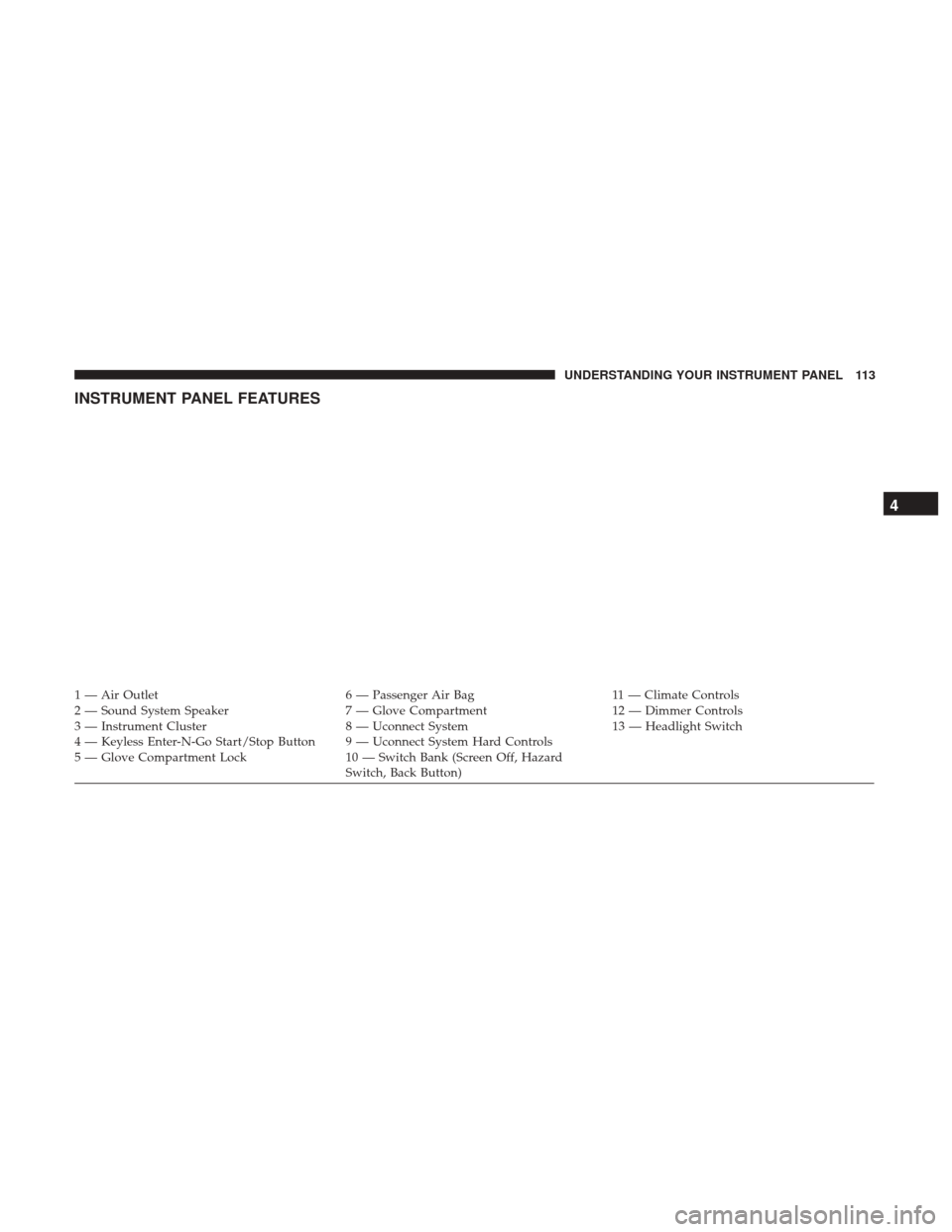
INSTRUMENT PANEL FEATURES
1 — Air Outlet6 — Passenger Air Bag11 — Climate Controls
2 — Sound System Speaker 7 — Glove Compartment12 — Dimmer Controls
3 — Instrument Cluster 8 — Uconnect System13 — Headlight Switch
4 — Keyless Enter-N-Go Start/Stop Button 9 — Uconnect System Hard Controls
5 — Glove Compartment Lock 10 — Switch Bank (Screen Off, Hazard
Switch, Back Button)
4
UNDERSTANDING YOUR INSTRUMENT PANEL 113
Page 119 of 329
Air Bag Warning Light
Red Telltale LightWhat It Means
Air Bag Warning Light
This light will turn on for four to eight seconds as a bulb check when the ignition is placed in the
ON/RUN position. If the light is either not on during startup, stays on, or turns on while driv-
ing, have the system inspected at an authorized dealer as soon as possible. This light will illumi-
nate with a single chime when a fault with the Air Bag Warning Light has been detected, it will
stay on until the fault is cleared. If the light comes on intermittently or remains on while driving,
have an authorized dealer service the vehicle immediately.
Brake Warning Light
Red Telltale LightWhat It Means
English
Metric
Brake Warning Light
This light monitors various brake functions, including brake fluid level and parking brake appli-
cation. If the brake light turns on it may indicate that the parking brake is applied, that the brake
fluid level is low, or that there is a problem with the anti-lock brake system reservoir.
If the light remains on when the parking brake has been disengaged, and the fluid level is at the
full mark on the master cylinder reservoir, it indicates a possible brake hydraulic system mal-
function or that a problem with the Brake Booster has been detected by the Anti-Lock Brake Sys-
tem (ABS) / Electronic Stability Control (ESC) system. In this case, the light will remain on until
the condition has been corrected. If the problem is related to the Brake Booster, the ABS pump
will run when applying the brake, and a brake pedal pulsation may be felt during each stop.
NOTE:Brake Warning Light may illuminate due to excessive wear to brake pads.
4
UNDERSTANDING YOUR INSTRUMENT PANEL 117