warning DODGE VIPER 2017 VX / 3.G Service Manual
[x] Cancel search | Manufacturer: DODGE, Model Year: 2017, Model line: VIPER, Model: DODGE VIPER 2017 VX / 3.GPages: 329, PDF Size: 2.83 MB
Page 70 of 329
WARNING!
An improperly attached, damaged, folded, or stacked
floor mat, or damaged floor mat fasteners may cause
your floor mat to interfere with the accelerator, brake,
or clutch pedals and cause a loss of vehicle control. To
prevent SERIOUS INJURY or DEATH:
•ALWAYS securely attach
your floor mat using
the floor mat fasteners. DO NOT install your floor
mat upside down or turn your floor mat over.
Lightly pull to confirm mat is secured using the
floor mat fasteners on a regular basis.
• ALWAYS REMOVE THE EXISTING FLOOR MAT
FROM THE VEHICLE
before installing any
other floor mat. NEVER install or stack an addi-
tional floor mat on top of an existing floor mat.
• ONLY install floor mats designed to fit your vehicle.
NEVER install a floor mat that cannot be properly
attached and secured to your vehicle. If a floor mat
needs to be replaced, only use a FCA approved floor
mat for the specific make, model, and year of your
vehicle.
(Continued)
WARNING! (Continued)
•ONLY use the driver ’s side floor mat on the driver ’s
side floor area. To check for interference, with the
vehicle properly parked with the engine off, fully
depress the accelerator, the brake, and the clutch
pedal (if present) to check for interference. If your
floor mat interferes with the operation of any pedal,
or is not secure to the floor, remove the floor mat
from the vehicle and place the floor mat in your
trunk.
• ONLY use the passenger ’s side floor mat on the
passenger ’s side floor area.
• ALWAYS make sure objects cannot fall or slide into
the driver ’s side floor area when the vehicle is
moving. Objects can become trapped under accelera-
tor, brake, or clutch pedals and could cause a loss of
vehicle control.
• NEVER place any objects under the floor mat (e.g.,
towels, keys, etc.). These objects could change the
position of the floor mat and may cause interference
with the accelerator, brake, or clutch pedals.
(Continued)
68 THINGS TO KNOW BEFORE STARTING YOUR VEHICLE
Page 71 of 329
WARNING!(Continued)
•If the vehicle carpet has been removed and re-
installed, always properly attach carpet to the floor
and check the floor mat fasteners are secure to the
vehicle carpet. Fully depress each pedal to check for
interference with the accelerator, brake, or clutch
pedals then re-install the floor mats.
• It is recommended to only use mild soap and water
to clean your floor mats. After cleaning, always check
your floor mat has been properly installed and is
secured to your vehicle using the floor mat fasteners
by lightly pulling mat.
Periodic Safety Checks You Should Make Outside
The Vehicle
Tires
Examine tires for excessive tread wear and uneven wear
patterns. Check for stones, nails, glass, or other objects
lodged in the tread. Inspect the tread and sidewall for cuts
and cracks. Check the wheel nuts for tightness. Check the
tires for proper pressure.
Lights
Have someone observe the operation of brake lights and
exterior lights while you work the controls. Check turn
signal and high beam indicator lights on the instrument
panel.
Door Latches
Check for proper closing, latching, and locking.
Fluid Leaks
Check area under vehicle after overnight parking for fuel,
engine coolant, oil, or other fluid leaks. Also, if gasoline
fumes are detected or if fuel, power steering fluid (if
equipped), or brake fluid leaks are suspected. The cause
should be located and corrected immediately.
2
THINGS TO KNOW BEFORE STARTING YOUR VEHICLE 69
Page 75 of 329
MIRRORS
Automatic Dimming Mirror
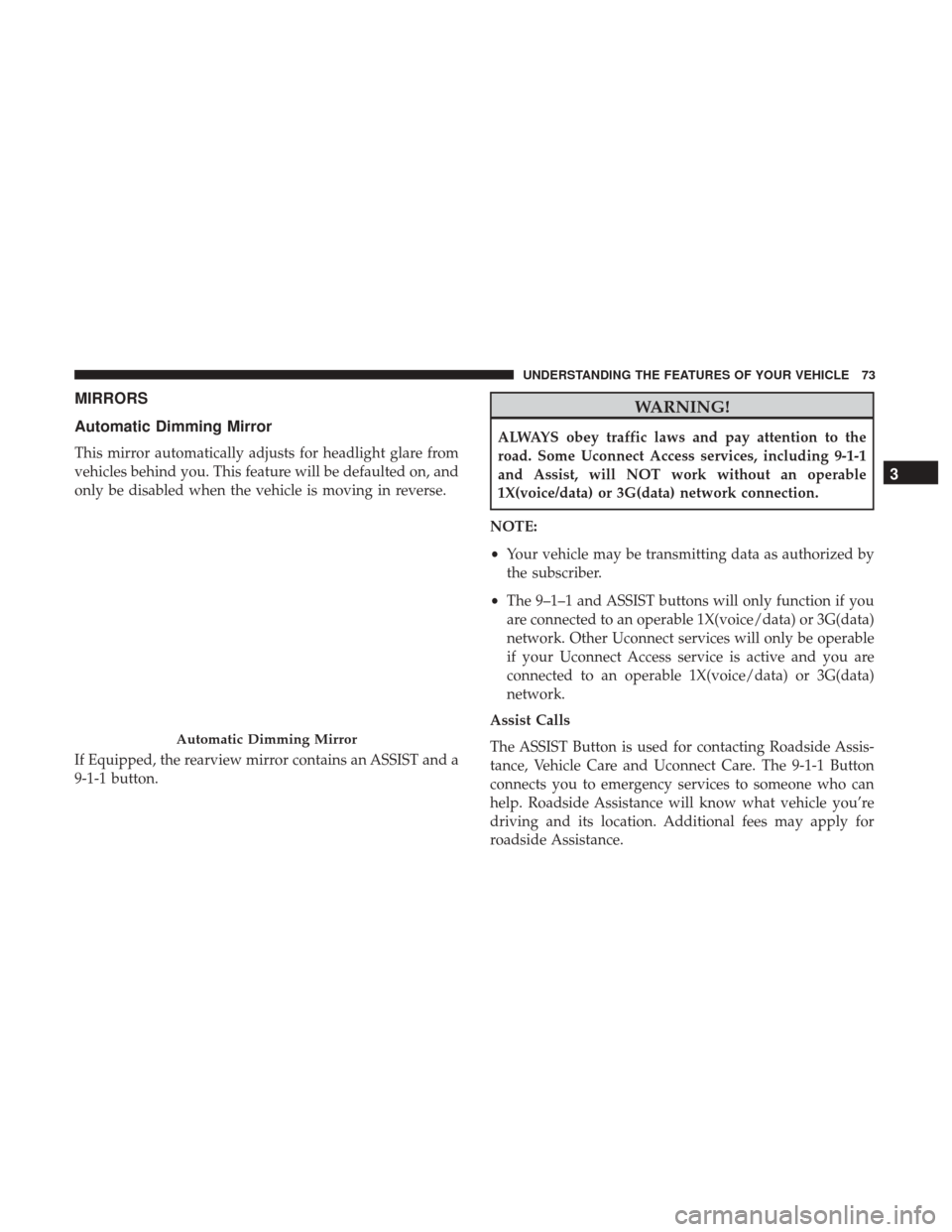
This mirror automatically adjusts for headlight glare from
vehicles behind you. This feature will be defaulted on, and
only be disabled when the vehicle is moving in reverse.
If Equipped, the rearview mirror contains an ASSIST and a
9-1-1 button.
WARNING!
ALWAYS obey traffic laws and pay attention to the
road. Some Uconnect Access services, including 9-1-1
and Assist, will NOT work without an operable
1X(voice/data) or 3G(data) network connection.
NOTE:
• Your vehicle may be transmitting data as authorized by
the subscriber.
• The 9–1–1 and ASSIST buttons will only function if you
are connected to an operable 1X(voice/data) or 3G(data)
network. Other Uconnect services will only be operable
if your Uconnect Access service is active and you are
connected to an operable 1X(voice/data) or 3G(data)
network.
Assist Calls
The ASSIST Button is used for contacting Roadside Assis-
tance, Vehicle Care and Uconnect Care. The 9-1-1 Button
connects you to emergency services to someone who can
help. Roadside Assistance will know what vehicle you’re
driving and its location. Additional fees may apply for
roadside Assistance.
Automatic Dimming Mirror
3
UNDERSTANDING THE FEATURES OF YOUR VEHICLE 73
Page 76 of 329
•Uconnect Access Customer Care – In-vehicle support for
Uconnect Access and Uconnect Access Via Mobile fea-
tures.
• Vehicle Customer Care – Total support for all other
vehicle issues.
9-1-1 Call
Push the 9-1-1 Call button on the Rearview Mirror.
NOTE: In case the 9-1-1 Call button is pushed in error,
there will be a 10 second delay before the 9-1-1 Call system
initiates a call to a 9-1-1 operator. To cancel the 9-1-1 Call
connection, push the 9-1-1 Call button on the Rearview
Mirror or press the cancellation button on the touch screen.
WARNING!
ALWAYS obey traffic laws and pay attention to the
road. Some Uconnect Access services, including 9-1-1
and Assist, will NOT work without an operable
1X(voice/data) or 3G(data) network connection.
NOTE:
• Your vehicle may be transmitting data as authorized by
the subscriber. •
Once a connection is made between the vehicle’s 9-1-1
Call system and the 9-1-1 operator, the 9-1-1 operator
may be able to open a voice connection with the vehicle
to determine if additional help is needed. Once the 9-1-1
operator opens a voice connection with the vehicle’s
9-1-1 Call system, the operator should be able to speak
with you or other vehicle occupants and hear sounds
occurring in the vehicle. The vehicle’s 9-1-1 Call system
will attempt to remain connected with the 9-1-1 operator
until the 9-1-1 operator terminates the connection.
WARNING!
• If anyone in the vehicle could be in danger (e.g., fire
or smoke is visible, dangerous road conditions or
location), do not wait for voice contact from a 9-1-1
operator. All occupants should exit the vehicle im-
mediately and move to a safe location.
• Never place anything on or near the vehicle’s oper-
able 1X(voice/data) or 3G(data) network and GPS
antennas. You could prevent operable 1X(voice/data)
or 3G(data) network and GPS signal reception,
which can prevent your vehicle from placing an
emergency call. An operable 1X(voice/data) or
(Continued)
74 UNDERSTANDING THE FEATURES OF YOUR VEHICLE
Page 77 of 329
WARNING!(Continued)
3G(data) network and GPS signal reception is re-
quired for the 9-1-1 Call system to function properly.
• The 9-1-1 Call system is embedded into the vehicle’s
electrical system. Do not add aftermarket electrical
equipment to the vehicle’s electrical system. This
may prevent your vehicle from sending a signal to
initiate an emergency call. To avoid interference that
can cause the 9-1-1 Call system to fail, never add
aftermarket equipment (e.g., two-way mobile radio,
CB radio, data recorder, etc.) to your vehicle’s electri-
cal system or modify the antennas on your vehicle. IF
YOUR VEHICLE LOSES BATTERY POWER FOR
ANY REASON (INCLUDING DURING OR AFTER
AN ACCIDENT), THE UCONNECT FEATURES,
APPS AND SERVICES, AMONG OTHERS, WILL
NOT OPERATE.
• Modifications to any part of the 9-1-1 Call system
could cause the air bag system to fail when you need
it. You could be injured if the air bag system is not
there to help protect you.
CAUTION!
To avoid damage to the mirror during cleaning, never
spray any cleaning solution directly onto the mirror.
Apply the solution onto a clean cloth and wipe the
mirror clean.
Outside Mirrors
To receive maximum benefit, adjust the outside mirrors to
center on the adjacent lane of traffic and a slight overlap of
the view obtained from the inside mirror.
NOTE: The passenger side convex outside mirror will give
a much wider view to the rear, and especially of the lane
next to your vehicle.
WARNING!
Vehicles and other objects seen in the passenger side
convex mirror will look smaller and farther away than
they really are. Relying too much on your passenger
side mirror could cause you to collide with another
vehicle or other object. Use your inside mirror when
judging the size or distance of a vehicle seen in the
passenger side mirror.
3
UNDERSTANDING THE FEATURES OF YOUR VEHICLE 75
Page 79 of 329
SEATS
Seats are a part of the Occupant Restraint System of the
vehicle.
WARNING!
•It is dangerous to ride in a cargo area, inside or
outside of a vehicle. In a collision, people riding in
these areas are more likely to be seriously injured or
killed.
• Do not allow people to ride in any area of your
vehicle that is not equipped with seats and seat belts.
In a collision, people riding in these areas are more
likely to be seriously injured or killed.
• Be sure everyone in your vehicle is in a seat and
using a seat belt properly.
Manual Seats
Forward And Rearward Adjustment
The adjusting bar is at the front of the seat, near the floor.
Pull the bar upward to move the seat forward or rearward.
Release the bar once the seat is in the desired position.
Then, using body pressure, move forward and rearward on
the seat to be sure that the seat adjusters have latched.
Seat Adjustment Bar
3
UNDERSTANDING THE FEATURES OF YOUR VEHICLE 77
Page 81 of 329
WARNING!
•Adjusting a seat while driving may be dangerous.
Moving a seat while driving could result in loss of
control which could cause a collision and serious
injury or death.
• Seats should be adjusted before fastening the seat
belts and while the vehicle is parked. Serious injury
or death could result from a poorly adjusted seat belt.
• Do not ride with the seatback reclined so that the
shoulder belt is no longer resting against your chest.
In a collision, you could slide under the seat belt,
which could result in serious injury or death.
Power Seats
On models equipped with power seats, the power seat
switch is located on the outboard side of the seat near the
floor.
Adjusting The Seat Forward Or Rearward
The seat can be adjusted both forward and rearward. Push
the seat switch forward or rearward. The seat will move in
the direction of the switch. Release the switch when the
desired position has been reached.
Adjusting The Seat Up Or Down
The height of the seats can be adjusted up or down. Pull
upward or push downward on the seat switch, the seat will
move in the direction of the switch. Release the switch
when the desired position is reached.
Power Seat Switch
3
UNDERSTANDING THE FEATURES OF YOUR VEHICLE 79
Page 82 of 329
Reclining The Seatback Forward Or Rearward
The seatback can be reclined both forward and rearward.
Push the power seat recliner switch forward or rearward,
the seatback will move in the direction of the switch.
Release the switch when the desired position has been
reached.
WARNING!
•Adjusting a seat while driving may be dangerous.
Moving a seat while driving could result in loss of
control which could cause a collision and serious
injury or death.
• Seats should be adjusted before fastening the seat
belts and while the vehicle is parked. Serious injury
or death could result from a poorly adjusted seat belt.
• Do not ride with the seatback reclined so that the
shoulder belt is no longer resting against your chest.
In a collision, you could slide under the seat belt,
which could result in serious injury or death.
CAUTION!
Do not place any article under a power seat or impede
its ability to move as it may cause damage to the seat
controls. Seat travel may become limited if movement
is stopped by an obstruction in the seat’s path.
Power Seat Recliner Switch
80 UNDERSTANDING THE FEATURES OF YOUR VEHICLE
Page 83 of 329
Non-Adjustable Head Restraints
The non-adjustable head restraints are form fitted into the
upper structure of the seatback and are designed to reduce
the risk of injury by restricting head movement in the event
of a rear impact. The seatback should be properly adjusted
to an upright position where the head restraint is posi-
tioned as close as possible to the back of your head.
WARNING!
Be certain that the seatback is locked securely into
position. Otherwise, the seat will not provide the
proper stability for passengers. An improperly latched
seatback could cause serious injury.
TO OPEN AND CLOSE THE HOOD
1. Reach into the back side area of the driver ’s front fenderto gain access to the hood release lever.
Hood Release Lever Location
3
UNDERSTANDING THE FEATURES OF YOUR VEHICLE 81
Page 84 of 329
2. Pull the hood release lever rearward to release the hoodlatches.
3. Lift the hood upward to the full forward position. NOTE:
The recommended lift point is to place the lifting
hand forward of one of the wiper arms and pull up. The
assist props will help raise and hold the hood to a normal
usage position.
WARNING!
Be sure the hood is fully latched before driving your
vehicle. If the hood is not fully latched, it could open
when the vehicle is in motion and block your vision.
Failure to follow this warning could result in serious
injury or death.
Hood Release Lever
Opened Hood
82 UNDERSTANDING THE FEATURES OF YOUR VEHICLE