heating DODGE VIPER 2017 VX / 3.G Owners Manual
[x] Cancel search | Manufacturer: DODGE, Model Year: 2017, Model line: VIPER, Model: DODGE VIPER 2017 VX / 3.GPages: 329, PDF Size: 2.83 MB
Page 68 of 329
SAFETY TIPS
Transporting Passengers
NOTE:Never transport passengers in the cargo area.
WARNING!
•Do not leave children or animals inside parked
vehicles in hot weather. Interior heat build-up may
cause serious injury or death.
• It is extremely dangerous to ride in a cargo area,
inside or outside of a vehicle. In a collision, people
riding in these areas are more likely to be seriously
injured or killed.
• Do not allow people to ride in any area of your
vehicle that is not equipped with seats and seat belts.
• Be sure everyone in your vehicle is in a seat and
using a seat belt properly.
Exhaust Gas
WARNING!
Exhaust gases can injure or kill. They contain carbon
monoxide (CO), which is colorless and odorless.
Breathing it can make you unconscious and can even-
tually poison you. To avoid breathing (CO), follow
these safety tips:
• Do not run the engine in a closed garage or in
confined areas any longer than needed to move your
vehicle in or out of the area.
• If you are required to drive with the trunk/liftgate/
rear doors open, make sure that all windows are
closed and the climate control BLOWER switch is set
at high speed. DO NOT use the recirculation mode.
• If it is necessary to sit in a parked vehicle with the
engine running, adjust your heating or cooling con-
trols to force outside air into the vehicle. Set the
blower at high speed.
The best protection against carbon monoxide entry into the
vehicle body is a properly maintained engine exhaust
system.
66 THINGS TO KNOW BEFORE STARTING YOUR VEHICLE
Page 102 of 329
5. Push and hold the programmed HomeLink button andobserve the indicator light.
• If the indicator light stays on constantly, programming
is complete and the garage door/device should acti-
vate when the HomeLink button is pressed.
• To program the remaining two HomeLink buttons,
repeat each step for each remaining button. DO NOT
erase the channels.
Reprogramming A Single HomeLink Button
(Non-Rolling Code)
To reprogram a channel that has been previously trained,
follow these steps:
1. Cycle the ignition to the ON/RUN position.
2. Push and hold the desired HomeLink button until the indicator light begins to flash after 20 seconds. Do not
release the button.
3. Without releasing the button proceed with “Program-
ming A Non-Rolling Code” step 2 and follow all remain-
ing steps.
Canadian/Gate Operator Programming
For programming transmitters in Canada/United States
that require the transmitter signals to “time-out” after
several seconds of transmission.
Canadian radio frequency laws require transmitter signals
to time-out (or quit) after several seconds of transmission –
which may not be long enough for HomeLink to pick up
the signal during programming. Similar to this Canadian
law, some U.S. gate operators are designed to time-out in
the same manner.
It may be helpful to unplug the device during the cycling
process to prevent possible overheating of the garage door
or gate motor.
1. Cycle the ignition to the ON/RUN position.
2. Place the hand-held transmitter 1 to 3 inches (3 to 8 cm) away from the HomeLink button you wish to program
while keeping the HomeLink indicator light in view.
3. Continue to push and hold the HomeLink button, while you press and release (“cycle”) your hand-held trans-
mitter every two seconds until HomeLink has success-
fully accepted the frequency signal. The indicator light
will flash slowly and then rapidly when fully trained.
100 UNDERSTANDING THE FEATURES OF YOUR VEHICLE
Page 112 of 329
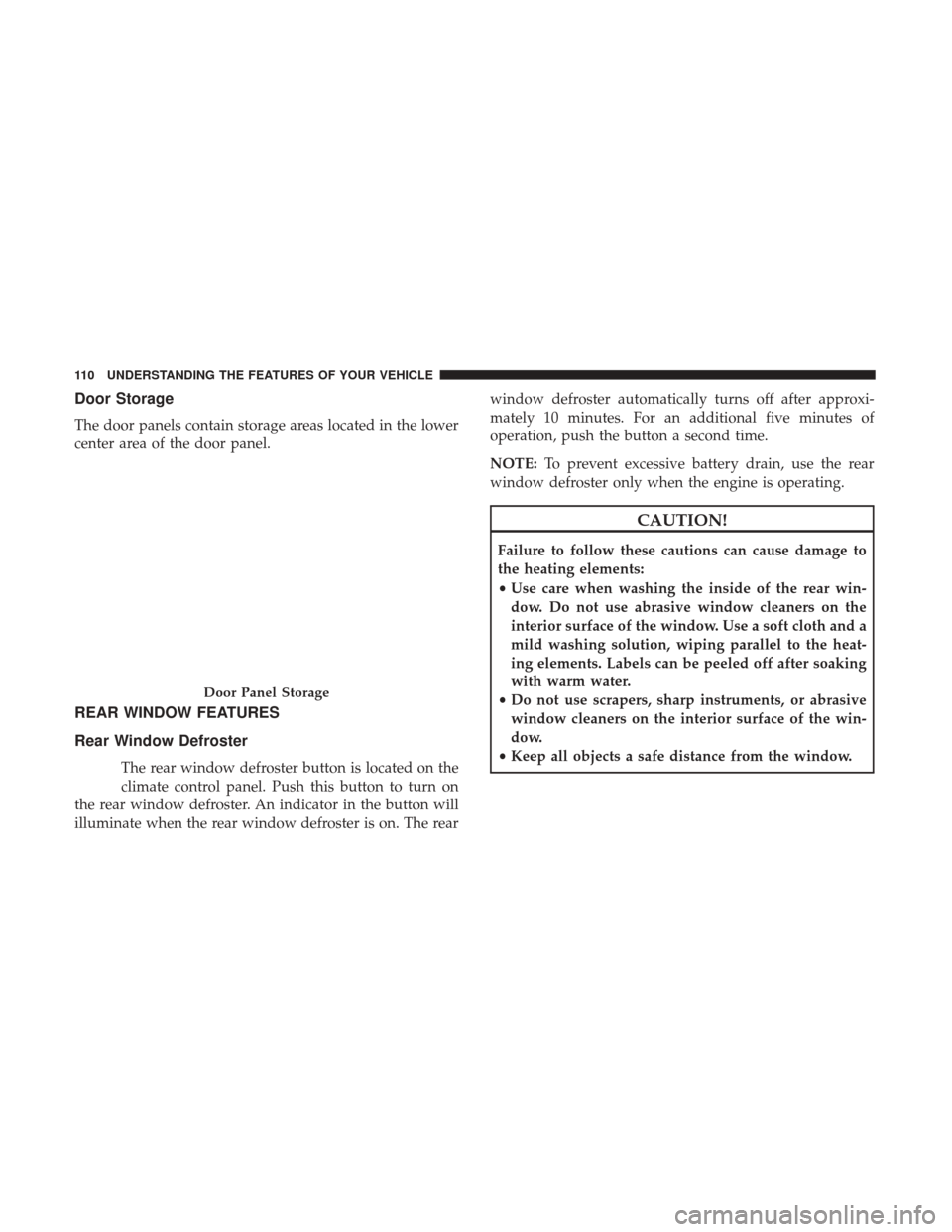
Door Storage
The door panels contain storage areas located in the lower
center area of the door panel.
REAR WINDOW FEATURES
Rear Window Defroster
The rear window defroster button is located on the
climate control panel. Push this button to turn on
the rear window defroster. An indicator in the button will
illuminate when the rear window defroster is on. The rear window defroster automatically turns off after approxi-
mately 10 minutes. For an additional five minutes of
operation, push the button a second time.
NOTE:
To prevent excessive battery drain, use the rear
window defroster only when the engine is operating.
CAUTION!
Failure to follow these cautions can cause damage to
the heating elements:
• Use care when washing the inside of the rear win-
dow. Do not use abrasive window cleaners on the
interior surface of the window. Use a soft cloth and a
mild washing solution, wiping parallel to the heat-
ing elements. Labels can be peeled off after soaking
with warm water.
• Do not use scrapers, sharp instruments, or abrasive
window cleaners on the interior surface of the win-
dow.
• Keep all objects a safe distance from the window.
Door Panel Storage
110 UNDERSTANDING THE FEATURES OF YOUR VEHICLE
Page 121 of 329

Vehicle Security Warning Light — If Equipped
Red TelltaleLight What It Means
Vehicle Security Warning Light — If Equipped
This light will flash at a fast rate for approximately 15 seconds when the vehicle security alarm is
arming, and then will flash slowly until the vehicle is disarmed.
Engine Temperature Warning Light
Red Warning
Light What It Means
Engine Temperature Warning Light
This light warns of an overheated engine condition. As engine coolant temperatures rise and the
gauge approaches
H, this indicator will illuminate and a single chime will sound after reaching a
set threshold. Further overheating will cause a continuous chime sound for 4 minutes, or until
the engine is allowed to cool, whichever comes first.
If the light turns on while driving, safely pull over and stop the vehicle. If the A/C system is on,
turn it off. Also, shift the transmission into NEUTRAL and idle the vehicle. If the temperature
reading does not return to normal, turn the engine off immediately and call for service. Refer to
“If Your Engine Overheats” in “What To Do In Emergencies” for further information.
4
UNDERSTANDING YOUR INSTRUMENT PANEL 119
Page 168 of 329
IconDescription
Driver Temperature Up And Down Button
Provides the driver with temperature control. Push the up button on the faceplate for warmer
temperature settings or on the touchscreen, press and slide the temperature bar button towards
the red arrow for warmer temperature settings. Push the down button on the faceplate for
cooler temperature settings or on the touchscreen, press and slide the temperature bar button
towards the blue arrow for cooler temperature settings.
CAUTION!
Failure to follow these cautions can cause damage to
the heating elements:
•Use care when washing the inside of the rear win-
dow. Do not use abrasive window cleaners on the
interior surface of the window. Use a soft cloth and a
mild washing solution, wiping parallel to the heat-
ing elements. Labels can be peeled off after soaking
with warm water.
• Do not use scrapers, sharp instruments, or abrasive
window cleaners on the interior surface of the win-
dow.
• Keep all objects a safe distance from the window.
Climate Control Functions
A/C (Air Conditioning)
The Air Conditioning (A/C) button allows the operator to
manually activate or deactivate the air conditioning sys-
tem. When the air conditioning system is turned on, cool
dehumidified air will flow through the outlets into the
cabin. For improved fuel economy, press the A/C button to
turn off the air conditioning and manually adjust the
blower and airflow mode settings. Also, make sure to select
only Panel, Bi-Level or Floor modes.
NOTE:
• For Manual Climate Controls, if the system is in Mix,
Floor or Defrost Mode, the A/C can be turned off, but
the A/C system shall remain active to prevent fogging of
the windows.
166 UNDERSTANDING YOUR INSTRUMENT PANEL
Page 170 of 329
3. When the system is set up for your comfort level, it isnot necessary to change the settings. You will experience
the greatest efficiency by simply allowing the system to
function automatically.
NOTE:
• It is not necessary to move the temperature settings for
cold or hot vehicles. The system automatically adjusts
the temperature, mode, and blower speed to provide
comfort as quickly as possible.
• The temperature can be displayed in U.S. or Metric units
by selecting the US/Metric customer-programmable fea-
ture. Refer to “Uconnect Settings” in this section of the
manual.
To provide you with maximum comfort in the Automatic
mode during cold start-ups, the blower fan will remain on
low until the engine warms up. The blower will increase in
speed and transition into Auto mode.
Manual Operation Override
This system offers a full complement of manual override
features. The AUTO symbol in the front ATC display will
be turned off when the system is being used in the manual
mode. NOTE:
The system will not automatically sense the pres-
ence of fog, mist or ice on the windshield. DEFROST mode
must be manually selected to clear the windshield and side
glass.
Operating Tips
NOTE: Refer to the chart at the end of this section for
suggested control settings for various weather conditions.
Summer Operation
The engine cooling system must be protected with a
high-quality antifreeze coolant to provide proper corrosion
protection and to protect against engine overheating. OAT
coolant (conforming to MS.90032) is recommended. Refer
to “Maintenance Procedures” in “Maintaining Your Ve-
hicle” for proper coolant selection.
Winter Operation
To ensure the best possible heater and defroster perfor-
mance, make sure the engine cooling system is functioning
properly and the proper amount, type, and concentration
of coolant is used. Refer to “Maintenance Procedures” in
“Maintaining Your Vehicle” for proper coolant selection.
Use of the air Recirculation mode during Winter months is
not recommended because it may cause window fogging.
168 UNDERSTANDING YOUR INSTRUMENT PANEL
Page 218 of 329
WARNING!
•Overloading of your tires is dangerous. Overloading
can cause tire failure, affect vehicle handling, and
increase your stopping distance. Use tires of the
recommended load capacity for your vehicle. Never
overload them.
• Improperly inflated tires are dangerous and can
cause collisions. Under-inflation increases tire flex-
ing and can result in over-heating and tire failure.
Over-inflation reduces a tire’s ability to cushion
shock. Objects on the road and chuck holes can cause
damage that results in tire failure. Unequal tire
pressures can cause steering problems. You could
lose control of your vehicle. Over-inflated or under-
inflated tires can affect vehicle handling and can fail
suddenly, resulting in loss of vehicle control. Always
drive with each tire inflated to the recommended
cold tire inflation pressure.
Tire And Loading Information Placard
This placard tells you important information about the:
1. Number of people that can be carried in the vehicle.
2. Total weight your vehicle can carry.
3. Tire size designed for your vehicle.
4. Cold tire inflation pressures for the front, rear, and spare tires.
Tire And Loading Information Placard
216 STARTING AND OPERATING
Page 222 of 329
TIRES — GENERAL INFORMATION
Tire Pressure
Proper tire inflation pressure is essential to the safe and
satisfactory operation of your vehicle. Four primary areas
are affected by improper tire pressure:
•Safety and Vehicle Stability
• Economy
• Tread Wear
• Ride Comfort
Safety
WARNING!
•Improperly inflated tires are dangerous and can
cause collisions.
• Underinflation increases tire flexing and can result
in overheating and tire failure.
• Overinflation reduces a tire’s ability to cushion
shock. Objects on the road and chuckholes can cause
damage that result in tire failure.
(Continued)
WARNING! (Continued)
•Overinflated or underinflated tires can affect vehicle
handling and can fail suddenly, resulting in loss of
vehicle control.
• Unequal tire pressures can cause steering problems.
You could lose control of your vehicle.
• Unequal tire pressures from one side of the vehicle
to the other can cause the vehicle to drift to the right
or left.
• Always drive with each tire inflated to the recom-
mended cold tire inflation pressure.
Both under-inflation and over-inflation affect the stability
of the vehicle and can produce a feeling of sluggish
response or over responsiveness in the steering.
NOTE:
• Unequal tire pressures from side to side may cause
erratic and unpredictable steering response.
• Unequal tire pressure from side to side may cause the
vehicle to drift left or right.
Fuel Economy
Underinflated tires will increase tire rolling resistance
resulting in higher fuel consumption.
220 STARTING AND OPERATING
Page 248 of 329
HAZARD WARNING FLASHER
The Hazard Warning flasher switch is located in the center
of the instrument panel above the climate controls.Push the switch to turn on the Hazard Warning
flasher. When the switch is activated, all directional
turn signals will flash on and off to warn oncoming traffic
of an emergency. Push the switch a second time to turn off
the Hazard Warning flasher.
This is an emergency warning system and it should not be
used when the vehicle is in motion. Use it when your
vehicle is disabled and it is creating a safety hazard for
other motorists.
When you must leave the vehicle to seek assistance, the
Hazard Warning flasher will continue to operate even
though the ignition is placed in the OFF position.
NOTE: With extended use the Hazard Warning flasher
may wear down your battery.
IF YOUR ENGINE OVERHEATS
In any of the following situations, you can reduce the
potential for overheating by taking the appropriate action.
• On the highways — Slow down and use the highest
gear possible. •
In city traffic — While stopped, put the transmission in
NEUTRAL, but do not increase engine idle speed.
• In city traffic — While moving, shift into the highest
gear possible to reduce engine RPM.
NOTE: There are steps that you can take to slow down an
impending overheat condition:
• If your air conditioner (A/C) is on, turn it off. The A/C
system adds heat to the engine cooling system and
turning the A/C off can help remove this heat.
• You can also turn the temperature control to maximum
heat, the mode control to floor and the blower control to
high. This allows the heater core to act as a supplement
to the radiator and aids in removing heat from the
engine cooling system.
WARNING!
You or others can be badly burned by hot engine
coolant (antifreeze) or steam from your radiator. If you
see or hear steam coming from under the hood, do not
open the hood until the radiator has had time to cool.
Never try to open a cooling system pressure cap when
the radiator or coolant bottle is hot.
246 WHAT TO DO IN EMERGENCIES
Page 262 of 329
CAUTION!
•When “rocking” a stuck vehicle by shifting between
1st gear and REVERSE, do not spin the wheels faster
than 15 mph (24 km/h), or drivetrain damage may
result.
• Revving the engine or spinning the wheels too fast
may lead to transmission overheating and failure. It
can also damage the tires. Do not spin the wheels
above 30 mph (48 km/h) while in gear (no transmis-
sion shifting occurring).
TOWING A DISABLED VEHICLE
Do not tow with sling-type equipment. Only use flatbed
equipment. Always comply with applicable state or local
towing ordinances.
CAUTION!
Towing this vehicle in violation of the above require-
ments can cause severe transmission damage. Damage
from improper towing is not covered under the New
Vehicle Limited Warranty.
ENHANCED ACCIDENT RESPONSE SYSTEM
(EARS)
This vehicle is equipped with an Enhanced Accident
Response System.
Please refer to “Supplemental Restraint System (SRS) —
Air Bags” in “Occupant Restraints” for further information
on the Enhanced Accident Response System (EARS) func-
tion.
EVENT DATA RECORDER (EDR)
This vehicle is equipped with an Event Data Recorder
(EDR). The main purpose of an EDR is to record, in certain
crash or near crash-like situations, such as an air bag
deployment or hitting a road obstacle, data that will assist
in understanding how a vehicle’s systems performed.
Please refer to “Supplemental Restraint System (SRS) —
Air Bags” in “Occupant Restraints” for further information
on the Event Data Recorder (EDR).
260 WHAT TO DO IN EMERGENCIES