service DODGE VIPER SRT 2016 VX / 3.G Owner's Manual
[x] Cancel search | Manufacturer: DODGE, Model Year: 2016, Model line: VIPER SRT, Model: DODGE VIPER SRT 2016 VX / 3.GPages: 427, PDF Size: 3.02 MB
Page 164 of 427
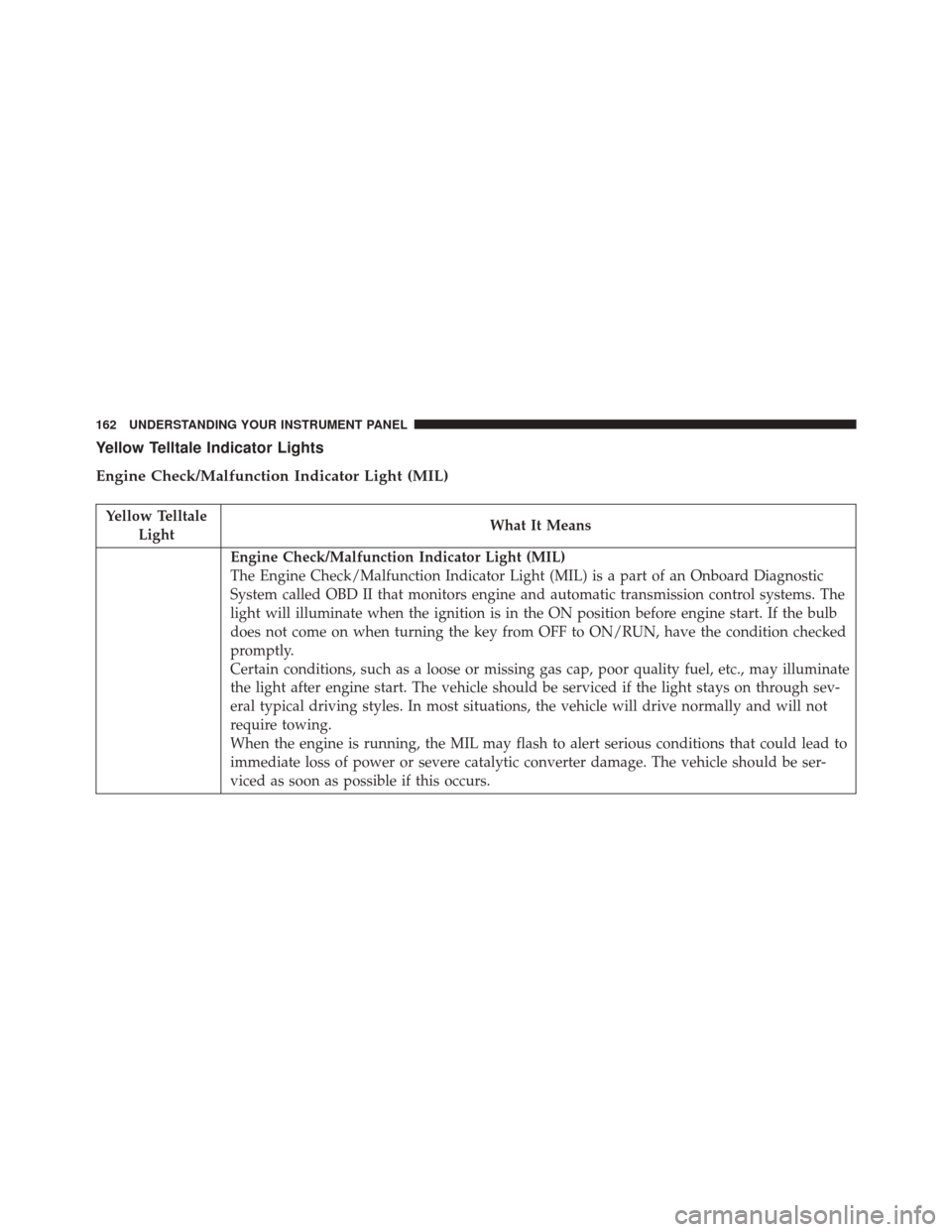
Yellow Telltale Indicator Lights
Engine Check/Malfunction Indicator Light (MIL)
Yellow TelltaleLight What It Means
Engine Check/Malfunction Indicator Light (MIL)
The Engine Check/Malfunction Indicator Light (MIL) is a part of an Onboard Diagnostic
System called OBD II that monitors engine and automatic transmission control systems. The
light will illuminate when the ignition is in the ON position before engine start. If the bulb
does not come on when turning the key from OFF to ON/RUN, have the condition checked
promptly.
Certain conditions, such as a loose or missing gas cap, poor quality fuel, etc., may illuminate
the light after engine start. The vehicle should be serviced if the light stays on through sev-
eral typical driving styles. In most situations, the vehicle will drive normally and will not
require towing.
When the engine is running, the MIL may flash to alert serious conditions that could lead to
immediate loss of power or severe catalytic converter damage. The vehicle should be ser-
viced as soon as possible if this occurs.
162 UNDERSTANDING YOUR INSTRUMENT PANEL
Page 165 of 427
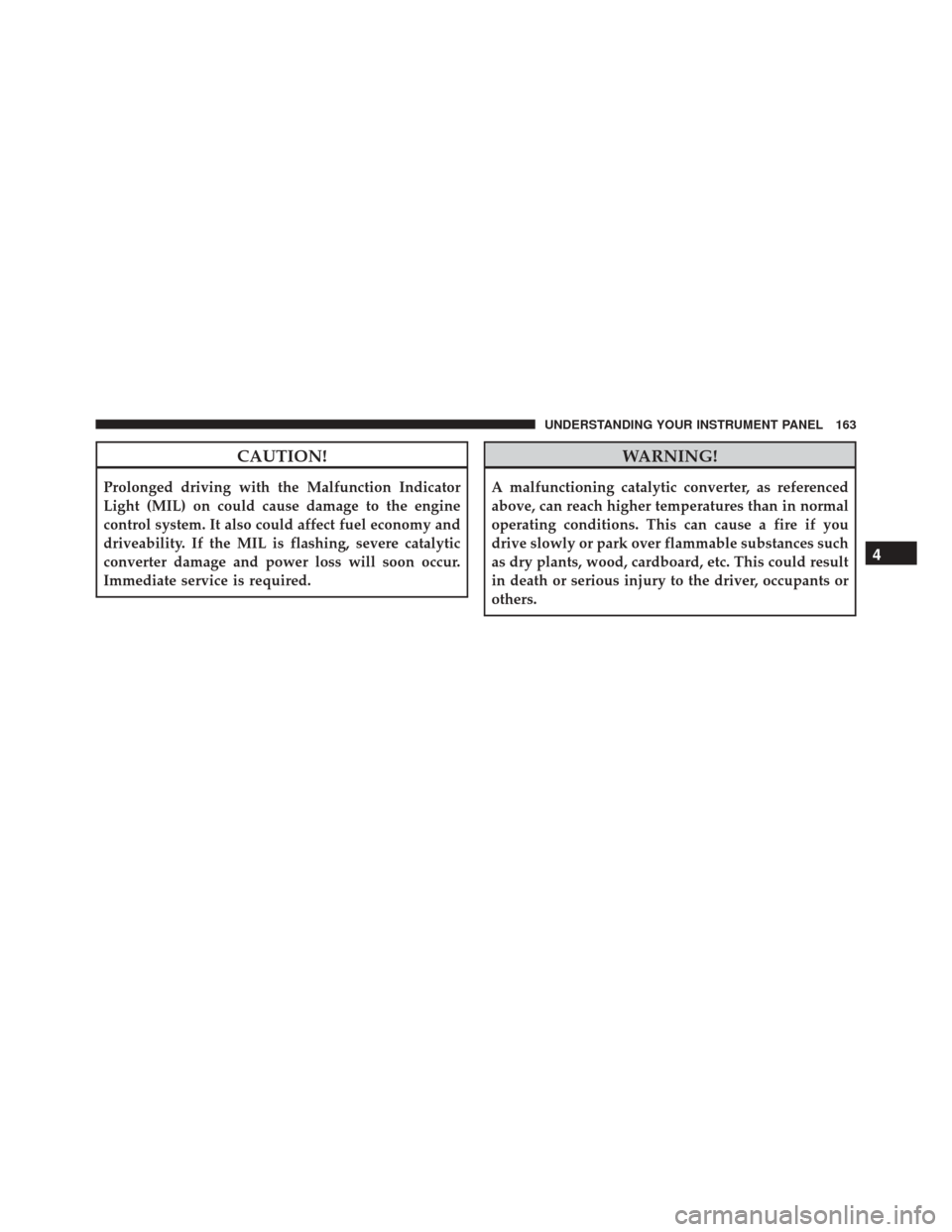
CAUTION!
Prolonged driving with the Malfunction Indicator
Light (MIL) on could cause damage to the engine
control system. It also could affect fuel economy and
driveability. If the MIL is flashing, severe catalytic
converter damage and power loss will soon occur.
Immediate service is required.
WARNING!
A malfunctioning catalytic converter, as referenced
above, can reach higher temperatures than in normal
operating conditions. This can cause a fire if you
drive slowly or park over flammable substances such
as dry plants, wood, cardboard, etc. This could result
in death or serious injury to the driver, occupants or
others.
4
UNDERSTANDING YOUR INSTRUMENT PANEL 163
Page 180 of 427
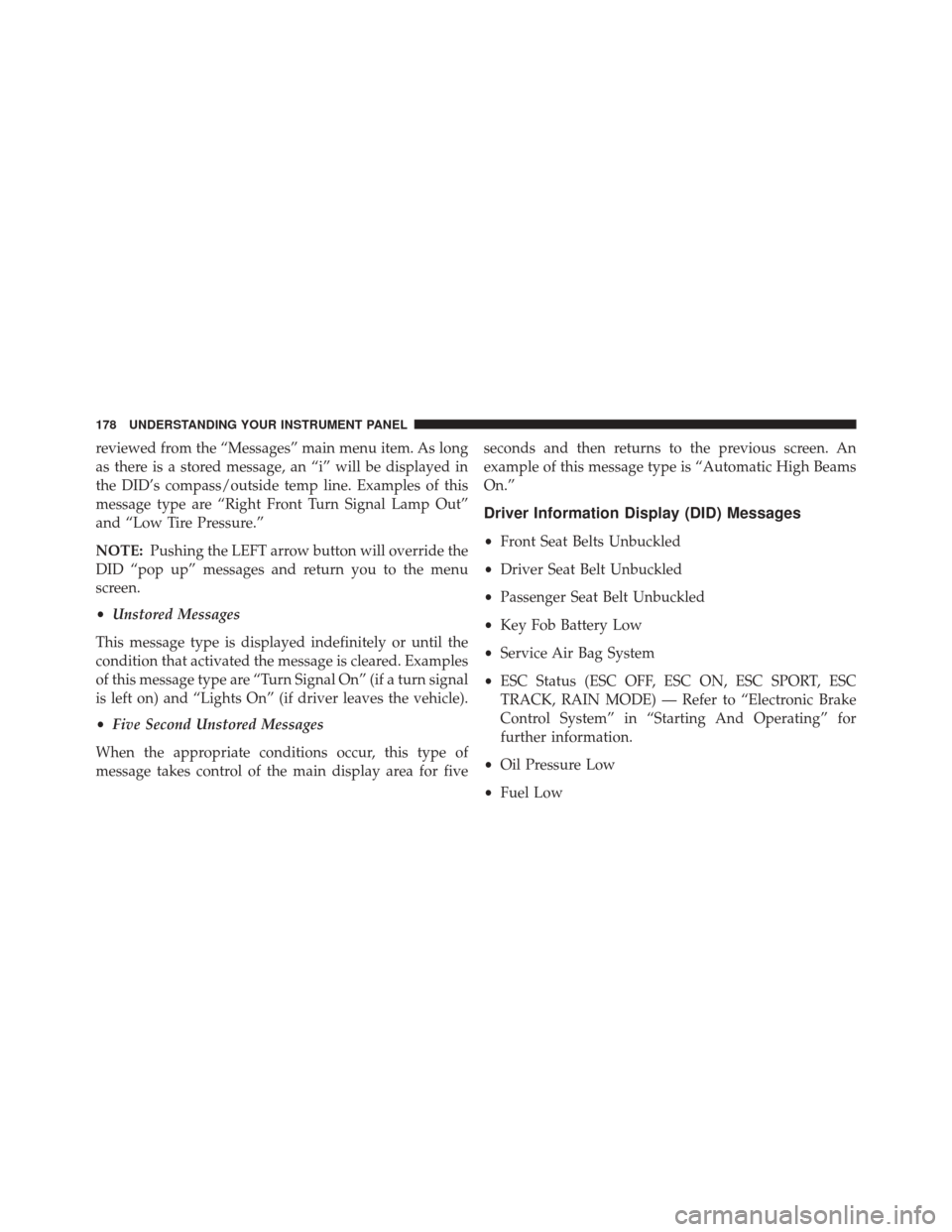
reviewed from the “Messages” main menu item. As long
as there is a stored message, an “i” will be displayed in
the DID’s compass/outside temp line. Examples of this
message type are “Right Front Turn Signal Lamp Out”
and “Low Tire Pressure.”
NOTE:Pushing the LEFT arrow button will override the
DID “pop up” messages and return you to the menu
screen.
• Unstored Messages
This message type is displayed indefinitely or until the
condition that activated the message is cleared. Examples
of this message type are “Turn Signal On” (if a turn signal
is left on) and “Lights On” (if driver leaves the vehicle).
• Five Second Unstored Messages
When the appropriate conditions occur, this type of
message takes control of the main display area for five seconds and then returns to the previous screen. An
example of this message type is “Automatic High Beams
On.”
Driver Information Display (DID) Messages
•
Front Seat Belts Unbuckled
• Driver Seat Belt Unbuckled
• Passenger Seat Belt Unbuckled
• Key Fob Battery Low
• Service Air Bag System
• ESC Status (ESC OFF, ESC ON, ESC SPORT, ESC
TRACK, RAIN MODE) — Refer to “Electronic Brake
Control System” in “Starting And Operating” for
further information.
• Oil Pressure Low
• Fuel Low
178 UNDERSTANDING YOUR INSTRUMENT PANEL
Page 181 of 427
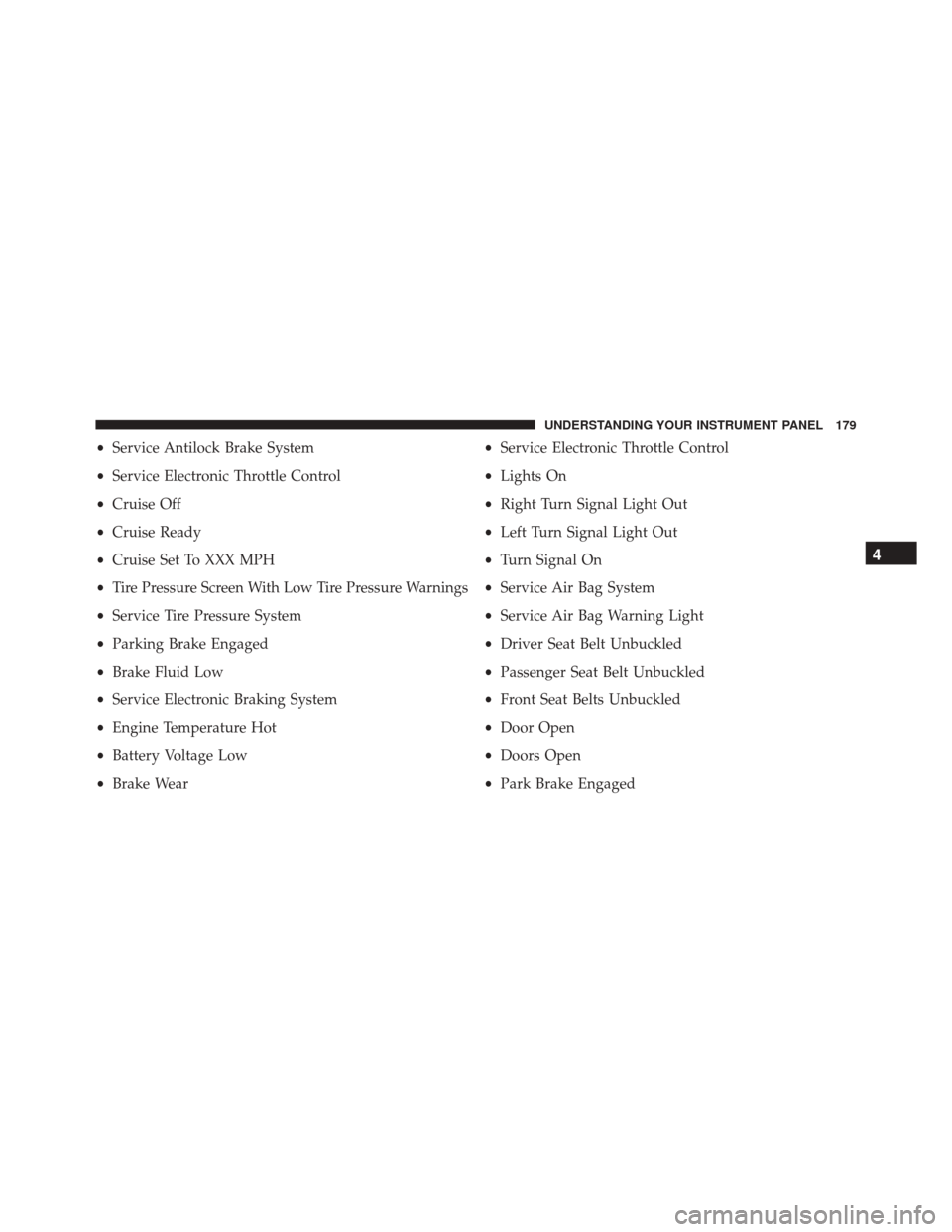
•Service Antilock Brake System
• Service Electronic Throttle Control
• Cruise Off
• Cruise Ready
• Cruise Set To XXX MPH
• Tire Pressure Screen With Low Tire Pressure Warnings
• Service Tire Pressure System
• Parking Brake Engaged
• Brake Fluid Low
• Service Electronic Braking System
• Engine Temperature Hot
• Battery Voltage Low
• Brake Wear •
Service Electronic Throttle Control
• Lights On
• Right Turn Signal Light Out
• Left Turn Signal Light Out
• Turn Signal On
• Service Air Bag System
• Service Air Bag Warning Light
• Driver Seat Belt Unbuckled
• Passenger Seat Belt Unbuckled
• Front Seat Belts Unbuckled
• Door Open
• Doors Open
• Park Brake Engaged
4
UNDERSTANDING YOUR INSTRUMENT PANEL 179
Page 183 of 427
Vehicle Info (Customer Information Features)
Push and release theUPorDOWN arrow
button until the Vehicle Info icon is highlighted
in the DID. Push and release the RIGHTarrow
button to display the following information
submenus:
Tire Pressure
Push and release the UPorDOWN arrow button until
“Tire Pressure” is highlighted in the DID. Push and
release the RIGHTarrow button, and one of the follow-
ing will be displayed:
• If tire pressure is OKfor all tires a vehicle ICON is
displayed with tire pressure values in each corner of
the ICON. •
If one or more tires have low pressure, the tire pressure
values in each corner of the ICON with the pressure
value of the low tire displayed in a different color than
the other tire pressure value.
• If the Tire Pressure system requires service, “Service
Tire Pressure System” is displayed.
Tire PSI is an information only function and cannot be
reset. Push and release the LEFTarrow button to return
to the main menu.
Refer to “Tire Pressure Monitoring System (TPMS)”
under “Starting and Operating” for further information.
Coolant Temperature
Push and release the UPorDOWN arrow button until
“Coolant Temperature” is highlighted in the DID. Push
and release the RIGHTarrow button, and the coolant
temperature will be displayed.
4
UNDERSTANDING YOUR INSTRUMENT PANEL 181
Page 205 of 427
SiriusXM Setup — If Equipped
After pressing the “SiriusXM Setup” button on the touch-
screen, the following settings will be available:
•Tune Start
Tune Start begins playing the current song from the
beginning when you tune to a music channel using one of
the twelve presets, so you can enjoy the complete song.
This feature occurs the first time the preset is selected
during that current song. Tune Start works in the back-
ground, so you will not even realize it’s on, except that
you will miss the experience of joining your favorite song
with only a few seconds left to play. To make your
selection, press the “Tune Start” button on the touch-
screen, select “On” or “Off.”
• Channel Skip
SiriusXM can be programmed to designate a group of
channels that are the most desirable to listen to or to exclude undesirable channels while scanning. To make
your selection, press the “Channel Skip” button on the
touchscreen, select the channels you would like to skip
followed by pressing the back arrow button on the
touchscreen.
•
Subscription Information
New vehicle purchasers or lessees will receive a free
limited time subscription to SiriusXM Satellite Radio
with your radio. Following the expiration of the free
services, it will be necessary to access the information on
the Subscription Information screen to re-subscribe.
Press the “Subscription Info” button on the touchscreen
to access the Subscription Information screen.
Write down the SIRIUS ID numbers for your receiver. To
reactivate your service, either call the number listed on
the screen or visit the provider online.
4
UNDERSTANDING YOUR INSTRUMENT PANEL 203
Page 221 of 427
coolant selection. Use of the air Recirculation mode
during Winter months is not recommended because it
may cause window fogging.
Vacation/Storage
Any time you store your vehicle or keep it out of service
(i.e., vacation) for two weeks or more, run the air
conditioning system at idle for about five minutes in
fresh air with the blower setting in high. This will ensure
adequate system lubrication to minimize the possibility
of compressor damage when the system is started again.
Window Fogging and Frosting
Vehicle windows tend to fog on the inside of the glass in
mild, rainy and/or humid weather. Windows may frost
on the inside of the glass in very cold weather. To clear
the windows, select Defrost or Mix mode and increase
the front blower speed. Do not use the Recirculation
mode without A/C for long periods, as fogging may
occur.NOTE:
Automatic Temperature Controls (ATC) will au-
tomatically adjust the climate control settings to reduce
or eliminate window fogging on the front windshield.
When this occurs, recirculation will be unavailable.
Outside Air Intake
Make sure the air intake, located directly in front of the
windshield, is free of obstructions such as leaves. Leaves
collected in the air intake may reduce airflow, can cause
odor, and if they enter the plenum they could plug the
water drains. In winter months, ensure the air intake is
clear of ice, slush and snow.4
UNDERSTANDING YOUR INSTRUMENT PANEL 219
Page 223 of 427
PERSONALIZED MENU BAR
The Uconnect features and services in the main menu bar
are easily changed for your convenience. Simply follow
these steps:1. Press the “Apps
” button to open the App screen.
2. Press and hold, then drag the selected App to replace
an existing shortcut in the main menu bar.
3. The replaced shortcut will now be an active App/ shortcut on the main menu bar.
UCONNECT VOICE RECOGNITION QUICK TIPS
Introducing Uconnect
Start using Uconnect Voice Recognition with these help-
ful quick tips. It provides the key Voice Commands and
tips you need to know to control your Uconnect 8.4AN
system.
Uconnect 8.4AN Main Menu
4
UNDERSTANDING YOUR INSTRUMENT PANEL 221
Page 233 of 427
Uconnect Access (8.4AN)
WARNING!
ALWAYS obey traffic laws and pay attention to the
road. Some Uconnect Access services, including 9-1-1
and Assist, will NOT work without an operable 1X
(voice/data) or 3G (data) network connection.
NOTE: Your vehicle may be transmitting data as autho-
rized by the subscriber.
An included trial and/or subscription is required to take
advantage of the Uconnect Access services in the next
section of this guide. To register with Uconnect Access,
press the “Apps” button on the 8.4-inch touchscreen to
get started. Detailed registration instructions can be
found on the next page. NOTE:
Uconnect Access is available only on equipped
vehicles purchased within the continental United States,
Alaska and Hawaii. Services can only be used where
coverage is available; see coverage map for details.9-1-1 Call
Theft Alarm Notification
Remote Door Lock/Unlock
Stolen Vehicle Assistance
Remote Horn and Lights
Yelp Search
Voice Texting
Roadside Assistance Call
Wi-Fi Hotspot***
***Extra charges apply.
4
UNDERSTANDING YOUR INSTRUMENT PANEL 231
Page 239 of 427
TIP:Once you perform a search, you can reorganize the
results by selecting either the Best Match, Rating or
Distance tab on the top of the touchscreen display.SiriusXM Travel Link (8.4AN)
Need to find a gas station, view local movie listings,
check a sports score or the 5 - day weather forecast?
SiriusXM Travel Link is a suite of services that brings a
wealth of information right to your Uconnect 8.4AN
system.
Push the VR button
. After the beep, say one of the
following commands:
• Show fuel prices
• Show 5 - day weather forecast
• Show extended weather
Yelp
4
UNDERSTANDING YOUR INSTRUMENT PANEL 237