light FIAT 124 SPIDER 2017 2.G Owners Manual
[x] Cancel search | Manufacturer: FIAT, Model Year: 2017, Model line: 124 SPIDER, Model: FIAT 124 SPIDER 2017 2.GPages: 300, PDF Size: 121.24 MB
Page 161 of 300
Activation / Deactivation
Note:When the ignition is placed in
the off position, the system status
before it was turned off is stored. For
example, if the ignition is placed in the
off position while the cruise control is
operating, the system will be operable
when the ignition is placed in the ON
position the next time.
Activating Electronic Speed Control
With Speed limiter : push the MODE
button. The
warning light (amber)
turns on.
Note:When the speed limiter is
operating after pushing the MODE
button, push the MODE button again to
switch to the cruise control.
Without Speed limiter : push the ON
button. The warning light (amber) turns
on.
Warning!
Leaving the Speed Control system on
when not in use is dangerous. You could
accidentally set the system or cause it to
go faster than you want. You could lose
control and have an accident. Always leave
the system OFF when you are not using it.
Deactivating Electronic Speed
Control
Note: When the MODE button is
pushed during cruise control system
operation, the system switches to the
adjustable speed limiter.
Push the OFF/CANCEL button. The
warning light (amber) turns off.
When a cruising speed has been
set:the
warning light (green) turns
on, push and hold the OFF/CANCEL
button or push the OFF/CANCEL
button 2 times.
When a cruising speed has not
been set:the
warning light (amber)
turns on push the OFF/CANCEL
button.
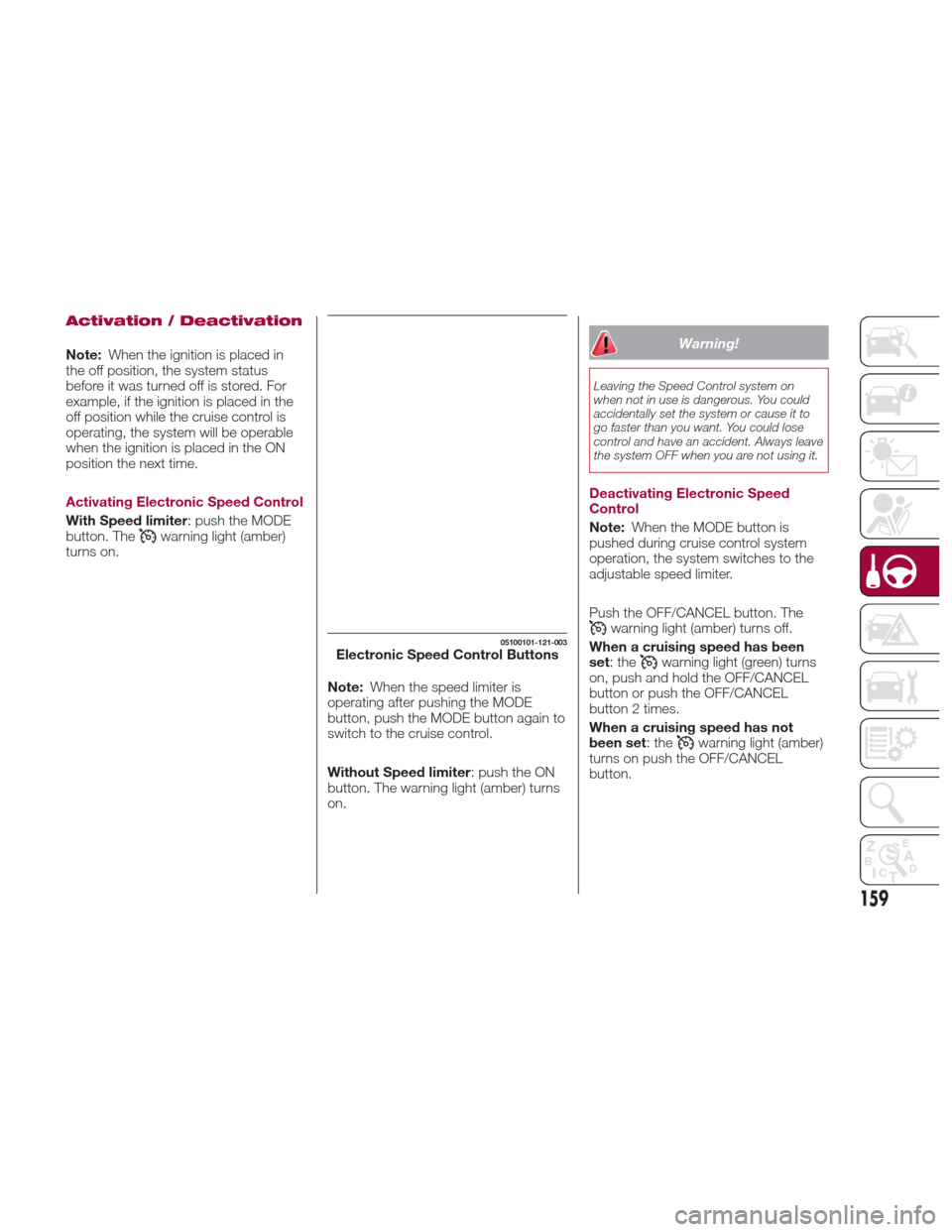
05100101-121-003Electronic Speed Control Buttons
159
Page 162 of 300
Setting A Desired Speed
Proceed as follows:
With Speed limiter: activate the
cruise control device by pushing the
MODE button. The cruise warning light
(amber) turns on.
Without Speed limiter : activate the
cruise control device by pushing the ON
button. The cruise warning light (amber)
turns on.
1. Accelerate to the desired speed,
which must be more than 25 mph
(40 km/h).
2. Set the cruise control by pushing the
SET/- button at the desired speed. The
cruise control is set at the moment the
SET/- button is pushed. Release the
accelerator pedal simultaneously. The
warning light (green) turns on.
Note: The cruise control speed setting
cannot be performed under the
following conditions:
Automatic transmission : the gear
selector is in the Park (P) or Neutral (N)
position.
Manual transmission : the gear
selector is in the Neutral (N) position or
when the clutch is disengaged (clutch
is depressed).
The parking brake is applied.
Vehicles with Speed limiter :the
MODE button for the adjustable speed
limiter is pushed.
Release the SET/- button at the desired
speed, otherwise the speed will
continue decreasing while the SET/-
button is pushed and held (except
when the accelerator pedal is
depressed).
Note:
Release the SET/- button at the
desired speed, otherwise the speed
will continue decreasing while the
SET/- button is pushed and held
(except when the accelerator pedal is
depressed).
On a steep grade, the vehicle may
momentarily slow down while
ascending, or speed up while
descending.
The cruise control will cancel if the
vehicle speed decreases below
16 mph (25 km/h) when climbing a
steep incline.
The cruise control may cancel at
about 9 mph (15 km/h) below the
preset speed such as when climbing a
long, steep incline.
The vehicle’s set speed is displayed in
the instrument cluster.
Increasing Speed
To increase speed using cruise
control button:
Push the RESUME/+ button and
hold it your vehicle will accelerate.
Release the button at the desired
speed.
Push the RESUME/+ button and
release it immediately to adjust the set
speed. Multiple activations will increase
the set speed according to the number
of times it is pushed.
Increasing speed with a single
RESUME/+ button operation:
Instrument Cluster Display for vehicle
speed is indicated in mph: 1 mph
Instrument Cluster Display for vehicle
speed is indicated in km/h: 1 km/h
To increase speed using
accelerator pedal:
Press the accelerator pedal to
accelerate to the desired speed.
Push the SET/- button and release it
immediately.
Note: Accelerate the vehicle to speed
up temporarily with the accelerator
pedal when the cruise control is on.
Greater speed will not interfere with or
change the set speed. Take your foot
off the accelerator to return to the set
speed.
160
STARTING AND OPERATING
Page 163 of 300
Decreasing Speed
To decrease speed using cruise
control buttons:
Push the SET/- button and hold itthe
vehicle will gradually slow down.
Release the button at the desired
speed.
Push the SET/- button and release it
immediately to adjust the set speed.
Multiple activations will decrease the set
speed according to the number of
times it is pushed.
Decreasing speed with a single
SET/- button operation:
Instrument Cluster Display for vehicle
speed is indicated in mph: 1 mph
Instrument Cluster Display for vehicle
speed is indicated in km/h: 1 km/h
Resume Speed
If any other method besides the
OFF/CANCEL button was used to
cancel cruising speed (such as applying
the brake pedal or pressing in the
clutch pedal) and the system is still
activated, the most recent set speed
will automatically resume when the
RESUME/+ button is pushed.
If vehicle speed is below 25 mph
(40 km/h), increase the vehicle speed
up to 16 mph (25 km/h) or more and
push RESUME/+ button.
TEMPORARILY
CANCELLING THE
SYSTEM
Warning!
Leaving the Electronic Speed Control
system on when not in use is dangerous.
You could accidentally set the system or
cause it to go faster than you want. You
could lose control and have an accident.
Always leave the system OFF when you are
not using it.
To temporarily cancel the system, use
one of these methods:
Slightly depress the brake pedal.
Depress the clutch pedal (if equipped
with a manual transmission).
Push OFF/CANCEL button.
If the RESUME/+ button is pushed
when the vehicle speed is 25 mph
(40 km/h) or higher, the system reverts
to the previously set speed. Note:
If any of the following conditions occur,
the cruise control system is temporarily
canceled:
The parking brake is applied
Automatic Transmission
:the
gear selector is in the P or N position.
Manual Transmission : the gear
selector is in the neutral position.
Automatic Transmission :the
cruise control cannot be cancelled
while driving in manual mode (gear
selector shifted from D to M position).
Therefore, engine braking will not be
applied even if the transmission is
shifted down to a lower gear. If
deceleration is required, lower the set
speed or depress the brake pedal.
When the cruise control system is
temporarily canceled, the speed cannot
be reset.
161
Page 170 of 300
Caution!
Do not apply excessive force to the
camera. You could alter the position and
angle of the camera. Do not disassemble,
modify or remove it as this could
compromise the seal.
The camera’s cover is made of plastic.
Do not apply degreasers, organic solvents,
wax or glass polish to the camera’s cover.
If some substance ends up on the cover,
clean it off immediately with a soft cloth.
Do not rub the cover too much, nor
polish it with abrasive compounds or hard
brushes. The cover could be damaged and
create image problems.
If the vehicle has been involved in a
frontal, lateral or rear collision, the rear
parking camera’s alignment (location or
installation angle) may have been altered.
Contact a Authorized Dealer.
If the display shows "no video signal",
there may be a problem with the camera.
Contact an Authorized Dealer.
Display
Note: The images on the display can
show a situation that differs from the
actual view.
The field of view varies depending on
the vehicle and the road conditions. The
field of view is limited. Objects below
the bumper or around its ends may not
be displayed. The distance displayed by the image
differs from the real one as the rear
parking camera is equipped with a
special lens.
The camera could capture any
non-standard accessories installed on
the vehicle. Do not install non-standard
accessories that could interfere with the
camera’s view, such as lights or
reflectors.
GUID-07080913987987Camera View
1 — Rear Bumper
2 — Blocked Area
GUID-07080913988988Camera Field Of View
168
STARTING AND OPERATING
Page 171 of 300
Note:If it is difficult to see the display
under the following conditions, it does
notmeanthatthisisduetoa
malfunction:
In dark areas.
When the temperature around the
lens is particularly high/low.
When the camera is wet from rain
or due to a high atmospheric humidity.
When there is some foreign deposit
around the camera, for example mud.
When the camera lens reflects
sunlight or a headlight beam.
The image on the display may be
delayed if the temperature around the
camera is low.
Caution!
To avoid vehicle damage, ParkView
should only be used as a parking aid. The
ParkView camera is unable to view every
obstacle or object in your drive path.
To avoid vehicle damage, the vehicle
must be driven slowly when using ParkView
to be able to stop in time when an obstacle
is seen. It is recommended that the driver
look frequently over his/her shoulder when
using ParkView.
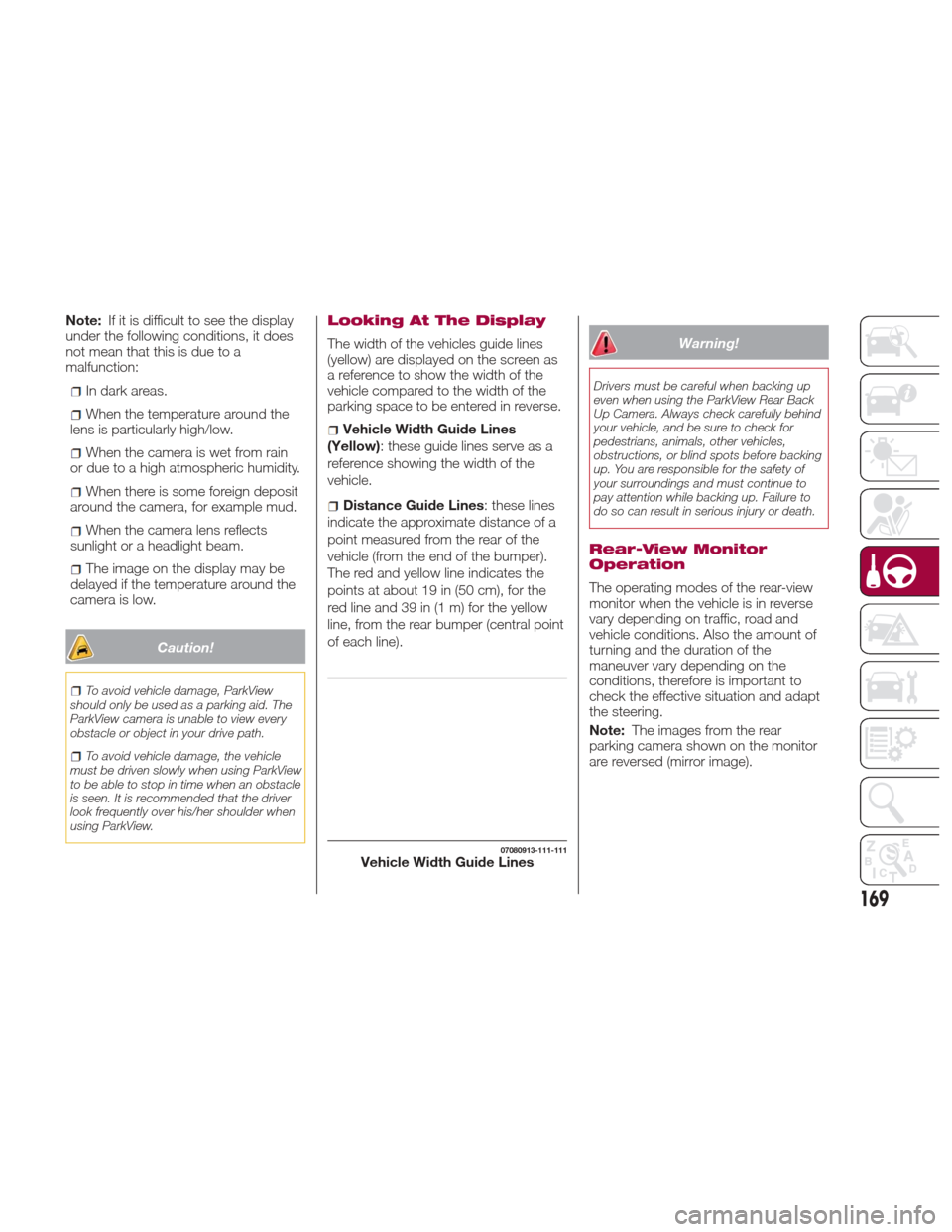
Looking At The Display
The width of the vehicles guide lines
(yellow) are displayed on the screen as
a reference to show the width of the
vehicle compared to the width of the
parking space to be entered in reverse.
Vehicle Width Guide Lines
(Yellow): these guide lines serve as a
reference showing the width of the
vehicle.
Distance Guide Lines : these lines
indicate the approximate distance of a
point measured from the rear of the
vehicle (from the end of the bumper).
The red and yellow line indicates the
pointsatabout19in(50cm),forthe
red line and 39 in (1 m) for the yellow
line, from the rear bumper (central point
of each line).
Warning!
Drivers must be careful when backing up
even when using the ParkView Rear Back
Up Camera. Always check carefully behind
your vehicle, and be sure to check for
pedestrians, animals, other vehicles,
obstructions, or blind spots before backing
up. You are responsible for the safety of
your surroundings and must continue to
pay attention while backing up. Failure to
do so can result in serious injury or death.
Rear-View Monitor
Operation
The operating modes of the rear-view
monitor when the vehicle is in reverse
vary depending on traffic, road and
vehicle conditions. Also the amount of
turning and the duration of the
maneuver vary depending on the
conditions, therefore is important to
check the effective situation and adapt
the steering.
Note: The images from the rear
parking camera shown on the monitor
are reversed (mirror image).
07080913-111-111Vehicle Width Guide Lines
169
Page 175 of 300
REFUELING THE
VEHICLE
Refueling The Vehicle
Stop the engine before refueling.
Fuel Requirements
Vehicles with catalytic converters or
oxygen sensors must use ONLY
UNLEADED FUEL, which will reduce
exhaust emissions and keep spark plug
fouling to a minimum.
Fuel: Premium unleaded fuel.
Octane Rating (Anti-knock index): 91
(R + M)/2 method or above (96 RON or
above) (U.S. federal law requires that
octane ratings be posted on gasoline
station pumps).
Regular unleaded fuel with an octane
rating from 87 to 90 (91 to 95 RON) can
be used, but this will reduce
performance slightly, such as reduced
engine output, and engine knocking.
Fuel with a rating lower than 87 octane
(91 RON) will negatively affect the
emission control system performance
and could also cause engine knocking
and serious engine damage.
While operating on gasoline with an
octane number of 87, hearing a light
knocking sound from the engine is not
a cause for concern. However, if the
engine is heard making a heavy
knocking sound, see your Authorized
Dealer immediately. Use of gasoline
with an octane number lower than87 can cause engine failure and may
void or not be covered by the New
Vehicle Limited Warranty. Poor quality
gasoline can cause problems such as
hard starting, stalling, and hesitations. If
you experience these symptoms, try
another brand of gasoline before
considering service for the vehicle.
Gasoline blended with oxygenates such
as alcohol or ether compounds are
generally referred to as oxygenated
fuels.
The common gasoline blend that can
be used with your vehicle is ethanol
blended at no more than 15%. Gasoline
containing alcohol, such as ethanol or
methanol, may be marketed under the
name "Gasohol".
Vehicle damage and drivability
problems resulting from the use of the
following may not be covered by the
New Vehicle Limited Warranty:
Alcohol containing more than 15%
ethanol.
Gasoline or alcohol containing
methanol.
Leaded fuel or leaded alcohol.
Reformulated Gasoline
Many areas of the country require the
use of cleaner burning gasoline referred
to as “Reformulated Gasoline”.
Reformulated gasoline contains
oxygenates and are specifically blended to reduce vehicle emissions and
improve air quality.
The use of reformulated gasoline is
recommended. Properly blended
reformulated gasoline will provide
improved performance and durability of
engine and fuel system components.
Gasoline/Oxygenate
Blends
Some fuel suppliers blend unleaded
gasoline with oxygenates such as
ethanol.
Caution!
DO NOT use gasoline containing methanol
or gasoline containing more than 15%
ethanol (E-15). Use of these blends may
result in starting and drivability problems,
damage critical fuel system components,
cause emissions to exceed the applicable
standard, and/or cause the “Malfunction
Indicator Light” to illuminate. Please
observe pump labels as they should clearly
communicate if a fuel contains greater than
15% ethanol (E-15).
Problems that result from using
gasoline containing more than 15%
ethanol (E-15) or gasoline containing
methanol are not the responsibility of
the manufacturer and may void or not
be covered under New Vehicle Limited
Warranty.
173
Page 176 of 300
E-85 Usage In Non-Flex
Fuel Vehicles
Non-Flex Fuel Vehicles (FFV) are
compatible with gasoline containing up
to 15% ethanol (E-15). Gasoline with
higher ethanol content may void the
New Vehicle Limited Warranty.
If a Non-FFV vehicle is inadvertently
fueled with E-85 fuel, the engine will
have some or all of these symptoms:
Operate in a lean mode.
OBD II “Malfunction Indicator Light”
on.
Poor engine performance.
Poor cold start and cold drivability.
Increased risk for fuel system
component corrosion.
MMT In Gasoline
Methylcyclopentadienyl Manganese
Tricarbonyl (MMT) is a manganese-
containing metallic additive that is
blended into some gasoline to increase
octane. Gasoline blended with MMT
provides no performance advantage
beyond gasoline of the same octane
number without MMT. Gasoline blended
with MMT reduces spark plug life and
reduces emissions system performance
in some vehicles. The manufacturer
recommends that gasoline without
MMT be used in your vehicle. The MMT
content of gasoline may not be
indicated on the gasoline pump, therefore, you should ask your gasoline
retailer whether the gasoline contains
MMT. MMT is prohibited in Federal and
California reformulated gasoline.
Materials Added To Fuel
Besides using unleaded gasoline with
the proper octane rating, gasolines that
contain detergents, corrosion and
stability additives are recommended.
Using gasolines that have these
additives will help improve fuel
economy, reduce emissions, and
maintain vehicle performance.
Designated TOP TIER
Detergent Gasoline
contains a higher level
of detergents to further
aide in minimizing
engine and fuel system
deposits. When
available, the usage of Top Tier
Detergent gasoline is recommended.
Visit www.toptiergas.com for a list of
TOP TIER Detergent Gasoline Retailers.
Indiscriminate use of fuel system
cleaning agents should be avoided.
Many of these materials intended for
gum and varnish removal may contain
active solvents or similar ingredients.
These can harm fuel system gasket and
diaphragm materials.
Fuel System Cautions
Caution!
Follow these guidelines to maintain your
vehicle’s performance:
The use of leaded gasoline is prohibited
by Federal law. Using leaded gasoline can
impair engine performance and damage
the emissions control system.
An out-of-tune engine or certain fuel
or ignition malfunctions can cause the
catalytic converter to overheat. If you
notice a pungent burning odor or some
light smoke, your engine may be out of
tune or malfunctioning and may require
immediate service. Contact your
Authorized Dealer for service assistance.
The use of fuel additives, which are now
being sold as octane enhancers, is not
recommended. Most of these products
contain high concentrations of methanol.
Fuel system damage or vehicle
performance problems resulting from the
use of such fuels or additives is not the
responsibility of the manufacturer and may
void or not be covered under the New
Vehicle Limited Warranty.
Note:
Intentional tampering with the
emissions control system can result in
civil penalties being assessed against
you.
174
STARTING AND OPERATING
Page 181 of 300
Follow the maintenance schedule
and contact your Authorized Dealer.
Use the air conditioner only when
necessary.
Slow down on rough roads.
Keep the tires properly inflated.
Do not carry unnecessary weight.
Do not rest your foot on the brake
pedal while driving.
Keep the wheels in correct
alignment.
Keep windows closed at high
speeds.
Slow down when driving in
crosswinds and headwinds.
Hazardous Driving
When driving on ice or in water, snow,
mud, sand, or similar hazards:
Be cautious and allow extra distance
for braking.
Avoid sudden braking and sudden
maneuvering.
Do not pump the brakes. Continue to
press down on the brake pedal.
If you get stuck, select a lower gear
and accelerate slowly. Do not spin the
rear wheels.
For more traction in starting on
slippery surfaces such as ice or packed
snow, use sand, rock salt, chains,
carpeting, or other nonslip material
under the rear wheels.
Note: Usesnowchainsonlyonthe
rear wheels.
Floor Mat Safety
Information
Always use floor mats designed to fit
the footwell of your vehicle. Use only
floor mats that leave the pedal area
unobstructed and that are firmly
secured so that they cannot slip out of
position and interfere with the pedals or
impair safe operation of your vehicle in
other ways.
Warning!
An improperly attached, damaged, folded,
or stacked floor mat, or damaged floor mat
fasteners may cause your floor mat to
interfere with the accelerator, brake, or
clutch pedals and cause a loss of vehicle
control. To prevent SERIOUS INJURY or
DEATH:
ALWAYS securely attachyour floor
mat using the floor mat fasteners. DO NOT
install your floor mat upside down or turn
your floor mat over. Lightly pull to confirm
mat is secured using the floor mat
fasteners on a regular basis.
ALWAYS REMOVE THE EXISTING
FLOOR MAT FROM THE VEHICLE
before installing any other floor mat.
NEVER install or stack an additional floor
mat on top of an existing floor mat.
ONLY install floor mats designed to fit
your vehicle. NEVER install a floor mat that
cannot be properly attached and secured
to your vehicle. If a floor mat needs to be
replaced, only use a FCA approved floor
mat for the specific make, model, and year
of your vehicle.
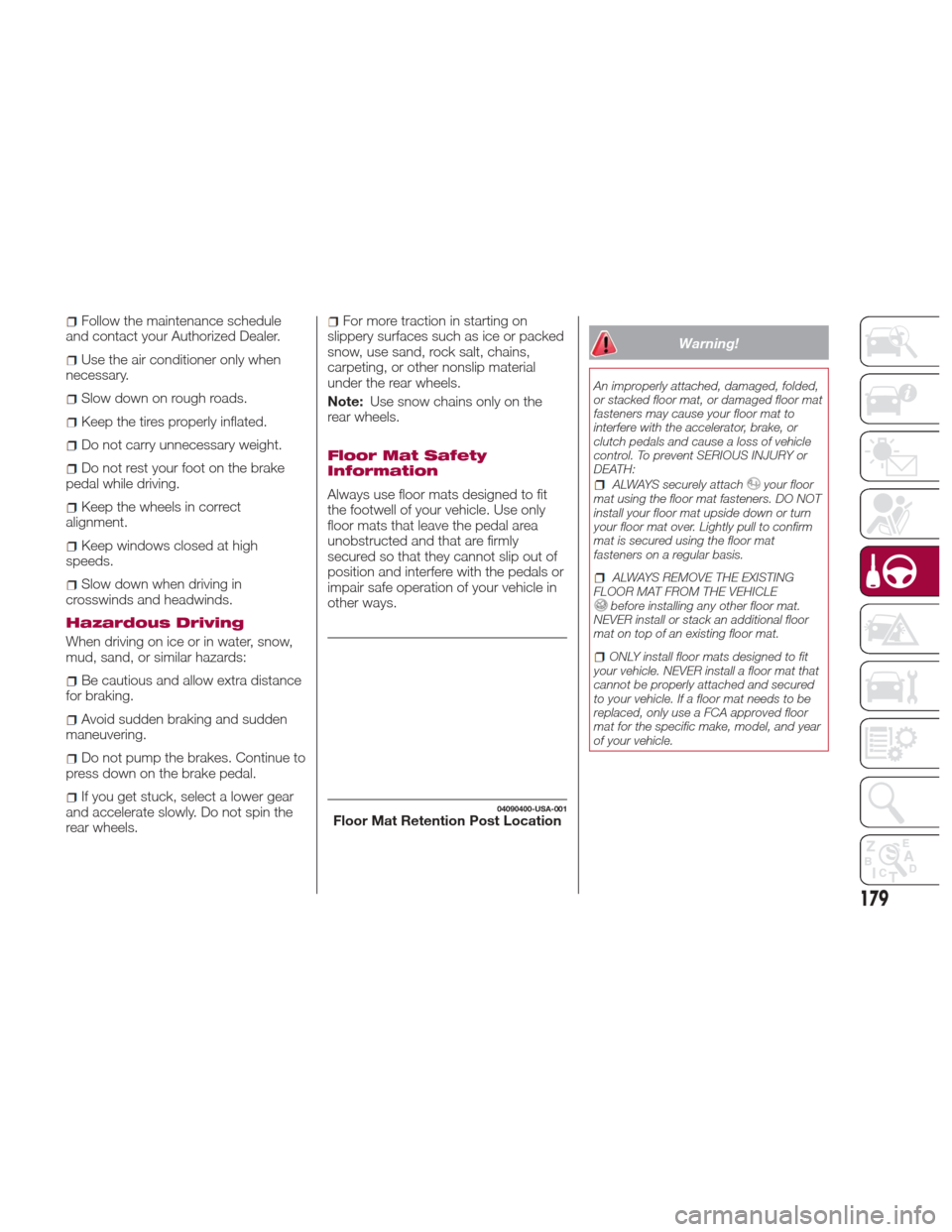
04090400-USA-001Floor Mat Retention Post Location
179
Page 182 of 300
ONLY use the driver’s side floor mat on
the driver’s side floor area. To check for
interference, with the vehicle properly
parked with the engine off, fully depress the
accelerator, the brake, and the clutch pedal
(if present) to check for interference. If your
floor mat interferes with the operation of
any pedal, or is not secure to the floor,
remove the floor mat from the vehicle and
place the floor mat in your trunk.
ONLY use the passenger’s side floor
mat on the passenger’s side floor area.
ALWAYS make sure objects cannot fall
or slide into the driver’s side floor area
when the vehicle is moving. Objects can
become trapped under accelerator, brake,
or clutch pedals and could cause a loss of
vehicle control.
NEVER place any objects under the
floor mat (e.g., towels, keys, etc.). These
objects could change the position of the
floor mat and may cause interference with
the accelerator, brake, or clutch pedals.
If the vehicle carpet has been removed
and re-installed, always properly attach
carpet to the floor and check the floor mat
fasteners are secure to the vehicle carpet.
Fully depress each pedal to check for
interference with the accelerator, brake, or
clutch pedals then re-install the floor mats.
It is recommended to only use mild soap
and water to clean your floor mats. After
cleaning, always check your floor mat has
been properly installed and is secured to
your vehicle using the floor mat fasteners
by lightly pulling mat.
Rocking The Vehicle
Note: Too much rocking may cause
engine overheating, transmission failure,
and tire damage.
If you must rock the vehicle to free it
from snow, sand or mud, depress the
accelerator slightly and slowly move the
gear selector from 1 (D) to R.
Warning!
Fast spinning tires can be dangerous.
Forces generated by excessive wheel
speeds may cause damage, or even
failure, of the axle and tires. A tire could
explode and injure someone. Do not spin
your vehicle's wheels faster than 30 mph
(48 km/h) or for longer than 30 seconds
continuously without stopping when you
are stuck and do not let anyone near a
spinning wheel, no matter what the speed.
Caution!
When “rocking” a stuck vehicle by
shifting between DRIVE and REVERSE, do
not spin the wheels faster than 15 mph
(24 km/h), or drivetrain damage may result.
Revving the engine or spinning the
wheels too fast may lead to transmission
overheating and failure. It can also damage
the tires. Do not spin the wheels above
30 mph (48 km/h) while in gear (no
transmission shifting occurring).
Winter Driving
Carry emergency gear, including tire
chains, window scraper, flares, a small
shovel, jumper leads, and a small bag
of sand or salt.
Contact an Authorized Dealer to check
the following:
Have the proper ratio of antifreeze in
the radiator.
Inspect the battery and its leads.
Cold reduces battery capacity.
Use an engine oil appropriate for the
lowest ambient temperatures that the
vehicle will be driven in.
Inspect the ignition system for
damage and loose connections.
Use winter windshield washer fluid
that will not freeze.
180
STARTING AND OPERATING
Page 183 of 300
Note:
Remove snow before driving. Snow
left on the windshield is dangerous as
it could obstruct vision.
Drive slowly. Braking performance
can be adversely affected if snow or
ice adheres to the brake components.
If this situation occurs, drive the vehicle
slowly, releasing the accelerator pedal
and lightly applying the brakes several
times until the brake performance
returns to normal.
Do not open or close the soft top when
the temperature is 41 °F (5 °C) or less.
The material of the soft top could be
damaged by freezing.
Do not apply excessive force to a
window scraper when removing ice or
frozen snow on the mirror glass and
windshield.
Never use warm or hot water for
removing snow or ice from windows
and mirrors as it could result in the
glass cracking.
Snow Tires
If your vehicle is equipped with the tire
pressure monitoring system (vehicle
with run-flat tires), the system may not
function correctly when using tires with
steel wire reinforcement in the
sidewalls. Use Snow Tires on all Four Wheels
:
Do not exceed the maximum
permissible speed for your snow tires or
legal speed limits.
When snow tires are used, select the
specified size and pressure.
Tire Chains
Check local regulations before using tire
chains.
If your vehicle is equipped with the
TPMS system, the system may not
function correctly when using tire
chains.
Install the chains on the rear tires only.
Do not use chains on the front tires.
Note:
Chains may affect handling.
Do not go faster than 30 mph
(50 km/h) or the chain manufacturer's
recommended limit, whichever is lower.
Drive carefully and avoid bumps,
holes, and sharp turns.
Avoid locked-wheel braking.
Do not use chains on roads that are
free of snow or ice. The tires and
chains could be damaged.
Chains may scratch or chip
aluminium wheels.
Warning!
Using tires of different size and type (M+S,
Snow) between front and rear axles can
cause unpredictable handling. You could
lose control and have a collision.
Caution!
To avoid damage to your vehicle or tires,
observe the following precautions:
Because of restricted traction device
clearance between tires and other
suspension components, it is important
that only traction devices in good condition
are used. Broken devices can cause
serious damage. Stop the vehicle
immediately if noise occurs that could
indicate device breakage. Remove the
damaged parts of the device before further
use.
Install device as tightly as possible and
then retighten after driving about ½ mile
(0.8 km).
Do not exceed 30 mph (48 km/h).
Drive cautiously and avoid severe turns
and large bumps, especially with a loaded
vehicle.
Do not drive for a prolonged period on
dry pavement.
181