display FIAT 500 2013 2.G Repair Manual
[x] Cancel search | Manufacturer: FIAT, Model Year: 2013, Model line: 500, Model: FIAT 500 2013 2.GPages: 423, PDF Size: 9.86 MB
Page 294 of 423
WARNING!(Continued)
•Never add fuel when the engine is running. It may
cause the MIL to turn on and could cause a fire.
•A fire may result if gasoline is pumped into a
portable container that is inside of a vehicle. You
could be burned. Always place gas containers on
the ground while filling.
NOTE:
•When the fuel nozzle “clicks” or shuts off, the fuel tank
is full.
•Tighten the gas cap about 1/4 turn until you hear one
click. This is an indication that the cap is properly
tightened.
•If the gas cap is not tightened properly, the MIL will
come on. Be sure the gas cap is tightened every time
the vehicle is refueled.
Loose Fuel Filler Cap Message
After fuel has been added, the vehicle diagnostic system
can determine if the fuel filler cap is possibly loose,
improperly installed, or damaged. If the system detects a
malfunction, the “gASCAP” message will display in the
odometer display. Tighten the gas cap until a#clicking#
sound is heard. This is an indication that the gas cap is
properly tightened. Press the odometer reset button to
turn the message off. If the problem persists, the message
will appear the next time the vehicle is started. This
might indicate a damaged cap. If the problem is detected
twice in a row, the system will turn on the MIL. Resolving
the problem will turn the MIL off.
TRAILER TOWING
Trailer towing with this vehicle is not recommended.
292 STARTING AND OPERATING
Page 332 of 423
•Turn on the interior lights, which remain on as long as
the battery has power or until the ignition key is
removed.
•Unlock the doors automatically.
After the event occurs, when the system is active, the
message#Fuel Cutoff See Handbook#is displayed.
Carefully check the vehicle for fuel leaks in the engine
compartment and on the ground near the engine com-
partment and fuel tank before resetting the system and
starting the engine.
System Reset Procedure
After an impact causing airbag deployment, the left and
right turn signal lights, located in the instrument panel
cluster, will both be blinking, until the ignition is turned
off.
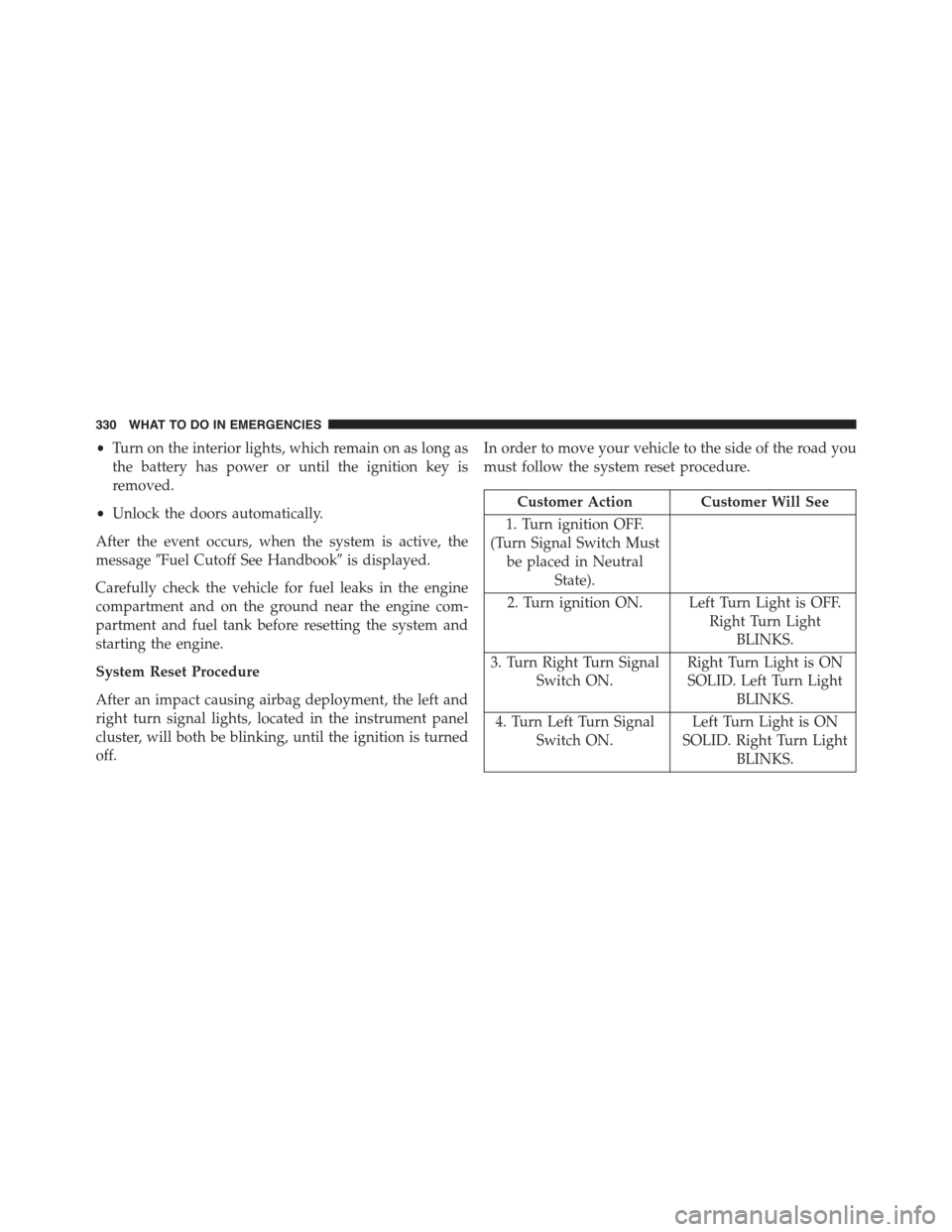
In order to move your vehicle to the side of the road you
must follow the system reset procedure.
Customer Action Customer Will See
1. Turn ignition OFF.
(Turn Signal Switch Must
be placed in Neutral
State).
2. Turn ignition ON. Left Turn Light is OFF.
Right Turn Light
BLINKS.
3. Turn Right Turn Signal
Switch ON.
Right Turn Light is ON
SOLID. Left Turn Light
BLINKS.
4. Turn Left Turn Signal
Switch ON.
Left Turn Light is ON
SOLID. Right Turn Light
BLINKS.
330 WHAT TO DO IN EMERGENCIES
Page 392 of 423
MAINTENANCE SCHEDULE
Your vehicle is equipped with an automatic oil change
indicator system. The oil change indicator system will
remind you that it is time to take your vehicle in for
scheduled maintenance.
Based on engine operation conditions, the oil change
indicator message will illuminate. This means that ser-
vice is required for your vehicle. Operating conditions
such as frequent short-trips, trailer tow, extremely hot or
cold ambient temperatures, and E85 fuel usage will
influence when the “Change Oil” or “Oil Change Re-
quired” message is displayed. Severe Operating Condi-
tions can cause the change oil message to illuminate as
early as 3,500 miles (5,600 km) since last reset. Have your
vehicle serviced as soon as possible, within the next
500 miles (805 km).
NOTE:Under no circumstances should oil change inter-
vals exceed 10,000 miles (16,000 km) or twelve months,
whichever comes first.
Once A Month Or Before A Long Trip:
•Check engine oil level
•Check windshield washer fluid level
•Check the tire inflation pressures and look for unusual
wear or damage
•Check the fluid levels of the coolant reservoir, brake
master cylinder, and transmission as needed
•Check function of all interior and exterior lights
390 MAINTENANCE SCHEDULES