instrument cluster FIAT 500 2016 2.G Owner's Manual
[x] Cancel search | Manufacturer: FIAT, Model Year: 2016, Model line: 500, Model: FIAT 500 2016 2.GPages: 442, PDF Size: 3.1 MB
Page 235 of 442
WARNING!(Continued)
•Do not leave the ignition key in or near the vehicle
(or in a location accessible to children). A child
could operate power windows, other controls, or
move the vehicle.
Key Ignition Park Interlock
This vehicle is equipped with a Key Ignition Park Inter-
lock which requires the transmission to be in PARK
before the ignition switch can be turned to the LOCK/
OFF (key removal) position. The key can only be re-
moved from the ignition when the ignition is in the
LOCK/OFF position, and once removed, the transmis-
sion is locked in PARK.
Brake/Transmission Shift Interlock System
This vehicle is equipped with a Brake Transmission Shift
Interlock System (BTSI) that holds the gear selector in PARK unless the brakes are applied. To shift the trans-
mission out of PARK, the ignition switch must be turned
to the ON/RUN position (engine running or not) and the
brake pedal must be pressed.
Six-Speed Automatic Transmission
The transmission gear position display (located in the
instrument cluster) indicates the transmission gear range.
You must press the brake pedal to move the gear selector
out of PARK (Refer to “Brake/Transmission Shift Inter-
lock System” in this section). To drive, move the gear
selector from PARK or NEUTRAL to the DRIVE position.
The electronically-controlled transmission provides a
precise shift schedule. The transmission electronics are
self-calibrating; therefore, the first few shifts on a new
vehicle may be somewhat abrupt. This is a normal
condition, and precision shifts will develop within a few
hundred miles (kilometers).
5
STARTING AND OPERATING 233
Page 236 of 442
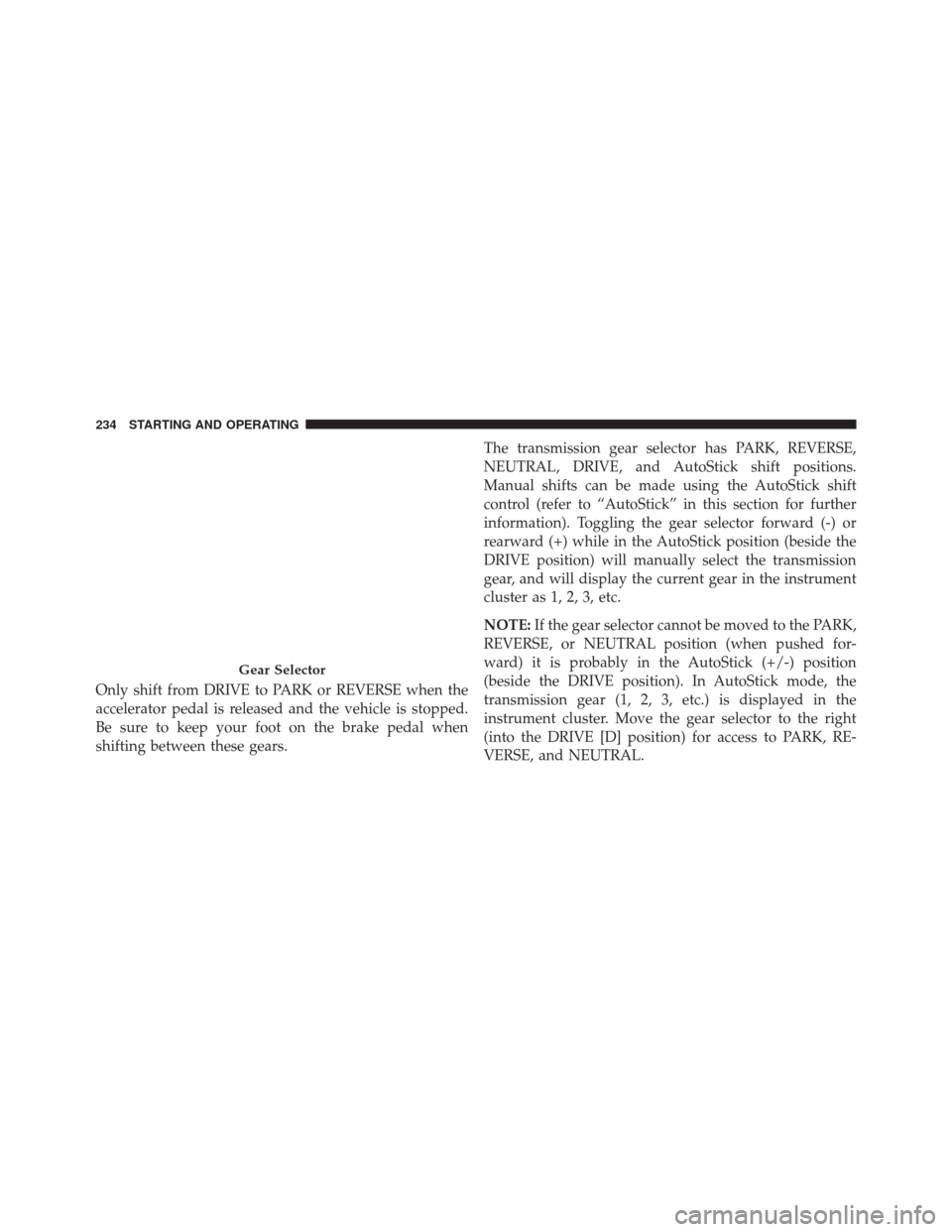
Only shift from DRIVE to PARK or REVERSE when the
accelerator pedal is released and the vehicle is stopped.
Be sure to keep your foot on the brake pedal when
shifting between these gears.The transmission gear selector has PARK, REVERSE,
NEUTRAL, DRIVE, and AutoStick shift positions.
Manual shifts can be made using the AutoStick shift
control (refer to “AutoStick” in this section for further
information). Toggling the gear selector forward (-) or
rearward (+) while in the AutoStick position (beside the
DRIVE position) will manually select the transmission
gear, and will display the current gear in the instrument
cluster as 1, 2, 3, etc.
NOTE:
If the gear selector cannot be moved to the PARK,
REVERSE, or NEUTRAL position (when pushed for-
ward) it is probably in the AutoStick (+/-) position
(beside the DRIVE position). In AutoStick mode, the
transmission gear (1, 2, 3, etc.) is displayed in the
instrument cluster. Move the gear selector to the right
(into the DRIVE [D] position) for access to PARK, RE-
VERSE, and NEUTRAL.
Gear Selector
234 STARTING AND OPERATING
Page 242 of 442
AUTOSTICK
AutoStick is a driver-interactive transmission feature
providing manual shift control, giving you more control
of the vehicle. AutoStick allows you to maximize engine
braking, eliminate undesirable upshifts and downshifts,
and improve overall vehicle performance. This system
can also provide you with more control during passing,
city driving, cold slippery conditions, mountain driving,
and many other situations.
Operation
When the gear selector is in the AutoStick position
(beside the Drive position), it can be moved forward and
rearward. This allows the driver to manually select the
transmission gear being used. Moving the gear selector
forward (-) triggers a downshift, and rearward (+) an
upshift. The current gear is displayed in the instrument
cluster.NOTE:
In AutoStick mode, the transmission will only
shift up or down when the driver moves the gear selector
rearward (+) or forward (-), except as described below.
• The transmission will automatically upshift when nec-
essary to prevent engine over-speed.
• The transmission will automatically downshift as the
vehicle slows (to prevent engine lugging) and will
display the current gear.
• The transmission will automatically downshift to first
gear when coming to a stop. After a stop, the driver
should manually upshift (+) the transmission as the
vehicle is accelerated.
• You can start out (from a stop) in first, second, or third
gear. Starting out in second or third gear can be helpful
in snow or icy conditions. To select second or third
gear after the vehicle is brought to a stop, tap the gear
selector rearward (+) once or twice.
240 STARTING AND OPERATING
Page 248 of 442
PARKING BRAKE
Before leaving the vehicle, make sure that the parking
brake is fully applied. Also, be certain to leave the
manual transmission in REVERSE or first gear.
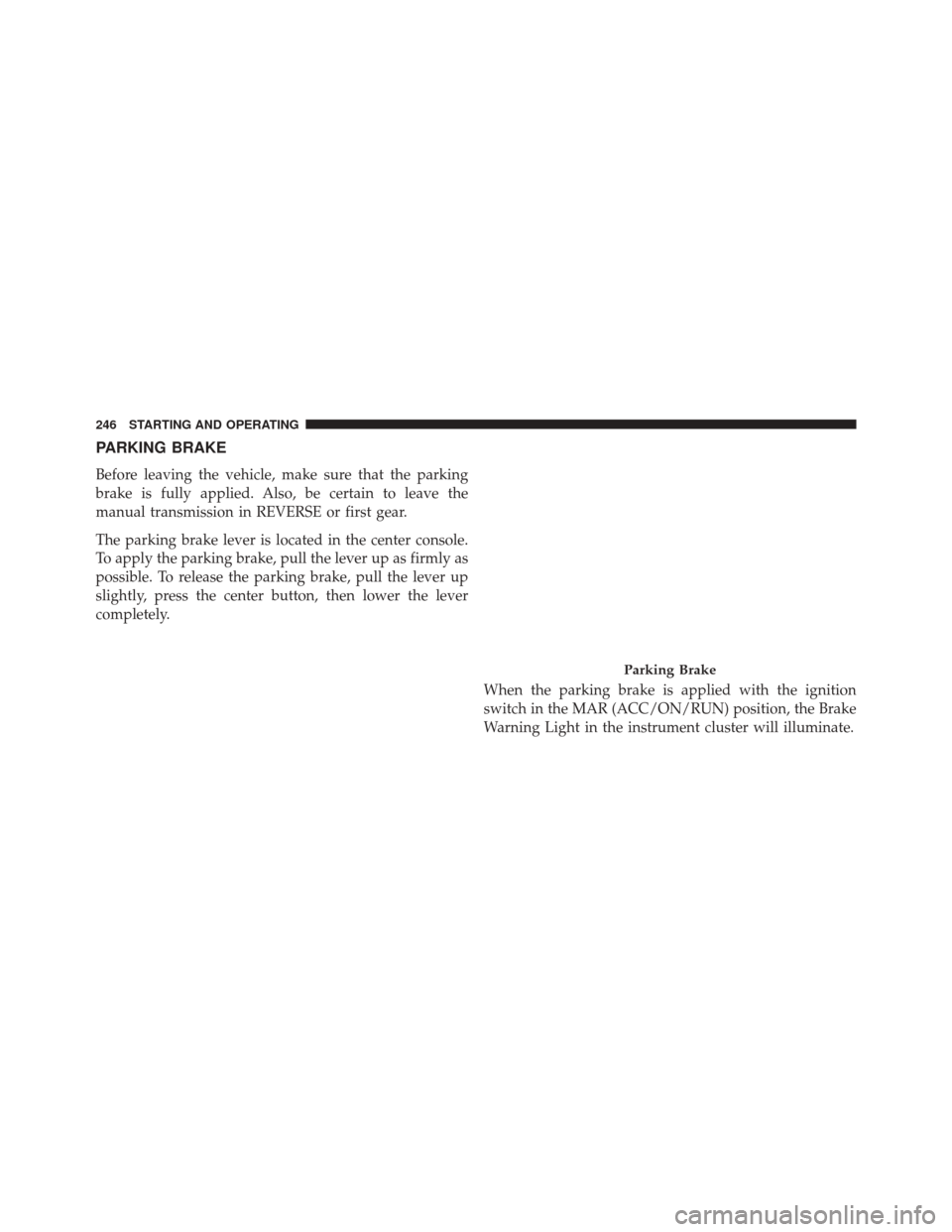
The parking brake lever is located in the center console.
To apply the parking brake, pull the lever up as firmly as
possible. To release the parking brake, pull the lever up
slightly, press the center button, then lower the lever
completely.When the parking brake is applied with the ignition
switch in the MAR (ACC/ON/RUN) position, the Brake
Warning Light in the instrument cluster will illuminate.
Parking Brake
246 STARTING AND OPERATING
Page 250 of 442
SPORT MODE
Manual Transmission — If Equipped
The Sport mode increases steering feedback to the driver
with slight increases in effort and throttle pedal-to-engine
response. This driving mode is useful while driving on
twisty roads where more steering precision is desired in
spirited cornering.
1. To activate the Sport mode, push the SPORT button.Once activated, a SPORT message will be displayed in
the instrument cluster.
2. Momentarily release the accelerator pedal.
3. Press the accelerator pedal again to activate.
SPORT Button
248 STARTING AND OPERATING
Page 251 of 442
Automatic Transmission — If Equipped
The Sport mode increases steering feedback to the driver
with slight increase in effort and changes the transmis-
sion shift schedules for more aggressive shifting. This
driving mode is useful while driving on twisty roads
where more steering precision is desired in spirited
cornering.
1. To activate the Sport mode, push the SPORT button.Once activated, a SPORT message will be displayed in
the instrument cluster.
2. Push the SPORT button again to return to the standarddriving mode.
SPORT Button
5
STARTING AND OPERATING 249
Page 260 of 442
NOTE:To improve the vehicle’s traction when driving
with snow chains, or starting off in deep snow, sand or
gravel, it may be desirable to switch to the Partial Off
mode by pushing the switch. Once the situation requiring
ESC to be switched to the Partial Off mode is overcome,
turn ESC back on by momentarily pushing the switch.
This may be done while the vehicle is in motion.
WARNING!
• When in “Partial Off” mode, the TCS functionality
of ESC, (except for the limited slip feature de-
scribed in the TCS section), has been disabled and
the “ESC Off Indicator Light” will be illuminated.
When in “Partial Off” mode, the engine power
reduction feature of TCS is disabled, and the
enhanced vehicle stability offered by the ESC sys-
tem is reduced.
ESC Activation/Malfunction Indicator Light And
ESC OFF Indicator Light
The ESC Activation/Malfunction Indicator
Light in the instrument cluster will come on
when the ignition switch is turned to the MAR
(ACC/ON/RUN) position for four seconds. If
the ESC Activation/Malfunction Indicator Light comes
on continuously with the engine running, a malfunction
has been detected in the ESC system. If this light remains
on after several ignition cycles, and the vehicle has been
driven several miles (kilometers) at speeds greater than
30 mph (48 km/h), see your authorized dealer as soon as
possible to have the problem diagnosed and corrected.
The ESC Activation/Malfunction Indicator Light (located
in the instrument cluster) starts to flash as soon as the
tires lose traction and the ESC system becomes active.
258 STARTING AND OPERATING
Page 290 of 442
CAUTION!(Continued)
stem, which could damage the Tire Pressure Moni-
toring Sensor.
NOTE:
• The TPMS is not intended to replace normal tire care
and maintenance, or to provide warning of a tire
failure or condition.
• The TPMS should not be used as a tire pressure gauge
while adjusting your tire pressure.
• Driving on a significantly under-inflated tire causes
the tire to overheat and can lead to tire failure.
Under-inflation also reduces fuel efficiency and tire
tread life, and may affect the vehicle’s handling and
stopping ability. •
The TPMS is not a substitute for proper tire mainte-
nance, and it is the driver ’s responsibility to maintain
correct tire pressure using an accurate tire gauge, even
if under-inflation has not reached the level to trigger
illumination of the Tire Pressure Monitoring Telltale
Light.
• Seasonal temperature changes will affect tire pressure,
and the TPMS will monitor the actual tire pressure in
the tire.
Premium TPM System With Comfort Cluster
This is the TPMS warning indicator located in the
instrument cluster.
The TPMS uses wireless technology with wheel rim
mounted electronic sensors to monitor tire pressure levels.
Sensors, mounted to each wheel as part of the valve stem,
transmit tire pressure readings to the Receiver Module.
288 STARTING AND OPERATING
Page 291 of 442
NOTE:It is particularly important for you to check the
tire pressure in all of the tires on your vehicle regularly
and to maintain the proper pressure.
The TPMS consists of the following components:
• Receiver Module
• Four Tire Pressure Monitoring Sensors
• Tire Pressure Monitoring Telltale Light
• Text Message Display
Tire Pressure Monitoring Low Pressure Warnings
The Tire Pressure Monitoring Telltale Light will illumi-
nate in the instrument cluster, an audible chime will be
activated, and the “Low inflation pressure left or right
front/rear tire” text message will display when one
or more of the four active road tire pressures are low. Should this occur, you should stop as soon as possible,
check the inflation pressure of each tire on your vehicle,
and inflate each tire to the vehicle’s recommended cold
placard pressure value. The system will automatically
update and the Tire Pressure Monitoring Light will
extinguish once the updated tire pressures have been
received. The vehicle may need to be driven for up to
20 minutes above 15 mph (24 km/h) to receive this
information.
TPMS Warnings
The Tire Pressure Monitoring Telltale Light will flash on
and off for 75 seconds and remain on solid when a system
fault is detected, an audible chime will be activated and
the “Service Tire Pressure Monitoring System” text mes-
sage will display. If the ignition key is cycled, this
sequence will repeat providing the system fault still
exists. The Tire Pressure Monitoring Telltale Light will
5
STARTING AND OPERATING 289
Page 293 of 442
•Once you repair or replace the original road tire and
reinstall it on the vehicle in place of the compact spare
tire, the TPMS will update automatically and the Tire
Pressure Monitoring Telltale Light will turn OFF, as
long as no tire pressure is below the low-pressure
warning limit in any of the four active road tires. The
vehicle may need to be driven for up to 20 minutes
above 15 mph (24 km/h) in order for the TPMS to
receive this information.
Premium TPM System With (TFT) Tire Pressure
Display Screen
The Tire Pressure Monitor System (TPMS) uses wireless
technology with wheel rim mounted electronic sensors to
monitor tire pressure levels. Sensors, mounted to each
wheel as part of the valve stem, transmit tire pressure
readings to the receiver module. The TPMS consists of the following components:
•
Receiver module
• Four Tire Pressure Monitoring Sensors
• Various Tire Pressure Monitoring System messages,
which display in the Electronic Vehicle Information
Center (EVIC)
• Tire Pressure Monitoring Telltale Light
Tire Pressure Monitoring Low Pressure Warnings
The “Tire Pressure Monitoring Telltale Light” will
illuminate in the instrument cluster and a chime will
sound when tire pressure is low in one or more of the
four active road tires. In addition, the Electronic
Vehicle Information Center (EVIC) will display a low
pressure text message and a graphic showing the low
tire pressure tire highlighted in a different color. 5
STARTING AND OPERATING 291