instrument cluster FIAT 500 2017 2.G Owner's Manual
[x] Cancel search | Manufacturer: FIAT, Model Year: 2017, Model line: 500, Model: FIAT 500 2017 2.GPages: 350, PDF Size: 3.01 MB
Page 141 of 350
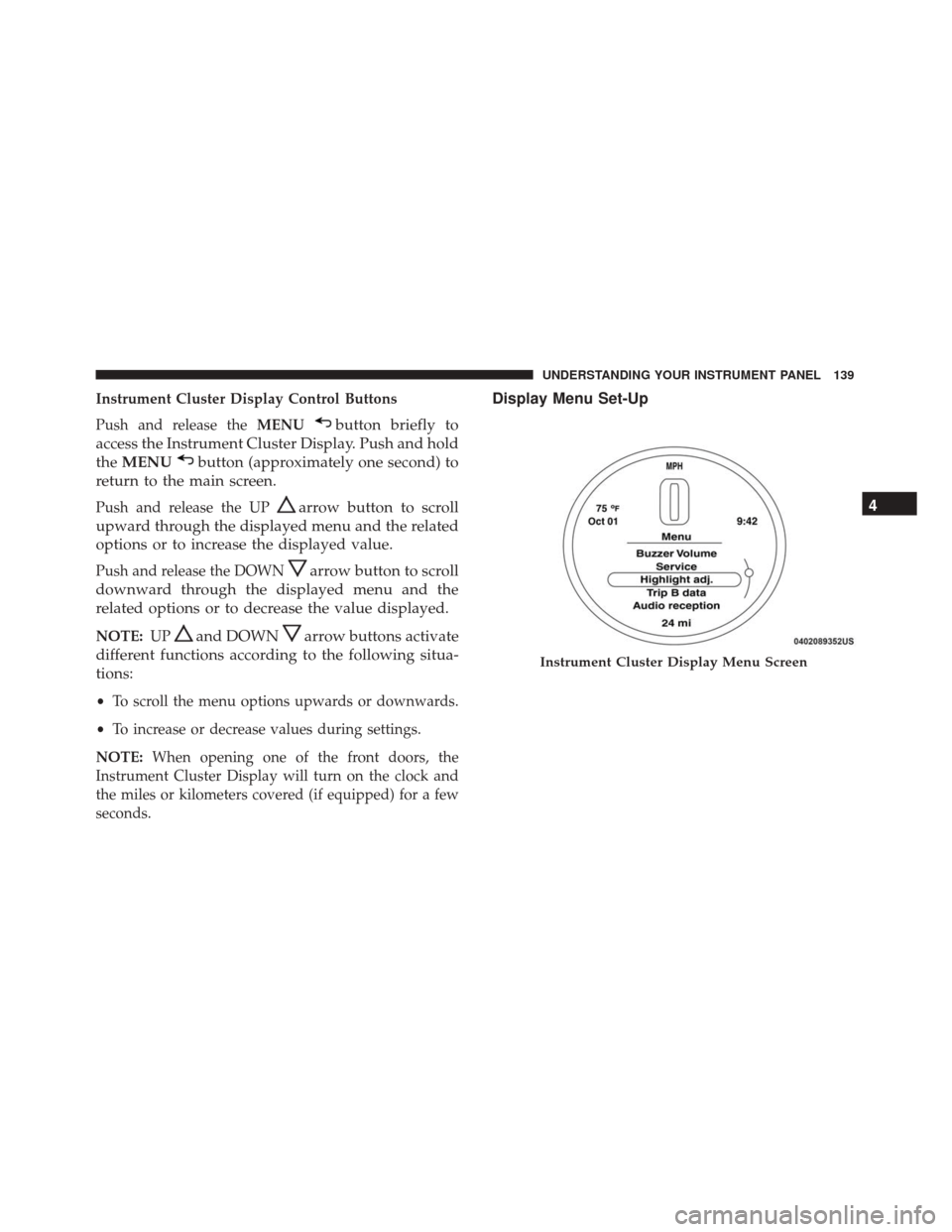
Instrument Cluster Display Control Buttons
Push and release theMENU
button briefly to
access the Instrument Cluster Display. Push and hold
the MENU
button (approximately one second) to
return to the main screen.
Push and release the UParrow button to scroll
upward through the displayed menu and the related
options or to increase the displayed value.
Push and release the DOWNarrow button to scroll
downward through the displayed menu and the
related options or to decrease the value displayed.
NOTE: UPand DOWNarrow buttons activate
different functions according to the following situa-
tions:
• To scroll the menu options upwards or downwards.
• To increase or decrease values during settings.
NOTE: When opening one of the front doors, the
Instrument Cluster Display will turn on the clock and
the miles or kilometers covered (if equipped) for a few
seconds.
Display Menu Set-Up
Instrument Cluster Display Menu Screen
4
UNDERSTANDING YOUR INSTRUMENT PANEL 139
Page 142 of 350
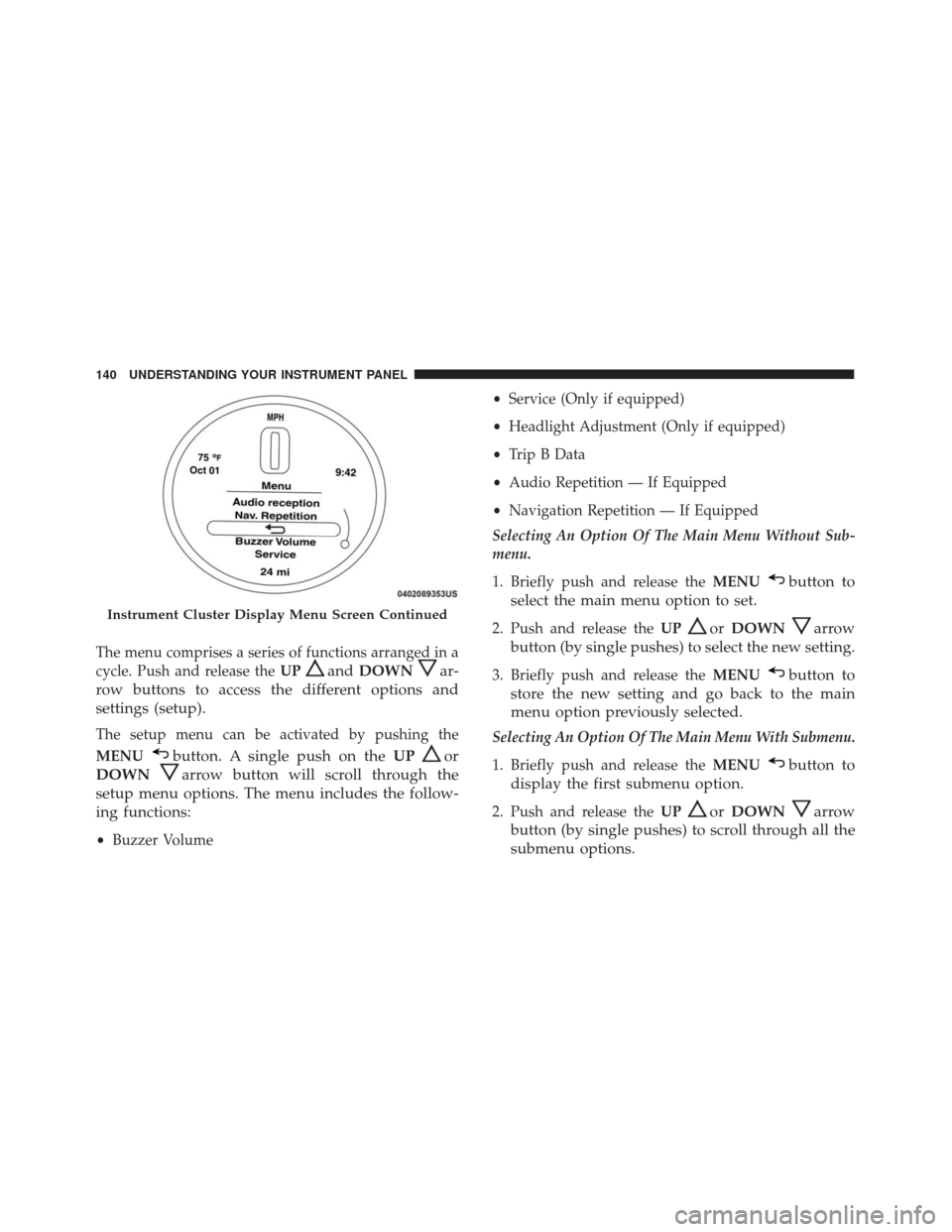
The menu comprises a series of functions arranged in a
cycle. Push and release theUP
andDOWNar-
row buttons to access the different options and
settings (setup).
The setup menu can be activated by pushing the
MENU
button. A single push on the UPor
DOWN
arrow button will scroll through the
setup menu options. The menu includes the follow-
ing functions:
• Buzzer Volume •
Service (Only if equipped)
• Headlight Adjustment (Only if equipped)
• Trip B Data
• Audio Repetition — If Equipped
• Navigation Repetition — If Equipped
Selecting An Option Of The Main Menu Without Sub-
menu.
1. Briefly push and release the MENU
button to
select the main menu option to set.
2. Push and release the UPorDOWNarrow
button (by single pushes) to select the new setting.
3. Briefly push and release the MENUbutton to
store the new setting and go back to the main
menu option previously selected.
Selecting An Option Of The Main Menu With Submenu.
1. Briefly push and release the MENU
button to
display the first submenu option.
2. Push and release the UPorDOWNarrow
button (by single pushes) to scroll through all the
submenu options.
Instrument Cluster Display Menu Screen Continued
140 UNDERSTANDING YOUR INSTRUMENT PANEL
Page 143 of 350
3. Briefly push and release theMENUbutton to
select the displayed submenu option and to open
the relevant setup menu.
4. Push and release the UPorDOWNarrow
button (by single pushes) to select the new setting
for this submenu option.
5. Briefly push and release the MENUbutton to
store the new setting and go back to the previ-
ously selected submenu option.
6. Push and hold the MENUbutton to return to the
main menu (short hold) or the main screen (longer
hold).
Oil Change Message Reset
Your vehicle is equipped with an engine oil change
indicator system. The “Change Engine Oil” message
will appear in the Instrument Cluster Display for ap-
proximately 5 seconds after a single chime has sounded
to indicate the next scheduled oil change interval. The
engine oil change indicator system is duty cycle based,
which means the engine oil change interval may fluc-
tuate, dependent upon your personal driving style.
Unless reset, this message will continue to display each
time you turn the ignition switch to the ON/RUN position. To turn off the message temporarily, push and
release the
MENU
button. To reset the oil change
indicator system (after performing the scheduled
maintenance), refer to the following procedure.
1. Turn the ignition switch to the ON position. (do not start the engine.)
2. Fully push the accelerator pedal slowly, three times within 10 seconds.
3. Turn the ignition switch to the OFF/LOCK position.
NOTE: If the indicator message illuminates when you
start the vehicle, the oil change indicator system did not
reset. If necessary, repeat this procedure.
Trip Computer
The Trip Computer is located in the instrument cluster.
It features a driver-interactive display (displays infor-
mation such as trip information, range, fuel consump-
tion, average speed, and travel time).
Trip Button
The TRIP button, located on the right steering column
stalk, can be used to display and to reset the previously
described values.
4
UNDERSTANDING YOUR INSTRUMENT PANEL 141
Page 147 of 350
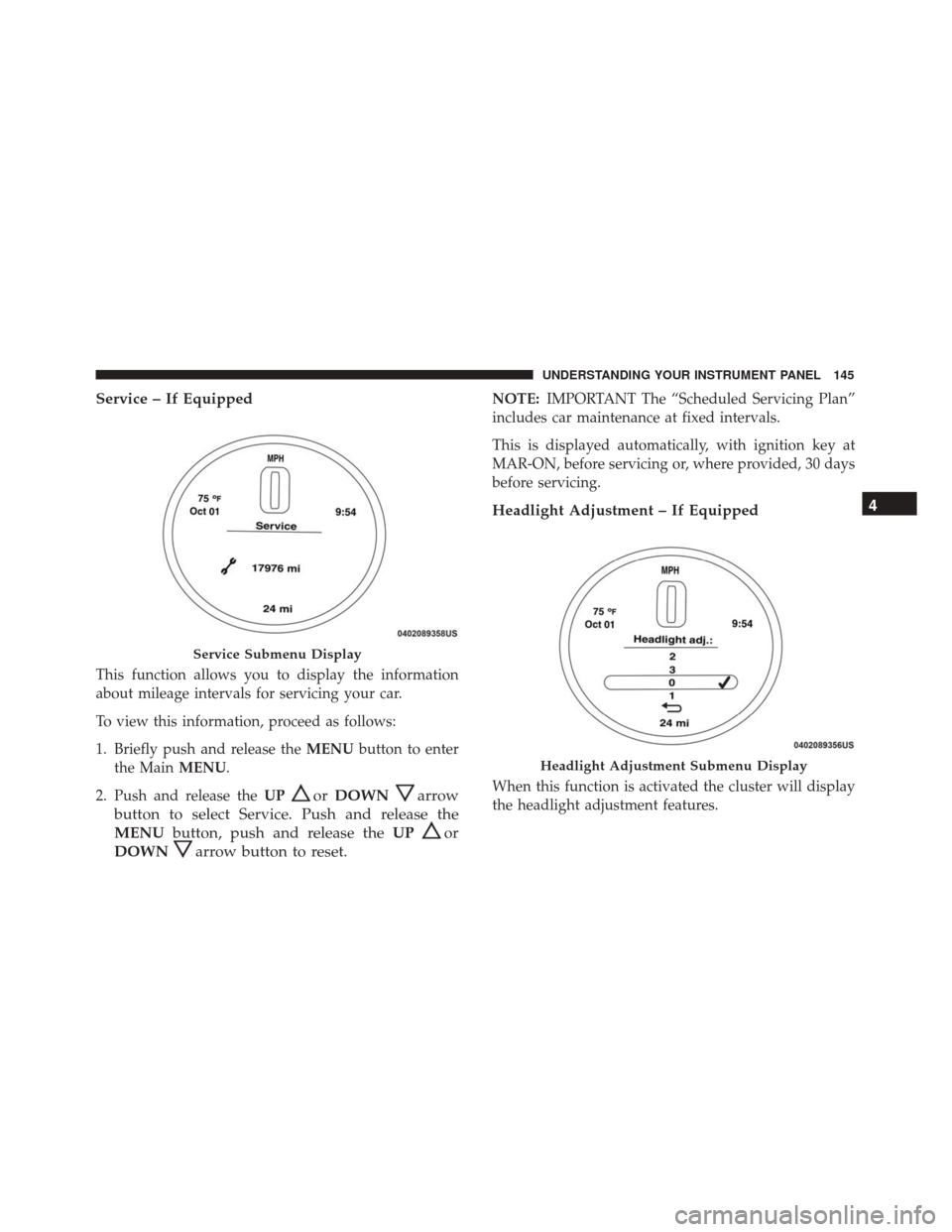
Service – If Equipped
This function allows you to display the information
about mileage intervals for servicing your car.
To view this information, proceed as follows:
1. Briefly push and release theMENUbutton to enter
the Main MENU.
2. Push and release the UP
orDOWNarrow
button to select Service. Push and release the
MENU button, push and release the UP
or
DOWN
arrow button to reset.
NOTE: IMPORTANT The “Scheduled Servicing Plan”
includes car maintenance at fixed intervals.
This is displayed automatically, with ignition key at
MAR-ON, before servicing or, where provided, 30 days
before servicing.
Headlight Adjustment – If Equipped
When this function is activated the cluster will display
the headlight adjustment features.
Service Submenu Display
Headlight Adjustment Submenu Display
4
UNDERSTANDING YOUR INSTRUMENT PANEL 145
Page 149 of 350
2. Push and release theUPorDOWNarrow
button to select Trip B data. Push and release the
UP
or DOWNarrow button to turn ON or
OFF.
3. Briefly push and release the MENUbutton to go
back to the menu screen, or push and hold the
MENU
button (approximately one second) to
go back to the main screen without storing the
settings.
Trip B Data Submenu Settings:
• On
• Off
• Return to MENU
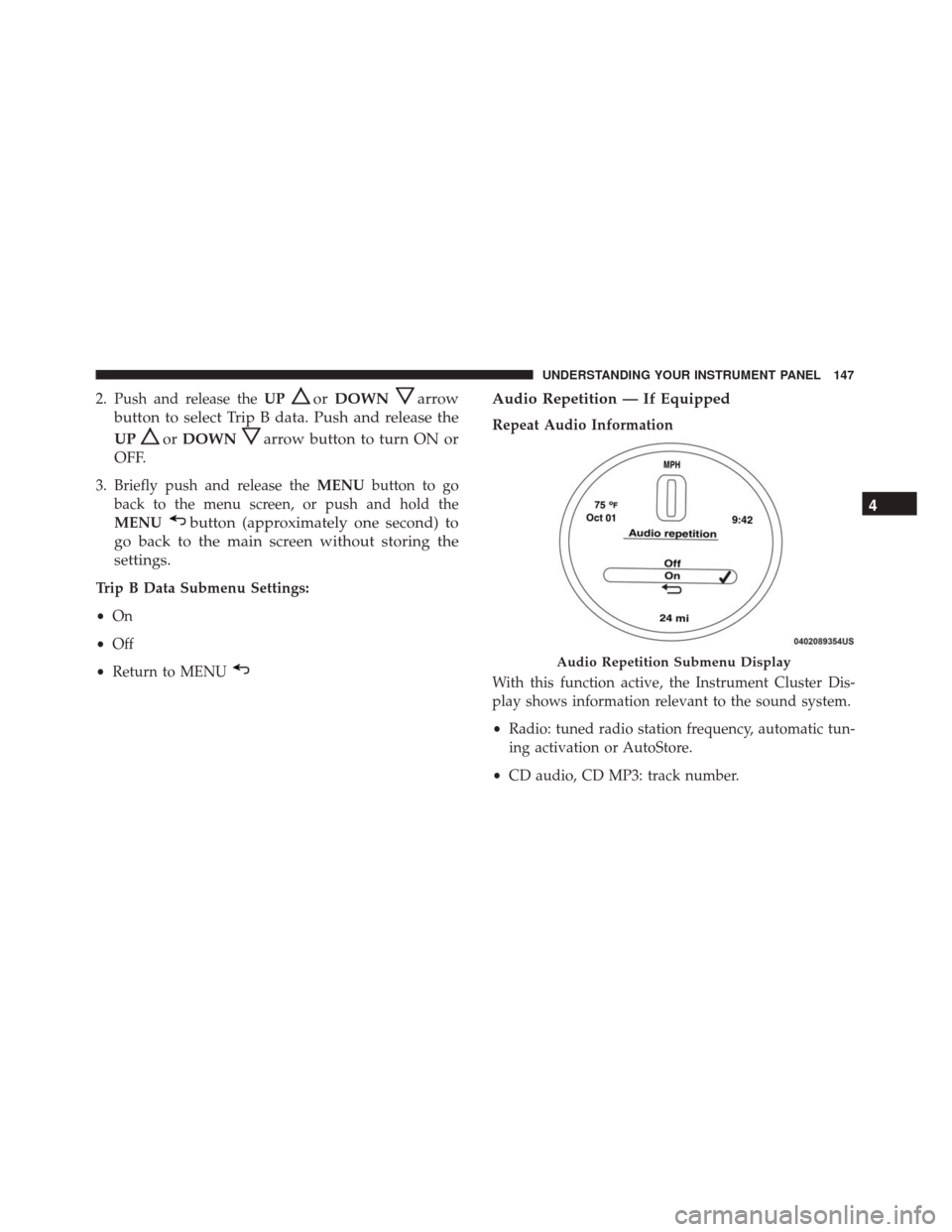
Audio Repetition — If Equipped
Repeat Audio Information
With this function active, the Instrument Cluster Dis-
play shows information relevant to the sound system.
•Radio: tuned radio station frequency, automatic tun-
ing activation or AutoStore.
• CD audio, CD MP3: track number.
Audio Repetition Submenu Display
4
UNDERSTANDING YOUR INSTRUMENT PANEL 147
Page 150 of 350
To activate (On) or to deactivate (Off) the sound system
info displaying, proceed as follows:
1. Briefly push and release theMENU
button. Push
and release the UP
orDOWNarrow button
to highlight See Radio and push and release the
MENU
button.
2. Push and release the UPorDOWNarrow
button for setting.
3. Briefly push and release the MENUbutton to go
back to the menu screen, or push and hold the
MENU button (approximately one second) to go
back to the main screen without storing the set-
tings.
If the radio has Uconnect, refer to the appropriate
“Uconnect Radio Supplement” for further information.
Audio Repetition Submenu Settings:
• Off
• On
• Return to MENU
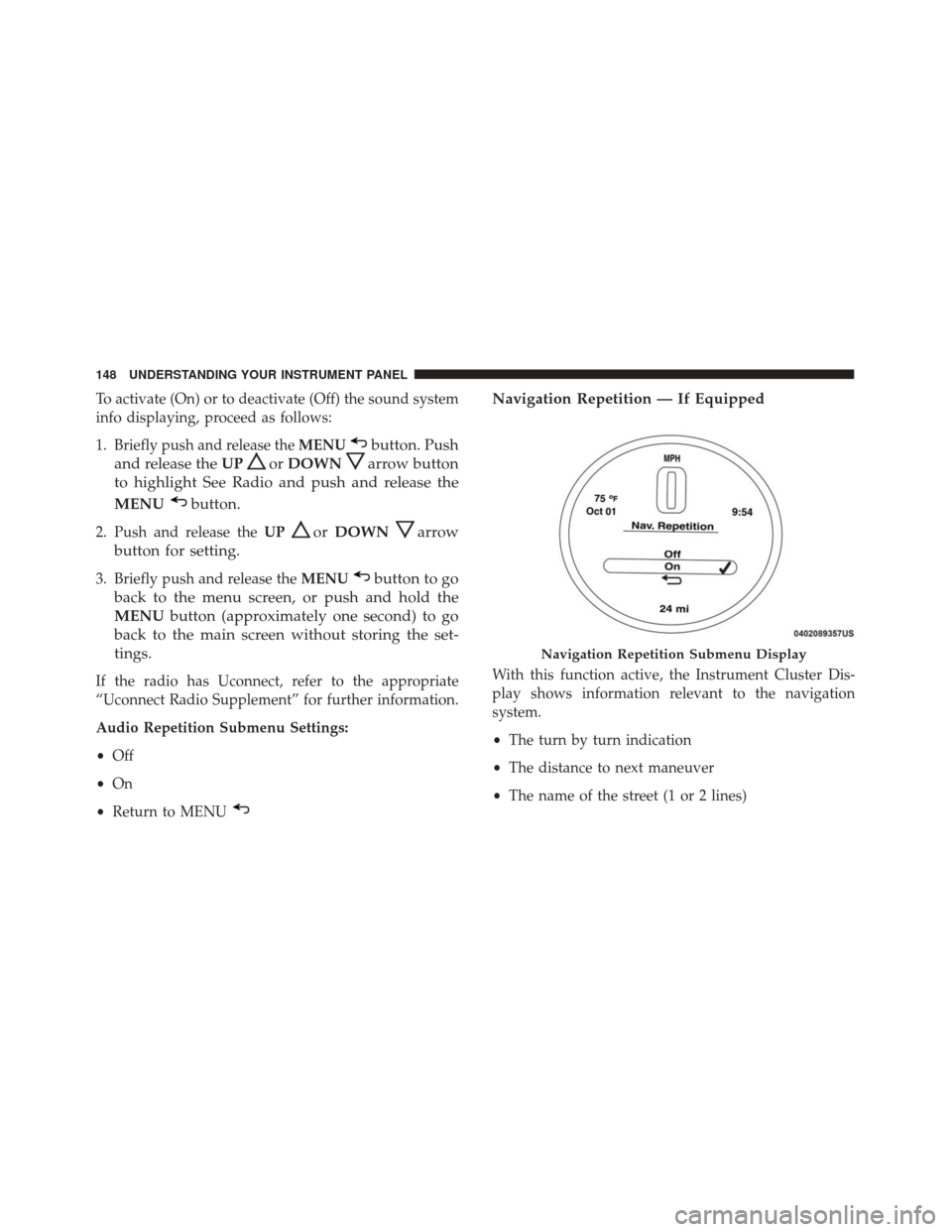
Navigation Repetition — If Equipped
With this function active, the Instrument Cluster Dis-
play shows information relevant to the navigation
system.
•The turn by turn indication
• The distance to next maneuver
• The name of the street (1 or 2 lines)
Navigation Repetition Submenu Display
148 UNDERSTANDING YOUR INSTRUMENT PANEL
Page 155 of 350
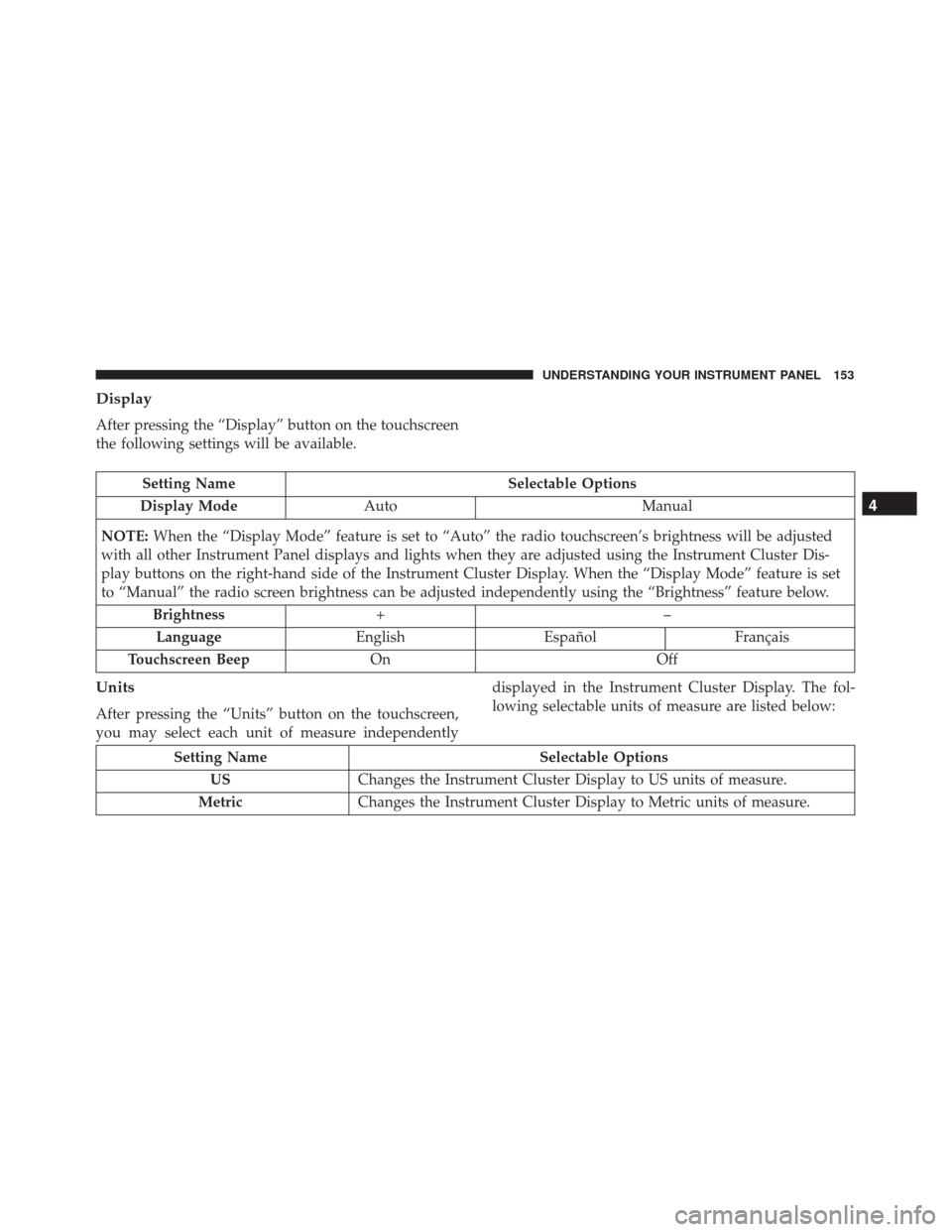
Display
After pressing the “Display” button on the touchscreen
the following settings will be available.
Setting NameSelectable Options
Display Mode Auto Manual
NOTE: When the “Display Mode” feature is set to “Auto” the radio touchscreen’s brightness will be adjusted
with all other Instrument Panel displays and lights when they are adjusted using the Instrument Cluster Dis-
play buttons on the right-hand side of the Instrument Cluster Display. When the “Display Mode” feature is set
to “Manual” the radio screen brightness can be adjusted independently using the “Brightness” feature below.
Brightness +–
Language EnglishEspañol Français
Touchscreen Beep On Off
Units
After pressing the “Units” button on the touchscreen,
you may select each unit of measure independently displayed in the Instrument Cluster Display. The fol-
lowing selectable units of measure are listed below:
Setting Name
Selectable Options
US Changes the Instrument Cluster Display to US units of measure.
Metric Changes the Instrument Cluster Display to Metric units of measure.
4
UNDERSTANDING YOUR INSTRUMENT PANEL 153
Page 187 of 350
Cold Weather Operation
To prevent possible engine damage while starting at
low temperatures, this vehicle will inhibit engine crank-
ing when the ambient temperature is less than –22° F
(–30° C) and the oil temperature sensor reading indi-
cates an engine block heater has not been used. An
externally-powered electric engine block heater is avail-
able as optional equipment or from your authorized
dealer.
The message “plug in engine heater” will be displayed
in the instrument cluster when the ambient temperature
is below 5° F (–15° C) at the time the engine is shut off
as a reminder to avoid possible crank delays at the next
cold start.
CAUTION!
Use of the recommended oil and adhering to the
prescribed oil change intervals is important to pre-
vent engine damage and ensure satisfactory starting
in cold conditions.
Extended Park Starting
NOTE:Extended Park condition occurs when the ve-
hicle has not been started or driven for at least 30 days.
1. Install a battery charger or jumper cables to the battery to ensure a full battery charge during the
crank cycle.
2. Cycle the ignition in the START position and release it when the engine starts.
3. If the engine fails to start within 10 to 15 seconds, cycle the ignition to the STOP (OFF/LOCK) position,
wait five seconds to allow the starter to cool, then
repeat the Extended Park Starting procedure.
4. If the engine fails to start after eight attempts, allow the starter to cool for at least 10 minutes, then repeat
the procedure.
CAUTION!
To prevent damage to the starter, do not crank
continuously for more than 10 seconds at a time.
Wait 10 to 15 seconds before trying again.
5
STARTING AND OPERATING 185
Page 192 of 350
WARNING!(Continued)
•Never leave children alone in a vehicle, or with
access to an unlocked vehicle. Allowing children
to be in a vehicle unattended is dangerous for a
number of reasons. A child or others could be
seriously or fatally injured. Children should be
warned not to touch the parking brake, brake
pedal or the transmission gear selector.
• Do not leave the ignition key in or near the
vehicle (or in a location accessible to children). A
child could operate power windows, other con-
trols, or move the vehicle.
CAUTION!
Damage to the transmission may occur if the fol-
lowing precautions are not observed:
• Shift into or out of PARK or REVERSE only after
the vehicle has come to a complete stop.
• Do not shift between PARK, REVERSE, NEU-
TRAL, or DRIVE when the engine is above idle
speed.
• Before shifting into any gear, make sure your foot
is firmly pressing the brake pedal. NOTE:
You must press and hold the brake pedal while
shifting out of PARK.
Key Ignition Park Interlock
This vehicle is equipped with a Key Ignition Park
Interlock which requires the transmission to be in PARK
before the ignition can be turned to the LOCK/OFF
(key removal) position. The key can only be removed
from the ignition when the ignition is in the LOCK/OFF
position, and once removed, the transmission is locked
in PARK.
Brake/Transmission Shift Interlock System
This vehicle is equipped with a Brake Transmission
Shift Interlock System (BTSI) that holds the transmis-
sion gear selector in PARK unless the brakes are ap-
plied. To shift the transmission out of PARK, the igni-
tion must be turned to the ON/RUN mode (engine
running or not) and the brake pedal must be pressed.
Six-Speed Automatic Transmission
The transmission gear position display (located in the
instrument cluster) indicates the transmission gear
range. You must press the brake pedal to move the gear
selector out of PARK (Refer to “Brake/Transmission
190 STARTING AND OPERATING
Page 193 of 350
Shift Interlock System” in this section). To drive, move
the gear selector from PARK or NEUTRAL to the
DRIVE position.
The electronically-controlled transmission provides a
precise shift schedule. The transmission electronics are
self-calibrating; therefore, the first few shifts on a new
vehicle may be somewhat abrupt. This is a normal
condition, and precision shifts will develop within a
few hundred miles (kilometers).Only shift from DRIVE to PARK or REVERSE when the
accelerator pedal is released and the vehicle is stopped.
Be sure to keep your foot on the brake pedal when
shifting between these gears.
The transmission gear selector has PARK, REVERSE,
NEUTRAL, DRIVE, and AutoStick (+/–) shift positions.
Manual shifts can be made using the AutoStick shift
control (refer to “AutoStick” in this section for further
information). Toggling the gear selector forward (-) or
rearward (+) while in the AutoStick position (beside the
DRIVE position) will manually select the transmission
gear, and will display the current gear in the instrument
cluster as 1, 2, 3, etc.
NOTE:
If the gear selector cannot be moved to the
PARK, REVERSE, or NEUTRAL position (when pushed
forward) it is probably in the AutoStick (+/-) position
(beside the DRIVE position). In AutoStick mode, the
transmission gear (1, 2, 3, etc.) is displayed in the
instrument cluster. Move the gear selector to the right
(into the DRIVE [D] position) for access to PARK,
REVERSE, and NEUTRAL.
Gear Selector
5
STARTING AND OPERATING 191