manual radio set FIAT 500 ABARTH 2012 2.G Owners Manual
[x] Cancel search | Manufacturer: FIAT, Model Year: 2012, Model line: 500 ABARTH, Model: FIAT 500 ABARTH 2012 2.GPages: 358, PDF Size: 2.59 MB
Page 148 of 358
To activate (On) or to deactivate (Off) the sound system
info displaying proceed as follows:
1. Briefly press theMENU ESCbutton “On” or “Off”
will flash on the display (according to the previous
setting).
2. Press the +or –button for setting.
3. Briefly press the MENU ESCbutton to go back to the
menu screen, or press and hold the MENU ESCbutton
(approximately one second) to go back to the main screen
without storing the settings.
If the radio has BLUE&ME™, refer to the appropriate
“BLUE&ME™ User ’s Manual” for further information.
Speed Display
When this function is activated the cluster will display
the vehicle speed (MPH or km/h). To activate (On) or to deactivate (Off) the speed display
feature, proceed as follows:
1. Briefly press the
MENU ESCbutton. “MPH”, “km/
h”, then “Off” will flash on the display (according to
previous setting).
2. Press the +or –button to select display deactivation
“Off”, “MPH” or “km/h”.
3. Briefly press the MENU ESCbutton to go back to the
menu screen, or press and hold the MENU ESCbutton
(approximately one second) to go back to the main
screen.
Autoclose
With this function active, the doors will automatically
lock at when the vehicle’s speed exceeds 15 mph
(24 km/h).
146 UNDERSTANDING YOUR INSTRUMENT PANEL
Page 153 of 358
4. Briefly press theMENU ESCbutton to go back to the
menu screen, or press and hold the button (approxi-
mately one second) to go back to the main screen without
storing the settings.
Exit Menu
This function closes the initial menu screen.
Briefly press the MENU ESCbutton to go back to the
main screen.
Press the –button to return to the first menu option
(Speed Beep).
Press the +button to return to the last menu option
(Daylights).
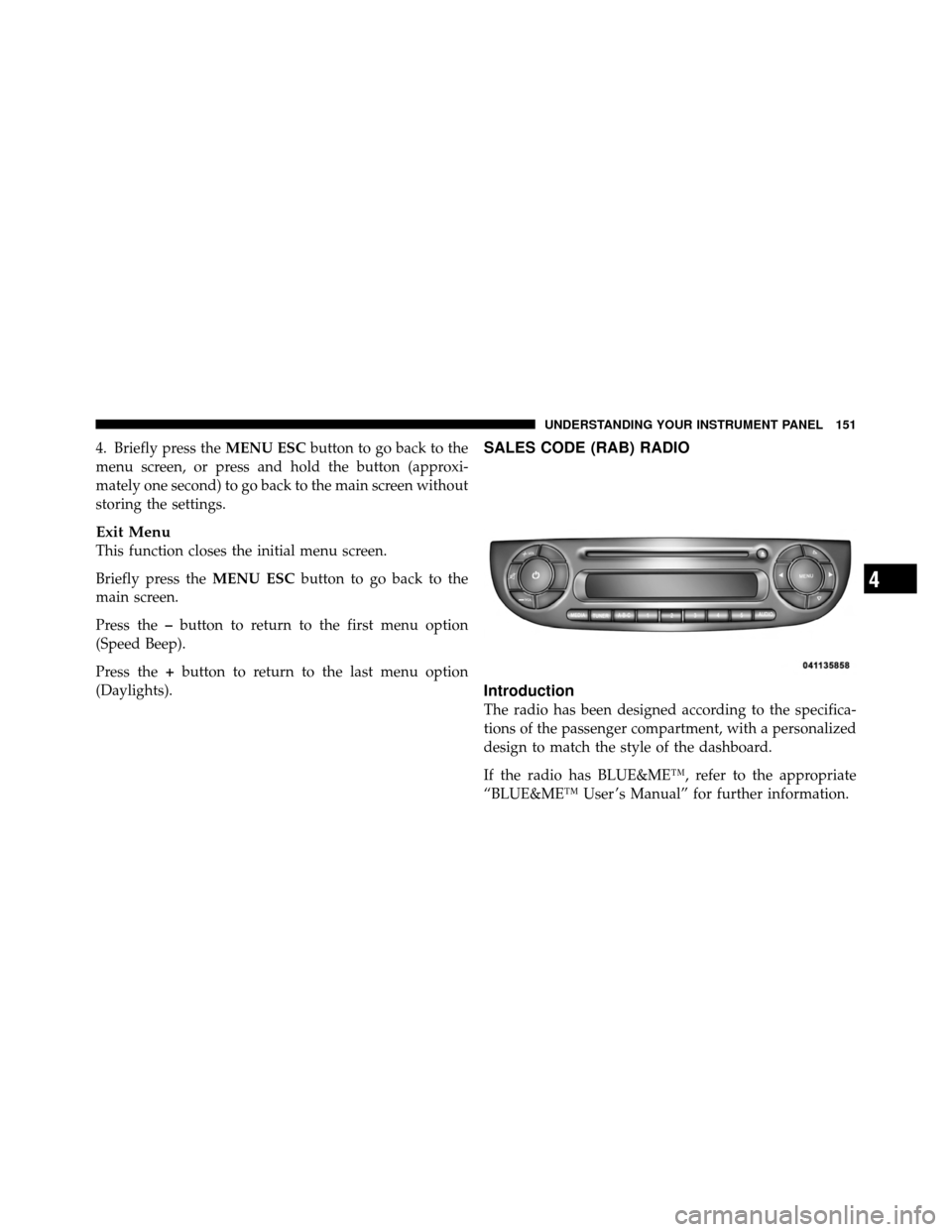
SALES CODE (RAB) RADIO
Introduction
The radio has been designed according to the specifica-
tions of the passenger compartment, with a personalized
design to match the style of the dashboard.
If the radio has BLUE&ME™, refer to the appropriate
“BLUE&ME™ User ’s Manual” for further information.
4
UNDERSTANDING YOUR INSTRUMENT PANEL 151
Page 159 of 358
BUTTONRADIO FUNCTIONSMODE
Radio Station Search:
•Automatic Search
•Manual SearchAutomatic search: press buttons
or(long press for fast for-
ward) Manual search: press buttons
or(long press for fast for-
ward)
12345 Current radio station storing Long button press for memory pre-
set 1 to 5 respectively
Stored station recall Short button press for memory pre-
set 1 to 5 respectively
BUTTON CD FUNCTIONSMODE
CD ejectionShort button press
Previous/next track playShort button pressor
CD track fast forward/rewind Long button pressor
Previous/next folder play (for CD-
MP3)Short button pressor
4
UNDERSTANDING YOUR INSTRUMENT PANEL 157
Page 169 of 358
Frequency Band Selection
With the Radio mode active, press the FM or AM tuner
button briefly and repeatedly to select the desired recep-
tion band.
Each time the button is pressed the following bands are
selected cyclically:
•AM, FM or SAT (if equipped)
Each band is highlighted by the corresponding wordings
on the display. The radio will be tuned to last station
selected on the respective frequency band.
Preset Buttons
The buttons numbered from 1 to 5 are used to set the
following pre-selections:
•15 in the FM band (5 in FMA, 5 in FMB, 5 in FMC
•10 in the AM band (5 in AMA, 5 in AMB)
•15 in SAT (if so equipped) (5 SATA, 5 SATB, 5 SATC) To listen to a preset station, select the desired frequency
band and then briefly press the corresponding preset
button (from 1 to 5).
By pressing the preset button for more than 2 seconds,
the tuned station will be stored. Pressing the A-B-C
button will change between the preset memory group in
the current frequency band.
Automatic Tuning
Briefly press theorbutton to start the automatic
tuning search for the next station that can be received in
the selected direction.
If the
orbutton is pressed for longer, the rapid
search is started. When the button is released, the tuner
will stop on the next station that can be received.
Manual Tuning
This is used to manually search for stations in the
preselected band.
4
UNDERSTANDING YOUR INSTRUMENT PANEL 167