lock FIAT 500 ABARTH 2015 2.G User Guide
[x] Cancel search | Manufacturer: FIAT, Model Year: 2015, Model line: 500 ABARTH, Model: FIAT 500 ABARTH 2015 2.GPages: 426, PDF Size: 9.89 MB
Page 22 of 426
General Information
This device complies with Part 15 of the FCC rules and
RSS 210 of Industry Canada. Operation is subject to the
following conditions:
•This device may not cause harmful interference.
•This device must accept any interference received,
including interference that may cause undesired op-
eration.
NOTE:Changes or modifications not expressly approved
by the party responsible for compliance could void the
user’s authority to operate the equipment.
If your RKE transmitter fails to operate from a normal
distance, check for these two conditions:
1. A weak battery in the transmitter. The expected life of
the battery is a minimum of three years.
2. Closeness to a radio transmitter such as a radio station
tower, airport transmitter, and some mobile or CB
radios.
DOOR LOCKS
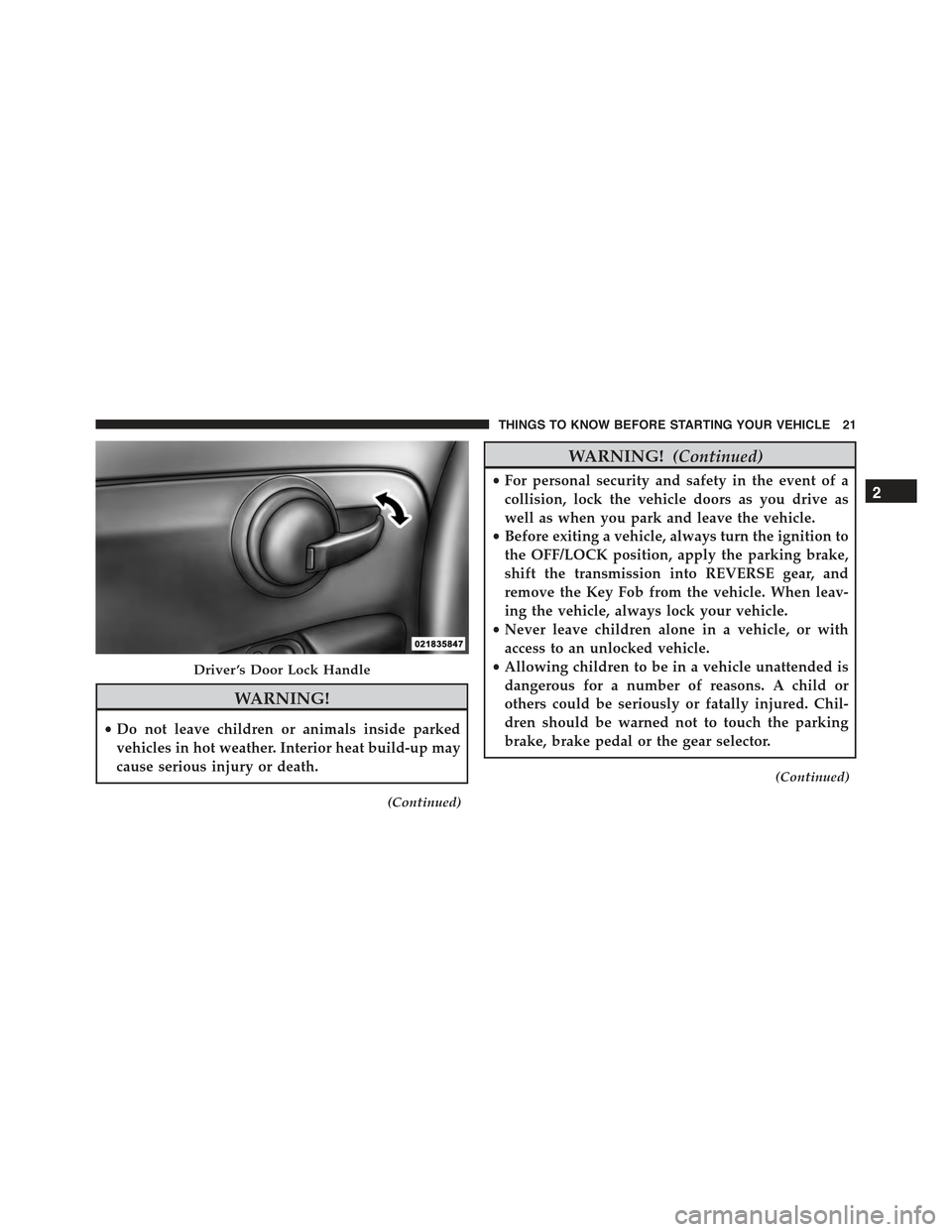
The door locks can be manually locked or unlocked from
inside the vehicle by using the door handle. If the door
handle is pushed a red lock indicator will show on the
door handle (indicating locked) when the door is closed,
the door will lock.
20 THINGS TO KNOW BEFORE STARTING YOUR VEHICLE
Page 23 of 426
WARNING!
•Do not leave children or animals inside parked
vehicles in hot weather. Interior heat build-up may
cause serious injury or death.
(Continued)
WARNING!(Continued)
•For personal security and safety in the event of a
collision, lock the vehicle doors as you drive as
well as when you park and leave the vehicle.
•Before exiting a vehicle, always turn the ignition to
the OFF/LOCK position, apply the parking brake,
shift the transmission into REVERSE gear, and
remove the Key Fob from the vehicle. When leav-
ing the vehicle, always lock your vehicle.
•Never leave children alone in a vehicle, or with
access to an unlocked vehicle.
•Allowing children to be in a vehicle unattended is
dangerous for a number of reasons. A child or
others could be seriously or fatally injured. Chil-
dren should be warned not to touch the parking
brake, brake pedal or the gear selector.
(Continued)
Driver ’s Door Lock Handle
2
THINGS TO KNOW BEFORE STARTING YOUR VEHICLE 21
Page 24 of 426
WARNING!(Continued)
•Do not leave the Key Fob in or near the vehicle, or
in a location accessible to children. A child could
operate power windows, other controls, or move
the vehicle.
CAUTION!
An unlocked vehicle is an invitation to thieves.
Always remove the key from the ignition and lock all
of the doors when leaving the vehicle unattended.
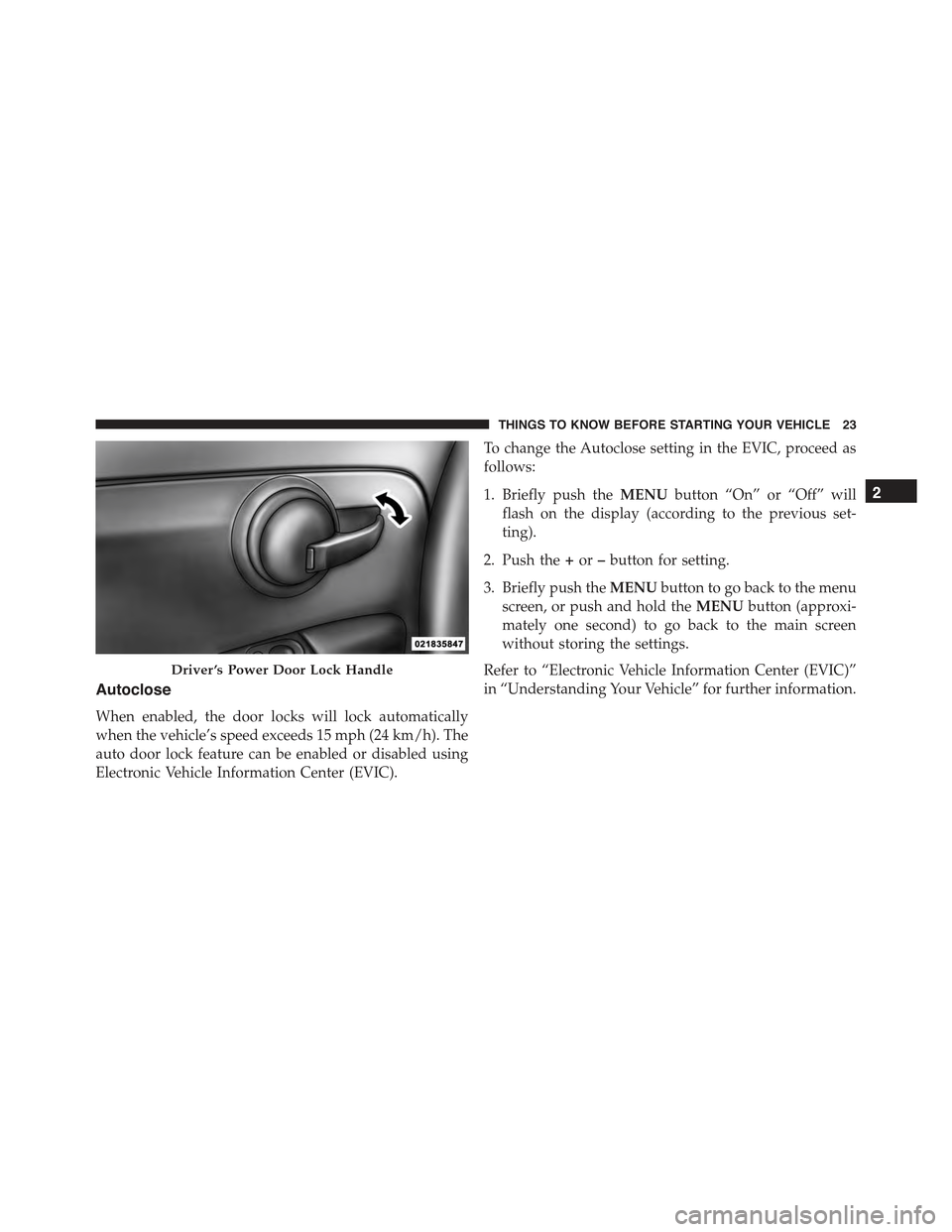
Power Door Locks — If Equipped
A power door lock switch is incorporated into the driver
door handle. Push or pull the handle to lock or unlock the
doors and liftgate. If the driver ’s door handle is pushed
a red lock indicator will show on the driver ’s door handle
(indicating locked) when the door is closed, the door will
lock.
NOTE:To prevent the key from being locked in the
vehicle, the doors will automatically unlock if the driv-
er’s door handle is pushed when the key is in the
ignition.
22 THINGS TO KNOW BEFORE STARTING YOUR VEHICLE
Page 25 of 426
Autoclose
When enabled, the door locks will lock automatically
when the vehicle’s speed exceeds 15 mph (24 km/h). The
auto door lock feature can be enabled or disabled using
Electronic Vehicle Information Center (EVIC).
To change the Autoclose setting in the EVIC, proceed as
follows:
1. Briefly push theMENUbutton “On” or “Off” will
flash on the display (according to the previous set-
ting).
2. Push the+or–button for setting.
3. Briefly push theMENUbutton to go back to the menu
screen, or push and hold theMENUbutton (approxi-
mately one second) to go back to the main screen
without storing the settings.
Refer to “Electronic Vehicle Information Center (EVIC)”
in “Understanding Your Vehicle” for further information.
Driver ’s Power Door Lock Handle
2
THINGS TO KNOW BEFORE STARTING YOUR VEHICLE 23
Page 27 of 426
Auto-Down
The driver’s door window switch has an Auto-Down
feature. Push the window switch for approximately one
second, release, and the window will go down automati-
cally. To cancel the Auto-Down movement, operate the
switch in either the up or down direction and release the
switch.
Wind Buffeting
Wind buffeting can be described as the perception of
pressure on the ears or a helicopter-type sound in the
ears. Your vehicle may exhibit wind buffeting with the
windows down, or the sunroof (if equipped) in certain
open or partially open positions. This is a normal occur-
rence and can be minimized. If the buffeting occurs with
the sunroof open, adjust the sunroof opening to minimize
the buffeting or open any window.
LIFTGATE
To unlock the liftgate, use the Remote Keyless Entry
(RKE) transmitter or activate the power door lock
switches located on the front door handles.
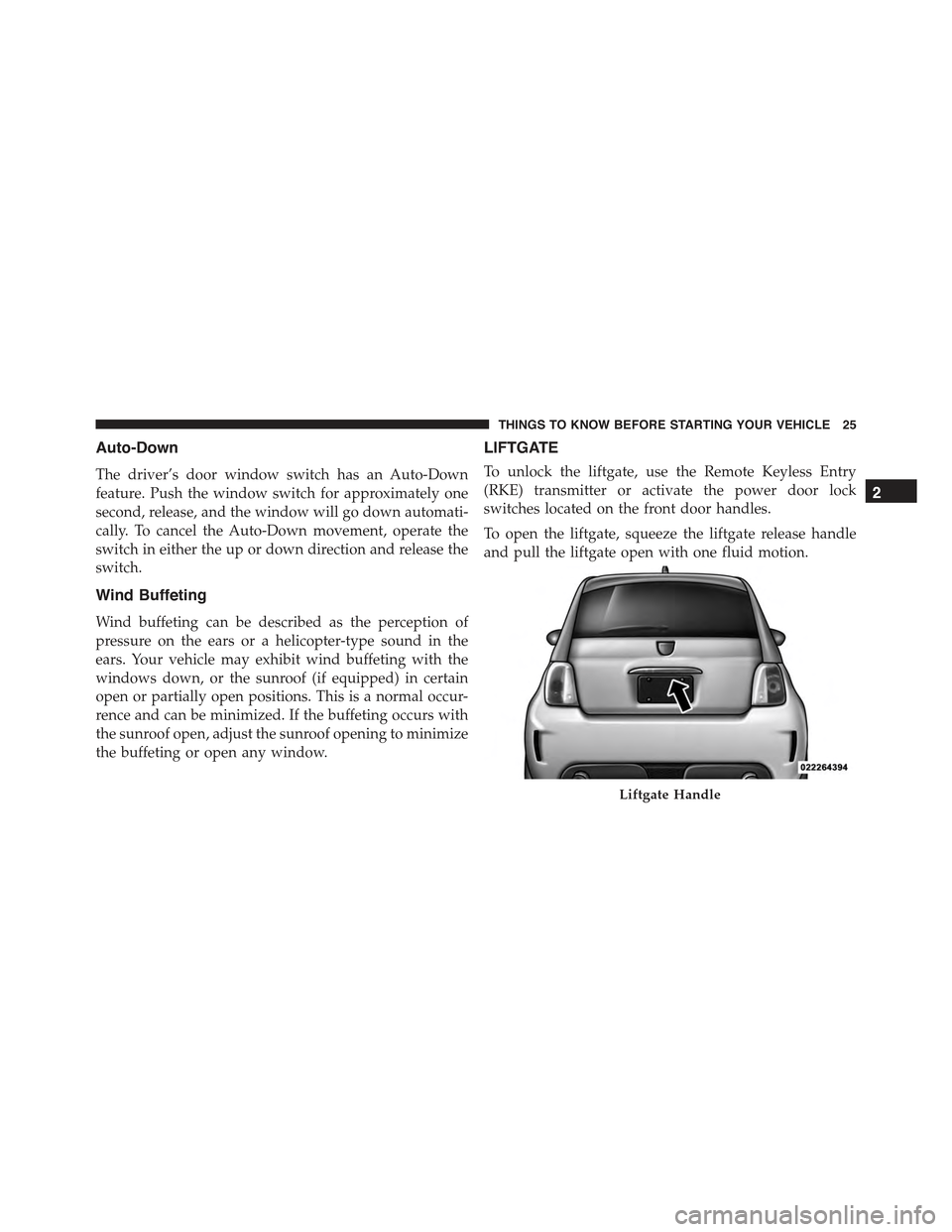
To open the liftgate, squeeze the liftgate release handle
and pull the liftgate open with one fluid motion.
Liftgate Handle
2
THINGS TO KNOW BEFORE STARTING YOUR VEHICLE 25
Page 31 of 426
After the sequence completes, the Seat Belt Reminder
Light remains illuminated until the respective seat belts
are buckled. The driver should instruct all other occu-
pants to buckle their seat belts. If an outboard front seat
belt is unbuckled while traveling at speeds greater than
5 mph (8 km/h), BeltAlert will provide both audio and
visual notification.
The outboard front passenger seat BeltAlert is not active
when the outboard front passenger seat is unoccupied.
BeltAlert may be triggered when an animal or heavy
object is on the outboard front passenger seat or when the
seat is folded flat (if equipped). It is recommended that
pets be restrained in the rear seat (if equipped) in pet
harnesses or pet carriers that are secured by seat belts,
and cargo is properly stowed.
BeltAlert can be activated or deactivated by your autho-
rized dealer. Chrysler Group LLC does not recommend
deactivating BeltAlert.
NOTE:If BeltAlert has been deactivated, the Seat Belt
Reminder Light will continue to illuminate while the
driver ’s or outboard front passenger ’s (if equipped with
BeltAlert) seat belt remains unbuckled.
Lap/Shoulder Belts
All seating positions in your vehicle are equipped with
lap/shoulder belts.
The seat belt webbing retractor will lock only during very
sudden stops or collisions. This feature allows the shoul-
der part of the seat belt to move freely with you under
normal conditions. However, in a collision the seat belt
will lock and reduce your risk of striking the inside of the
vehicle or being thrown out of the vehicle.
2
THINGS TO KNOW BEFORE STARTING YOUR VEHICLE 29
Page 38 of 426
The pretensioners are triggered by the Occupant Re-
straint Controller (ORC). Like the air bags, the preten-
sioners are single use items. A deployed pretensioner or
a deployed air bag must be replaced immediately.
Energy Management Feature
This vehicle has a seat belt system with an Energy
Management feature in the front seating positions that
may help further reduce the risk of injury in the event of
a collision. This seat belt system has a retractor assembly
that is designed to release webbing in a controlled
manner.
Switchable Automatic Locking Retractor (ALR) —
If Equipped
The seat belts in the passenger seating positions may be
equipped with a switchable Automatic Locking Retractor
(ALR) which is used to secure a child restraint system.
For additional information, refer to “Installing Child
Restraints Using The Vehicle Seat Belt” under the “Child
Restraints” section of this manual. The table below
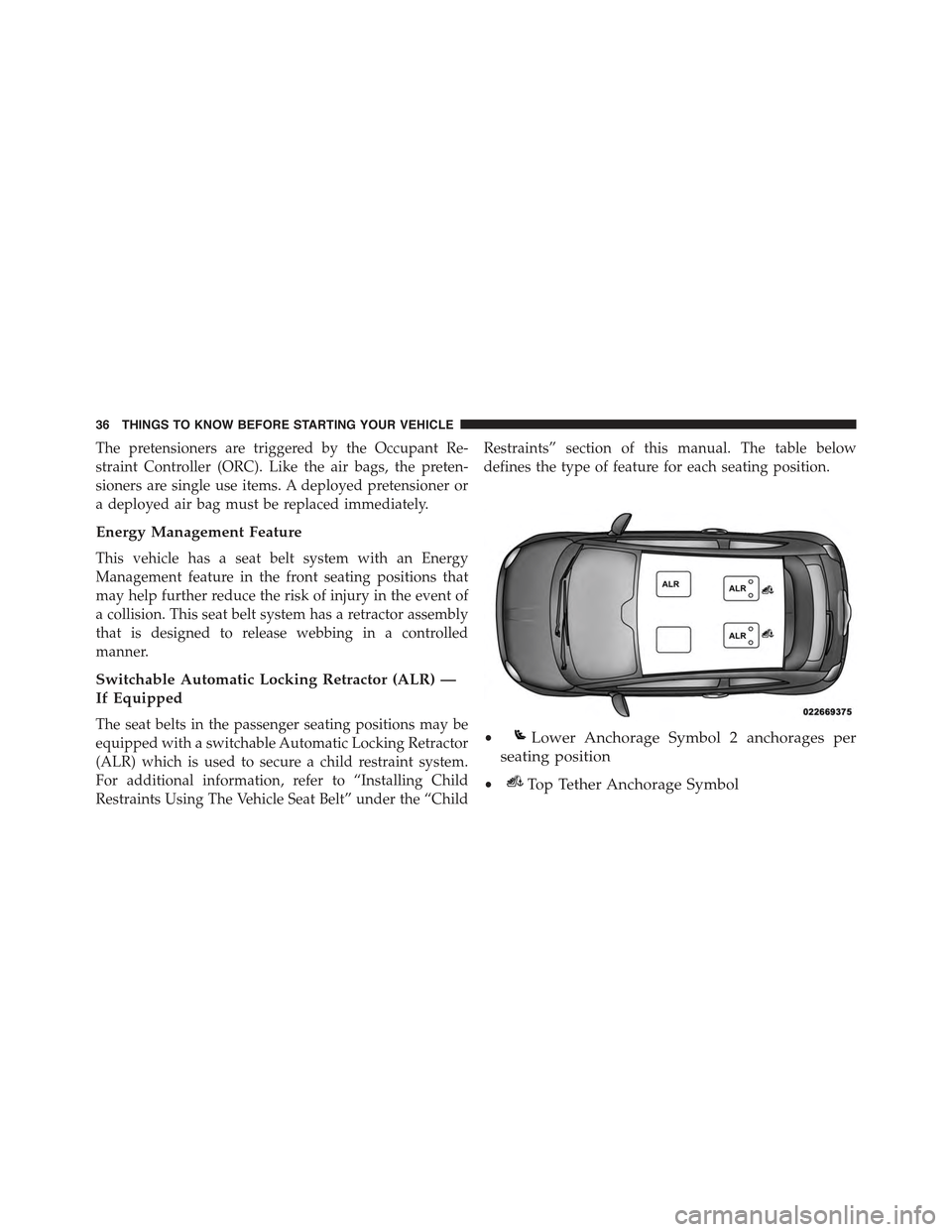
defines the type of feature for each seating position.
•Lower Anchorage Symbol 2 anchorages per
seating position
•Top Tether Anchorage Symbol
36 THINGS TO KNOW BEFORE STARTING YOUR VEHICLE
Page 39 of 426
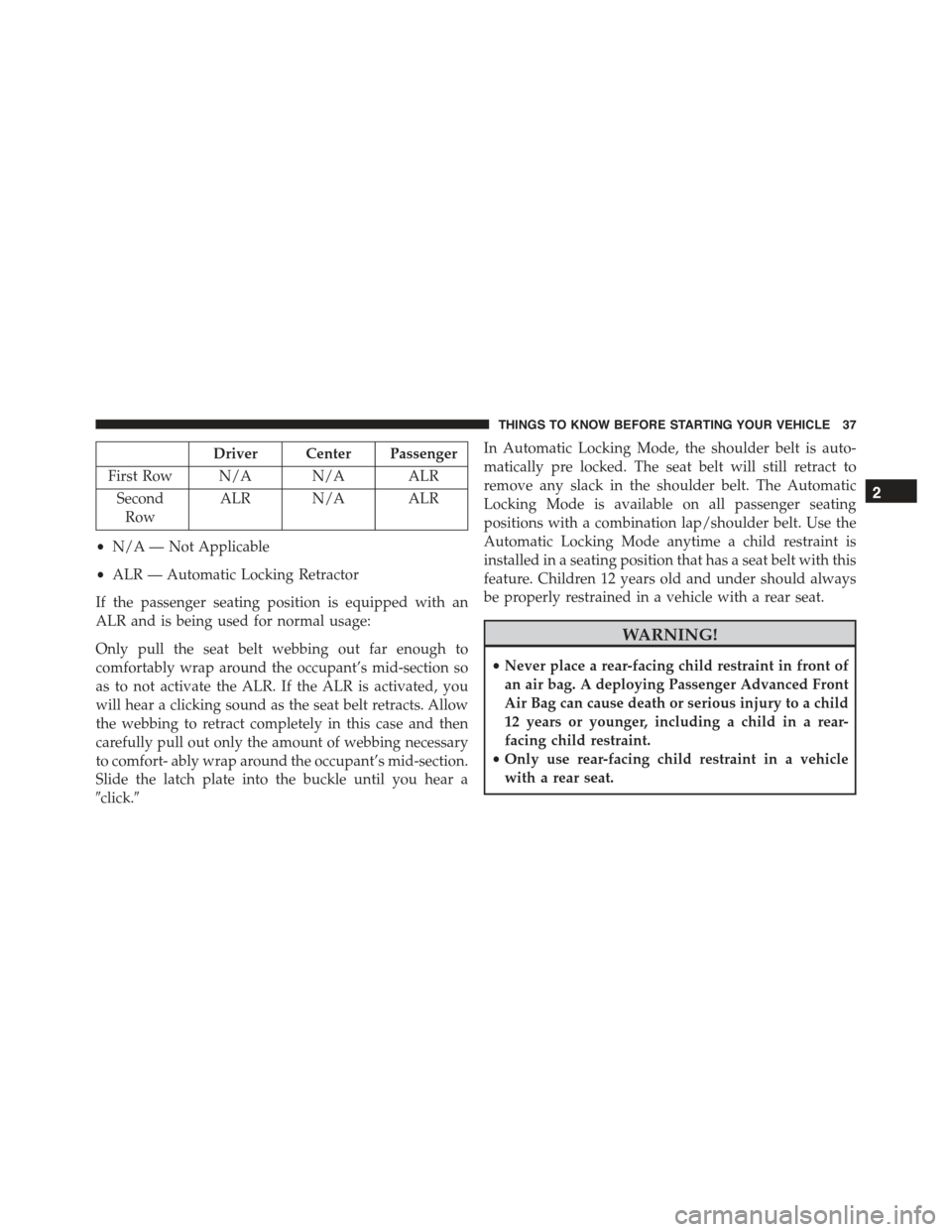
Driver Center Passenger
First Row N/A N/A ALR
Second
Row
ALR N/A ALR
•N/A — Not Applicable
•ALR — Automatic Locking Retractor
If the passenger seating position is equipped with an
ALR and is being used for normal usage:
Only pull the seat belt webbing out far enough to
comfortably wrap around the occupant’s mid-section so
as to not activate the ALR. If the ALR is activated, you
will hear a clicking sound as the seat belt retracts. Allow
the webbing to retract completely in this case and then
carefully pull out only the amount of webbing necessary
to comfort- ably wrap around the occupant’s mid-section.
Slide the latch plate into the buckle until you hear a
#click.#
In Automatic Locking Mode, the shoulder belt is auto-
matically pre locked. The seat belt will still retract to
remove any slack in the shoulder belt. The Automatic
Locking Mode is available on all passenger seating
positions with a combination lap/shoulder belt. Use the
Automatic Locking Mode anytime a child restraint is
installed in a seating position that has a seat belt with this
feature. Children 12 years old and under should always
be properly restrained in a vehicle with a rear seat.
WARNING!
•Never place a rear-facing child restraint in front of
an air bag. A deploying Passenger Advanced Front
Air Bag can cause death or serious injury to a child
12 years or younger, including a child in a rear-
facing child restraint.
•Only use rear-facing child restraint in a vehicle
with a rear seat.
2
THINGS TO KNOW BEFORE STARTING YOUR VEHICLE 37
Page 40 of 426
How To Engage The Automatic Locking Mode
1. Buckle the combination lap and shoulder belt.
2. Grasp the shoulder portion and pull downward until
the entire seat belt is extracted.
3. Allow the seat belt to retract. As the seat belt retracts,
you will hear a clicking sound. This indicates the seat
belt is now in the Automatic Locking Mode.
How To Disengage The Automatic Locking Mode
Unbuckle the combination lap/shoulder belt and allow it
to retract completely to disengage the Automatic Locking
Mode and activate the vehicle sensitive (emergency)
locking mode.
WARNING!
•The seat belt assembly must be replaced if the
switchable Automatic Locking Retractor (ALR) fea-
ture or any other seat belt function is not working
properly when checked according to the proce-
dures in the Service Manual.
•Failure to replace the seat belt assembly could
increase the risk of injury in collisions.
•Do not use the Automatic Locking Mode to restrain
occupants who are wearing the seat belt or children
who are using booster seats. The locked mode is
only used to install rear-facing or forward-facing
child restraints that have a harness for restraining
the child.
38 THINGS TO KNOW BEFORE STARTING YOUR VEHICLE
Page 48 of 426
The SABIC deploys downward, covering the side win-
dows. An inflating SABIC pushes the outside edge of the
headliner out of the way and covers the window. The
SABICs inflate with enough force to injure you if you are
not belted and seated properly, or if items are positioned
in the area where the SABICs inflate. Children are at an
even greater risk of injury from a deploying air bag.
The SABICs may help reduce the risk of partial or
complete ejection of vehicle occupants through side
windows in certain side impact events.
WARNING!
•Your vehicle is equipped with left and right Supple-
mental Side Air Bag Inflatable Curtains (SABICs).
Do not stack luggage or other cargo up high enough
to block the deployment of the SABICs. The trim
covering above the side windows where the SABIC
and its deployment path are located should remain
free from any obstructions.
•Your vehicle is equipped with SABICs. In order for
the SABICs to work as intended, do not install any
accessory items in your vehicle which could alter
the roof. Do not add an aftermarket sunroof to your
vehicle. Do not add roof racks that require perma-
nent attachments (bolts or screws) for installation
on the vehicle roof. Do not drill into the roof of the
vehicle for any reason.
46 THINGS TO KNOW BEFORE STARTING YOUR VEHICLE