audio FIAT 500 ABARTH 2015 2.G Owner's Manual
[x] Cancel search | Manufacturer: FIAT, Model Year: 2015, Model line: 500 ABARTH, Model: FIAT 500 ABARTH 2015 2.GPages: 426, PDF Size: 9.89 MB
Page 206 of 426
If the track has been played for more than 3 seconds,
pushing thebutton, starts the track again from the
beginning. In this case, if you want to play the
previous track, push thebutton twice consecu-
tively.
Track Fast Forward/Rewind
Keep thebutton pushed down to fast forward the
selected track and keep thebutton pushed down to
fast rewind the track. The fast forward/rewind will
stop once the button is released.
Pause Function
To pause the CD player, push thebutton. The word-
ing “CD Pause” appears on the display.
To resume listening to the track, push thebutton
again.
CD MP3 Player
Introduction
This chapter describes the operation of the CD MP3
player.
NOTE:Layer-3 audio decoding technology is licensed
from Fraunhofer IIS and Thomson multimedia.
MP3 Mode
In addition to playing regular audio CDs, the radio is also
enabled to play CDROMs on which compressed audio
files have been recorded in an MP3 format.
To guarantee optimal reproduction, it is advisable to use
good quality CDs burned at the lowest speed possible.
The files on an MP3 CD are structured in folders that
create lists of all the folders containing MP3 tracks
(folders or subfolders are all on the same level). The
folders that do not contain MP3 tracks cannot be selected.
204 UNDERSTANDING YOUR INSTRUMENT PANEL
Page 207 of 426
The specifications and operating conditions for playing
MP3 files are the following:
•The CD-ROMs used should be burned in accordance
with ISO standard 9660.
•The music files should have the extension “.mp3” or
“.wma” files with a different extension will not be
reproduced.
•The sampling frequencies that can be reproduced are:
44.1 kHz, stereo (from 96 to 320 kbit/s) – 22.05 kHz,
mono or stereo (from 32 to 80 kbit/s).
•Tracks with a variable bit-rate can be reproduced.
NOTE:The track names must not include the following
characters: spaces, ‘ (apostrophes), ( and ) (open and close
brackets). During the burning of a MP3 CD, make sure
that the names of the files do not contain these characters;
if not, the radio will not be able to play the tracks
involved.
Selecting MP3 Sessions With Hybrid Discs
If a hybrid disc is inserted (Mixed Mode, Enhanced,
CD-Extra) also containing MP3 files, the radio automati-
cally starts playing the audio session. It is possible to
move to the MP3 session while playing by keeping the
CD button pressed for more than two seconds.
NOTE:When the function is activated the radio may take
a few seconds to start playing. While checking the disc
the display will show “CD Reading.” If no MP3 files are
detected, the radio will resume playing the audio session
from the point where it was interrupted.
Display Information
ID3–Tag Information Display
In addition to the information relating to the time
elapsed, folder name and file name, the radio is also
capable of displaying ID3–TAG information relating to
Title Track, Artist and Author.
4
UNDERSTANDING YOUR INSTRUMENT PANEL 205
Page 211 of 426
STEERING WHEEL AUDIO CONTROLS
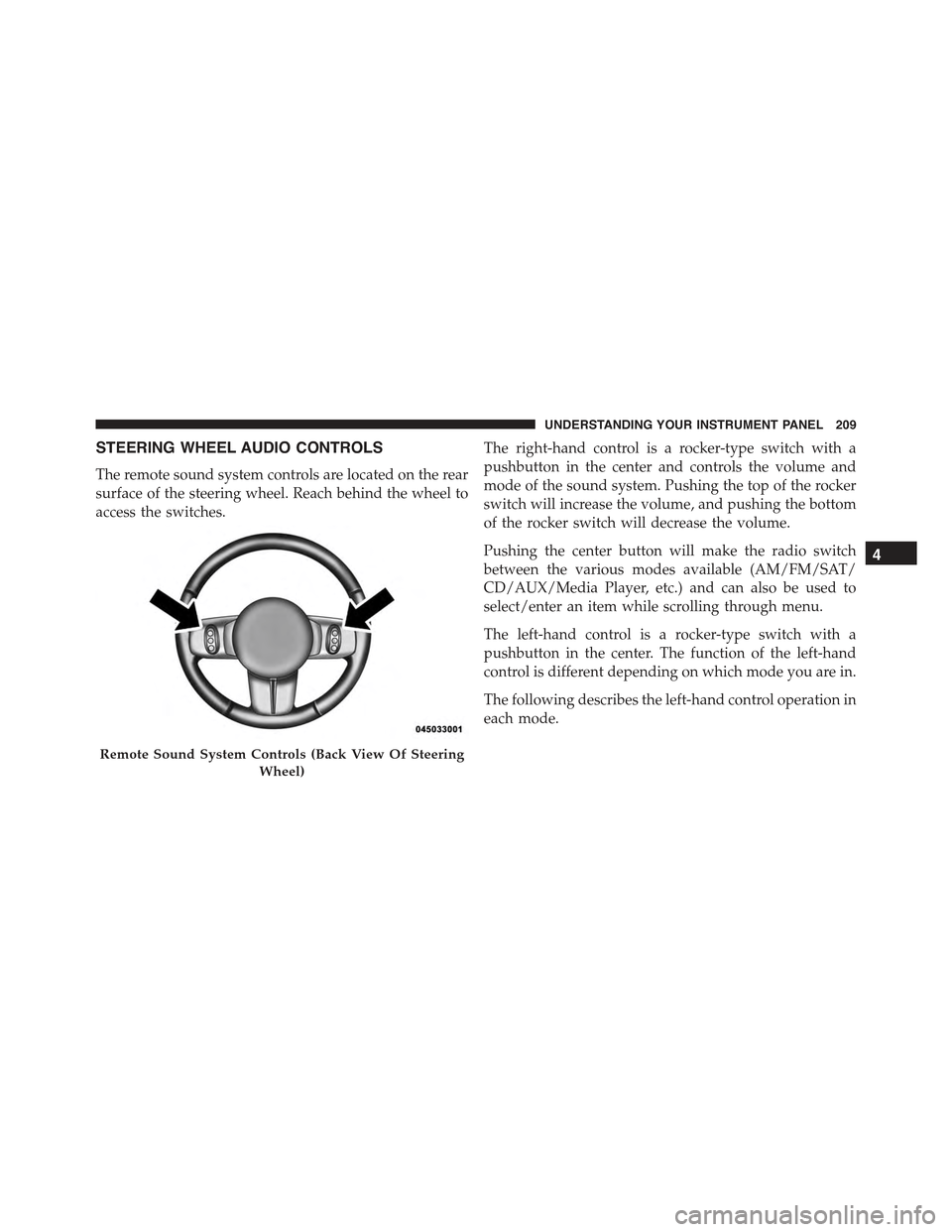
The remote sound system controls are located on the rear
surface of the steering wheel. Reach behind the wheel to
access the switches.
The right-hand control is a rocker-type switch with a
pushbutton in the center and controls the volume and
mode of the sound system. Pushing the top of the rocker
switch will increase the volume, and pushing the bottom
of the rocker switch will decrease the volume.
Pushing the center button will make the radio switch
between the various modes available (AM/FM/SAT/
CD/AUX/Media Player, etc.) and can also be used to
select/enter an item while scrolling through menu.
The left-hand control is a rocker-type switch with a
pushbutton in the center. The function of the left-hand
control is different depending on which mode you are in.
The following describes the left-hand control operation in
each mode.
Remote Sound System Controls (Back View Of Steering
Wheel)
4
UNDERSTANDING YOUR INSTRUMENT PANEL 209
Page 381 of 426
Underhood Fuses
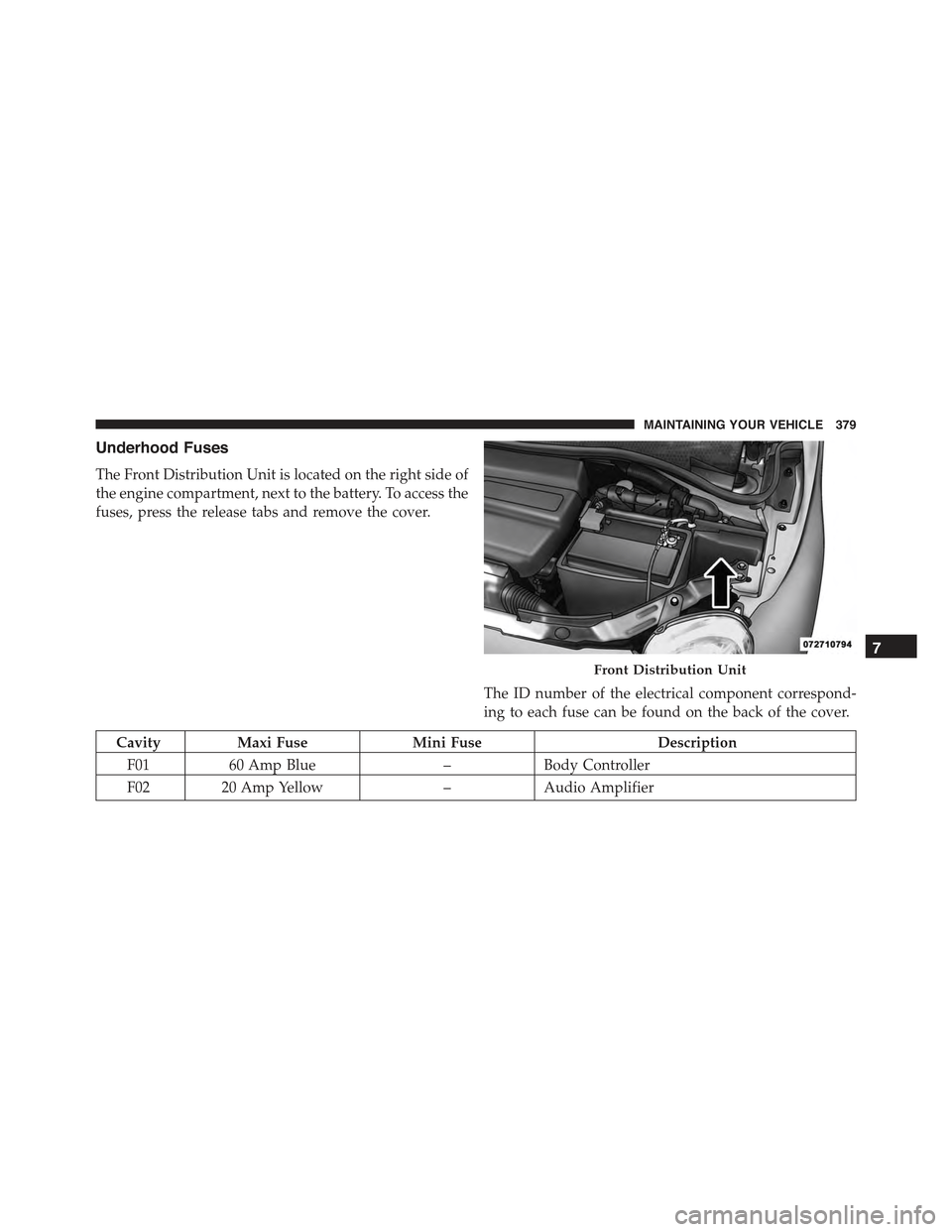
The Front Distribution Unit is located on the right side of
the engine compartment, next to the battery. To access the
fuses, press the release tabs and remove the cover.
The ID number of the electrical component correspond-
ing to each fuse can be found on the back of the cover.
CavityMaxi FuseMini FuseDescription
F0160 Amp Blue–Body Controller
F02 20 Amp Yellow–Audio Amplifier
Front Distribution Unit
7
MAINTAINING YOUR VEHICLE 379
Page 421 of 426
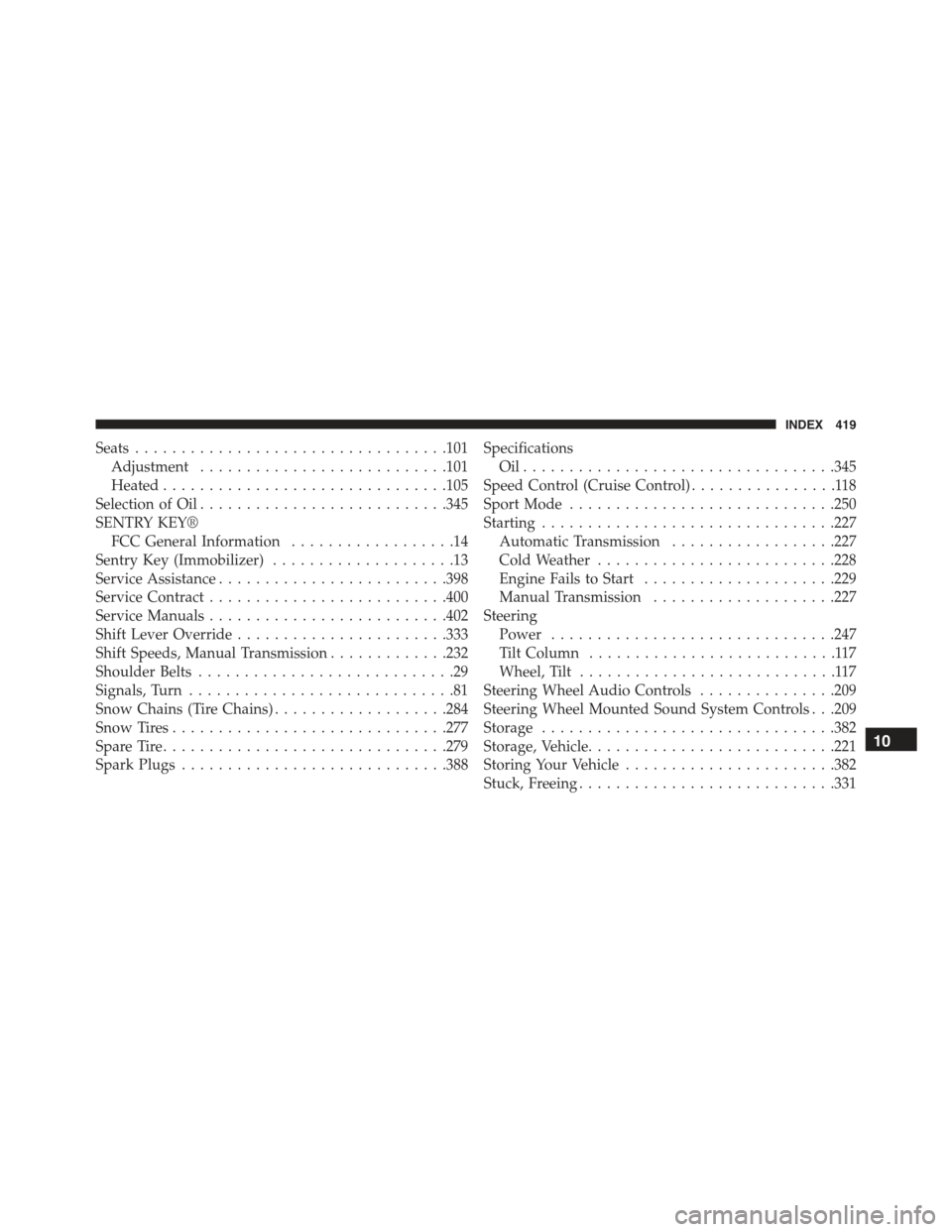
Seats..................................101
Adjustment...........................101
Heated...............................105
Selection of Oil...........................345
SENTRY KEY®
FCC General Information..................14
Sentry Key (Immobilizer)....................13
Service Assistance.........................398
Service Contract..........................400
Service Manuals..........................402
Shift Lever Override.......................333
Shift Speeds, Manual Transmission.............232
Shoulder Belts............................29
Signals, Turn.............................81
Snow Chains (Tire Chains)...................284
Snow Tires..............................277
Spare Tire...............................279
Spark Plugs.............................388
Specifications
Oil . . . . . . . . . . . . . . . . . . . . . . . . . . . . . . . . ..345
Speed Control (Cruise Control)................118
Sport Mode.............................250
Starting................................227
Automatic Transmission..................227
Cold Weather..........................228
Engine Fails to Start.....................229
Manual Transmission....................227
Steering
Power...............................247
Tilt Column...........................117
Wheel, Tilt............................117
Steering Wheel Audio Controls...............209
Steering Wheel Mounted Sound System Controls . . .209
Storage................................382
Storage, Vehicle...........................221
Storing Your Vehicle.......................382
Stuck, Freeing............................331
10
INDEX 419