buttons FIAT 500C 2013 2.G Owner's Manual
[x] Cancel search | Manufacturer: FIAT, Model Year: 2013, Model line: 500C, Model: FIAT 500C 2013 2.GPages: 423, PDF Size: 9.86 MB
Page 194 of 423
On Volume Limit
This function makes it possible to activate/deactivate the
maximum volume limit when turning the radio on.
The display shows the function status:
•“On volume limit: on” – when the radio is turned on
the volume level will be:
– If the volume level is equal to or higher than the
maximum value, the radio will come on at the
maximum volume.
– If the volume level is between the minimum and
maximum values, the radio will come on at the
same volume as before it was switched off.
– If the volume level is equal to or lower than the
minimum value, the radio will come on at the
minimum volume.
•“On volume limit: off” – The radio will come on at the
same volume as before it was switched off. The
volume level can be between 0 and 40.
Use the buttonsorto change the setting.
NOTE:
•Using the Menu it is only possible to adjust the
activation/deactivation of the function and not the
minimum or maximum volume value.
•If the battery charge is too low, the volume cannot be
adjusted between the minimum and the maximum
level.
Radio Off Function
This function makes it possible to set the radio switching
off mode by choosing between two methods.
192 UNDERSTANDING YOUR INSTRUMENT PANEL
Page 196 of 423
Frequency Band Selection
With the Radio mode active, press the FM or AM tuner
button briefly and repeatedly to select the desired recep-
tion band.
Each time the button is pressed the following bands are
selected cyclically:
•AM, FM or SAT (if equipped)
Each band is highlighted by the corresponding wordings
on the display. The radio will be tuned to last station
selected on the respective frequency band.
Preset Buttons
The buttons numbered from 1 to 5 are used to set the
following pre-selections:
•15 in the FM band (5 in FMA, 5 in FMB, 5 in FMC
•10 in the AM band (5 in AMA, 5 in AMB)
•15 in SAT (if so equipped) (5 SATA, 5 SATB, 5 SATC)
To listen to a preset station, select the desired frequency
band and then briefly press the corresponding preset
button (from 1 to 5).
By pressing the preset button for more than 2 seconds,
the tuned station will be stored. Pressing the A-B-C
button will change between the preset memory group in
the current frequency band.
Automatic Tuning
Briefly press theorbutton to start the automatic
tuning search for the next station that can be received
in the selected direction.
If theorbutton is pressed for longer, the rapid
search is started. When the button is released, the
tuner will stop on the next station that can be received.
194 UNDERSTANDING YOUR INSTRUMENT PANEL
Page 198 of 423
logos are trademarks of SiriusXM Radio Inc. and its
subsidiaries. SiriusXM Radio requires a subscription,
sold separately after trial subscription included with
vehicle purchase. Prices and programming are provided
by SiriusXM and are subject to change. Subscriptions
governed by Terms & Conditions available at
sirius.com/service terms. SiriusXM Radio U.S. service
only available to those at least 18 years of age in the
48 contiguous United States, D.C., and PR. Service avail-
able in Canada; see www.siriuscanada.ca.
SiriusXM Satellite Radio Program Types
Program Types can be selected by pressing theor
buttons. The Program Type will change to the next
category and the radio will then tune to first station in
that program type. Pressingorbuttons will tune
to only the stations in that program type.
Pressing theorbuttons until#All#is displayed
will allow normal tuning to all stations.
The Program Types available are: All, Pop, Rock,
Electronic/Dance, Hip-Hop/R&B, Country, Christian,
Jazz/Standards, Classical, Latin/World, Sports, Enter-
tainment, Talk, News, NPR, Comedy, Family & Health,
Religion, Traffic/Weather.
You can find the SiriusXM current terms and conditions
at http://www.sirius.com.
Re-Subscribe To SiriusXM Satellite Radio
New vehicle purchasers or lessees will receive a free
limited time subscription to SiriusXM Satellite Radio
with their radio. Following expiration of the free services,
it will be necessary to access the information on the
Subscription Information screen in order to re-subscribe.
Press the UP/DOWN button to scroll through the Menu
Functions, and the Left/Right button to change the
selected Set-up Menu function.
196 UNDERSTANDING YOUR INSTRUMENT PANEL
Page 215 of 423
NOTE:
•When in Defrost mode, the Recirculation button will
flash if pressed. This indicates that you can not
proceed to this mode due to fogging risk.
•When the Auto indicator is on and the Recirculation
indicator is off, the Recirculation is in AUTO mode. If
the Recirculation indicator is on, the Recirculation
setting is manual and Recirculation is on.
Automatic Operation
1. Press the AUTO button on the Automatic Temperature
Control (ATC) Panel, the indicator will illuminate
when on.
2. Next, adjust the temperature you would like the
system to maintain by adjusting the temperature con-
trol buttons. Once the desired temperature is dis-
played, the system will achieve and automatically
maintain that comfort level.
3. When the system is set up for your comfort level, it is
not necessary to change the settings. You will experi-
ence the greatest efficiency by simply allowing the
system to function automatically.
NOTE:
•It is not necessary to move the temperature settings for
cold or hot vehicles. The system automatically adjusts
the temperature, mode and fan speed to provide
comfort as quickly as possible.
•The temperature can be displayed in U.S. or Metric
units by selecting the US/M customer-programmable
feature. Refer to the “Electronic Vehicle Information
Center (EVIC) — Customer-Programmable Features”
in this section of the manual.
To provide you with maximum comfort in the Automatic
mode during cold start-ups, the blower fan will remain
4
UNDERSTANDING YOUR INSTRUMENT PANEL 213
Page 216 of 423
on low until the engine warms up. The blower will
increase in speed and transition into AUTO mode.
Manual Operation
This system offers a full complement of manual override
features.
NOTE:Each of these features operates independently
from each other. If any feature is controlled manually,
temperature control will continue to operate automati-
cally.
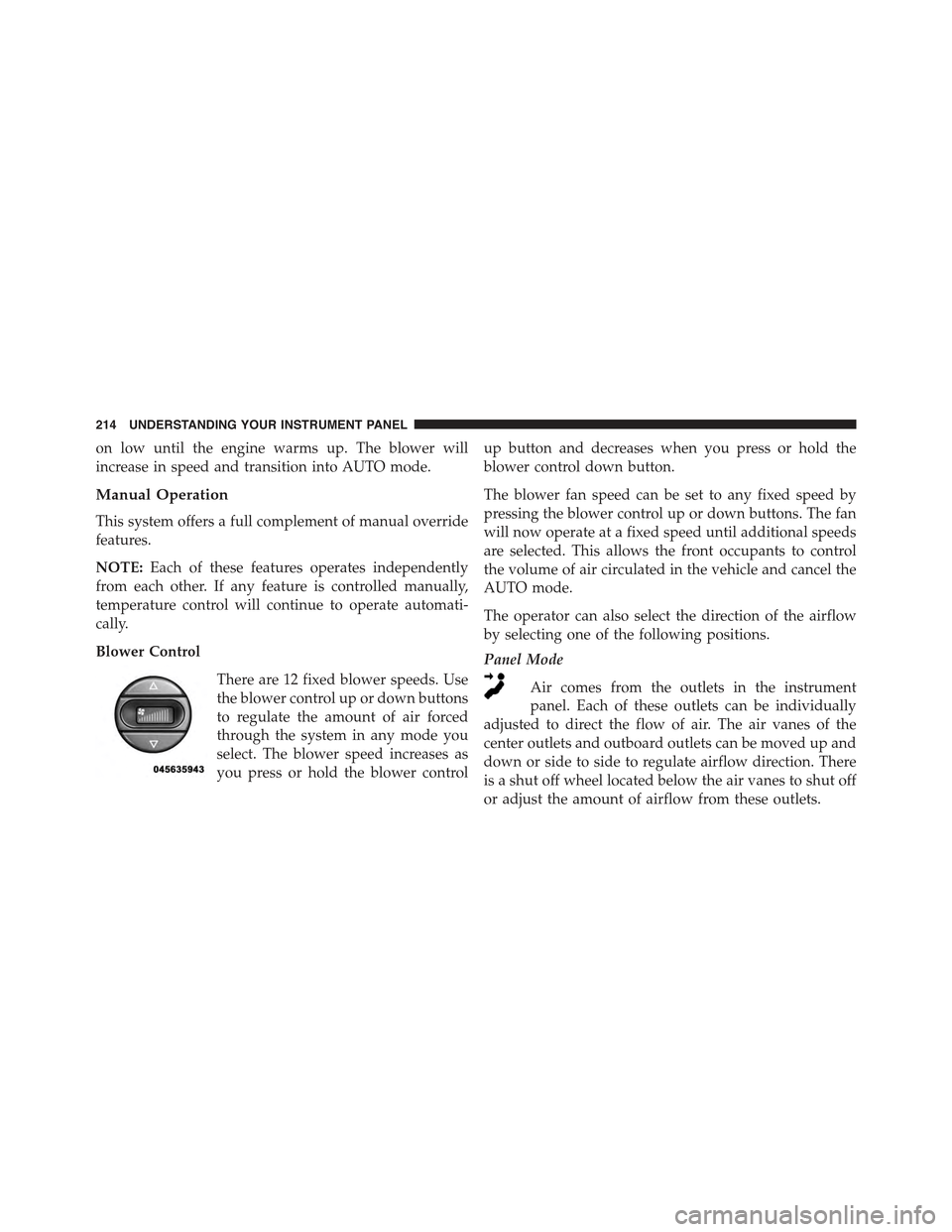
Blower Control
There are 12 fixed blower speeds. Use
the blower control up or down buttons
to regulate the amount of air forced
through the system in any mode you
select. The blower speed increases as
you press or hold the blower control
up button and decreases when you press or hold the
blower control down button.
The blower fan speed can be set to any fixed speed by
pressing the blower control up or down buttons. The fan
will now operate at a fixed speed until additional speeds
are selected. This allows the front occupants to control
the volume of air circulated in the vehicle and cancel the
AUTO mode.
The operator can also select the direction of the airflow
by selecting one of the following positions.
Panel Mode
Air comes from the outlets in the instrument
panel. Each of these outlets can be individually
adjusted to direct the flow of air. The air vanes of the
center outlets and outboard outlets can be moved up and
down or side to side to regulate airflow direction. There
is a shut off wheel located below the air vanes to shut off
or adjust the amount of airflow from these outlets.
214 UNDERSTANDING YOUR INSTRUMENT PANEL