warning light FIAT 500C 2015 2.G Owner's Manual
[x] Cancel search | Manufacturer: FIAT, Model Year: 2015, Model line: 500C, Model: FIAT 500C 2015 2.GPages: 438, PDF Size: 2.96 MB
Page 156 of 438
23. Generic Warning LightThe Generic Warning Light will illuminate if
any of the following conditions occur: Oil
Change Request, Engine Oil Pressure Sensor
Failure, External Light Failure, Fuel Cut-Off
Intervention, Fuel Cut-Off Not Available, Parking Sensor
Failure.
24. Cruise On Indicator — If Equipped
This light will turn on when the electronic
speed control is ON. For further information,
refer to “Electronic Speed Control” in “Under-
standing Your Instrument Panel.”
25. Charging System Light
This light shows the status of the electrical charg-
ing system. The light should come on when the
ignition switch is first turned to ON/RUN and remain on
briefly as a bulb check. If the light stays on or comes on while driving, turn off some of the vehicle’s non-essential
electrical devices or increase engine speed (if at idle). If
the charging system light remains on, it means that the
vehicle is experiencing a problem with the charging
system. Obtain SERVICE IMMEDIATELY. See an autho-
rized dealer.
If jump starting is required, refer to “Jump Starting
Procedures” in “What To Do In Emergencies.”
26. Electronic Throttle Control (ETC) Light
This light informs you of a problem with the
Electronic Throttle Control (ETC) system. If a
problem is detected, the light will come on
while the engine is running. Cycle the ignition
key when the vehicle has completely stopped and the
shift lever is placed in the NEUTRAL position. The light
should turn off. If the light remains lit with the engine
running, your vehicle will usually be drivable. However,
see an authorized dealer for service as soon as possible. If
154 UNDERSTANDING YOUR INSTRUMENT PANEL
Page 157 of 438
the light is flashing when the engine is running, imme-
diate service is required and you may experience reduced
performance, an elevated/rough idle or engine stall and
your vehicle may require towing. The light will come on
when the ignition is first turned to ON/RUN and remain
on briefly as a bulb check. If the light does not come on
during starting, have the system checked by an autho-
rized dealer.
27. Oil Pressure Warning LightThis light indicates low engine oil pressure. The
light should turn on momentarily when the engine is
started. If the light turns on while driving, stop the
vehicle and shut off the engine as soon as possible. A
chime will sound for four minutes when this light turns
on.
Do not operate the vehicle until the cause is corrected.
This light does not indicate how much oil is in the engine.
The engine oil level must be checked under the hood. 28. Engine Temperature Warning Light
This light warns of an overheated engine condi-
tion. The engine coolant temperature indicator
will illuminate and a single chime will sound after
reaching a set threshold.
If the light turns on while driving, safely pull over and
stop the vehicle. If the A/C system is on, turn it off. Also,
shift the transmission into NEUTRAL and idle the ve-
hicle. If the temperature reading does not return to
normal, turn the engine off immediately and call for
service. Refer to “If Your Engine Overheats” in “What To
Do In Emergencies” for further information.
ELECTRONIC VEHICLE INFORMATION CENTER
(EVIC)
The Electronic Vehicle Information Center (EVIC) fea-
tures a driver-interactive display that is located in the
instrument cluster.
4
UNDERSTANDING YOUR INSTRUMENT PANEL 155
Page 159 of 438
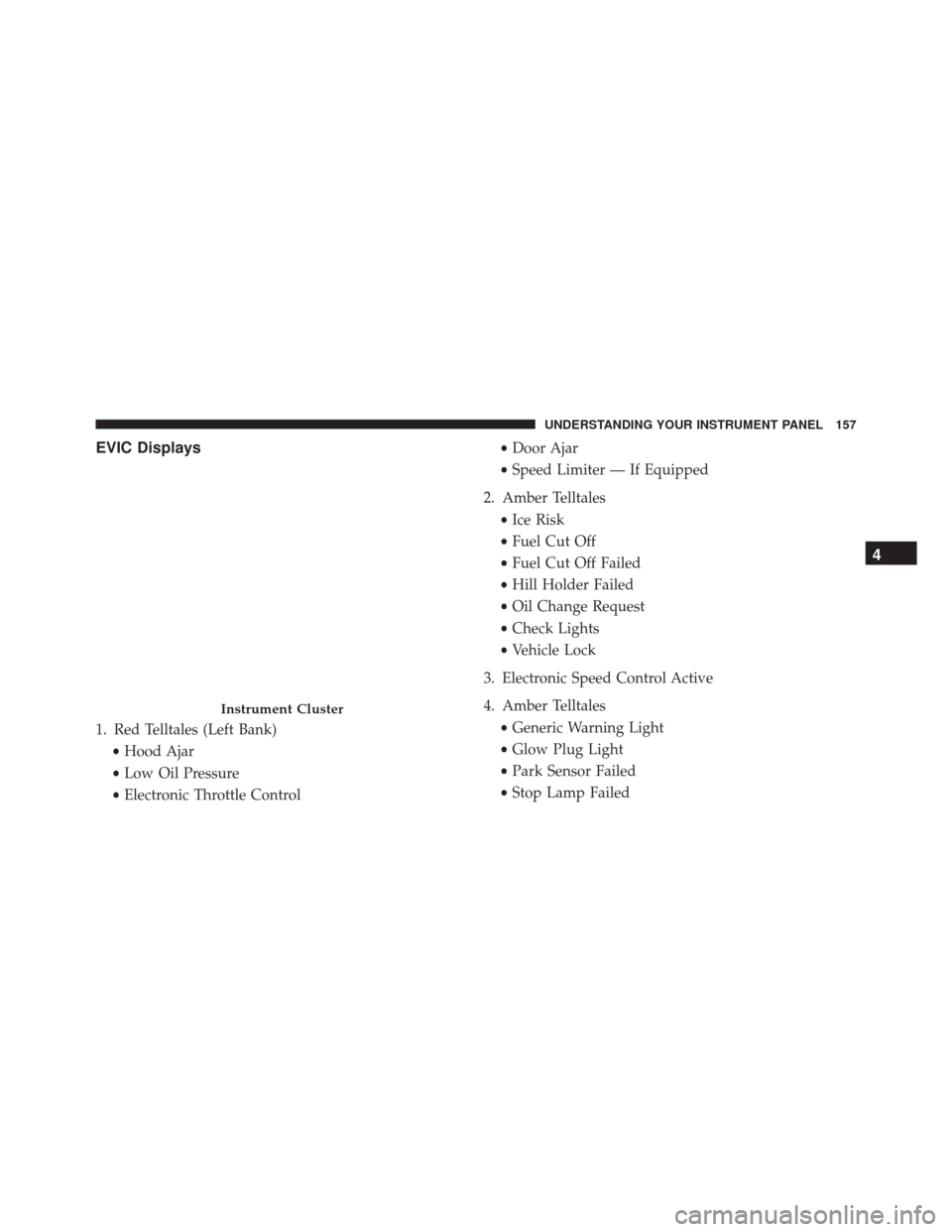
EVIC Displays
1. Red Telltales (Left Bank)•Hood Ajar
• Low Oil Pressure
• Electronic Throttle Control •
Door Ajar
• Speed Limiter — If Equipped
2. Amber Telltales •Ice Risk
• Fuel Cut Off
• Fuel Cut Off Failed
• Hill Holder Failed
• Oil Change Request
• Check Lights
• Vehicle Lock
3. Electronic Speed Control Active
4. Amber Telltales •Generic Warning Light
• Glow Plug Light
• Park Sensor Failed
• Stop Lamp Failed
Instrument Cluster
4
UNDERSTANDING YOUR INSTRUMENT PANEL 157
Page 174 of 438
Language (Selecting The Language)
The messages can be displayed in the following lan-
guages: Italian, English, Turkce, Nederlands, Spanish,
French, Dutch, Polish, Brasilian.
To set the required language, proceed as follows:
1. Briefly push and release theMENUbutton. Push and
release the UP
or DOWNbutton to highlight
Language. Push and release the MENUbutton to
enter the Language MENU.
2. Push and release the UPor DOWNbutton for
setting.
3. Briefly push and release the MENUbutton to go back
to the menu screen, or push and hold the MENU
button (approximately one second) to go back to the
main screen without storing the settings.
Buzzer Volume (Adjusting The Failure/Warning
Buzzer Volume)
With this function the volume of the buzzer accompany-
ing any failure/warning indication can be adjusted to
one of eight volume levels.
To adjust the volume proceed as follows:
1. Briefly push and release the MENUbutton. Push and
release the UP
or DOWNbutton, then high-
light the Buzzer Volume. Push and release the
MENU button to enter the Buzzer Volume MENU.
2. Push and release the UPor DOWNbutton for
setting.
3. Briefly push and release the MENUbutton to go back
to the menu screen, or push and hold the MENU
button (approximately one second) to go back to the
main screen without storing the settings.
172 UNDERSTANDING YOUR INSTRUMENT PANEL
Page 180 of 438
WARNING!
Having the volume turned up high can cause the
driver to not be able to hear important traffic sounds,
i.e. sirens, horns, etc. Failure to hear traffic sounds
and other important audible information can result
in serious injury or death. Always adjust the volume
so that you can still hear background noises.
Care And Maintenance
Clean the cover with a soft antistatic cloth only. Cleaning
and polishing products could damage the surface.
CDs
The presence of dirt, scratches or distortions on the CDs
could cause skipping and poor sound quality while it is
playing. For optimal playback conditions, follow these
guidelines:
•Only use branded CDs. •
Clean every CD thoroughly removing any finger
marks or dust using a soft cloth. Hold CDs by the
outside and clean them from the middle outwards.
• Never use chemicals (e.g. antistatics or thinners or
sprays) for cleaning as they could damage the surface
of the CDs.
• After listening to them place CDs back in their boxes to
prevent them from being damaged.
• Do not expose CDs to direct sunlight, high tempera-
tures or moisture for long periods.
• Do not stick labels on the CD surface or write on the
recorded surface with pencils or pens.
• Do not use CDs that are very scratched, flawed,
distorted, etc. Using discs like these will result in
malfunctions or damage to the player.
178 UNDERSTANDING YOUR INSTRUMENT PANEL
Page 243 of 438
Flowing/Rising Water
WARNING!
Do not drive on or across a road or path where water
is flowing and/or rising (as in storm run-off). Flow-
ing water can wear away the road or path’s surface
and cause your vehicle to sink into deeper water.
Furthermore, flowing and/or rising water can carry
your vehicle away swiftly. Failure to follow this
warning may result in injuries that are serious or
fatal to you, your passengers, and others around you.
Shallow Standing Water
Although your vehicle is capable of driving through
shallow standing water, consider the following Cautions
and Warnings before doing so.
WARNING!
•Driving through standing water limits your vehi-
cle’s traction capabilities. Do not exceed 5 mph
(8 km/h) when driving through standing water.
• Driving through standing water limits your vehi-
cle’s braking capabilities, which increases stopping
distances. Therefore, after driving through stand-
ing water, drive slowly and lightly press on the
brake pedal several times to dry the brakes.
• Failure to follow these warnings may result in
injuries that are serious or fatal to you, your pas-
sengers, and others around you.
CAUTION!
• Always check the depth of the standing water
before driving through it. Never drive through
(Continued)
5
STARTING AND OPERATING 241
Page 246 of 438
PARKING BRAKE
Before leaving the vehicle, make sure that the parking
brake is fully applied. Also, be certain to leave the
manual transmission in REVERSE or first gear.
The parking brake lever is located in the center console.
To apply the parking brake, pull the lever up as firmly as
possible. To release the parking brake, pull the lever up
slightly, press the center button, then lower the lever
completely.When the parking brake is applied with the ignition
switch in the MAR (ACC/ON/RUN) position, the Brake
Warning Light in the instrument cluster will illuminate.
Parking Brake
244 STARTING AND OPERATING
Page 247 of 438
When parking on a hill, it is important to turn the front
wheels toward the curb on a downhill grade and away
from the curb on an uphill grade. The parking brake
should always be applied whenever the driver is not in
the vehicle.
WARNING!
•Never leave children alone in a vehicle, or with
access to an unlocked vehicle.
• Allowing children to be in a vehicle unattended is
dangerous for a number of reasons. A child or
others could be seriously or fatally injured. Chil-
dren should be warned not to touch the parking
brake, brake pedal or the shift lever.
• Do not leave the Key Fob in or near the vehicle or
in a location accessible to children. A child could
operate power windows, other controls, or move
the vehicle.
(Continued)
WARNING! (Continued)
•Be sure the parking brake is fully disengaged
before driving; failure to do so can lead to brake
failure and a collision.
• Always fully apply the parking brake when leav-
ing your vehicle, or it may roll and cause damage or
injury. Also be certain to leave a manual transmis-
sion in REVERSE or first (1st) gear. Failure to do so
may allow the vehicle to roll and cause damage or
injury.
CAUTION!
If the Brake Warning Light remains on with the
parking brake released, a brake system malfunction
is indicated. Have the brake system serviced by an
authorized dealer immediately.
5
STARTING AND OPERATING 245
Page 250 of 438
BRAKE SYSTEM
Your vehicle is equipped with dual hydraulic brake
systems. If either of the two hydraulic systems loses
normal capability, the remaining system will still func-
tion. However, there will be some loss of overall braking
effectiveness. You may notice increased pedal travel
during application, greater pedal force required to slow
or stop, and potential activation of the “Brake System
Warning Light”.
In the event power assist is lost for any reason (i.e.,
repeated brake applications with the engine off) the
brakes will still function. However, the effort required to
brake the vehicle will be much greater than that required
with the power system operating.
ELECTRONIC BRAKE CONTROL SYSTEM
Your vehicle is equipped with a advanced electronic
brake control system that includes the Anti-Lock Brake
System (ABS), Brake Assist System (BAS), Traction Con-
trol System (TCS), Hill Start Assist (HSA), and Electronic
Stability Control (ESC). All systems work together to
enhance vehicle stability and control in various driving
conditions and are commonly referred to as ESC.
Four-Wheel Anti-Lock Brake System (ABS)
The Four-Wheel ABS is designed to aid the driver in
maintaining vehicle control under adverse braking con-
ditions. The system operates with a separate computer to
modulate hydraulic pressure, to prevent wheel lock-up
and to help avoid skidding on slippery surfaces.
The system’s pump motor runs during an ABS stop to
provide regulated hydraulic pressure. The pump motor
makes a low humming noise during operation, which is
normal.
248 STARTING AND OPERATING
Page 251 of 438
The ABS includes an amber ABS Warning Light. When
the light is illuminated, the ABS is not functioning. The
system reverts to standard non-anti-lock brakes. Turning
the ignition Off and On again may reset the ABS if the
fault detected was only momentary.
WARNING!
•Pumping the Anti-Lock Brakes will diminish their
effectiveness and may lead to a collision. Pumping
makes the stopping distance longer. Just press
firmly on your brake pedal when you need to slow
down or stop.
• The Anti-Lock Brake System (ABS) cannot prevent
the natural laws of physics from acting on the
vehicle, nor can it increase braking or steering
efficiency beyond that afforded by the condition of
the vehicle brakes and tires or the traction afforded.
(Continued)
WARNING! (Continued)
•The ABS cannot prevent collisions, including those
resulting from excessive speed in turns, following
another vehicle too closely, or hydroplaning.
• The capabilities of an ABS-equipped vehicle must
never be exploited in a reckless or dangerous
manner, which could jeopardize the user’s safety or
the safety of others.
When you are in a severe braking condition involving the
use of the ABS, you will experience some pedal drop as
the vehicle comes to a stop. This is the result of the
system reverting to the base brake system.
Engagement of the ABS may be accompanied by a
pulsing sensation. You may also hear a clicking noise.
These occurrences are normal and indicate that the
system is functioning properly.
5
STARTING AND OPERATING 249