warning light FIAT 500C 2017 2.G Owner's Guide
[x] Cancel search | Manufacturer: FIAT, Model Year: 2017, Model line: 500C, Model: FIAT 500C 2017 2.GPages: 350, PDF Size: 3.01 MB
Page 134 of 350
CAUTION!
Failure to follow these cautions can cause damage
to the heating elements:
•Use care when washing the inside of the rear
window. Do not use abrasive window cleaners on
the interior surface of the window. Use a soft
(Continued)
CAUTION! (Continued)
cloth and a mild washing solution, wiping paral-
lel to the heating elements. Labels can be peeled
off after soaking with warm water.
• Do not use scrapers, sharp instruments, or abra-
sive window cleaners on the interior surface of
the window.
• Keep all objects a safe distance from the window.
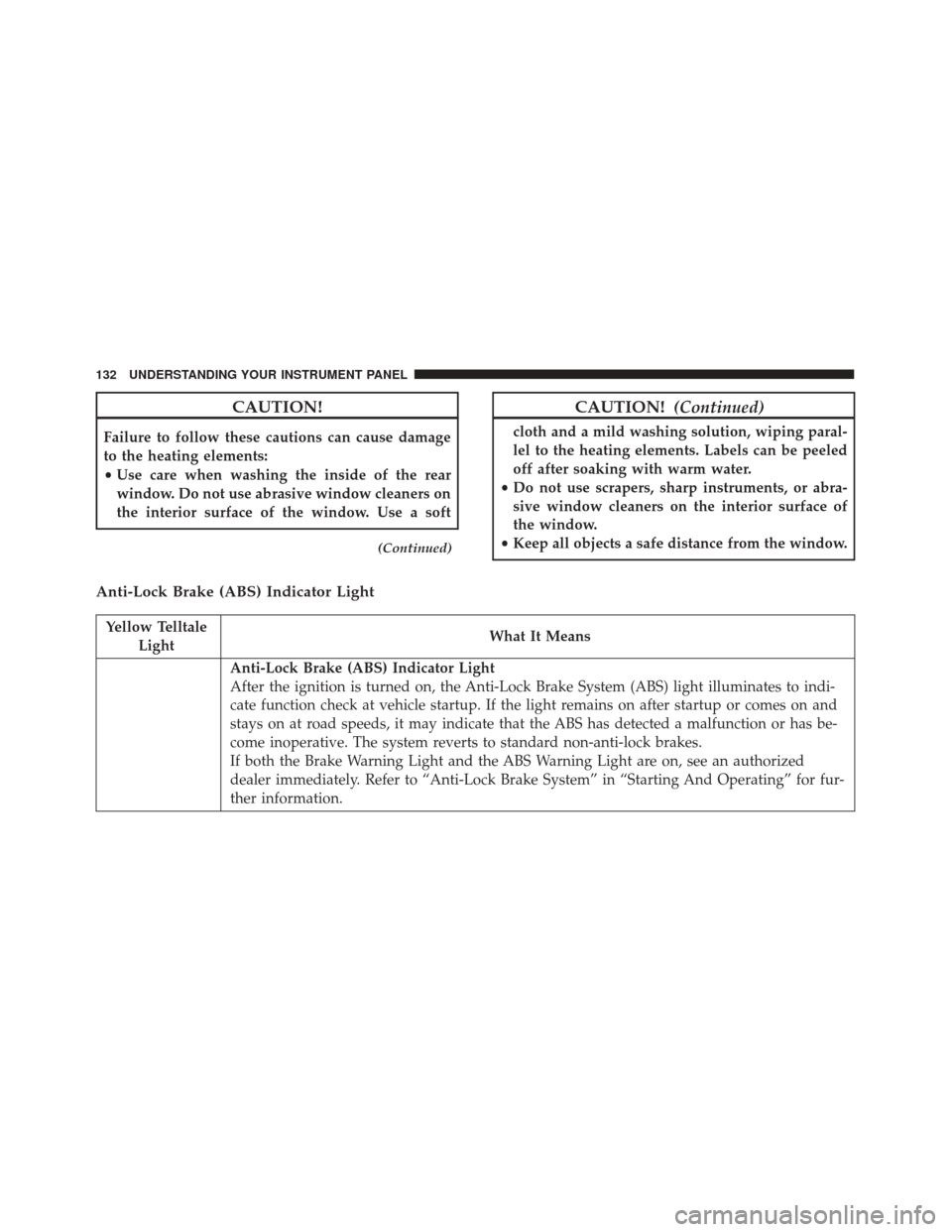
Anti-Lock Brake (ABS) Indicator Light
Yellow Telltale
Light What It Means
Anti-Lock Brake (ABS) Indicator Light
After the ignition is turned on, the Anti-Lock Brake System (ABS) light illuminates to indi-
cate function check at vehicle startup. If the light remains on after startup or comes on and
stays on at road speeds, it may indicate that the ABS has detected a malfunction or has be-
come inoperative. The system reverts to standard non-anti-lock brakes.
If both the Brake Warning Light and the ABS Warning Light are on, see an authorized
dealer immediately. Refer to “Anti-Lock Brake System” in “Starting And Operating” for fur-
ther information.
132 UNDERSTANDING YOUR INSTRUMENT PANEL
Page 135 of 350
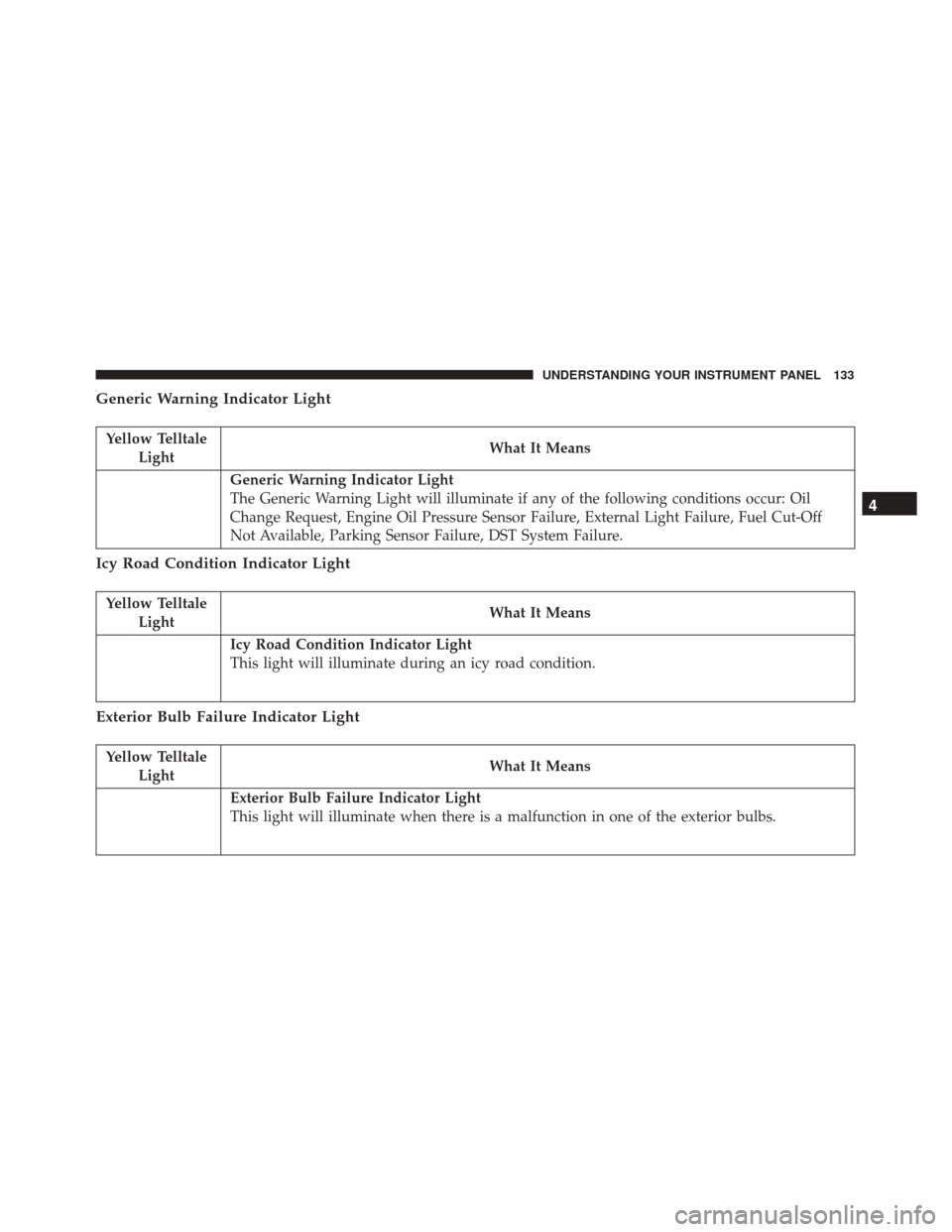
Generic Warning Indicator Light
Yellow TelltaleLight What It Means
Generic Warning Indicator Light
The Generic Warning Light will illuminate if any of the following conditions occur: Oil
Change Request, Engine Oil Pressure Sensor Failure, External Light Failure, Fuel Cut-Off
Not Available, Parking Sensor Failure, DST System Failure.
Icy Road Condition Indicator Light
Yellow Telltale
Light What It Means
Icy Road Condition Indicator Light
This light will illuminate during an icy road condition.
Exterior Bulb Failure Indicator Light
Yellow Telltale
Light What It Means
Exterior Bulb Failure Indicator Light
This light will illuminate when there is a malfunction in one of the exterior bulbs.
4
UNDERSTANDING YOUR INSTRUMENT PANEL 133
Page 146 of 350
Travel Time
This value shows the time elapsed since the last reset.
Submenu Personal Settings
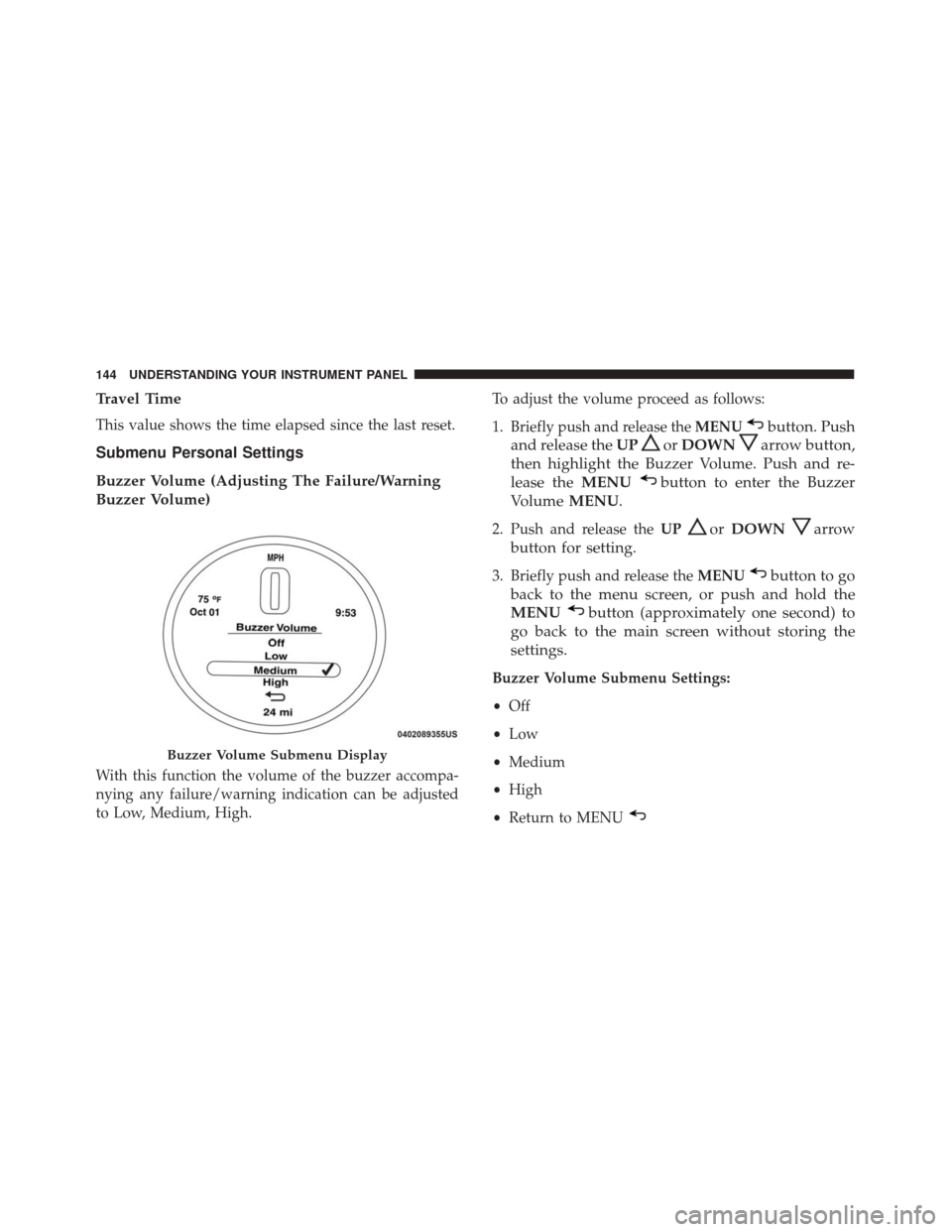
Buzzer Volume (Adjusting The Failure/Warning
Buzzer Volume)
With this function the volume of the buzzer accompa-
nying any failure/warning indication can be adjusted
to Low, Medium, High.To adjust the volume proceed as follows:
1. Briefly push and release the
MENU
button. Push
and release the UP
orDOWNarrow button,
then highlight the Buzzer Volume. Push and re-
lease the MENU
button to enter the Buzzer
Volume MENU.
2. Push and release the UPorDOWNarrow
button for setting.
3. Briefly push and release the MENUbutton to go
back to the menu screen, or push and hold the
MENU
button (approximately one second) to
go back to the main screen without storing the
settings.
Buzzer Volume Submenu Settings:
• Off
• Low
• Medium
• High
• Return to MENU
Buzzer Volume Submenu Display
144 UNDERSTANDING YOUR INSTRUMENT PANEL
Page 151 of 350
To activate (On) or to deactivate (Off) the navigation
system info displaying, proceed as follows:
1. Briefly push and release theMENU
button. Push
and release the UP
orDOWNbutton to
highlight Navigation Repetition and push and
release the MENU
button.
2. Push and release the UPorDOWNbutton
for setting.
3. Briefly push and release the MENUbutton to go
back to the menu screen, or push and hold the
MENU
button (approximately one second) to
go back to the main screen without storing the
settings.
• Off
• On
• Return to MENU
CYBERSECURITY
Your vehicle may be a connected vehicle and may be
equipped with both wired and wireless networks.
These networks allow your vehicle to send and receive information. This information allows systems and fea-
tures in your vehicle to function properly.
Your vehicle may be equipped with certain security
features to reduce the risk of unauthorized and unlaw-
ful access to vehicle systems and wireless communica-
tions. Vehicle software technology continues to evolve
over time and FCA US LLC, working with its suppliers,
evaluates and takes appropriate steps as needed. Simi-
lar to a computer or other devices, your vehicle may
require software updates to improve the usability and
performance of your systems or to reduce the potential
risk of unauthorized and unlawful access to your
vehicle systems.
The risk of unauthorized and unlawful access to your
vehicle systems may still exist, even if the most recent
version of vehicle software (such as Uconnect software)
is installed.
WARNING!
•
It is not possible to know or to predict all of the
possible outcomes if your vehicle’s systems are
breached. It may be possible that vehicle systems,
(Continued)
4
UNDERSTANDING YOUR INSTRUMENT PANEL 149
Page 200 of 350
4. Keep tires properly inflated.
5. Maintain sufficient distance between your vehicleand the vehicle in front of you to avoid a collision in
a sudden stop.
DRIVING THROUGH WATER
Driving through water more than a few inches/
centimeters deep will require extra caution to ensure
safety and prevent damage to your vehicle.
Flowing/Rising Water
WARNING!
Do not drive on or across a road or path where water
is flowing and/or rising (as in storm run-off). Flow-
ing water can wear away the road or path’s surface
and cause your vehicle to sink into deeper water.
Furthermore, flowing and/or rising water can carry
your vehicle away swiftly. Failure to follow this
warning may result in injuries that are serious or
fatal to you, your passengers, and others around
you.
Shallow Standing Water
Although your vehicle is capable of driving through
shallow standing water, consider the following Cau-
tions and Warnings before doing so.
WARNING!
•Driving through standing water limits your vehi-
cle’s traction capabilities. Do not exceed 5 mph
(8 km/h) when driving through standing water.
• Driving through standing water limits your vehi-
cle’s braking capabilities, which increases stop-
ping distances. Therefore, after driving through
standing water, drive slowly and lightly press on
the brake pedal several times to dry the brakes.
• Failure to follow these warnings may result in
injuries that are serious or fatal to you, your
passengers, and others around you.
CAUTION!
• Always check the depth of the standing water
before driving through it. Never drive through
standing water that is deeper than the bottom of
the tire rims mounted on the vehicle.
(Continued)
198 STARTING AND OPERATING
Page 201 of 350
CAUTION!(Continued)
•Determine the condition of the road or the path that
is under water and if there are any obstacles in the
way before driving through the standing water.
• Do not exceed 5 mph (8 km/h) when driving
through standing water. This will minimize wave
effects.
• Driving through standing water may cause dam-
age to your vehicle’s drivetrain components. Al-
ways inspect your vehicle’s fluids (i.e., engine oil,
transmission, axle, etc.) for signs of contamination
(i.e., fluid that is milky or foamy in appearance)
after driving through standing water. Do not
continue to operate the vehicle if any fluid ap-
pears contaminated, as this may result in further
damage. Such damage is not covered by the New
Vehicle Limited Warranty.
•
Getting water inside your vehicle’s engine can
cause it to lock up and stall out, and cause serious
internal damage to the engine. Such damage is not
covered by the New Vehicle Limited Warranty.
POWER STEERING
The electric power steering system will give you good
vehicle response and increased ease of maneuverability
in tight spaces. The system will vary its assist to provide
light efforts while parking and good feel while driving.
If the electric steering system experiences a fault that
prevents it from providing assist, you will still have the
ability to steer the vehicle manually.
WARNING!
Continued operation with reduced or no power
steering assist could pose a safety risk to yourself
and others. Service should be obtained as soon as
possible.
If the Steering icon is flashing, it indicates that the
vehicle needs to be taken to an authorized dealer for
service. It is likely the vehicle has lost power steering
assistance.
If the Steering icon is displayed and the “SERVICE
POWER STEERING” message is displayed on the in-
strument cluster screen, they indicate that extreme
steering maneuvers may have occurred which caused
5
STARTING AND OPERATING 199
Page 203 of 350
When the parking brake is applied with the ignition
switch in the MAR (ACC/ON/RUN) position, the
Brake Warning Light in the instrument cluster will
illuminate.
When parking on a hill, it is important to turn the front
wheels toward the curb on a downhill grade and away
from the curb on an uphill grade. The parking brake
should always be applied whenever the driver is not in
the vehicle.
WARNING!
•Never leave children alone in a vehicle, or with
access to an unlocked vehicle.
• Allowing children to be in a vehicle unattended is
dangerous for a number of reasons. A child or
others could be seriously or fatally injured. Chil-
dren should be warned not to touch the parking
brake, brake pedal or the gear selector.
• Do not leave the key fob in or near the vehicle or
in a location accessible to children. A child could
operate power windows, other controls, or move
the vehicle.
(Continued)
WARNING! (Continued)
•Be sure the parking brake is fully disengaged
before driving; failure to do so can lead to brake
failure and a collision.
• Always fully apply the parking brake when leav-
ing your vehicle, or it may roll and cause damage
or injury. Also be certain to leave a manual
transmission in FIRST gear or REVERSE gear.
Failure to do so may allow the vehicle to roll and
cause damage or injury.
CAUTION!
If the Brake Warning Light remains on with the
parking brake released, a brake system malfunction
is indicated. Have the brake system serviced by an
authorized dealer immediately.
5
STARTING AND OPERATING 201
Page 205 of 350
BRAKE SYSTEM
Your vehicle is equipped with dual hydraulic brake
systems. If either of the two hydraulic systems loses
normal capability, the remaining system will still func-
tion. However, there will be some loss of overall brak-
ing effectiveness. You may notice increased pedal travel
during application, greater pedal force required to slow
or stop, and potential activation of the “Brake System
Warning Light”.
In the event power assist is lost for any reason (i.e.,
repeated brake applications with the engine off), the
brakes will still function. However, the effort required
to brake the vehicle will be much greater than that
required with the power system operating.
ELECTRONIC BRAKE CONTROL SYSTEM
Your vehicle is equipped with a advanced electronic
brake control system that includes the Anti-Lock Brake
System (ABS), Brake Assist System (BAS), Traction
Control System (TCS), Hill Start Assist (HSA), and
Electronic Stability Control (ESC). All systems work
together to enhance vehicle stability and control in
various driving conditions and are commonly referred
to as ESC.
Four-Wheel Anti-Lock Brake System (ABS)
The Four-Wheel ABS is designed to aid the driver in
maintaining vehicle control under adverse braking con-
ditions. The system operates with a separate computer
to modulate hydraulic pressure, to prevent wheel
lock-up and to help avoid skidding on slippery sur-
faces.
The system’s pump motor runs during an ABS stop to
provide regulated hydraulic pressure. The pump motor
makes a low humming noise during operation, which is
normal.
The ABS includes an amber ABS Warning Light. When
the light is illuminated, the ABS is not functioning. The
system reverts to standard non-anti-lock brakes. Turn-
ing the ignition Off and On again may reset the ABS if
the fault detected was only momentary.
5
STARTING AND OPERATING 203
Page 208 of 350
•Gear selection matches vehicle uphill direction (i.e.,
vehicle in NEUTRAL (manual transmission), vehicle
facing uphill is in forward gear; vehicle backing
uphill is in REVERSE gear).
WARNING!
There may be situations on minor hills with a
loaded vehicle, or while pulling a trailer, when the
system will not activate and slight rolling may
occur. This could cause a collision with another
vehicle or object. Always remember the driver is
responsible for braking the vehicle.
Disabling/Enabling HSA
If you wish to turn the HSA system on or off, it can be
done using the Customer Programmable Features in the
Uconnect Settings. Refer to “Uconnect Settings” in for
further information.
Electronic Stability Control (ESC)
The Electronic Stability Control (ESC) system enhances
directional control and stability of the vehicle under
various driving conditions. ESC corrects for oversteer-
ing or understeering of the vehicle by applying the
brake of the appropriate wheel to assist in counteracting the oversteering or understeering condition. Engine
power may also be reduced to help the vehicle maintain
the desired path. ESC uses sensors in the vehicle to
determine the vehicle path intended by the driver and
compares it to the actual path of the vehicle. When the
actual path does not match the intended path, ESC
applies the brake of the appropriate wheel to assist in
counteracting the oversteer or understeer condition.
•
Oversteer - when the vehicle is turning more than
appropriate for the steering wheel position.
• Understeer - when the vehicle is turning less than
appropriate for the steering wheel position.
ESC Off Switch (Automatic Transmission)
206 STARTING AND OPERATING
Page 210 of 350
ESC Operating Modes
The ESC system has two available operating modes.
Full On
This is the normal operating mode for ESC. Whenever
the vehicle is started, the ESC system will be in On
mode. This mode should be used for most driving
situations. ESC should only be turned to Partial Off for
specific reasons as noted below.
Partial Off
This mode is entered by momentarily pushing the ESC
Off switch. This mode is intended to be used if the
vehicle is in deep snow, sand or gravel conditions and
more wheel spin than ESC would normally allow is
required to gain traction.
To turn ESC on again, momentarily pushing the switch
again. This will restore the normal ESC On mode of
operation.NOTE:
To improve the vehicle’s traction when driving
with snow chains, or starting off in deep snow, sand or
gravel, it may be desirable to switch to the Partial Off
mode by pushing the switch. Once the situation requir-
ing ESC to be switched to the Partial Off mode is
overcome, turn ESC back on by momentarily pushing
the switch. This may be done while the vehicle is in
motion.
WARNING!
• When in “Partial Off” mode, the TCS functional-
ity of ESC, (except for the limited slip feature
described in the TCS section), has been disabled
and the “ESC Off Indicator Light” will be illumi-
nated. When in “Partial Off” mode, the engine
power reduction feature of TCS is disabled, and
the enhanced vehicle stability offered by the ESC
system is reduced.
208 STARTING AND OPERATING