instrument panel FIAT 500C 2019 Repair Manual
[x] Cancel search | Manufacturer: FIAT, Model Year: 2019, Model line: 500C, Model: FIAT 500C 2019Pages: 332, PDF Size: 3.17 MB
Page 293 of 332
NOTE:
•FCA US LLC or your dealer may contact you directly
regarding software updates.
• To help further improve vehicle security and minimize
the potential risk of a security breach, vehicle owners
should:
• Routinely check www.driveuconnect.com/support/
software-update.html (U.S. Residents) or www.driveu-
connect.ca (Canadian Residents) to learn about avail-
able Uconnect software updates.
• Only connect and use trusted media devices (e.g.
personal mobile phones, USBs, CDs).
Privacy of any wireless and wired communications cannot
be assured. Third parties may unlawfully intercept infor-
mation and private communications without your consent.
For further information, refer to “Onboard Diagnostic
System (OBD II) Cybersecurity” in “Getting To Know Your
Instrument Panel”.UCONNECT SETTINGS
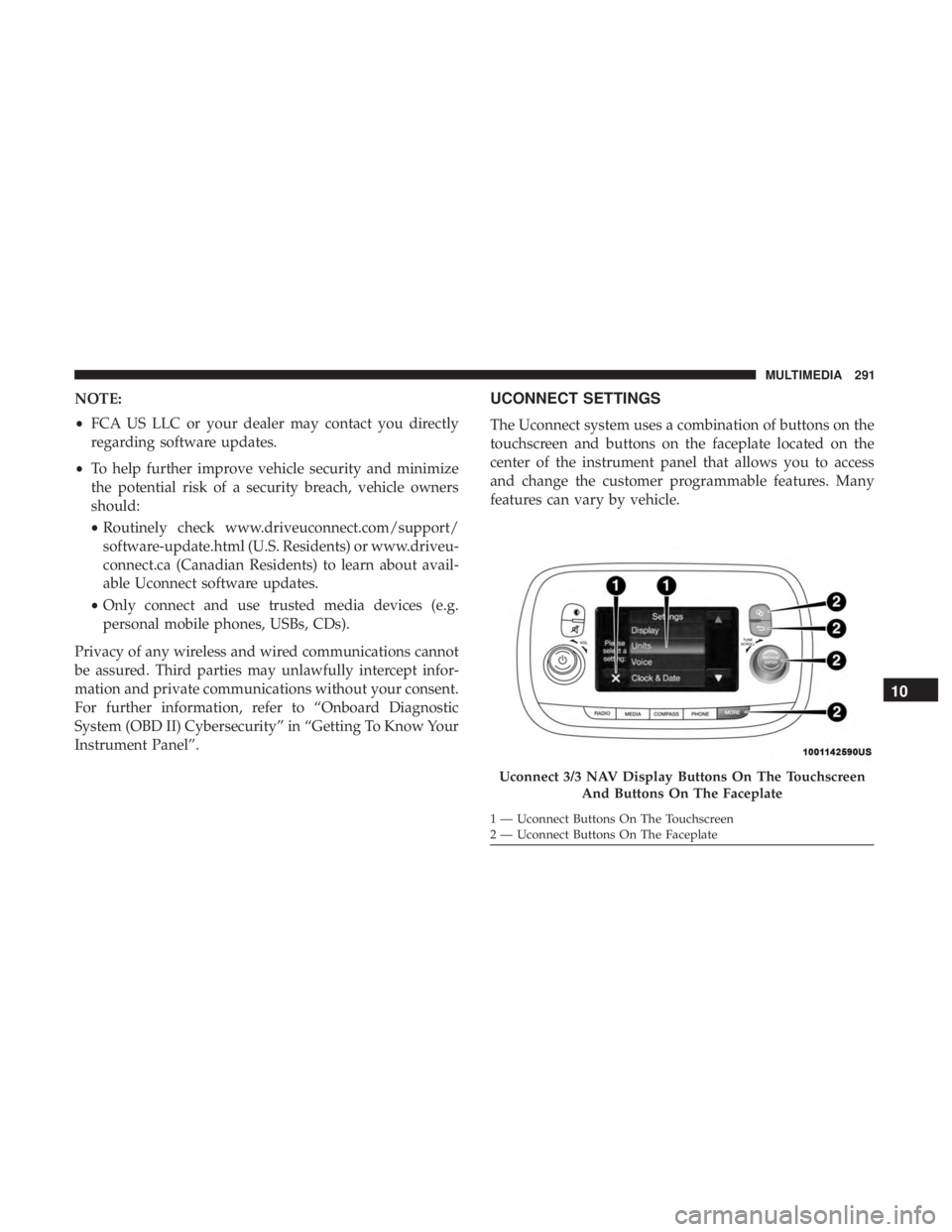
The Uconnect system uses a combination of buttons on the
touchscreen and buttons on the faceplate located on the
center of the instrument panel that allows you to access
and change the customer programmable features. Many
features can vary by vehicle.
Uconnect 3/3 NAV Display Buttons On The Touchscreen And Buttons On The Faceplate
1 — Uconnect Buttons On The Touchscreen
2 — Uconnect Buttons On The Faceplate
10
MULTIMEDIA 291
Page 294 of 332
Customer Programmable Features — Uconnect 3/3
NAV Display Settings
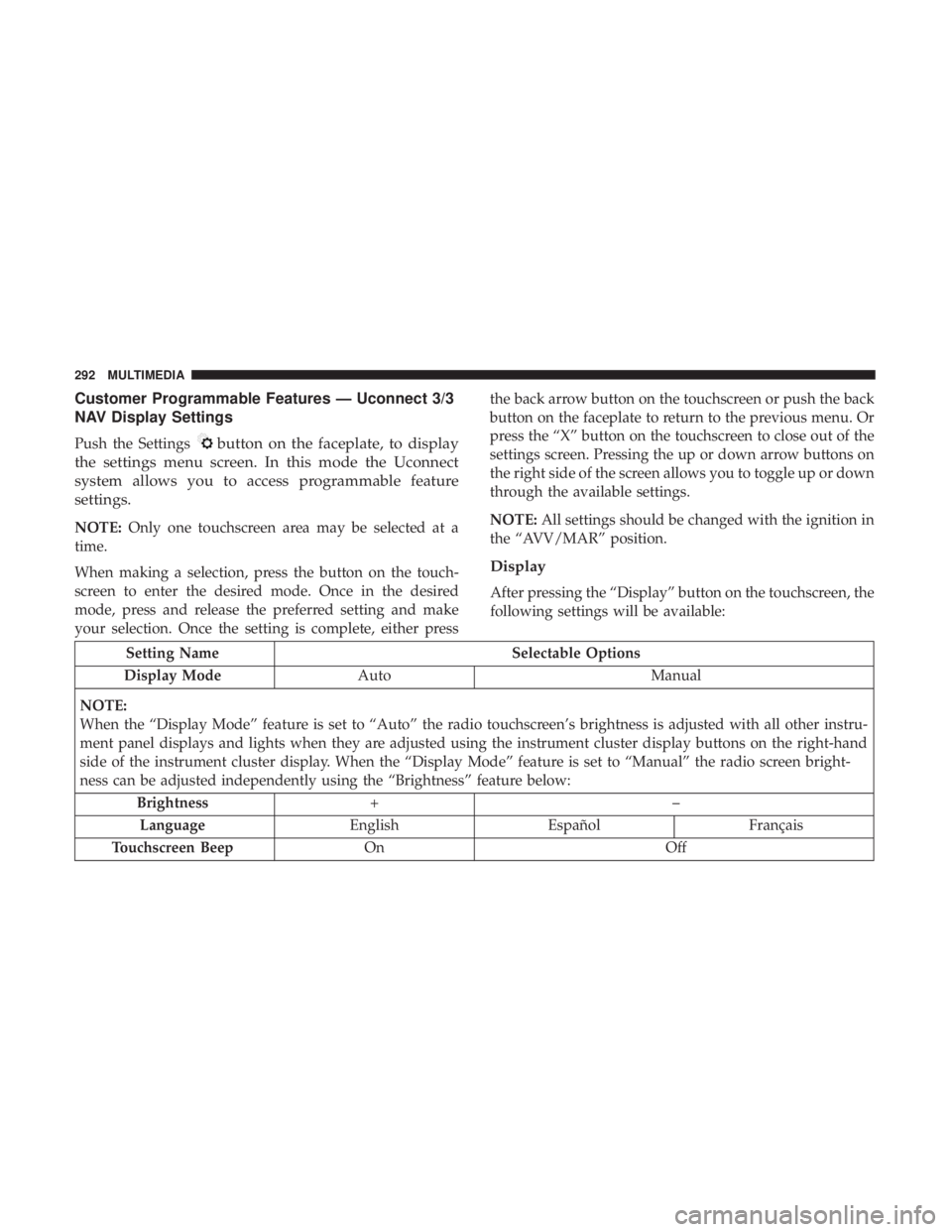
Push the Settingsbutton on the faceplate, to display
the settings menu screen. In this mode the Uconnect
system allows you to access programmable feature
settings.
NOTE: Only one touchscreen area may be selected at a
time.
When making a selection, press the button on the touch-
screen to enter the desired mode. Once in the desired
mode, press and release the preferred setting and make
your selection. Once the setting is complete, either press the back arrow button on the touchscreen or push the back
button on the faceplate to return to the previous menu. Or
press the “X” button on the touchscreen to close out of the
settings screen. Pressing the up or down arrow buttons on
the right side of the screen allows you to toggle up or down
through the available settings.
NOTE:
All settings should be changed with the ignition in
the “AVV/MAR” position.
Display
After pressing the “Display” button on the touchscreen, the
following settings will be available:
Setting Name Selectable Options
Display Mode Auto Manual
NOTE:
When the “Display Mode” feature is set to “Auto” the radio touchscreen’s brightness is adjusted with all other instru-
ment panel displays and lights when they are adjusted using the instrument cluster display buttons on the right-hand
side of the instrument cluster display. When the “Display Mode” feature is set to “Manual” the radio screen bright-
ness can be adjusted independently using the “Brightness” feature below: Brightness +–
Language EnglishEspañol Français
Touchscreen Beep On Off
292 MULTIMEDIA
Page 323 of 332
Immobilizer (Sentry Key)......................21
Instrument Cluster Descriptions ......................... .74, 95
Display ................................81
Engine Oil Reset ..........................84
Instrument Panel Lens Cleaning ................277
Interior Appearance Care .....................276
Interior Lights ..............................40
Introduction ................................4
iPod/USB/MP3 Control ..................... .302
Jack Operation ........................... .250
Jump Starting ............................ .213
Key Fob Programming Additional Key Fobs ..........18, 21
Key Fob Programming (Remote Keyless Entry) ......18
Key-In Reminder ............................21
Keys ....................................16
Replacement .............................21
Sentry (Immobilizer) .......................21
Lane Change And Turn Signals .................37
Lane Change Assist ...................... .37, 40
Lap/Shoulder Belts .........................116 Latches
................................. .157
Hood ..................................64
Lead Free Gasoline ........................ .282
Leaks, Fluid ............................. .157
Life Of Tires ............................. .262
Liftgate ..................................66
Opening ................................66
Light Bulbs .......................... .157, 196
Lights ............................... .38, 157
AirBag......................... .86, 124, 155
Brake Assist Warning ..................... .105
Brake Warning ...........................86
Bulb Replacement ....................... .196
Cruise .............................. .95, 96
Daytime Running .........................37
Dimmer Switch, Headlight ...................37
Electronic Stability Program(ESP) Indicator .......88
Exterior .............................. .157
Headlights ..............................37
High Beam ..............................38
High Beam/Low Beam Select .................37
Instr
ument Cluster ........................37
Lights On Reminder .......................37
Low Fuel ...............................91
Malfunction Indicator (Check Engine) ...........91
12
INDEX 321