charging FIAT 500E 2013 2.G User Guide
[x] Cancel search | Manufacturer: FIAT, Model Year: 2013, Model line: 500E, Model: FIAT 500E 2013 2.GPages: 350, PDF Size: 2.49 MB
Page 28 of 350
7. Plug the EVSE into the charge receptacle. Push theEVSE in firmly until it is completely engaged (if not
completely engaged the vehicle may not charge). NOTE:
•The vehicle will initiate the charging cycle automati-
cally when all the conditions are satisfied.
• The vehicle charge indicator will show the pattern
for charging.
EVSE Charge Coupler
Charge Indicator
26 THINGS TO KNOW BEFORE STARTING YOUR VEHICLE
Page 29 of 350
8. When charging is complete, or the vehicle needs to beunplugged, remove the EVSE by pushing the button
on the connector and pull firmly to remove it from the
charge receptacle.
9. Close the charge receptacle door. NOTE:
•
In the event of an error in the charging process the AC
power to the vehicle will stop and a red indicator will
illuminate on the EVSE.
• Keep the door for the charge receptacle closed when
not in use.
Charge Receptacle Door
2
THINGS TO KNOW BEFORE STARTING YOUR VEHICLE 27
Page 33 of 350
NOTE:In the event of an error in the charging process
the outer two lights will blink.
Number Of Indicator Lights Illuminated Percent Of Battery
Charge
1 Light 0 – 20%
2 Lights 21 – 40%
3 Lights 41 – 60%
4 Lights 61 – 80%
5 Lights 81 – 100%
A WORD ABOUT YOUR KEYS
The key fob contains the Remote Keyless Entry (RKE)
transmitter with an integrated key. To use the mechanical
key simply press the mechanical key release button. The vehicle is supplied with a code card containing key
code numbers to order duplicate keys, and the autho-
rized studio that sold you your new vehicle has the key
code numbers for your vehicle locks. These numbers can
be used to order duplicate keys.
Mechanical Key Release Button
2
THINGS TO KNOW BEFORE STARTING YOUR VEHICLE 31
Page 158 of 350
10. Electronic Stability Control OFF (ESC OFF) Indi-
cator Light
This light indicates the Electronic Stability Con-
trol system (ESC) has been turned off by the
driver.
11. Turn Signal Indicators
The arrows will flash in unison with the exte-
rior turn signal, when using the turn signal
lever.
12. EV System Malfunction Indicator Light
This indicator will illuminate when there is a
malfunction in the Electric Vehicle (EV) Sys-
tem. If the EV System Malfunction Indicator
light comes on while driving or charging see
your authorized studio as soon as possible.
13. Regenerative Brake System Light
If the light turns on and remains on while
driving, it suggests that there is a potential
problem with the Regenerative Brake System
(RBS) and the need for system service. See your
authorized studio as soon as possible.
14. Door Ajar
This light will turn on to indicate that one or
more doors or the trunk may be ajar.
15. Service Propulsion System Warning Light
The Service Propulsion System Warning Light
will illuminate if there is a malfunction de-
tected with the Propulsion System. If the light
comes on or remains on while driving see your
authorized studio.
156 UNDERSTANDING YOUR INSTRUMENT PANEL
Page 159 of 350
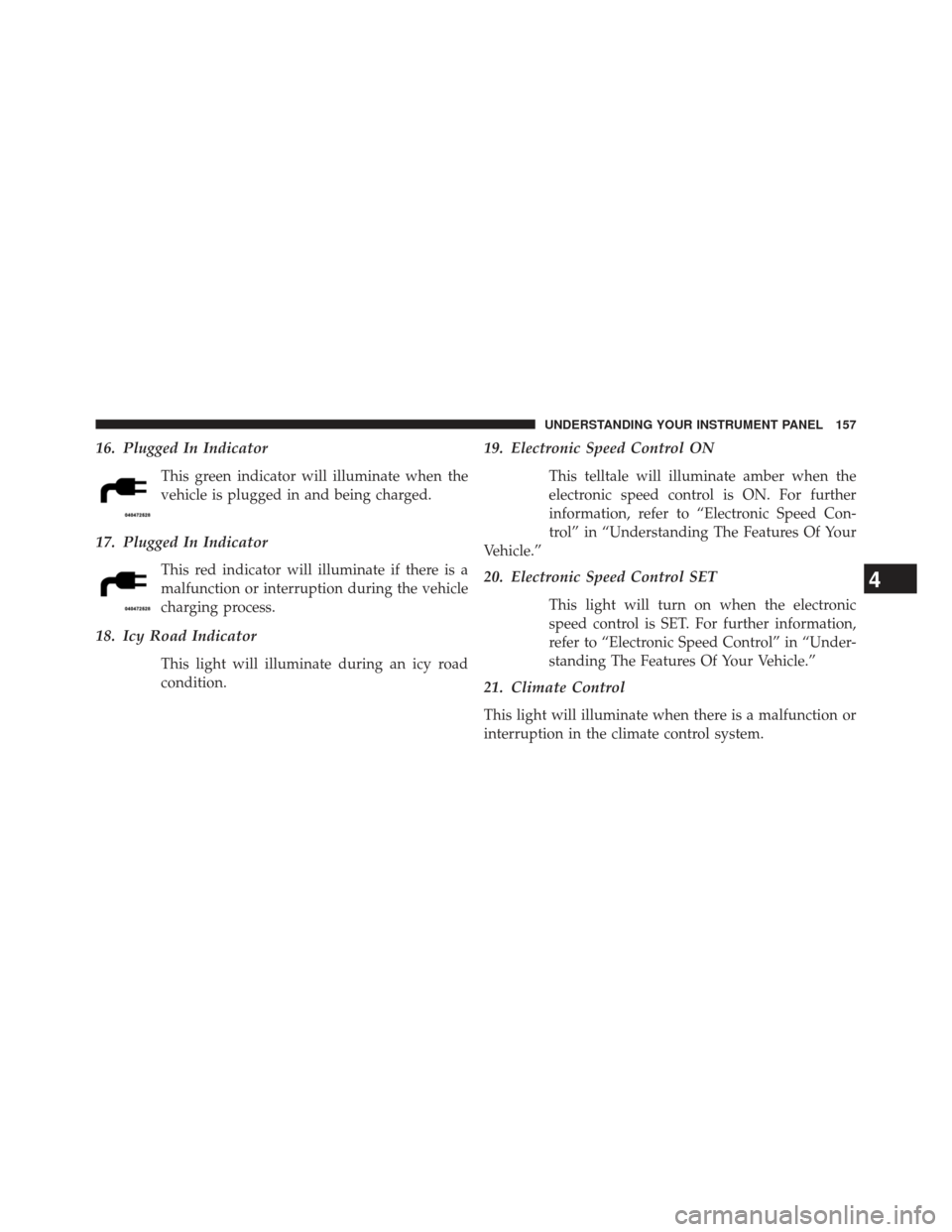
16. Plugged In Indicator
This green indicator will illuminate when the
vehicle is plugged in and being charged.
17. Plugged In Indicator
This red indicator will illuminate if there is a
malfunction or interruption during the vehicle
charging process.
18. Icy Road Indicator
This light will illuminate during an icy road
condition.
19. Electronic Speed Control ON
This telltale will illuminate amber when the
electronic speed control is ON. For further
information, refer to “Electronic Speed Con-
trol” in “Understanding The Features Of Your
Vehicle.”
20. Electronic Speed Control SET
This light will turn on when the electronic
speed control is SET. For further information,
refer to “Electronic Speed Control” in “Under-
standing The Features Of Your Vehicle.”
21. Climate Control
This light will illuminate when there is a malfunction or
interruption in the climate control system.
4
UNDERSTANDING YOUR INSTRUMENT PANEL 157
Page 160 of 350
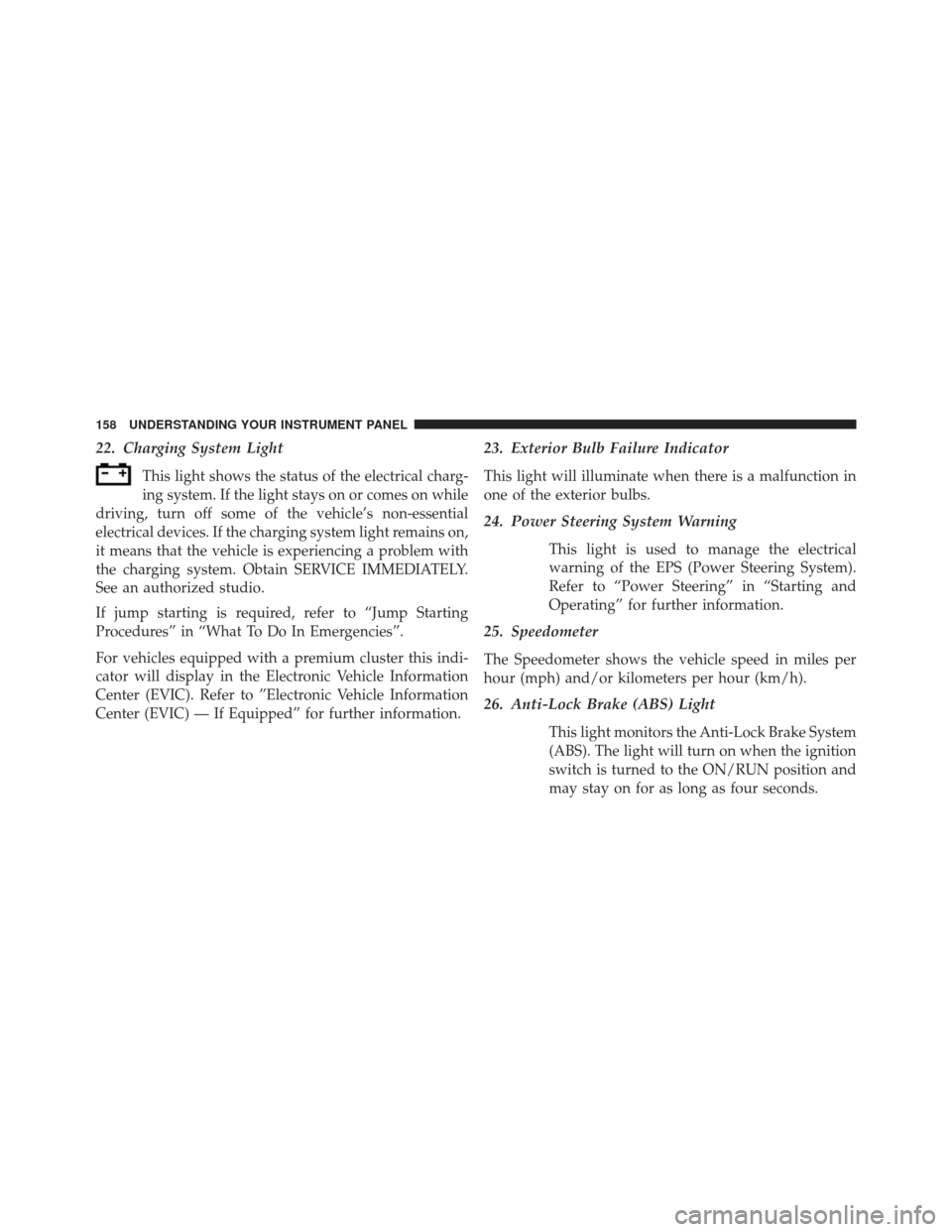
22. Charging System Light
This light shows the status of the electrical charg-
ing system. If the light stays on or comes on while
driving, turn off some of the vehicle’s non-essential
electrical devices. If the charging system light remains on,
it means that the vehicle is experiencing a problem with
the charging system. Obtain SERVICE IMMEDIATELY.
See an authorized studio.
If jump starting is required, refer to “Jump Starting
Procedures” in “What To Do In Emergencies”.
For vehicles equipped with a premium cluster this indi-
cator will display in the Electronic Vehicle Information
Center (EVIC). Refer to ”Electronic Vehicle Information
Center (EVIC) — If Equipped” for further information.
23. Exterior Bulb Failure Indicator
This light will illuminate when there is a malfunction in
one of the exterior bulbs.
24. Power Steering System Warning
This light is used to manage the electrical
warning of the EPS (Power Steering System).
Refer to “Power Steering” in “Starting and
Operating” for further information.
25. Speedometer
The Speedometer shows the vehicle speed in miles per
hour (mph) and/or kilometers per hour (km/h).
26. Anti-Lock Brake (ABS) Light
This light monitors the Anti-Lock Brake System
(ABS). The light will turn on when the ignition
switch is turned to the ON/RUN position and
may stay on for as long as four seconds.
158 UNDERSTANDING YOUR INSTRUMENT PANEL
Page 165 of 350
The setup menu can be activated by pressing the MENU
ESC button. Single presses on the + or – buttons will
scroll through the setup menu options. The menu in-
cludes the following functions:
•Charging Schedule
• Set Date
• Set Time
• Standard Units
• Languages
• Audio Display
• Battery % Display
• Auto Door Lock
• Remote Unlock
• Daytime Running Lights •
Button Volume
• Hill Start Assist
• Stored Warning
• Connectivity ID
• Restore Factory Settings
• Exit Menu
Selecting An Option Of The Main Menu Without
Submenu:
1. Briefly press the MENU ESC button to select the main menu option to set.
2. Press the + or – button (by single presses) to select the new setting.
3. Briefly press the MENU ESC button to store the new setting and go back to the main menu option previ-
ously selected.
4
UNDERSTANDING YOUR INSTRUMENT PANEL 163
Page 261 of 350
NOTE:This vehicle must be towed on a flatbed or
vehicle trailer with the front wheels OFFthe ground.
CAUTION!
Towing this vehicle in violation of the above require-
ments can cause severe transmission damage. Dam-
age from improper towing is not covered under the
New Vehicle Limited Warranty.
EXTENDING YOUR DRIVING RANGE PER
CHARGE
The drive system and cabin temperature management
features use the most energy from the high voltage
battery. Reducing energy draw from these features are
the easiest and most effective way to extend driving
range.
The 500e uses high voltage components to heat and cool
the cabin, so when using automatic climate control, consider setting temperatures a few degrees higher or
lower during hot and cold days. If your 500e has been
soaking in hot or cold temperatures for an extended
period, it is recommended that the car be preconditioned
using the mobile application while still plugged into a
charging source. This will allow 500e to use external
power to establish a comfortable cabin temperature be-
fore the drive and allow the battery to maintain the
temperature at significantly less energy levels.
Additional tips:
•
keep tires properly inflated
• When practical, choose surface streets over the high-
way, and work to maintain a steady speed
• avoid carrying nonessential cargo
• be mindful of adding external accessories that may
increase aerodynamic drag
5
STARTING AND OPERATING 259
Page 278 of 350

3. Remove the protective cover over the positive(+)
battery post.
4. If using another vehicle to jump-start the battery, park the vehicle within the jumper cables reach, set the
parking brake and make sure the ignition is OFF.
WARNING!
Do not allow vehicles to touch each other as this
could establish a ground connection and personal
injury could result.
Jump-Starting Procedure
WARNING!
Failure to follow this procedure could result in per-
sonal injury or property damage due to battery ex-
plosion.
CAUTION!
Failure to follow these procedures could result in
damage to the charging system of the booster vehicle
or the discharged vehicle.
1. Connect the positive (+)end of the jumper cable to the
positive (+)post of the discharged vehicle.
2. Connect the opposite end of the positive (+)jumper
cable to the positive (+)post of the booster battery.
3. Connect the negative end (-)of the jumper cable to the
negative (-)post of the booster battery.
4. Connect the opposite end of the negative (-)jumper
cable to a good engine ground (exposed metal part of
the discharged vehicle underhood compartment)
away from the battery.
276 WHAT TO DO IN EMERGENCIES
Page 279 of 350

WARNING!
Do not connect the cable to the negative post (-) of the
discharged battery. The resulting electrical spark
could cause the battery to explode and could result in
personal injury.
5. Start the engine in the vehicle that has the booster battery, let the engine idle a few minutes, and then
turn the key to RUN position on the vehicle with the
discharged battery. Once the vehicle is started, remove
the jumper cables in the reverse sequence:
6. Disconnect the negative (-)jumper cable from the
engine ground (-)of the vehicle with the discharged
battery.
7. Disconnect the negative end (-)of the jumper cable
from the negative (-)post of the booster battery. 8. Disconnect the opposite end of the positive
(+)jumper
cable from the positive (+)post of the booster battery.
9. Disconnect the positive (+)end of the jumper cable
from the positive (+)post of the discharged vehicle.
If frequent jump-starting is required to start your vehicle,
you should have the battery and charging system in-
spected at your authorized studio.
FREEING A STUCK VEHICLE
If your vehicle becomes stuck in mud, sand or snow, it
can often be moved using a rocking motion. Turn the
steering wheel right and left to clear the area around the
front wheels. Then shift back and forth between DRIVE
and REVERSE while gently pressing the accelerator. Use
the least amount of accelerator pedal pressure that will
maintain the rocking motion, without spinning the
wheels.
6
WHAT TO DO IN EMERGENCIES 277