door lock FIAT 500E 2014 2.G User Guide
[x] Cancel search | Manufacturer: FIAT, Model Year: 2014, Model line: 500E, Model: FIAT 500E 2014 2.GPages: 363, PDF Size: 2.66 MB
Page 44 of 363
WARNING!(Continued)
•Allowing children to be in a vehicle unattended is
dangerous for a number of reasons. A child or others
could be seriously or fatally injured. Children
should be warned not to touch the parking brake,
brake pedal or the transmission push-buttons.
•Do not leave the Key Fob in or near the vehicle, or
in a location accessible to children. A child could
operate power windows, other controls, or move the
vehicle.
CAUTION!
An unlocked vehicle is an invitation to thieves.
Always remove the key from the ignition and lock all
of the doors when leaving the vehicle unattended.
Power Door Locks
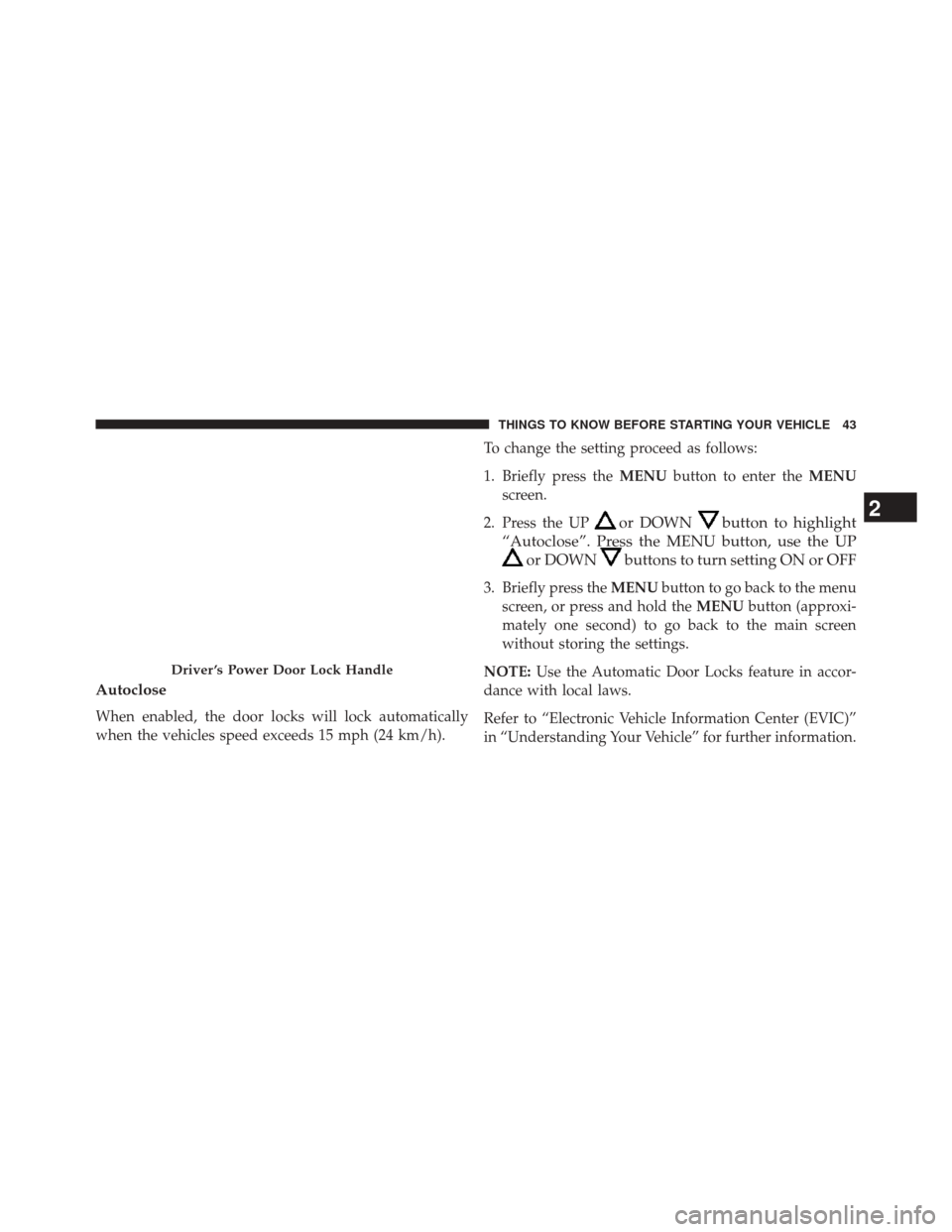
A power door lock switch is incorporated into the driver
door handle. Push or pull the handle to lock or unlock the
doors and liftgate. If the driver ’s door handle is pushed
a red lock indicator will show on the driver ’s door handle
(indicating locked) when the door is closed, the door will
lock.
NOTE:
To prevent the key from being locked in the
vehicle, the doors will automatically unlock if the driver’s
door handle is pushed when the key is in the ignition.
42 THINGS TO KNOW BEFORE STARTING YOUR VEHICLE
Page 45 of 363
Autoclose
When enabled, the door locks will lock automatically
when the vehicles speed exceeds 15 mph (24 km/h).To change the setting proceed as follows:
1. Briefly press the
MENUbutton to enter the MENU
screen.
2. Press the UP
or DOWNbutton to highlight
“Autoclose”. Press the MENU button, use the UP
or DOWNbuttons to turn setting ON or OFF
3. Briefly press the MENUbutton to go back to the menu
screen, or press and hold the MENUbutton (approxi-
mately one second) to go back to the main screen
without storing the settings.
NOTE: Use the Automatic Door Locks feature in accor-
dance with local laws.
Refer to “Electronic Vehicle Information Center (EVIC)”
in “Understanding Your Vehicle” for further information.
Driver ’s Power Door Lock Handle
2
THINGS TO KNOW BEFORE STARTING YOUR VEHICLE 43
Page 47 of 363
second, release, and the window will go down automati-
cally. To cancel the Auto-Down movement, operate the
switch in either the up or down direction and release the
switch.
Wind Buffeting
Wind buffeting can be described as the perception of
pressure on the ears or a helicopter-type sound in the
ears. Your vehicle may exhibit wind buffeting with the
windows down, or the sunroof (if equipped) in certain
open or partially open positions. This is a normal occur-
rence and can be minimized. If the buffeting occurs with
the sunroof open, adjust the sunroof opening to minimize
the buffeting or open any window.
LIFTGATE
To unlock the liftgate, use the Remote Keyless Entry
(RKE) transmitter or activate the power door lock
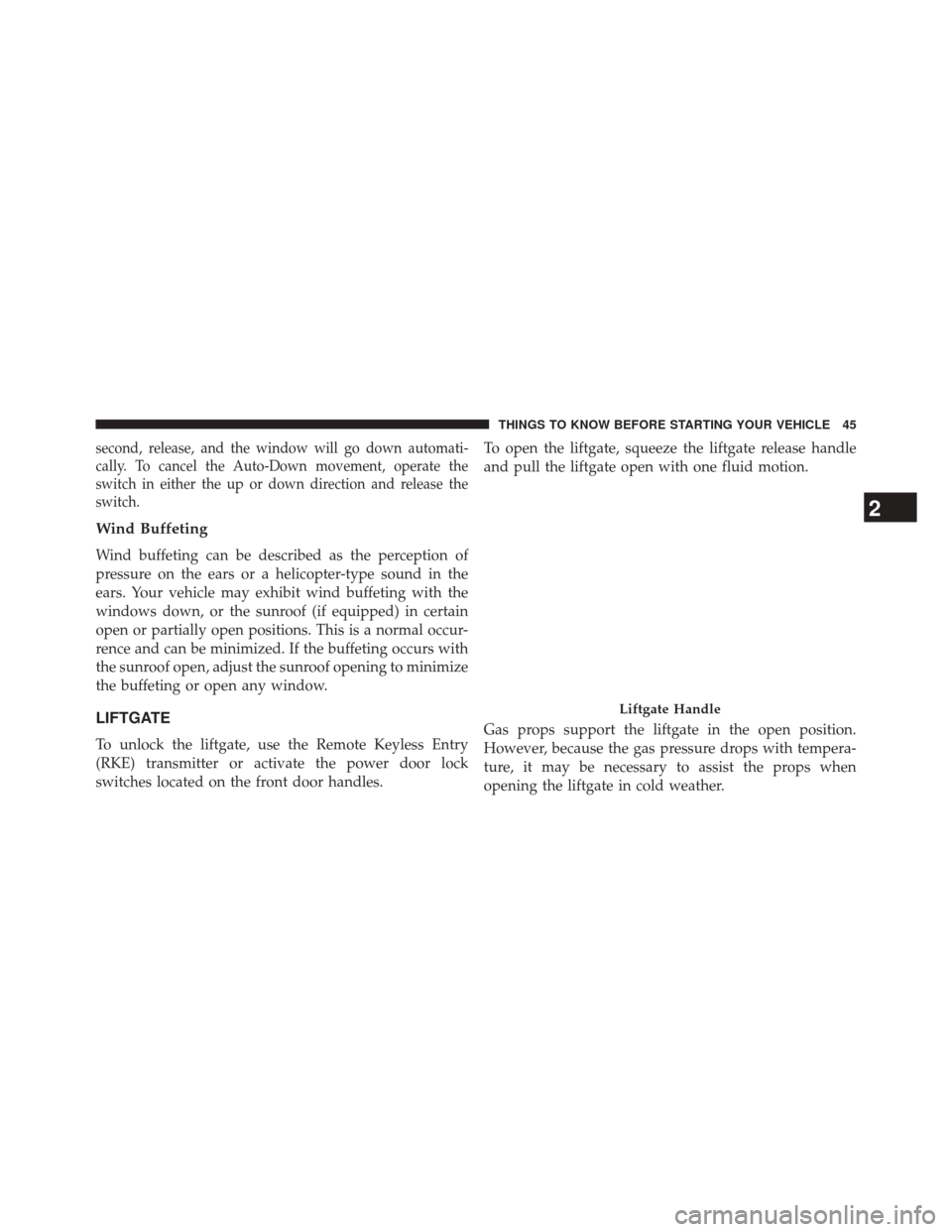
switches located on the front door handles.To open the liftgate, squeeze the liftgate release handle
and pull the liftgate open with one fluid motion.
Gas props support the liftgate in the open position.
However, because the gas pressure drops with tempera-
ture, it may be necessary to assist the props when
opening the liftgate in cold weather.
Liftgate Handle
2
THINGS TO KNOW BEFORE STARTING YOUR VEHICLE 45
Page 74 of 363
WARNING!
Deployed air bags and seat belt pretensioners cannot
protect you in another collision. Have the air bags,
seat belt pretensioners, and the seat belt retractor
assemblies replaced by an authorized dealer imme-
diately. Also, have the Occupant Restraint Controller
System serviced as well.
NOTE:
• Air bag covers may not be obvious in the interior trim,
but they will open during air bag deployment.
• After any collision, the vehicle should be taken to an
authorized dealer immediately.
Enhanced Accident Response System
In the event of an impact, if the communication network
remains intact, and the power remains intact, depending
on the nature of the event, the ORC will determine
whether to have the Enhanced Accident Response Sys-
tem perform the following functions:
• Cut off fuel to the engine.
• Flash hazard lights as long as the battery has power or
until the ignition switch is turned to the “OFF” posi-
tion.
• Turn on the interior lights, which remain on as long as
the battery has power or until the ignition switch is
turned to the “OFF” position.
• Unlock the doors automatically.
72 THINGS TO KNOW BEFORE STARTING YOUR VEHICLE
Page 101 of 363
Periodic Safety Checks You Should Make Outside
The Vehicle
Tires
Examine tires for excessive tread wear and uneven wear
patterns. Check for stones, nails, glass, or other objects
lodged in the tread or sidewall. Inspect the tread for cuts
and cracks. Inspect sidewalls for cuts, cracks and bulges.
Check the wheel bolts for tightness. Check the tires
(including spare) for proper cold inflation pressure.
Lights
Have someone observe the operation of brake lights and
exterior lights while you work the controls. Check turn
signal and high beam indicator lights on the instrument
panel.
Door Latches
Check for positive closing, latching, and locking.
2
THINGS TO KNOW BEFORE STARTING YOUR VEHICLE 99
Page 131 of 363
•When the doors are unlocked with the Key Fob a
10 second timer is activated.
• When the doors are locked with the Key Fob the lights
will turn off.
Interior Light Timing (On/Right Position)
• When all doors are closed a 15 minute timer is
activated.
NOTE: The timer is deactivated when the key is moved
into the ON/RUN position.
Front Fog Lights — If Equipped
The fog light switch is located on the center stack of the
instrument panel, just below the radio. Press the switch once to turn the front fog lights on. Press
the switch a second time to turn the front fog lights off.
Fog Light Switch
3
UNDERSTANDING THE FEATURES OF YOUR VEHICLE 129
Page 169 of 363
Press the + button to scroll upward through the dis-
played menu and the related options or to increase the
displayed value. Press the – button to scroll downward
through the displayed menu and the related options or to
decrease the value displayed.
+ and – buttons activate different functions according to
the following situations:
•To scroll the menu options upwards or downwards.
• To increase or decrease values during settings.
When opening one of the front doors, the EVIC display
will come on and information such as odometer and
clock will be displayed.
Electronic Vehicle Information Center (EVIC)
Setup Menu
The menu comprises a series of functions arranged in a
cycle. Press the + and – buttons to access the different
options and settings (setup). The setup menu can be activated by pressing the MENU
ESC button. Single presses on the + or – buttons will
scroll through the setup menu options. The menu in-
cludes the following functions:
•
Charging Schedule
• Set Date
• Set Time
• Units
• Languages
• Battery % Display
• Auto Door Lock
• Remote Unlock
• Daytime Running Lights
• Button Volume
4
UNDERSTANDING YOUR INSTRUMENT PANEL 167
Page 309 of 363
WARNING!(Continued)
•The air conditioning system contains refrigerant
under high pressure. To avoid risk of personal
injury or damage to the system, adding refrigerant
or any repair requiring lines to be disconnected
should be done by an experienced technician.
Body Lubrication
Locks and all body pivot points, including such items as
seat tracks, door hinge pivot points and rollers, liftgate,
tailgate, decklid, sliding doors and hood hinges, should
be lubricated periodically with a lithium based grease,
such as MOPAR® Spray White Lube to assure quiet, easy
operation and to protect against rust and wear. Prior to
the application of any lubricant, the parts concerned
should be wiped clean to remove dust and grit; after
lubricating excess oil and grease should be removed.
Particular attention should also be given to hood latching components to ensure proper function. When performing
other underhood services, the hood latch, release mecha-
nism and safety catch should be cleaned and lubricated.
The external lock cylinders should be lubricated twice a
year, preferably in the Fall and Spring. Apply a small
amount of a high quality lubricant, such as MOPAR®
Lock Cylinder Lubricant directly into the lock cylinder.
Wiper Blades
Clean the rubber edges of the wiper blades and the
windshield and rear window periodically with a sponge
or soft cloth and a mild nonabrasive cleaner. This will
remove accumulations of salt, waxes, or road film, and
help reduce streaking and smearing.
Operation of the wipers on dry glass for long periods
may cause deterioration of the wiper blades. Always use
washer fluid when using the wipers to remove salt or dirt
from a dry windshield or rear window.
7
MAINTAINING YOUR VEHICLE 307
Page 322 of 363
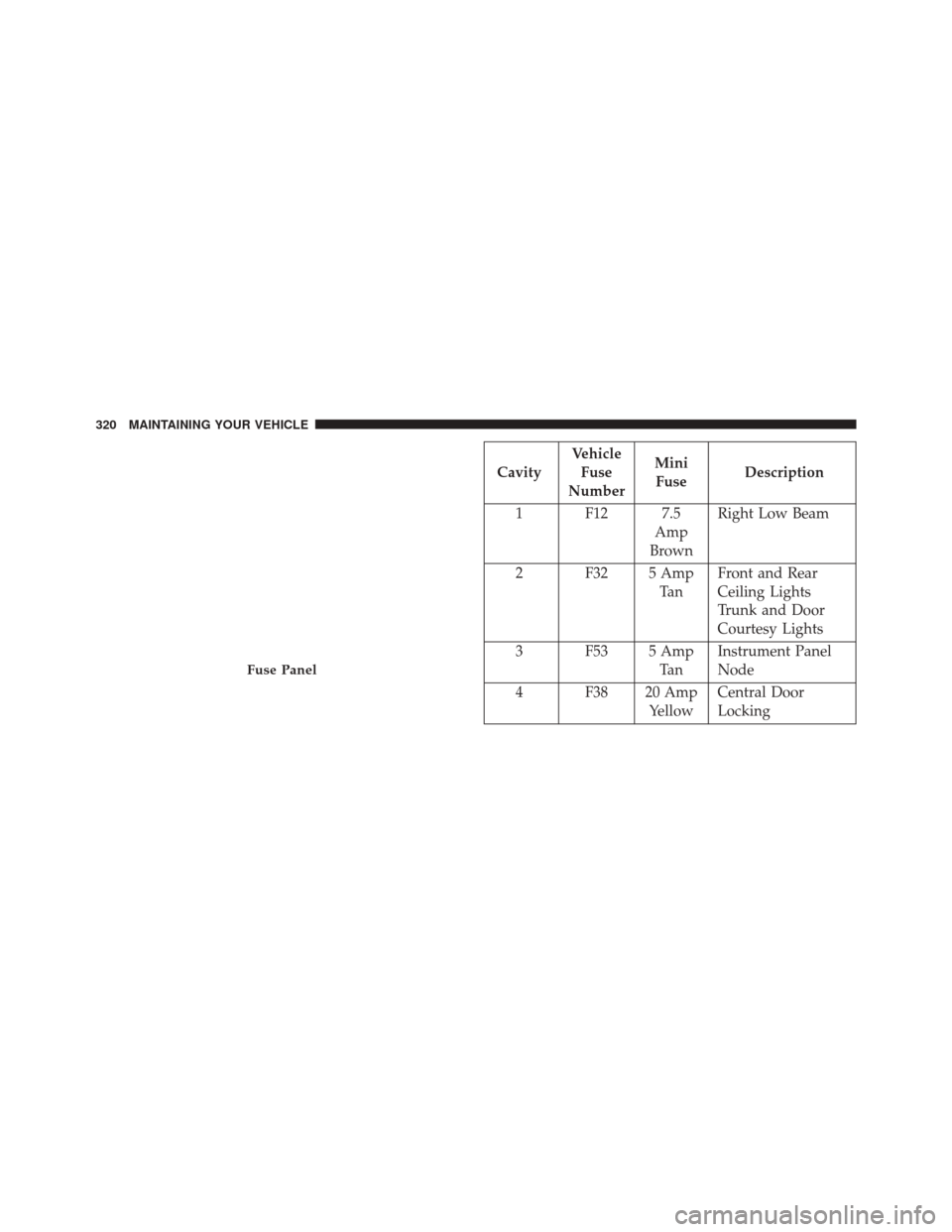
CavityVehicle
Fuse
Number Mini
Fuse Description
1 F12 7.5 Amp
Brown Right Low Beam
2 F32 5 Amp Ta nFront and Rear
Ceiling Lights
Trunk and Door
Courtesy Lights
3 F53 5 Amp Ta nInstrument Panel
Node
4 F38 20 Amp YellowCentral Door
Locking
Fuse Panel
320 MAINTAINING YOUR VEHICLE
Page 330 of 363
BULB REPLACEMENT
NOTE:Lens fogging can occur under certain atmo-
spheric conditions. This will usually clear as atmospheric
conditions change to allow the condensation to change
back into a vapor. Turning the lamps on will usually
accelerate the clearing process.
Headlamps Low Beam and High Beam
1. Remove the plastic cap from the back of the headlamp housing.
2. Rotate the bulb counter-clockwise.
3. Remove the bulb and replace as needed.
4. Install the bulb and rotate clockwise to lock in place.
5. Reinstall the plastic cap.
Front Turn Signal, Parking And Daytime Running
Lamps
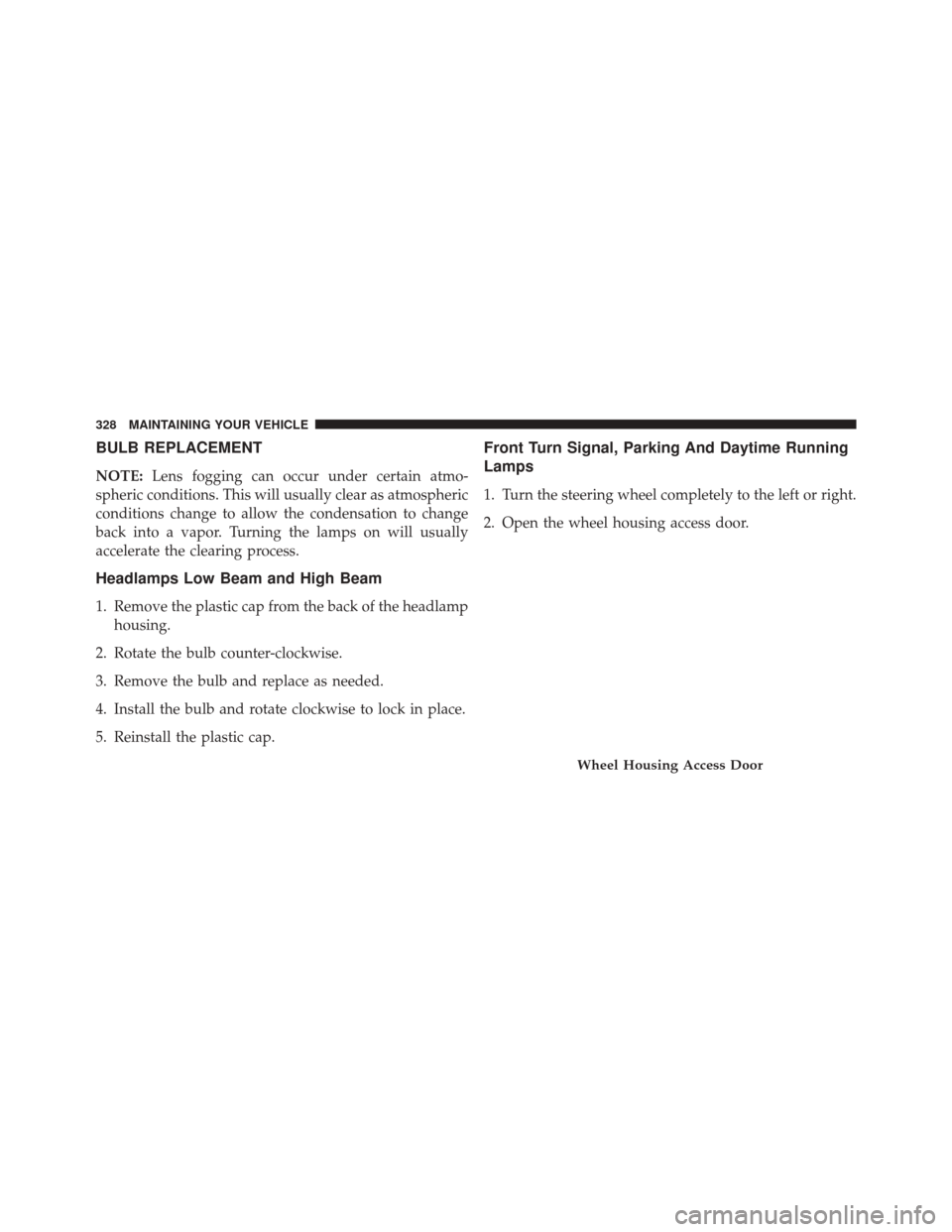
1. Turn the steering wheel completely to the left or right.
2. Open the wheel housing access door.
Wheel Housing Access Door
328 MAINTAINING YOUR VEHICLE