display FIAT 500E 2015 2.G User Guide
[x] Cancel search | Manufacturer: FIAT, Model Year: 2015, Model line: 500E, Model: FIAT 500E 2015 2.GPages: 367, PDF Size: 9.42 MB
Page 140 of 367
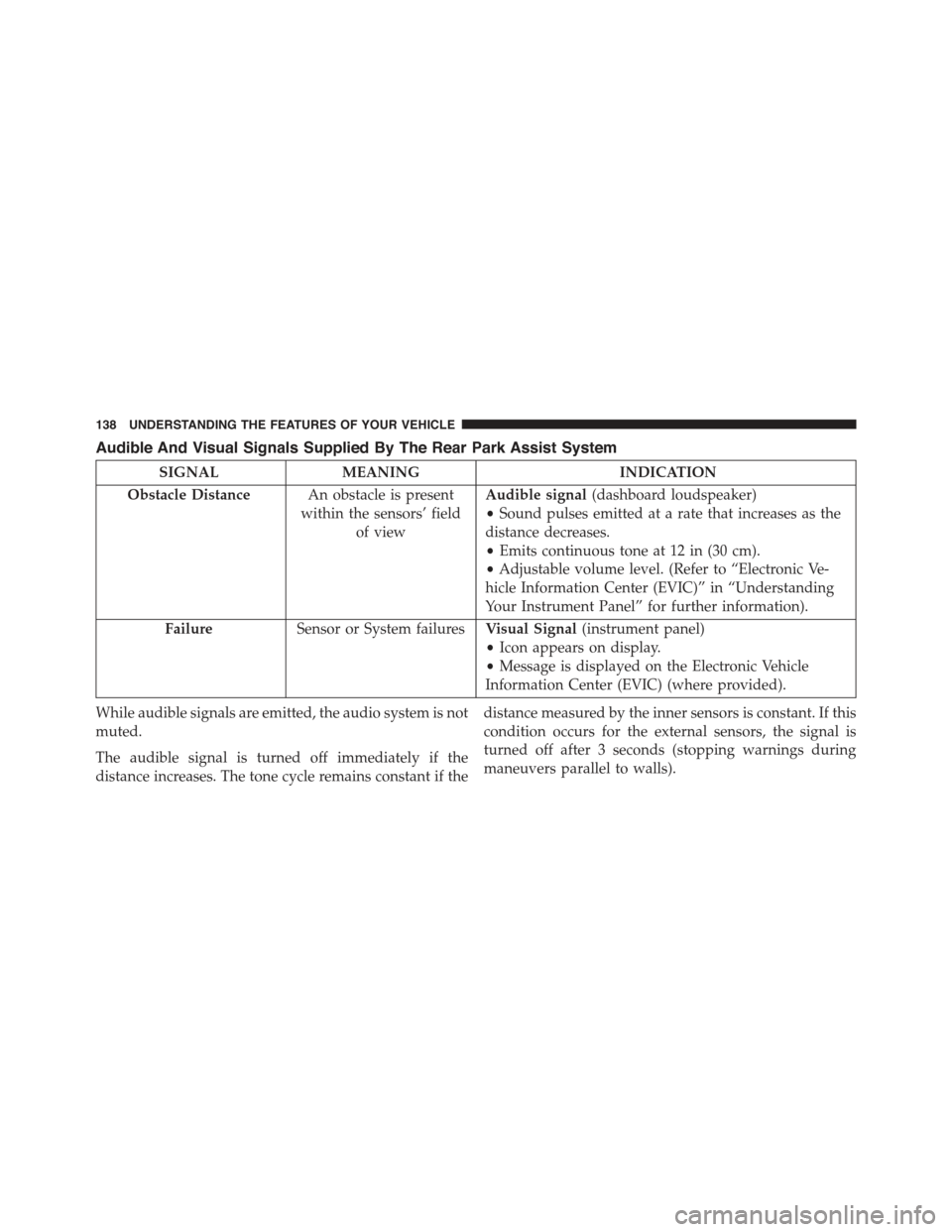
Audible And Visual Signals Supplied By The Rear Park Assist System
SIGNALMEANINGINDICATION
Obstacle DistanceAn obstacle is present
within the sensors’ field
of view
Audible signal(dashboard loudspeaker)
•Sound pulses emitted at a rate that increases as the
distance decreases.
•Emits continuous tone at 12 in (30 cm).
•Adjustable volume level. (Refer to “Electronic Ve-
hicle Information Center (EVIC)” in “Understanding
Your Instrument Panel” for further information).
FailureSensor or System failuresVisual Signal(instrument panel)
•Icon appears on display.
•Message is displayed on the Electronic Vehicle
Information Center (EVIC) (where provided).
While audible signals are emitted, the audio system is not
muted.
The audible signal is turned off immediately if the
distance increases. The tone cycle remains constant if the
distance measured by the inner sensors is constant. If this
condition occurs for the external sensors, the signal is
turned off after 3 seconds (stopping warnings during
maneuvers parallel to walls).
138 UNDERSTANDING THE FEATURES OF YOUR VEHICLE
Page 141 of 367
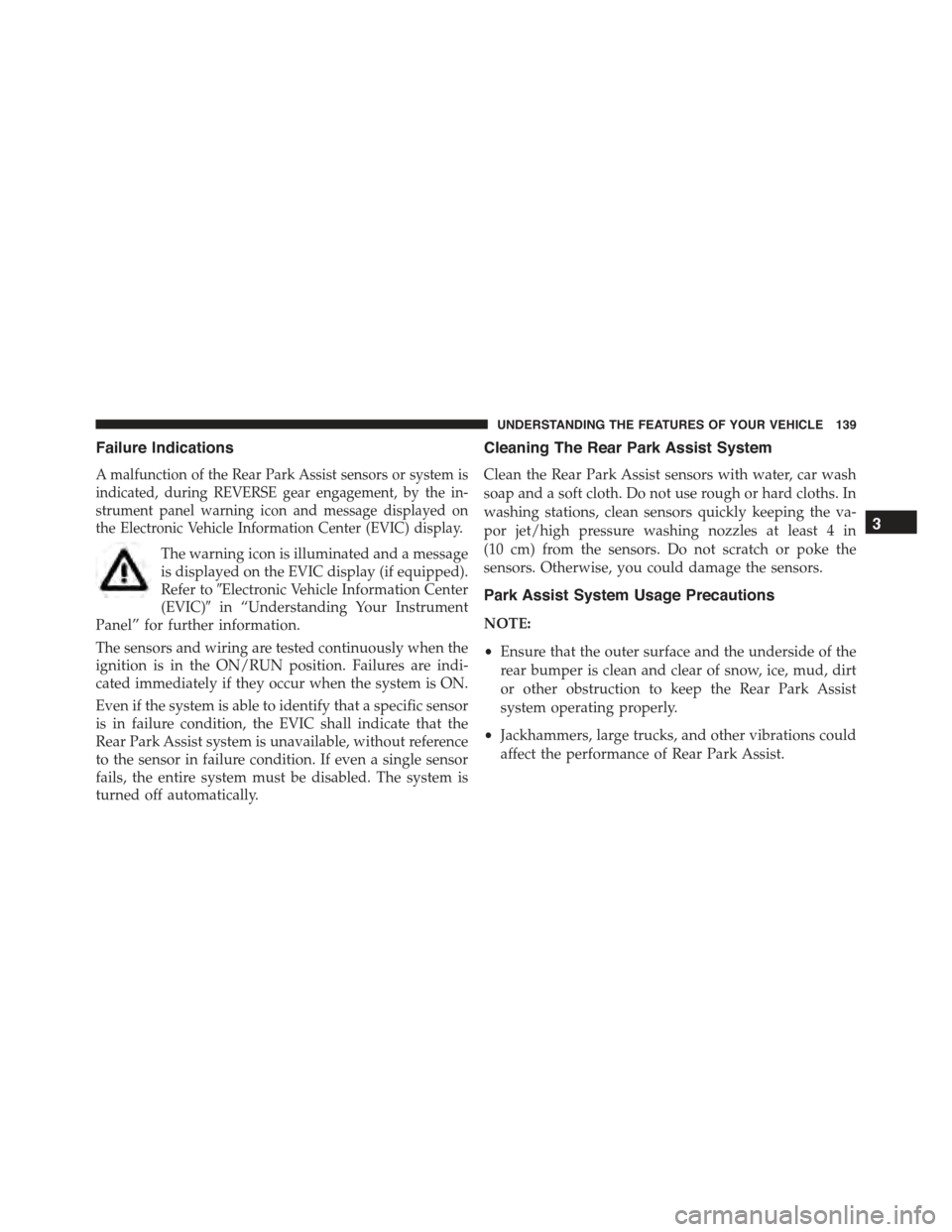
Failure Indications
A malfunction of the Rear Park Assist sensors or system is
indicated, during REVERSE gear engagement, by the in-
strument panel warning icon and message displayed on
the Electronic Vehicle Information Center (EVIC) display.
The warning icon is illuminated and a message
is displayed on the EVIC display (if equipped).
Refer to#Electronic Vehicle Information Center
(EVIC)#in “Understanding Your Instrument
Panel” for further information.
The sensors and wiring are tested continuously when the
ignition is in the ON/RUN position. Failures are indi-
cated immediately if they occur when the system is ON.
Even if the system is able to identify that a specific sensor
is in failure condition, the EVIC shall indicate that the
Rear Park Assist system is unavailable, without reference
to the sensor in failure condition. If even a single sensor
fails, the entire system must be disabled. The system is
turned off automatically.
Cleaning The Rear Park Assist System
Clean the Rear Park Assist sensors with water, car wash
soap and a soft cloth. Do not use rough or hard cloths. In
washing stations, clean sensors quickly keeping the va-
por jet/high pressure washing nozzles at least 4 in
(10 cm) from the sensors. Do not scratch or poke the
sensors. Otherwise, you could damage the sensors.
Park Assist System Usage Precautions
NOTE:
•Ensure that the outer surface and the underside of the
rear bumper is clean and clear of snow, ice, mud, dirt
or other obstruction to keep the Rear Park Assist
system operating properly.
•Jackhammers, large trucks, and other vibrations could
affect the performance of Rear Park Assist.
3
UNDERSTANDING THE FEATURES OF YOUR VEHICLE 139
Page 142 of 367
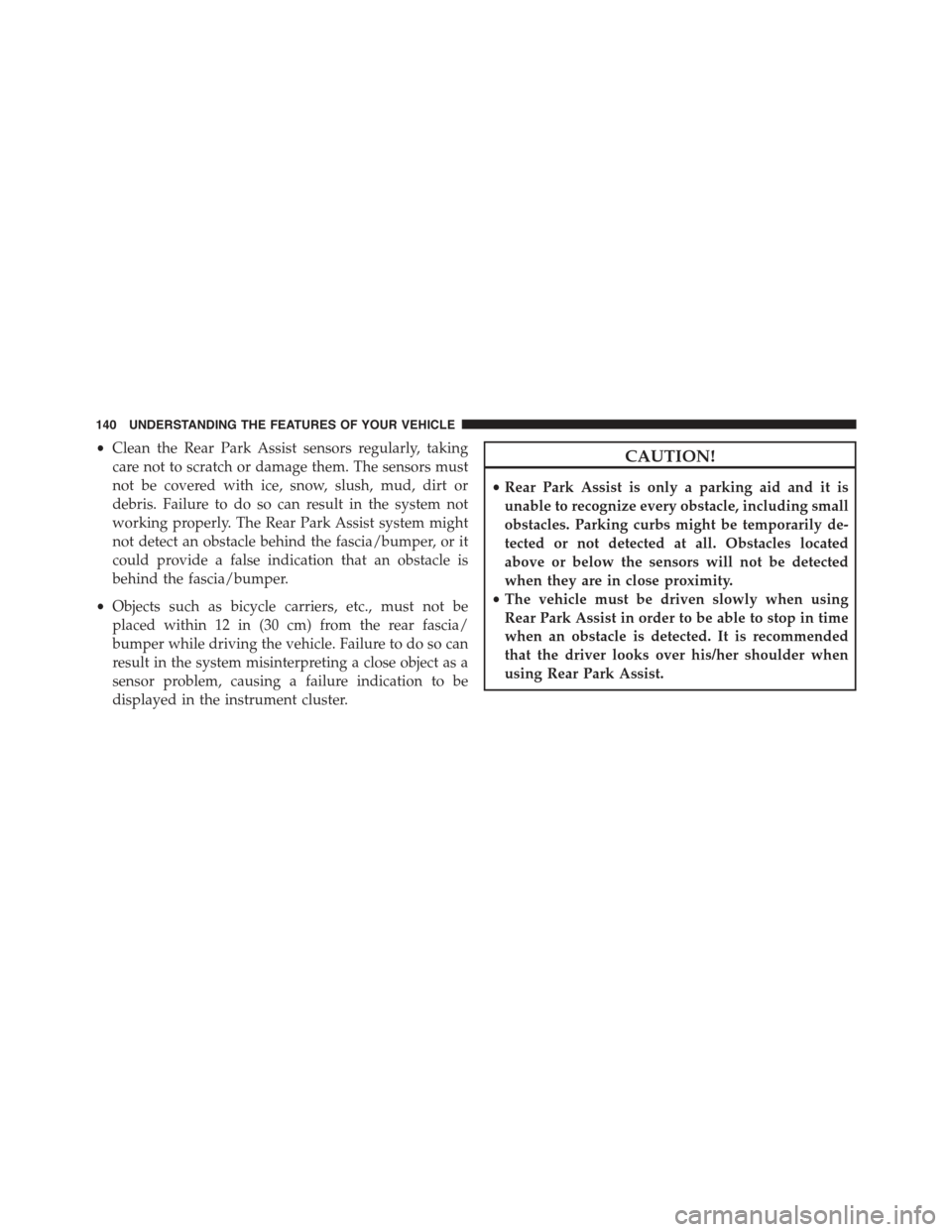
•Clean the Rear Park Assist sensors regularly, taking
care not to scratch or damage them. The sensors must
not be covered with ice, snow, slush, mud, dirt or
debris. Failure to do so can result in the system not
working properly. The Rear Park Assist system might
not detect an obstacle behind the fascia/bumper, or it
could provide a false indication that an obstacle is
behind the fascia/bumper.
•Objects such as bicycle carriers, etc., must not be
placed within 12 in (30 cm) from the rear fascia/
bumper while driving the vehicle. Failure to do so can
result in the system misinterpreting a close object as a
sensor problem, causing a failure indication to be
displayed in the instrument cluster.
CAUTION!
•Rear Park Assist is only a parking aid and it is
unable to recognize every obstacle, including small
obstacles. Parking curbs might be temporarily de-
tected or not detected at all. Obstacles located
above or below the sensors will not be detected
when they are in close proximity.
•The vehicle must be driven slowly when using
Rear Park Assist in order to be able to stop in time
when an obstacle is detected. It is recommended
that the driver looks over his/her shoulder when
using Rear Park Assist.
140 UNDERSTANDING THE FEATURES OF YOUR VEHICLE
Page 143 of 367
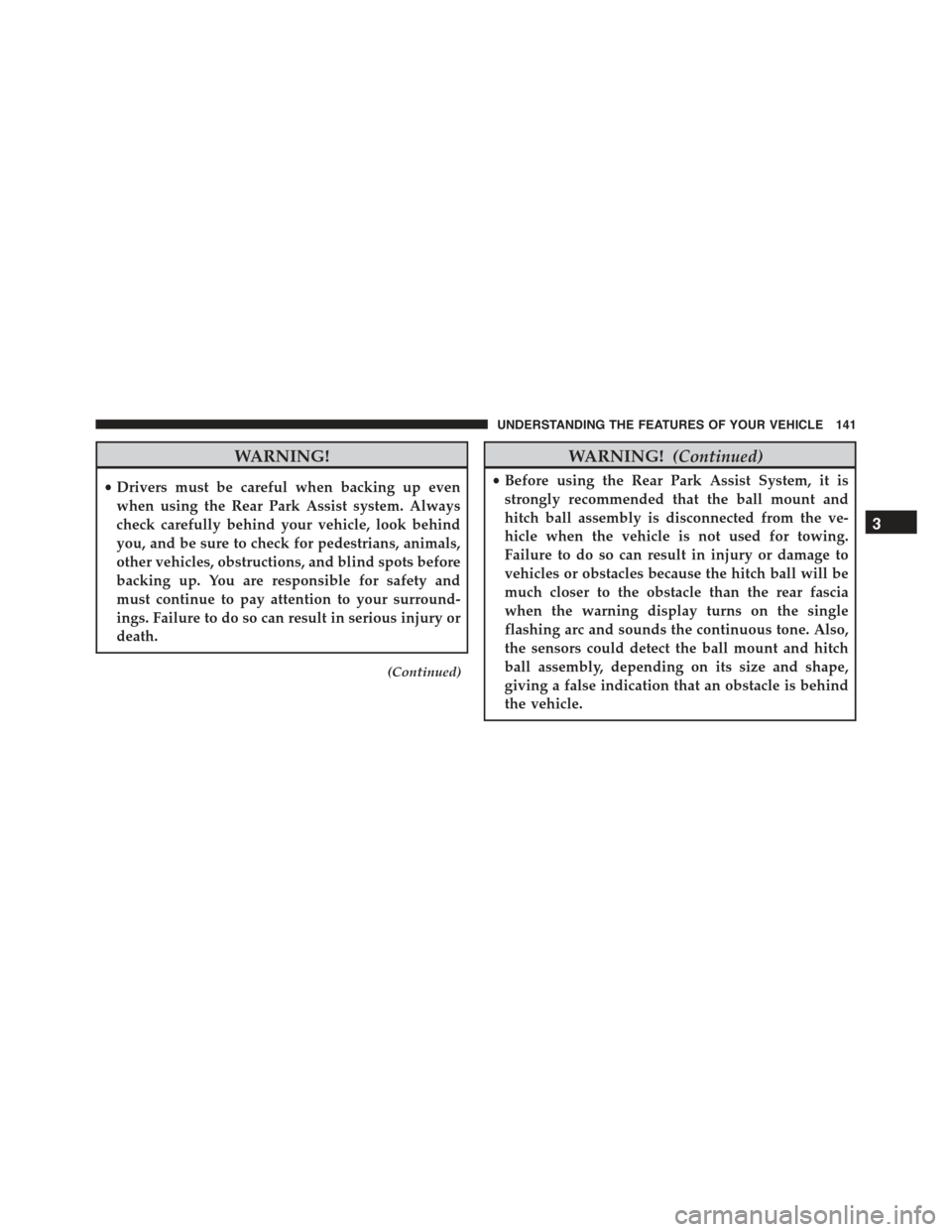
WARNING!
•Drivers must be careful when backing up even
when using the Rear Park Assist system. Always
check carefully behind your vehicle, look behind
you, and be sure to check for pedestrians, animals,
other vehicles, obstructions, and blind spots before
backing up. You are responsible for safety and
must continue to pay attention to your surround-
ings. Failure to do so can result in serious injury or
death.
(Continued)
WARNING!(Continued)
•Before using the Rear Park Assist System, it is
strongly recommended that the ball mount and
hitch ball assembly is disconnected from the ve-
hicle when the vehicle is not used for towing.
Failure to do so can result in injury or damage to
vehicles or obstacles because the hitch ball will be
much closer to the obstacle than the rear fascia
when the warning display turns on the single
flashing arc and sounds the continuous tone. Also,
the sensors could detect the ball mount and hitch
ball assembly, depending on its size and shape,
giving a false indication that an obstacle is behind
the vehicle.
3
UNDERSTANDING THE FEATURES OF YOUR VEHICLE 141
Page 165 of 367
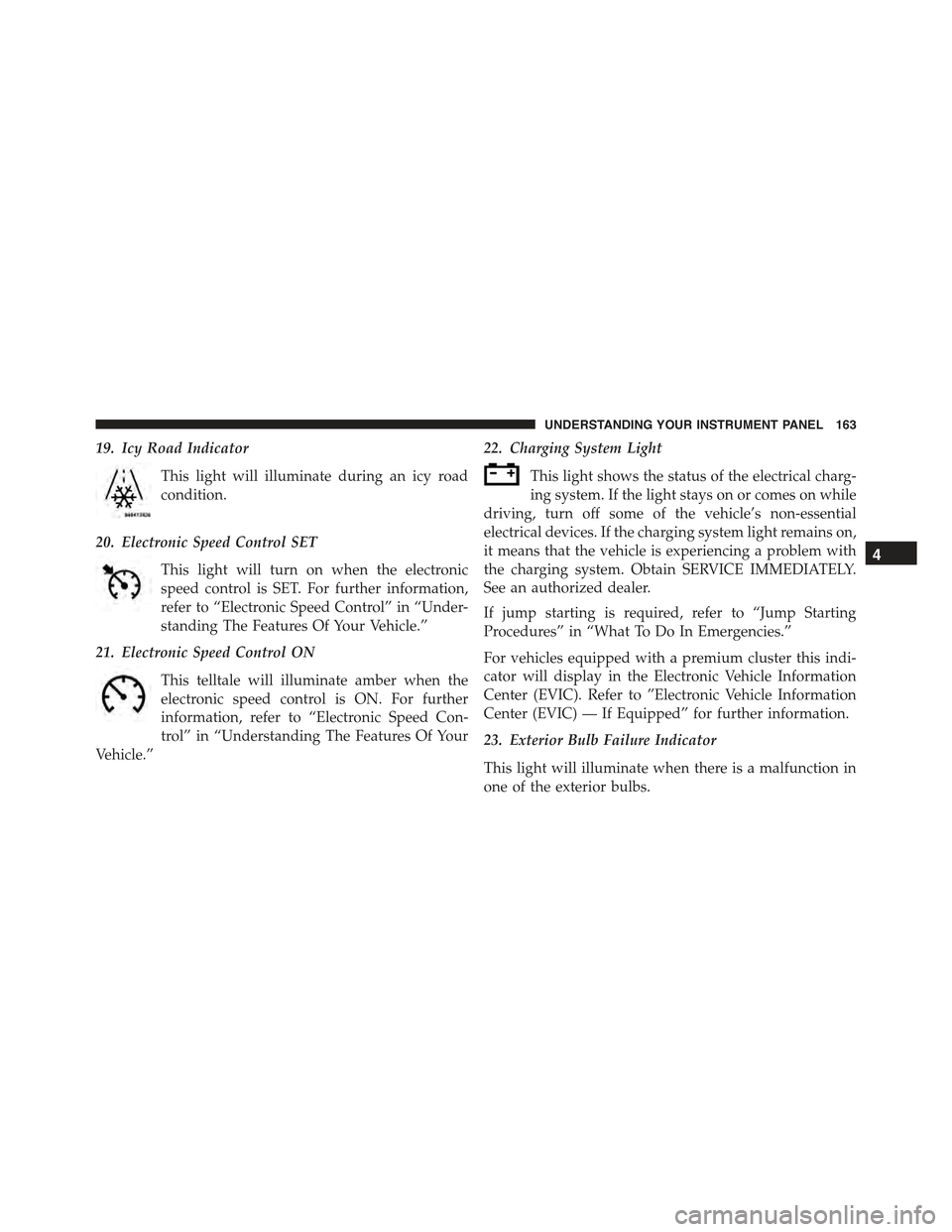
19. Icy Road Indicator
This light will illuminate during an icy road
condition.
20. Electronic Speed Control SET
This light will turn on when the electronic
speed control is SET. For further information,
refer to “Electronic Speed Control” in “Under-
standing The Features Of Your Vehicle.”
21. Electronic Speed Control ON
This telltale will illuminate amber when the
electronic speed control is ON. For further
information, refer to “Electronic Speed Con-
trol” in “Understanding The Features Of Your
Vehicle.”
22. Charging System Light
This light shows the status of the electrical charg-
ing system. If the light stays on or comes on while
driving, turn off some of the vehicle’s non-essential
electrical devices. If the charging system light remains on,
it means that the vehicle is experiencing a problem with
the charging system. Obtain SERVICE IMMEDIATELY.
See an authorized dealer.
If jump starting is required, refer to “Jump Starting
Procedures” in “What To Do In Emergencies.”
For vehicles equipped with a premium cluster this indi-
cator will display in the Electronic Vehicle Information
Center (EVIC). Refer to ”Electronic Vehicle Information
Center (EVIC) — If Equipped” for further information.
23. Exterior Bulb Failure Indicator
This light will illuminate when there is a malfunction in
one of the exterior bulbs.
4
UNDERSTANDING YOUR INSTRUMENT PANEL 163
Page 168 of 367
CAUTION!
The TPMS has been optimized for the original
equipment tires and wheels. TPMS pressures and
warning have been established for the tire size
equipped on your vehicle. Undesirable system opera-
tion or sensor damage may result when using re-
placement equipment that is not of the same size,
type, and/or style. Aftermarket wheels can cause
sensor damage. Using aftermarket tire sealants may
cause the Tire Pressure Monitoring System (TPMS)
sensor to become inoperable. After using an after-
market tire sealant it is recommended that you take
your vehicle to an authorized dealership to have your
sensor function checked.
28. Electronic Vehicle Information Center (EVIC)
The EVIC features a driver-interactive display that is
located in the instrument cluster. For further information,
refer to “Electronic Vehicle Information Center (EVIC)” in
“Understanding Your Instrument Panel.”
ELECTRONIC VEHICLE INFORMATION
CENTER (EVIC)
The Electronic Vehicle Information Center (EVIC) fea-
tures a driver-interactive display that is located in the
instrument cluster.
166 UNDERSTANDING YOUR INSTRUMENT PANEL
Page 169 of 367
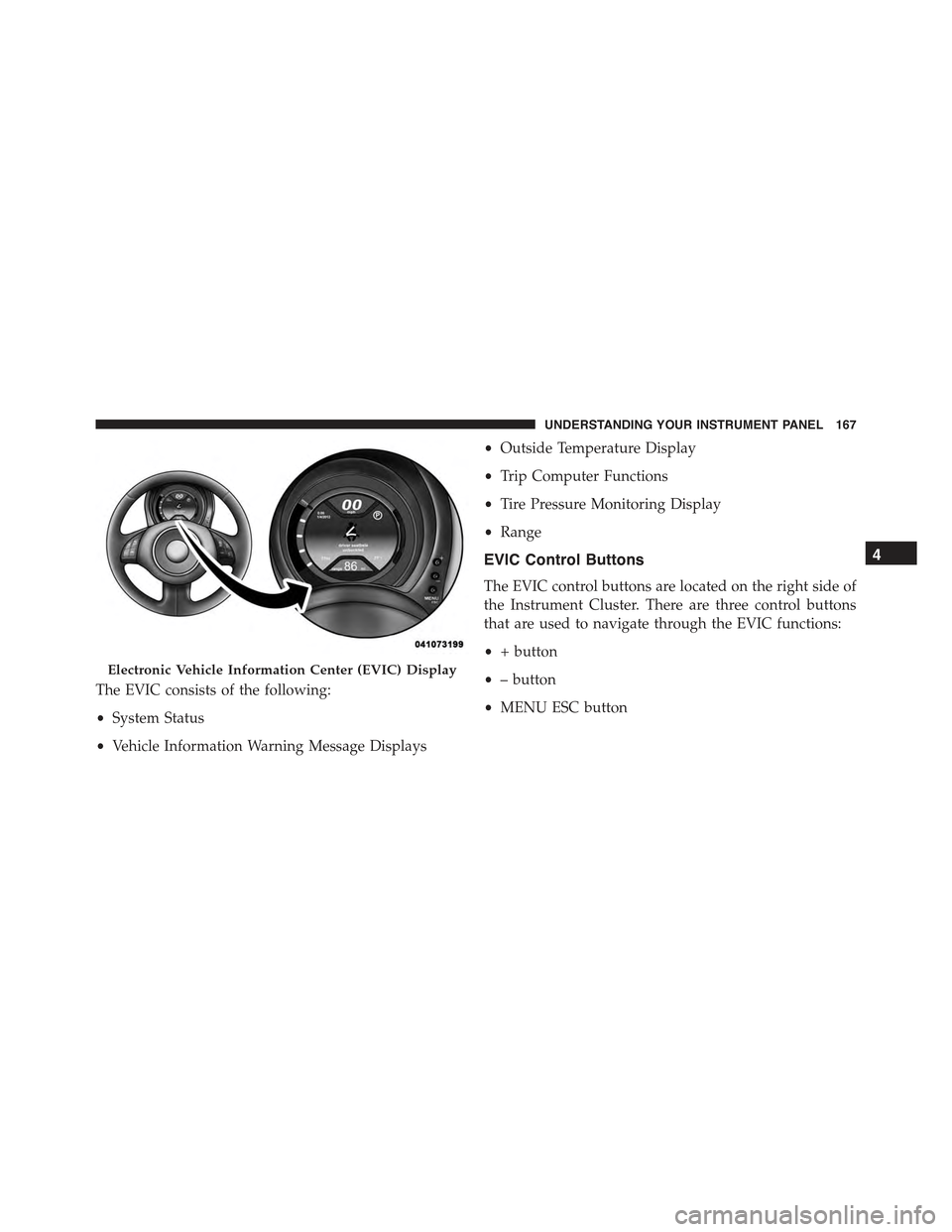
The EVIC consists of the following:
•System Status
•Vehicle Information Warning Message Displays
•Outside Temperature Display
•Trip Computer Functions
•Tire Pressure Monitoring Display
•Range
EVIC Control Buttons
The EVIC control buttons are located on the right side of
the Instrument Cluster. There are three control buttons
that are used to navigate through the EVIC functions:
•+ button
•– button
•MENU ESC button
Electronic Vehicle Information Center (EVIC) Display
4
UNDERSTANDING YOUR INSTRUMENT PANEL 167
Page 170 of 367
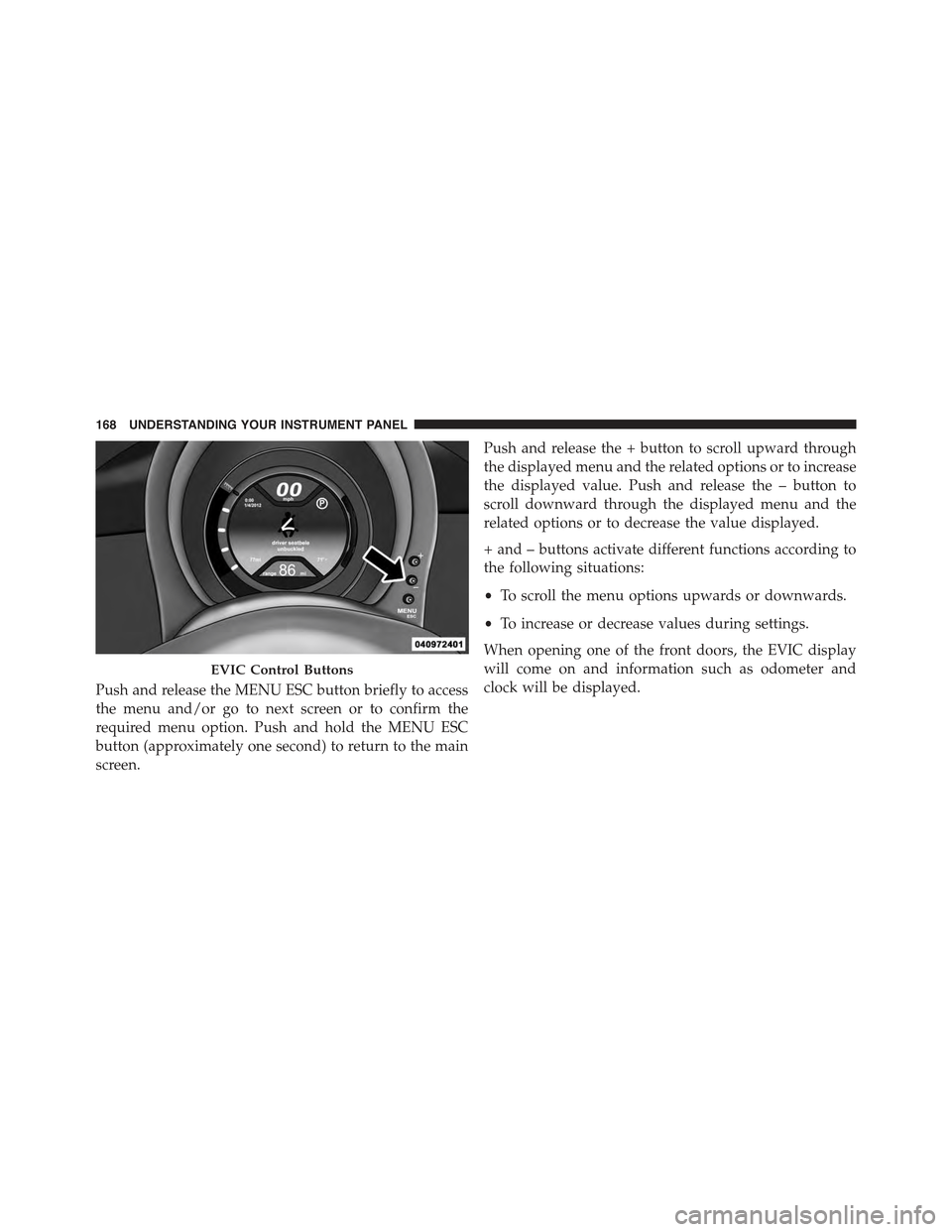
Push and release the MENU ESC button briefly to access
the menu and/or go to next screen or to confirm the
required menu option. Push and hold the MENU ESC
button (approximately one second) to return to the main
screen.
Push and release the + button to scroll upward through
the displayed menu and the related options or to increase
the displayed value. Push and release the – button to
scroll downward through the displayed menu and the
related options or to decrease the value displayed.
+ and – buttons activate different functions according to
the following situations:
•To scroll the menu options upwards or downwards.
•To increase or decrease values during settings.
When opening one of the front doors, the EVIC display
will come on and information such as odometer and
clock will be displayed.
EVIC Control Buttons
168 UNDERSTANDING YOUR INSTRUMENT PANEL
Page 171 of 367
Electronic Vehicle Information Center (EVIC)
Setup Menu
The menu comprises a series of functions arranged in a
cycle. Push and release the + and – buttons to access the
different options and settings (setup).
The setup menu can be activated by pushing the MENU
ESC button. Single pushes on the + or – buttons will
scroll through the setup menu options. The menu in-
cludes the following functions:
•Charging Schedule
•Set Date
•Set Time
•Units
•Language
•Battery % Display
•Auto Door Locks
•Remote Unlock
•Daytime Running Lights
•Button Volume
•Hill Start Assist
•Stored Warnings
•Tutorial
•Connectivity ID
•Restore Factory Settings
•Exit Menu
4
UNDERSTANDING YOUR INSTRUMENT PANEL 169
Page 172 of 367
Selecting An Option Of The Main Menu Without
Submenu:
1. Briefly push and release the MENU ESC button to
select the main menu option to set.
2. Push and release the + or – button (by single pushes)
to select the new setting.
3. Briefly push and release the MENU ESC button to
store the new setting and go back to the main menu
option previously selected.
Selecting An Option Of The Main Menu With Sub-
menu:
1. Briefly push and release the MENU ESC button to
display the first submenu option.
2. Push and release the + or – button (by single pushes)
to scroll through all the submenu options.
3. Briefly push and release the MENU ESC button to
select the displayed submenu option and to open the
relevant setup menu.
4. Push and release the + or – button (by single pushes)
to select the new setting for this submenu option.
5. Briefly push and release the MENU ESC button to
store the new setting and go back to the previously
selected submenu option.
6. Push and hold the MENU ESC button to return to the
main menu (short hold) or the main screen (longer
hold).
Trip Computer
The Trip Computer is located in the instrument cluster.
The Trip Computer displays trip information such as:
average speed, distance traveled, average energy, time
traveled, motor power, and tire pressure.
170 UNDERSTANDING YOUR INSTRUMENT PANEL