light FIAT 500E 2017 2.G Service Manual
[x] Cancel search | Manufacturer: FIAT, Model Year: 2017, Model line: 500E, Model: FIAT 500E 2017 2.GPages: 300, PDF Size: 2.58 MB
Page 131 of 300
Yellow TelltaleLight What It Means
•
Each time the ignition is turned to AVV/START, the ESC system will be ON, even if it
was turned off previously.
• The ESC system will make buzzing or clicking sounds when it is active. This is normal;
the sounds will stop when ESC becomes inactive following the maneuver that caused
the ESC activation.
Electronic Stability Control (ESC) OFF Indicator Light — If Equipped
Yellow Telltale Light What It Means
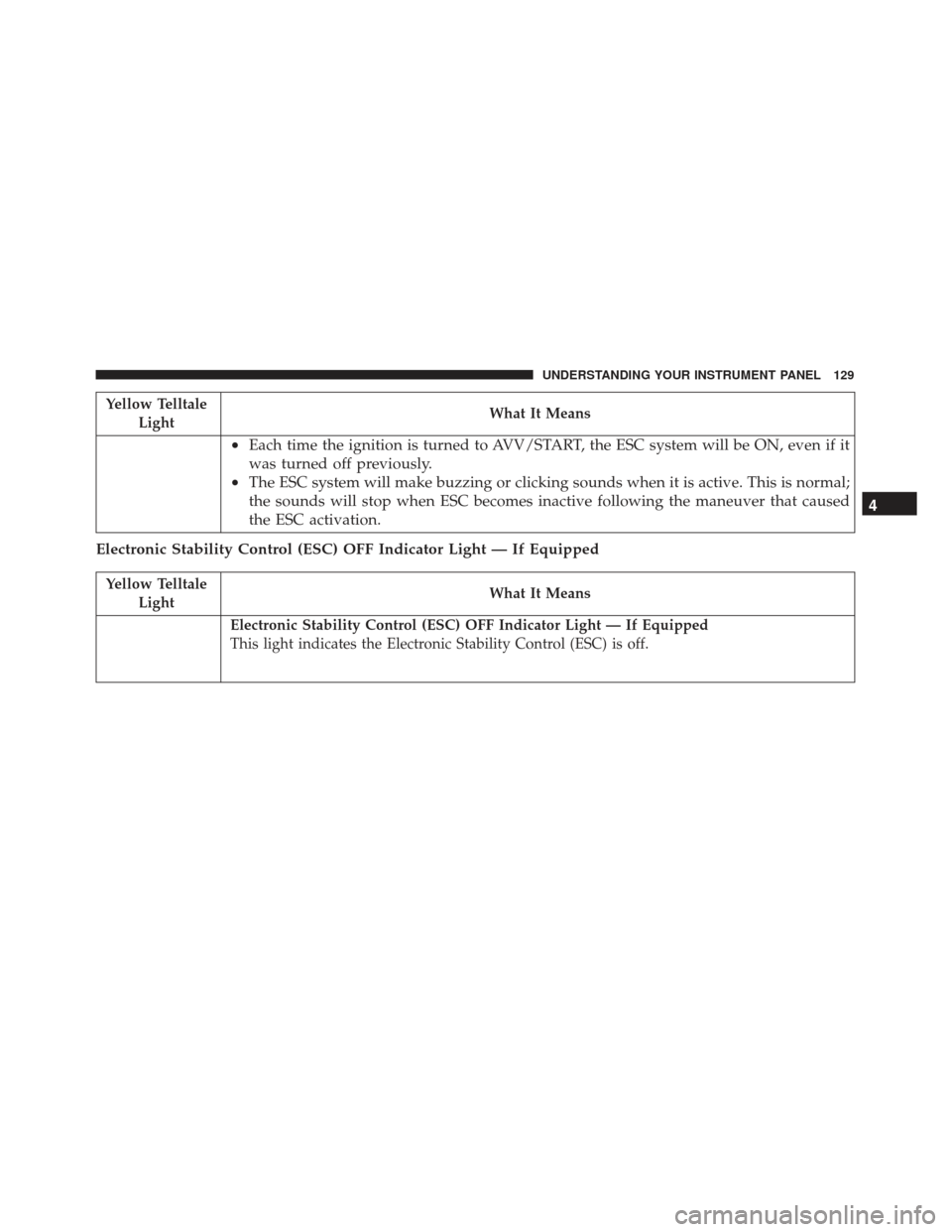
Electronic Stability Control (ESC) OFF Indicator Light — If Equipped
This light indicates the Electronic Stability Control (ESC) is off.
4
UNDERSTANDING YOUR INSTRUMENT PANEL 129
Page 132 of 300
Tire Pressure Monitoring System (TPMS) Warning Light
Yellow TelltaleLight What It Means
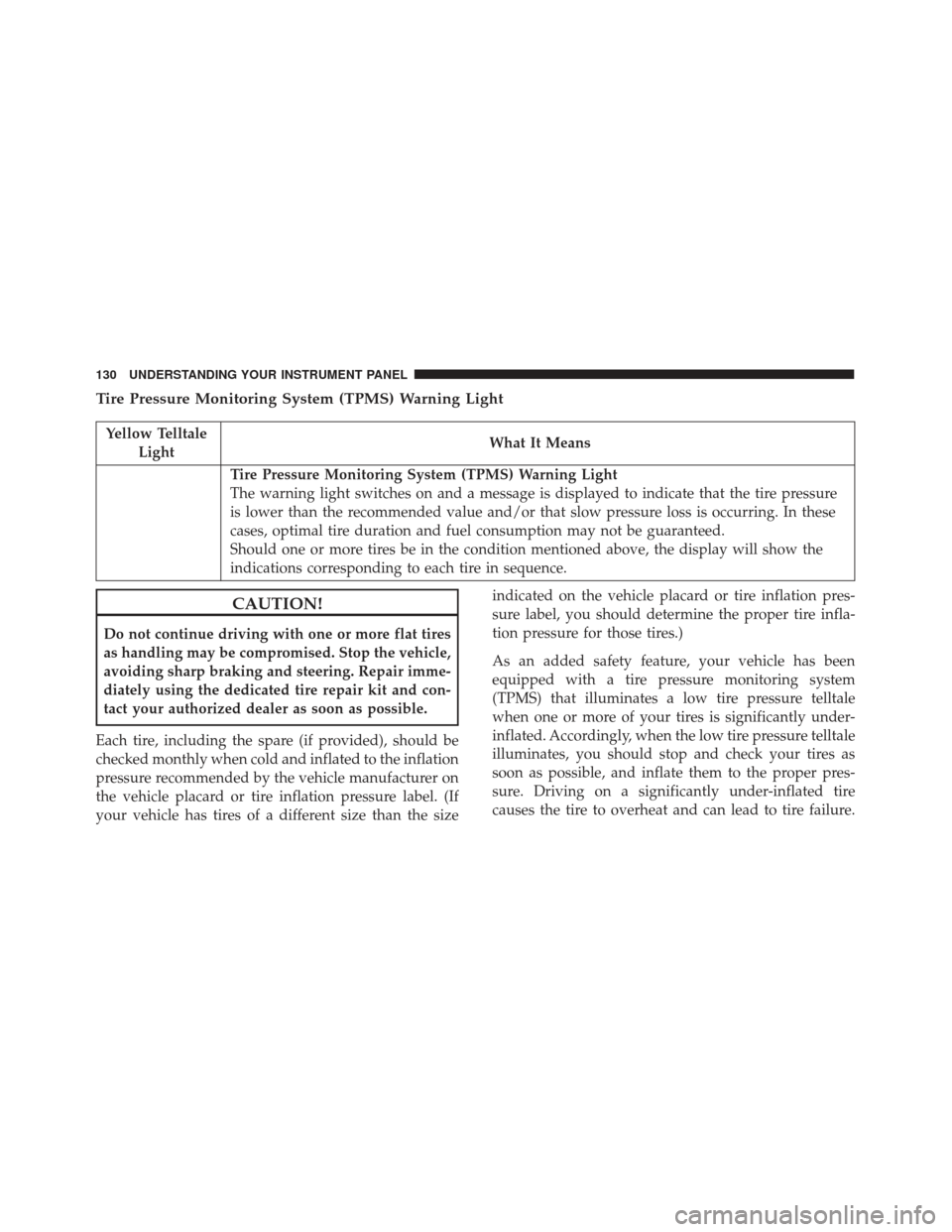
Tire Pressure Monitoring System (TPMS) Warning Light
The warning light switches on and a message is displayed to indicate that the tire pressure
is lower than the recommended value and/or that slow pressure loss is occurring. In these
cases, optimal tire duration and fuel consumption may not be guaranteed.
Should one or more tires be in the condition mentioned above, the display will show the
indications corresponding to each tire in sequence.
CAUTION!
Do not continue driving with one or more flat tires
as handling may be compromised. Stop the vehicle,
avoiding sharp braking and steering. Repair imme-
diately using the dedicated tire repair kit and con-
tact your authorized dealer as soon as possible.
Each tire, including the spare (if provided), should be
checked monthly when cold and inflated to the inflation
pressure recommended by the vehicle manufacturer on
the vehicle placard or tire inflation pressure label. (If
your vehicle has tires of a different size than the size indicated on the vehicle placard or tire inflation pres-
sure label, you should determine the proper tire infla-
tion pressure for those tires.)
As an added safety feature, your vehicle has been
equipped with a tire pressure monitoring system
(TPMS) that illuminates a low tire pressure telltale
when one or more of your tires is significantly under-
inflated. Accordingly, when the low tire pressure telltale
illuminates, you should stop and check your tires as
soon as possible, and inflate them to the proper pres-
sure. Driving on a significantly under-inflated tire
causes the tire to overheat and can lead to tire failure.
130 UNDERSTANDING YOUR INSTRUMENT PANEL
Page 134 of 300
Vehicle Security Indicator Light
Yellow TelltaleLight What It Means
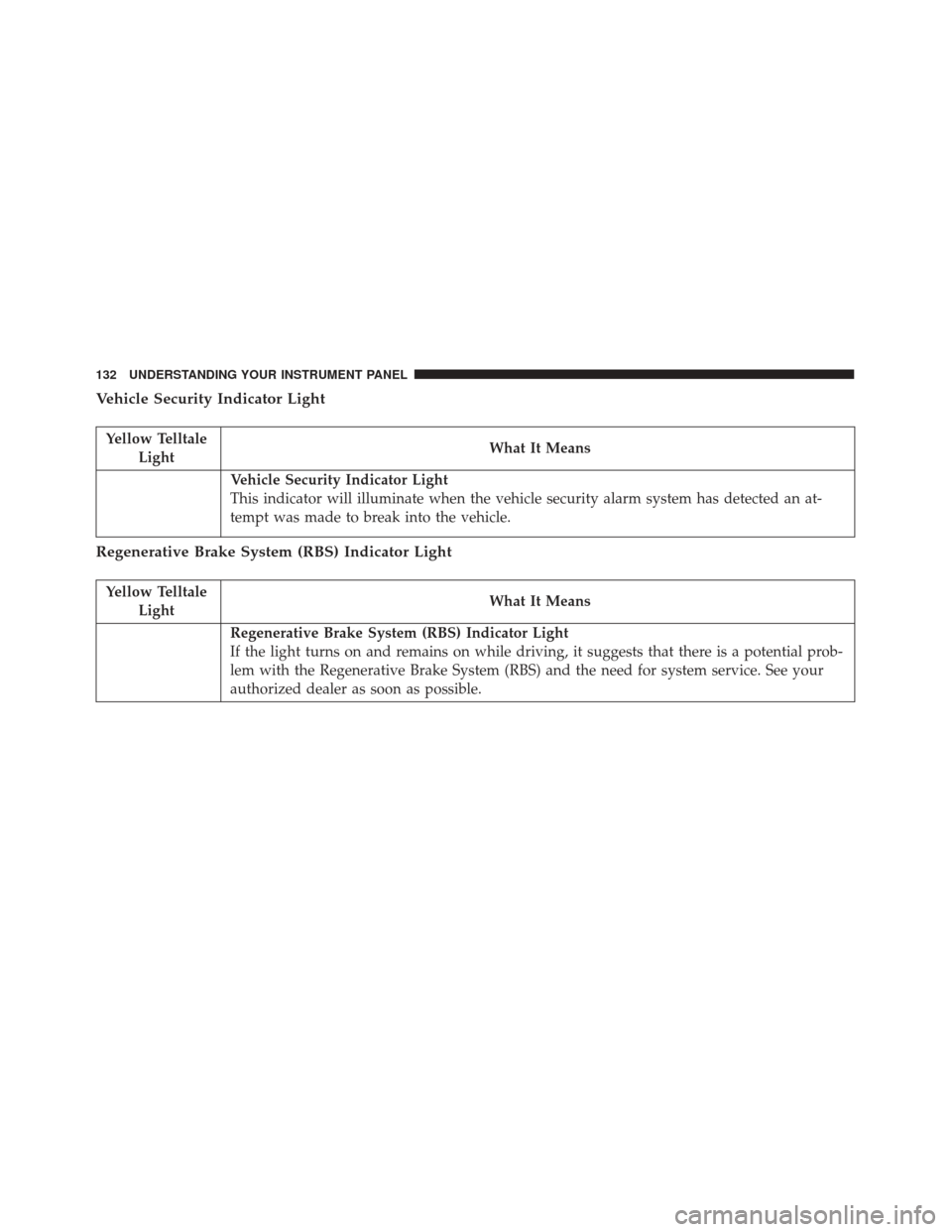
Vehicle Security Indicator Light
This indicator will illuminate when the vehicle security alarm system has detected an at-
tempt was made to break into the vehicle.
Regenerative Brake System (RBS) Indicator Light
Yellow Telltale
Light What It Means
Regenerative Brake System (RBS) Indicator Light
If the light turns on and remains on while driving, it suggests that there is a potential prob-
lem with the Regenerative Brake System (RBS) and the need for system service. See your
authorized dealer as soon as possible.
132 UNDERSTANDING YOUR INSTRUMENT PANEL
Page 135 of 300
Anti-Lock Brake (ABS) Indicator Light
Yellow TelltaleLight What It Means
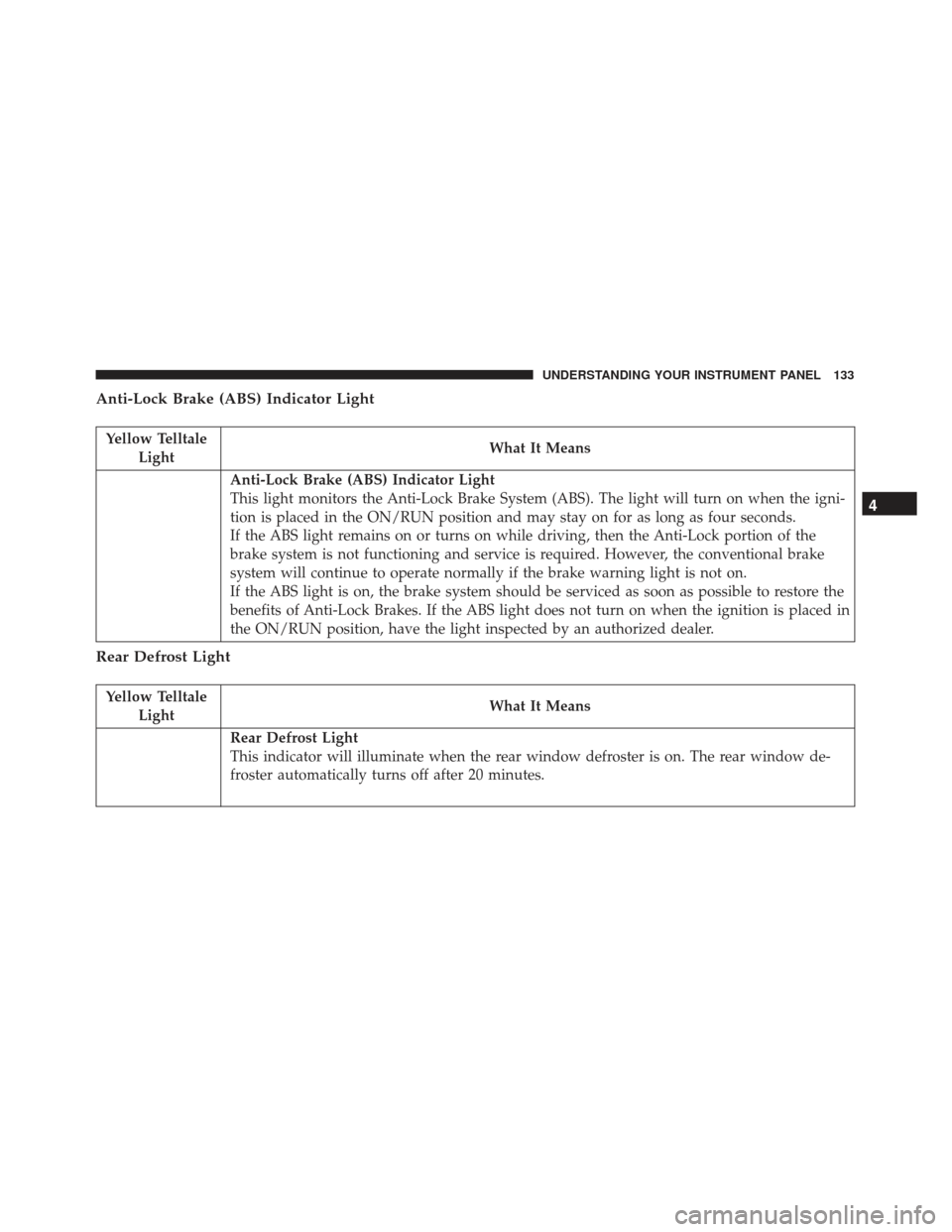
Anti-Lock Brake (ABS) Indicator Light
This light monitors the Anti-Lock Brake System (ABS). The light will turn on when the igni-
tion is placed in the ON/RUN position and may stay on for as long as four seconds.
If the ABS light remains on or turns on while driving, then the Anti-Lock portion of the
brake system is not functioning and service is required. However, the conventional brake
system will continue to operate normally if the brake warning light is not on.
If the ABS light is on, the brake system should be serviced as soon as possible to restore the
benefits of Anti-Lock Brakes. If the ABS light does not turn on when the ignition is placed in
the ON/RUN position, have the light inspected by an authorized dealer.
Rear Defrost Light
Yellow Telltale
Light What It Means
Rear Defrost Light
This indicator will illuminate when the rear window defroster is on. The rear window de-
froster automatically turns off after 20 minutes.
4
UNDERSTANDING YOUR INSTRUMENT PANEL 133
Page 136 of 300
CAUTION!
Failure to follow these cautions can cause damage
to the heating elements:
•Use care when washing the inside of the rear
window. Do not use abrasive window cleaners on
the interior surface of the window. Use a soft
(Continued)
CAUTION! (Continued)
cloth and a mild washing solution, wiping paral-
lel to the heating elements. Labels can be peeled
off after soaking with warm water.
• Do not use scrapers, sharp instruments, or abra-
sive window cleaners on the interior surface of
the window.
• Keep all objects a safe distance from the window.
Icy Road Condition Indicator Light
Yellow Telltale
Light What It Means
Icy Road Condition Indicator Light
This light will illuminate during an icy road condition.
Exterior Bulb Failure Indicator Light
Yellow Telltale
Light What It Means
Exterior Bulb Failure Indicator Light
This light will illuminate when there is a malfunction in one of the exterior bulbs.
134 UNDERSTANDING YOUR INSTRUMENT PANEL
Page 137 of 300
Green Telltale Indicator Lights
Park/Headlight On Indicator Light
Green TelltaleLight What It Means
Park/Headlight On Indicator Light
This indicator will illuminate when the park lights or headlights are turned on.
Front Fog Indicator Light — If Equipped
Green Telltale
Light What It Means
Front Fog Indicator Light — If Equipped
This indicator will illuminate when the front fog lights are on.
Turn Signal Indicator Lights
Green Telltale
Light What It Means
Turn Signal Indicator Lights
The instrument cluster arrow will flash independently for the left or right turn signal as se-
lected, as well as the exterior turn signal lamp(s) (front and rear) as selected when the multi-
function lever is moved down (left) or up (right).
4
UNDERSTANDING YOUR INSTRUMENT PANEL 135
Page 138 of 300
Cruise Control Engaged Indicator Light — If Equipped
Green TelltaleLight What It Means
Cruise Control Engaged Indicator Light
This light will turn on when the cruise control has been set to a certain speed.
Plugged In Indicator Light
Green Telltale
Light What It Means
Plugged In Indicator Light
This green indicator will illuminate when the vehicle is plugged in.
136 UNDERSTANDING YOUR INSTRUMENT PANEL
Page 139 of 300
White Telltale Indicator Lights
Cruise Control Ready Indicator Light
White TelltaleLight What It Means
Cruise Control Ready Indicator Light
This light will turn on when the speed control is on, but not set.
Blue Telltale Indicator Lights
High Beam Indicator Light
Blue Telltale
Light What It Means
High Beam Indicator Light
This indicator shows that the high beam headlights are on. Push the multifunction control
lever away from you to switch the headlights to high beam. Pull the lever toward you to
switch the headlights back to low beam. If the driver’s door is open, and the headlights or
park lights are left on, the high beam indicator light will remain illuminated.
4
UNDERSTANDING YOUR INSTRUMENT PANEL 137
Page 148 of 300
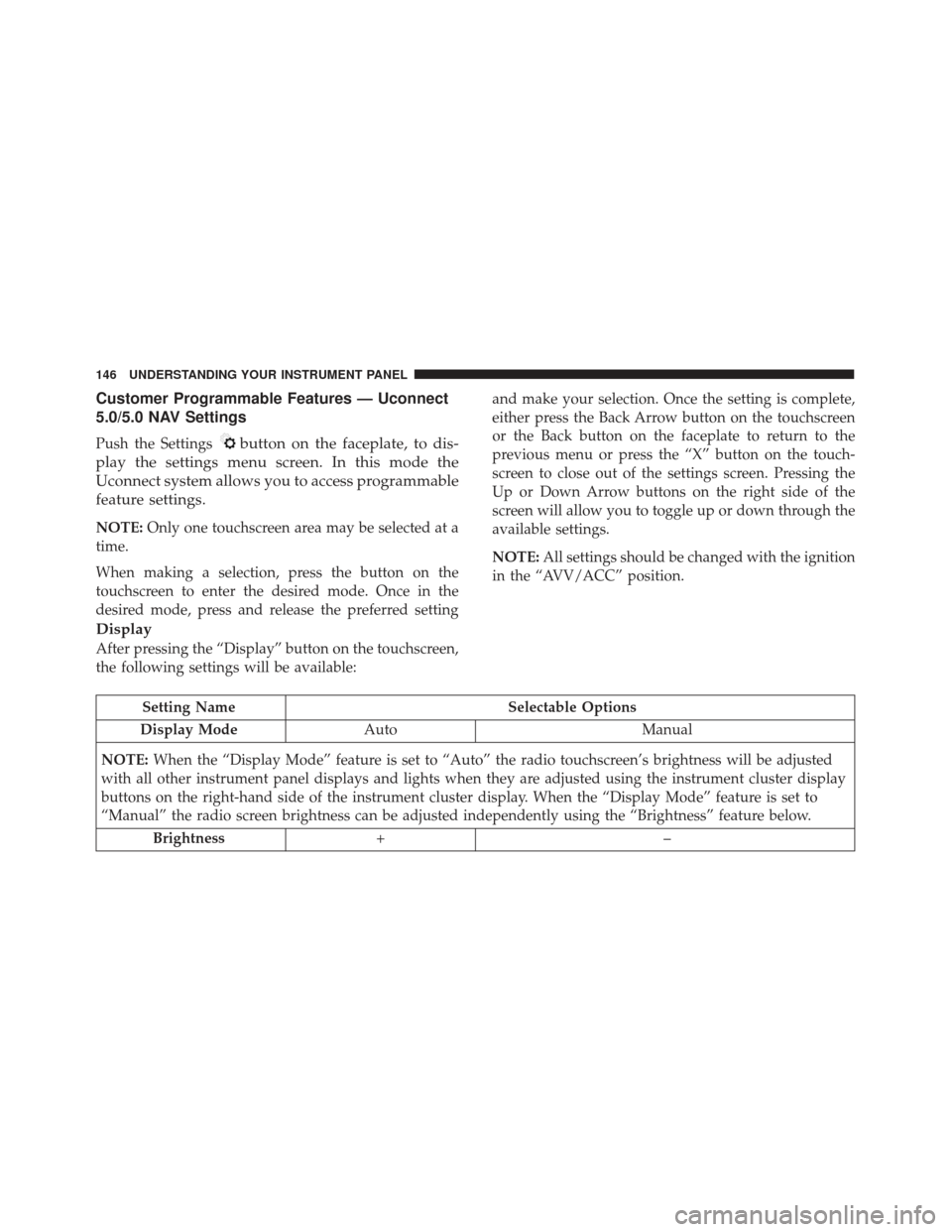
Customer Programmable Features — Uconnect
5.0/5.0 NAV Settings
Push the Settingsbutton on the faceplate, to dis-
play the settings menu screen. In this mode the
Uconnect system allows you to access programmable
feature settings.
NOTE: Only one touchscreen area may be selected at a
time.
When making a selection, press the button on the
touchscreen to enter the desired mode. Once in the
desired mode, press and release the preferred setting and make your selection. Once the setting is complete,
either press the Back Arrow button on the touchscreen
or the Back button on the faceplate to return to the
previous menu or press the “X” button on the touch-
screen to close out of the settings screen. Pressing the
Up or Down Arrow buttons on the right side of the
screen will allow you to toggle up or down through the
available settings.
NOTE:
All settings should be changed with the ignition
in the “AVV/ACC” position.
Display
After pressing the “Display” button on the touchscreen,
the following settings will be available:
Setting Name Selectable Options
Display Mode Auto Manual
NOTE: When the “Display Mode” feature is set to “Auto” the radio touchscreen’s brightness will be adjusted
with all other instrument panel displays and lights when they are adjusted using the instrument cluster display
buttons on the right-hand side of the instrument cluster display. When the “Display Mode” feature is set to
“Manual” the radio screen brightness can be adjusted independently using the “Brightness” feature below.
Brightness +–
146 UNDERSTANDING YOUR INSTRUMENT PANEL
Page 152 of 300
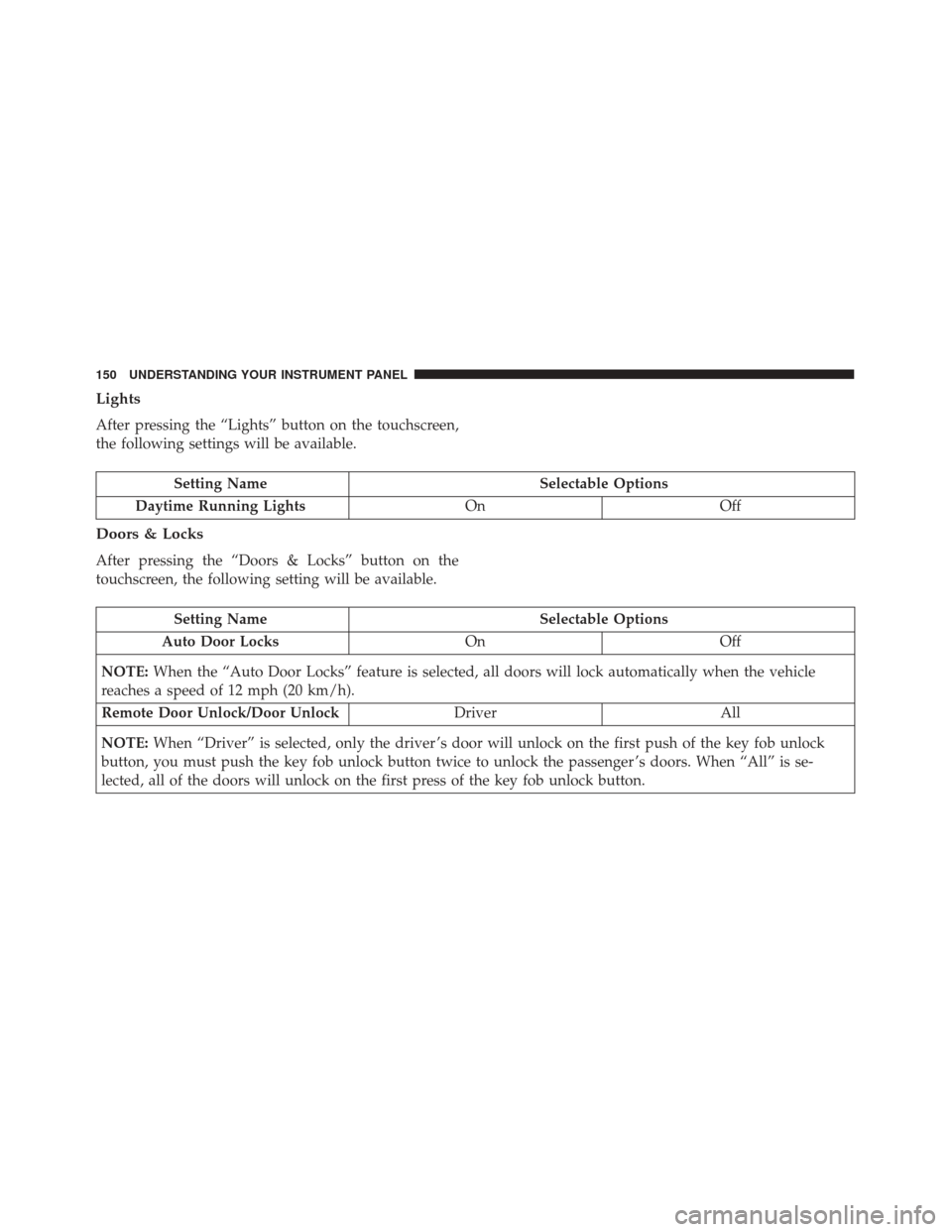
Lights
After pressing the “Lights” button on the touchscreen,
the following settings will be available.
Setting NameSelectable Options
Daytime Running Lights OnOff
Doors & Locks
After pressing the “Doors & Locks” button on the
touchscreen, the following setting will be available.
Setting Name Selectable Options
Auto Door Locks OnOff
NOTE: When the “Auto Door Locks” feature is selected, all doors will lock automatically when the vehicle
reaches a speed of 12 mph (20 km/h).
Remote Door Unlock/Door Unlock DriverAll
NOTE: When “Driver” is selected, only the driver ’s door will unlock on the first push of the key fob unlock
button, you must push the key fob unlock button twice to unlock the passenger ’s doors. When “All” is se-
lected, all of the doors will unlock on the first press of the key fob unlock button.
150 UNDERSTANDING YOUR INSTRUMENT PANEL