instrument cluster FIAT 500E 2019 Owner's Guide
[x] Cancel search | Manufacturer: FIAT, Model Year: 2019, Model line: 500E, Model: FIAT 500E 2019Pages: 300, PDF Size: 3.03 MB
Page 254 of 300
Cleaning Plastic Instrument Cluster Lenses
The lenses in front of the instruments in this vehicle are
molded in clear plastic. When cleaning the lenses, care
must be taken to avoid scratching the plastic.
1. Clean with a wet soft cloth. A mild soap solution may beused, but do not use high alcohol content or abrasive
cleaners. If soap is used, wipe clean with a clean damp
cloth.
2. Dry with a soft cloth.
Leather Parts
Mopar Total Clean is specifically recommended for leather
upholstery.
Your leather upholstery can be best preserved by regular
cleaning with a damp soft cloth. Small particles of dirt can
act as an abrasive and damage the leather upholstery and
should be removed promptly with a damp cloth. Stubborn
soils can be removed easily with a soft cloth and Mopar
Total Clean. Care should be taken to avoid soaking your
leather upholstery with any liquid. Please do not use
polishes, oils, cleaning fluids, solvents, detergents, or
ammonia-based cleaners to clean your leather upholstery.
Application of a leather conditioner is not required to
maintain the original condition. NOTE:
If equipped with light colored leather, it tends to
show any foreign material, dirt, and fabric dye transfer
more so than darker colors. The leather is designed for easy
cleaning, and FCA recommends Mopar total care leather
cleaner applied on a cloth to clean the leather seats as
needed.
CAUTION!
Do not use Alcohol and Alcohol-based and/or Ketone
based cleaning products to clean leather upholstery, as
damage to the upholstery may result.
Glass Surfaces
All glass surfaces should be cleaned on a regular basis with
Mopar Glass Cleaner, or any commercial household-type
glass cleaner. Never use an abrasive type cleaner. Use
caution when cleaning the inside rear window equipped
with electric defrosters or windows equipped with radio
antennas. Do not use scrapers or other sharp instruments
that may scratch the elements.
When cleaning the rear view mirror, spray cleaner on the
towel or cloth that you are using. Do not spray cleaner
directly on the mirror.
252 SERVICING AND MAINTENANCE
Page 264 of 300
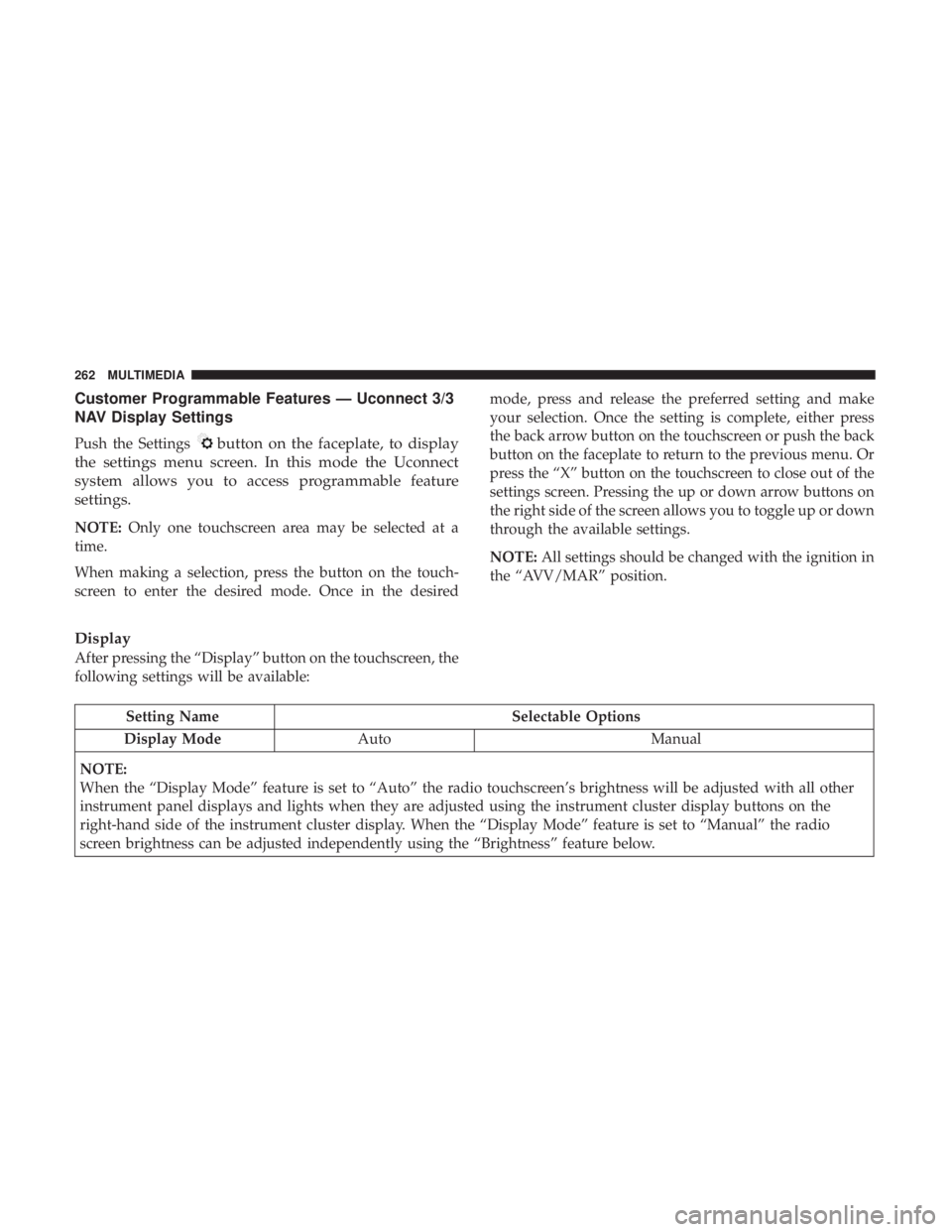
Customer Programmable Features — Uconnect 3/3
NAV Display Settings
Push the Settingsbutton on the faceplate, to display
the settings menu screen. In this mode the Uconnect
system allows you to access programmable feature
settings.
NOTE: Only one touchscreen area may be selected at a
time.
When making a selection, press the button on the touch-
screen to enter the desired mode. Once in the desired mode, press and release the preferred setting and make
your selection. Once the setting is complete, either press
the back arrow button on the touchscreen or push the back
button on the faceplate to return to the previous menu. Or
press the “X” button on the touchscreen to close out of the
settings screen. Pressing the up or down arrow buttons on
the right side of the screen allows you to toggle up or down
through the available settings.
NOTE:
All settings should be changed with the ignition in
the “AVV/MAR” position.
Display
After pressing the “Display” button on the touchscreen, the
following settings will be available:
Setting Name Selectable Options
Display Mode Auto Manual
NOTE:
When the “Display Mode” feature is set to “Auto” the radio touchscreen’s brightness will be adjusted with all other
instrument panel displays and lights when they are adjusted using the instrument cluster display buttons on the
right-hand side of the instrument cluster display. When the “Display Mode” feature is set to “Manual” the radio
screen brightness can be adjusted independently using the “Brightness” feature below.
262 MULTIMEDIA
Page 265 of 300
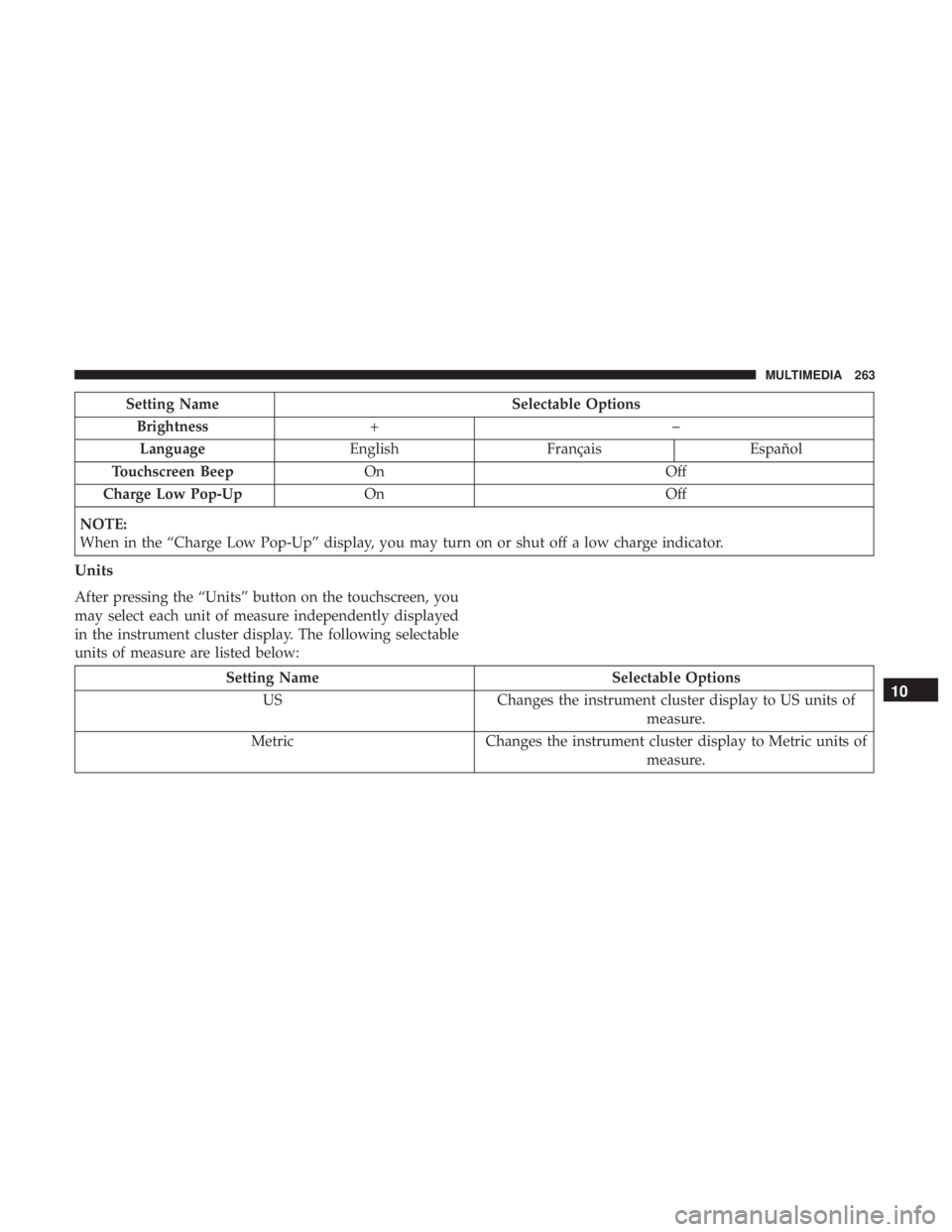
Setting NameSelectable Options
Brightness +–
Language EnglishFrançais Español
Touchscreen Beep On Off
Charge Low Pop-Up On Off
NOTE:
When in the “Charge Low Pop-Up” display, you may turn on or shut off a low charge indicator.
Units
After pressing the “Units” button on the touchscreen, you
may select each unit of measure independently displayed
in the instrument cluster display. The following selectable
units of measure are listed below:
Setting Name Selectable Options
US Changes the instrument cluster display to US units of
measure.
Metric Changes the instrument cluster display to Metric units of
measure.10
MULTIMEDIA 263
Page 293 of 300
HazardDriving Through Flowing, Rising, Or Shallow Standing
Water ................................ .177
Headlights ................................58
Cleaning .............................. .249
High Beam/Low Beam Select Switch ...........58
Lights On Reminder .......................58
Passing ............................. .58, 59
Switch ............................. .58, 59
Time Delay ..............................58
Head Restraints ............................52
Heated Mirrors ......................... .56, 58
Heated Seats ...............................50
High Voltage Battery .........................16
Hood Prop ................................78
Hood Release ..............................78
Ignition ..................................39
Switch .................................39
Immobilizer (Sentry Key) ......................41
Instrument Cluster Descriptions .............................99
Display ................................87
Instrument Cluster ........................86 Instrument Cluster Display
Instrument Cluster Display ..................86
Instrument Panel Lens Cleaning ................252
Interior Appearance Care .....................251
Interior Lights ..............................61
iPod/USB/MP3 Control ..................... .273
Jack Operation ........................... .226
Key Fob Programming Additional Key Fobs ..........38, 42
Key-In Reminder ............................41
Keys ....................................36
Replacement .............................42
Sentry (Immobilizer) .......................41
Lane Change And Turn Signals .................58
Lane Change Assist ...................... .58, 61
Lap/Shoulder Belts .........................115
Latches ................................. .154
Hood ..................................78
Leaks, Fluid ............................. .154
Life Of Tires ............................. .238
Liftgate ..................................84
Light Bulbs .......................... .154, 182
12
INDEX 291
Page 294 of 300
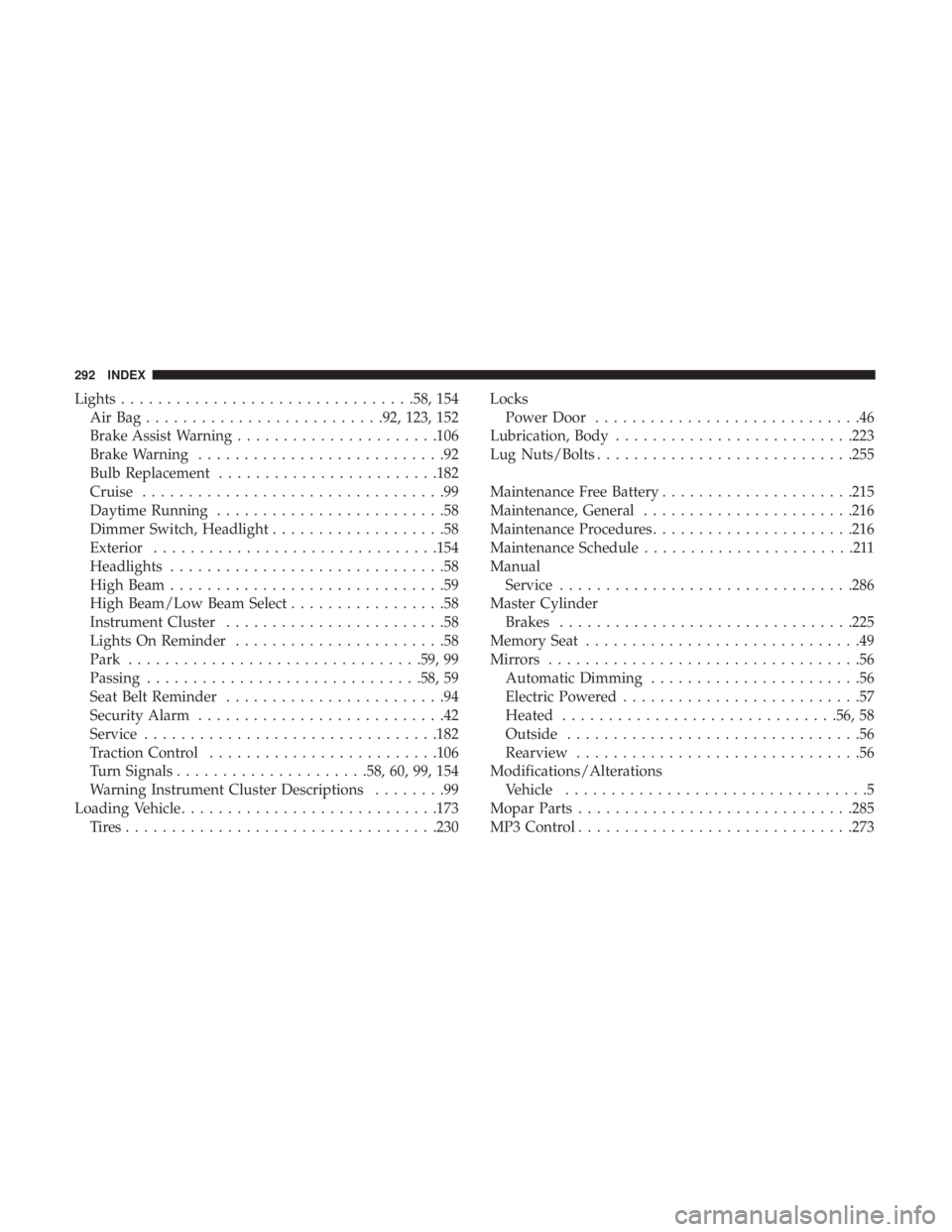
Lights............................... .58, 154
AirBag......................... .92, 123, 152
Brake Assist Warning ..................... .106
Brake Warning ...........................92
Bulb Replacement ....................... .182
Cruise .................................99
Daytime Running .........................58
Dimmer Switch, Headlight ...................58
Exterior .............................. .154
Headlights ..............................58
High Beam ..............................59
High Beam/Low Beam Select .................58
Instrument Cluster ........................58
Lights On Reminder .......................58
Park ............................... .59, 99
Passing ............................. .58, 59
Seat Belt Reminder ........................94
Security Alarm ...........................42
Service ............................... .182
Traction Control ........................ .106
Turn Signals .....................58, 60, 99, 154
Warning Instrument Cluster Descriptions ........99
Loading Vehicle ........................... .173
Tires................................. .230Locks
Power Door .............................46
Lubrication, Body ......................... .223
Lug Nuts/Bolts ........................... .255
Maintenance Free Battery .....................215
Maintenance, General ...................... .216
Maintenance Procedures ..................... .216
Maintenance Schedule .......................211
Manual Service ............................... .286
Master Cylinder Brakes ............................... .225
Memory Seat ..............................49
Mirrors ..................................56
Automatic Dimming .......................56
Electric Powered ..........................57
Heated ............................. .56, 58
Outside ................................56
Rearview ...............................56
Modifications/Alterations V
ehicle .................................5
Mopar Parts ............................. .285
MP3 Control ............................. .273
292 INDEX
Page 298 of 300
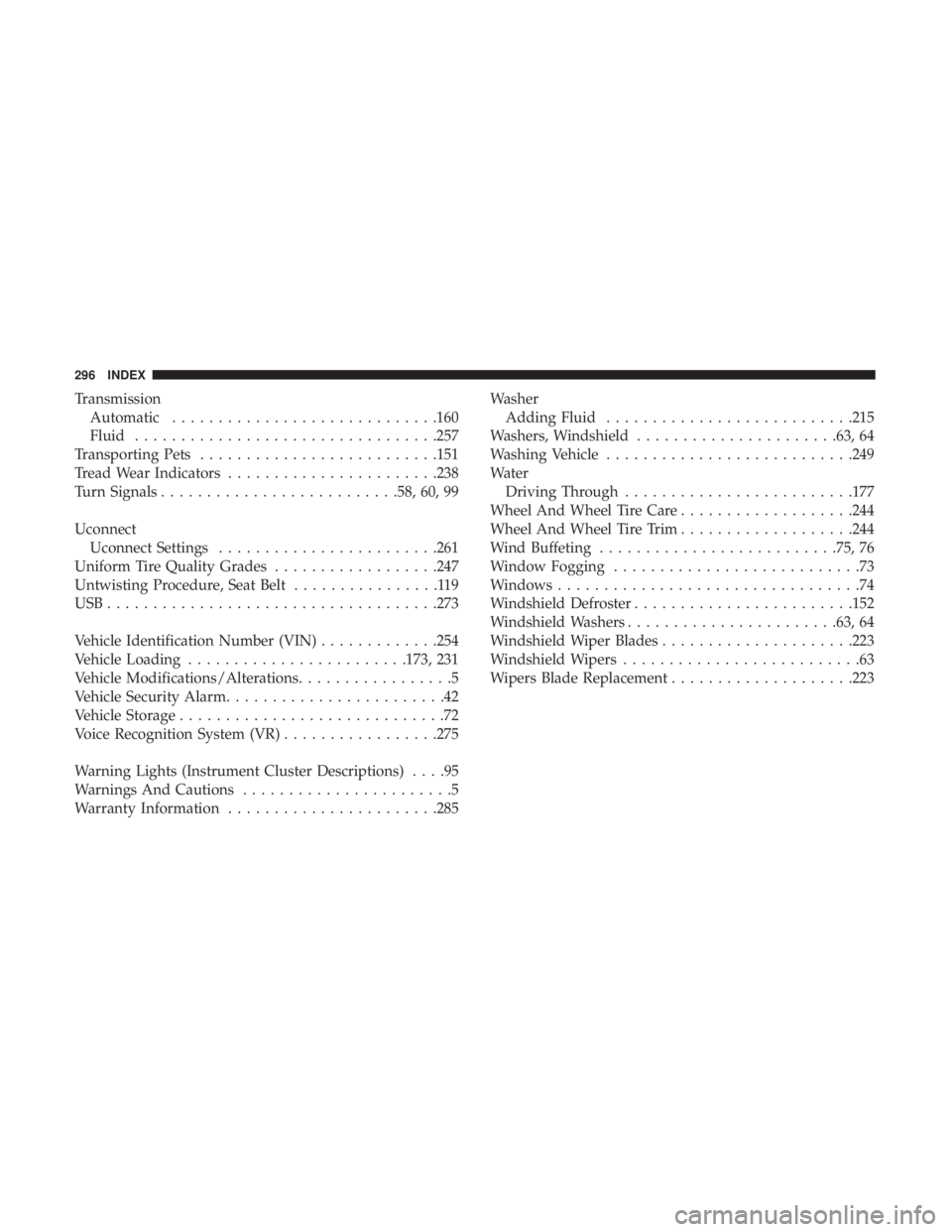
TransmissionAutomatic ............................ .160
Fluid ................................ .257
Transporting Pets ......................... .151
Tread Wear Indicators ...................... .238
Turn Signals ......................... .58, 60, 99
Uconnect Uconnect Settings ....................... .261
Uniform Tire Quality Grades ..................247
Untwisting Procedure, Seat Belt ................119
USB................................... .273
Vehicle Identification Number (VIN) .............254
Vehicle Loading ....................... .173, 231
Vehicle Modifications/Alterations .................5
Vehicle Security Alarm ........................42
Vehicle Storage .............................72
Voice Recognition System (VR) .................275
Warning Lights (Instrument Cluster Descriptions) ....95
Warnings And Cautions .......................5
Warranty Information ...................... .285Washer
Adding Fluid .......................... .215
Washers, Windshield ..................... .63, 64
Washing Vehicle .......................... .249
Water Driving Through ........................ .177
Wheel And Wheel Tire Care ...................244
Wheel And Wheel Tire Trim ...................244
Wind Buffeting ......................... .75, 76
Window Fogging ...........................73
Windows .................................74
Windshield Defroster ....................... .152
Windshield Washers ...................... .63, 64
Windshield Wiper Blades .....................223
Windshield Wipers ..........................63
Wipers Blade Replacement ....................223
296 INDEX