lights FIAT 500L 2014 2.G User Guide
[x] Cancel search | Manufacturer: FIAT, Model Year: 2014, Model line: 500L, Model: FIAT 500L 2014 2.GPages: 409, PDF Size: 3.2 MB
Page 114 of 409
NOTE:If either light remains on and does not flash, or
there is a very fast flash rate, check for a defective outside
light bulb. If an indicator fails to light when the lever is
moved, it would suggest that the indicator bulb is
defective.
Lane Change Assist
Tap the lever up or down once, without moving beyond
the detent, and the turn signal (right or left) will flash five
times then automatically turn off.
Follow Me Home/Headlight Delay
When this feature is selected the driver can choose to
have the headlights remain on for a preset period of time.
Activation
Remove the key or turn the ignition to the OFF/LOCK
position, and pull the multifunction lever toward the
steering wheel, within two minutes. Each time the lever is pulled, the activation of the lights will be extended by
30 seconds. The activation of the lights can be extended to
a maximum of 210 seconds.
Deactivation
Pull the multifunction lever toward the steering wheel
and hold it for more than two seconds.
Front Fog Lights — If Equipped
The fog light switch is located on the center
stack of the instrument panel, just below the
radio. Press the switch once to turn the front
fog lights on. Press the switch a second time to turn the
front fog lights off.
112 UNDERSTANDING THE FEATURES OF YOUR VEHICLE
Page 115 of 409
Interior Lights
The interior light switches are located in the overhead
console. The interior lights can be set to three different
positions (Off/Left Position, Center Position, On/Right
Position).
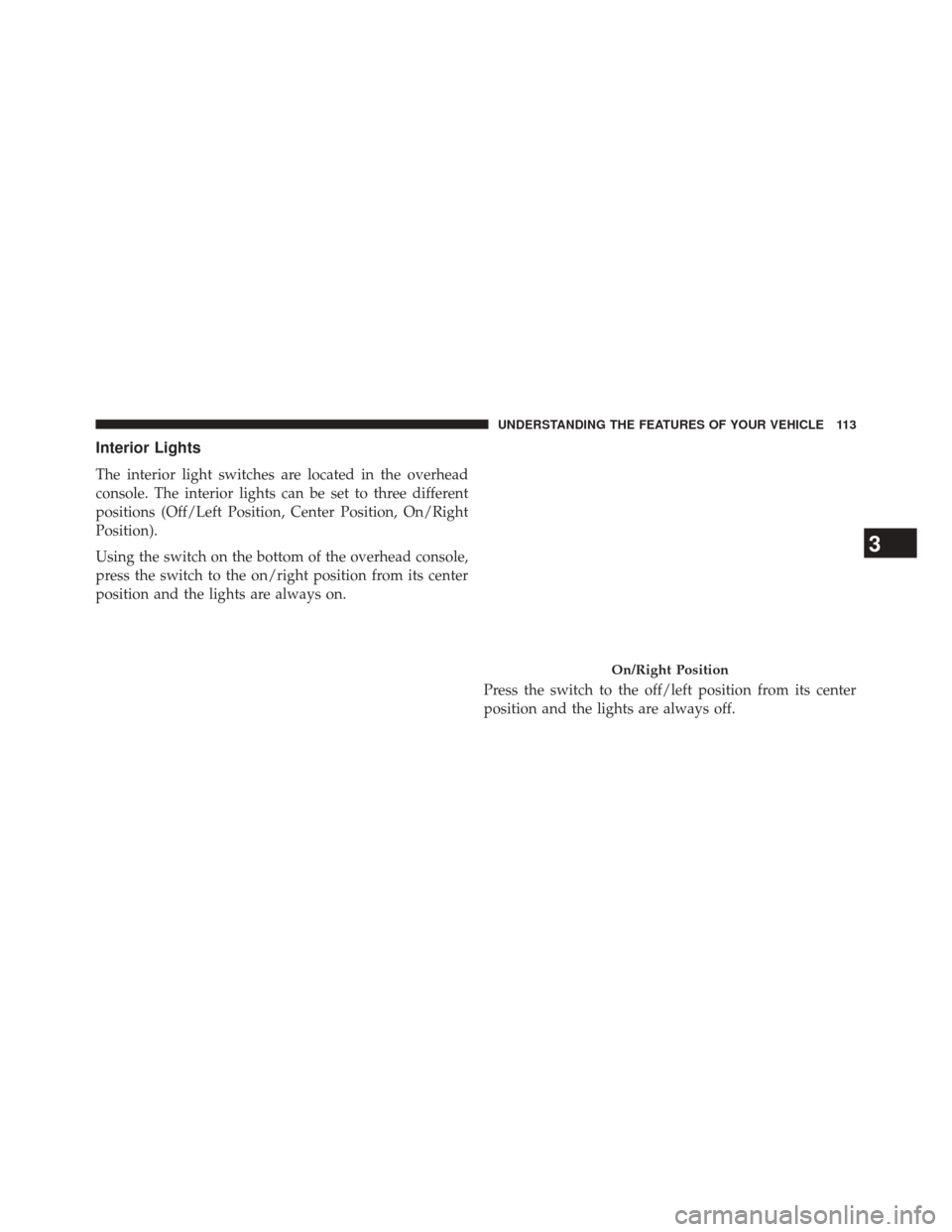
Using the switch on the bottom of the overhead console,
press the switch to the on/right position from its center
position and the lights are always on.Press the switch to the off/left position from its center
position and the lights are always off.
On/Right Position
3
UNDERSTANDING THE FEATURES OF YOUR VEHICLE 113
Page 116 of 409
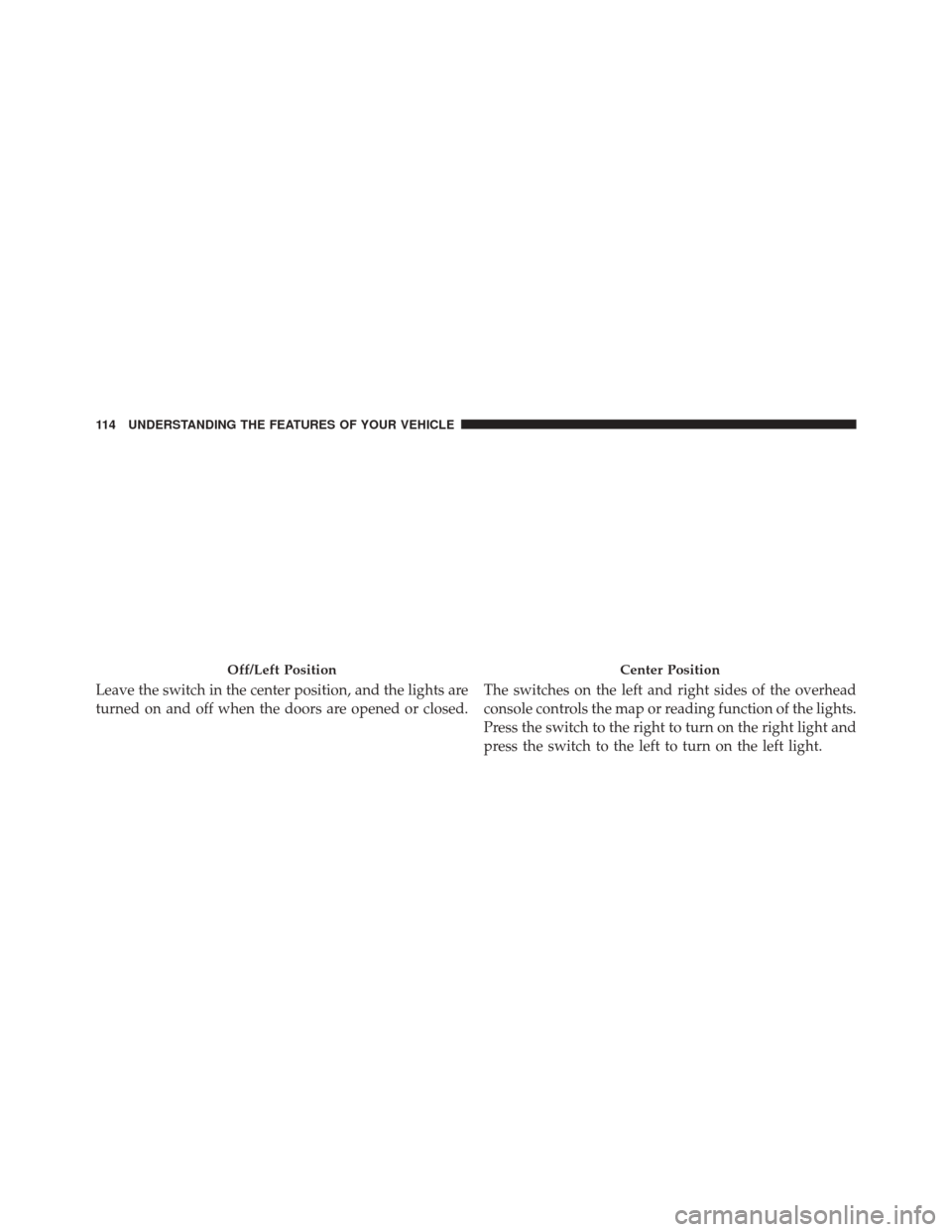
Leave the switch in the center position, and the lights are
turned on and off when the doors are opened or closed.The switches on the left and right sides of the overhead
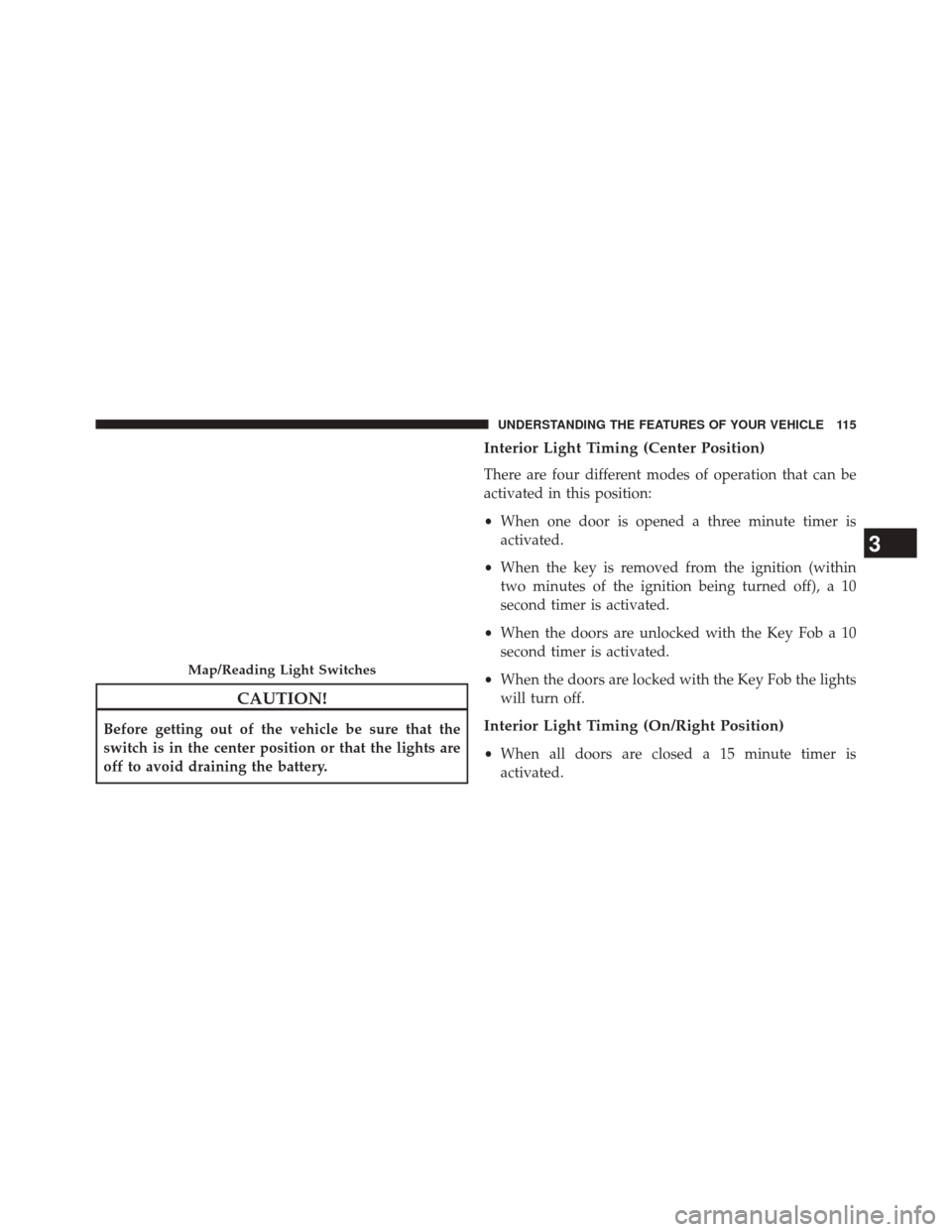
console controls the map or reading function of the lights.
Press the switch to the right to turn on the right light and
press the switch to the left to turn on the left light.
Off/Left PositionCenter Position
114 UNDERSTANDING THE FEATURES OF YOUR VEHICLE
Page 117 of 409
CAUTION!
Before getting out of the vehicle be sure that the
switch is in the center position or that the lights are
off to avoid draining the battery.
Interior Light Timing (Center Position)
There are four different modes of operation that can be
activated in this position:
•When one door is opened a three minute timer is
activated.
• When the key is removed from the ignition (within
two minutes of the ignition being turned off), a 10
second timer is activated.
• When the doors are unlocked with the Key Fob a 10
second timer is activated.
• When the doors are locked with the Key Fob the lights
will turn off.
Interior Light Timing (On/Right Position)
• When all doors are closed a 15 minute timer is
activated.
Map/Reading Light Switches
3
UNDERSTANDING THE FEATURES OF YOUR VEHICLE 115
Page 157 of 409
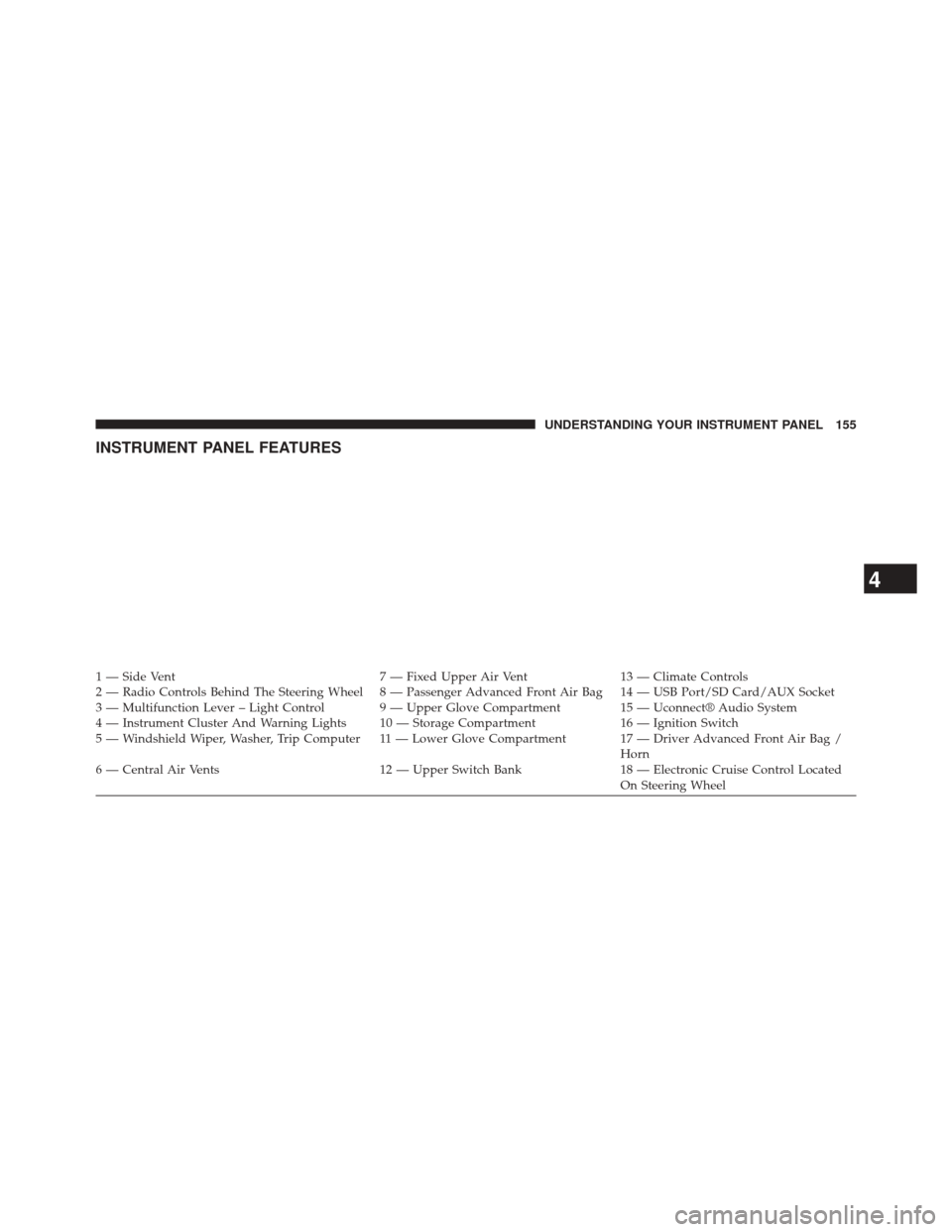
INSTRUMENT PANEL FEATURES
1 — Side Vent7 — Fixed Upper Air Vent13 — Climate Controls
2 — Radio Controls Behind The Steering Wheel 8 — Passenger Advanced Front Air Bag 14 — USB Port/SD Card/AUX Socket
3 — Multifunction Lever – Light Control 9 — Upper Glove Compartment 15 — Uconnect® Audio System
4 — Instrument Cluster And Warning Lights 10 — Storage Compartment 16 — Ignition Switch
5 — Windshield Wiper, Washer, Trip Computer 11 — Lower Glove Compartment 17 — Driver Advanced Front Air Bag / Horn
6 — Central Air Vents 12 — Upper Switch Bank18 — Electronic Cruise Control Located
On Steering Wheel
4
UNDERSTANDING YOUR INSTRUMENT PANEL 155
Page 163 of 409
13. High Beam IndicatorThis light indicates that the headlights are on high
beam. Pull the turn signal lever toward the steer-
ing wheel to switch the headlights to low beam.
14. Park/Headlight ON Indicator / Follow Me Home
(Headlight Delay) Indicator — If Equipped
This indicator will illuminate when the park
lights or headlights are turned on. If the Follow
Me Home feature is activated this indicator
will illuminate and the Electronic Vehicle Infor-
mation Center (EVIC) will show how long the function
remains active. For further information, refer to “Follow
Me Home” in “Understanding The Features of Your
Vehicle”. 15. Generic Warning Light
The Generic Warning Light will illuminate if
any of the following conditions occur: Oil
Change Request, Engine Oil Pressure Sensor
Failure, External Light Failure, Fuel Cut-Off
Intervention, Fuel Cut-Off Not Available, Parking Sensor
Failure, DST System Failure.
16. Tachometer
The white area of the scale shows the permissible engine
revolutions-per-minute (RPM x 1000) for each gear range.
Before reaching the red area, ease up on the accelerator to
prevent engine damage.
17. Seat Belt Reminder Light
When the ignition switch is first turned to ON/
RUN, this light will turn on if the driver’s seat belt
is unbuckled, a chime will sound. When driving,
if the driver’s seat belt remains unbuckled, the Seat Belt
4
UNDERSTANDING YOUR INSTRUMENT PANEL 161
Page 185 of 409
Exit Menu
This function closes the initial menu screen.
Briefly press theMENUbutton to go back to the main
screen.
Press the
button to return to the first menu option
(Speed Beep).
Press thebutton to return to the last menu option
(Daylights).
Uconnect® RADIOS
For detailed information about your Uconnect® radio,
refer to your Uconnect® supplement Manual.
iPod®/USB/SD CARD/MEDIA PLAYER CONTROL
This feature allows an iPod® or external USB device to be
plugged into the USB port or an SD Card (6.5 Only) to be
plugged into the SD Card slot Refer to the Uconnect® 5.0/6.5 User’s Manual for iPod®,
external USB or SD Card device support capability.
1 — SD Card Slot (6.5 Only)
2 — USB Connector
3 — AUX/Cable Jack
4
UNDERSTANDING YOUR INSTRUMENT PANEL 183
Page 355 of 409
Your leather upholstery can be best preserved by regular
cleaning with a damp soft cloth. Small particles of dirt
can act as an abrasive and damage the leather upholstery
and should be removed promptly with a damp cloth.
Stubborn soils can be removed easily with a soft cloth
and MOPAR® Total Clean. Care should be taken to avoid
soaking your leather upholstery with any liquid. Please
do not use polishes, oils, cleaning fluids, solvents, deter-
gents, or ammonia-based cleaners to clean your leather
upholstery. Application of a leather conditioner is not
required to maintain the original condition.
WARNING!
Do not use volatile solvents for cleaning purposes.
Many are potentially flammable, and if used in
closed areas they may cause respiratory harm.
CAUTION!
Do not use Alcohol and Alcohol-based and/or Keton
based cleaning products to clean leather seats, as
damage to the seat may result.
Cleaning Headlights
Your vehicle has plastic headlights that are lighter and
less susceptible to stone breakage than glass headlights.
Plastic is not as scratch resistant as glass and therefore
different lens cleaning procedures must be followed.
To minimize the possibility of scratching the lenses and
reducing light output, avoid wiping with a dry cloth. To
remove road dirt, wash with a mild soap solution fol-
lowed by rinsing.
Do not use abrasive cleaning components, solvents, steel
wool or other aggressive material to clean the lenses.
7
MAINTAINING YOUR VEHICLE 353
Page 362 of 409
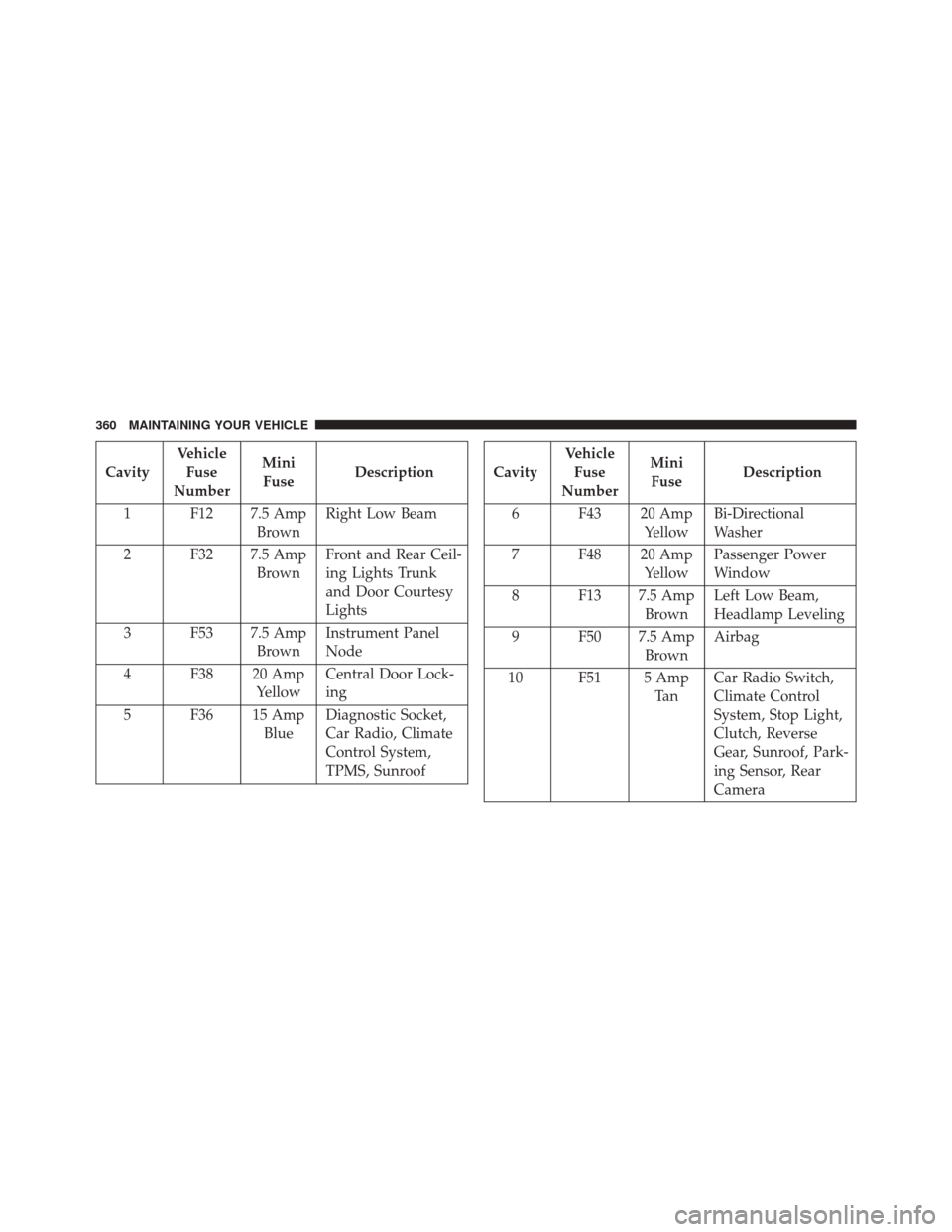
CavityVehicle
Fuse
Number Mini
Fuse Description
1 F12 7.5 Amp BrownRight Low Beam
2 F32 7.5 Amp BrownFront and Rear Ceil-
ing Lights Trunk
and Door Courtesy
Lights
3 F53 7.5 Amp BrownInstrument Panel
Node
4 F38 20 Amp YellowCentral Door Lock-
ing
5 F36 15 Amp BlueDiagnostic Socket,
Car Radio, Climate
Control System,
TPMS, SunroofCavity Vehicle
Fuse
Number Mini
Fuse Description
6 F43 20 Amp YellowBi-Directional
Washer
7 F48 20 Amp YellowPassenger Power
Window
8 F13 7.5 Amp BrownLeft Low Beam,
Headlamp Leveling
9 F50 7.5 Amp BrownAirbag
10 F51 5 Amp Ta nCar Radio Switch,
Climate Control
System, Stop Light,
Clutch, Reverse
Gear, Sunroof, Park-
ing Sensor, Rear
Camera
360 MAINTAINING YOUR VEHICLE
Page 369 of 409
Front Turn Signal, Parking And Daytime Running
Lamps
1. Turn front wheels inboard to access upper cover inwheel liner.
2. Open the upper cover on the front of the wheel liner. 3. Remove the cap from the back of the lower headlamp
housing.
4. Rotate the bulb counter clockwise and remove.
5. Install the bulb into socket, and rotate bulb/socket clockwise into lamp locking it in place.
6. Reinstall the plastic cap and close the cover on the wheel liner.
Front Fog Lamps
To replace the front fog lights, see your authorized dealer.
Front, Rear Roof Lamps
1. Remove two screw and remove the lamp assembly.
2. Remove the socket bulb by turning counterclockwise.
3. Remove bulb and replace as needed.
Headlamp Sealing Cap Installation
7
MAINTAINING YOUR VEHICLE 367