reset FIAT 500L 2014 2.G User Guide
[x] Cancel search | Manufacturer: FIAT, Model Year: 2014, Model line: 500L, Model: FIAT 500L 2014 2.GPages: 409, PDF Size: 3.2 MB
Page 176 of 409
Trip Functions
Both trip functions are resettable (reset — start of new
trip).
“Trip A” can be used to display the figures relating to:
•Trip distance A
• Average consumption
• Instant consumption A
• Average speed A
• Travel time A (driving time).
“Trip B” can be used to display the figures relating to:
• Trip distance B
• Average consumption B
• Average speed B
• Travel time B (driving time). NOTE:
“Trip B” functions may be excluded (see “Trip B
Data”). “Range” and “Instantaneous consumption” can-
not be reset.
Values Displayed
Range
This indicates the distance which may be traveled with
the fuel remaining in the tank, assuming that driving
conditions will not change. The message “----” will
appear on the display in the following cases:
• Distance less than 30 miles (or 50 km).
• The vehicle is parked for a long time with the engine
running.
NOTE: The range depends on several factors: driving
style, type of route (freeway, residential, mountain roads,
etc.), conditions of use of the car (load, tire pressure, etc.).
Trip planning must take into account the above notes.
174 UNDERSTANDING YOUR INSTRUMENT PANEL
Page 177 of 409
Distance Traveled
This value shows the distance covered since the last reset.
Average Consumption
This value shows the approximate average consumption
since the last reset.
Instant Consumption
This indicates the fuel consumption. The value is con-
stantly updated. The message “----” will appear on the
display if the car is parked with the engine running.
Average Speed
This value shows the vehicle’s average speed as a func-
tion of the overall time elapsed since the last reset.
Travel Time
This value shows the time elapsed since the last reset.
Personal Settings (Customer-Programmable
Features)
Dimmer
The EVIC display is provided with a light sensor capable
of detecting environmental light conditions and adjust-
ing the brightness of the instruments accordingly.
NOTE:The brightness of the instrument panel may
change while travelling following an event that causes
switching from “day” to “night” conditions (or vice
versa) in the passenger compartment (e.g. in a tunnel, on
avenues in shadows, under bridges, etc.).
To adjust the brightness, proceed as follows:
1. Press the UP
or DOWNbutton to set the
required brightness level.
4
UNDERSTANDING YOUR INSTRUMENT PANEL 175
Page 187 of 409
Radio Operation
Pressing the top of the switch will “Seek” up for the next
listenable station and pressing the bottom of the switch
will “Seek” down for the next listenable station.
The button located in the center of the left-hand control
will tune to the next preset station that you have pro-
grammed in the radio preset pushbutton.
Player Operation
Pressing the top of the switch once will go to the next
track on the Player. Pressing the bottom of the switch
once will go to the beginning of the current track, or to
the beginning of the previous track if it is within one
second after the current track begins to play.
If you press the switch up or down twice, it plays the
second track; three times, it will play the third, etc.
CD/DVD DISC MAINTENANCE
To keep a CD/DVD in good condition, take the following
precautions:
1. Handle the disc by its edge; avoid touching thesurface.
2. If the disc is stained, clean the surface with a soft cloth, wiping from center to edge.
3. Do not apply paper or tape to the disc; avoid scratch- ing the disc.
4. Do not use solvents such as benzene, thinner, cleaners, or anti-static sprays.
5. Store the disc in its case after playing.
6. Do not expose the disc to direct sunlight.
7. Do not store the disc where temperatures may become too high.
4
UNDERSTANDING YOUR INSTRUMENT PANEL 185
Page 205 of 409
•The fan speed can be reset manually.
With the compressor on and the engine running, manual
ventilation cannot be lower than the minimum speed
(only one LED lit).
NOTE: With the compressor off, air cannot be introduced
to the passenger compartment with a temperature lower
than the outside temperature. Moreover, under certain
environmental conditions, windows could mist rapidly
since the air is not dehumidified.
Rapid Window Demisting (MAX-DEF function)
Press the MAX-DEF button to activate (LED on button
on) the windshield and side window demisting function.
The climate control system carries out the following
operations:
• switches on the air conditioning compressor when
environmental conditions are suitable; •
switches air recirculation off;
• sets maximum air temperature (HI) in both zones;
• sets fan speed according to the engine coolant tem-
perature;
• directs air flow to windshield and front side window
diffusers;
• activates the heated rear window;
• activates the heated windshield (if equipped);
• displays the fan speed (Blower Control Indicator LED
lit).
NOTE: The Front Defrost Control (MAX-DEF) function
remains on for about three minutes from when the engine
coolant reaches the appropriate temperature.
4
UNDERSTANDING YOUR INSTRUMENT PANEL 203
Page 231 of 409
Transmission Limp Home Mode
Transmission function is monitored electronically for
abnormal conditions. If a condition is detected that could
result in transmission damage, Transmission Limp Home
Mode is activated. In this mode, some gears will be
unavailable. The transmission will operate only in a
certain select set of gears (such as 1st, 2nd, 3rd, and
Reverse, or 1st, 3rd, 5th, and Reverse, or 2nd, 4th, and 6th
[with no Reverse]). PARK and NEUTRAL will continue
to be available. The Malfunction Indicator Light (MIL)
may be illuminated. Limp Home Mode allows the vehicle
to be driven to an authorized dealer for service without
damaging the transmission.
In the event of a momentary problem, the transmission
can be reset to regain all forward gears by performing the
following steps:
1. Stop the vehicle.2. Shift the transmission into PARK.
3. Turn the ignition switch to the OFF position.
4. Wait approximately 10 seconds.
5. Restart the engine.
6. Shift into the desired gear range. If the problem is no
longer detected, the transmission will return to normal
operation.
NOTE: Even if the transmission can be reset, we recom-
mend that you visit your authorized dealer at your
earliest possible convenience. Your authorized dealer has
diagnostic equipment to determine if the problem could
recur.
If the transmission cannot be reset, authorized dealer
service is required.
5
STARTING AND OPERATING 229
Page 240 of 409
the ignition Off and On again may reset the ABS if the
fault detected was only momentary.
WARNING!
•Pumping the Anti-Lock Brakes will diminish their
effectiveness and may lead to a collision. Pumping
makes the stopping distance longer. Just press
firmly on your brake pedal when you need to slow
down or stop.
• The Anti-Lock Brake System (ABS) cannot prevent
the natural laws of physics from acting on the
vehicle, nor can it increase braking or steering
efficiency beyond that afforded by the condition of
the vehicle brakes and tires or the traction afforded.
• The ABS cannot prevent collisions, including those
resulting from excessive speed in turns, following
another vehicle too closely, or hydroplaning.
(Continued)
WARNING! (Continued)
•The capabilities of an ABS-equipped vehicle must
never be exploited in a reckless or dangerous
manner, which could jeopardize the user’s safety or
the safety of others.
When you are in a severe braking condition involving the
use of the ABS, you will experience some pedal drop as
the vehicle comes to a stop. This is the result of the
system reverting to the base brake system.
Engagement of the ABS may be accompanied by a
pulsing sensation. You may also hear a clicking noise.
These occurrences are normal and indicate that the
system is functioning properly.
238 STARTING AND OPERATING
Page 350 of 409
Transmission fluid is an engineered product and its
performance may be impaired by supplemental addi-
tives. Therefore, do not add any fluid additives to the
transmission. The only exception to this policy is the use
of special dyes for diagnosing fluid leaks.
CAUTION!
Do not use chemical flushes in your transmission as
the chemicals can damage your transmission compo-
nents. Such damage is not covered by the New
Vehicle Limited Warranty.
Fluid Level Check
The fluid level is preset at the factory and does not
require adjustment under normal operating conditions.
Routine fluid level checks are not required, therefore the
transmission has no dipstick. Your authorized dealer can
check your transmission fluid level using special servicetools. If you notice fluid leakage or transmission malfunc-
tion, visit your authorized dealer immediately to have
the transmission fluid level checked. Operating the ve-
hicle with an improper fluid level can cause severe
transmission damage.
CAUTION!
If a transmission fluid leak occurs, visit your autho-
rized dealer immediately. Severe transmission dam-
age may occur. Your authorized dealer has the proper
tools to adjust the fluid level accurately.
Fluid Changes
Under normal operating conditions, the fluid installed at
the factory will provide satisfactory lubrication for the
life of the vehicle. However, if the vehicle is used for
police, fleet, taxi, etc., change the fluid as indicated in the
348 MAINTAINING YOUR VEHICLE
Page 376 of 409
MAINTENANCE SCHEDULE
Your vehicle is equipped with an automatic oil change
indicator system. The oil change indicator system will
remind you that it is time to take your vehicle in for
scheduled maintenance.
Based on engine operation conditions, the oil change
indicator message will illuminate in the instrument clus-
ter. This means that service is required for your vehicle.
Operating conditions such as frequent short-trips, trailer
tow and extremely hot or cold ambient temperatures will
influence when the “Change Oil” or “Oil Change Re-
quired” message is displayed. Severe Operating Condi-
tions can cause the change oil message to illuminate as
early as 3,500 miles (5,600 km) since last reset. Have your
vehicle serviced as soon as possible, within the next 500
miles (805 km).Your authorized dealer will reset the oil change indicator
message after completing the scheduled oil change. If a
scheduled oil change is performed by someone other
than your authorized dealer, the message can be reset by
referring to the steps described under “Electronic Vehicle
Information Center (EVIC)” in “Understanding Your
Instrument Panel” for further information.
NOTE:
Under no circumstances should oil change inter-
vals exceed 10,000 miles (16,000 km) or twelve months,
whichever comes first.
Severe Duty All Models
Change Engine Oil at 4000 miles (6,500 km) if the vehicle
is operated in a dusty and off road environment. This
type of vehicle use is considered Severe Duty
8
M A I
N T
E
N
A
N
C E
S
C
H E
D
U L
E
S374 MAINTENANCE SCHEDULES
Page 402 of 409
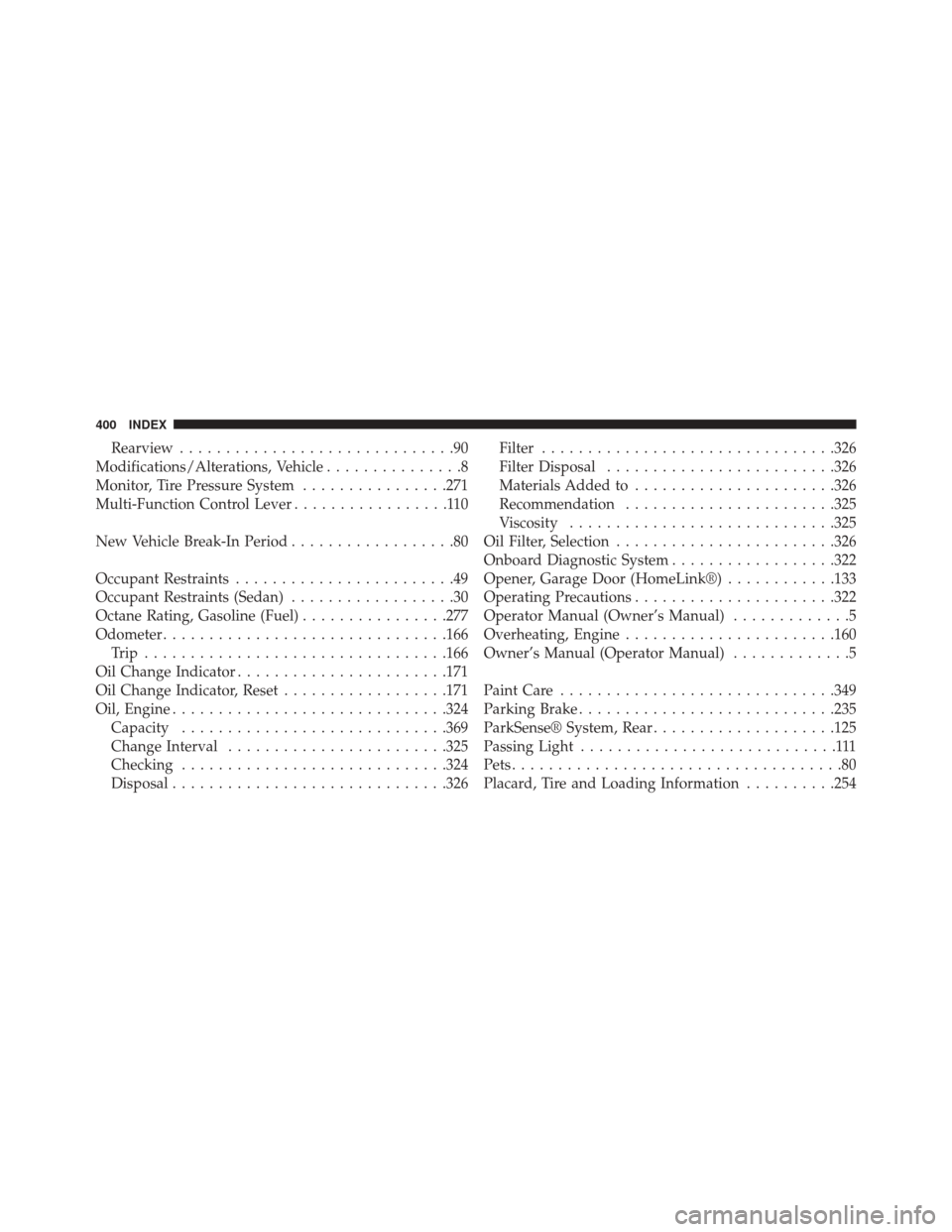
Rearview..............................90
Modifications/Alterations, Vehicle ...............8
Monitor, Tire Pressure System ................271
Multi-Function Control Lever .................110
New Vehicle Break-In Period ..................80
Occupant Restraints ........................49
Occupant Restraints (Sedan) ..................30
Octane Rating, Gasoline (Fuel) ................277
Odometer .............................. .166
Trip ................................ .166
Oil Change Indicator ...................... .171
Oil Change Indicator, Reset ..................171
Oil, Engine ............................. .324
Capacity ............................ .369
Change Interval ....................... .325
Checking ............................ .324
Disposal ............................. .326Filter
............................... .326
Filter Disposal ........................ .326
Materials Added to ..................... .326
Recommendation ...................... .325
Viscosity ............................ .325
Oil Filter, Selection ....................... .326
Onboard Diagnostic System ..................322
Opener, Garage Door (HomeLink®) ............133
Operating Precautions ..................... .322
Operator Manual (Owner’s Manual) .............5
Overheating, Engine ...................... .160
Owner’s Manual (Operator Manual) .............5
Paint Care ............................. .349
Parking Brake ........................... .235
ParkSense® System, Rear ....................125
Passing Light ............................111
Pets ....................................80
Placard, Tire and Loading Information ..........254
400 INDEX