tow FIAT 500L 2016 2.G User Guide
[x] Cancel search | Manufacturer: FIAT, Model Year: 2016, Model line: 500L, Model: FIAT 500L 2016 2.GPages: 476, PDF Size: 3.67 MB
Page 114 of 476
Flash-To-Pass
You can signal another vehicle with your headlights by
partially pulling the multifunction lever toward the steer-
ing wheel. This will cause the high beam headlights to
turn on until the lever is released.
Parking Lights
To turn on the parking lights, remove the key
or turn the ignition to OFF/LOCK position and
turn on the headlights.
Turn Signals
Move the multifunction lever up or down and the arrows
on each side of the instrument cluster flash to show
proper operation of the front and rear turn signal lights.
NOTE:If either light remains on and does not flash, or
there is a very fast flash rate, check for a defective outside light bulb. If an indicator fails to light when the lever is
moved, it would suggest that the indicator bulb is
defective.
Lane Change Assist
Tap the lever up or down once, without moving beyond
the detent, and the turn signal (right or left) will flash five
times then automatically turn off.
Follow Me Home/Headlight Delay
When this feature is selected the driver can choose to
have the headlights remain on for a preset period of time.
Activation
Remove the key or turn the ignition to the OFF/LOCK
position, and pull the multifunction lever toward the
steering wheel, within two minutes. Each time the lever
is pulled, the activation of the lights will be extended by
30 seconds. The activation of the lights can be extended to
a maximum of 210 seconds.
112 UNDERSTANDING THE FEATURES OF YOUR VEHICLE
Page 115 of 476
Deactivation
Pull the multifunction lever toward the steering wheel
and hold it for more than two seconds.
Front Fog Lights — If Equipped
The fog light switch is located on the center
stack of the instrument panel, just below the
radio. Push the switch once to turn the front
fog lights on. Push the switch a second time to turn the
front fog lights off.
Interior Lights
The interior light switches are located in the overhead
console. The interior lights can be set to three different
positions (Off/Left Position, Center Position, On/Right
Position). Using the switch on the bottom of the overhead console,
push the switch to the on/right position from its center
position and the lights are always on.
On/Right Position
3
UNDERSTANDING THE FEATURES OF YOUR VEHICLE 113
Page 120 of 476
Front Windshield Washer Operation
Pull the windshield wiper/washer lever toward the
steering wheel to activate the washers. The wipers will
activate automatically for three cycles after the lever is
released.
CAUTION!
•Turn the windshield wipers off when driving
through an automatic car wash. Damage to the
windshield wipers may result if the wiper control
is left in any position other than off.
• In cold weather, always turn off the wiper switch
and allow the wipers to return to the “Park” posi-
tion before turning off the engine. If the wiper
switch is left on and the wipers freeze to the
windshield, damage to the wiper motor may occur
when the vehicle is restarted.
• Always remove any buildup of snow that prevents
the windshield wiper blades from returning to the
off position. If the windshield wiper control is
turned off and the blades cannot return to the off
position, damage to the wiper motor may occur.
Front Windshield Washer Operation
118 UNDERSTANDING THE FEATURES OF YOUR VEHICLE
Page 128 of 476
Rear Park Assist is automatically activated when the
transmission is placed into REVERSE. As the distance
from an obstacle behind the vehicle decreases, the au-
dible alert becomes more frequent.
Interaction With Trailer Towing
The Rear Park Assist system is automatically deactivated
when a trailer is hitched to the vehicle. The system will be
automatically activated as soon as the trailer is removed.
Rear Park Assist Sensors
The four Rear Park Assist sensors, located in the rear
fascia/bumper, monitor the area behind the vehicle that
is within the sensors’ field of view. The sensors can detect
obstacles, in the horizontal direction, from approximately
12 in (30 cm) up to 55 in (140 cm) from the center of the
rear fascia/bumper and up to 24 in (60 cm) from the
corners of the rear fascia/bumper, depending on the
location, type and orientation of the obstacle.If several obstacles are detected, the Rear Park Assist
system indicates the nearest obstacle.
The minimum height of a detectable obstacle corre-
sponds to the maximum height of an obstacle that would
clear the underside of the car during the parking maneu-
ver.
Rear Park Assist Audible Alerts
If an obstacle is behind the vehicle when the transmission
is placed into REVERSE, an audible alert is activated.
The tones emitted by the loudspeaker inform the driver
that the vehicle is approaching an obstacle. The pauses
between the tones are directly proportional to the dis-
tance from the obstacle. Pulses emitted in quick succes-
sion indicate the presence of a very close obstacle. A
continuous tone indicates that the obstacle is less than 12
in (30 cm) away.
126 UNDERSTANDING THE FEATURES OF YOUR VEHICLE
Page 132 of 476
CAUTION!(Continued)
•The vehicle must be driven slowly when using
Rear Park Assist in order to be able to stop in time
when an obstacle is detected. It is recommended
that the driver looks over his/her shoulder when
using Rear Park Assist.
WARNING!
• Drivers must be careful when backing up even
when using ParkSense. Always check carefully
behind your vehicle, look behind you, and be sure
to check for pedestrians, animals, other vehicles,
obstructions, and blind spots before backing up.
You are responsible for safety and must continue to
pay attention to your surroundings. Failure to do so
can result in serious injury or death.
(Continued)
WARNING! (Continued)
•Before using ParkSense, it is strongly recom-
mended that the ball mount and hitch ball assem-
bly is disconnected from the vehicle when the
vehicle is not used for towing. Failure to do so can
result in injury or damage to vehicles or obstacles
because the hitch ball will be much closer to the
obstacle than the rear fascia when the loudspeaker
sounds the continuous tone. Also, the sensors
could detect the ball mount and hitch ball assem-
bly, depending on its size and shape, giving a false
indication that an obstacle is behind the vehicle.
If it’s necessary to keep the ball mount and hitch ball
assembly mounted for a long period, it is possible to filter
out the ball mount and hitch ball assembly presence in
sensor field of view. The filtering operation must be
performed only by an authorized dealer.
130 UNDERSTANDING THE FEATURES OF YOUR VEHICLE
Page 145 of 476
To Open
•Pull the power sunroof switch for approximately one
second and the sunroof will stop at the vented posi-
tion. Pull the power sunroof switch a second time for
approximately one second and release, the sunroof
will open fully, then stop automatically. This is called
“Express Open”.
NOTE: During Express Open operation, any movement
of the sunroof switch will stop the sunroof.
To Close
• With the sunroof in the full open position, pull and
hold the power sunroof switch for approximately one
second.
NOTE: During Express close any movement of the
sunroof switch will stop the sunroof.
Wind Buffeting
Wind buffeting can be described as the perception of
pressure on the ears or a helicopter-type sound in the
ears. Your vehicle may exhibit wind buffeting with the
windows down, or the sunroof (if equipped) in certain
open or partially open positions. This is a normal occur-
rence and can be minimized. If the buffeting occurs with
the rear windows open, open the front and rear windows
together to minimize the buffeting. If the buffeting occurs
with the sunroof open, adjust the sunroof opening to
minimize the buffeting or open any window.
Power Sun Blind
• Pull the power sun blind switch and the blind will
move towards the rear part of the car, until it is fully
open.
With the blind fully open pull the power sun blind switch
and the blind will move towards the front part of the car,
until it is fully closed.
3
UNDERSTANDING THE FEATURES OF YOUR VEHICLE 143
Page 151 of 476
REAR CARGO STORAGE FEATURES
The car features a load platform which can be adjusted to
three different heights, permitting modular luggage com-
partment volume:•
Position 1 (platform completely lowered) permits
maximum luggage compartment capacity.
• Position 2 (platform at threshold level) permits a level
load threshold to facilitate loading/unloading of ob-
jects in the luggage compartment. It also allows the
space underneath to be used as a additional compart-
ment for stowing objects which are more fragile or
small.
• Position 3 (platform completely raised) in conjunction
with the lowering of the rear seat and front passenger
side seat backrests, permits long objects to be loaded. It
is advisable to use this position only for the actual
period in which the objects are transported, then
return the platform to position 1 or 2.
Tilt of cargo floor
The cargo floor can also be arranged at an angle (tilted
toward the rear seat backs), in order to facilitate access to
Front Center Armrest Raised Position
3
UNDERSTANDING THE FEATURES OF YOUR VEHICLE 149
Page 174 of 476
Electronic Throttle Control (ETC) Warning Light
Red TelltaleLight What It Means
Electronic Throttle Control (ETC) Warning Light
This light informs you of a problem with the Electronic Throttle Control (ETC) system. If a
problem is detected while the engine is running, the light will either stay on or flash de-
pending on the nature of the problem. Cycle the ignition key when the vehicle is safely and
completely stopped and the shift lever is placed in the PARK position. The light should turn
off. If the light remains on with the engine running, your vehicle will usually be drivable;
however, see an authorized dealer for service as soon as possible.
If the light continues to flash when the engine is running, immediate service is required and
you may experience reduced performance, an elevated/rough idle, or engine stall and your
vehicle may require towing. The light will come on when the ignition is first turned to ON/
RUN and remain on briefly as a bulb check. If the light does not come on during starting,
have the system checked by an authorized dealer.
172 UNDERSTANDING YOUR INSTRUMENT PANEL
Page 180 of 476
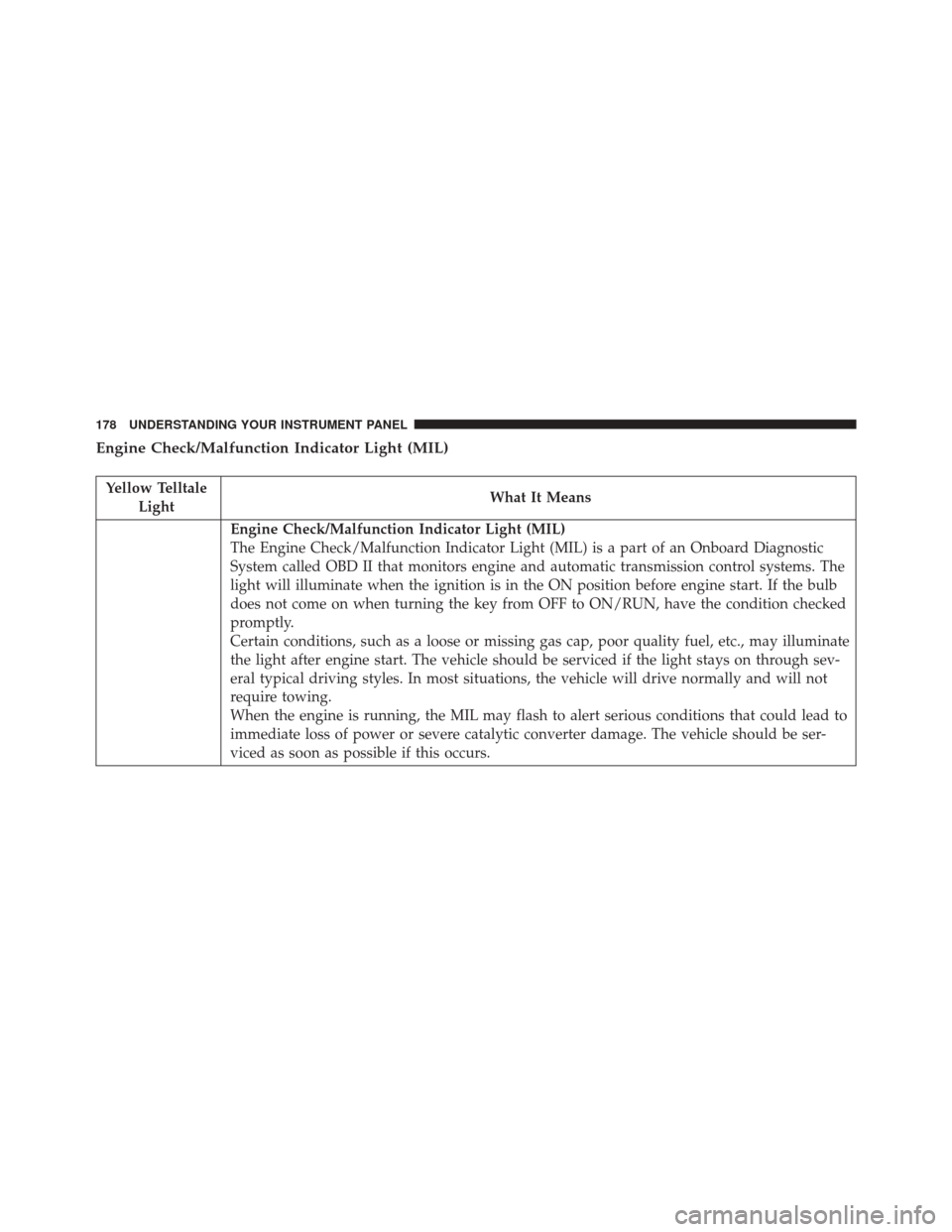
Engine Check/Malfunction Indicator Light (MIL)
Yellow TelltaleLight What It Means
Engine Check/Malfunction Indicator Light (MIL)
The Engine Check/Malfunction Indicator Light (MIL) is a part of an Onboard Diagnostic
System called OBD II that monitors engine and automatic transmission control systems. The
light will illuminate when the ignition is in the ON position before engine start. If the bulb
does not come on when turning the key from OFF to ON/RUN, have the condition checked
promptly.
Certain conditions, such as a loose or missing gas cap, poor quality fuel, etc., may illuminate
the light after engine start. The vehicle should be serviced if the light stays on through sev-
eral typical driving styles. In most situations, the vehicle will drive normally and will not
require towing.
When the engine is running, the MIL may flash to alert serious conditions that could lead to
immediate loss of power or severe catalytic converter damage. The vehicle should be ser-
viced as soon as possible if this occurs.
178 UNDERSTANDING YOUR INSTRUMENT PANEL
Page 188 of 476
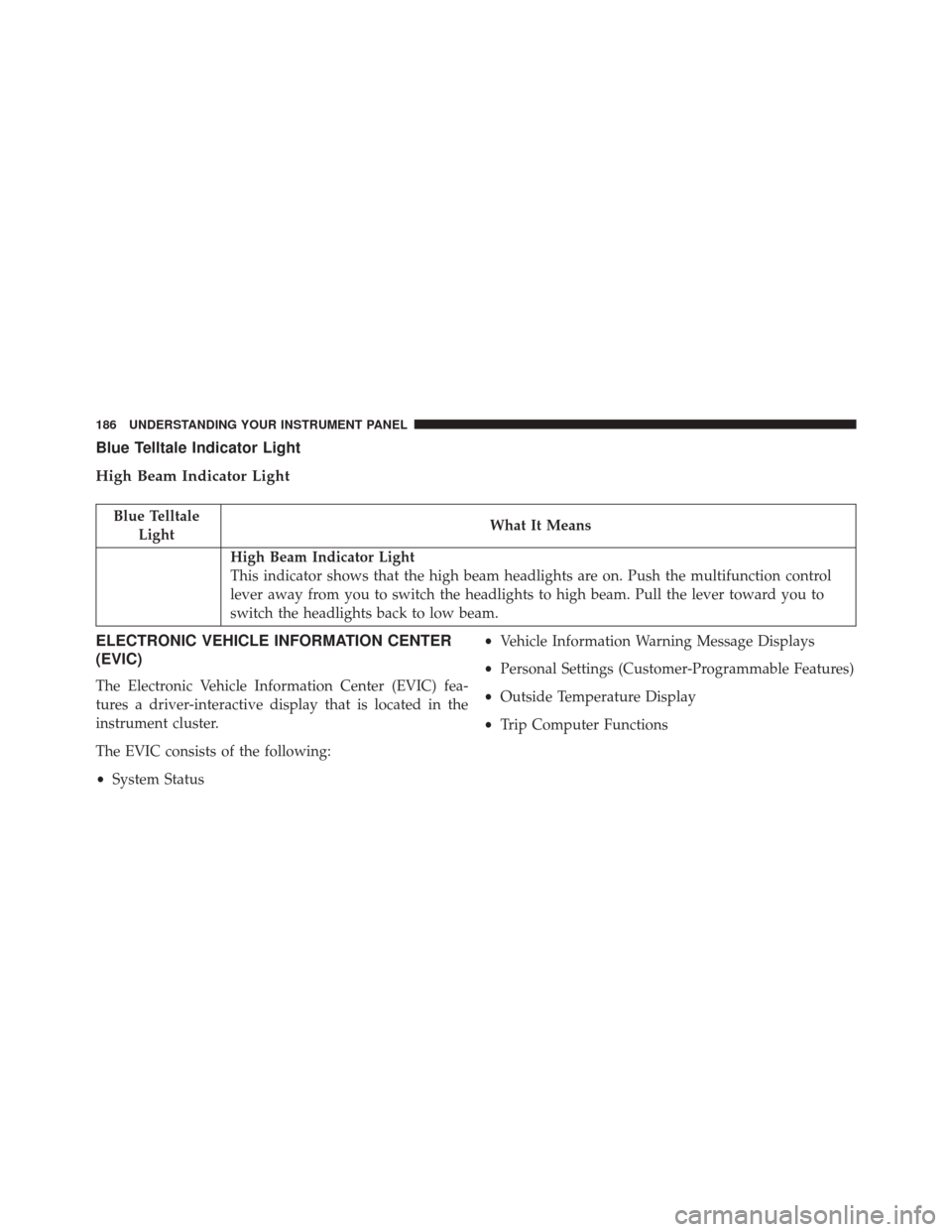
Blue Telltale Indicator Light
High Beam Indicator Light
Blue TelltaleLight What It Means
High Beam Indicator Light
This indicator shows that the high beam headlights are on. Push the multifunction control
lever away from you to switch the headlights to high beam. Pull the lever toward you to
switch the headlights back to low beam.
ELECTRONIC VEHICLE INFORMATION CENTER
(EVIC)
The Electronic Vehicle Information Center (EVIC) fea-
tures a driver-interactive display that is located in the
instrument cluster.
The EVIC consists of the following:
•
System Status •
Vehicle Information Warning Message Displays
• Personal Settings (Customer-Programmable Features)
• Outside Temperature Display
• Trip Computer Functions
186 UNDERSTANDING YOUR INSTRUMENT PANEL