steering wheel adjustment FIAT 500L 2017 2.G Owners Manual
[x] Cancel search | Manufacturer: FIAT, Model Year: 2017, Model line: 500L, Model: FIAT 500L 2017 2.GPages: 370, PDF Size: 3.56 MB
Page 154 of 370
INSTRUMENT CLUSTER DISPLAY
Your vehicle may be equipped with an instrument
cluster display, which offers useful information to the
driver. With the ignition in the STOP/OFF position (and
the key removed, for vehicles with mechanical key),
opening/closing of a door will activate the display for
viewing, and display the total miles or kilometers in the
odometer. Your instrument cluster display is designed
to display important information about your vehicle’s
systems and features. Using a driver interactive display
located on the instrument panel, your instrument clus-
ter display can show you how systems are working and
give you warnings when they aren’t. The steering wheel
mounted controls allow you to scroll through and enter
the main menus and submenus. You can access the
specific information you want and make selections and
adjustments.
Instrument Cluster Display Control Buttons
The instrument cluster display control buttons are lo-
cated on the instrument panel below the radio.Push and release the
MENUbutton briefly to access the
menu and/or go to next screen or to confirm the
required menu option. Push and hold the MENU
button (approximately one second) to return to the
main screen.
Push and release the up
button to scroll upward
through the displayed menu and the related options
or to increase the displayed value.
Push and release the downbutton to scroll down-
ward through the displayed menu and the related
options or to decrease the value displayed.
NOTE: upand downbuttons activate differ-
ent functions according to the following situations:
• To scroll the menu options upwards or downwards.
• To increase or decrease values during settings.
NOTE: When opening one of the front doors, the
instrument cluster display will turn on the clock, the
external temperature and the miles or kilometers cov-
ered for a few seconds.
152 UNDERSTANDING YOUR INSTRUMENT PANEL
Page 184 of 370
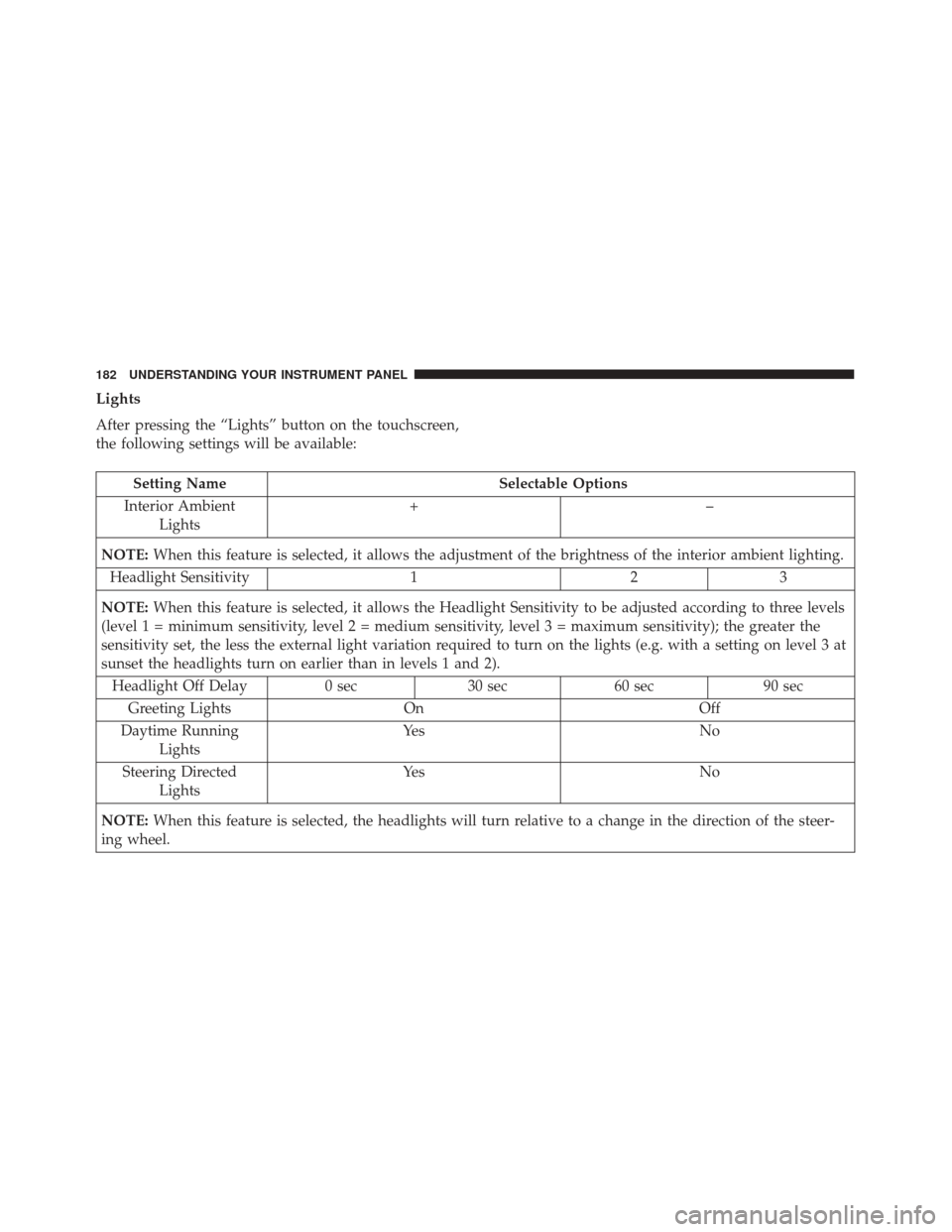
Lights
After pressing the “Lights” button on the touchscreen,
the following settings will be available:
Setting NameSelectable Options
Interior Ambient Lights +–
NOTE: When this feature is selected, it allows the adjustment of the brightness of the interior ambient lighting.
Headlight Sensitivity 123
NOTE: When this feature is selected, it allows the Headlight Sensitivity to be adjusted according to three levels
(level 1 = minimum sensitivity, level 2 = medium sensitivity, level 3 = maximum sensitivity); the greater the
sensitivity set, the less the external light variation required to turn on the lights (e.g. with a setting on level 3 at
sunset the headlights turn on earlier than in levels 1 and 2).
Headlight Off Delay 0 sec30 sec 60 sec 90 sec
Greeting Lights On Off
Daytime Running Lights Ye s
N o
Steering Directed Lights Ye s
N o
NOTE: When this feature is selected, the headlights will turn relative to a change in the direction of the steer-
ing wheel.
182 UNDERSTANDING YOUR INSTRUMENT PANEL