bluetooth FIAT 500L LIVING 2014 2.G User Guide
[x] Cancel search | Manufacturer: FIAT, Model Year: 2014, Model line: 500L LIVING, Model: FIAT 500L LIVING 2014 2.GPages: 420, PDF Size: 9.77 MB
Page 382 of 420
TRANSFERRING A CALL
The ongoing calls can be transferred from the mobile
phone to the system and vice versa without ending
the calls.
To transfer the call, press the "Transfer" button.
SMS MESSAGE READER
The system can read the messages received by the
mobile phone.
To use this function the mobile phone must support
the SMS exchange function viaBluetooth®.
If this function is not supported by the phone, the
corresponding
button is deactivated (greyed out).
When a text message is received, the display will
show a screen where the options "Listen", "Call" or
"Ignore" can be selected.
Press the
button to access the list of SMS
messages received by the mobile phone (the list
displays a maximum of 60 messages received).
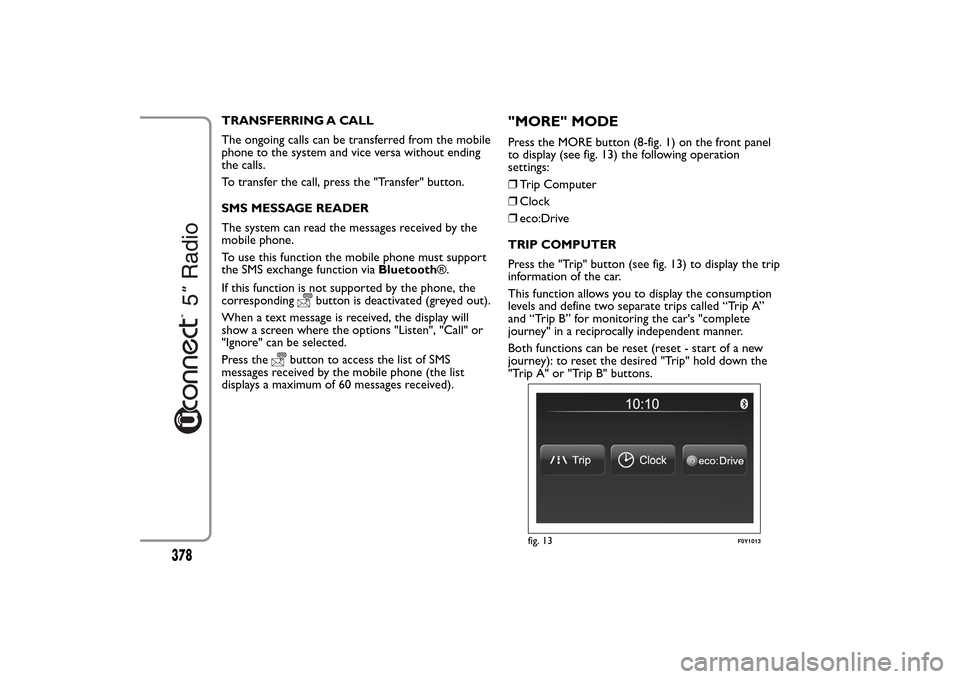
"MORE" MODEPress the MORE button (8-fig. 1) on the front panel
to display (see fig. 13) the following operation
settings:
❒Trip Computer
❒Clock
❒eco:Drive
TRIP COMPUTER
Press the "Trip" button (see fig. 13) to display the trip
information of the car.
This function allows you to display the consumption
levels and define two separate trips called “Trip A”
and “Trip B” for monitoring the car's "complete
journey" in a reciprocally independent manner.
Both functions can be reset (reset - start of a new
journey): to reset the desired "Trip" hold down the
"Trip A" or "Trip B" buttons.
fig. 13
F0Y1013
378
Page 385 of 420
During the transfer of data to the USB drive,
messages may appear on the display to guide the user
correctly through the operation; follow these
instructions.
These messages are only displayed with ignition key
in STOP position and system off delay longer than 0
minutes.
NOTES
Warning messages will be displayed when the USB
storage device is full.
When the eco:Drive data is not transferred to USB
storage device for a long time, the internal memory
of theuconnect™ system may be exhausted.
Warning messages will also be displayed in these
circumstances: it will be necessary to connect the
USB storage device configured for eco:Drive in order
not to lose the saved data.
SETTINGS
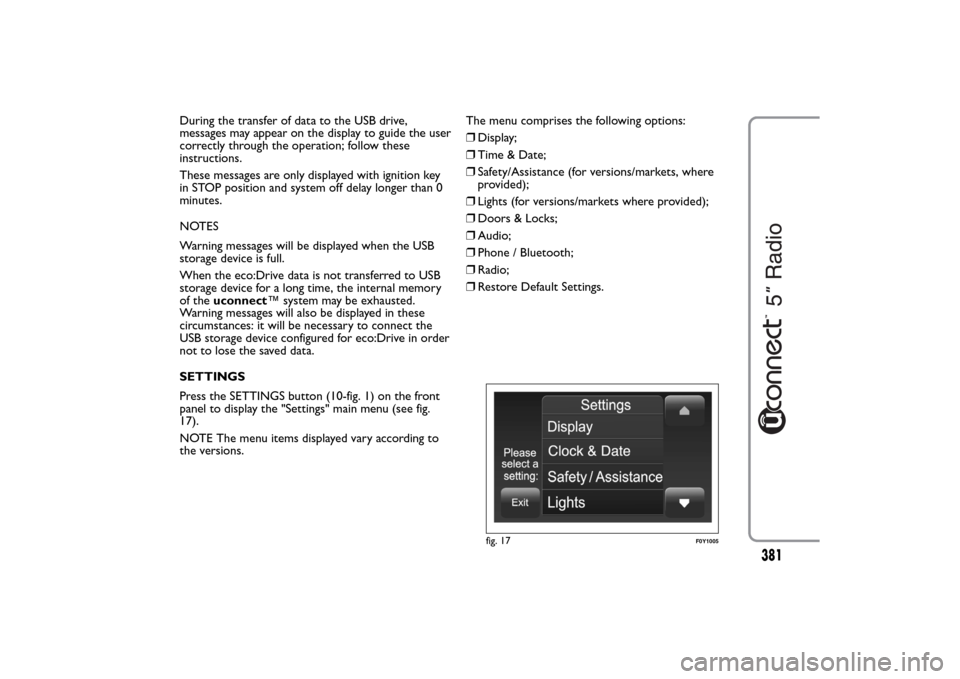
Press the SETTINGS button (10-fig. 1) on the front
panel to display the "Settings" main menu (see fig.
17).
NOTE The menu items displayed vary according to
the versions.The menu comprises the following options:
❒Display;
❒Time & Date;
❒Safety/Assistance (for versions/markets, where
provided);
❒Lights (for versions/markets where provided);
❒Doors & Locks;
❒Audio;
❒Phone / Bluetooth;
❒Radio;
❒Restore Default Settings.
fig. 17
F0Y1005
381
Page 388 of 420
Doors & Locks
Use this function to activate/deactivate the automatic
door locking when the car is moving ("Autoclose"
function).
Audio
See paragraph "Audio" in chapter "Switching the
system on/off".
Phone / Bluetooth
See the description in the "Connecting/disconnecting
a mobile phone or aBluetooth® audio device"
paragraph in the "Phone Mode" chapter.Radio
Use this function to configure the following options:
❒"Traffic Announc.": activation/deactivation of the
automatic tuning of the traffic announcements
("TA" function);
❒"Altern. Frequency": activation/deactivation of the
automatic tuning of the strongest signal for the
station selected ("AF" function);
❒"Regional": activation/deactivation of the automatic
tuning to a station which broadcasts regional news
("REG" function);
❒"Playing DAB Announcements" (for
versions/markets, where provided):
activation/deactivation of automatic tuning to DAB
announcements and selection of announcement
categories of interest from those available.
Restore Default Settings
Use this function to restore the settings for display,
time, date, audio and radio to the default values set
by the manufacturer.
384