clock FIAT 500X 2014 2.G User Guide
[x] Cancel search | Manufacturer: FIAT, Model Year: 2014, Model line: 500X, Model: FIAT 500X 2014 2.GPages: 476, PDF Size: 5.32 MB
Page 295 of 476
5. Install the headlamp bulb and socket; align the tabsand turn it clockwise making sure it is properly
locked.
WARNING!
Carry out the operation of replacing lamps only
with the engine off. Also make sure that the engine
is cold, to avoid the danger of burns. Position Lights/Daytime Running Lights/Fog Lights
To replace the bulbs proceed as follows:
1. Turn the front wheels completely.
2. Use a suitable tool to remove the access door.
3. Remove the electrical connectors.
Headlamp Bulb Connector
Position Light/Daytime Running Light/Fog light Access
1 — Screws
2 — Access Door
8
IN CASE OF EMERGENCY 293
Page 296 of 476
4. Rotate in a counterclockwise direction and removethe bulb and bulb socket.
5. To replace the bulb gently push bulb and rotate counterclockwise. 6. Insert the new bulb by pushing on it and turning it
clockwise. Make sure the bulb is correctly locked in
place.
7. Install the bulb and sockets and rotate them clock- wise, making sure that it is properly locked.
8. Reconnect the electrical connectors.
9. Reinstall the access door.
Position Light/Daytime Running Light Assembly
1 — DRL Bulb Socket
2 — Turn Signal Bulb Socket
Bulb and Socket Assembly
1 — Bulb
2 — Rotate Bulb
294 IN CASE OF EMERGENCY
Page 297 of 476
Front Fog Lights
To replace the bulbs proceed as follows:
1. Turn the front wheels completely.
2. Use a suitable tool to remove the access door.
3. By pushing the electrical connector tab remove theelectrical connector. 4. Rotate the bulb counterclockwise, and then replace
the bulb.
5. Insert the new bulb in the socket, making sure the bulb is locked into place.
6. Reconnect the electrical connector.
7. Reinstall the access door.
Position Light/Daytime Running Light/Fog Light Access
1 — Screws
2 — Access Door
Fog Light Assembly
8
IN CASE OF EMERGENCY 295
Page 298 of 476
Side Indicators on External Rear View Mirrors – If
Equipped
CAUTION!
The procedure is described as a guideline. For the
replacement of the lamp it is recommended that you
contact your authorized dealer.
To replace the bulb proceed as follows:
1. Remove the mirror cap on the outside rear view mirror.
2. Remove the transparent lens assembly as shown.
3. Remove the bulb socket and bulb from the transpar-ent lens assembly by rotating the socket counter-
clockwise.
4. Remove the bulb from the bulb socket by pulling the bulb straight out.
Mirror Cap
1 — Mirror Cover
2 — Side Indicator Lens
3 — Side Indicator Bulb Location
296 IN CASE OF EMERGENCY
Page 309 of 476
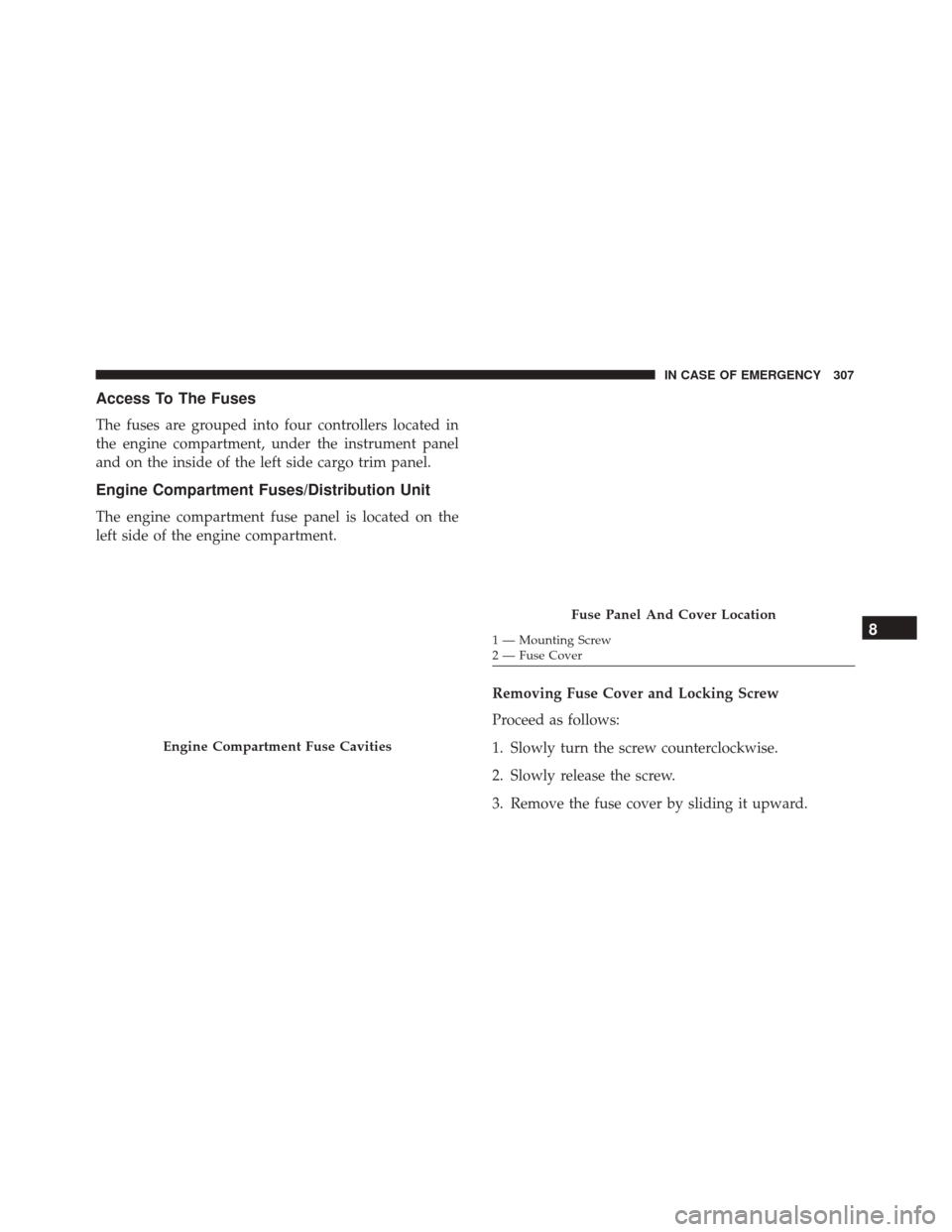
Access To The Fuses
The fuses are grouped into four controllers located in
the engine compartment, under the instrument panel
and on the inside of the left side cargo trim panel.
Engine Compartment Fuses/Distribution Unit
The engine compartment fuse panel is located on the
left side of the engine compartment.Removing Fuse Cover and Locking Screw
Proceed as follows:
1. Slowly turn the screw counterclockwise.
2. Slowly release the screw.
3. Remove the fuse cover by sliding it upward.
Engine Compartment Fuse Cavities
Fuse Panel And Cover Location
1 — Mounting Screw
2 — Fuse Cover8
IN CASE OF EMERGENCY 307
Page 310 of 476
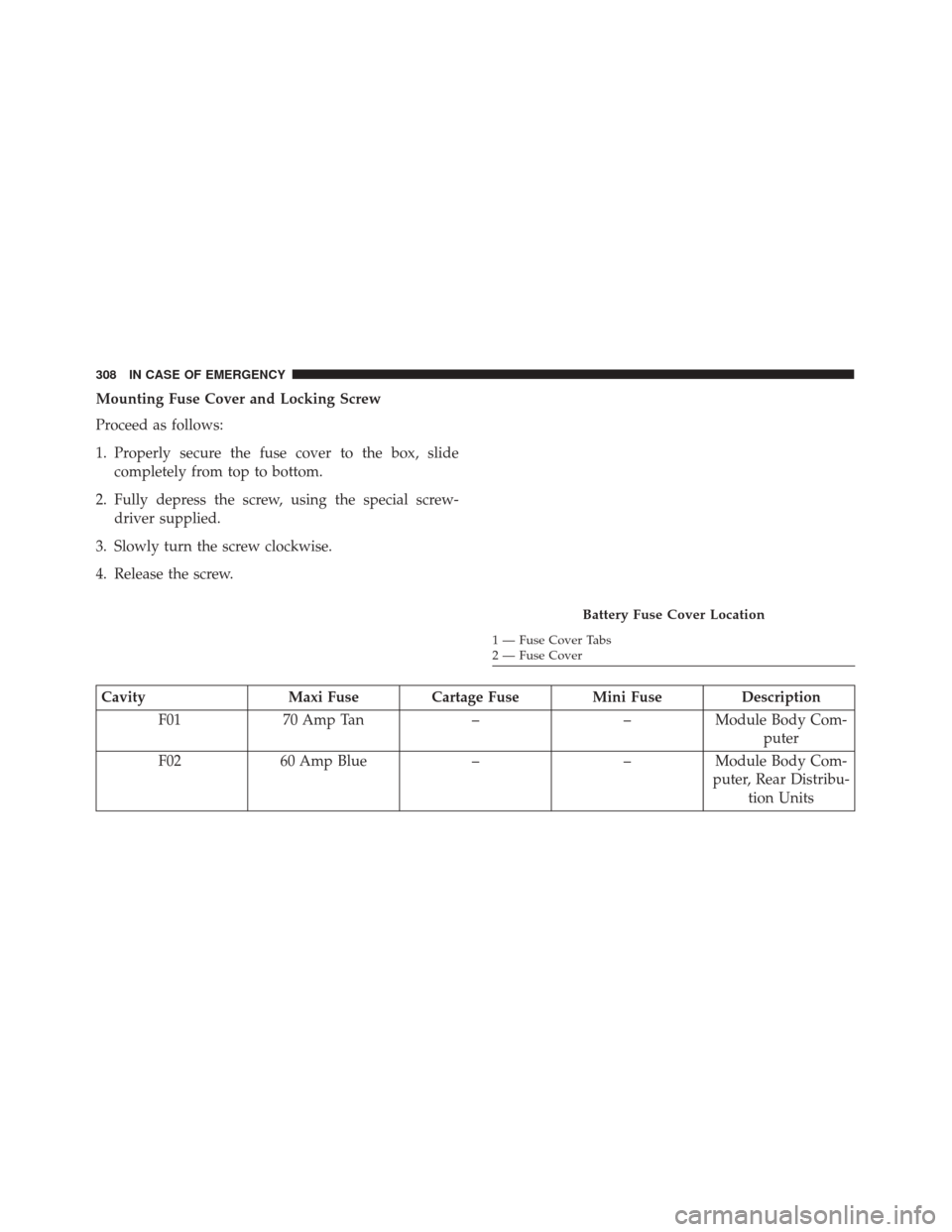
Mounting Fuse Cover and Locking Screw
Proceed as follows:
1. Properly secure the fuse cover to the box, slidecompletely from top to bottom.
2. Fully depress the screw, using the special screw- driver supplied.
3. Slowly turn the screw clockwise.
4. Release the screw.
Cavity Maxi Fuse Cartage Fuse Mini Fuse Description
F01 70 Amp Tan ––Module Body Com-
puter
F02 60 Amp Blue ––Module Body Com-
puter, Rear Distribu- tion Units
Battery Fuse Cover Location
1 — Fuse Cover Tabs
2 — Fuse Cover
308 IN CASE OF EMERGENCY
Page 321 of 476
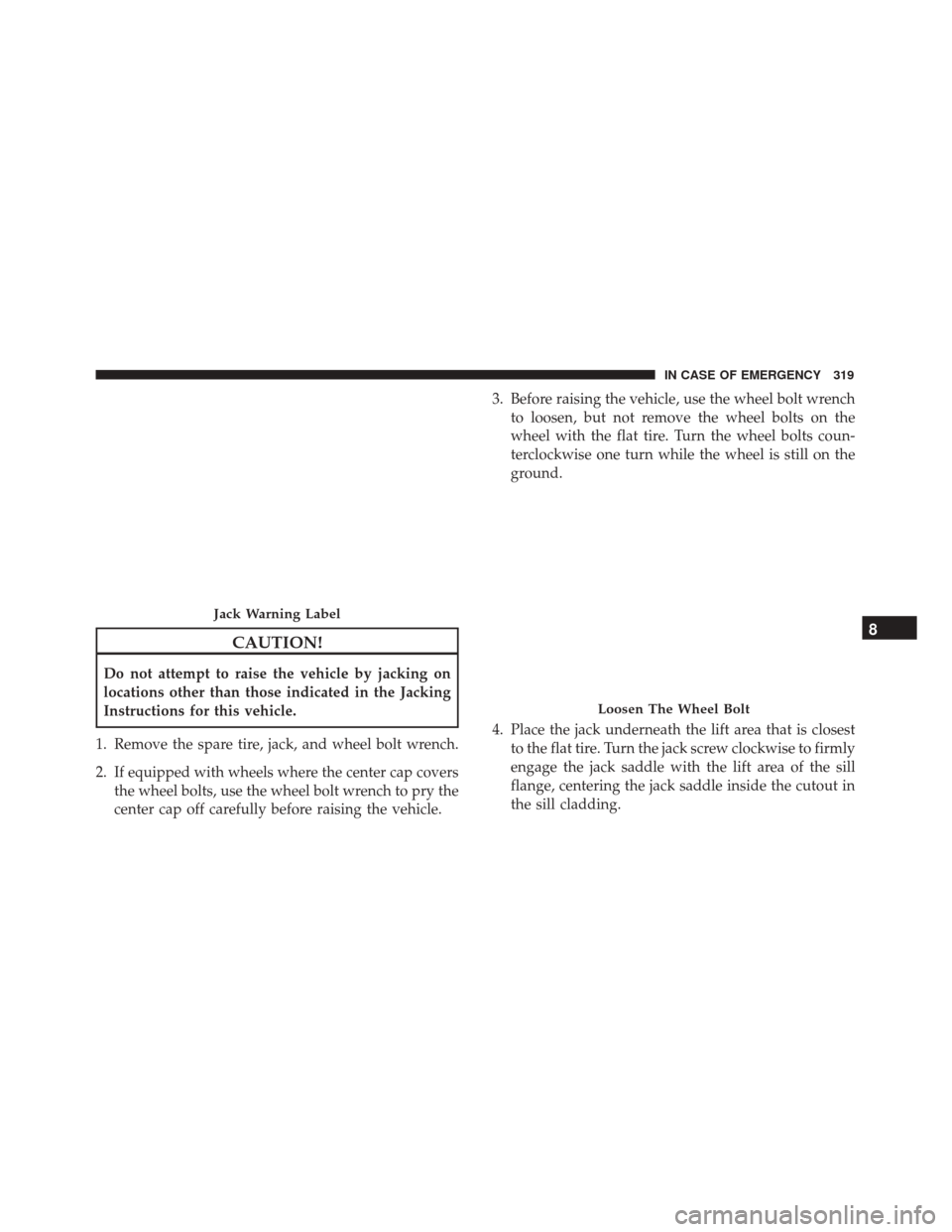
CAUTION!
Do not attempt to raise the vehicle by jacking on
locations other than those indicated in the Jacking
Instructions for this vehicle.
1. Remove the spare tire, jack, and wheel bolt wrench.
2. If equipped with wheels where the center cap covers the wheel bolts, use the wheel bolt wrench to pry the
center cap off carefully before raising the vehicle. 3. Before raising the vehicle, use the wheel bolt wrench
to loosen, but not remove the wheel bolts on the
wheel with the flat tire. Turn the wheel bolts coun-
terclockwise one turn while the wheel is still on the
ground.
4. Place the jack underneath the lift area that is closest to the flat tire. Turn the jack screw clockwise to firmly
engage the jack saddle with the lift area of the sill
flange, centering the jack saddle inside the cutout in
the sill cladding.
Jack Warning Label
Loosen The Wheel Bolt
8
IN CASE OF EMERGENCY 319
Page 324 of 476
NOTE:•Your vehicle may be equipped with a compact
spare tire or a limited — use spare tire. For further
information refer to “Tires — General Information”
in “Maintaining Your Vehicle”.
• For vehicles so equipped, do not attempt to install
a center cap or wheel cover on the compact spare.
8. Install the wheel bolts with the threaded end of the wheel bolt toward the wheel. Lightly tighten the
wheel bolts.
WARNING!
To avoid the risk of forcing the vehicle off the jack,
do not fully tighten the wheel bolts until the
vehicle has been lowered. Failure to follow this
warning may result in serious injury.
9. Lower the vehicle to the ground by turning the wheel bolt wrench counterclockwise.
10. Finish tightening the wheel bolts. Push down on the wrench while at the end of the handle for increased
leverage. Tighten the wheel bolts in a star pattern
until each wheel bolt has been tightened twice. Refer to “Torque Specifications” in “Technical Data”
for the proper lug bolt torque. If in doubt about the
correct tightness, have them checked with a torque
wrench by your authorized dealer or at a service
station.
11. Securely stow the jack, tools, chocks and flat tire.
WARNING!
A loose tire or jack thrown forward in a collision or
hard stop could endanger the occupants of the
vehicle. Always stow the jack parts and the spare
tire in the places provided. Have the deflated (flat)
tire repaired or replaced immediately.
Road Tire Installation
1. Mount the road tire on the axle.
2. Install the remaining wheel bolts with the threaded end of the wheel bolt toward the wheel. Lightly
tighten the wheel bolts.
322 IN CASE OF EMERGENCY
Page 325 of 476
WARNING!
To avoid the risk of forcing the vehicle off the jack,
do not tighten the lug nuts fully until the vehicle
has been lowered. Failure to follow this warning
may result in serious injury.
3. Lower the vehicle to the ground by turning the jack handle counterclockwise.
4. Finish tightening the wheel bolts. Push down on the wrench while at the end of the handle for increased
leverage. Tighten the wheel bolts in a star pattern
until each wheel bolt has been tightened twice. Refer
to “Torque Specifications” in the “Technical Data”
section for the proper lug bolt torque. If in doubt
about the correct tightness, have them checked with
a torque wrench by your authorized dealer or service
station.
5. Lower the jack until it is free. Remove the wheel chocks. Stow the jack and tools back in the proper
storage location. Release the Electric Park Brake
before driving the vehicle. 6. After 25 miles (40 km) check the wheel bolt torque
with a torque wrench to ensure that all wheel bolts
are properly seated against the wheel.
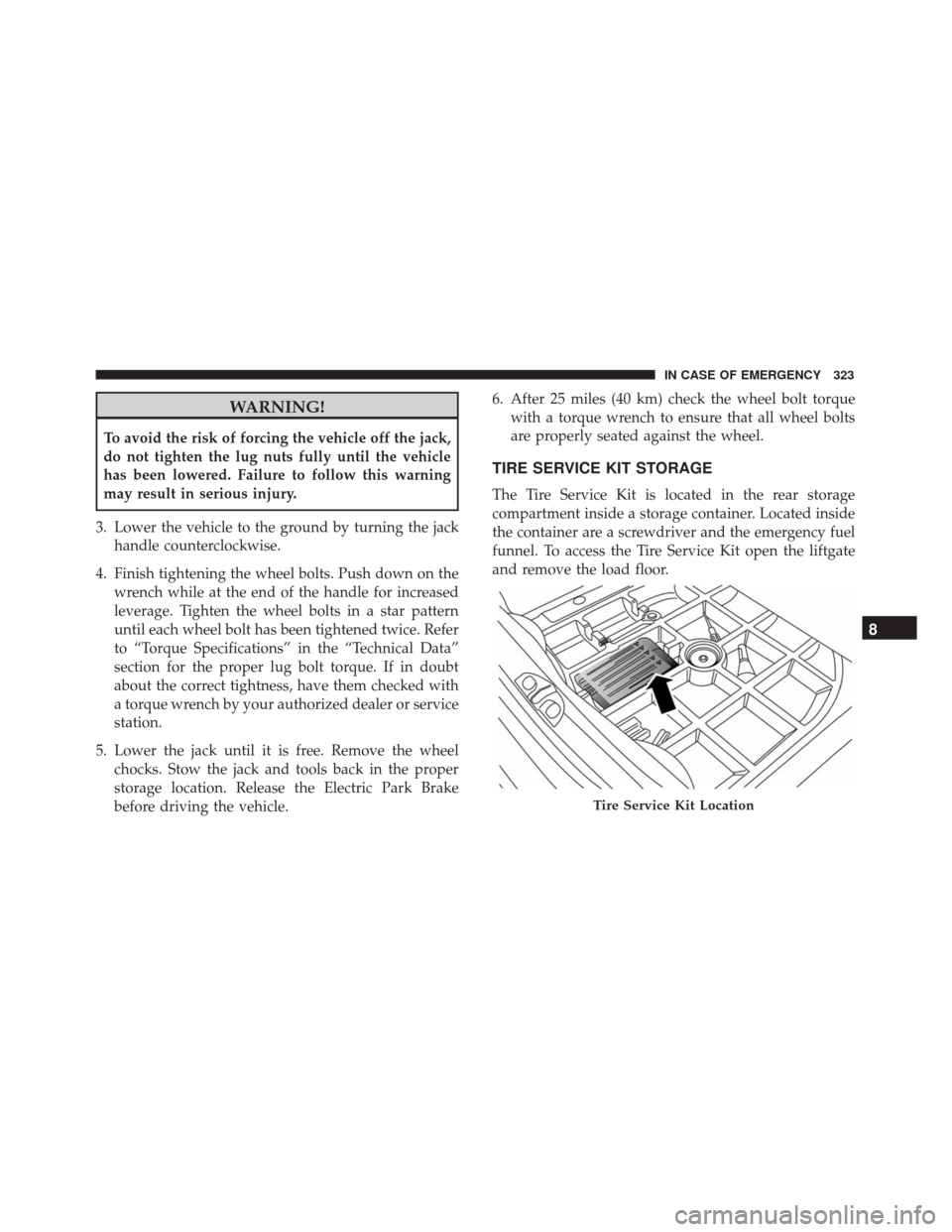
TIRE SERVICE KIT STORAGE
The Tire Service Kit is located in the rear storage
compartment inside a storage container. Located inside
the container are a screwdriver and the emergency fuel
funnel. To access the Tire Service Kit open the liftgate
and remove the load floor.
Tire Service Kit Location
8
IN CASE OF EMERGENCY 323
Page 417 of 476
Buttons On The Faceplate
Buttons on the faceplate are located below, and beside
the Uconnect system in the center of the instrument
panel. In addition, there is a Scroll/Enter control knob
located on the right side. Turn the control knob to scroll
through menus and change settings (i.e., 30, 60, 90),
push the center of the control knob one or more times to
select or change a setting (i.e., ON, OFF).
Your Uconnect system may also have Display Off and
back arrow buttons on the faceplate.
Push the Display Off button on the faceplate to turn off
the Uconnect screen. Push the Display Off button on the
faceplate a second time to turn the screen on.
Push the Back Arrow button on the faceplate to exit out
of a Menu or certain option on the Uconnect system.
Buttons On The Touchscreen
Buttons on the touchscreen are accessible on the
Uconnect touchscreen.
Customer Programmable Features — Uconnect
5.0 Settings
Push the Settingsbutton on the faceplate, to dis-
play the settings menu screen. In this mode the Uconnect system allows you to access programmable
features that may be equipped such as Display,
Units, Voice, Clock & Date, Safety/Assistance,
Lights, Doors & Locks, Engine Off Options, Audio,
Phone/Bluetooth, Radio Setup, Restore Settings and
Clear Personal Data.
NOTE:
Only one touchscreen area may be selected at a
time.
When making a selection, press the button on the
touchscreen to enter the desired mode. Once in the
desired mode, press and release the preferred setting
and make your selection. Once the setting is complete,
either press the Back Arrow button on the touchscreen
or the Back button on the faceplate to return to the
previous menu or press the “X” button on the touch-
screen to close out of the settings screen. Pressing the
Up or Down Arrow buttons on the right side of the
screen will allow you to toggle up or down through the
available settings.
NOTE: All settings should be changed with the ignition
in the “RUN” position.
11
MULTIMEDIA 415