cooling FIAT 500X 2014 2.G Owners Manual
[x] Cancel search | Manufacturer: FIAT, Model Year: 2014, Model line: 500X, Model: FIAT 500X 2014 2.GPages: 476, PDF Size: 5.32 MB
Page 84 of 476
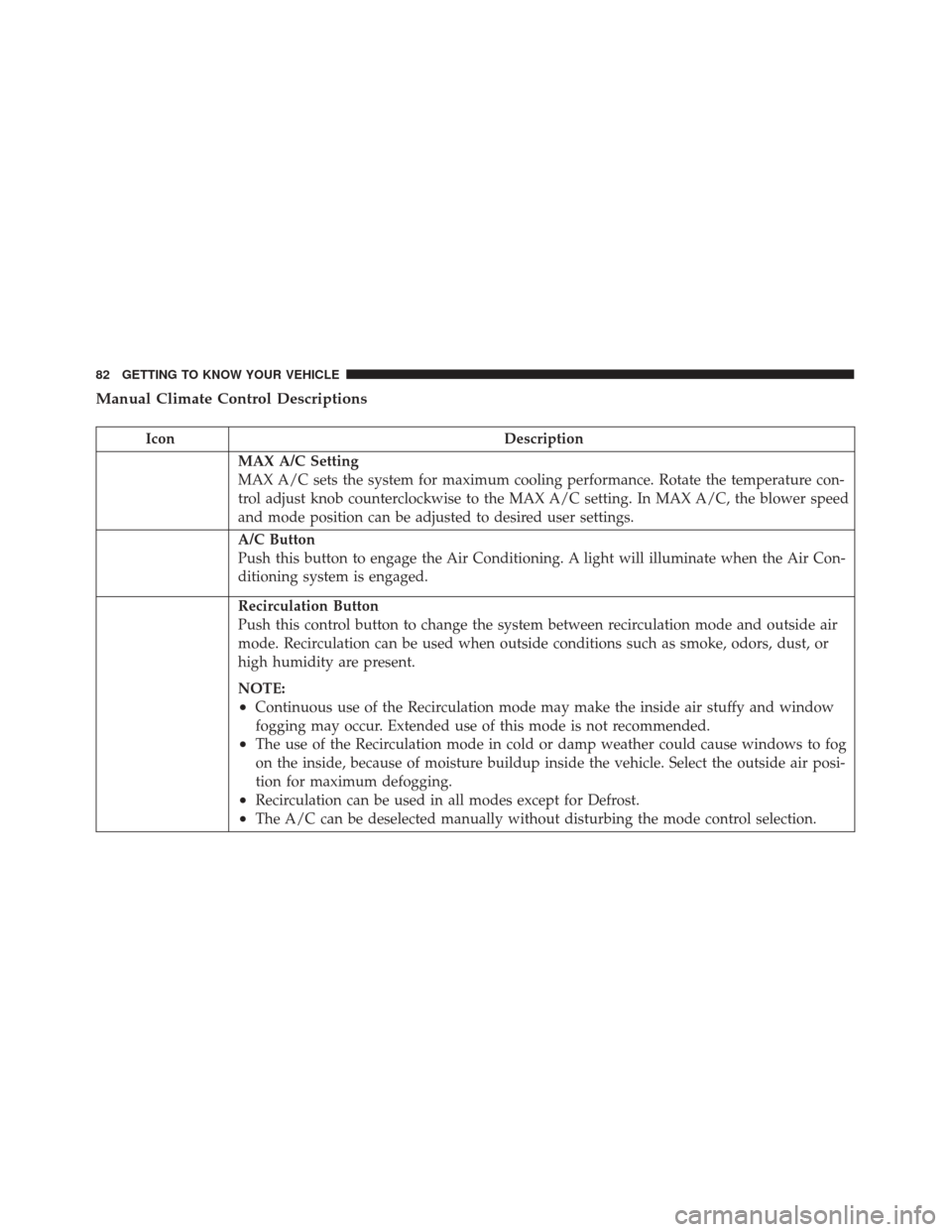
Manual Climate Control Descriptions
IconDescription
MAX A/C Setting
MAX A/C sets the system for maximum cooling performance. Rotate the temperature con-
trol adjust knob counterclockwise to the MAX A/C setting. In MAX A/C, the blower speed
and mode position can be adjusted to desired user settings.
A/C Button
Push this button to engage the Air Conditioning. A light will illuminate when the Air Con-
ditioning system is engaged.
Recirculation Button
Push this control button to change the system between recirculation mode and outside air
mode. Recirculation can be used when outside conditions such as smoke, odors, dust, or
high humidity are present.
NOTE:
•Continuous use of the Recirculation mode may make the inside air stuffy and window
fogging may occur. Extended use of this mode is not recommended.
•The use of the Recirculation mode in cold or damp weather could cause windows to fog
on the inside, because of moisture buildup inside the vehicle. Select the outside air posi-
tion for maximum defogging.
•Recirculation can be used in all modes except for Defrost.
•The A/C can be deselected manually without disturbing the mode control selection.
82 GETTING TO KNOW YOUR VEHICLE
Page 87 of 476
CAUTION!
Failure to follow these cautions can cause damage
to the heating elements:
•Use care when washing the inside of the rear
window. Do not use abrasive window cleaners on
the interior surface of the window. Use a soft
cloth and a mild washing solution, wiping paral-
lel to the heating elements. Labels can be peeled
off after soaking with warm water.
• Do not use scrapers, sharp instruments, or abra-
sive window cleaners on the interior surface of
the window.
• Keep all objects a safe distance from the window.
Rear Window Defrosting
Push and release the rear window defrost button to turn
the function on/off.
Activation of this function is indicated by the rear
defrost indicator light on the instrument panel turning
on. The function is automatically deactivated after 20
minutes. If equipped, push the rear defrost button to activate the
defrosting of door mirrors and heated rear window.
CAUTION!
To avoid causing damage to the rear window de-
froster heating filaments do not affix stickers or
other objects to the inside of the rear glass.
Air Recirculation
Push and release the Air Recirculation button so that the
LED is on, to enter recirculation mode. It is recom-
mended to turn the internal air recirculation on while
standing in traffic or in tunnels to prevent the introduc-
tion of polluted air.
Do not use the function for a long period of time,
particularly if there are many passengers in the vehicle,
to prevent the windows from misting up.
NOTE: Internal air recirculation makes it possible to
reach the required heating or cooling conditions quickly
depending on the mode selected. Do not use the inter-
nal air recirculation function on rainy/cold days as it
would considerably increase the possibility of the win-
dows misting.
4
GETTING TO KNOW YOUR VEHICLE 85
Page 89 of 476
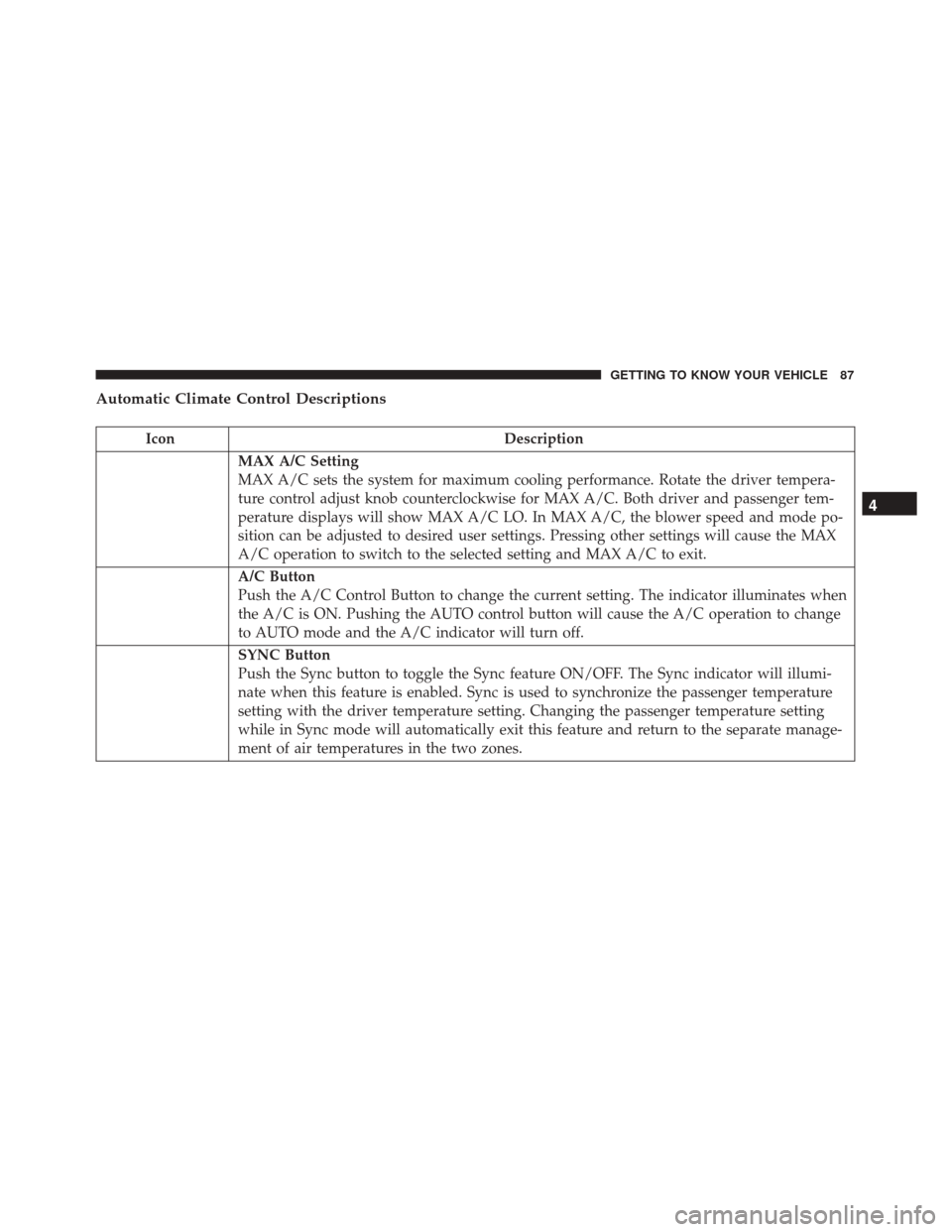
Automatic Climate Control Descriptions
IconDescription
MAX A/C Setting
MAX A/C sets the system for maximum cooling performance. Rotate the driver tempera-
ture control adjust knob counterclockwise for MAX A/C. Both driver and passenger tem-
perature displays will show MAX A/C LO. In MAX A/C, the blower speed and mode po-
sition can be adjusted to desired user settings. Pressing other settings will cause the MAX
A/C operation to switch to the selected setting and MAX A/C to exit.
A/C Button
Push the A/C Control Button to change the current setting. The indicator illuminates when
the A/C is ON. Pushing the AUTO control button will cause the A/C operation to change
to AUTO mode and the A/C indicator will turn off.
SYNC Button
Push the Sync button to toggle the Sync feature ON/OFF. The Sync indicator will illumi-
nate when this feature is enabled. Sync is used to synchronize the passenger temperature
setting with the driver temperature setting. Changing the passenger temperature setting
while in Sync mode will automatically exit this feature and return to the separate manage-
ment of air temperatures in the two zones.
4
GETTING TO KNOW YOUR VEHICLE 87
Page 91 of 476
IconDescription
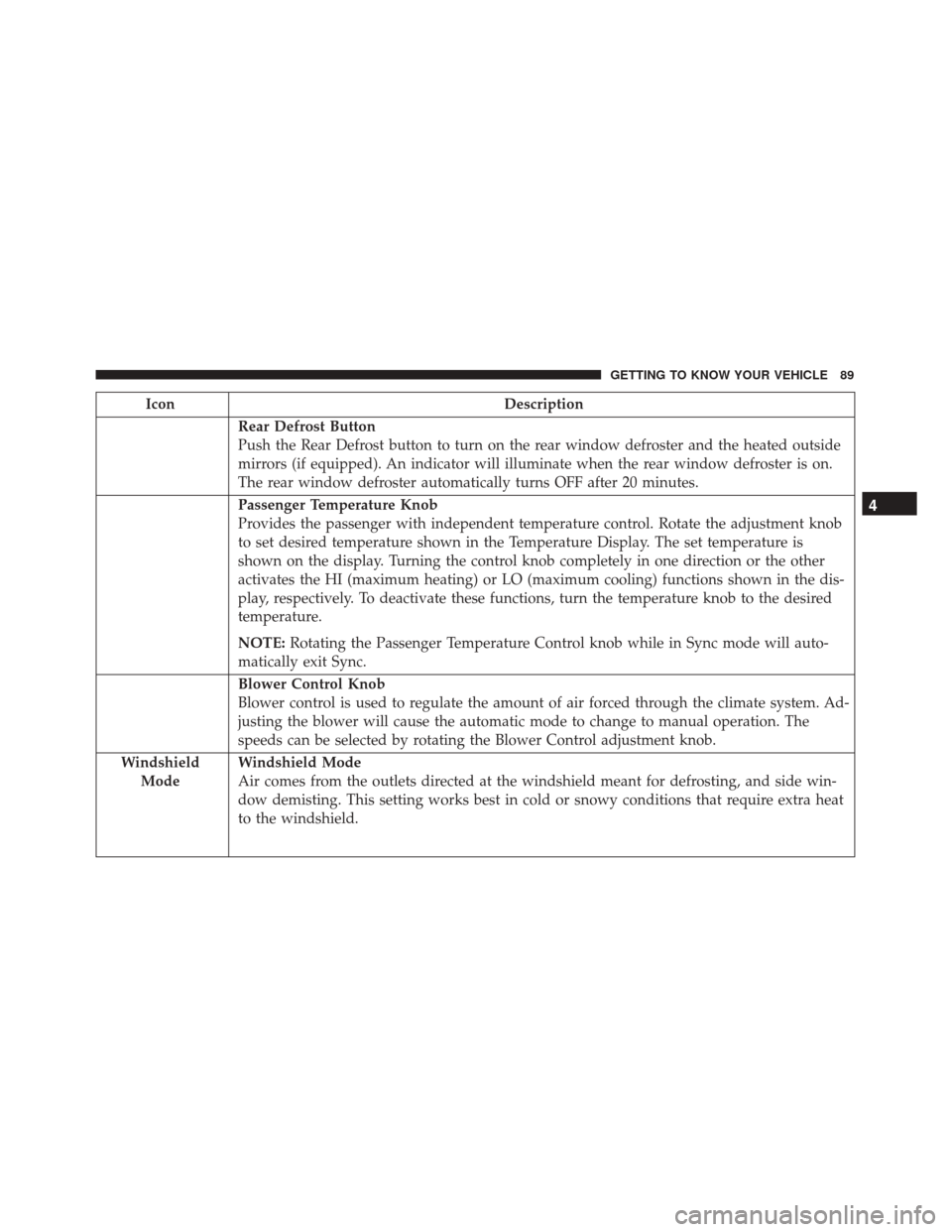
Rear Defrost Button
Push the Rear Defrost button to turn on the rear window defroster and the heated outside
mirrors (if equipped). An indicator will illuminate when the rear window defroster is on.
The rear window defroster automatically turns OFF after 20 minutes.
Passenger Temperature Knob
Provides the passenger with independent temperature control. Rotate the adjustment knob
to set desired temperature shown in the Temperature Display. The set temperature is
shown on the display. Turning the control knob completely in one direction or the other
activates the HI (maximum heating) or LO (maximum cooling) functions shown in the dis-
play, respectively. To deactivate these functions, turn the temperature knob to the desired
temperature.
NOTE:Rotating the Passenger Temperature Control knob while in Sync mode will auto-
matically exit Sync.
Blower Control Knob
Blower control is used to regulate the amount of air forced through the climate system. Ad-
justing the blower will cause the automatic mode to change to manual operation. The
speeds can be selected by rotating the Blower Control adjustment knob.
Windshield Mode
Windshield Mode
Air comes from the outlets directed at the windshield meant for defrosting, and side win-
dow demisting. This setting works best in cold or snowy conditions that require extra heat
to the windshield.
4
GETTING TO KNOW YOUR VEHICLE 89
Page 93 of 476
IconDescription
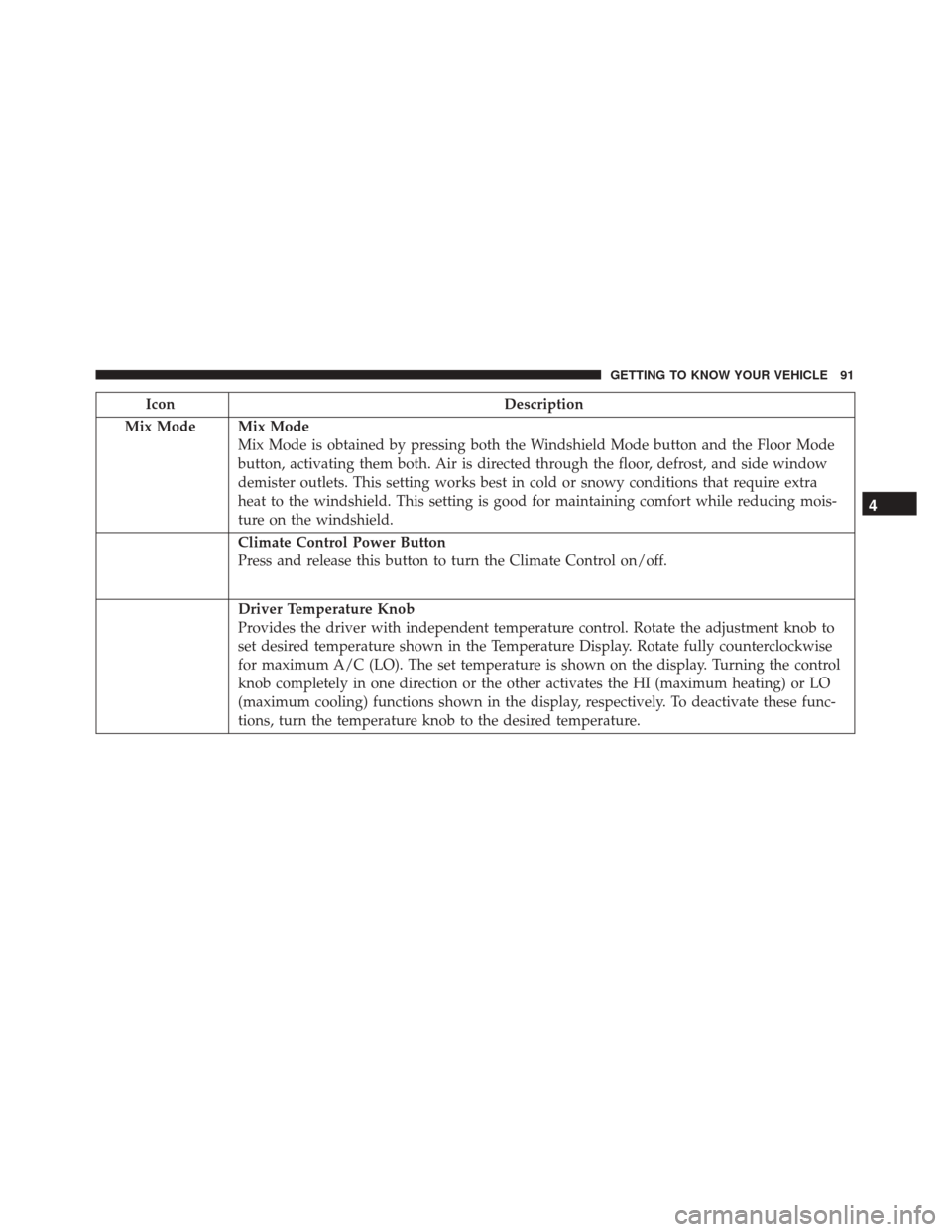
Mix Mode
Mix Mode
Mix Mode is obtained by pressing both the Windshield Mode button and the Floor Mode
button, activating them both. Air is directed through the floor, defrost, and side window
demister outlets. This setting works best in cold or snowy conditions that require extra
heat to the windshield. This setting is good for maintaining comfort while reducing mois-
ture on the windshield.
Climate Control Power Button
Press and release this button to turn the Climate Control on/off.
Driver Temperature Knob
Provides the driver with independent temperature control. Rotate the adjustment knob to
set desired temperature shown in the Temperature Display. Rotate fully counterclockwise
for maximum A/C (LO). The set temperature is shown on the display. Turning the control
knob completely in one direction or the other activates the HI (maximum heating) or LO
(maximum cooling) functions shown in the display, respectively. To deactivate these func-
tions, turn the temperature knob to the desired temperature.
4
GETTING TO KNOW YOUR VEHICLE 91
Page 94 of 476
CAUTION!
Failure to follow these cautions can cause damage
to the heating elements:
•Use care when washing the inside of the rear
window. Do not use abrasive window cleaners on
the interior surface of the window. Use a soft
cloth and a mild washing solution, wiping paral-
lel to the heating elements. Labels can be peeled
off after soaking with warm water.
• Do not use scrapers, sharp instruments, or abra-
sive window cleaners on the interior surface of
the window.
• Keep all objects a safe distance from the window.
Climate Control System Compressor
Push the A/C Control button to activate/deactivate the
compressor (activation is indicated by the LED on the
button turning on).
The system remembers that the compressor has been
turned off, even after the engine has stopped.
Pushing the A/C button will stop AUTO MODE
(AUTO LED will turn off). To restore automatic control
of compressor, push the AUTO button again. NOTE:
With the compressor off, air cannot be intro-
duced to the passenger compartment with a tempera-
ture lower than the outside temperature. Under certain
environmental conditions, windows could fog rapidly
since the air is not dehumidified.
MAX A/C
MAX A/C sets the system for maximum cooling per-
formance.
Rotate the driver temperature control adjust knob coun-
terclockwise for MAX A/C. Both driver and passenger
temperature displays will show MAX A/C LO.
In MAX A/C, the blower speed and mode position can
be adjusted to desired user settings. Pressing other
settings will cause the MAX A/C operation to switch to
the selected setting and MAX A/C to exit.
Rapid Window Demisting (MAX-Defrost Function)
Push the MAX-defrost button to activate (LED on) the
windshield and side window demisting function.
92 GETTING TO KNOW YOUR VEHICLE
Page 97 of 476
3. When the system is set up for your comfort level, itis not necessary to change the settings. You will
experience the greatest efficiency by simply allowing
the system to function automatically.
NOTE:
• It is not necessary to move the temperature settings.
The system automatically adjusts the temperature,
mode, and fan speed to provide comfort as quickly as
possible.
To provide you with maximum comfort in the auto-
matic mode, during cold start-ups, the blower fan will
remain on low until the engine warms up. The fan will
engage immediately if the Defrost mode is selected, or
by changing the front blower knob setting.
Manual Operation Override
This system offers a full complement of manual over-
ride features. The AUTO symbol in the front ATC
display will be turned off when the system is being
used in the manual mode. NOTE:
The system will not automatically sense the
presence of fog, mist or ice on the windshield. Defrost
mode must be manually selected to clear the wind-
shield and side glass.
Operating Tips
NOTE: Refer to the chart at the end of this section for
suggested control settings for various weather condi-
tions.
Summer Operation
The engine cooling system must be protected with a
high-quality antifreeze coolant to provide proper corro-
sion protection and to protect against engine overheat-
ing. OAT coolant (conforming to MS.90032) is recom-
mended.
4
GETTING TO KNOW YOUR VEHICLE 95
Page 98 of 476
Winter Operation
To ensure the best possible heater and defroster perfor-
mance, make sure the engine cooling system is func-
tioning properly and the proper amount, type, and
concentration of coolant is used. Use of the Air Recir-
culation mode during Winter months is not recom-
mended, because it may cause window fogging.
Vacation/Storage
Before you store your vehicle, or keep it out of service
(i.e., vacation) for two weeks or more, run the air
conditioning system at idle for about five minutes, in
fresh air with the blower setting on high. This will
ensure adequate system lubrication to minimize the
possibility of compressor damage when the system is
started again.
Window Fogging
Vehicle windows tend to fog on the inside in mild, rainy
and/or humid weather. To clear the windows, select
Defrost or Mix mode and increase the front blower
speed. Do not use the Recirculation mode without A/C
for long periods, as fogging may occur.
Outside Air Intake
Make sure the air intake, located directly in front of the
windshield, is free of obstructions such as leaves.
Leaves collected in the air intake may reduce airflow,
and if they enter the plenum, they could plug the water
drains. In winter months, make sure the air intake is
clear of ice, slush, and snow.
Cabin Air Filter
The climate control system filters out dust and pollen
from the air. Contact your authorized dealer to service
your cabin air filter, and to have it replaced when
needed.
96 GETTING TO KNOW YOUR VEHICLE
Page 208 of 476
WARNING!
•Do not leave children or animals inside parked
vehicles in hot weather. Interior heat build-up
may cause serious injury or death.
• It is extremely dangerous to ride in a cargo area,
inside or outside of a vehicle. In a collision,
people riding in these areas are more likely to be
seriously injured or killed.
• Do not allow people to ride in any area of your
vehicle that is not equipped with seats and seat
belts.
• Be sure everyone in your vehicle is in a seat and
using a seat belt properly.
Exhaust Gas
WARNING!
Exhaust gases can injure or kill. They contain
carbon monoxide (CO), which is colorless and odor-
less. Breathing it can make you unconscious and
can eventually poison you. To avoid breathing
(CO), follow these safety tips:
(Continued)
WARNING! (Continued)
•Do not run the engine in a closed garage or in
confined areas any longer than needed to move
your vehicle in or out of the area.
• If you are required to drive with the trunk/
liftgate/rear doors open, make sure that all win-
dows are closed and the climate control BLOWER
switch is set at high speed. DO NOT use the
recirculation mode.
• If it is necessary to sit in a parked vehicle with the
engine running, adjust your heating or cooling
controls to force outside air into the vehicle. Set
the blower at high speed.
The best protection against carbon monoxide entry into
the vehicle body is a properly maintained engine ex-
haust system.
Whenever a change is noticed in the sound of the
exhaust system, when exhaust fumes can be detected
inside the vehicle, or when the underside or rear of the
vehicle is damaged, have a competent mechanic inspect
the complete exhaust system and adjacent body areas
for broken, damaged, deteriorated, or mispositioned
parts. Open seams or loose connections could permit
exhaust fumes to seep into the passenger compartment.
206 SAFETY
Page 285 of 476
Towing Tips
Before setting out on a trip, practice turning, stopping,
and backing the trailer in an area located away from
heavy traffic.
Automatic Transmission — If Equipped
Select the DRIVE range when towing. The transmission
controls include a drive strategy to avoid frequent
shifting when towing. However, if frequent shifting
does occur while in DRIVE, you can use the AutoStick
shift control to manually select a lower gear.
NOTE:Using a lower gear while operating the vehicle
under heavy loading conditions will improve perfor-
mance and extend transmission life by reducing exces-
sive shifting and heat build up. This action will also
provide better engine braking.
AutoStick
• When using the AutoStick shift control, select the
highest gear that allows for adequate performance
and avoids frequent downshifts. For example, choose
“5” if the desired speed can be maintained. Choose
“4” or “3” if needed to maintain the desired speed. •
To prevent excess heat generation, avoid continuous
driving at high RPM. Reduce vehicle speed as nec-
essary to avoid extended driving at high RPM.
Return to a higher gear or vehicle speed when grade
and road conditions allow.
Speed Control — If Equipped
• Do not use in hilly terrain or with heavy loads.
• When using the speed control, if you experience
speed drops greater than 10 mph (16 km/h), disen-
gage until you can get back to cruising speed.
• Use speed control in flat terrain and with light loads
to maximize fuel efficiency.
Cooling System
To reduce potential for engine and transmission over-
heating, take the following actions:
City Driving
When stopped for short periods of time, shift the
transmission into NEUTRAL and increase engine idle
speed.
7
STARTING AND OPERATING 283